Aqara camera setup tutorial/explanation (for beginners). Part 3 : "Function Settings" (Cloud Storage, Local Storage, NAS Storage). _Hello! Let’s continue the tutorial/explanation using the G5 camera as an example—designed for users who have purchased an Aqara camera for the first time and often complain that the settings are confusing. As always, I’ve included plenty of images to illustrate the lesson.
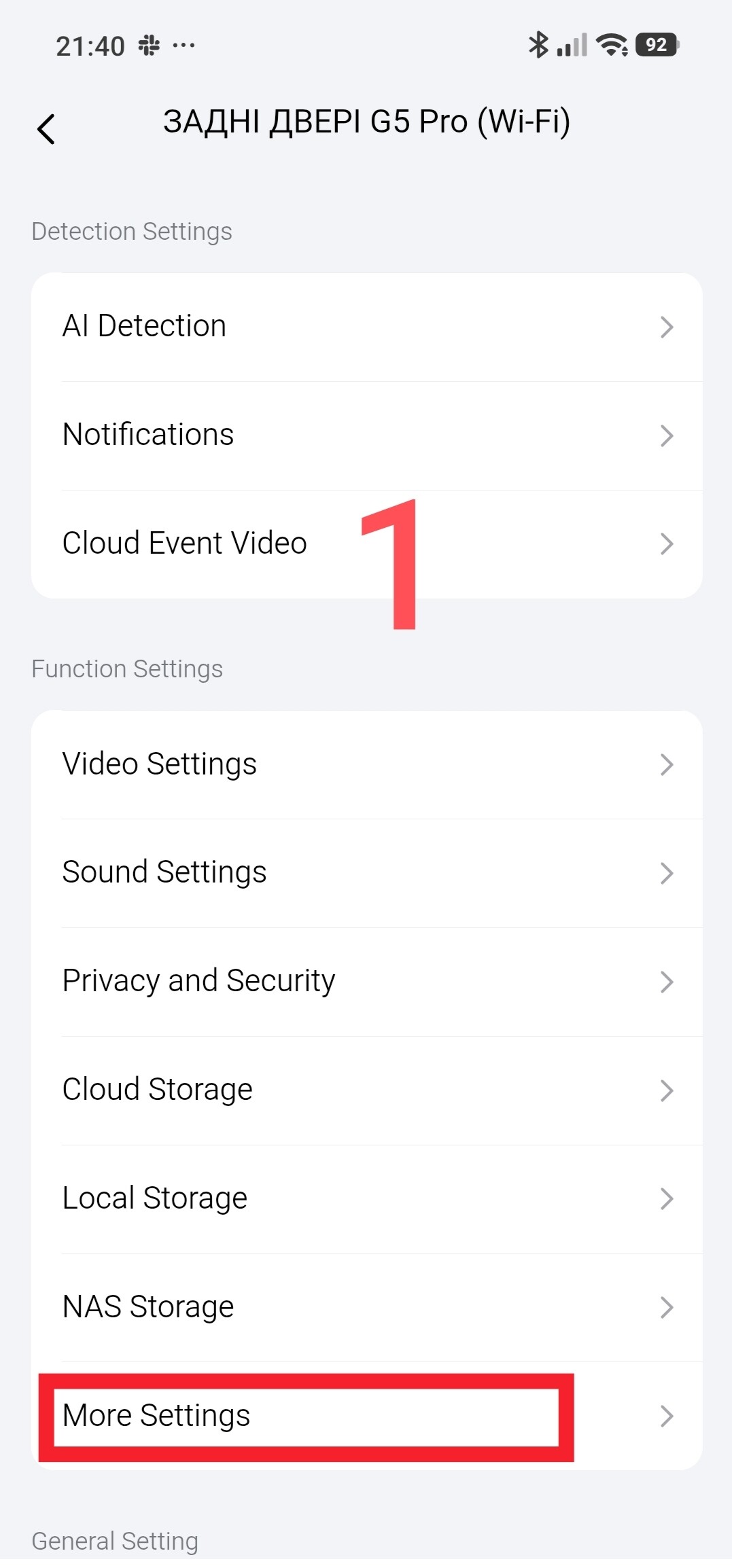
We will look at the “More Settings” section (Turn off the Indicator Light, 10-Minute Timed Snapshot, RTSP LAN Preview, Integrated Events, Device Offline Notification, Self-Healing Mode, Unlock via Automations, Restart the Device).
This section contains various camera settings.
Fig. 1
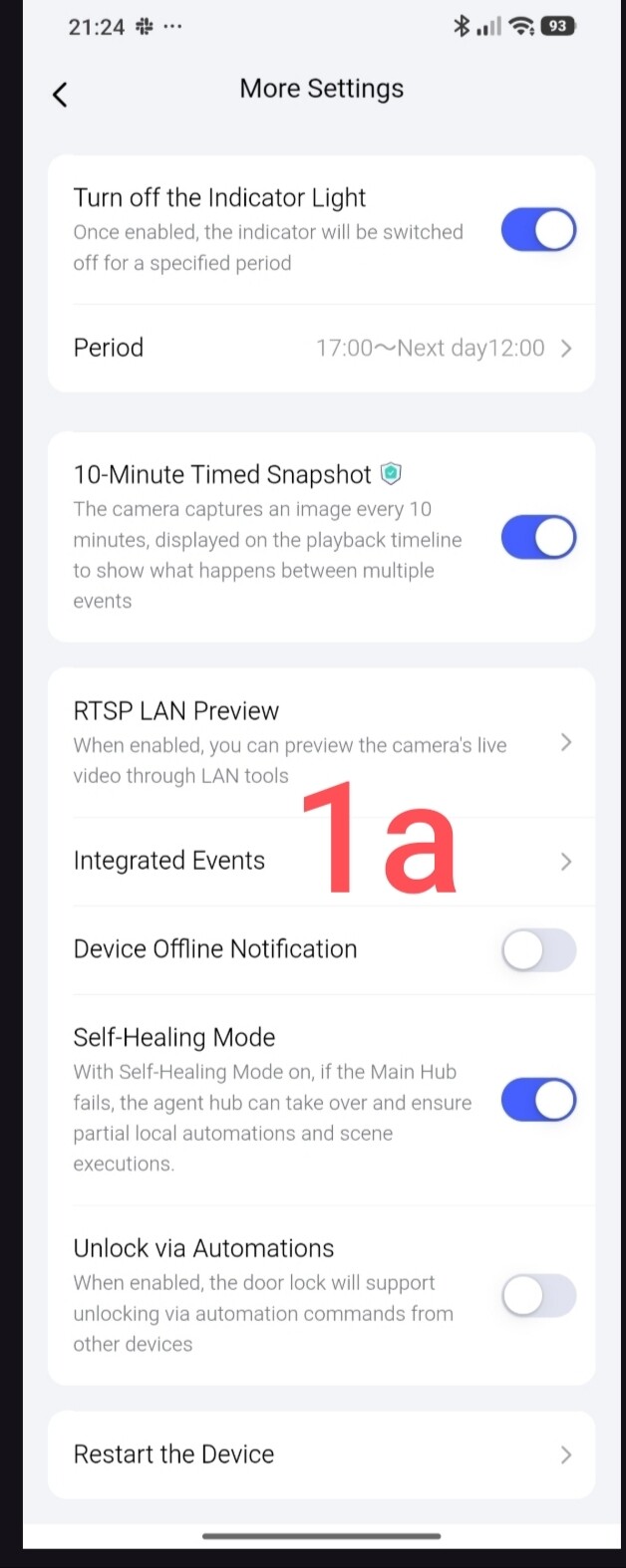
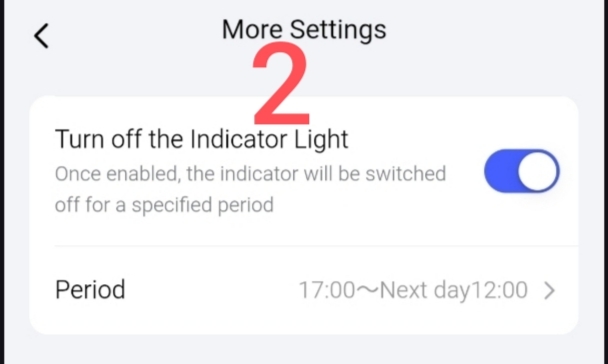
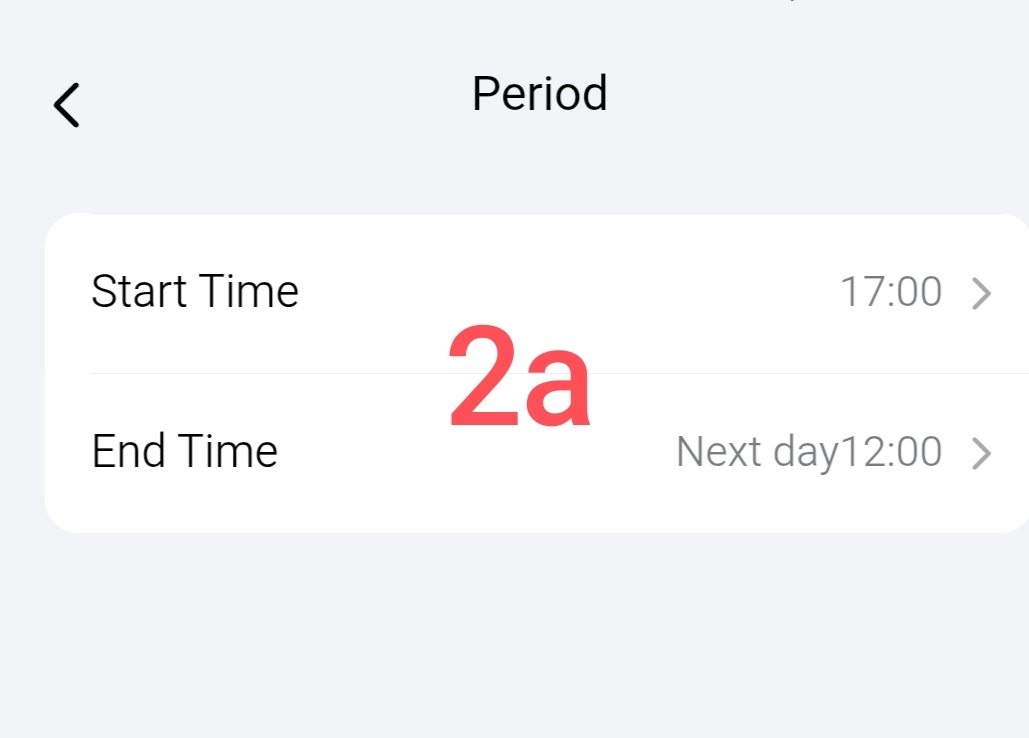
The “Turn off the Indicator Light” section configures the operating schedule for the status indicator light.
The time you set represents the period during which the indicator light remains off.
Fig. 2
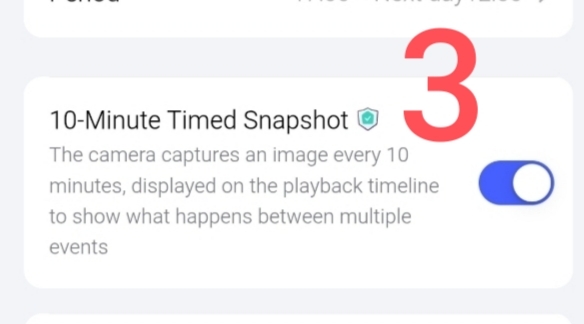
NOTE! The “10-Minute Timed Snapshot” section is a paid feature; this mode automatically captures an image every 10 minutes—between video events—and saves it to the timeline.
Fig. 3
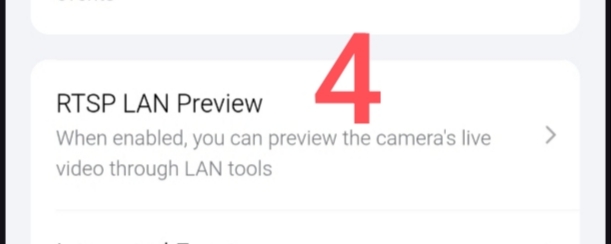
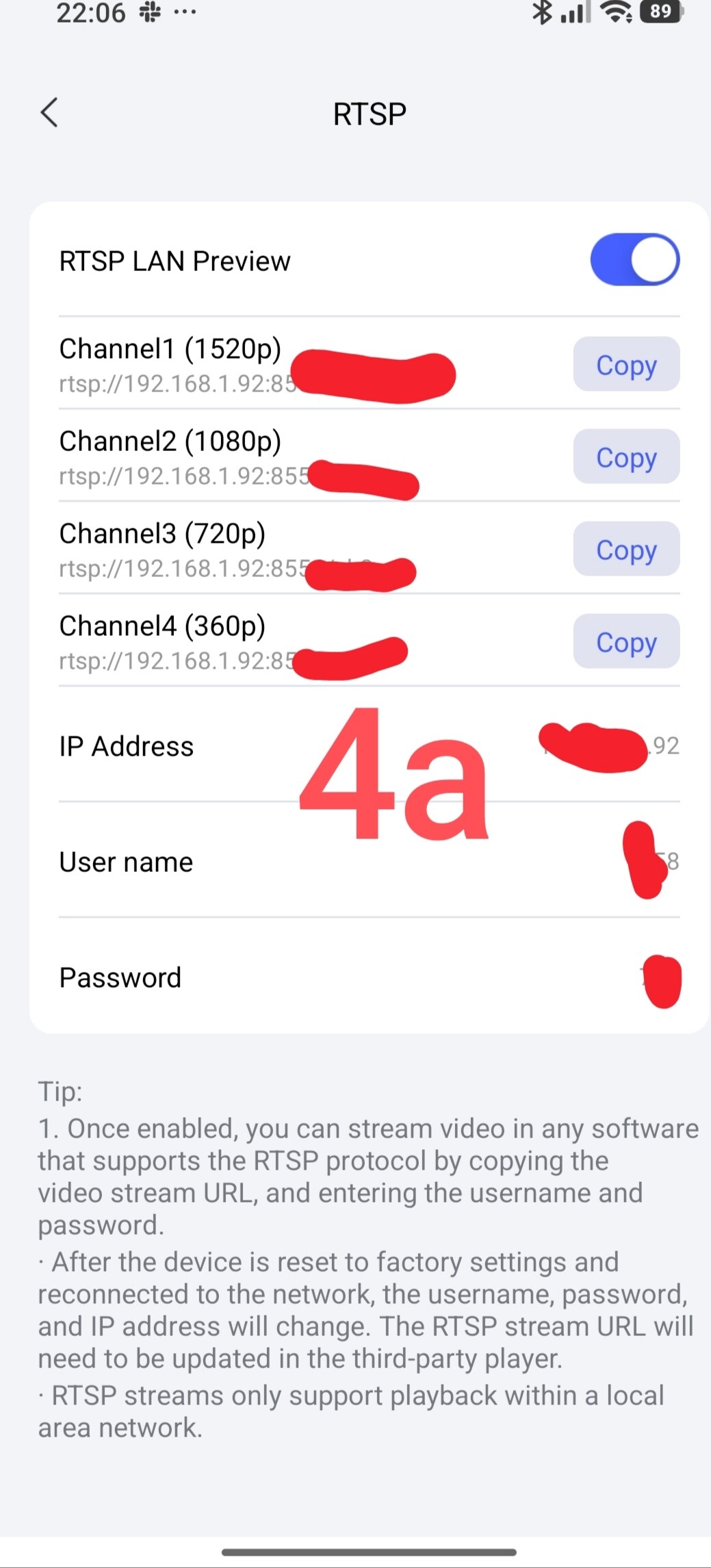
The “RTSP LAN Preview” section is one of the most interesting parts of this menu. This section allows you to view a live video stream. Once enabled, you can stream video using any software that supports the RTSP protocol by copying the video stream URL and entering the username and password.
RTSP streams support playback only within the local network.
Fig. 4
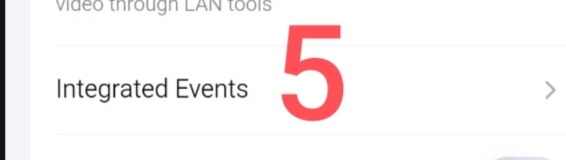
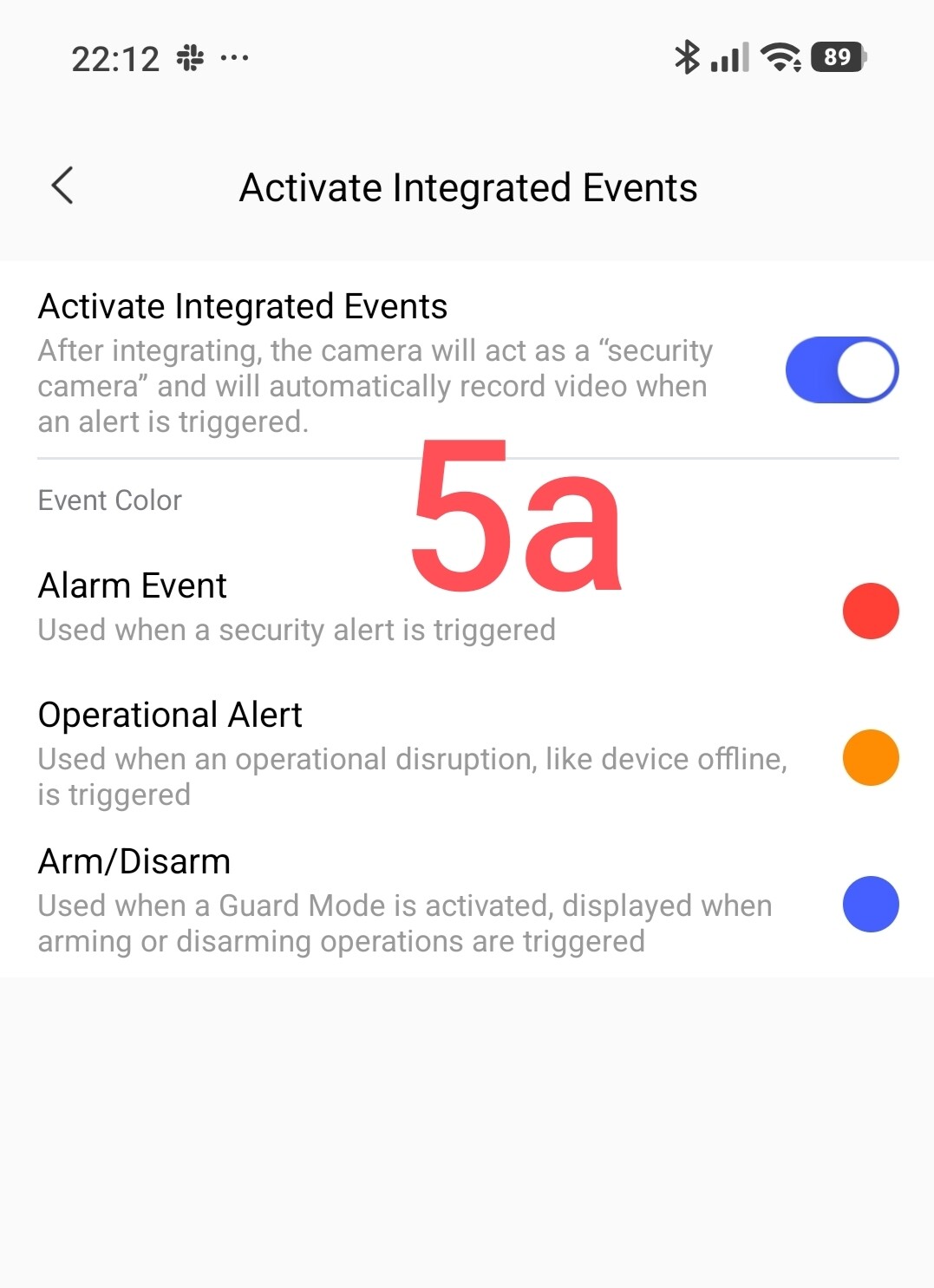
The “Integrated Events” section is also a paid service. When enabled, events are highlighted in a specific color on the video timeline.
Fig. 5
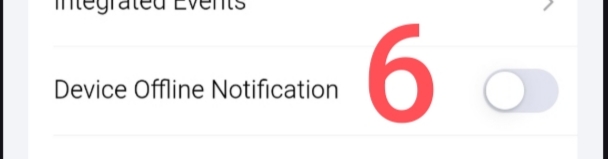
The “Device Offline Notification” section notifies the user if the camera is operating without an Internet connection.
Fig. 6
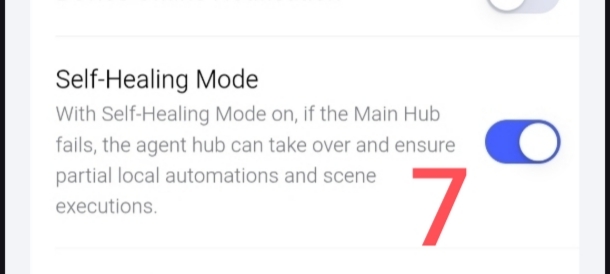
The “Self-Healing Mode” section relates to the camera’s function as a gateway during emergency situations (such as a primary gateway failure).
Fig. 7
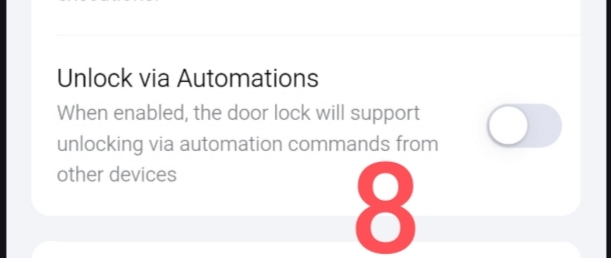
The “Unlock via Automations” section enables the control procedure for door locks linked to automations managed by the G5 camera acting as a gateway.
Fig. 8
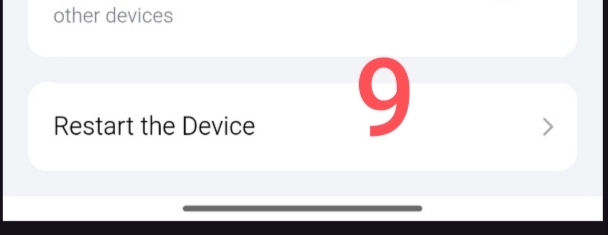
And finally, the most important item in this section: “Restart the Device.” Personally, I believe the camera restart function should be moved to the main settings menu; currently, this option is buried very deep within the settings.
Fig. 9
That concludes this lesson/explanation.
In the next lesson, we will look at how video files from the camera are stored.
Thank you for reading.