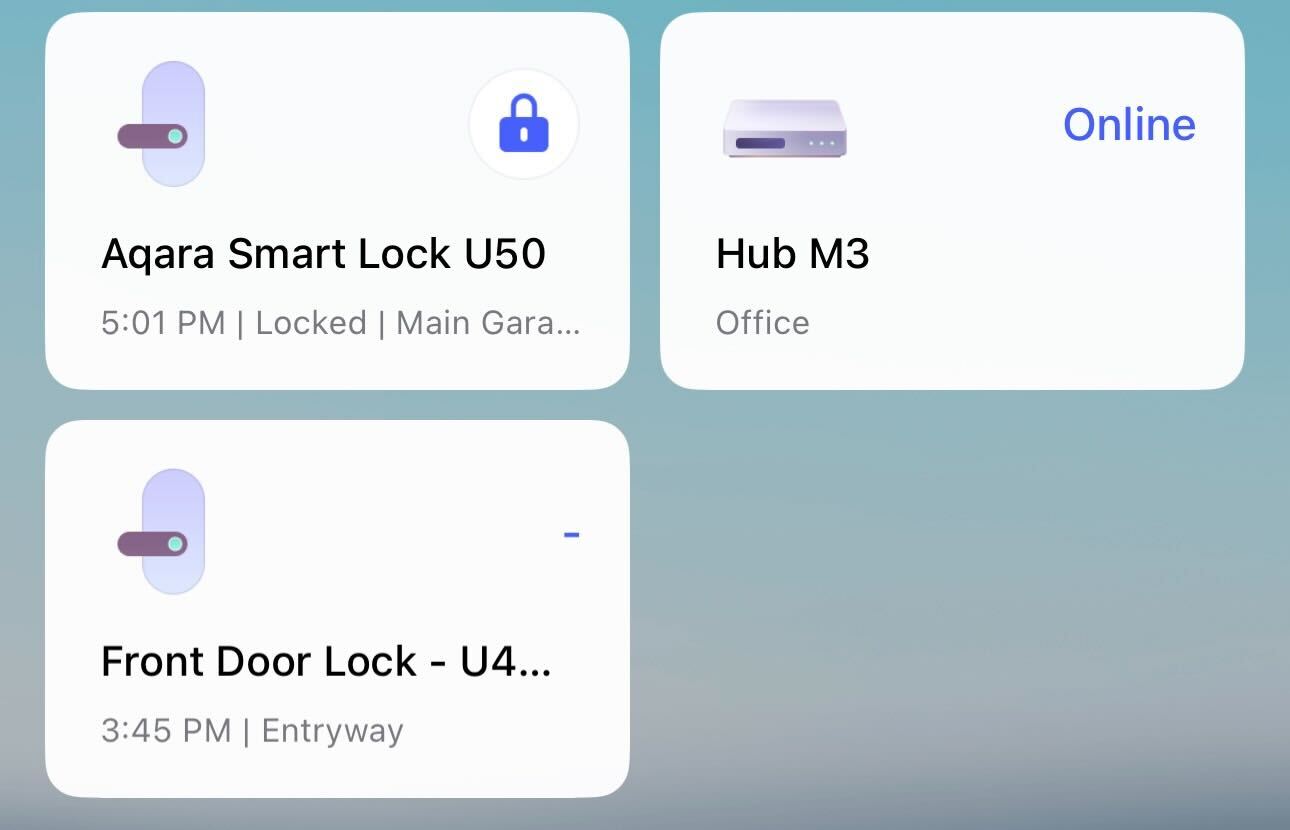
I am having a similar issue. I am currently on FW 3.1.0.4.
3 Likes
I have the same issues with the Aqara app not showing correctly the status of the lock. It’s like the Aqara app is asleep and not paying attention to what the lock is doing nor the current updated status of the lock.
I’ve always felt it’s an app issue and not a lock issue. It does not refresh instantly. Force quit the app and all the sudden things seem to register correctly.
3 Likes
Update: I factory reset the U400 and successfully bound it to the Aqara M3 hub. I was then able to import it into Apple HomeKit; however, it immediately showed a status of “unresponsive.” I removed it from both Aqara and HomeKit and performed another factory reset. I even removed all devices to start completely fresh. This time, when I attempted to add it to HomeKit, it indicated that it could not be added.
For reference, I have a U100, which I added without any issues. I also have two Apple 4K TVs and a HomePod mini.
3 Likes
I think I did this wrong from the post above around #38 or so: Guide: Setting Up Your Aqara Smart Lock U400
I will have to try this again when I get home to see if this is the issue.
3 Likes
I tried updating the 3.1.0.7 and verified the pairing, still no status change on that main home card.
2 Likes
Thank you all for the feedback. We’ll ask our engineers to analyze the root cause of this issue.
2 Likes
I am running v3.1.0.4 and am also having the same problems as others, i.e., max charge of 77% (Aqara app via bluetooth) and not updating the charging status or the state of charge in apple home (thread via homepod mini). I have the charger plugged into a receptacle and charging via the USB port on the bottom of the housing, so I know the charging is not being limited by a battery bank capacity.
3 Likes
Update-- I turned on beta and am now using version 3.1.0.7 . It seems to have fixed the 77% charge ceiling in the Aqara App… it is now up to 89%. The state of charge is now also being updated in Apple Home, but NOT the charging status. Even while showing charging in the Aqara app it is showing not charging in apple home.
2 Likes
I may have missed it, but I didn’t see it in the comments anywhere so I wanted to ask if anyone else is having this issue with the u400.
I was able to pair my lock with the Aqara app, bind it with matter to my Apple TV (which is extremely stable and works wonderfully), share it through HomeKit to Google Home using matter share code. But while Google Home sees it and it is added, it’s always off-line and I get random updates of the status of the lock throughout the day. Also, I can’t link my Aqara account and Google Home (through “works with google”) because every time I try to add it when Google Home sends me to Aqara, the Aqara app thinks I’m trying to link Alexa. Anyone else having this issue?
I have an iPhone but roomie has an android so using google home rather than HomeKit is what we usually do.
I have my devices connected to a google nest router 2nd gen which should have matter/thread capabilities as well. Always update firmware/software when available.
2 Likes
I wholeheartedly agree with this and suspect it is the major reason for short battery life and operation failures. Even brand new pre-hung doors with factory fresh jambs and bores for locksets need to be checked for alignment. I am not sure I have ever met a door where the bore hole for the bolt is perfectly square with the door and aligned with the bore hole for the keyway and the strike plate/box.
The deadbolt has to first operate perfectly smoothly without the slightest catch or rubbing against the strike plate. When installing the lockset, five minutes with a chisel, rasp, and a square can save a lot of time and trouble down the road.
1 Like
I will be installing three of these in our newly built home and these types of posts, feedback and response is exactly why, on top of being great products. We have two U300 lever action locks, and we plan to pair the 400s with lever action handles as the combination of Auto Unlock and using elbows to get the door open is a perfect combination for full arms 
2 Likes
I think the first thing I would do would be to remove it from any matter/thread controller. Then only connect using Bluetooth and the Aqara app to configure. Then see if it acts normally and works properly.
1 Like
Hello , Thanks for the detailed write-up.
On the Google Home side, a couple of things to clarify first. Right now, the U400 doesn’t support linking an Aqara account directly to Google Home via “Works with Google”, so what you’re seeing in the Aqara app (being redirected to an Alexa flow) is expected behavior. For Google Home, the correct path is Matter sharing, not account linking.
As for the lock showing offline or only updating status occasionally in Google Home: this can happen in mixed Matter setups, especially when Apple TV and Google devices are both acting as controllers / Thread border routers. Apple Home tends to be more stable in these cases, while Google Home can sometimes lag or lose state.
A couple of things that may help:
- We have a YouTube walkthrough for the Matter binding process that’s worth checking, just to make sure everything matches the recommended flow:
https://www.youtube.com/watch?v=Y-23Sn3TpVY&t=481s - This forum post also goes through U400 + Matter setup details and common pitfalls:
https://forum.aqara.com/t/guide-setting-up-your-aqara-smart-lock-u400/206853
If things still feel off after that, I’d suggest reaching out to support@aqara.com. They’re pretty good at digging into specific Matter / Thread network setups and can help troubleshoot further.
Appreciate you taking the time to share this setups like yours (iOS + Android mixed household) are exactly the kind of real-world use cases we want to get right.
3 Likes
Based on what you’re describing, there’s a chance the UWB antenna may have been damaged, which could explain why UWB only worked once and then stopped, along with the unstable behavior you’re seeing. This isn’t something that can usually be resolved through resets or firmware changes alone.
I’d recommend reaching out to our customer support team so they can help check this properly and arrange a solution if needed. You can contact them at support@aqara.com. If you can, it also helps to include a short description of the issue and any troubleshooting you’ve already tried.
Sorry you’ve had to deal with this, and hopefully the support team can get it sorted out quickly for you.
1 Like
Food 4 thought
I’ve noticed UWB does not activate or show active when the door is unlocked or when I’m on the inside area of the door lock. I have to be out front of the lock and the door lock mechanism must be locked or simulating locked (dead bolt out).
Something to keep in mind.
1 Like
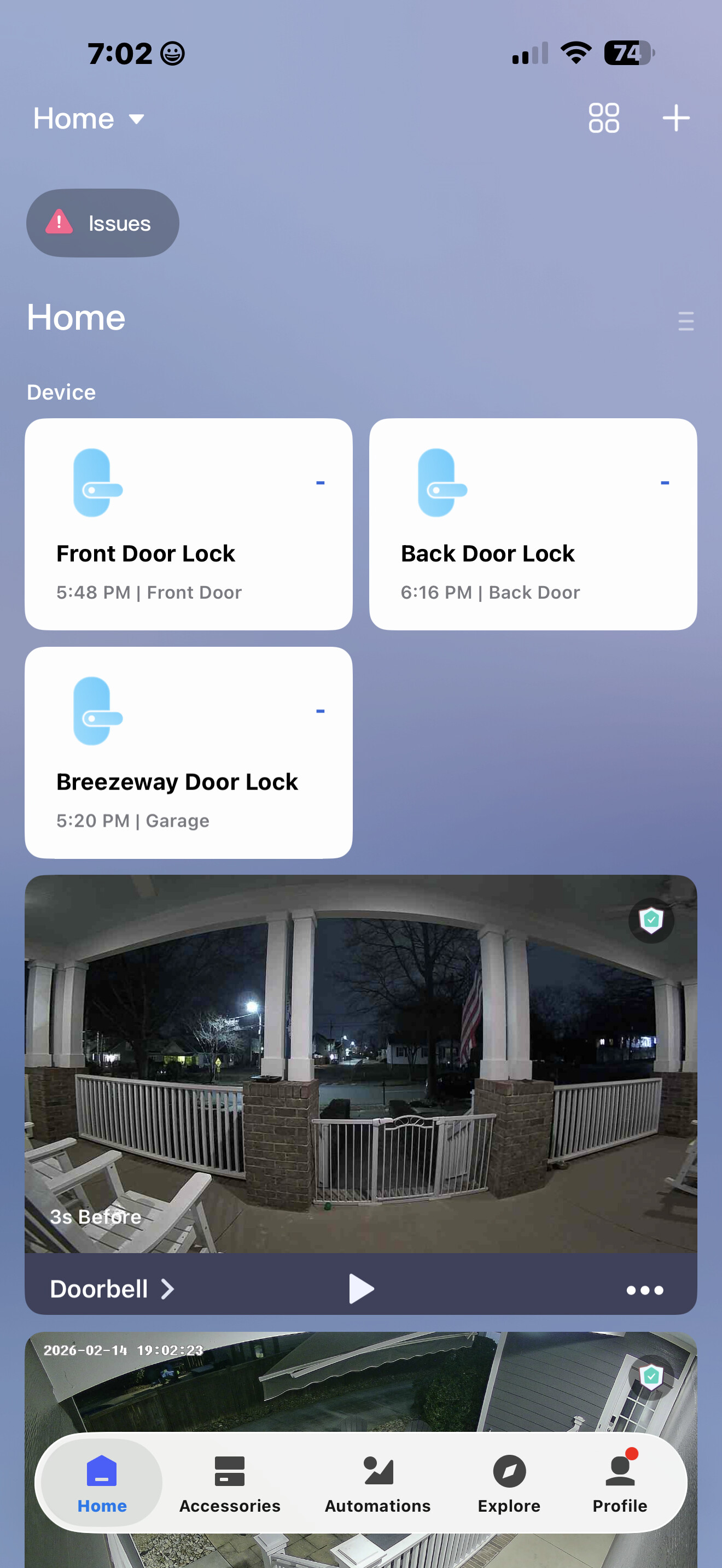
I had also troubles with making connecting. Living in the Netherlands, I had to set my Aqara app to location ‘Us’ to do the trick and it connected instantly. Same problem again with my Homey Pro connection. This time I had to set the location to ‘Other’ and it worked again.
1 Like
I agree!! Or make it ‘square’ as the original feed. Also battery indication on the feed itself would be nice, then you can also see this status on the feed showing in the Doorlock section.
1 Like
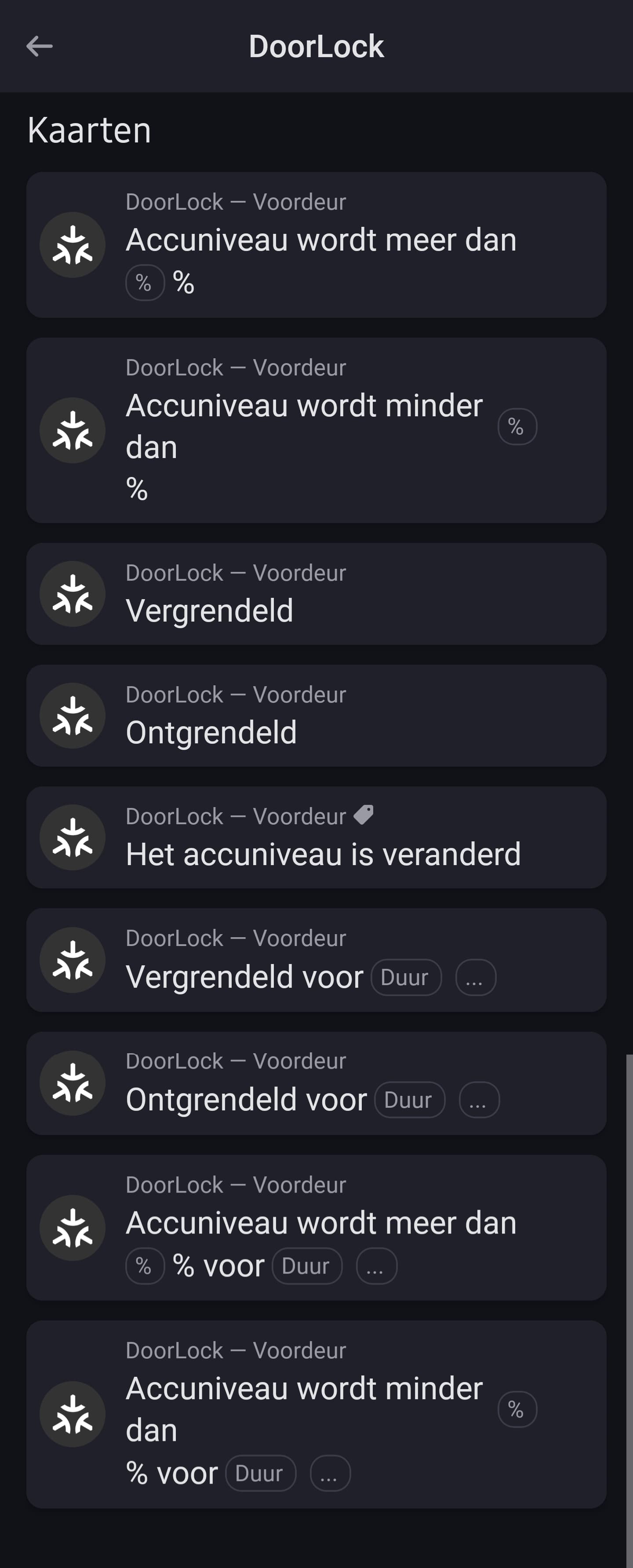
I’ve got it connected to my Homey Pro and I can make automation based on the stus of the lock… And the U400 still isn’t supported by Homey. So I didn’t connect it by device type but just as another matter device. And apparently my Homey recognized it and gets Al the info status of the lock. So I guess if Homey has this options Home Assistant must have it for sure! Screenshot I made is in Dutch.
4 Likes
I have multiple U400 locks, and currently I have to add a user to each lock individually. It would be great if the Aqara app could have similar access control management as what Apple Home offers
Specifically, I’m looking for the ability to create a “lock user” and then select which locks that specific lock user can access. In this way you only have to add the user and their details (pass code, fingerprints) once instead of per lock.
This works great on Apple Home software, hopefully Aqara can replicate into their app.
4 Likes