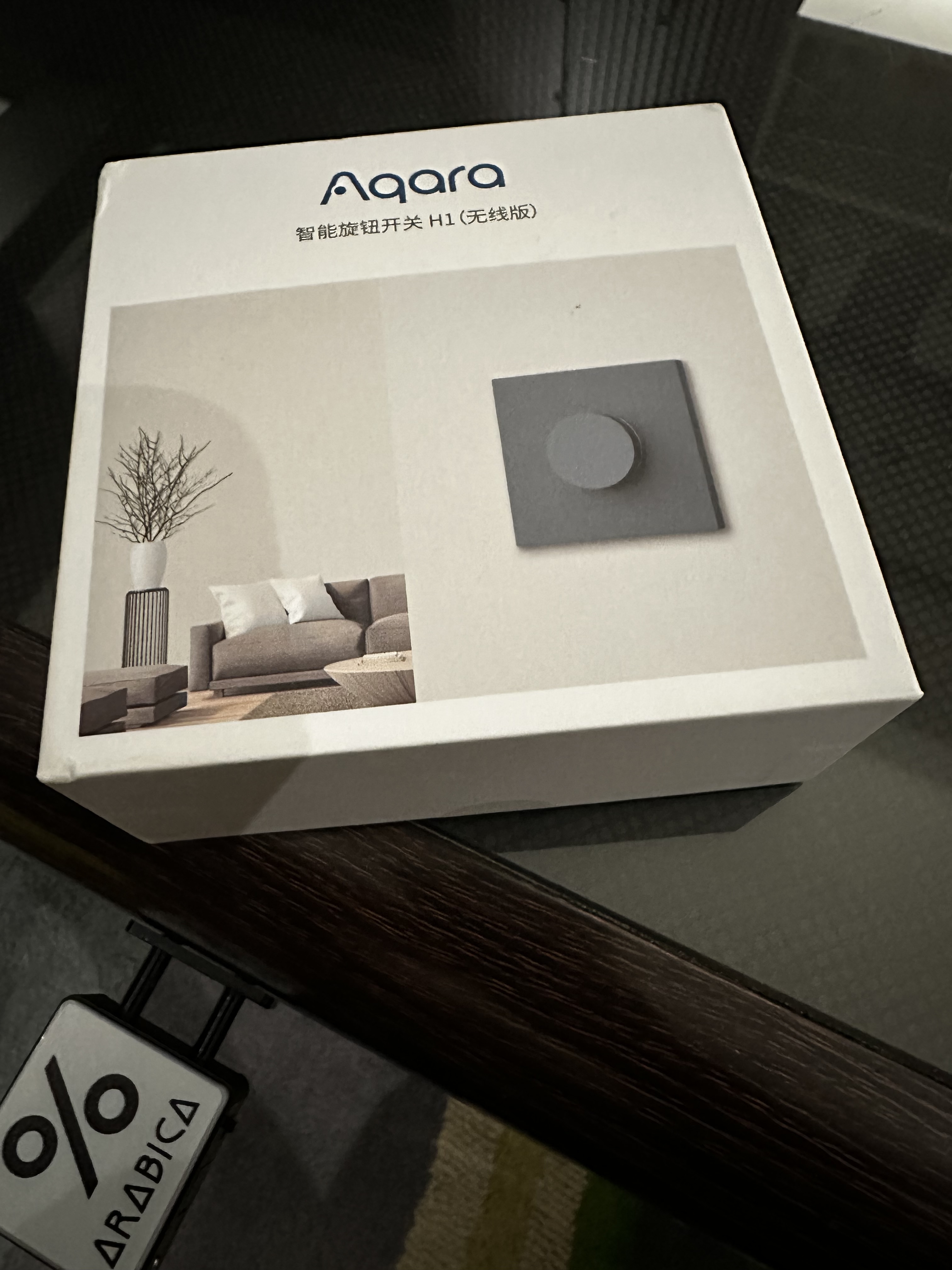
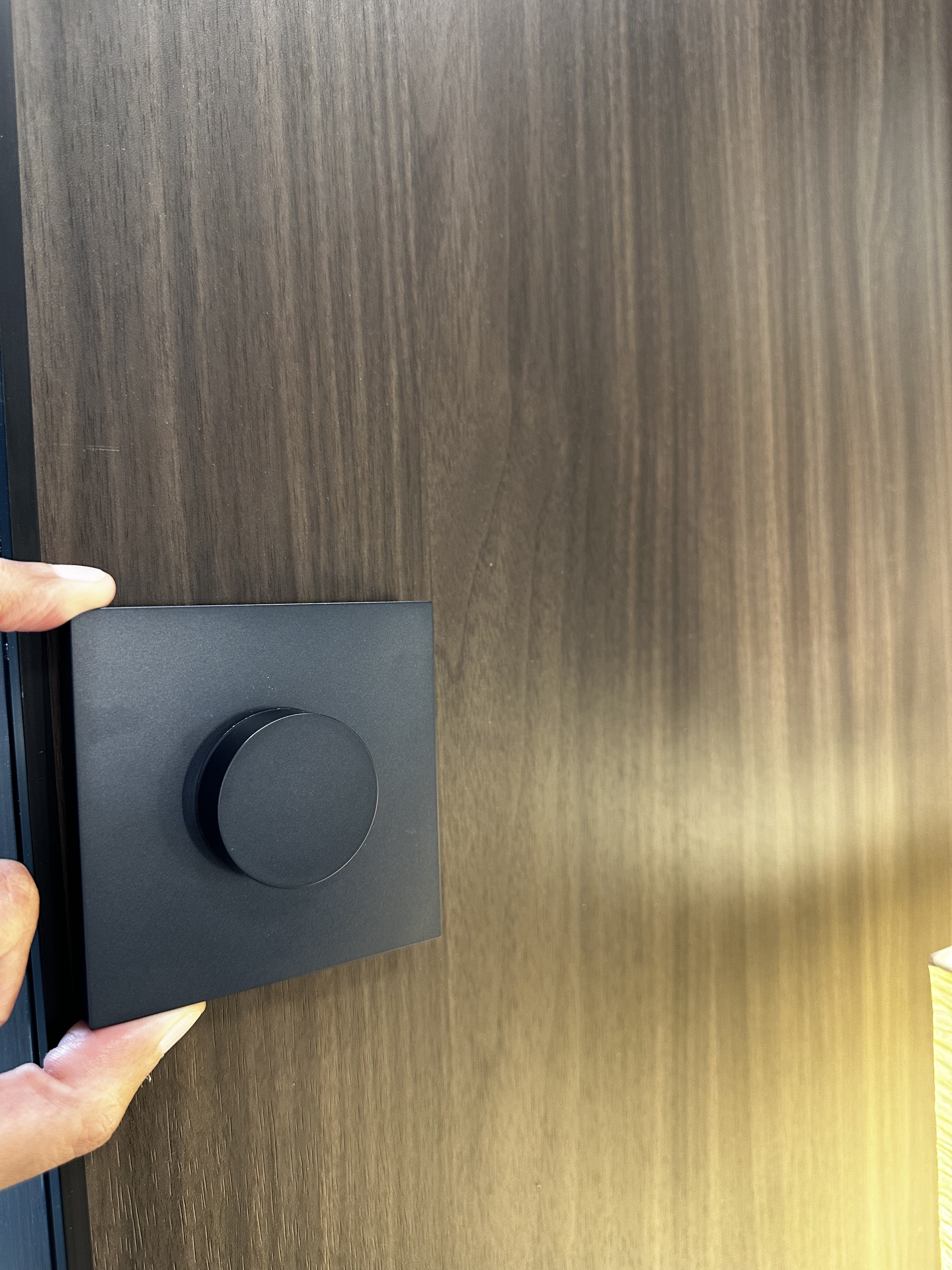
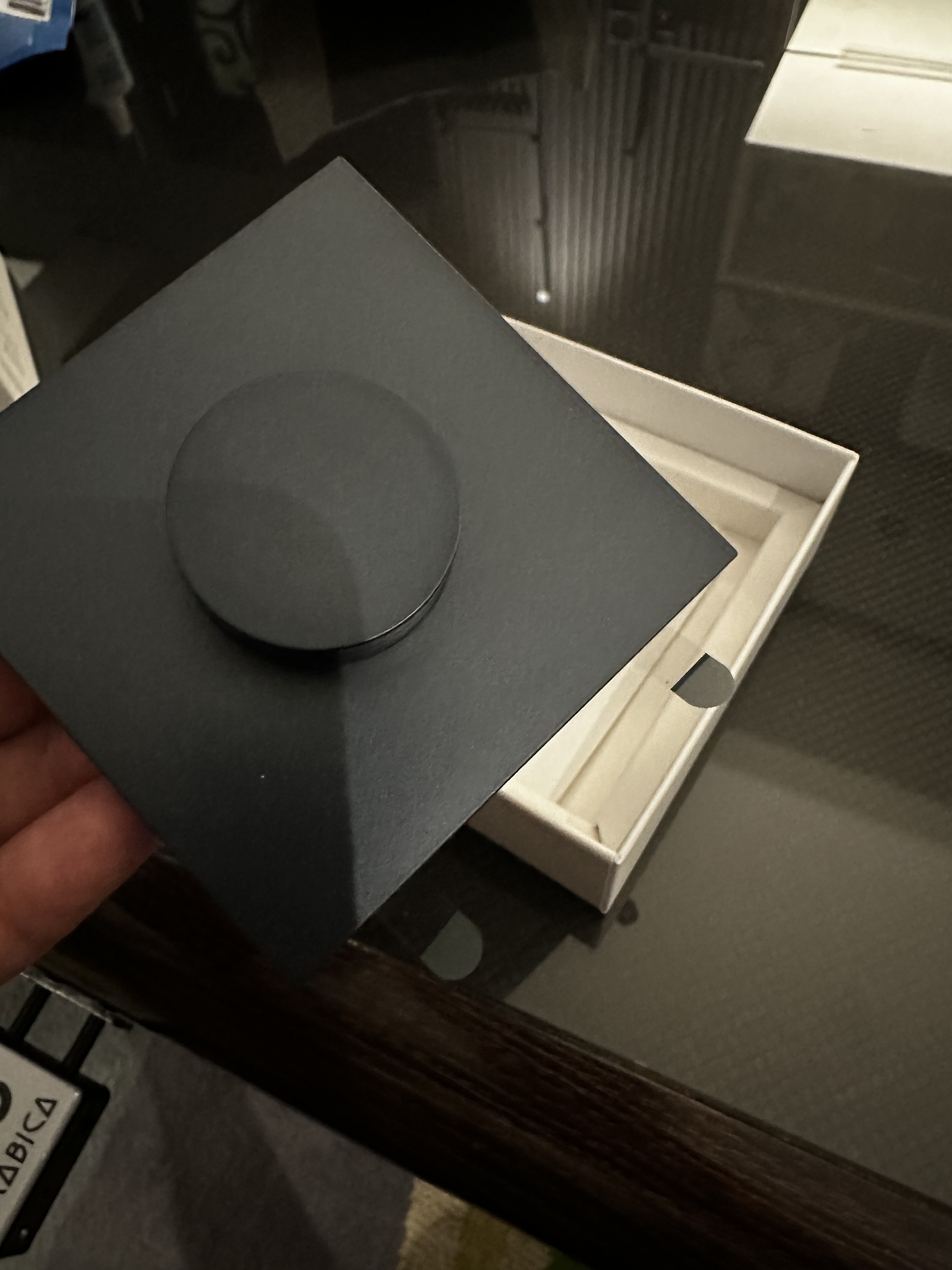
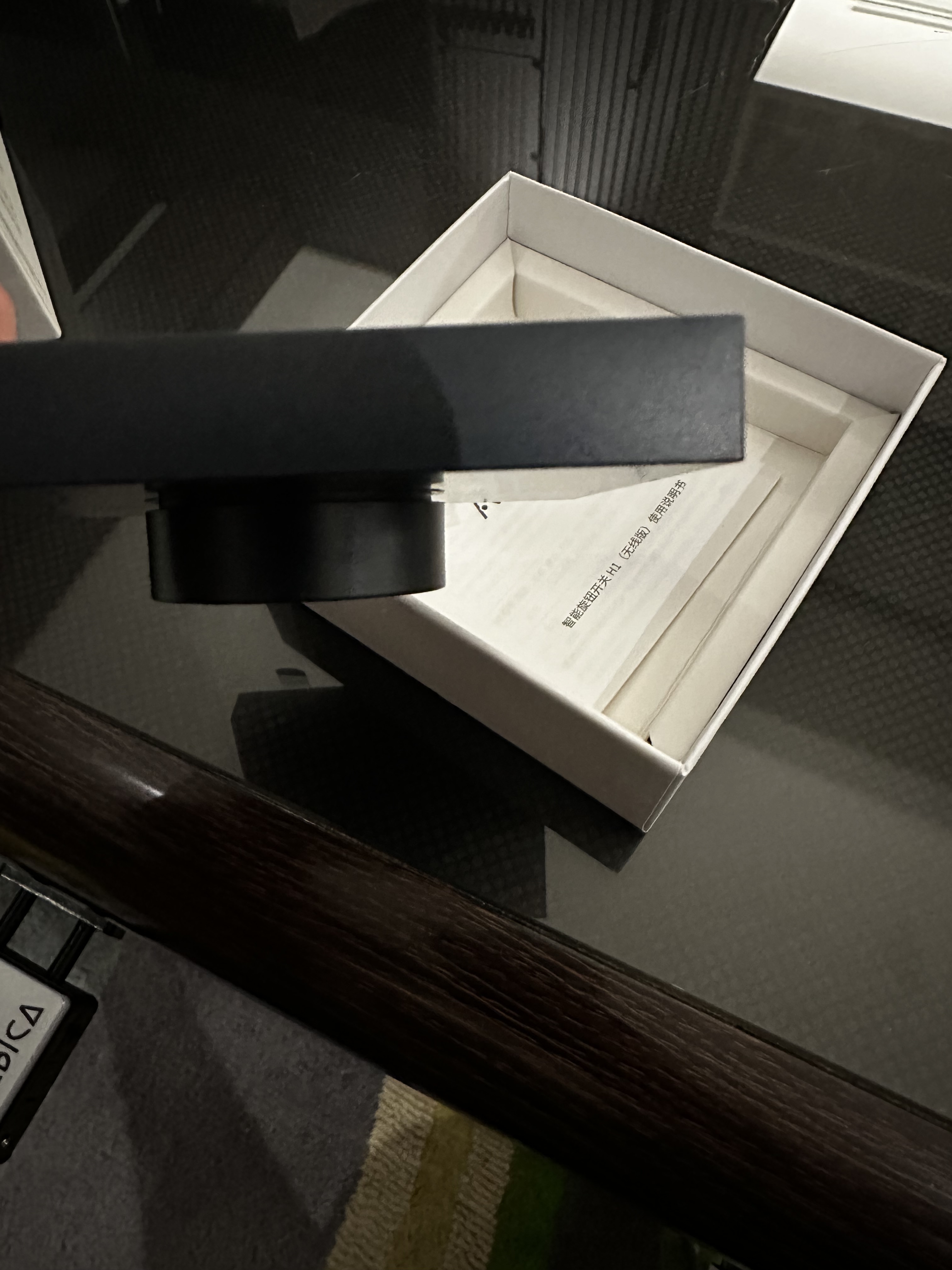
I’m planning to integrate it with my Aqara T1M ceiling light and experiment with different automation options using rotation, single press, and other supported inputs.
I’m also curious whether I can integrate the knob with my Sonos system to control playback or volume through Homey Pro or another compatible integration.
Has anyone tried using the Wireless Knob H1 to control Sonos speakers? I’d be interested to hear about your setup and which integration method worked best.
@fmg80s Hi there! It’s great to see you diving into the world of smart home automation with the Aqara Wireless Remote Knob Switch H1 in Gray. It’s a sleek device that really adds a premium touch to any setup.
Regarding your plans, the Knob Switch H1 is indeed very versatile. It supports multi-function inputs including single click, double click, long press, rotate, and even pressing and rotating simultaneously, which gives you plenty of options for creating complex automations with your Aqara T1M ceiling light. The switch can control brightness, color temperature, and on/off functions when paired with compatible devices, making it a powerful hub for scene control.
As for integrating the knob with your Sonos system via Homey Pro or other platforms: The reference materials specifically mention that the Aqara Wireless Remote Knob Switch H1 supports HomeKit voice control and is compatible with the Aqara Home and HomeKit apps. While the provided documentation doesn’t detail specific third-party integrations like Homey Pro for Sonos control, the device’s compatibility with HomeKit suggests it can likely be bridged through HomeKit-compatible hubs or automation platforms that support HomeKit accessories. Since it operates on the Zigbee 3.0 protocol, it connects via an Aqara Hub (such as the M1S, G2H, or M2), and many automation platforms like Homey Pro can interact with HomeKit ecosystems or Zigbee devices directly depending on their specific driver support.
I’d love to hear how your setup goes! Have you managed to pair it with HomeKit yet, or are you planning to go a different route with Homey Pro? Feel free to share your findings with the community.
This information comes from community discussions and user experience summaries and may vary by environment. Please verify carefully.
Source: , , , ,
Great choice on the Gray H1! It pairs perfectly with the T1M for your lighting.
For your Sonos setup, you actually don’t even need Homey Pro. Aqara directly integrates with Sonos right inside the Aqara Home app now. Just go to Profile, look for Third-Party Authorization, and link your Sonos account.
Once connected, you can easily create an automation where a single press plays or pauses the music, and rotating the knob adjusts the volume. Just test the volume increments carefully so you don’t accidentally blow your speakers out when you spin it too fast!
Let us know how the setup goes!