How to reduce the continuous notification from G350 hub camera.
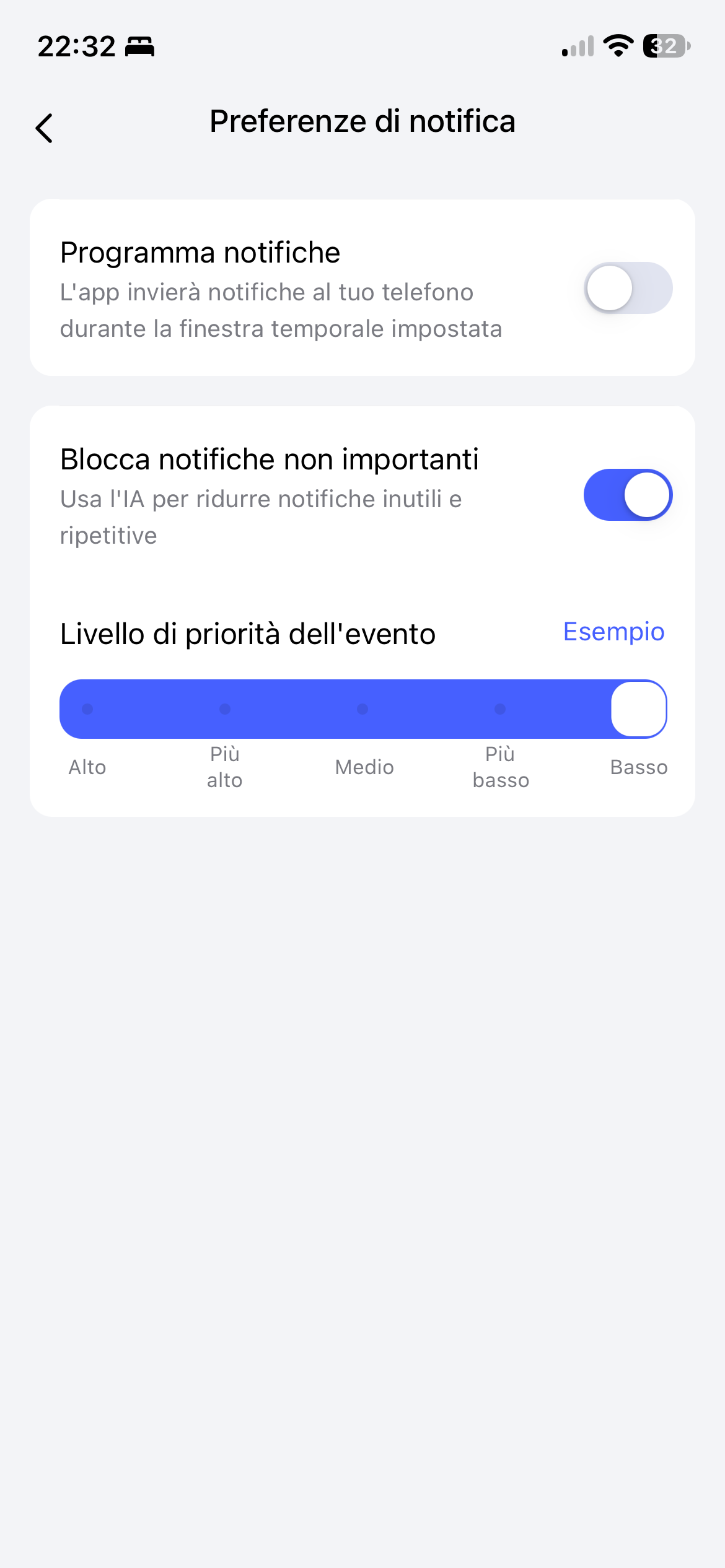
I try to use preferences to stop non-important notifications but it seems not working well.
2 Likes
@spacej70 Hey there! Totally get the frustration — getting pinged every time someone moves can get old fast. Good news is you can dial this down.
For the Camera Hub G3, head to Device Settings → AI Detection → Person Detection and toggle off the notification there. That should stop the constant “person detected” alerts while keeping the feature running in the background if you still want recordings.
Also worth double-checking: if you disabled notifications in the app’s general Push Notification Settings under your Profile, that only controls the broader categories (system, device, automation, etc.). AI detection alerts like person/face detection have their own per-device switches, so they won’t be affected by the global settings.
If you’ve already tried both and it’s still blowing up your phone, there might be something else going on — maybe reach out to the support team to take a closer look.
Contact the Aqara Home App Customer Service Team (Profile > Help & Feedback > Customer Service) or scan the QR code:
This will be more efficient. If you do not have an Aqara Home account, please click here to create a ticket.