I recently upgraded to the Spatial Multi-Sensor FP400, but I am experiencing significantly more “ghost” presence issues compared to my older FP2, even when using the exact same settings.
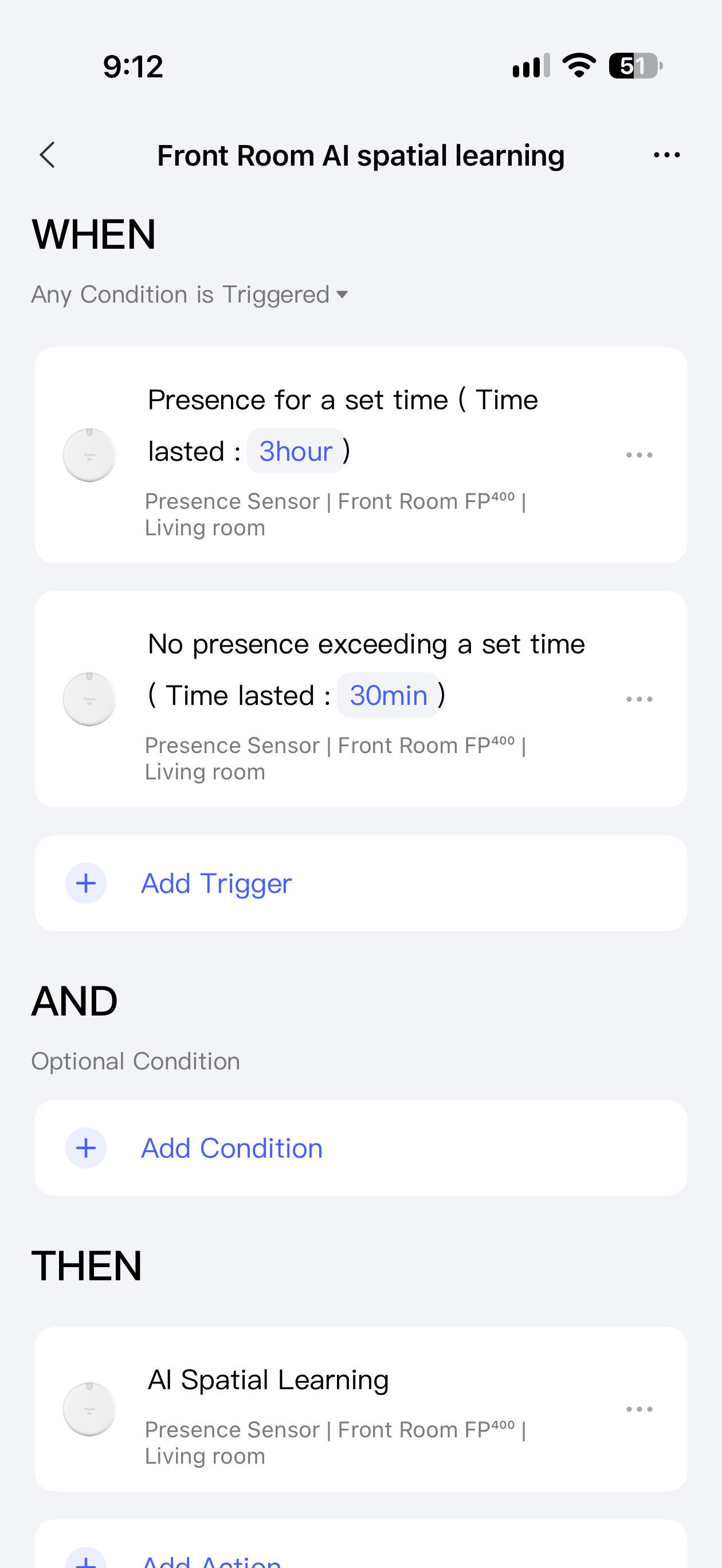
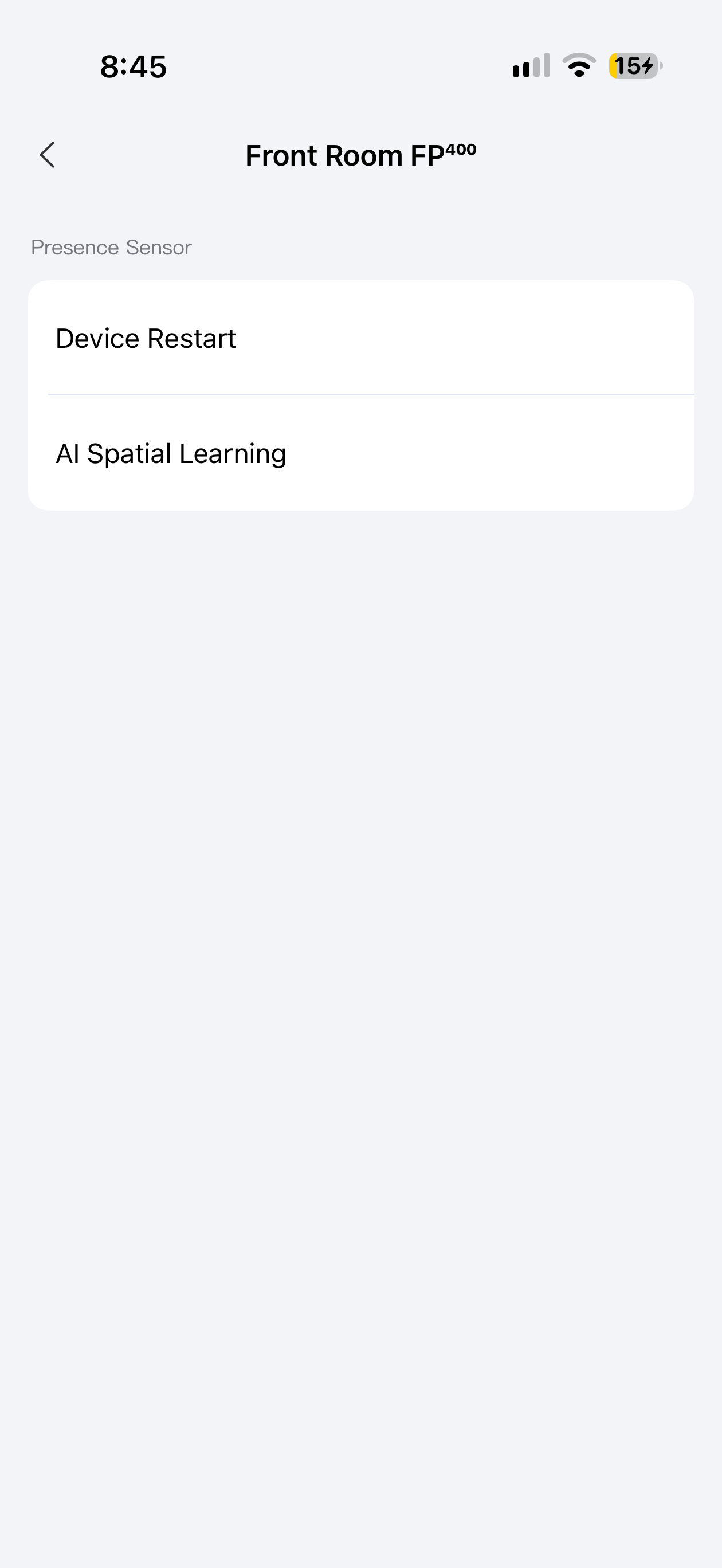
On the FP2, I was able to easily resolve this by creating an automation using the “Set to No Presence” action to clear the false targets. However, the FP400 only offers “RebootDevice” or “AI Spatial Learning” as actions.
Neither of these are ideal replacements:
RebootDevice physically restarts the hardware, which takes too long and temporarily disconnects the sensor from the network.
AI Spatial Learning is not suitable to run if the room is actually occupied (for example, if I have guests sleeping in the room), as it will learn to ignore them.
Could you please add the software-based “Set to No Presence” action to the FP400 in a future firmware update? This would allow us to instantly clear false targets without rebooting the device or disrupting current occupants.
I’ve always wondered about the FP2 whether “Set to No Presence” might actually correspond to the “AI Spatial Learning” action, but you just can’t see the countdown
Thank you for your feedback. May I ask what is the firmware version number of your device? The phrase “an increase in ghost images” refers to an increase in the creation of false targets, or rather, the longer period of time when there are people present and then there are no people present, during which the targets of the people cannot disappear in time. Could you provide some screenshots or videos of the app? In FP2, resetting to the “no one” and space background learning is also equivalent.
In fact, FP400 has better hardware and AI algorithm, so although the functional goal is the same, it will actually perform better in restoring unmanned and learning background.
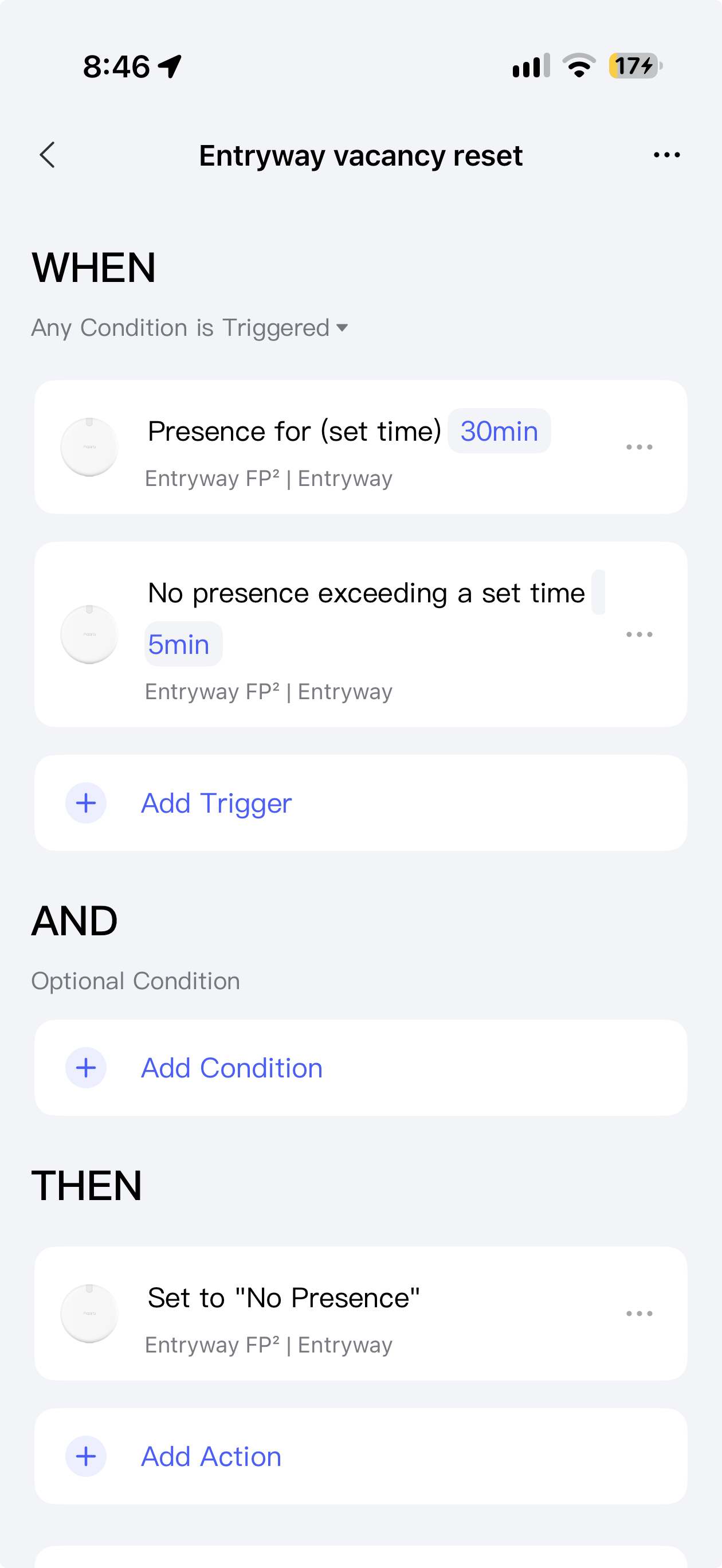
With my use of the FP2s, I would set up an automation to “Set to No presence” when occupied too long—implying a ghost might be present—and when unoccupied, to keep a ready state. In my experience, this method removed any ghost roughly 90 percent of the time.
For my Entryway, presence should never last longer than 30 minutes, and if unoccupied for more than 5 minutes, it should “set to no presence.” This worked for me until the FP400. The FP400 lacks that option. I can choose “RebootDevice,” “RebootCoordinator,” “RebootStudio,” or “AI Spatial Learning,” but I am unsure what each means.
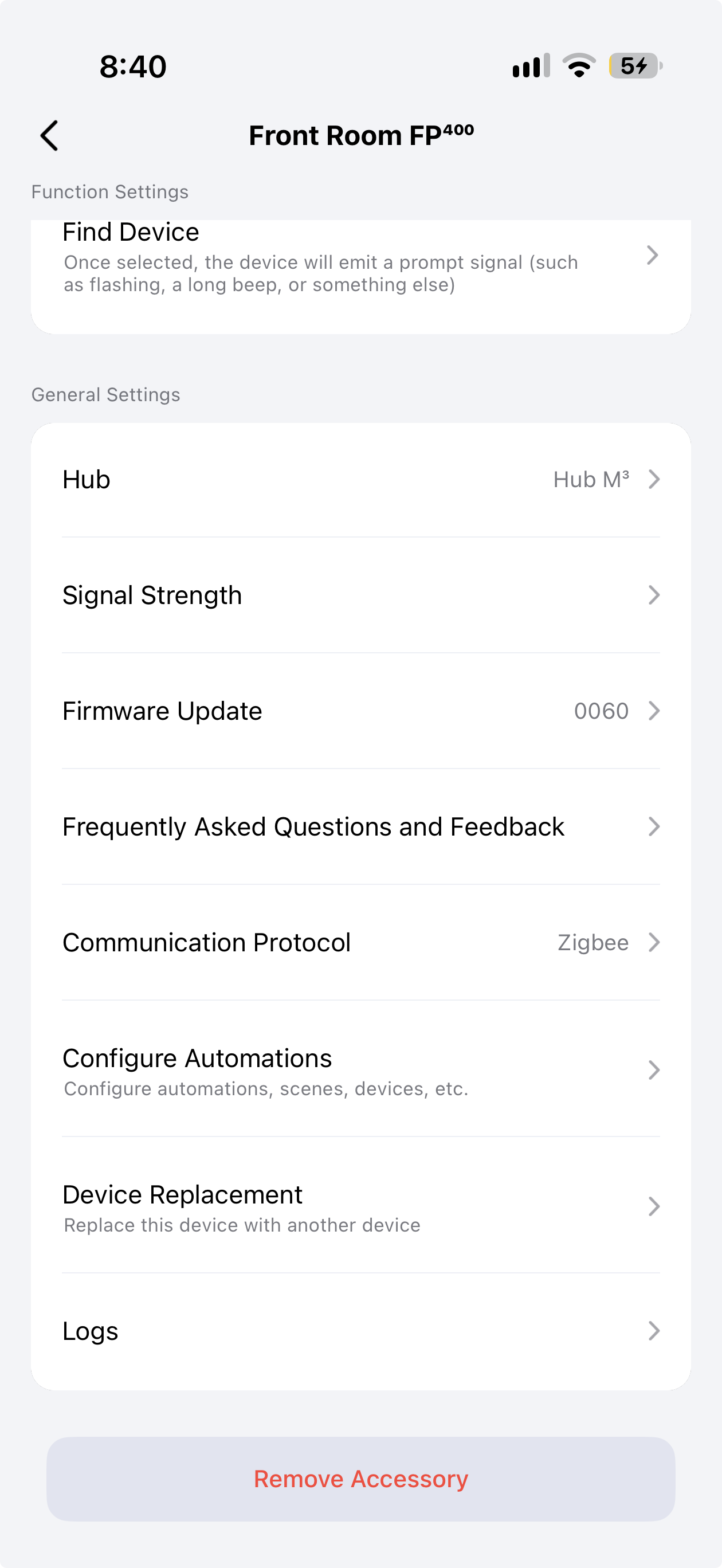
We sincerely apologize. The firmware version 0060 does indeed have a ghosting issue reported. We have released a new version 0062 to address this problem. Please wait a few days. Or you can provide the account and device ID information, and we will send you the new version. Or you can do it yourself by switching the protocol to Thead, and then switching back to Zigbee. This way, you can go back to the previous version.
I will keep an eye out for the update because I have 2 already set up and another 4 to place in different locations, still looking for a good location/position for the best performance.
I can add some real-world experience here, because I’ve had ghost presence with my FP400 as well.
In my living room, the sensor kept reporting presence in one specific spot where nobody was. My guess is that it was a rug runner that had shifted slightly, but I can’t prove that. What fixed it was marking that area as an “Interference Source” zone in the FP400 map. Since then, the ghost presence hasn’t come back. Screenshot attached.
What didn’t work for me was AI Spatial Learning. When I switch it on, the light in the room takes noticeably longer to turn on after I walk in. My assumption is that the sensor takes more time to decide whether a target is real before it reports presence. For a dark room that delay is simply too long. I’ve already stubbed my toe waiting for the light. So I keep it off and rely on the interference zone instead.
That’s why I agree with KevinStarks. A quick “Set to No Presence” action, or whatever name it ends up with, would be useful as something you can trigger from an automation without changing how fast the sensor reacts the rest of the time.
@zhaoze_zeng my FP400 is on firmware 0060 (radar version 60), connected via Zigbee to an M3.