I have two FP300, and one of them is stuck detecting presence in an empty hallway. It’s connected via Thread on the latest firmware, and it shows Presence Detected in both Apple Home and Aqara Home. I already set the sensitivity to Low. There’s not even a way to reboot this thing without dismounting it and removing its batteries.
Hi there, it looks like you’re experiencing a support-related issue. We’ve automatically created a support ticket for you and will reach out via the forum email within the next two business days.
If other members have any suggestions or insights on this topic, feel free to share!
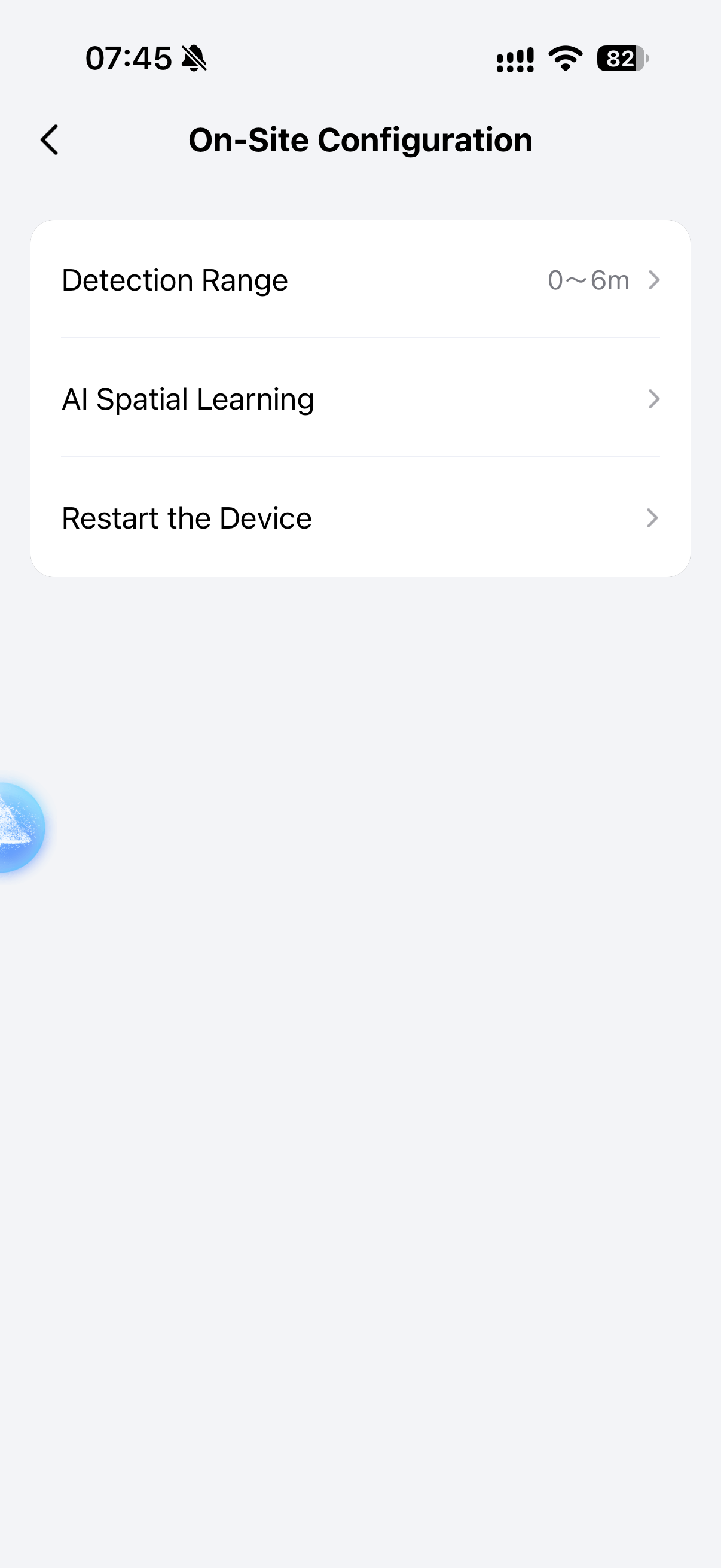
Because one of your two FP300s works, I would compare their firmware and settings, then briefly swap their locations if practical. If the false presence follows the hallway, that suggests an environmental trigger; if it follows the sensor, note whether Aqara Home ever records a new “absent” transition before resetting it. I would run AI Spatial Learning only when the hallway is definitely empty.
First, we need to distinguish two scenarios: genuine false presence alerts, or the sensor failing to switch to unoccupied status long after people leave.
Genuine false alert: No one is present in the space, but the sensor keeps reporting presence detected.
Leave delay: A person has left the hallway, yet it takes a very long time for the sensor to switch to unoccupied.
(1) This issue can be caused by continuously moving objects in the space, such as swaying curtains or chandeliers. You can adjust the mounting position and angle of the sensor to avoid interference sources, and shorten the unoccupied detection timeout.
(2) Continuous environmental disturbance will only prolong the time it takes to switch to unoccupied, and the sensor will eventually change state.
You may share photos or videos showing the sensor installation. Besides, you can send me a private message or contact Aqara customer support. Account authorization is required so we can access and analyze device logs for further troubleshooting. Besides, we can also provide you with a special firmware to try resolving this issue.
You’re right—my earlier suggestion to run AI spatial learning manually doesn’t apply in Thread/Matter mode. The manual excerpt shared in #8 says it runs automatically in Matter mode. Comparing the two units’ settings and swapping their locations, if practical, may still help show whether the false presence follows the sensor or the hallway.
Hi,
I confirm the same issue. We use 3 FP300 at the moment. In the past week, all of them stuck on detecting presence at several times for several hours. I use them by HomeAssistant with Thread, so I can’t restart them remotely.
Is this a known issue?
There are similar reports here, but I haven’t seen an official confirmation of the cause. Do all three sensors get stuck at the same time, or independently? Could you add their exact firmware versions, your Home Assistant/Matter Server versions, and whether the other sensor readings keep updating while presence stays on? That would help separate a frozen presence value from a broader communication problem before resetting anything.
Hi,
two of them at the same time, another one seperatly.
They are reachable and can be updated, while the presence is stuck.
Firmware: 1.1.3.8
Hardware: 1.0.0.0
HomeAssistant: 2026.10.4
Matterserver: 9.3.0
Unfortunately there is no option to restart the devices by HomeAssistant by using Thread. When I update the devices, or set the sensity from 3 to 2 will not solve the issue.
That narrows it down: the sensors remain reachable on 1.1.3.8, and changing sensitivity or updating did not clear the stuck state in your setup. When it happens again, could you note whether illuminance, temperature and humidity still change, rather than only whether the device accepts commands? That would help distinguish a stale presence value from all sensor reports stopping; neither result alone would prove the cause.
I checked that by switching the light on in the same room. The light sensor works fine and the temperature sensor looks also fine.
I can change the sensitivity and the hold time also. Everything locks fine. Just the occupancy sensor stuck solid.
That comparison is useful: fresh illuminance and temperature readings while occupancy stays stuck narrows the reported symptom to the occupancy path, rather than a complete loss of communication. Could you add the time of the light test and the last occupancy transition to your support report, with the firmware and connection mode? It still does not identify whether the cause is sensing, firmware, or the integration.
I’m having this exact issue. It happens intermittently. Using matter over thread, firmware 1.1.3.8. Temperature, illuminance keep reporting values but occupancy stuck on for hours. I tried changing the timeout and sensitivity (normally at 10s and 2/medium) but the only thing that gets it unstuck is walking back in to the room and leaving again. Then it gets unstuck after 10s. There’s nothing moving in that room…