Yesterday I tried to install my new FP400 to replace my FP2. Everything was going smoothly until I got into the setup phase. There it reported that it could not continue installation because the sensor was not level. It was clearly level.
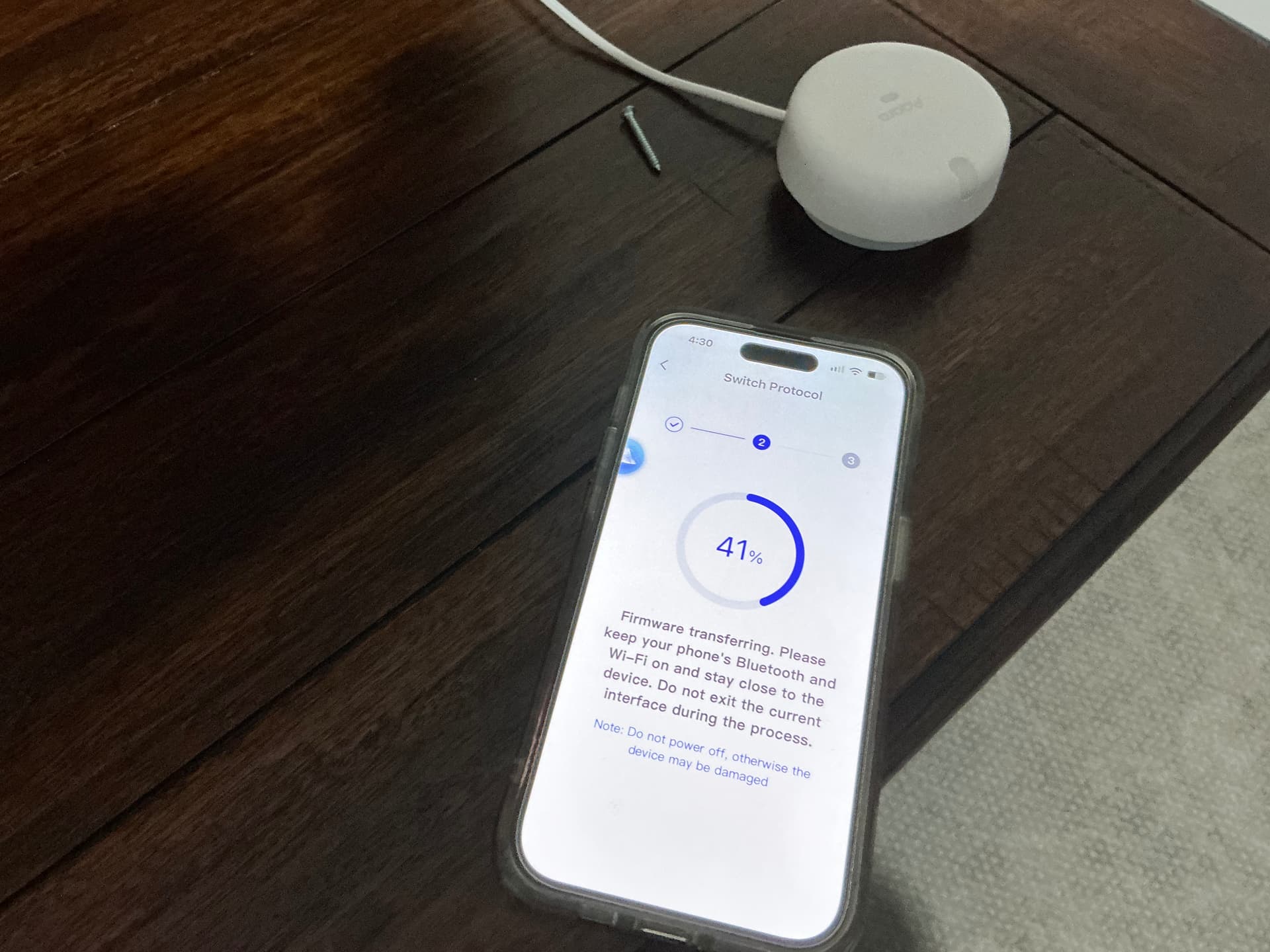
A very wise expert suggested switching to Zigbee and perhaps place the device on a flat table. I did both. The switch to Zigbee fixed the installation problem and the device worked.
Since switching protocols between Zigbee and Thread is time consuming, I chose to wait until today to switch back to Thread. Today is exactly like yesterday. With Thread chosen, the install is impossible because the device senses that it is not level - even though I have not moved it from where it worked with Zigbee.
Adding insult to injury an Aqara bot sent me a message, auto-triggered from my post, that the device must be installed level. My post included a picture of the device installed perfectly level, indicating that the bot is just trying to irritate me. (Well, that’s how it feels anyway.)
I purchased the FP400 from Amazon and it arrived yesterday 9/19/26. Like you, my setup was fine until operation error came up on my iPhone when installing via Aqara app. Device will not install due to it not being level. It’s level and it tried the ceiling, the wall centered and each corner. Nothing works. I cycled power, factory reset ten different times, and uninstalled it and used another mobile device to install it. Used different hubs and nothing. Do I return it or is there going on to be a firmware update? Hoping someone has some thoughts.
First, welcome to the forum.
I share the frustration. Did you try switching to Zigbee? I’m assuming you chose Thread.
Since Zigbee works, I’m guessing it’s a software problem unless Thread and Zigbee use different level sensors. If so, a software update should be able to fix it.
Could you check which hub you’re using and its firmware version?
After the FP400 is paired, you can temporarily exit the installation guide from the top-left corner, then open the device’s secondary page to check the FP400 firmware version.
If you’re using an Aqara M3 Hub, I’d suggest updating both the hub and the FP400 to the latest firmware first, then trying again.
Thanks, that helps a lot. I’m using the same M3 and Matter firmware on my side, so your case is especially useful for comparison. If it’s inconvenient to switch back to Matter again, no worries at all.
If you have a moment and don’t mind switching the FP400 back to Matter once more, could you help checking just a few things?
After commissioning, exit the installation guide and check the Matter FP400 firmware version and radar firmware version.
On the main device page, see if the presence, detected targets on map and lux values update normally.
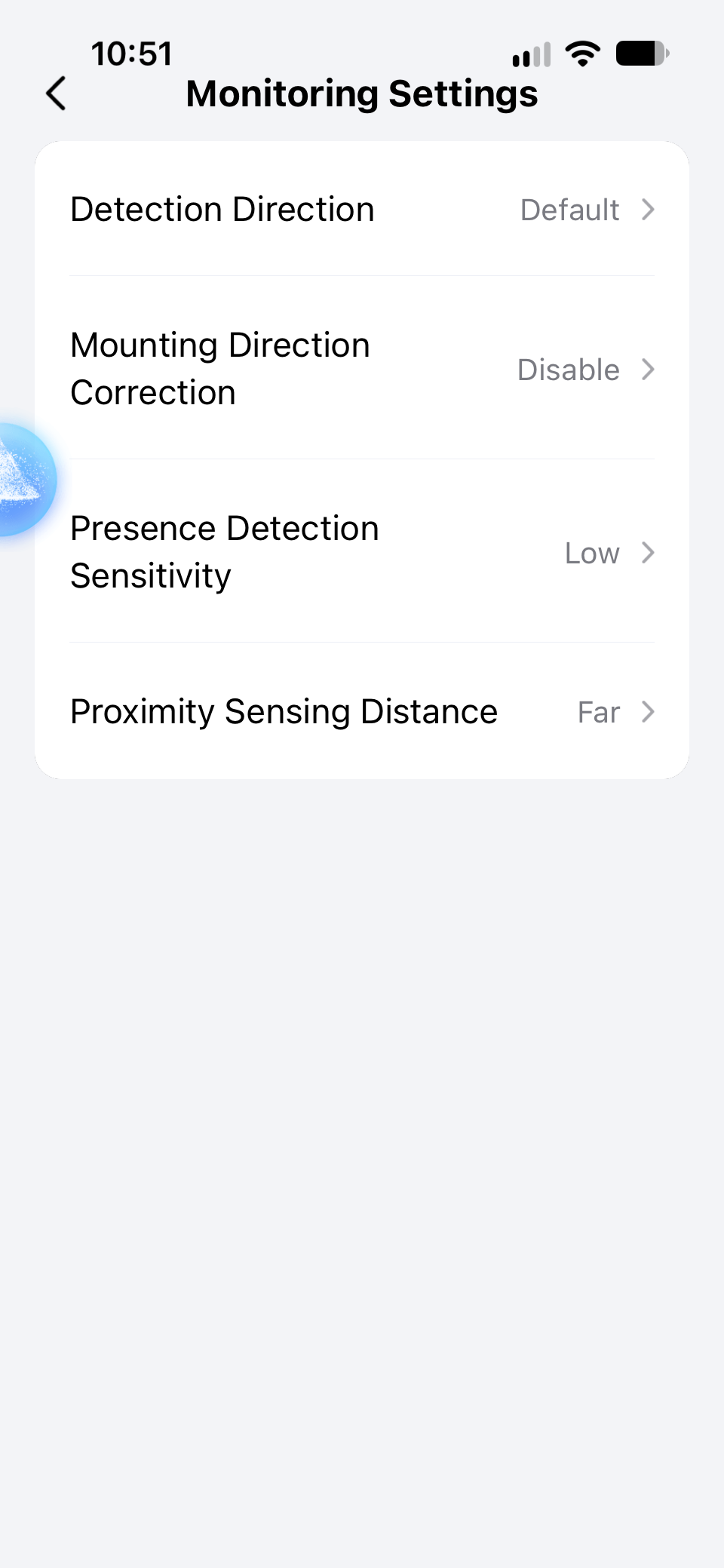
Try adding an interference source, or changing the sensitivity, and see if it saves normally.
You can switch it straight back to Zigbee afterwards. I really appreciate you taking the time to help check this — I know it’s a bit of extra hassle.
So I went to router settings and removed the 5GHz which removed that problem.
Next, I checked the versions and posted them here. I also checked update and the app said I have the latest version.
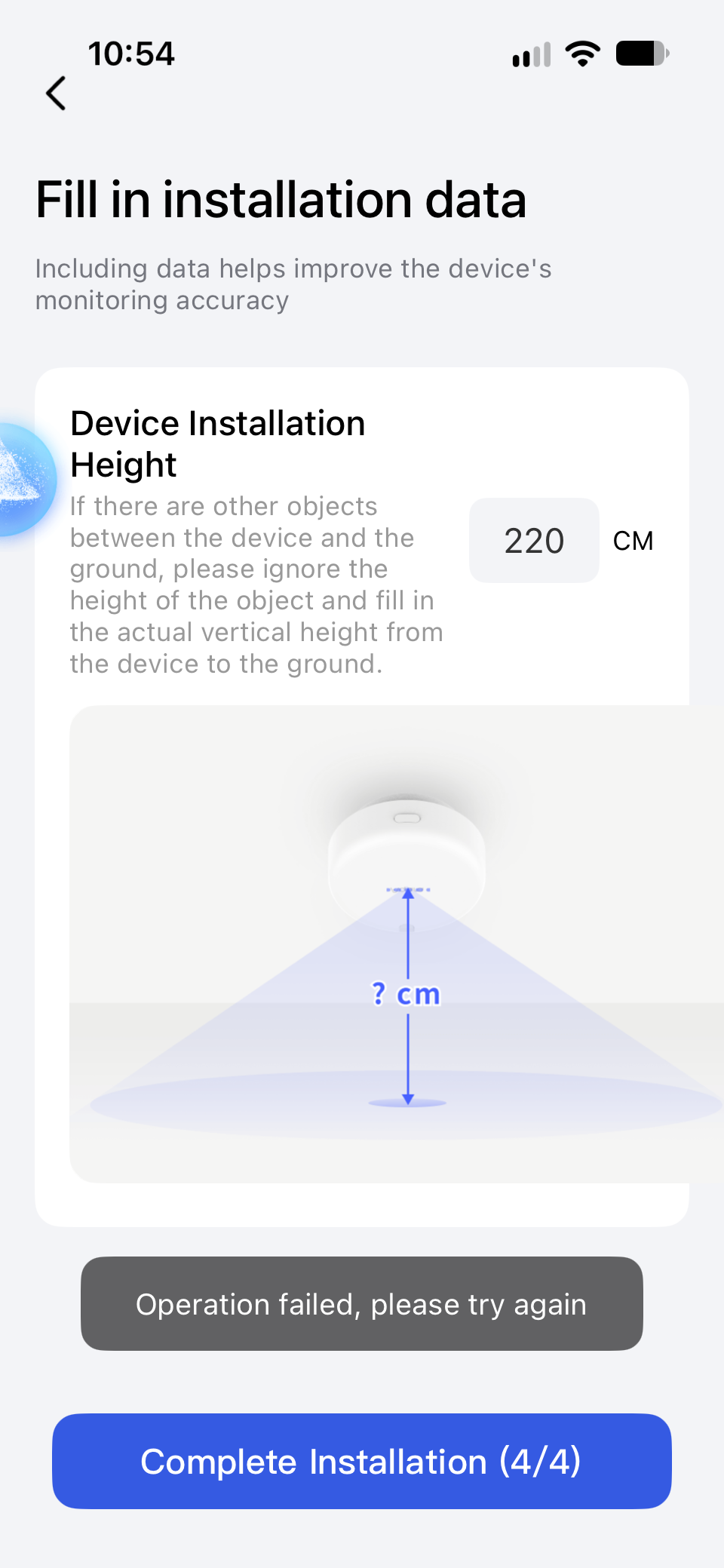
At the setup screen, I entered 220cm for the height of my device. The error message shown here kept popping up on whatever screen I was on.
Then I checked the main screen as you mentioned and the LUX settings do work but the device does not recognize anything in the room.
It seems I am right back to having an inoperable device that doesn’t work with Thread. Any other suggestions while I’m here?
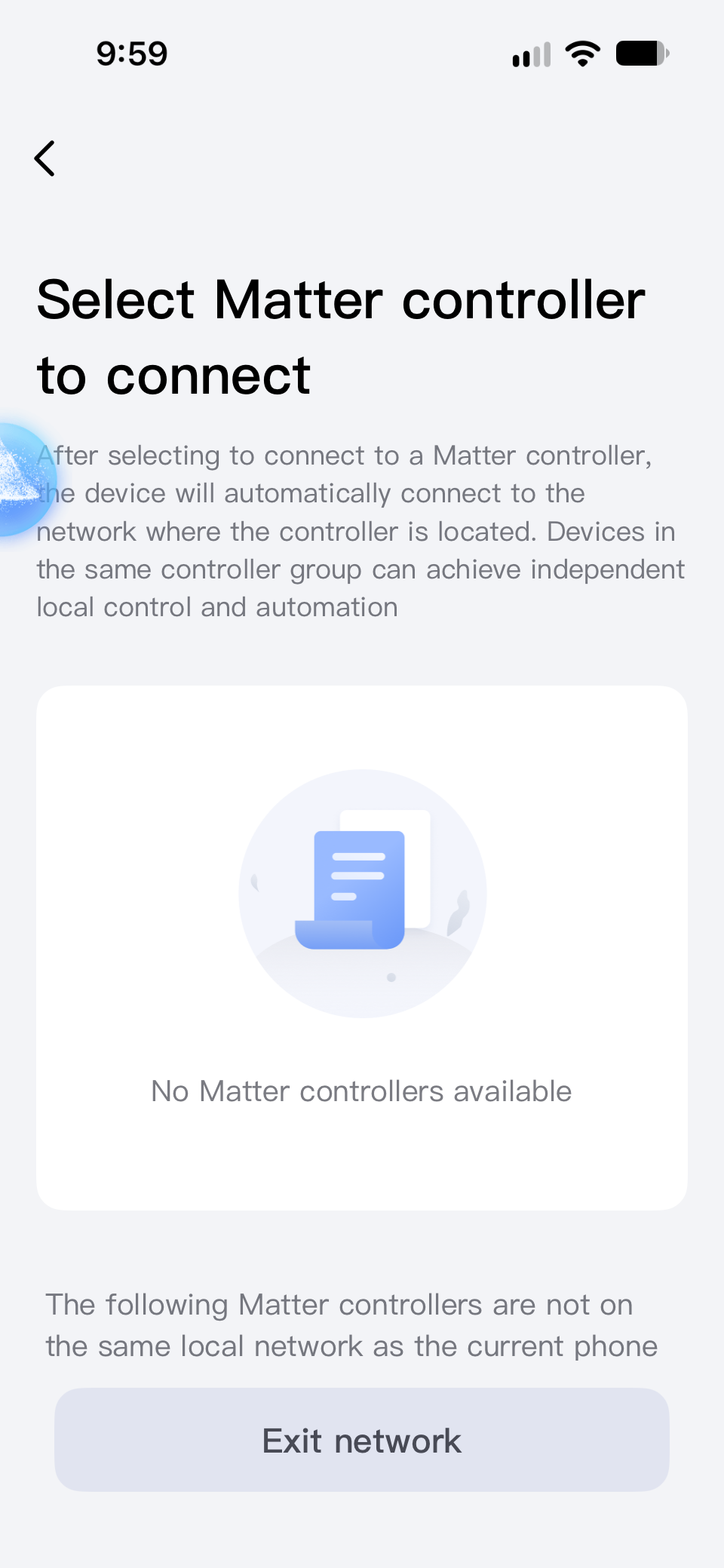
From your screenshots, it looks like there was no controller found at first. After you disconnected your phone from the 5 GHz Wi-Fi network, the M3 showed up and you were able to continue the pairing process, right?
I can also see that the installation height check failed, while the lux value was still updating according to the environment. That seems to narrow it down to two possible areas on your situration: either the extra specific communication path is having an issue, or there’s a problem with the communication related to the radar inside the device.
If you have a chance, could you try long-pressing an empty area on the map from the main device page, then select Interference Source and see if you can add one successfully? If that also fails, it would further support the second possibility.
It looks like Aqara has already noticed your feedback, so hopefully they’ll have some progress soon. Wish you all the best!
Answer to #2:
The height check didn’t fail. I just happened to be on that screen when the error message popped up. That error message popped up on any screen after the “level” test failed. It just seemed to be reminding me that the setup procedure failed (because of level).
And yes, I just received a great response from Aqara. I will give them the info they requested in a few minutes.
Finally, I have set my FP400 back to Zigbee protocol and everything works fine under Zigbee. I have loved my experience with Aqara and have no doubt that they will fix this.
Learned something cool today…
I started from scratch recommissioning several of my devices - including the FP400’
The FP400 would not connect. I tried several times and did all of the standard factory reset, and unplug/plugin. So I thought, "If I’m going through this much trouble I am at least getting something out of it.
So, I removed the device from the wall and placed it flat horizontally on my dresser - just as @srl77411 suggested earlier. I switched from Zigbee to Thread. Leaving the device on the dresser, I went through the setup. And hooray, I got past the leveling process! Then I mounted it on the wall.
Well I have never encounter such issues as you guys described.when I install it I just mount it on the wall directly before setup and was working perfectly on thread and zigbee both protocols using M3 hub.but I am glad some did manage to figure it out how to set it.