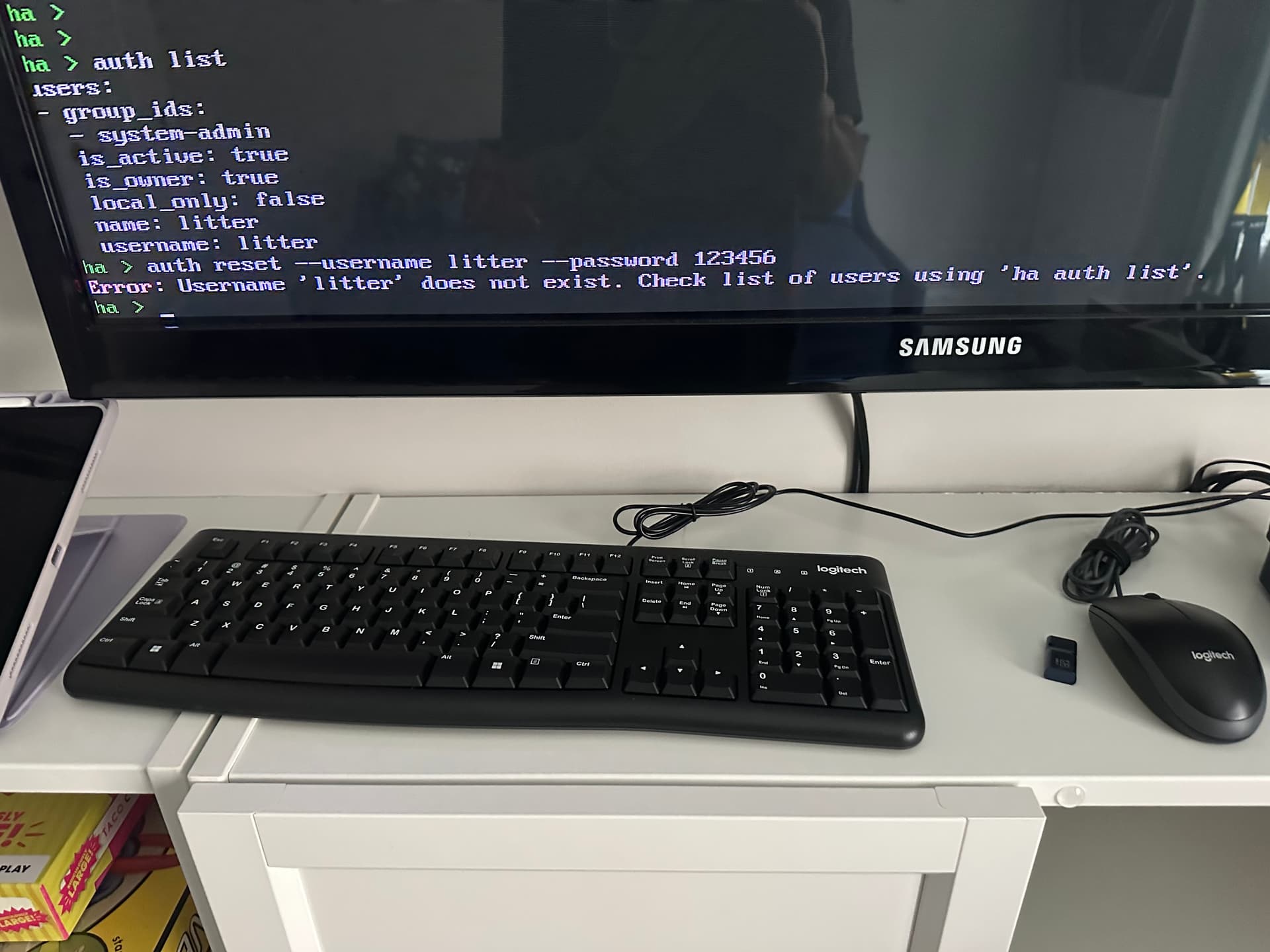
After recovering a saved backup in HA I am unable to login because HA doesn’t recognize my username, even though it shows my username as correct. Obviously this isn’t a real password - I wouldn’t post that. BTW, this is the second time this has happened. The last time I did a complete re-install of HA. This time I want to learn something. EDIT TO ADD: I have a mini-pc if that matters.
@srl77411 @JohnD
1 Like
Hi there, it looks like you’re experiencing a support-related issue. We’ve automatically created a support ticket for you and will reach out via the forum email within the next two business days.
If other members have any suggestions or insights on this topic, feel free to share!
2 Likes
Look, a space has somehow snuck in at the beginning:

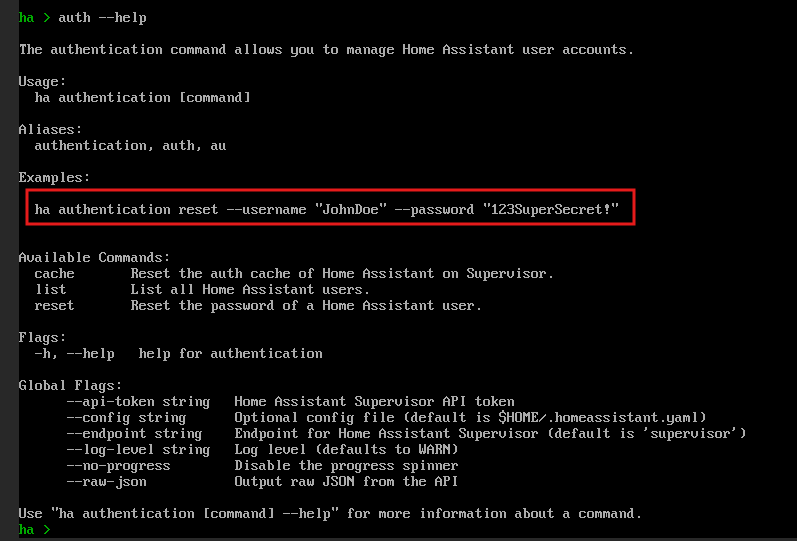
Try using quotation marks, as described in the Help section:
6 Likes
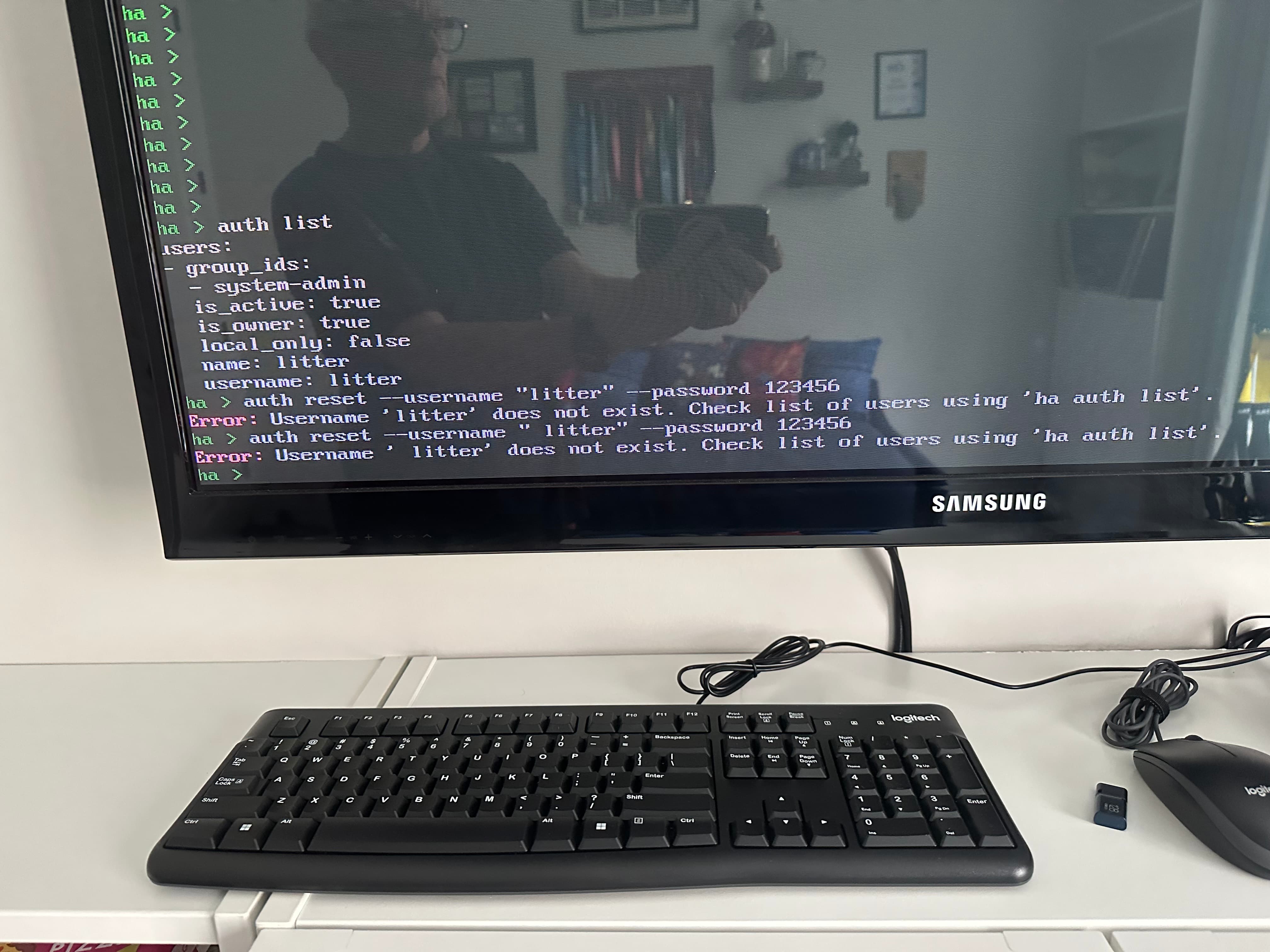
Okay, that’s weird.
Type exit or login so that ha > is no longer displayed.
And then type everything exactly like this (don’t copy it):
ha authentication reset --username "litter" --password "123SuperSecret!"
3 Likes
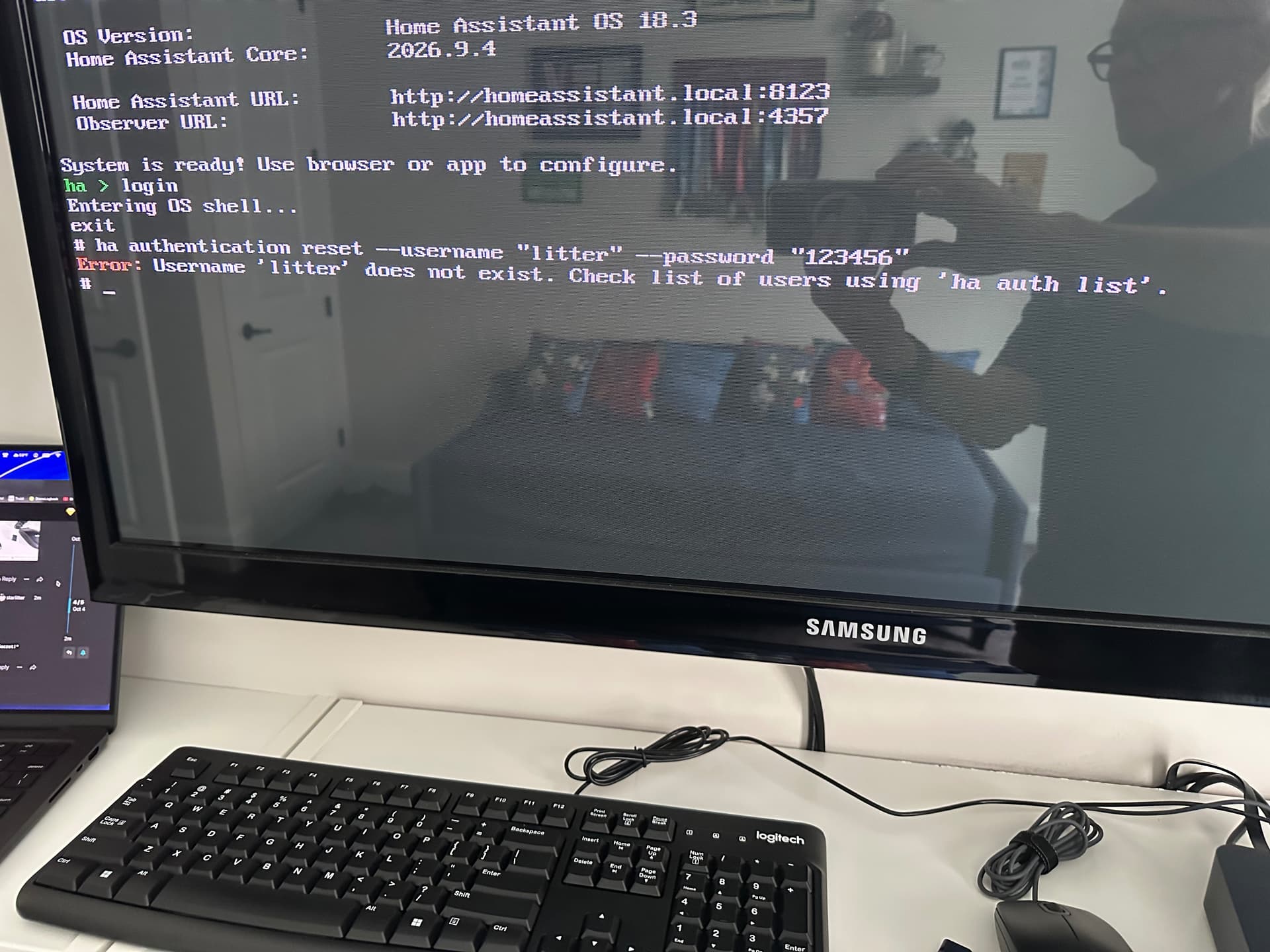
Go ahead and type ha auth list --raw-json
The username should then be output in quotation marks as JSON.
3 Likes
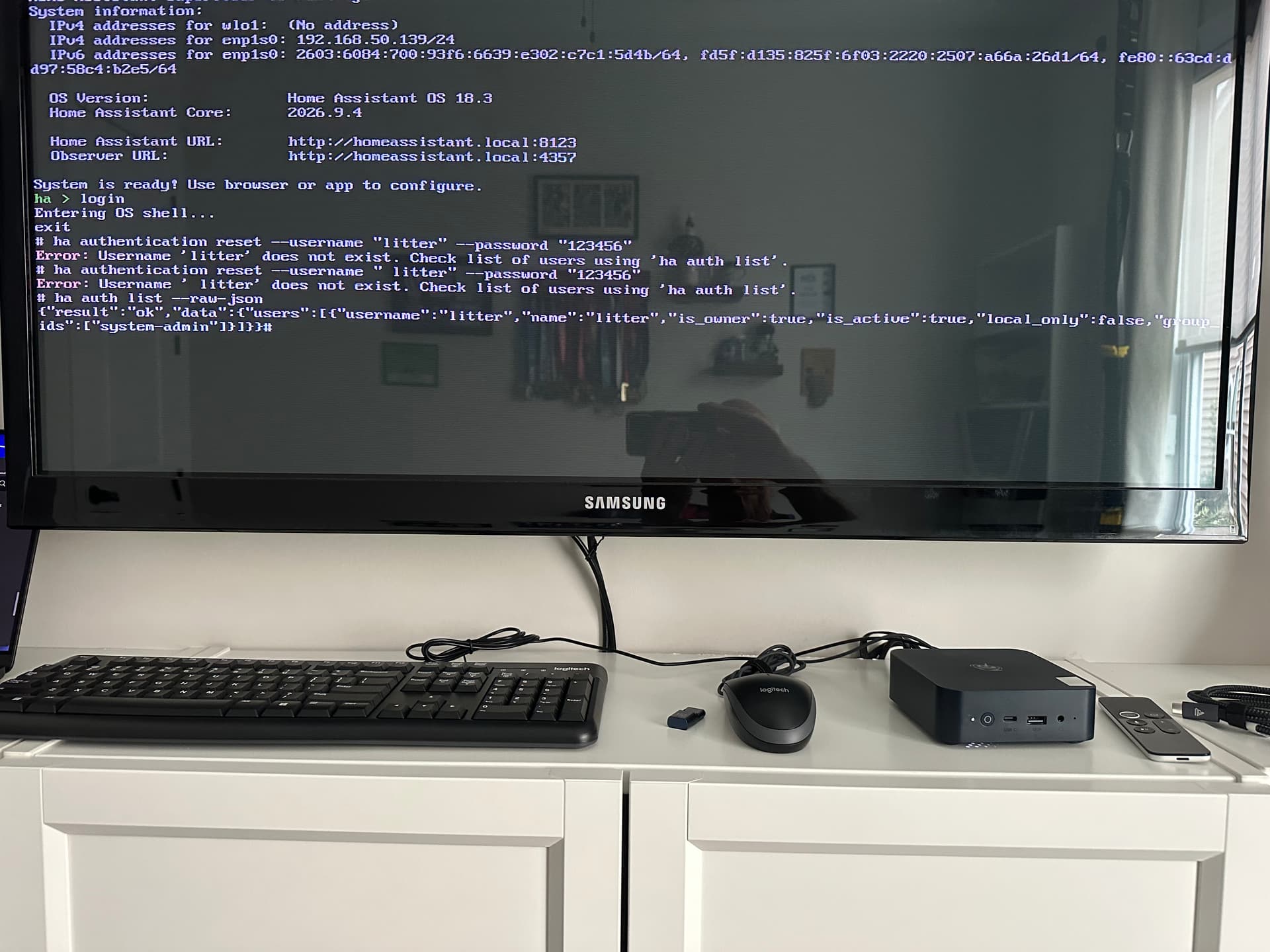
It’s crazy, but we’ll pull it off 
try ha auth reset --interactive
2 Likes
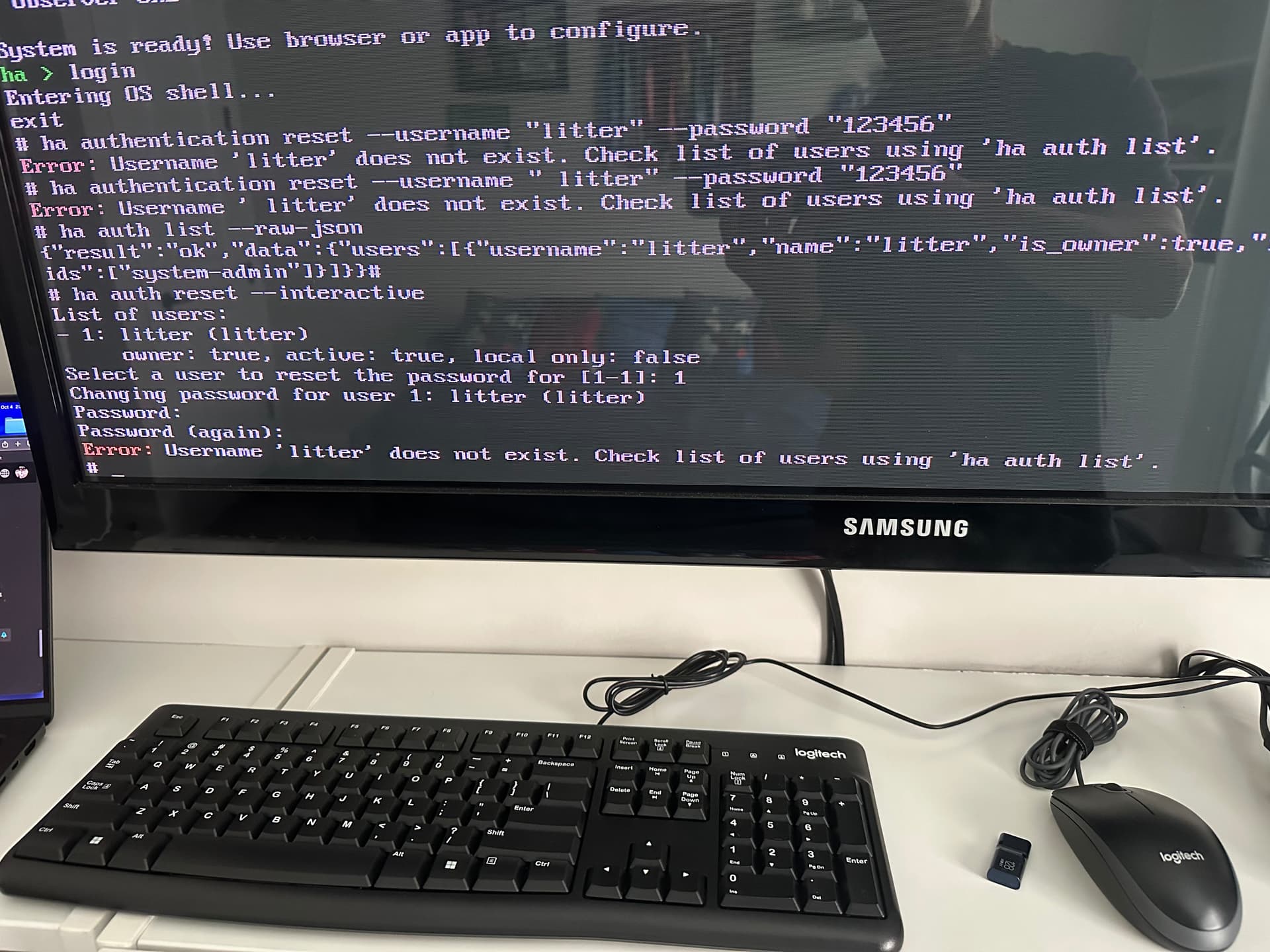
Crazy. It seems like the user database hasn’t loaded for some reason.
Did you restart it again?
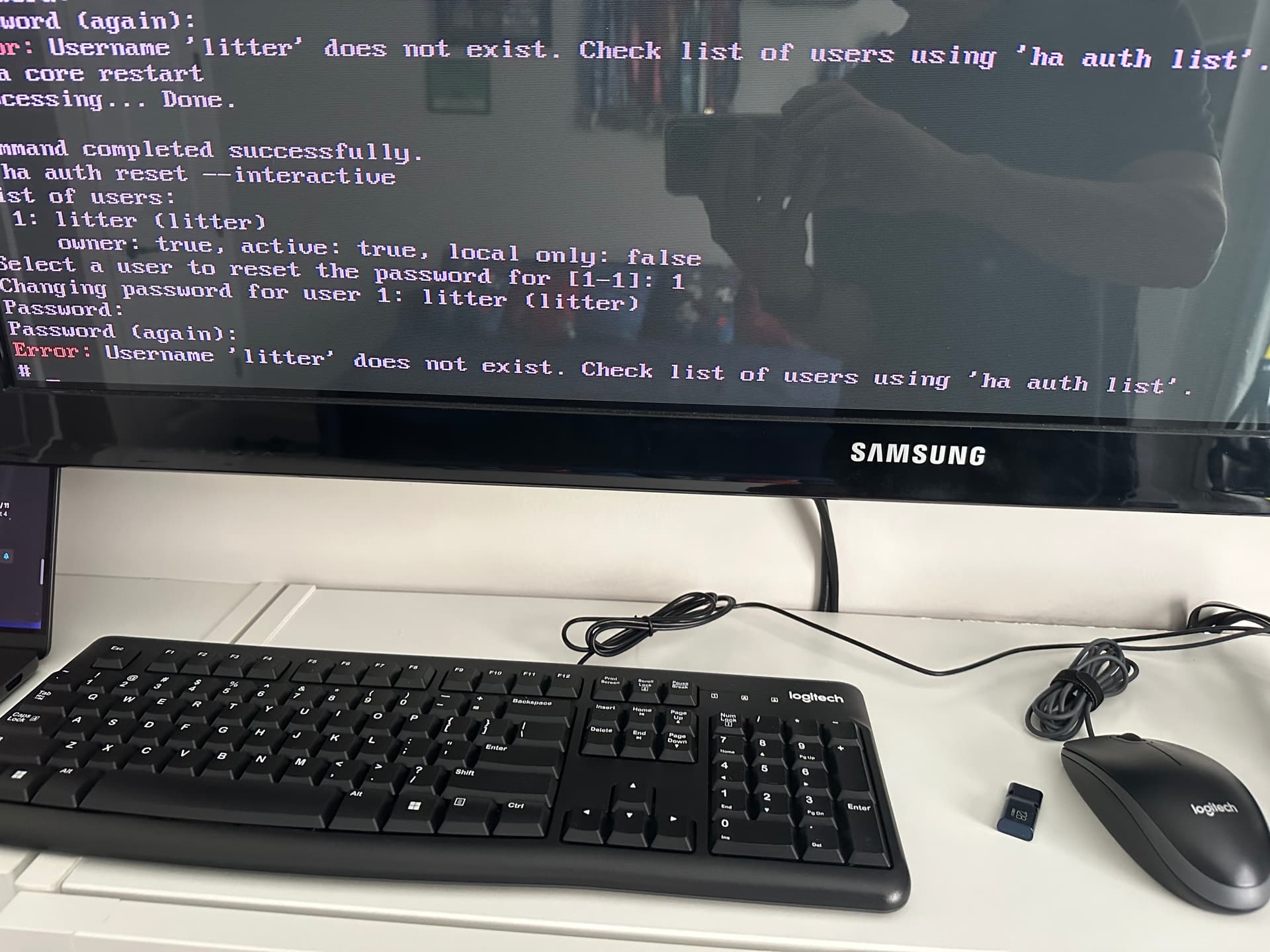
If not, try ha core restart
2 Likes
It didn’t make a difference. Should I just reinstall from scratch and redo all of my integrations/devices? I’m using a Beelink EQ Mini PC, Intel N150(Up to 3.6GHz) 12GB LPDDR5 RAM 500GB SSD. Would it be easier if I just switch to the HA Green that I haven’t taken out of its box yet?
1 Like
Did you have daily backups or multiple backups? Can you restore a different backup? You might also want to try restoring the same backup again.
It would be strange if the problem had anything to do with the hardware, so I don’t really think it would make a difference. Or have you had any other problems?
2 Likes
I do have other backups but they are on the mini PC drive. Can I get to those without being logged into HA?
Nope, no other problems.
1 Like
1 Like
I’ll check that out. Thank you SO MUCH!!! I appreciate you.
So… I followed this:
- in the CLI type
login cd /mnt/data/supervisor/backupls -l→ find the required backup and note the slug- go back to CLI with
exit back restore slug
And I did find the slugs for the backups, so I snapped a pic of those and carefully typed them into the back restore command. And then it went just like my original issue with username. The ls -l command showed the backups. But then when I execute the back restore command, it says that the backup doesn’t exist. Just like it did with my username. So, the system “sees” the files, then it doesn’t.
That’s completely crazy. Either post a thread on the Home Assistant forum or try a clean install and then try restoring a backup again.
1 Like
There are too many pieces of the puzzle missing for me to figure out why the username was rejected. 
Third time is a charm 
I recommend going through a fresh install like you did before. Just in case something was corrupt you won’t be reintroducing it via restoring a backup.
After you get back up running with a fresh install back it up and store that sucker on a thumb drive or laptop or external drive NOT on the Mini PC.
In the event you need to restore again you can do so from the HA UI without any BIOS or DOS command line prompts. (I hated DOS 6.x)
Settings-System-Backups- 3-Dots … (top right corner) Upload Backup.
You won’t have to go through that again. You get to remain in the Home Assistant user interface.
1 Like
Great suggestion. Will do.