I’ve recently purchased an m200 hub and I’m using it to connect Ikea matter devices to a SmartThings V2 hub. I was able to connect the devices but have had issues with the m200 Hub and the distance I’m able to put the Ikea temperature and motion matter sensor along with a power outlet from the hub. I had a situation where the m200 hub was probably less than 15 ft away from the devices and it could not see them they all went offline. Not sure why this is happening I’m using a mesh Asus Wi-Fi setup and would have expected a reasonable distance in this environment. Unfortunately this is not working as I expected and the m200 Hub has to be within 10 ft of the devices which is impractical and not useful.
I tried initially to add these directly to the SmartThings V2 hub but was unable to get the network border router 32 character network key to input into SmartThings to add the device
I would first check where the device becomes unavailable. Aqara describes the M200 as a Thread border router connecting to your Wi-Fi or Ethernet network. If your IKEA devices use Thread, their radio link and the hub’s connection back to SmartThings are separate parts of the path. At the failing location, does a fresh motion event or temperature change still appear in Aqara Home, or do both apps stop updating? If Aqara Home still receives new events, I would investigate the SmartThings or LAN side before treating this as a Thread range limit.
For a simple comparison, keep the M200 fixed and move just one sensor between the working and failing positions while checking both apps. Please include the exact IKEA model names, M200 firmware, whether the hub uses Ethernet or Wi-Fi, and whether the power outlet drops out at the same time. That would help separate an individual sensor problem from a common connection problem. I would avoid resetting the working devices for now, and do not post the 32-character Thread network key publicly.
What I’ve noticed is if the m200 hub is away from the smart things hub then it can communicate to the IKEA devices. But if I move the Ikea devices to another room and leave the m200 Hub where it is the communication is lost to the IKEA devices.
If the m200 Hub is next to the SmartThings hub, it can communicate to the IKEA devices.
The m200 Hub is at the latest firmware 4.5.80_0007 it is connected via WiFi and signal strength is -40. I have a mesh setup with 1 router and 2 mesh AP in the house. The SmartThings hub is connected via ethernet.
I wanted to use the 32 character network key to add the Ikea devices directly to SmartThings through the m200 hub but could not find the key so I added the Ikea devices directly to the m200 hub and then linked the m200 hub to the SmartThings hub so it can access the devices.
I’m not sure if either connection method has benefits over the other.
If your IKEA devices use Thread, their radio link and the hub’s connection back to SmartThings are separate parts of the path.
M200 is indeed connecting to your wifi, but it supports matter over thread, it has thread radio, similarly to ikea devices - so technically it should work. With regards to range - I don’t have M200 (yet) so no idea.
@kajoyce have you had the same with Aqara matter end devices or you have not tested it? I’m wonerind whether this is a cross-brand issue or it’s just a range itself
Hey there and welcome to the forum.when you are using thread devices make sure to have also thread bridges in between the end devices like IKEA batterie powered devices.all depends how large is your house/apartment and how many walls are in between.your smarthings V2 need to be the controller the M200 use it as bridge in between ikea devices and smarthings.i do not know how exactly works on android but I think you should be able to add those ikea devices directly to the smarthings hub and the M200 too by scanning the matter codes, this way you make an hole thread network and not two.if you add the devices to M200 then he creates his own thread network excluding the smarthings hub.since you already use smarthings hub you need to connect all tru that
When you say you linked the M200 to SmartThings, did you share each individual IKEA device through Matter, or add only the M200 as a Matter bridge? Aqara describes the M200’s Matter bridge specifically for Aqara Zigbee devices, so I would not assume that adding the hub automatically shares those IKEA Matter devices. Sharing an already onboarded Matter device can give another platform access while retaining the original platform, where supported. That is a control benefit, not extra Thread coverage.
Before changing the setup, could you trigger a fresh MYGGSPRAY motion event at the failing location and check both apps? If Aqara Home updates but SmartThings does not, that points toward the sharing or LAN path. If neither updates, I would investigate the Thread connection first. I would keep the existing pairings for that comparison, and would not post the Thread network key publicly.
I linked the m200 hub in Smartthings which brought in the 3 ikea devices to Smartthings. When they go offline they are not accessible in aqara or Smartthings.
If I move them closer or move the m200 closer they come back online but being 10 feet from the hub and in the same room is not usable for the devices.
I bought the 3 matter devices because I was interested in using them with Smartthings for automation and knew I needed to get a thread border router to make them accessible. I tried another hub but unfortunately I couldn’t add them to the hub due to the 32 character network key not being accessible and the manufacturer not allowing 3rd party devices to be added to the hub. So I decided to get a m200 hub and it seemed like it was going to work when I added the devices to the hub but when I moved them to the location I wanted them, they went offline unless they were in the same room.
Does anyone have the steps to get the 32 character network key? I could try removing them and add them directly through Smartthings using the key. Not sure why it would make a difference but I am willing to try it.
Well my bad I didn’t check the connectivity on that Smarthings hub V2 as @technotron007 mention is not an thread device.now what I do recommend is :
Install aqara home app make an account if you do not have chose the server if you country that match with the M200 hub if you purchase it from your region.
-after installing Aqara home app and have it all set pair the M200.once this is done then pair your outlet from ikea directly to Aqara home app as this will be your bridge between the temperature sensor and M200.when the outlet is connected and working then pair the sensor or sensors but be close to that power outlet as the sensors need to connect tru the power outlet as bridge.when all are installed then you can add them all into smarthings app.
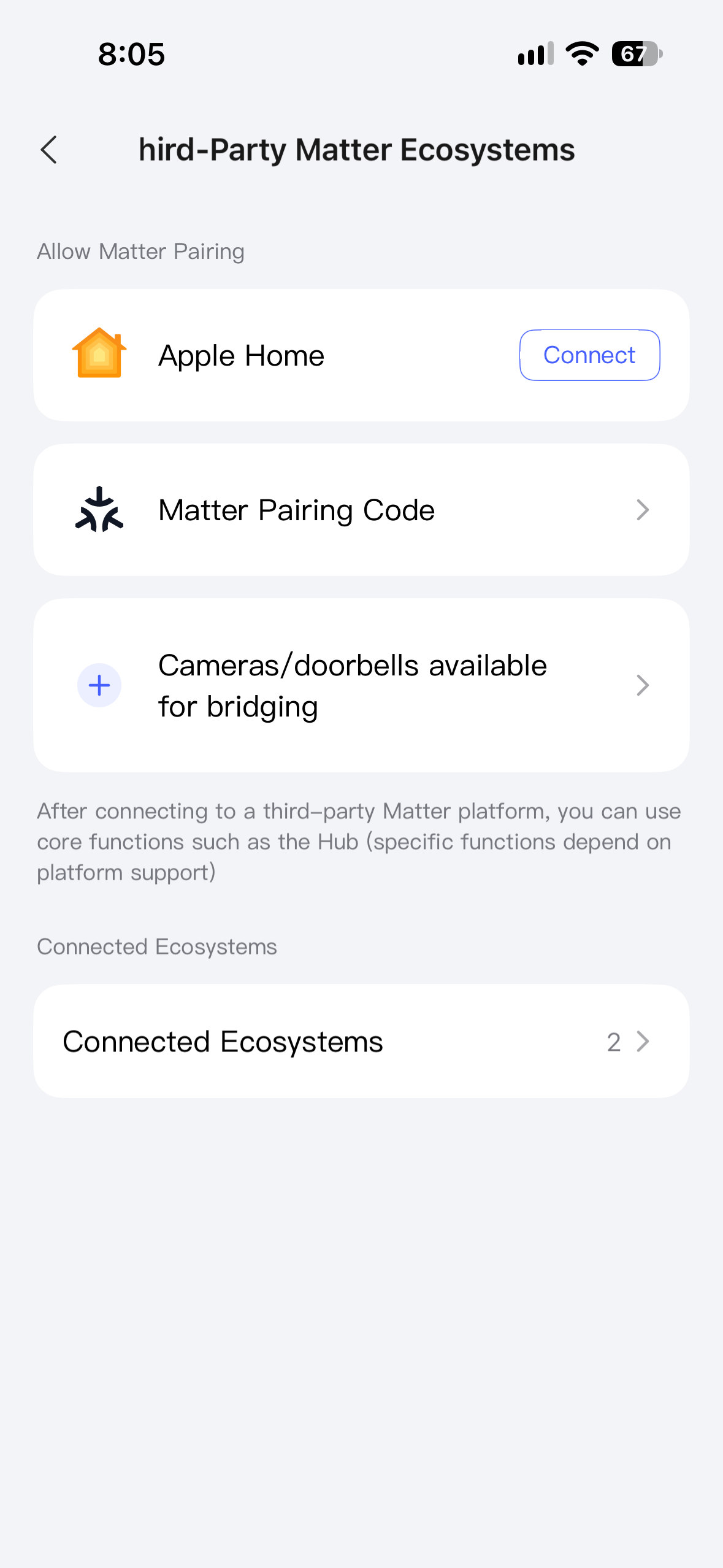
-now to add them all using M200 to smarthings you will need to generate the pairing code on Aqara home app by going to the M200 settings page go to matter there you will press on matter pairing code copy that code and then go to smarthings app press add device and chose to add code manually and past that code there and wait till all are added.this is the easy way to deal with what you have.see screenshot as this is from my M3 hub witch is same menu as on M200.i hope this helps and very important the distance chose to place the M200 in between this devices for better connectivity also make sure you have IPv6 activated on your router too.
A hub’s Matter pairing code is not the 32-character Thread network key. Samsung’s instructions describe the latter for the 2015/V2 hub’s external border-router setup and direct you to the border-router manufacturer for its access method. Before deleting any pairings, I would ask Aqara whether firmware 4.5.80_0007 provides a supported way to retrieve it. A Matter setup code should not be substituted for that key.
Given your new result that both apps lose all three devices, I would now use the powered GRILLPLATS as the test device rather than adding or re-pairing sensors. With the M200 fixed, does the outlet itself stop responding at the same hallway position? If it stays reachable, leave it powered between the hub and one sensor and compare again. Thread routing is dynamic, so proximity during pairing does not prove that a sensor will use that plug as its parent.
If Ethernet is available without moving the M200, one comparison with wired backhaul would also help isolate the Wi-Fi side. Keep the device pairings and positions unchanged for that comparison. A different outcome would give Aqara support a clearer lead than changing range and commissioning together.
I can give these a try when I am at the house again.
If things work out I may get some more Ikea devices but there’s also a post in the Aqara forum regarding some things that aren’t supported with the Aqara hubs and the Ikea devices which I am monitoring.