My Aqara & Homekit Setup

Hello everyone

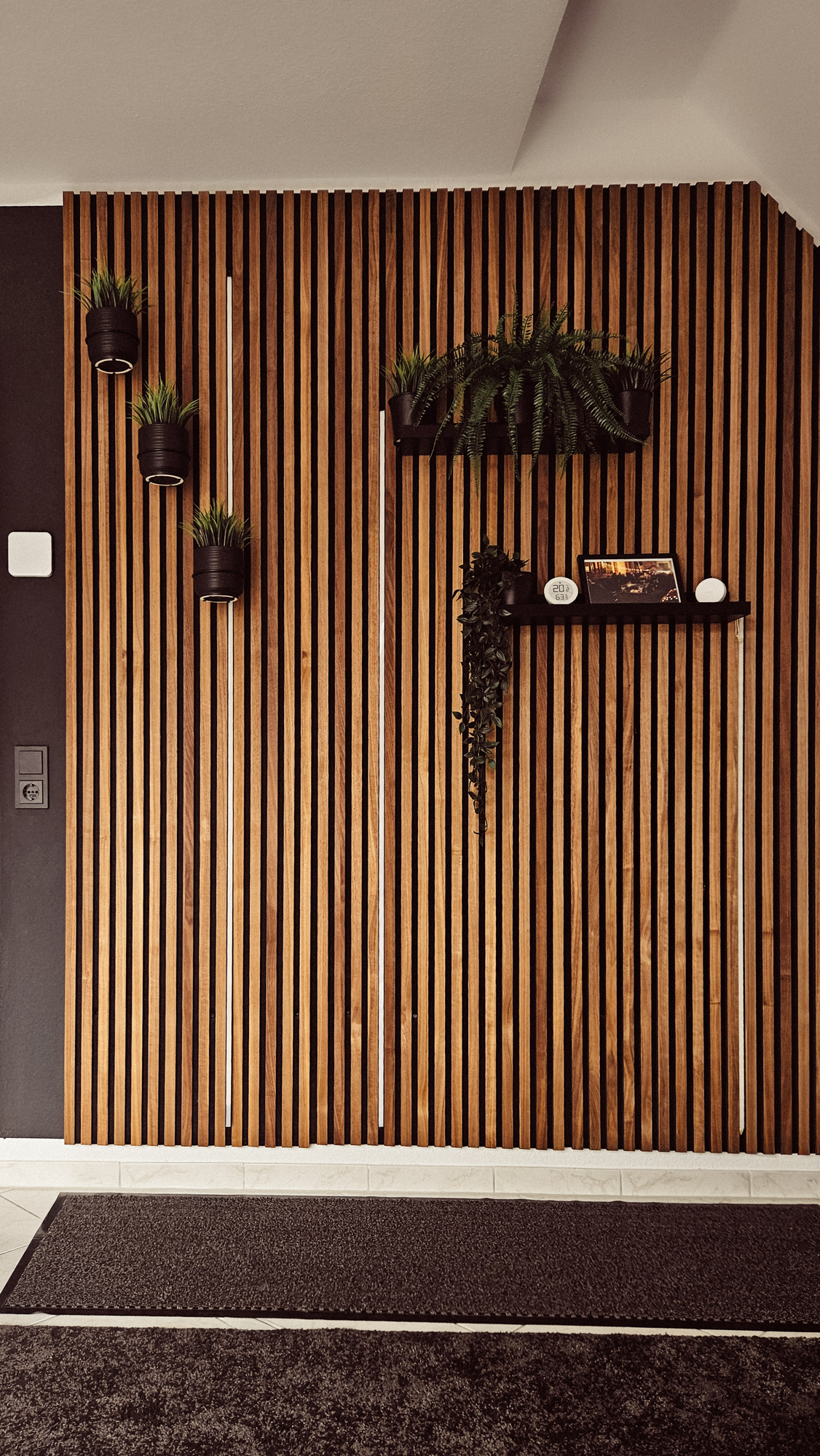
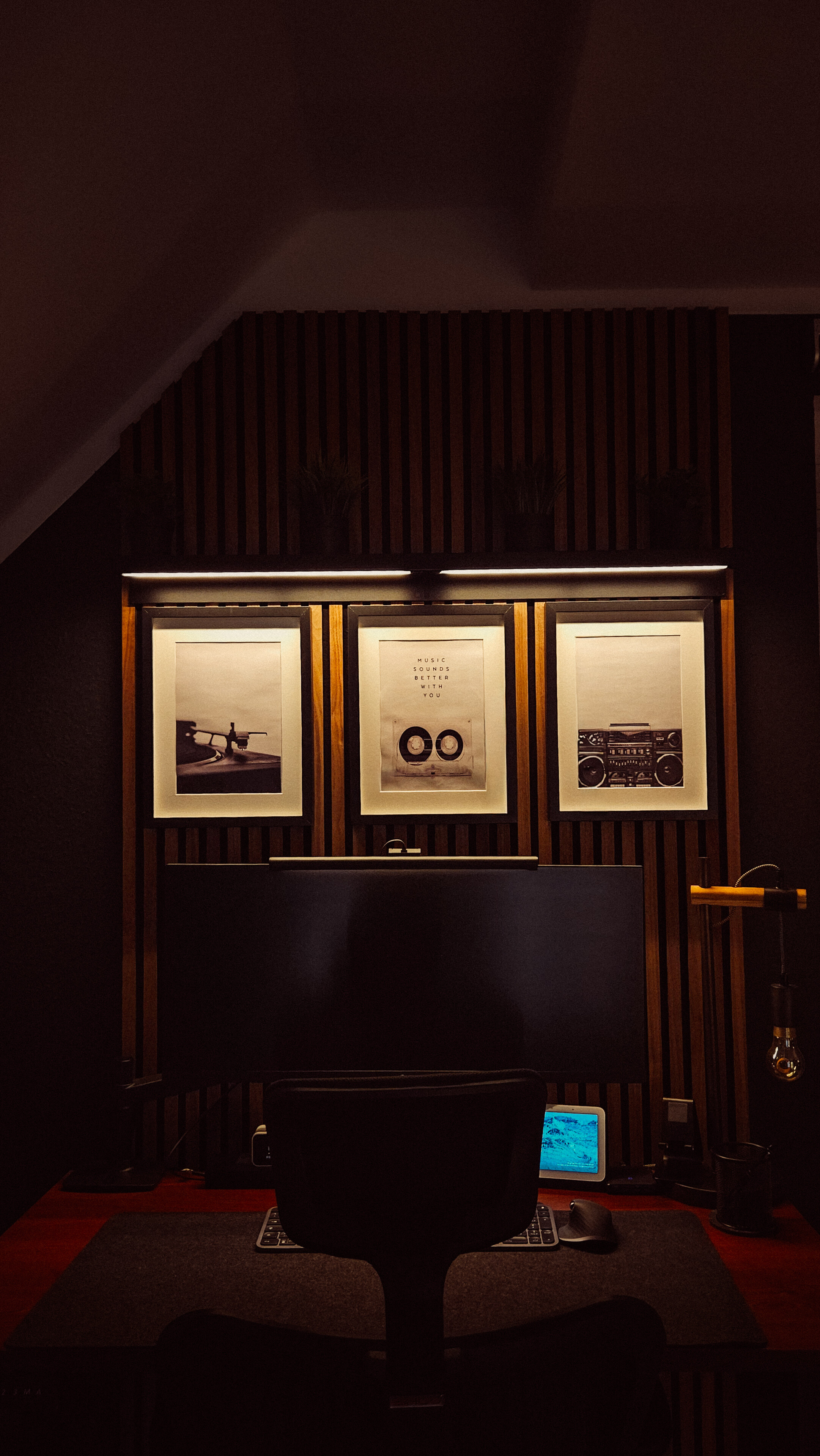
Here are a few impressions of my setup, in which Aqara and its devices play a major role.

Let’s start with the kitchen. An FP2 sensor provides the appropriate lighting. I work with different scenes here that depend on brightness and time. So, there’s a scene for daytime, evening, and night. The conditions are always time and brightness.
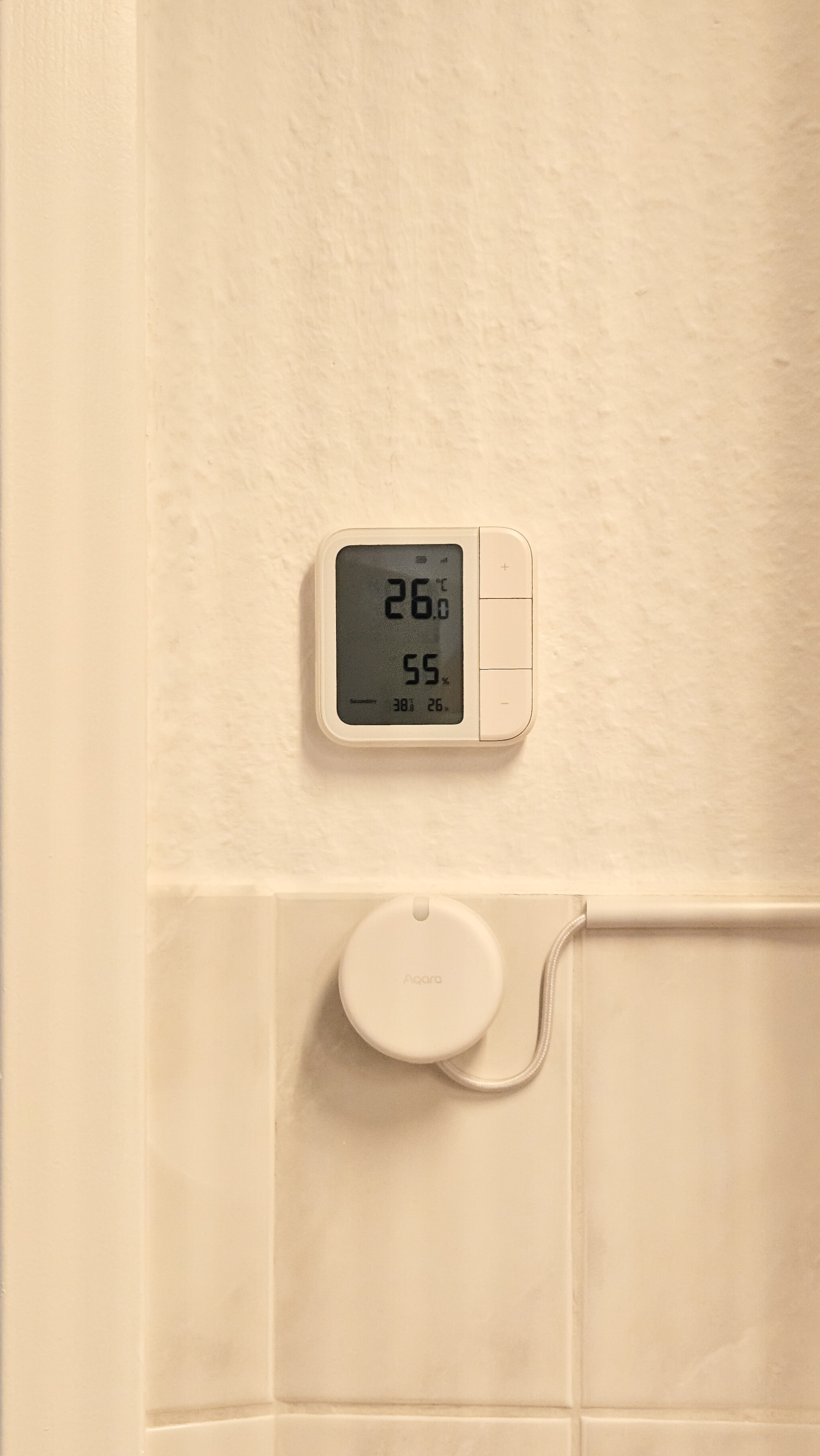
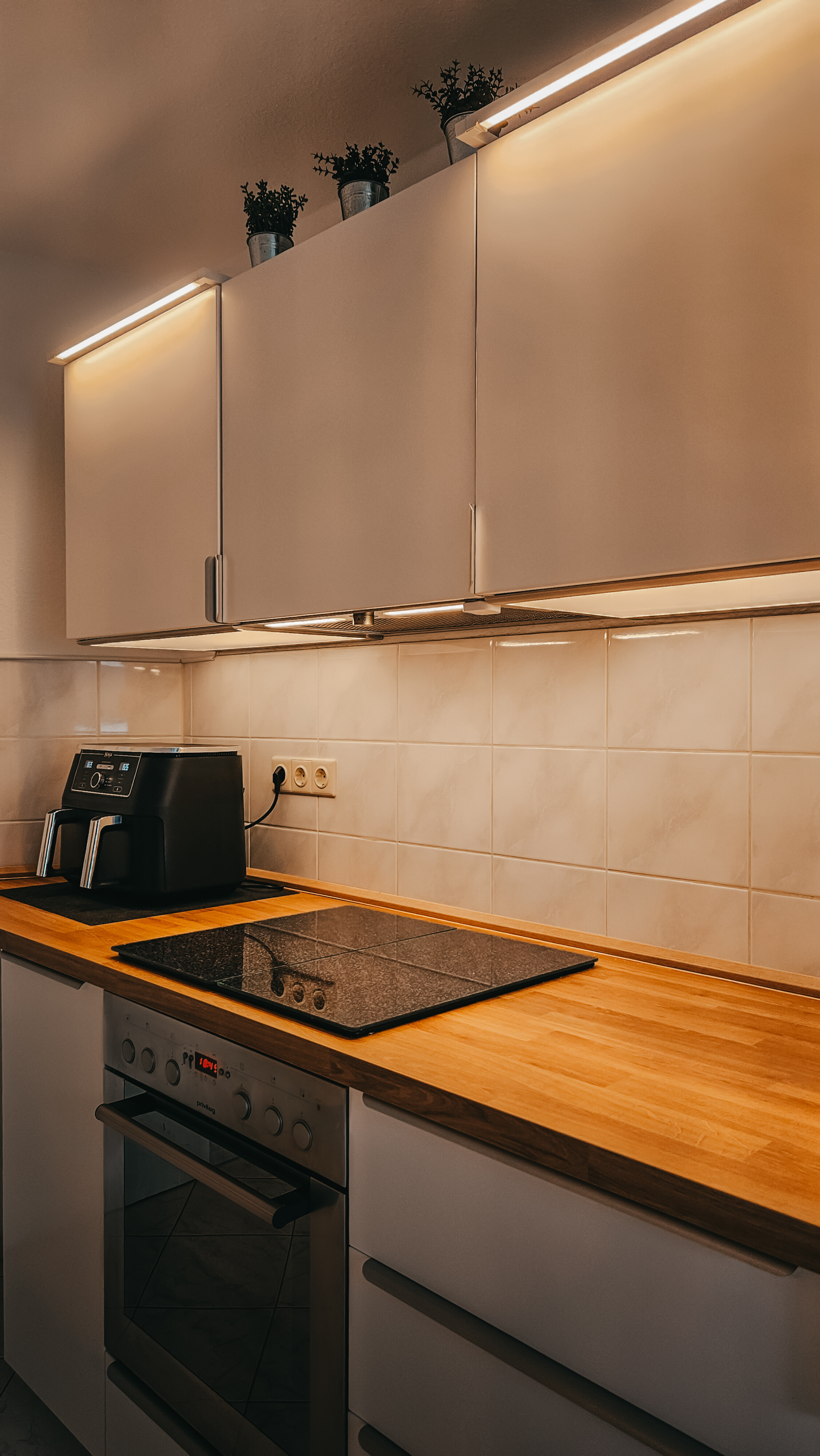
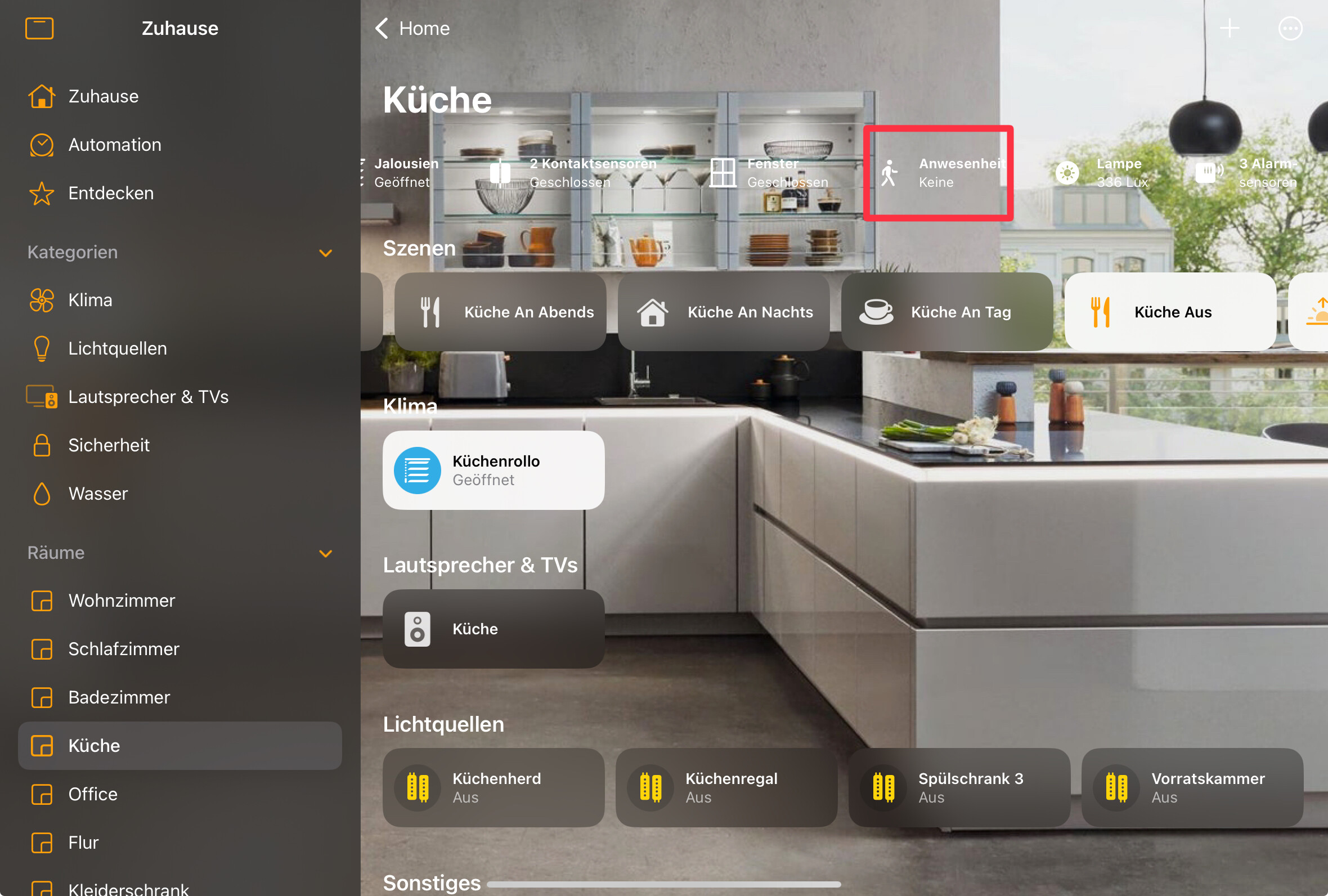
On the Climate sensor i have some scenes to turn lights manuell on/off or to controll the blinds.

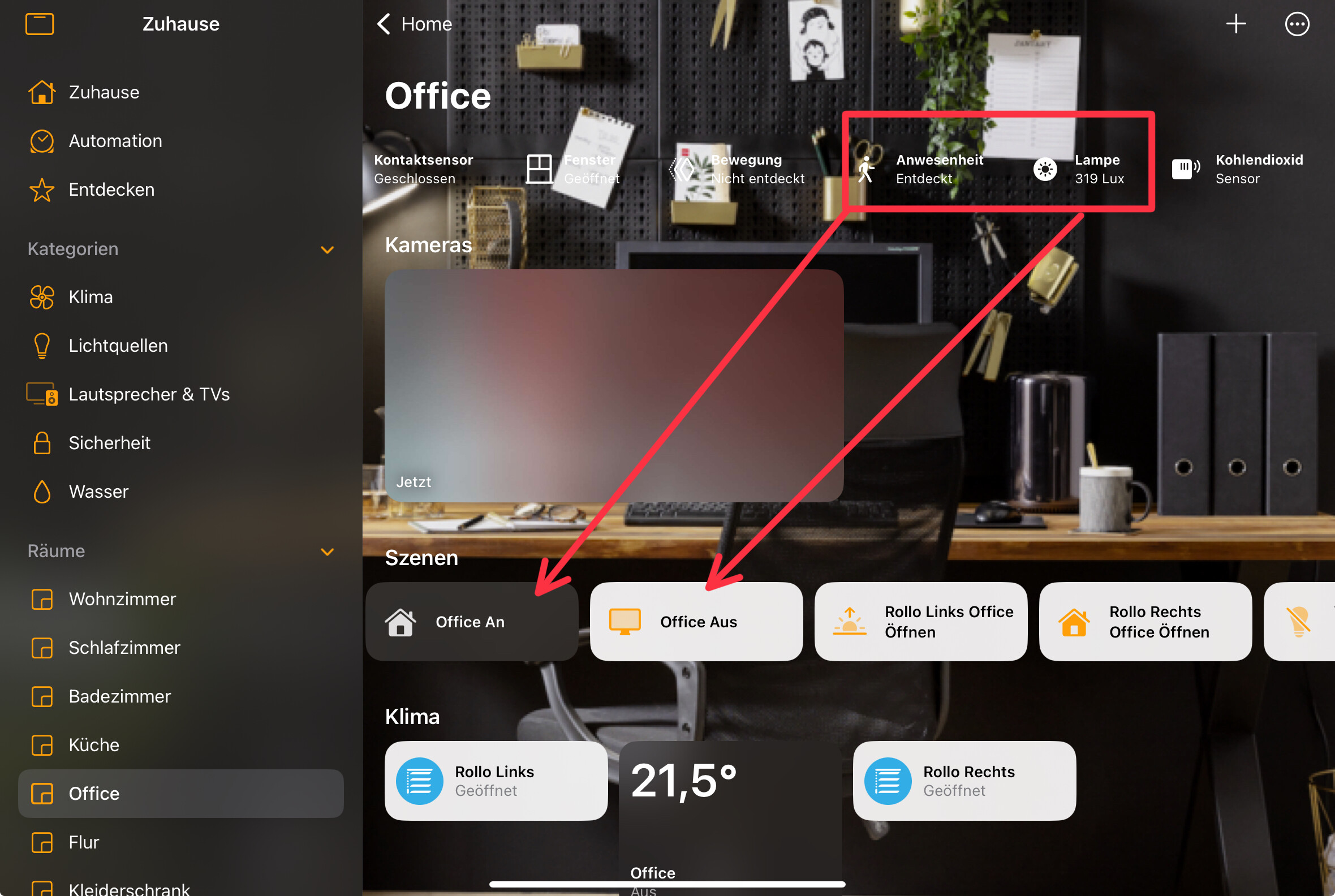
In the office, there’s also an FP2 that controls the lighting on the PC. Here, too, the conditions of brightness and presence are set.
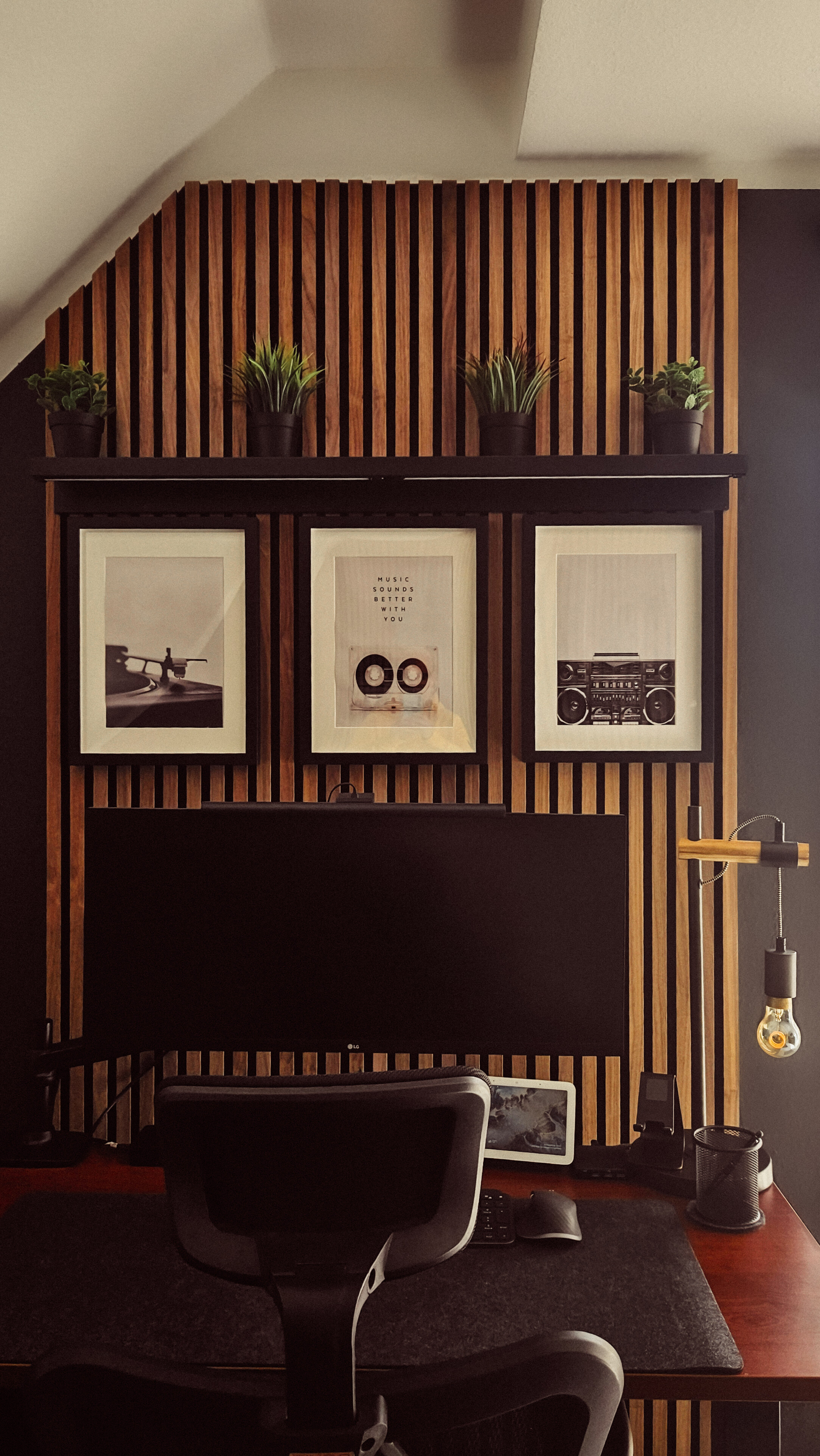
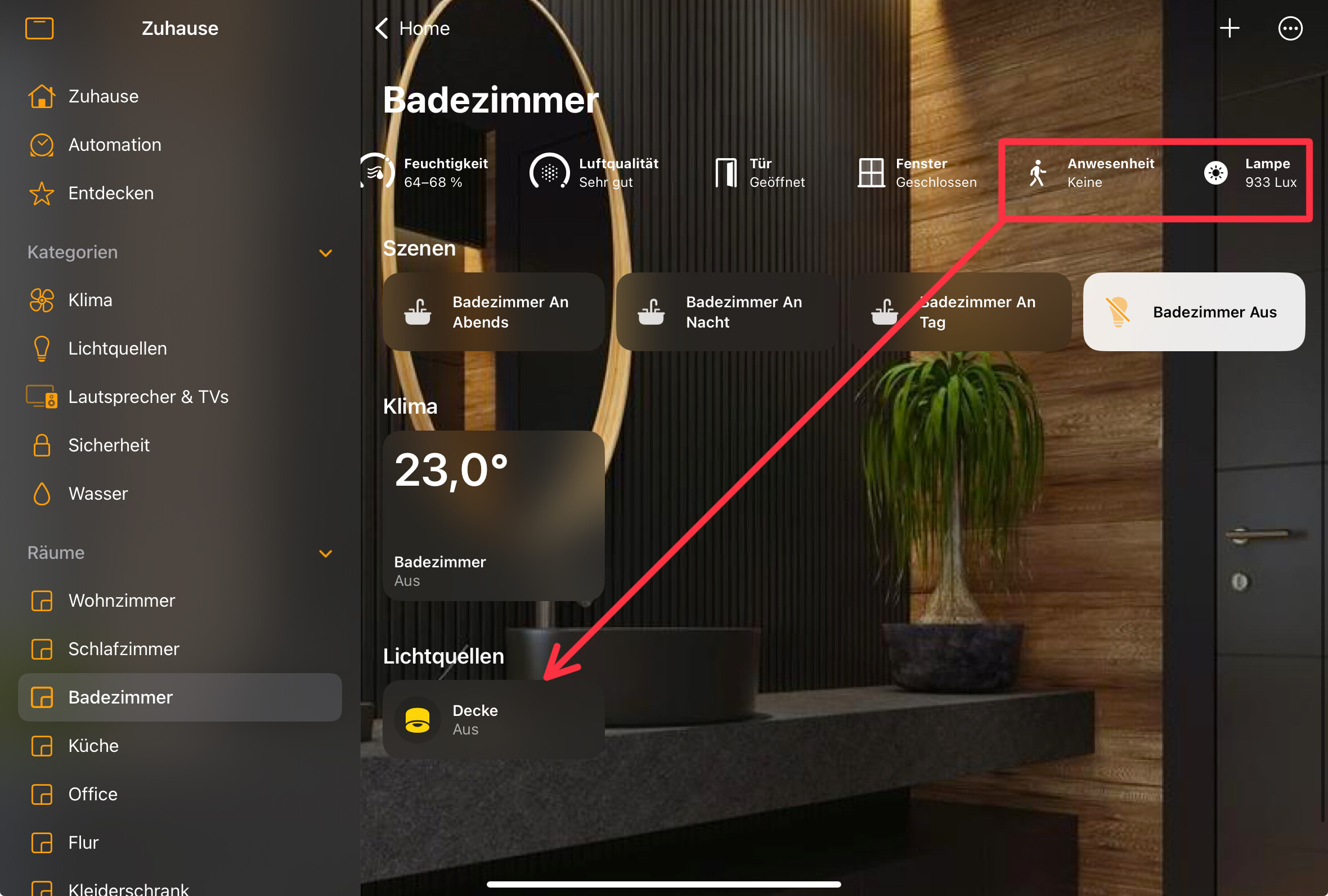
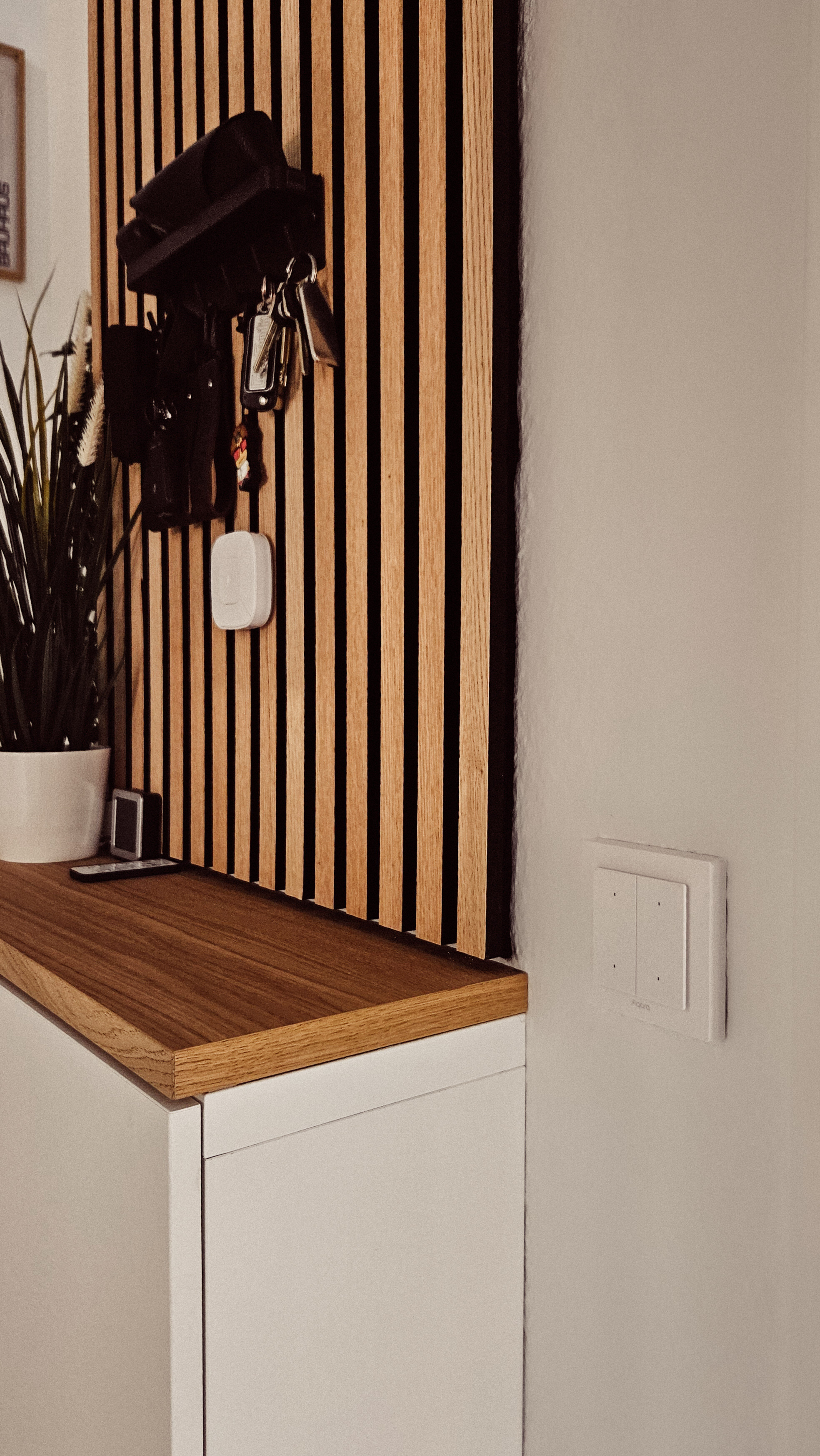
In the bathroom, there’s also an FP2 sensor that controls the ceiling lighting with different scenes. The bathroom ceiling lighting can also be switched on and off using an Aqara H2 EU light switch. This works as a wireless switch because the hallway lighting is controlled by the other two buttons. I’ll add pictures from the evening soon.
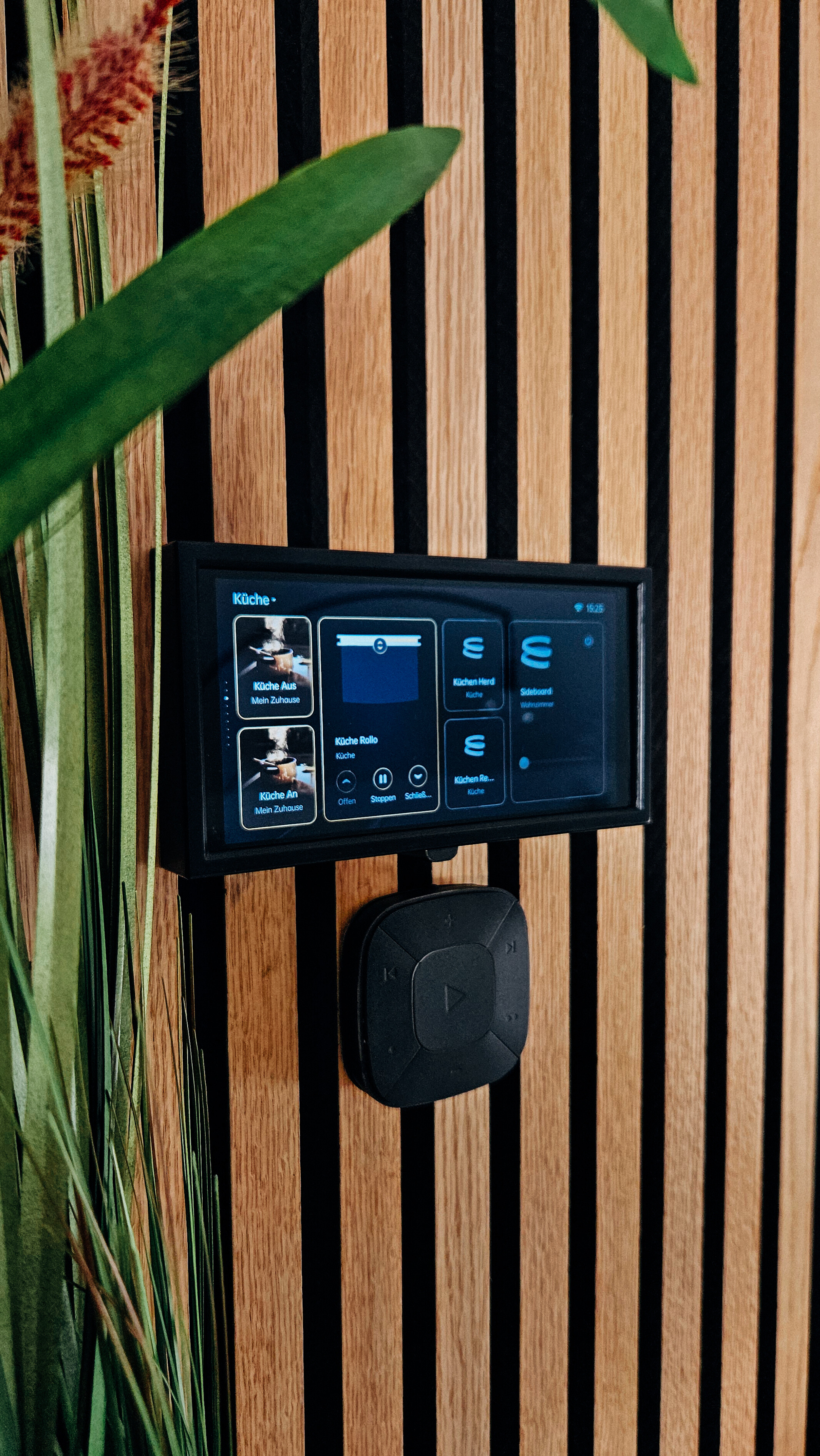
In the living room, an Aqara panel acts as a central unit that can control almost all devices in the apartment. Thanks to IKEA’s Matt integration, I can assign scenes and automations to almost anything.

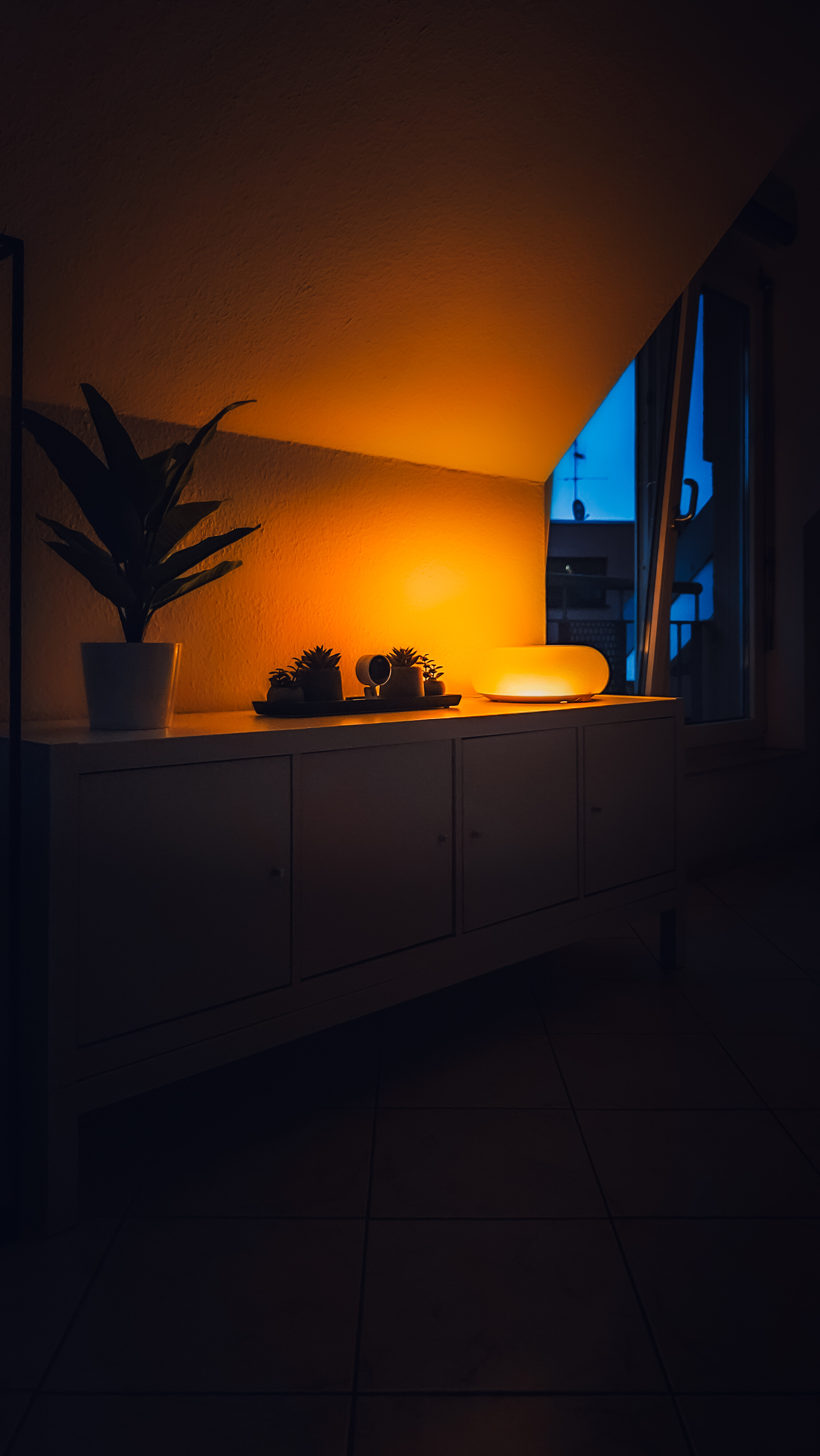
The IKEA Donut also has an Aqara light strip running because the original color was too bright for me. I also use the Donut to display notifications (flashing colors), for example. Every window and the front door have an Aqara door sensor, which I can use to control the heating in winter.
Camera in the Office and the living room are also there.

In addition, each window has a sensor to better control the heating in winter. I implement this with appropriate rules in HomeKit and the HomeKit app controller.

So thats my small setup. Nothing special but i love it very much

AweDropping

@AqaraOfficial @Caroline_Zzz

6 Likes

Thanks for this nice sharing!

3 Likes

@crazyracer Thanks so much for sharing your detailed Aqara & HomeKit setup—it’s wonderful to see how you’ve integrated devices to fit your daily life!

Your use of the FP2 sensors in the kitchen, office, and bathroom is spot-on—their ability to handle zone positioning and presence detection (even with slight movements) really shines in creating tailored lighting scenes based on time and brightness . It’s also great to hear the Aqara H2 EU light switch is working smoothly as a wireless controller for your bathroom lighting, leveraging its automation capabilities . The door sensors for heating control and the IKEA integration add such practicality—small touches that make a big difference in daily comfort.

Your setup might feel “nothing special” to you, but it’s a fantastic example of how smart home tech should work: unobtrusive, personalized, and useful. We’d love to see those evening bathroom pictures when you get a chance, and any future tweaks you make—sharing these details helps the community inspire each other.

Thanks again for taking the time to walk us through it—keep the updates coming! :blush:

1 Like

@crazyracer What a wonderful, thoughtful setup you’ve shared—practical, personalized, and clearly tailored to your daily life! It’s fantastic to see how you’re leveraging Aqara devices to create seamless automation across different rooms.

The FP2 sensors really shine here—using them to adjust kitchen lighting based on brightness and time, control office PC lighting with presence, and manage bathroom scenes shows how versatile their presence detection and light sensing can be . The Aqara H2 EU light switch in the bathroom working as a wireless controller is a clever use of its capabilities, too—integrating it with hallway lighting adds that extra layer of convenience . And using door sensors to regulate heating in winter? That’s a smart, energy-efficient touch that highlights how even “small” setups can make a big difference .

Thank you for taking the time to share your space and the details of your automations—visuals and all! It’s inspiring to see how Aqara devices integrate with HomeKit and other ecosystems like IKEA to create a cohesive home. If you ever feel like diving deeper, we’d love to hear more about specific rules you’ve set up (like the heating controls) or how you fine-tuned the FP2 sensors for different rooms.

Keep enjoying your setup—it’s definitely more than “nothing special”—it’s yours, and that’s what makes it awesome. Looking forward to more updates! :blush:

1 Like

@crazyracer What a wonderful setup you’ve shared—practical, personalized, and clearly designed with care! It’s great to see how you’ve integrated Aqara devices like the FP2 sensors across multiple rooms (kitchen, office, bathroom) to create context-aware lighting scenes. The FP2’s presence detection and light sensing features really shine here, making daily routines smoother .

Loving the attention to detail, like using the Aqara H2 EU light switch as a wireless controller and integrating door sensors with heating control—those small touches make a big difference in comfort and efficiency. And kudos for blending Aqara with IKEA for notifications and scene control; it’s a clever way to expand functionality.

Thanks for taking the time to share your setup with photos—visuals really help others get inspired! We’d all love to see those evening bathroom photos once you add them, and maybe even hear more about your HomeKit automation rules for heating or the IKEA Donut notifications. It’s setups like yours that make the community thrive.

Keep the sharing coming—your “small” setup is actually pretty awesome! :blush:

1 Like

Didn’t know the IKEA Donut was a thing, thanks for sharing

1 Like

Here you can some more Pics:

[DIY] Aqara Led Strip T1 + IKEA Holmo - Aqara Products - Aqara Forum

I just pimped it :wink:

Looks amazing, I love some of your contemporary décor.

1 Like

Thank u :v: