Hi there, it looks like you’re experiencing a support-related issue. We’ve automatically created a support ticket for you and will reach out via the forum email within the next two business days.
If other members have any suggestions or insights on this topic, feel free to share!
I had a G3 on mesh WiFi (Deco X20), but I didn’t have problems like you. Actually, the G3 worked pretty well compared with my previous camera.
But I had random issues with some devices having random trouble connecting or randomly disconnecting. Like - it works for most of the time, and then one day, it barely works.
It turned out the problem was WiFi backhaul in second Deco X20. When the traffic is higher, then it literally spams the WiFi bands and it makes a lot of noise, which sometimes causes dropped packets or connection issues. What’s worse - it’s not easy to diagnose. The connections are not dropped, ping will show good results, BUT there is a delay between some ping packets. And what’s worse, then when one device is actively downloading big files, then it the connection worked ok - just other devices had trouble loading some pages (sometimes the very same device had also trouble loading anything else, despite having good download speeds).
Video streaming is very prone to fail when there are dropped packets, because video stream is an UDP stream - which means no retransmission, no integrity checks etc. So cameras are very sensitive to unstable WiFi, even if you think your WiFi is perfect, because pages load correctly (or your ping is low, or download speed is high).
You can start the diagnostics by pinging other devices in your network (or 1.1.1.1). See if there is a delay I mentioned (the delay will always not increase ping response time, but you will see the delay by observing ping output in real time). Or maybe start downloading some game or other big file on one device connected to the mesh AP, and check if you can observe the delayed ping on other devices.
Btw, I fixed it by running a 20 meter Ethernet cable from one Deco to another - now, with Ethernet backhaul, my WiFi works much better.
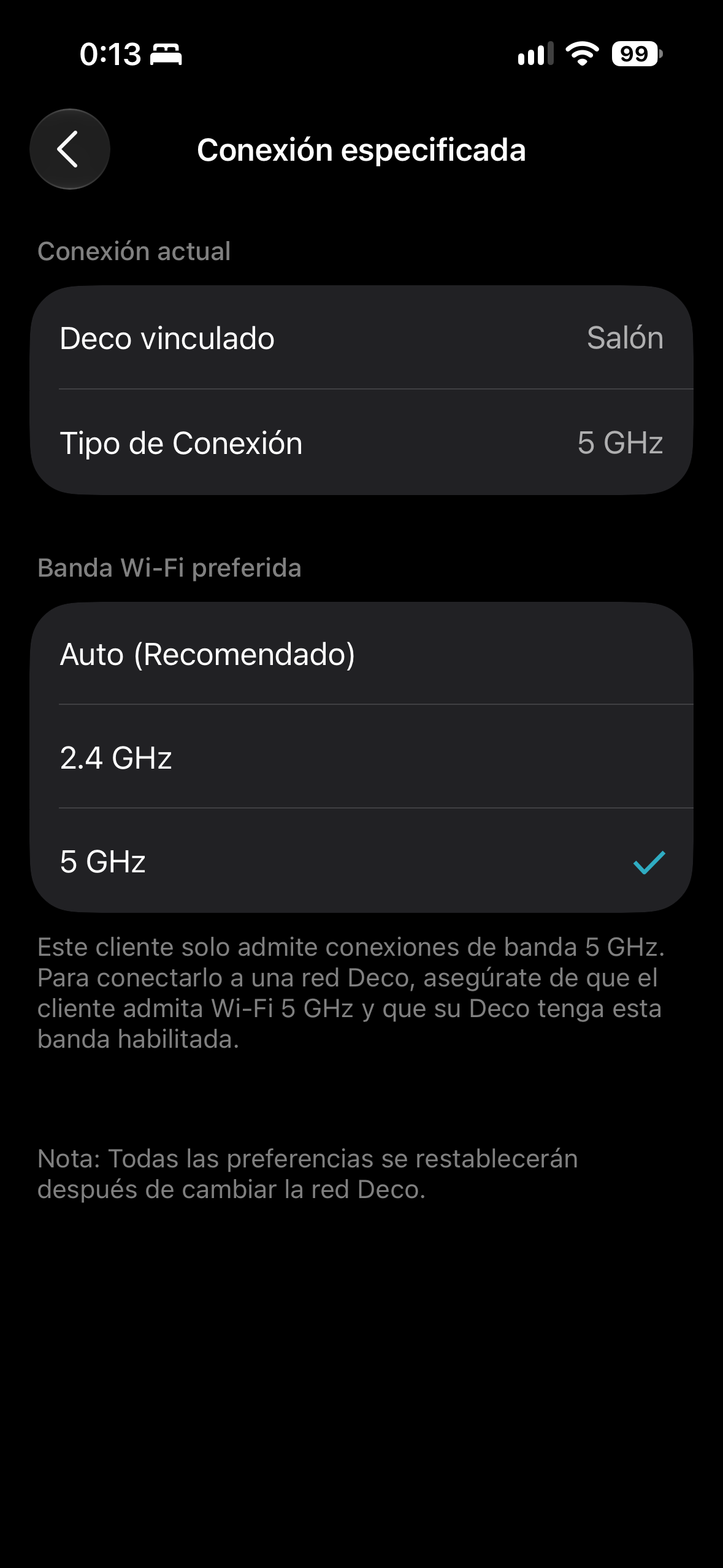
Well my G3 also works perfectly more first time when i connect it i had some issues or reconnecting and what I did on my Deco x50 set the bandwidth on both bands.since i do not use an mesh system i turned off the mesh technology on each device and also set the right bandwidth for each.
Oh, right, forgot to mention, my bands are set to:
2.4GHz: 20MHz
5GHz: 80MHz
I live in a block of flats, my neighbors have their own WiFi networks, and 2.4GHz is also used by Zigbee. So wider band = more interference.
And btw, although 160MHz (5GHz) gives better speed ,some devices have trouble with 160 and 80 may fix some issues. So maybe that’s also what makes my G3 work better (although in your case - the G3 still works great). But @Toshy - you might want to check this out.
The router log is useful evidence that the G3 actually drops off Wi-Fi, rather than only losing its Aqara cloud connection. If the BT logs expose a disconnect/deauthentication reason, could you add that code and the timestamps with time zone to the support ticket? Since you often see this after leaving privacy mode, I would also note whether that transition precedes each drop and, if practical, test a known-good power supply and cable before changing mesh settings, so the possible causes stay separate.