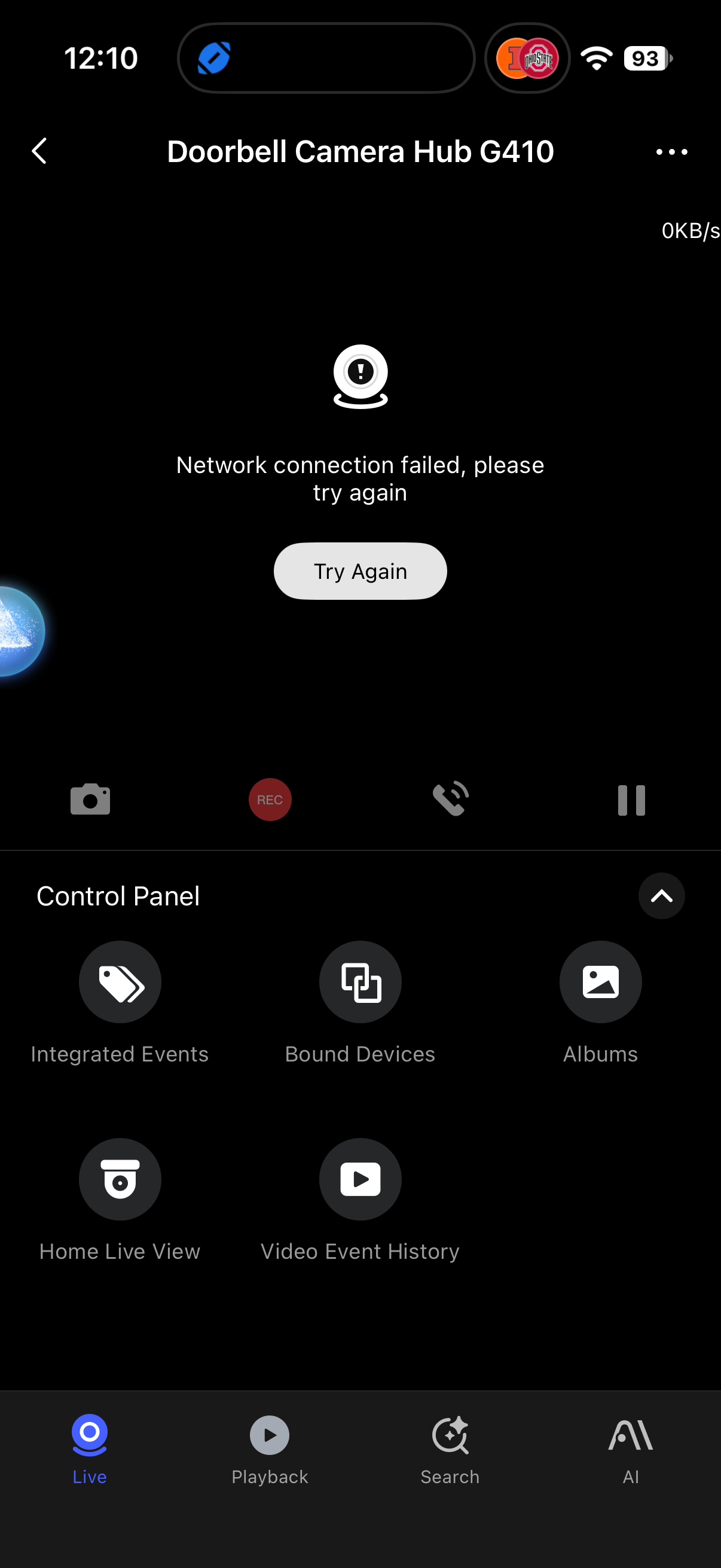
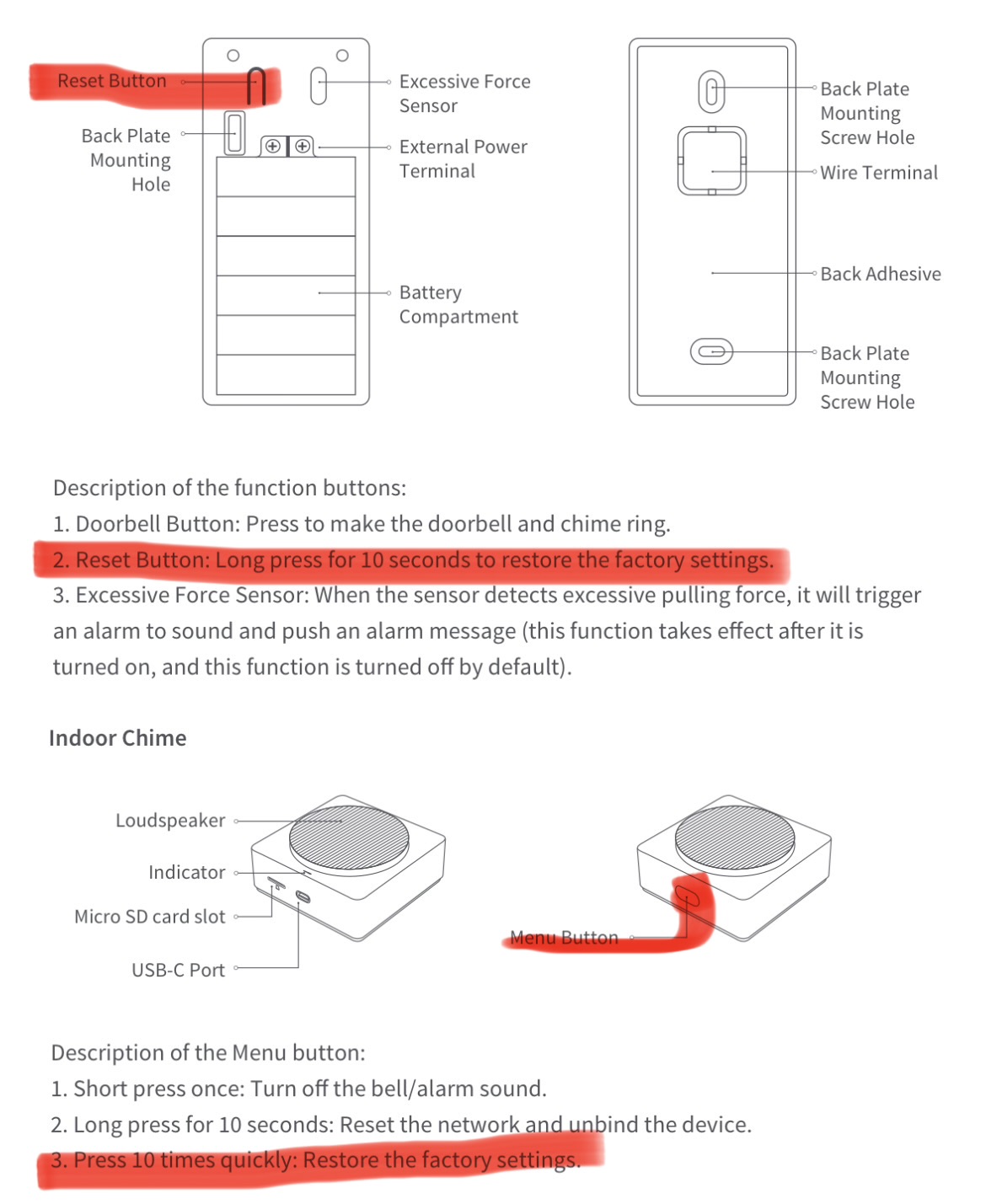
Are others having issues with Aqara support? I have a G410 doorbell camera that suddenly stopped working last week. All of a sudden the app can no longer get the video feed and when the doorbell is pressed, there is no chime. I tried doing a soft reset and a complete reset to factory conditions without any luck. I moved the hub / chime as close to the outside doorbell as I could but that did not make any difference. I also swapped out the power supply and again no change. I can see the hub on the network and there is both up and down network traffic showing up. The hub connects to a 2.4 GHz UniFi network that my other IoT devices connect to without any problems. The hub connects to a UniFi U7 Pro that is only about 15 feet away.
I sent a ticket in to Aqara support yesterday morning and have not received anything back from them yet. I just sent a follow-up email to support@aqara.com a few minutes ago and again no response. Is this typical for their support? Is there anything else I can do to at this point or do I just wait and hope that they get back to me? Very frustrating…
Hi there, it looks like you’re experiencing a support-related issue. We’ve automatically created a support ticket for you and will reach out via the forum email within the next two business days.
If other members have any suggestions or insights on this topic, feel free to share!
The Mid-Autumn Festival is being celebrated, so it is possible that the support staff are on holiday. Therefore, you will likely have to wait until Monday for a reply. From October 1st to 7th, the “Golden Week” follows. During this seven-day holiday period, the founding of the People’s Republic of China is celebrated.
Have you connected the doorbell to a transformer or are you using batteries? If so, which type of battery or transformer are you using?
The doorbell is connected to a transformer. Prior to the G410, a Wyze doorbell cam was attached to it for a couple of years. Prior to that, a Ring doorbell cam was attached. The doorbell appears to be working locally. The button lights up and it appears that facial recognition is working since it will turn green when it sees me. I did turn the power off to the transformer for about 30 minutes to try to reset it.
The Aqara G410 requires an external power supply of 12V to 24V AC or DC. The Wyze doorbell you had installed previously should have already met these requirements, but please double-check the specs printed on your transformer just to be sure.
Transformers and old wiring can degrade over time, leading to voltage drops under load. Since you’ve already had multiple doorbells connected, I assume the transformer is a bit older. Because of this, I would recommend testing the actual voltage at the doorbell wires with a multimeter, if you have one available.
I don’t have a tester however I disconnected the doorbell from the power supply and put in the AA batteries. I then did a complete reset and still the same results. I also put both the doorbell and the hub right next to each other. Still the exact same results. No video or chime. I have attached a screenshot of the error message. Thoughts?
Thanks for the info! I saw that this afternoon and did a complete reset of both the doorbell and the hub. I also set up a new SSID that is only 2.4GHz and not used by any other devices. After setting it back up in the app, the video started working perfectly! However, the doorbell button does not seem to be working. The chime is not working and when I press the button, there is no record of it in the log. The camera is definitely working correctly including facial recognition. I’m thinking this might be a hardware issue with the button. Thoughts? Thanks for all of the assistance so far!
Yes, I pressed the button on the chime 10 times in a row to do a factory reset. The shaker is working in the chime since it will play sounds when I change the ringtone for the chime. If I press the doorbell button, there is no record of it in the log.
Yes, I pressed the button on the chime 10 times in a row to do a factory reset. The speaker is working in the chime since it will play sounds when I change the ringtone for the chime. If I press the doorbell button, there is no record of it in the log.
To summarize, the doorbell now connects to Wi-Fi, shows active network traffic, and the video stream is working again, however pressing the doorbell still does not trigger the chime. Is that correct? Have you tried completely disconnecting the doorbell from power for 5–10 minutes before resetting it?
Yes that is correct. Video works but the doorbell button does not. Yes, I disconnected the power to the doorbell and the chime for about an hour before resetting both devices. It seemed that the combination of pressing the reset button on the doorbell along with connecting to a new SSID that is only used by the G410 got the video working. However pressing the doorbell button doesn’t seem to do anything. Note that since I did this, the video feed has worked perfectly.
Go to “Device Settings” > “Notifications” and activate “Doorbell Ringing”. Are you getting a notification when you press the doorbell button?
If you get a message, I’ve had that problem before, too. In my case, restarting helped. Otherwise, inform the support team about the current status. Maybe they’ll have an idea.
I just confirmed that the notification is on. I also have it linked to my U200 thermostat. Neither the chime gets activated nor does an image show up on the thermostat. There is also no entry in the log. I also noticed that the button light doesn’t change color when I press the button. I may try one more complete reset just to see what happens but I’m out of options at that point.
As far as Aqara support goes, the last message I received was last Friday. They said they had a mandatory 3 day holiday and sent me a list of things to try - all of which I had already done. I have sent 2 more emails back to them and have gotten no response back from them. Is this typical support from them?
Is the doorbell connected to the transformer again, or is it battery-powered? Are you using alkaline batteries?
After holidays, they naturally have to work through all the inquiries first. That requires a little patience. But that’s perfectly normal. Or would you want to answer work emails while on vacation or during holidays? I think the support team has earned a few days off. Of course I understand that it’s annoying when you run into a problem right then, but that happens everywhere, doesn’t it?
Just a quick update - I just heard back from Aqara support. They want my address so that they can look into replacement options.
The doorbell is back to being connected to the transformer. Video feed is perfect and actually much better than the Wyze doorbell cam that I replaced. I have had zero video failures since I moved it to its own 2.4GHz SSID. I am running it through an UniFi wireless network and it connects to a U7 Pro access point about 15 feet away.
This sounds like it might be a physical issue with the button then at which point support is the right next step as trying to fix that yourself likely would void the warranty