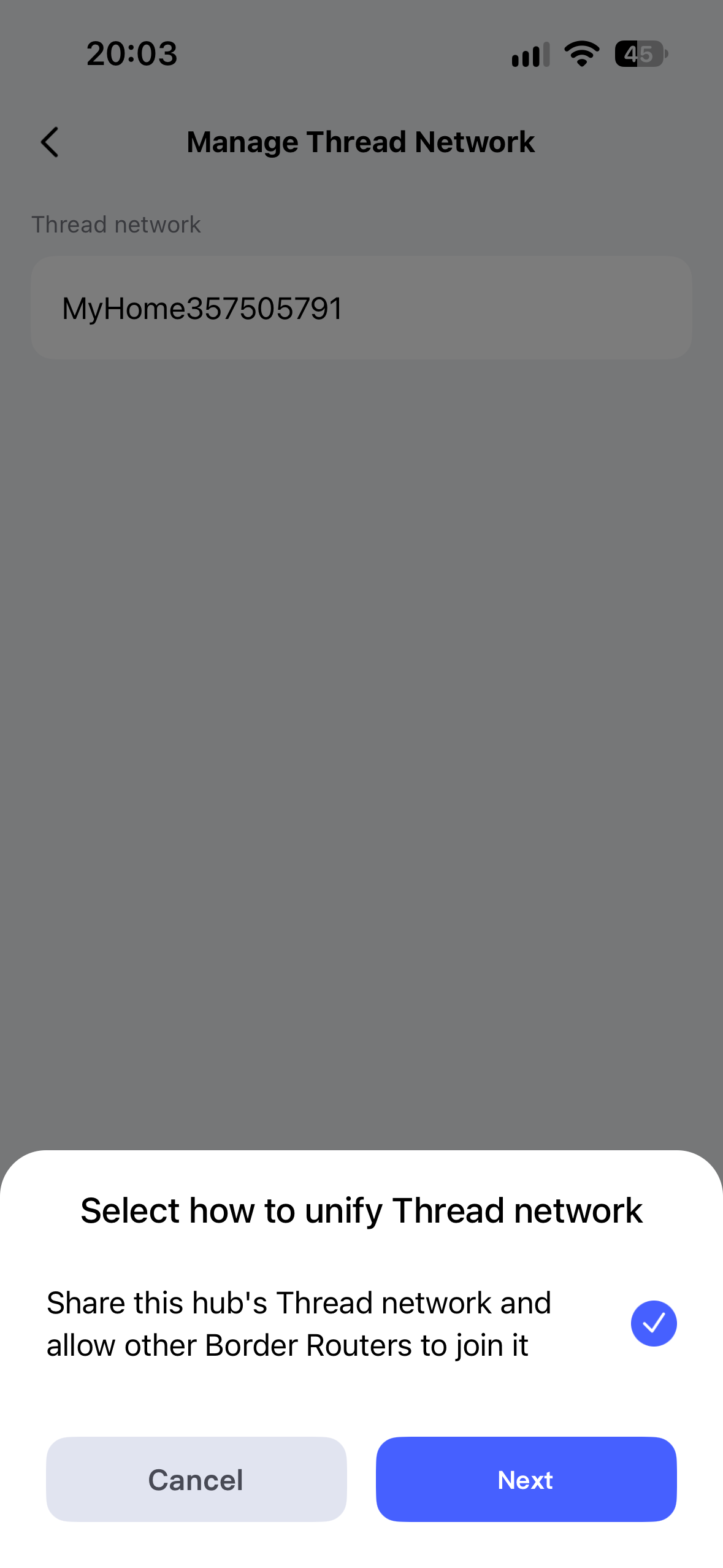
Hi. Having some trouble with some thread devices. My set up is aqara M3 hub and an Apple TV and some HomePods.Should I press the button to unify the network?

First, welcome to the forum!!!
Normally, you will have an Apple thread network (I do). So I’ll let one of our experts say whether that button would be wise to press. Good question - I haven’t run into that one.
1 Like
Well I am interest in that too see if worth the hassle or not. @JohnD my be you could tell as more about this question?
1 Like
In general, I’d say: Yes, a single thread network is better than several. What confuses me a bit is that the screenshot only shows one thread network, which is already labelled “Aqara”. Does the button do anything?
Here are a few more details on the topic:
4 Likes
This is what shows when pressing that button I never try it also when I check with an app my thread network was showing my apple devices and M3 hub al together without doing that unifying
2 Likes
Where exactly is the option located?
I can’t find that menu on either my G5 Pro or my G410.
I do have a hunch, though:
Could you check the thread version of your M3 Hub?

1 Like
I’m away from home now. I’ll try the app and return with some answers. Is there a similar app for Mac? If soo I can try remote access to check the matter version
1 Like
Was an month ago it is on AppStore but is limited and don’t remember the name of it.if I find it I let you know
Yep, if you have an Apple chip.
Hi again. All the hubs are under the same name. My Aqara G410 is on 1.3.0 version. All the other aqara hubs anda HomePod and Apple TV are in 1.4.0.
2 Likes
That is what I suspected. My G5 and G410 hubs are also on Thread 1.3 and don’t have this menu item. If the M3 now supports Thread 1.4 and acts as a „Home Router and Access Point“ (HRAP), it can now share Thread credentials with other Matter controllers. I believe this new menu item is exactly for that purpose.
@casadacosta2024 this doesn’t matter for you, since you already have a unified Thread network. So you don’t need to do anything else.
Well I had that for months ago is not just now appeared there.i see it a few months back but didn’t knew much about it since everything was working perfectly on my apple home.
1 Like
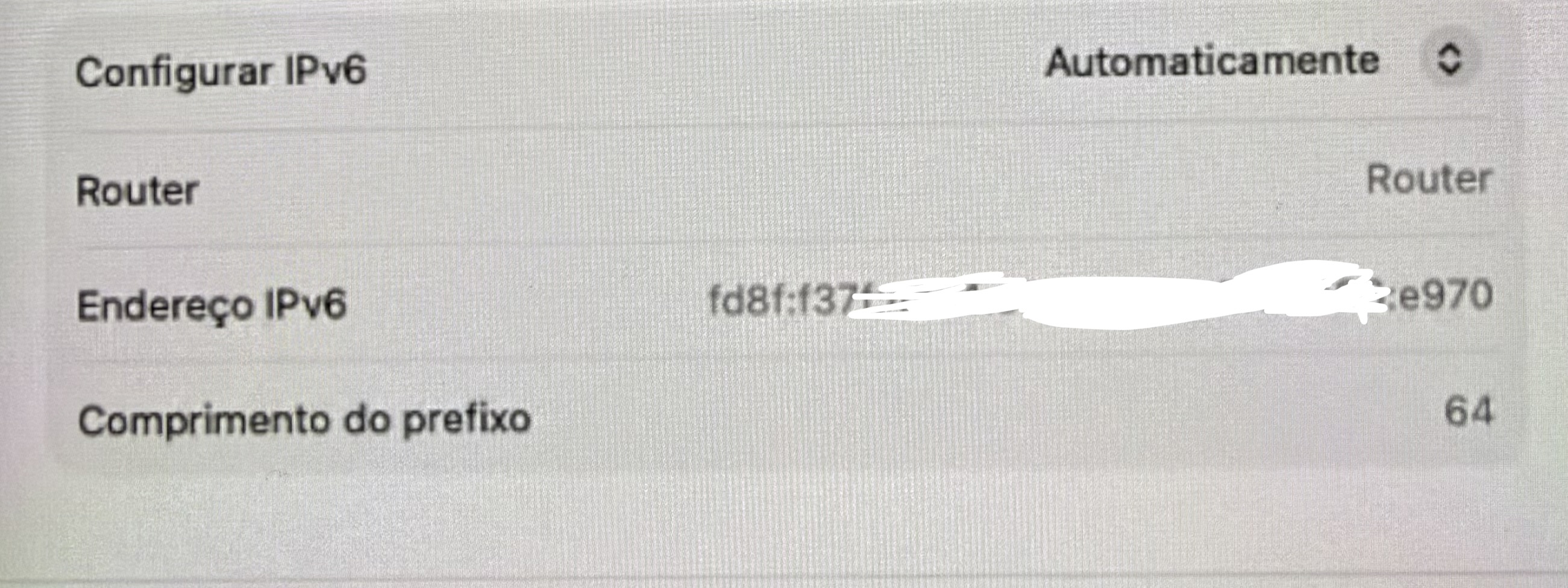
Soo why some thread devices (aqara u200) randomly get no response in apple home? I have ipv6 disconnected. Is that the reason?
What do you mean by “IPv6 disconnected”?
@coccolino_26 This is new to me. I just don’t have an M3, so I’m out of the loop.
1 Like
My router doesn’t have ipv6
Just to clarify, do you mean it’s missing IPv6 on your local home network, or on the WAN side from your ISP?
Alternatively, check it on your iPhone under Settings → Wi-Fi and tap the small blue i icon. Scroll down to the IPv6 section. There should be an option like x IP addresses listed. Tap on them and let me know: what 4 characters do those addresses start with?

It seems you have IPv6 addresses on your home network, which is a good thing and necessary. If it’s not your router, then it’s probably another device on your network assigning the Unique Local Address (fdxx::) prefix.
I seem to recall reading that Apple Home Hubs with built-in Thread do this when they can’t find any IPv6 addresses.
You can also tell that it’s not your router because it has a link-local address (fe80::).
2 Likes