I hope that someone can help me in my quest to set up a smart home using mostly Aqara products
First: I want to add in the Aqara app the names “Upstairs” and “Downstairs” (not Floor 1, Floor 2, Basement 1, etc.)
I believe I go to Home —>Manage Rooms—>select a Room—> then select Area. When I go to Area, however, it does not allow me to enter the name I want (i.e., Upstairs or Downstairs). There are, instead just the options that Aqara has listed. Any help on how to add “Upstairs” and “Downstairs” to the Area list?
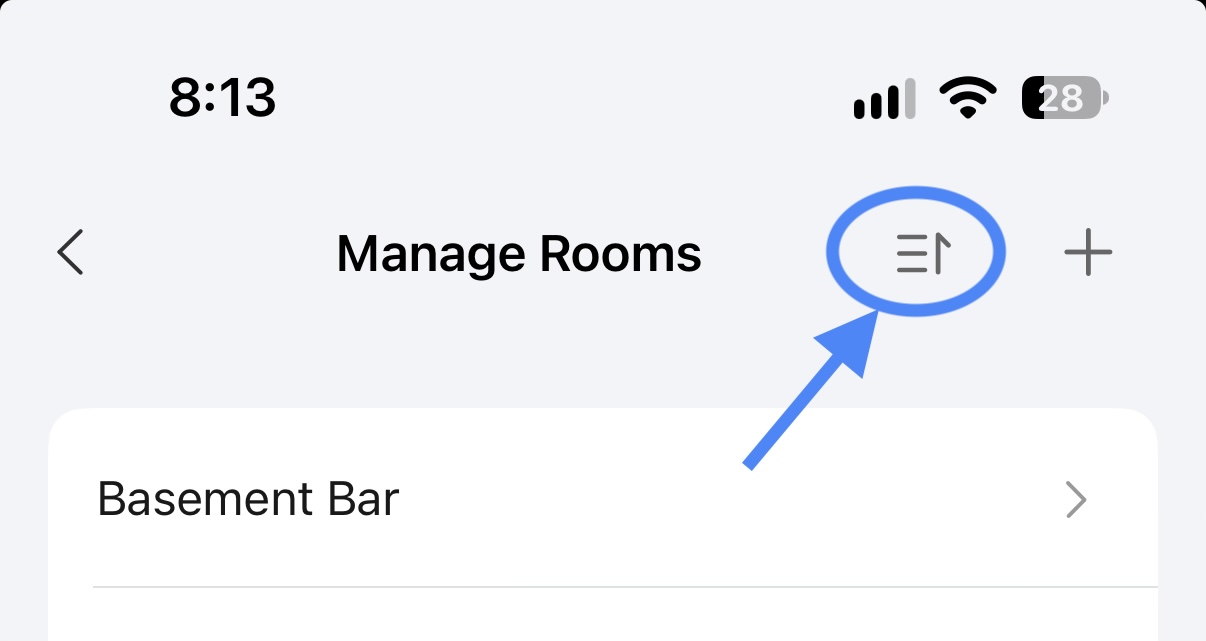
Second: Also, under Manage Rooms, how do I rearrange the room order?
Third: How do I rearrange order of rooms in the Accessories list?
Regarding the second and their questions: I though tap and drag would to the trick but, so far, no success.
Thanks for any help/suggestions you can offer would be appreciated.