That’s all helpful, thanks.
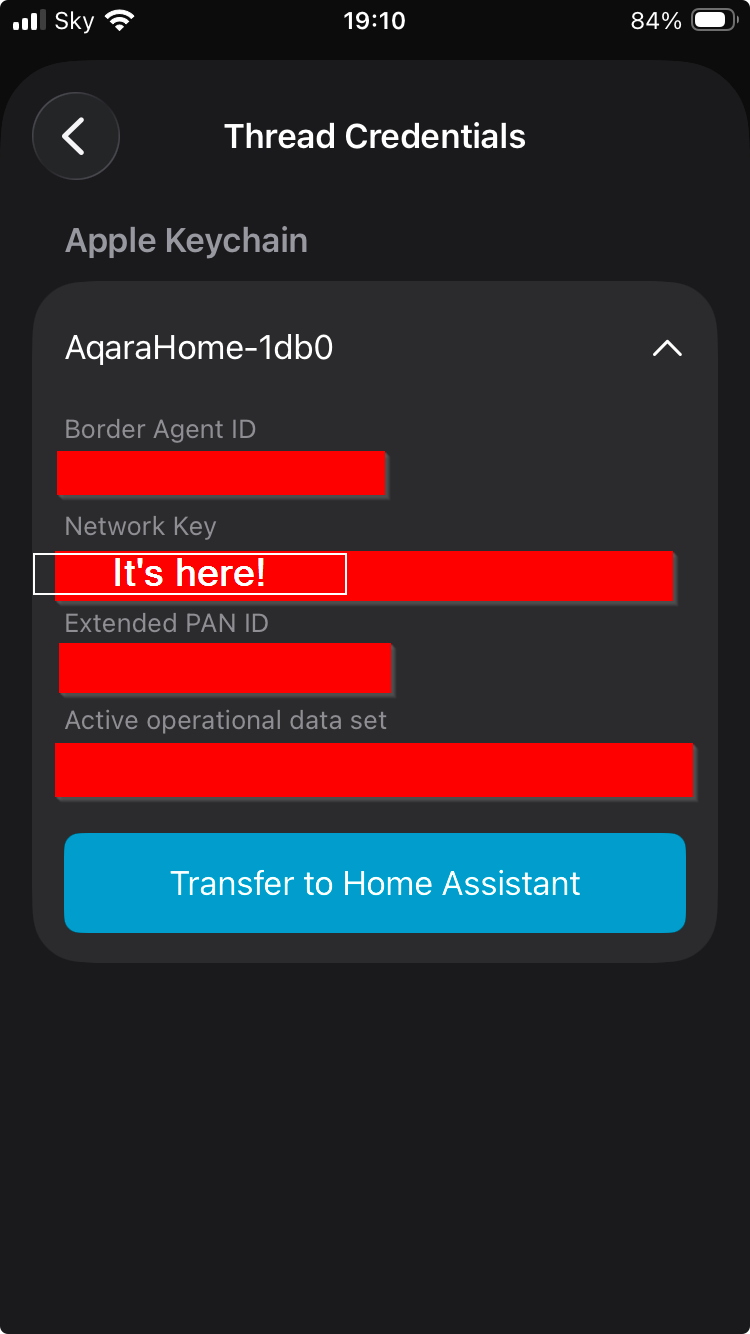
So, I had an old Eero router lying around, and it has a Thread radio built in. I tried connecting my MSC-1 via Smartthings again, and it prompted me for the Thread network broadcast by the Eero. I selected it, it asked for a network key, which I had because Eero doesn’t hide it. I put that key in, and it connected instantly without issue. It took 30 seconds from start to finish.
Obviously, this doesn’t clear up the IPv6 issue, but it does show that the MSC-1 works, and that Smartthings will work on Thread when given the right information.
I reset the MSC-1. For good measure, I tried to see if Smartthings would detect it as a new device, and it did, but I canceled that setup to keep the device addable elsewhere.
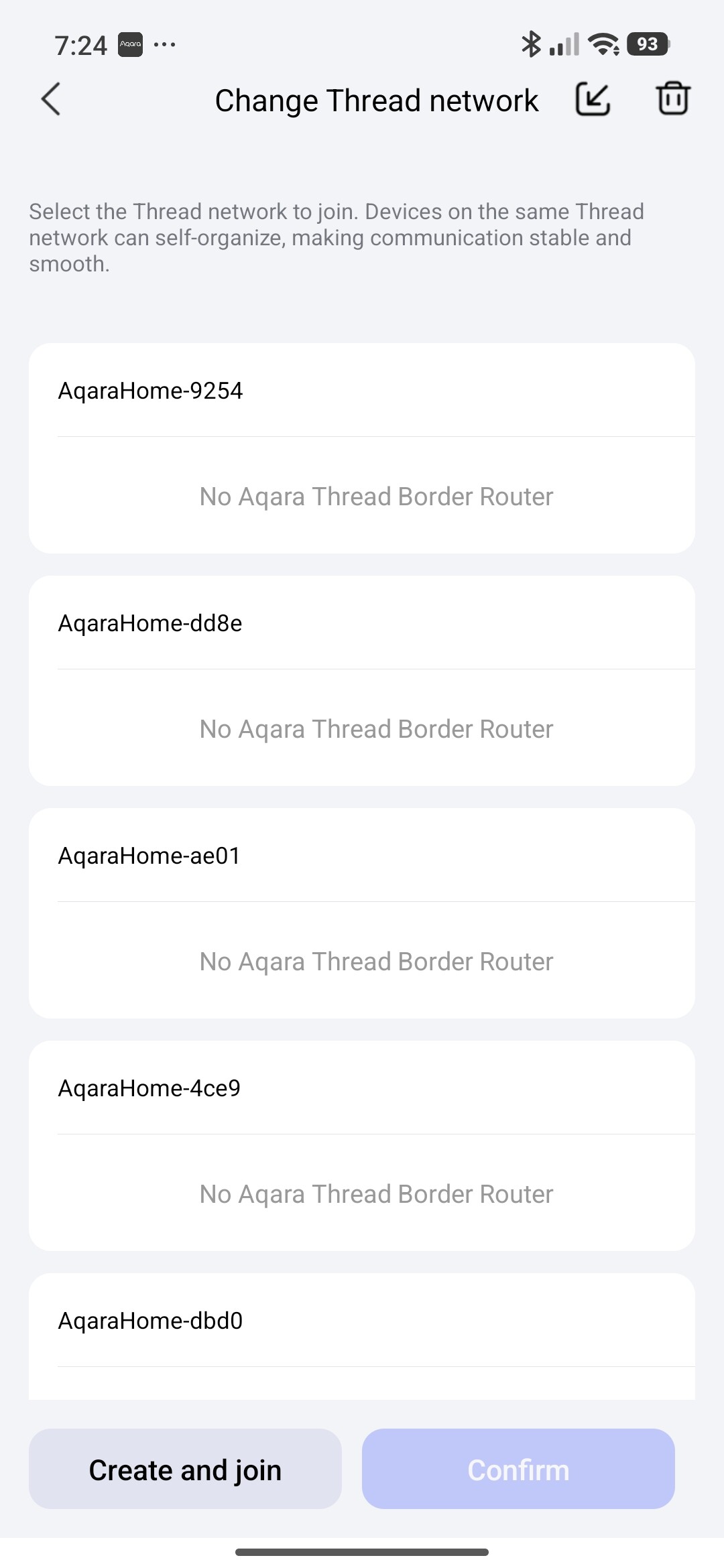
I then reset the M100 (10 button pushes, red light), with the intention of seeing if I could get this all working with a router proven to work with Thread. Curiously, the Thread network broadcast by the M100 after reset was the same Thread network as before. I would expect it to create a brand new one. I paired the M100 fine to my Aqara app, but still had the same issues with connecting the Child Device. So, I created a new Thread network, deleted the old one, and tried again.
Same issue.
At this point, I think at least half the problem is the M100 doesn’t work very well. If I can create a Thread network with an Eero, and join a Thread device to it using Smartthings and the network key, I should theoretically be able to use that same router to make the Aqara Thread network happen.
So, unless there is an aha in here somewhere, I’m just going to send it back. Thanks for your help to this point!