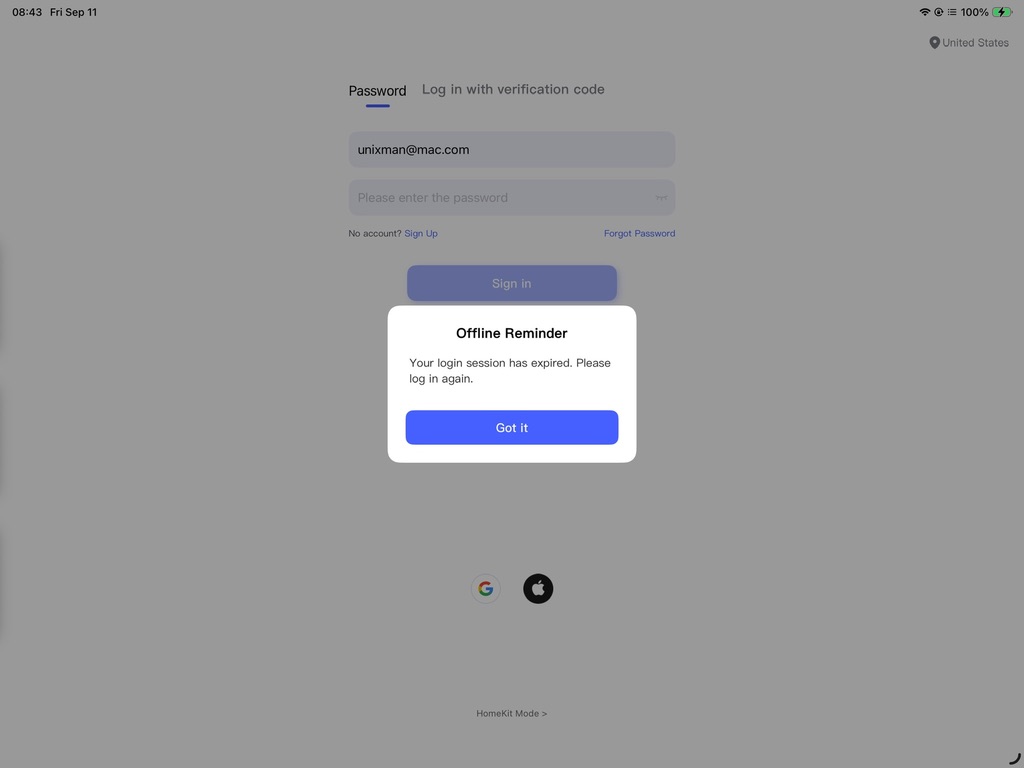
For the last 3 days, each of my devices has been repeatedly getting these very annoying LOGIN EXPIRY notices. Is this a bug in the Aqara App 6.4.1? How do I get rid of it?
6 Likes
Hi, I think this is the smart home access protection system. Just log back into your account, and the message won’t appear again. That’s how it works for me.
I’ve not heard of the "smart home access protection system. I’ve been logging back in over and over and over again for the last three days, and when I go to switch cams or to view my Video Event History it tells me “Offline Reminder; your login session has expired, please log in again.” NUTS! This has been happening for three days now and it makes the app useless. It just happened again to me.
3 Likes
That was an bug but the last update for me was fix it.I had that 2/3 times per day even on android.my be try to uninstall the app install it again log in and make an restart of your phone after that and see if after that will still log out from your account.for me is working not and I do not get log out from my account.if the issue still persist then you should contact Aqara support too
2 Likes
Thanks. I’ll give that a try. I’ll uninstall and reinstall the app and see if that clears the problem. Thank you for your reply!
2 Likes
Nope! That didn’t work either. Aqara Home runs for a little while and I want to check a different camera or log or whatever, and I get a pop-up saying “Offline Reminder. Your login session has expired. Please log in again.” This is after deleting the app and re-installing it. The two phrases trouble me: “Offline Reminder” and “Login Session has expired.” I don’t know what they mean by “Offline Reminder” and I didn’t know that there was a “session.” I’ve never seen that until the last three days.
1 Like
Same here
2 Likes
I’ve found a temporary solution until Aqara Home gets it’s login credentialing fixed: Apple HOME! I can view my cams and events in Apple Home. It isn’t as elegant as the native Aqara Home app has been (until now) but it gets the job done. And it doesn’t pester for re-authenticating all day and night.
Well really sorry that didn’t work for you.you should contact Aqara support too if you didn’t yet as right now for me using the Spain and china server doesn’t log me out anymore.
Interesting! I didn’t know you could choose server. I’ll have to figure out how that’s done. Their tech support got back to me and said:
Hi Jim,
Thanks for reaching out! This session expiry message you’re seeing is actually a built-in system setting. Many mainstream apps on the market have this kind of feature. It’s designed to log you out after a certain period of inactivity, which helps protect your privacy to some extent. So it’s not a bug or anything wrong with your app.
Best Regards,
Aqara Technical Support
So I responded:
Thank you for your reply. Now, how do I turn this off so it behaves like it has for years? I sure don’t need this “feature."
3 Likes
Well their system is a bit confusing because in my case I access daily the Aqara app so it shouldn’t log out and you if you do the same it shouldn’t ether only let’s say you do not access it in an week or an month I can understand but not when you access it every day but most I do not understand what is that have to do with your privacy?since if is your phone how can other person access your Aqara account directly from your phone?not sure to me that they have an issue on their end with that log out time
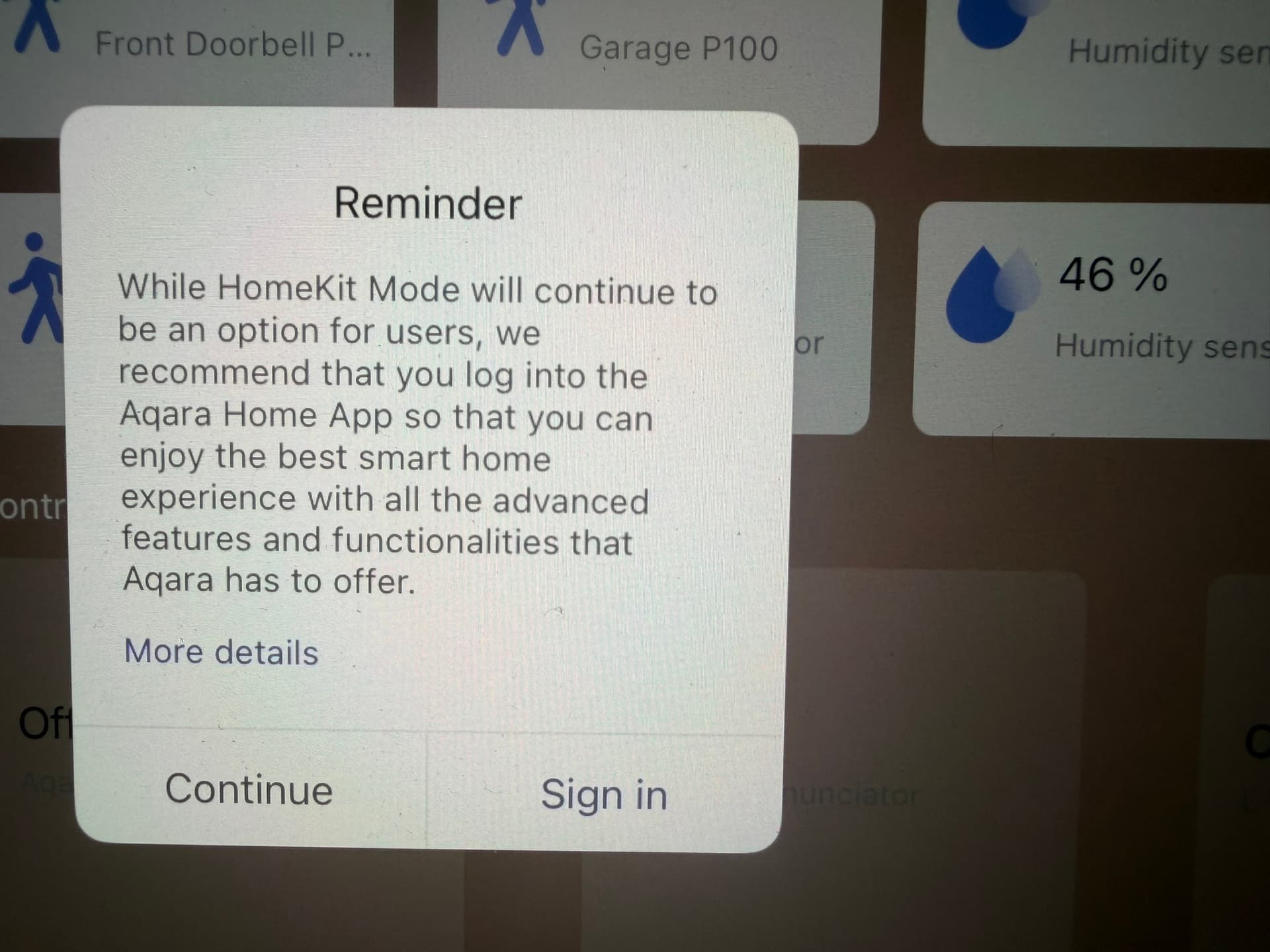
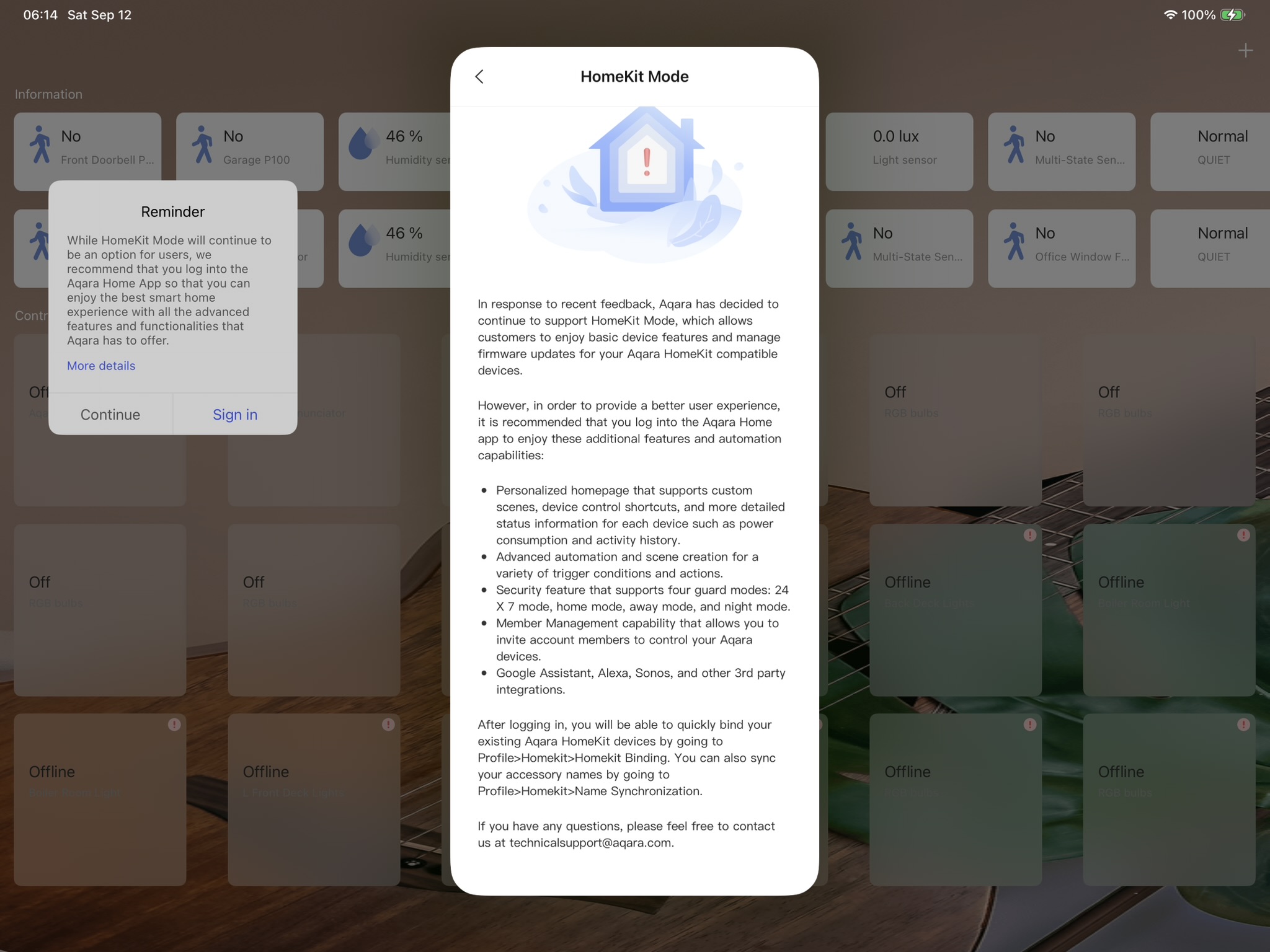
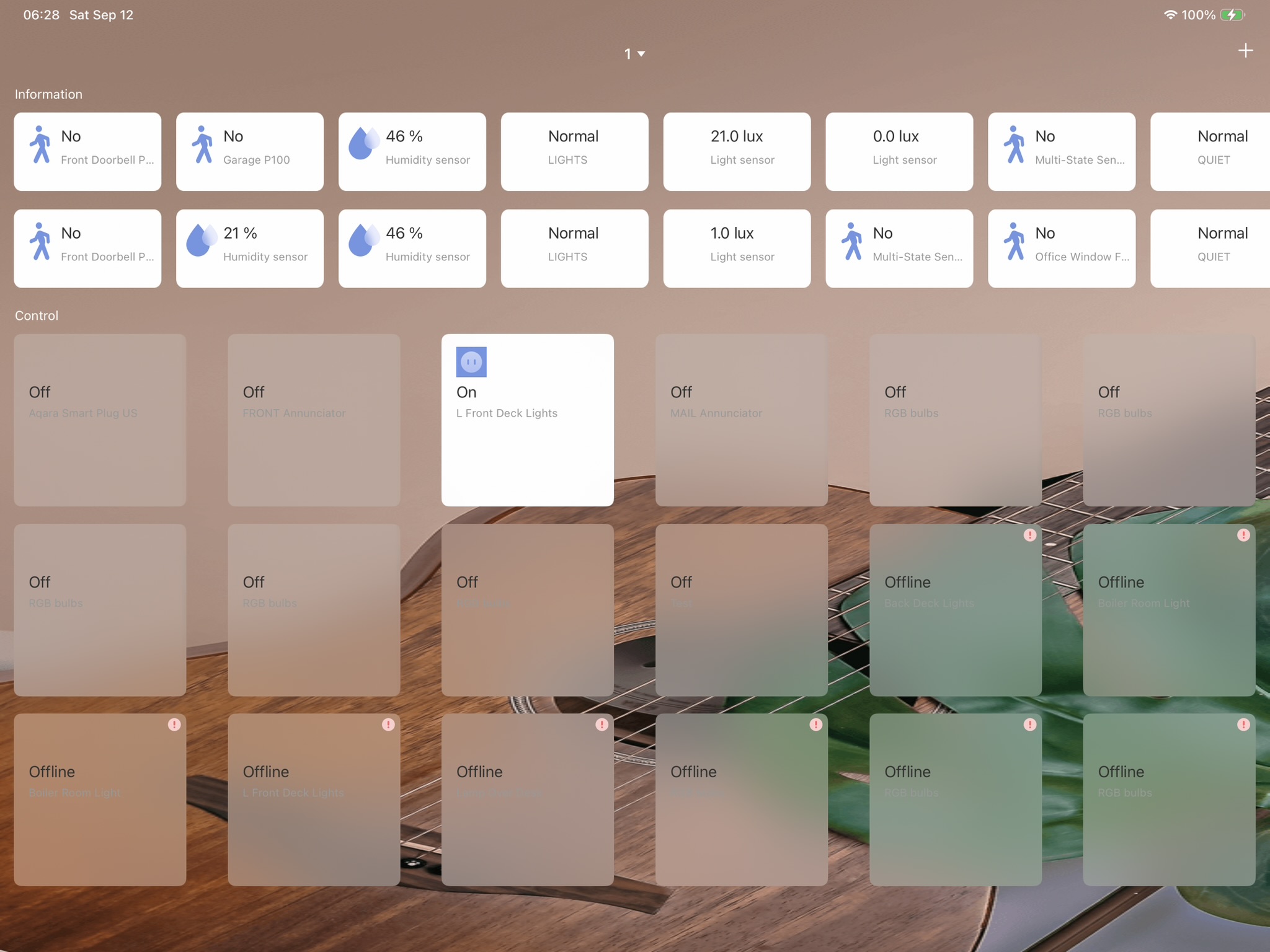
Well, I discovered that now there are two MODES: HomeKit Mode and Aqara Mode. Apparently Simone at Tech Support has not been briefed on these modes, therefore her useless replies. So I took screenshots and sent them to her along with this message:
Well Simone, from your answers, it appears that the engineers at Aqara haven’t told you what they are doing. With the App update 6.4.1, they’ve divided Aqara Home into two MODES: HomeKit Mode and Aqara Mode. If you log in with your password, you get Aqara Mode, which is mostly like we users have been using for years, except that now there is a very SHORT “Session,” and we are forced to keep logging in to keep using Aqara Mode. This does NOT WORK WELL!
If we bypass Login, we get “HomeKit Mode” with an entirely new screen -no cameras, just a bunch of buttons that we can’t read the names of. This would be useful for toggling things off and on, if we could read what the buttons said -but they aren’t legible.
2 Likes
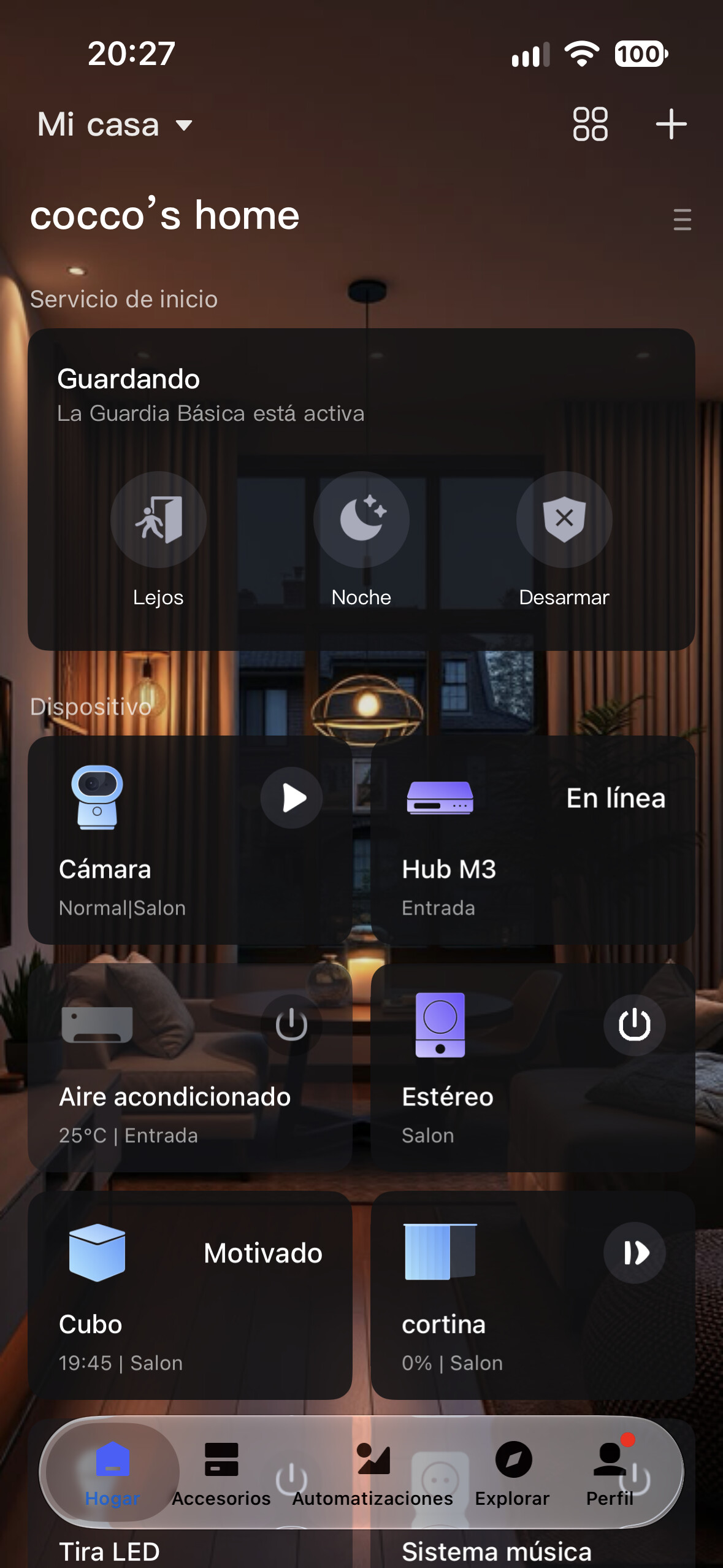
I have no idea about the HomeKit mod my be if you log in with the same account of apple no idea mine looks like this and works perfectly no log out anymore
1 Like
I am on the exact same app version (6.4.1) and have had zero session expiry issues so far.
Under the hood, apps like this use OAuth 2.0: your phone stores a short-lived key (Access Token) for API requests and a longer-lived key (Refresh Token). When the short-lived token expires, the app is supposed to renew it automatically in the background. The error you are seeing presumably means that this automatic token refresh is failing.
If you want to force a fresh authorization state (for example, in case a broken session is stuck on the server side), one option is to reset your Aqara credentials:
If using a direct Aqara account (email + password): Simply change your account password. Depending on how Aqara’s backend handles session and token management, this may invalidate existing sessions or refresh tokens and force the app to obtain fresh credentials.
If using “Sign in with Apple” or Google: there could be an issue somewhere in the third-party login/token flow. You can try bypassing that by going into your Aqara app profile and setting up a password, then signing in with your Aqara email and password instead. Make sure to check which email is linked to your account before logging out (if you used an anonymization feature like “Hide My Email”, it might be a very cryptic proxy address).
2 Likes
Thank you! You’ve been a great help. I am still trying things here waiting for Tech Support to answer my previous message. Since they are in China, I don’t expect a reply until our night time.
In the meantime, I have reset my password, and logged in directly instead of through my Apple account. That might make a difference.
Depending on what Aqara tells me, I might try changing my REGION to China to see if that works for me as it did for you.
Again, THANK YOU for all your help! You have helped me understand what Aqara seems to be doing.
Best regards,
Jim
2 Likes
So this is THE NEXT DAY, Sunday 13 Sept. I opened Aqara on my iPad, and selected the Driveway Camera. On another iPad I opened Apple Home and selected the Mailbox camera. This morning, I was still logged in. Fixed? I closed the Apple Home and opened Aqara Home on that second iPad, and BOOM! As soon as the second instance of Aqara Home opened, I was logged out of the session on the first iPad.
So I think that now you can just have one Session at a time. This is acceptable. I can live with one session at a time but not with being logged out every few moments. So I think they intended to have a server-side session limitation that was initially implemented incorrectly, then later made the adjustment.
For now, I’m NOT being logged out every few minutes.
Thanis to both of you for your help!
Jim
1 Like