@k_kullenberg You seem to be experiencing an issue with third-party products (like Ikea myggbett, klippbok, and Orsam outside light switch) not showing up in Google Home. You can contact customer support for assistance. Contact the Aqara Home App Customer Service Team (Profile> Help & Feedback > Customer Service) or scan the QR code:
Only certain device types (especially Aqara devices or supported Matter devices) can be bridged from Aqara to Google Home. @Expert Do you have any thoughts on this?
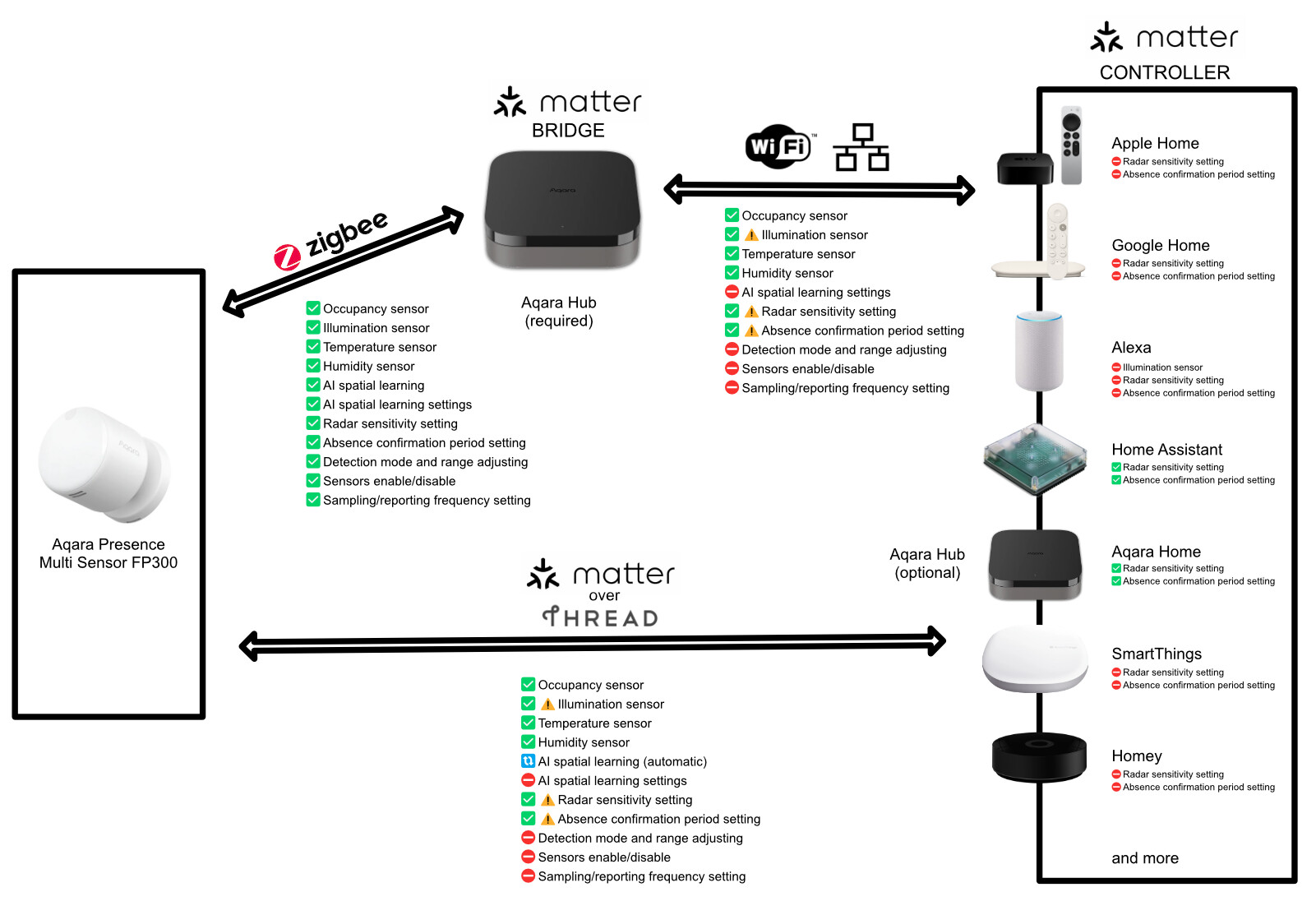
I think many Matter devices don’t automatically bridge to other ecosystems. I have an Aqara P2 motion sensor, which is a Matter device, and it didn’t automatically appear in Apple Home. My third party Matter devices are the same.
The reason for this is probably that Matter devices can have multiple “admins”. You can pair them with many hubs. Each ecosystem can control the device directly, without any proxies/bridges, which reduces latency.
To connect a Matter device to another ecosystem, open its page in Aqara home, click three dots, then Third-party Matter ecosystems, then Matter pairing code. Use this code to pair the device in Google Home.
Note: the pairing code may be different from the one on the device, so to “share” the device to Google Home, you need to use the pairing code from the Aqara app
That’s right. In general, only non-Matter devices, such as Zigbee devices, can be bridged via an Aqara Hub.
By the way, I’m not entirely sure if this also applies to connections made through third-party ecosystem services (Aqara Home app → Profile → Connect to Ecosystems → Google Home).
It’s also important to be aware of the following:
You need a separate Matter controller for each ecosystem.
With Google, for example, you would use a Nest Hub that acts as a Matter controller.