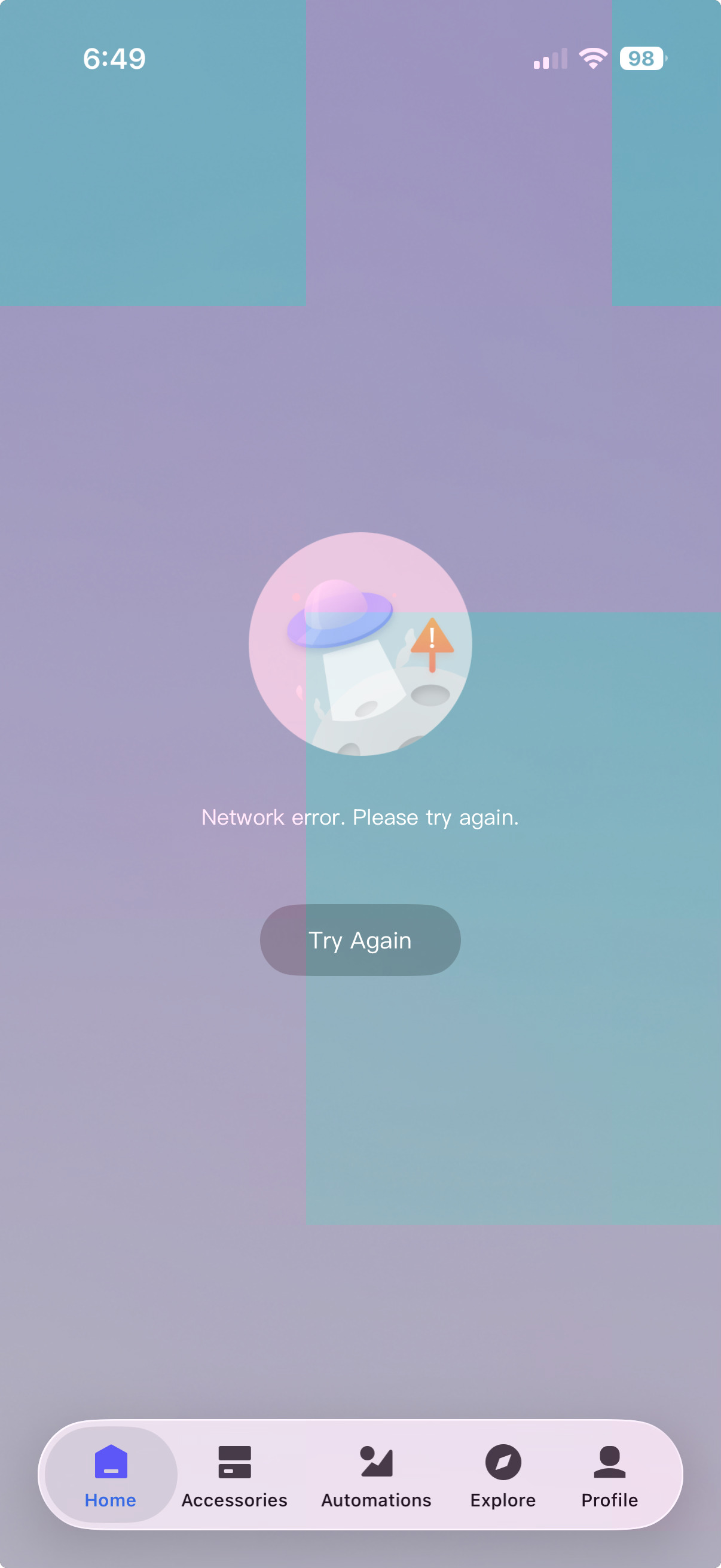
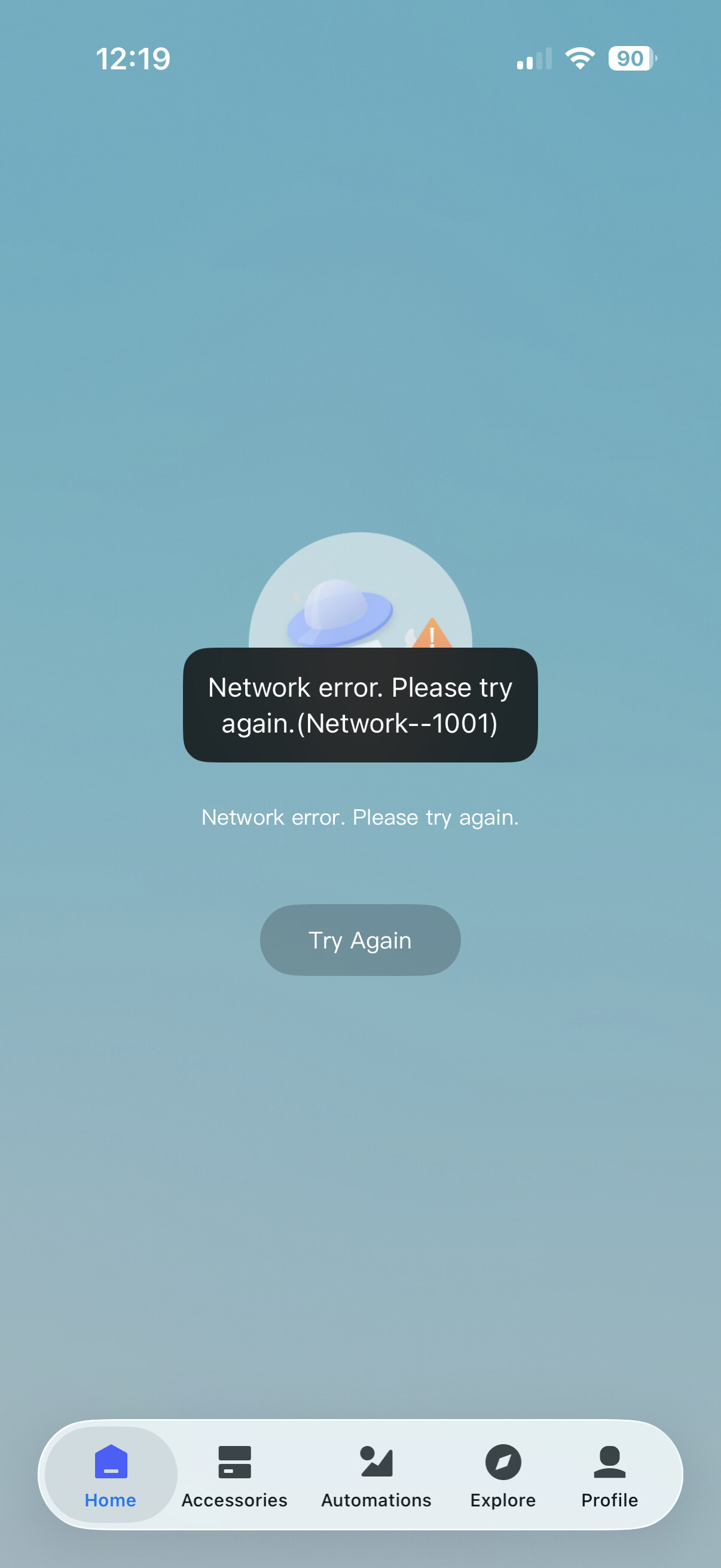
App not loading, network error 1001
Reddit https://www.reddit.com/r/Aqara/s/d3WUcvDQr2
Update 1. 14.34 GMT App is up some devices still offline.
Update 2. 14.38 GMT App is up, devices are online.
App not loading, network error 1001
Reddit https://www.reddit.com/r/Aqara/s/d3WUcvDQr2
Update 1. 14.34 GMT App is up some devices still offline.
Update 2. 14.38 GMT App is up, devices are online.
Same here
Same here
Same here - from the New York area. Short time before 6am
My M3 Hub started having trouble at 5:40am EDT as well.
same here from Canada
Things are back up and running for me (USA)
Same here and I made a mistake reseting my M3 hub trying to fix network issues and now I can’t add it back in.
Very frustrated
Hello. My practice shows that the best way to “reboot” a smart home system in case of a failure (sensors, other smart home devices “offline”) is to disconnect the smart home from power for 1 minute and reconnect the power. I want to clarify that my gateways remain on constantly (I use a 5 volt mini UPS).
Your post is not relevant. It was obviously an Aqara cloud issue.
I’m seeing things slowly coming back on-line. I see I have a few firmware updates listed also.
Notifications are funny, Aqara is telling me I arrived home BUT I came home over an hour ago. The notifications bunny is running low on caffeine today
Disagree. Just for information, my relay, switch (powered by 220 volts, mounted in the sub-socket), can fall off, this does not happen often, once every six months or even less often. To return it home, I turn off the power to the device for a minute and after this manipulation it goes online.
Aqain your description is nothing to do with this thread, which is about today’s Aqara cloud servers outage. Please moderate yourself!
Today’s server failure also affected my house. Four devices (3 relays and one switch) went “offline”, using my method I returned them to the “online” state. If this situation had happened two years ago, I would have naively pulled out each relay and re-binded it. Therefore, I am describing my method to help users in such a situation (server failure).
Aqara support got back to me this morning, this is their reply, (Ignoring it was their outage),
Hi Andrew ,
Thank you for contacting us. We sincerely apologize for the inconvenience this app issue has caused. Error 1001 is usually related to a temporary connection or service problem. Please try the steps below: Close the Aqara Home app completely and reopen it. Make sure your phone has a stable internet connection (try switching between Wi‑Fi and mobile data to compare). Log out of your Aqara account in the app, then log in again. Restart your router and wait 2–3 minutes before reconnecting. Restart your phone. Check your app store and update the Aqara Home app to the latest version if an update is available. If you are using any VPN, proxy, or strict enterprise network, temporarily disable it and try again. If the issue still persists after these steps, please reply with: - Your phone model and OS version
Your Aqara Home app version
A screenshot showing the error 1001 screen This will help narrow down what is happening on your side. Have a good day
Sincerely, Artem Aqara Technical Support
My reply back to them,
No the problem was on your side, your cloud servers were unreachable. Please look into it, this is not the first time it has happened. Come to think of it please reengineer your app so devices do not need cloud connections to work from my phone to my home.
Hi there, as this issue has already been resolved with our support team via email, we’ll be closing this topic on the forum as well. If you have any further questions or run into any other issues, please feel free to reply directly to our support email. Thanks for your support and understanding!