Good Day, Friends.
Today I’ll tell you what I was most looking forward to at this year’s Apple showcase and share some of my ideas. Finally, I’ll show you my smart home setup with Apple HomeKit, built on Aqara devices.
Like everyone else, I was looking forward to the presentation of new products like the iPhone, iPad, Apple Watch, and Vision Pro, as well as updates to all operating systems. I was able to test some of the updates thanks to my developer profile, and I was delighted with the new Liquid Glass design on iOS, Watch OS, iPad OS, and MacOS. I was impressed by the addition of Live Translations, a real-time voice translation feature, and many other innovations. I was most looking forward to news about Apple HomeKit and Siri updates and a possible product release on HomeOS, but that will likely be a topic for next week’s showcase. In my humble opinion, the best feature from the showcase was the development and update of Apple Intelligence and the opening of the API to third-party developers.

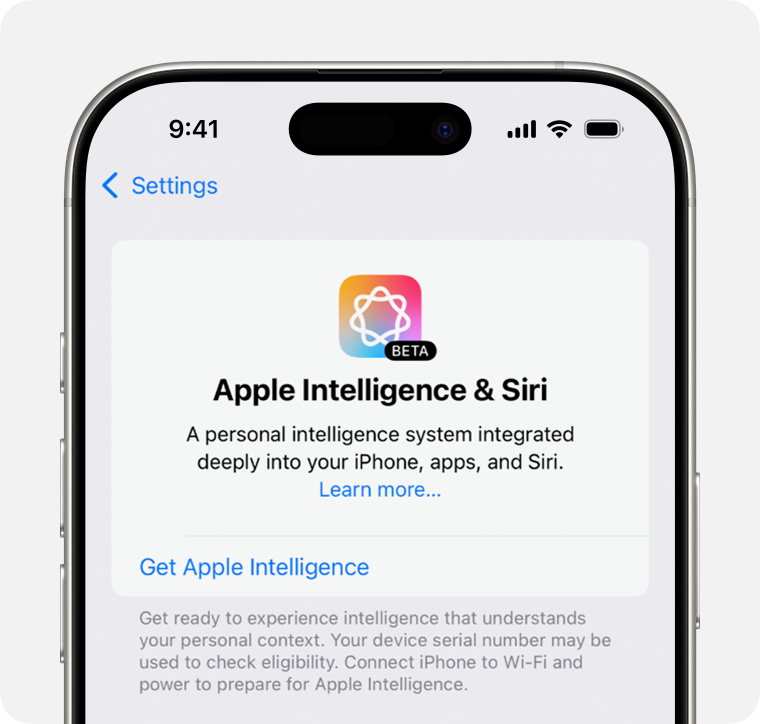
As a big fan of Apple and Aqara, I imagined that in the future, it might be possible to integrate support for the updated Siri powered by Apple Intelligence into Aqara products, such as the Aqara S1 Plus smart home panel, and add the Apple Music service.
I look forward to future presentations and new smart home products from Apple and Aqara.
Now I’ll tell you a little about my smart home setup with Aqara devices in an Apple HomeKit smart home.
The hub of my Apple smart home is the Apple HomePod mini.
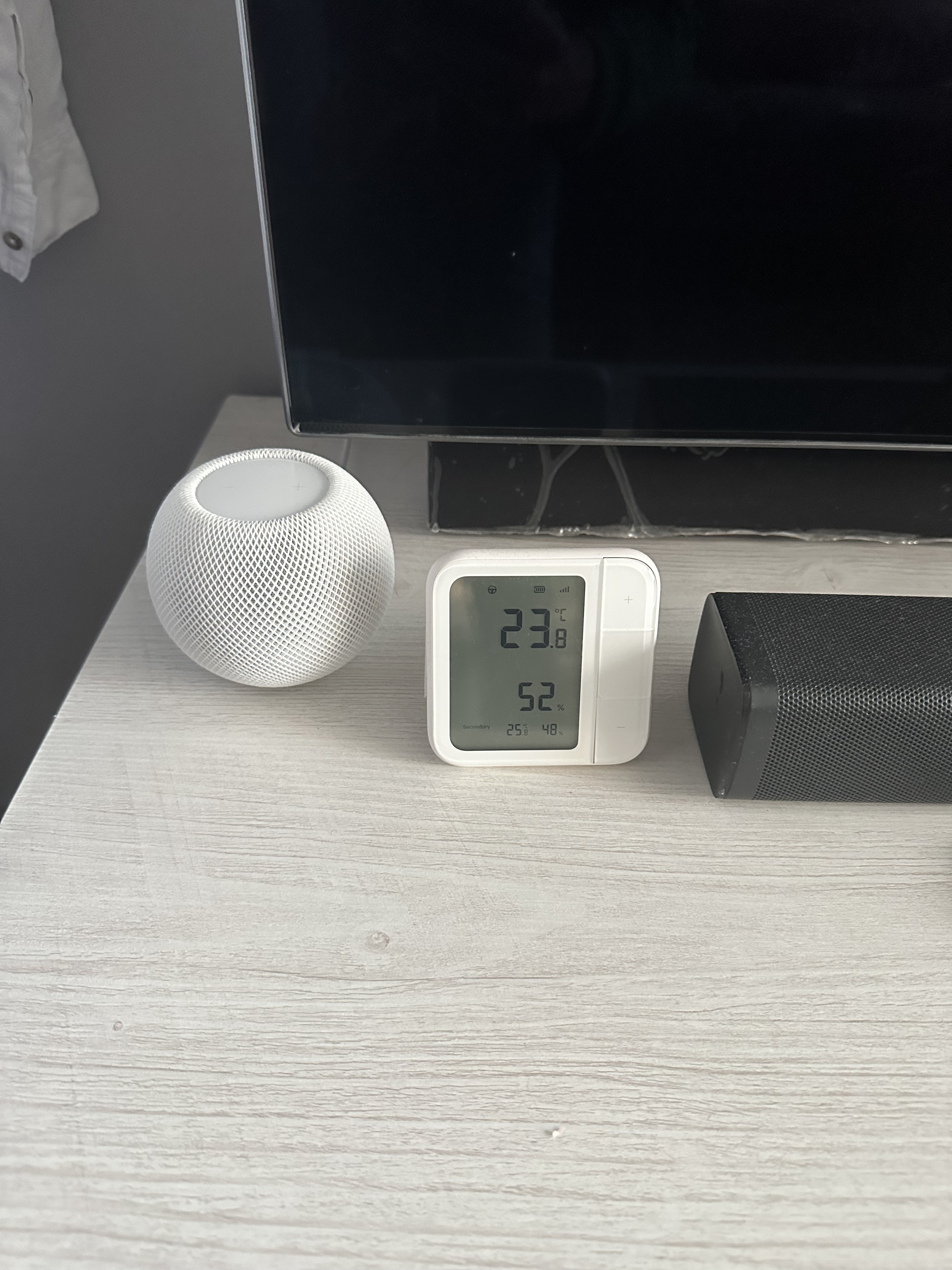
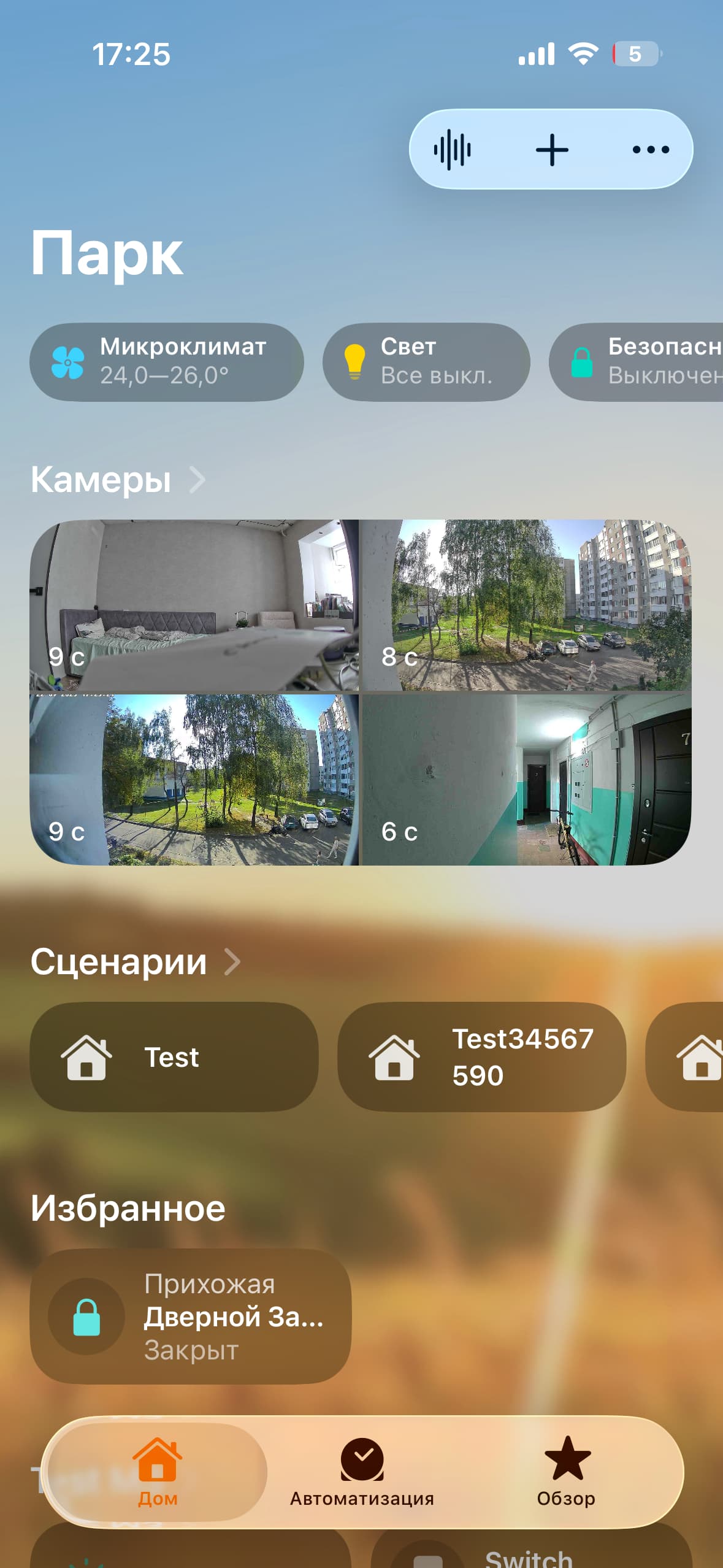
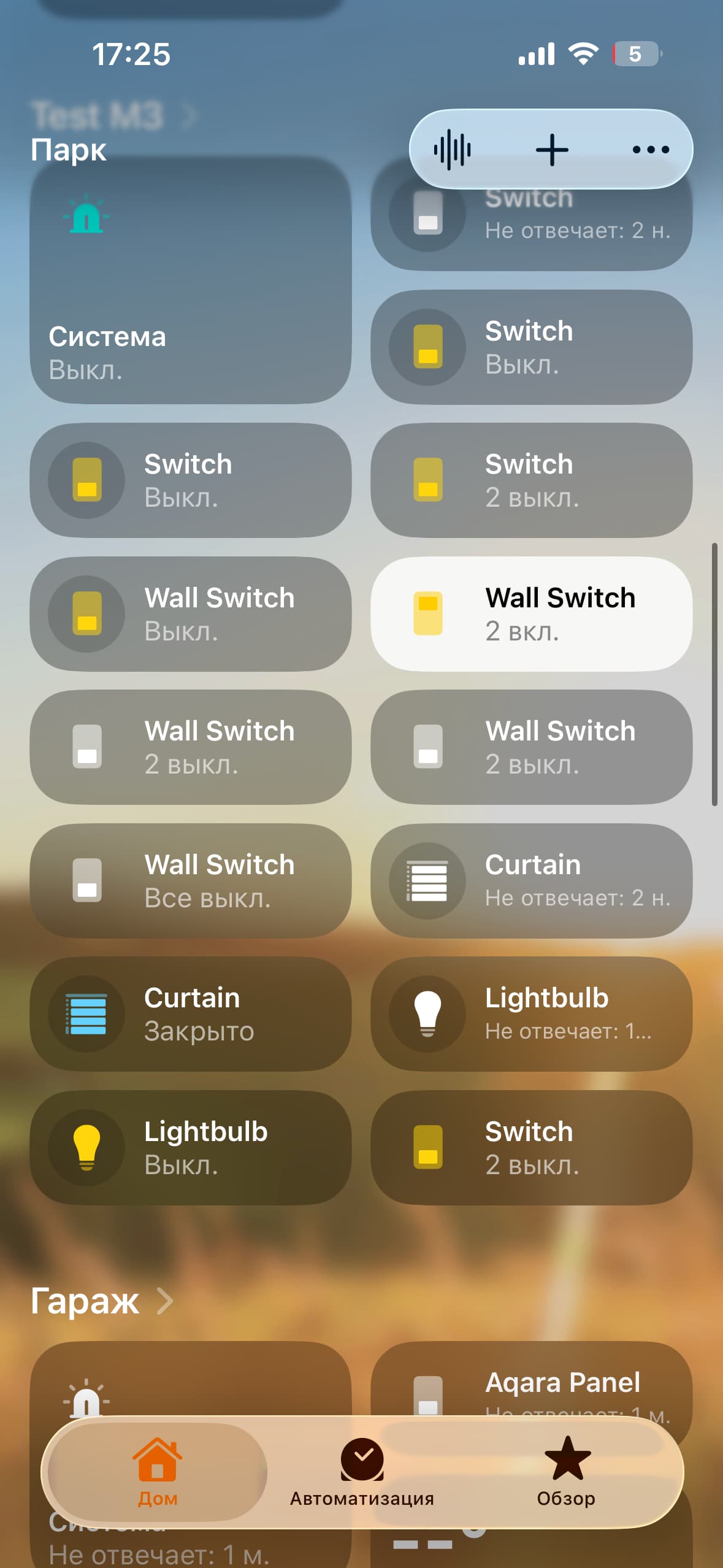
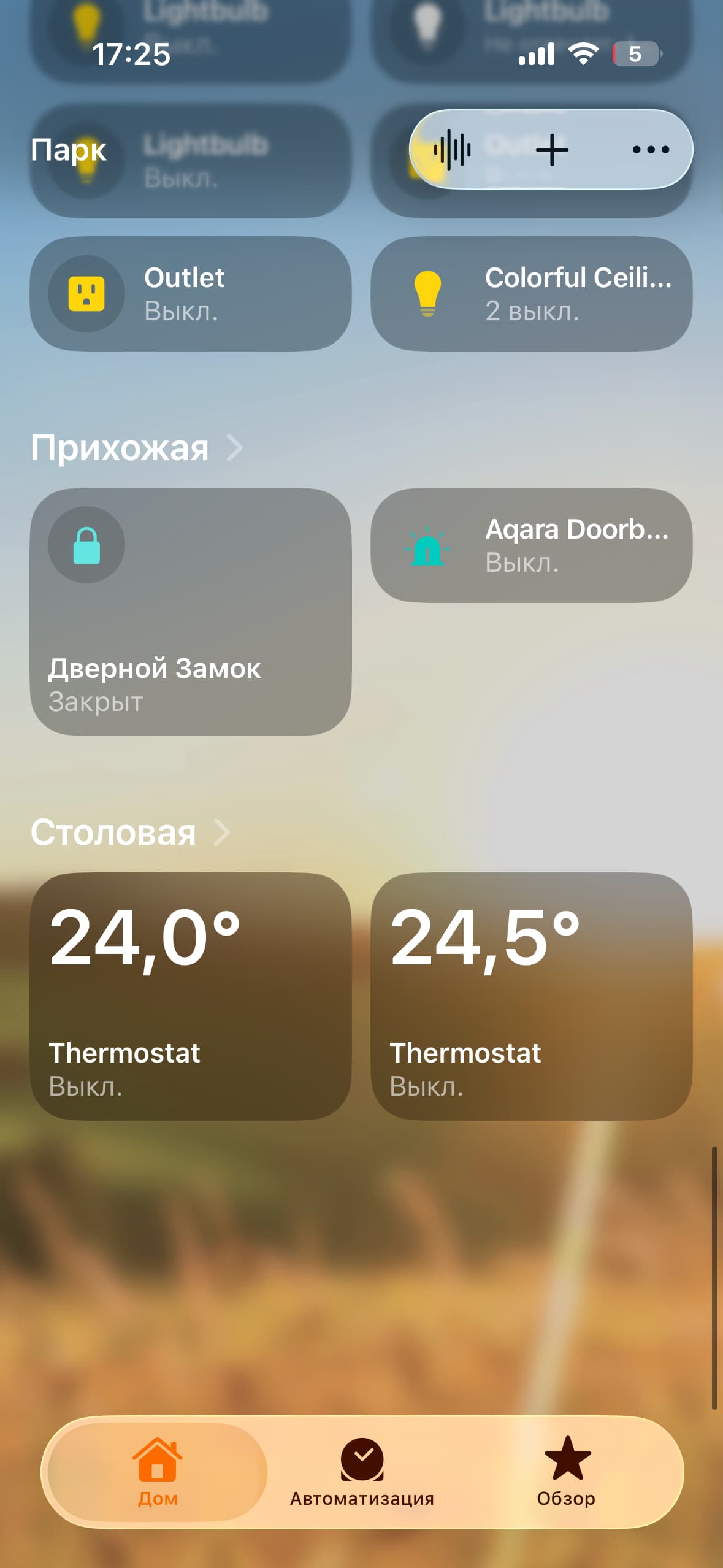
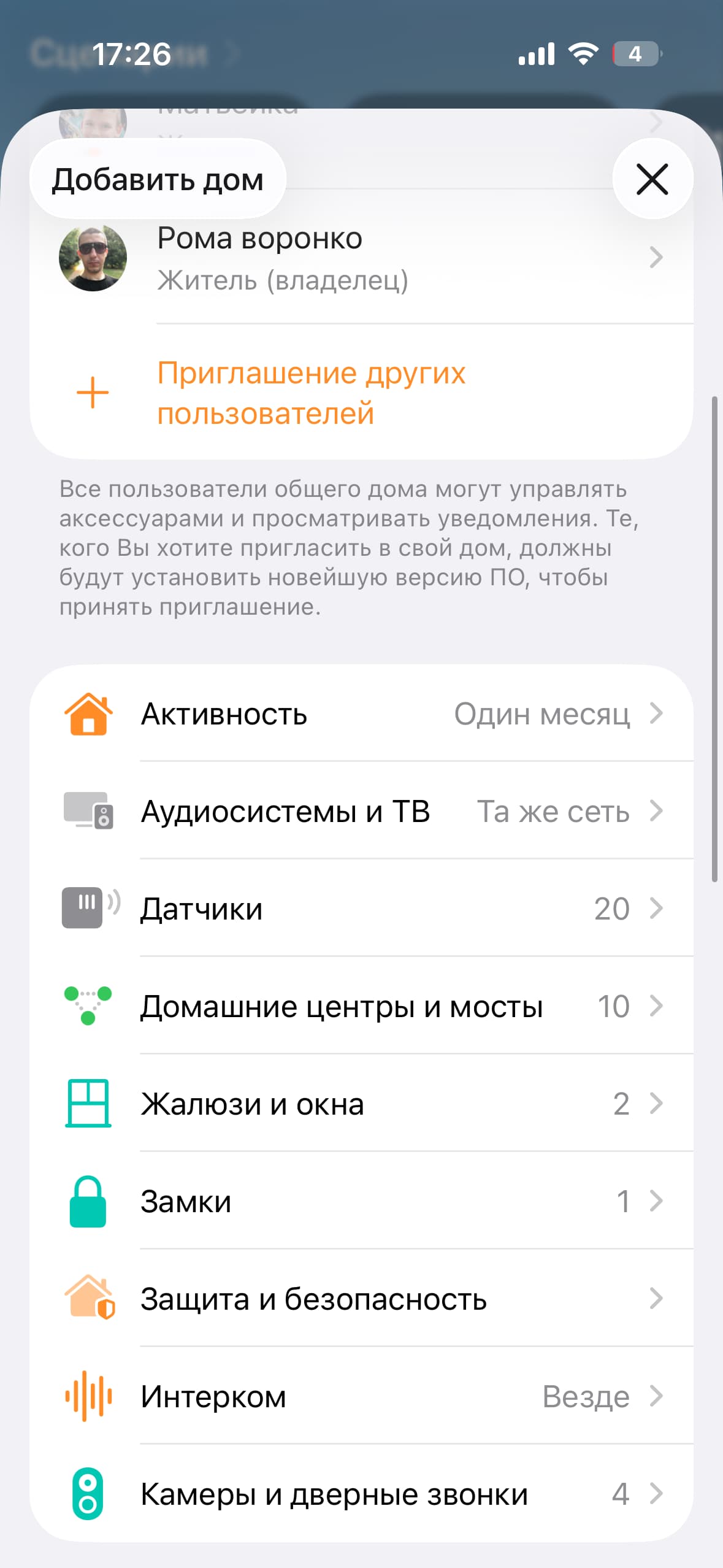
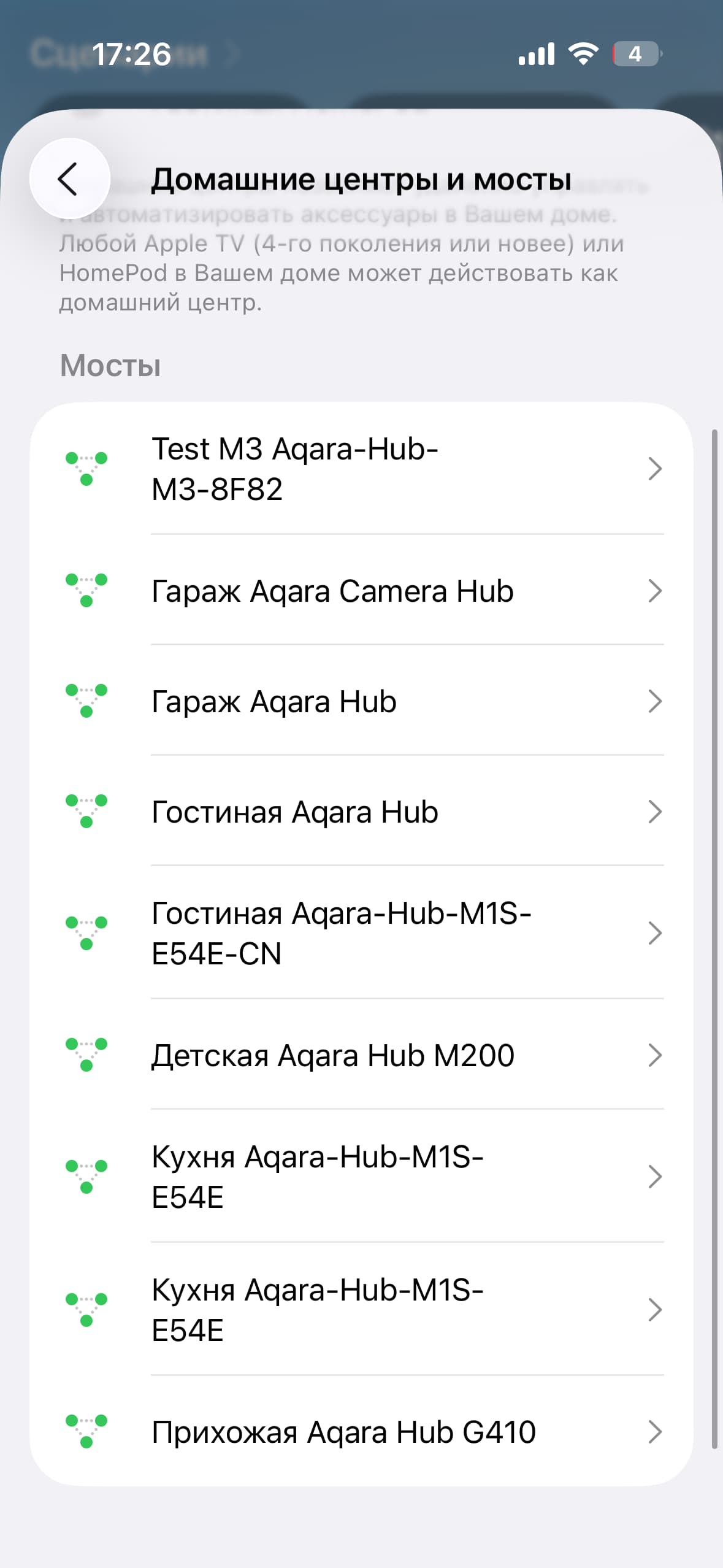
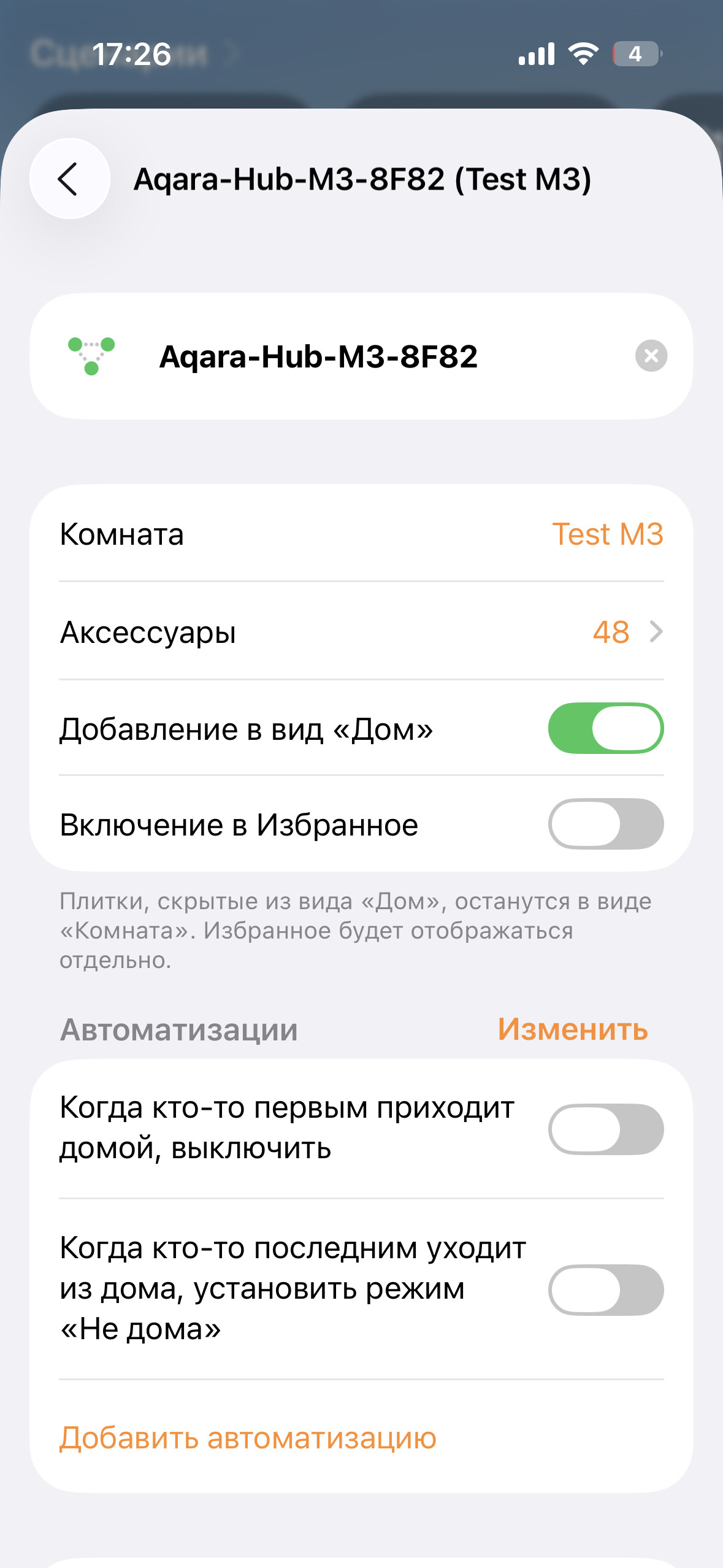
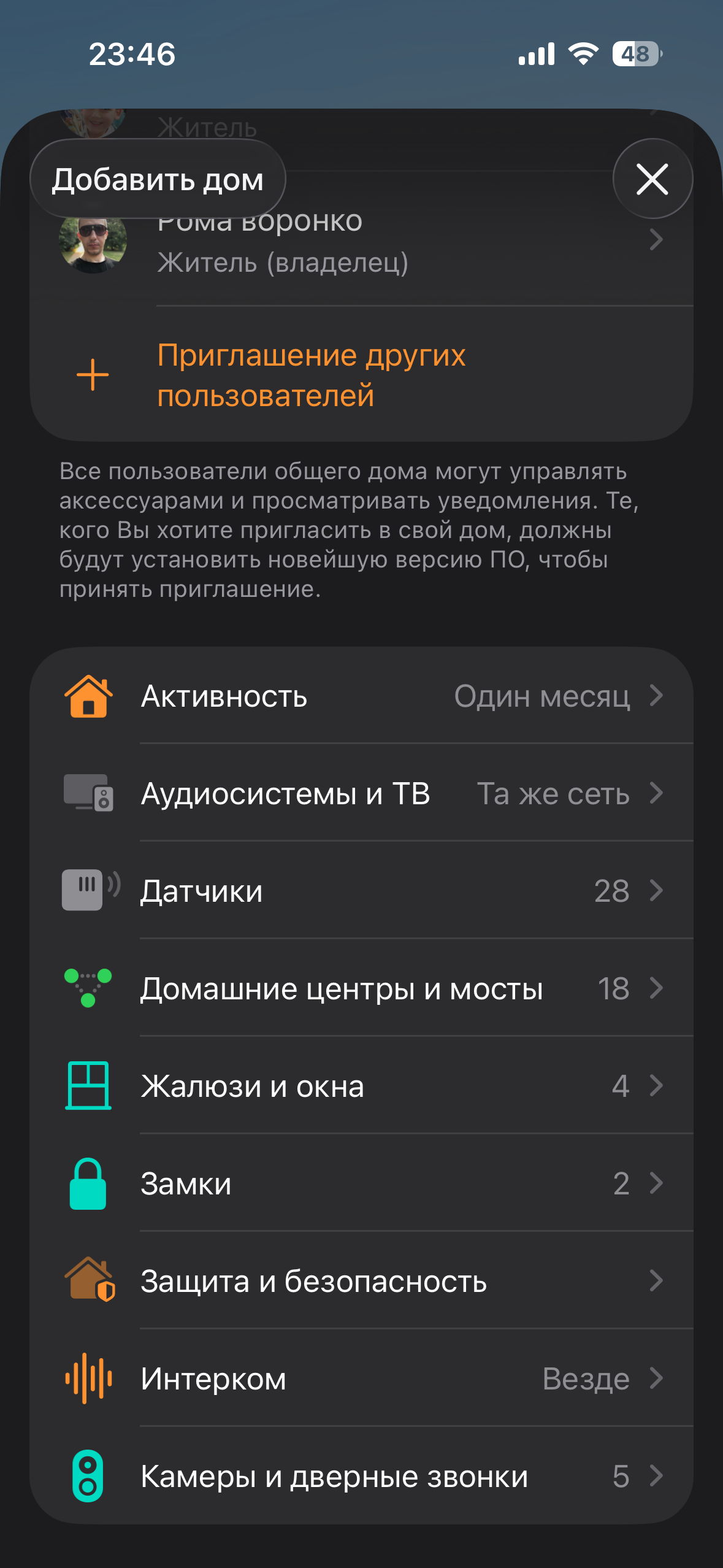
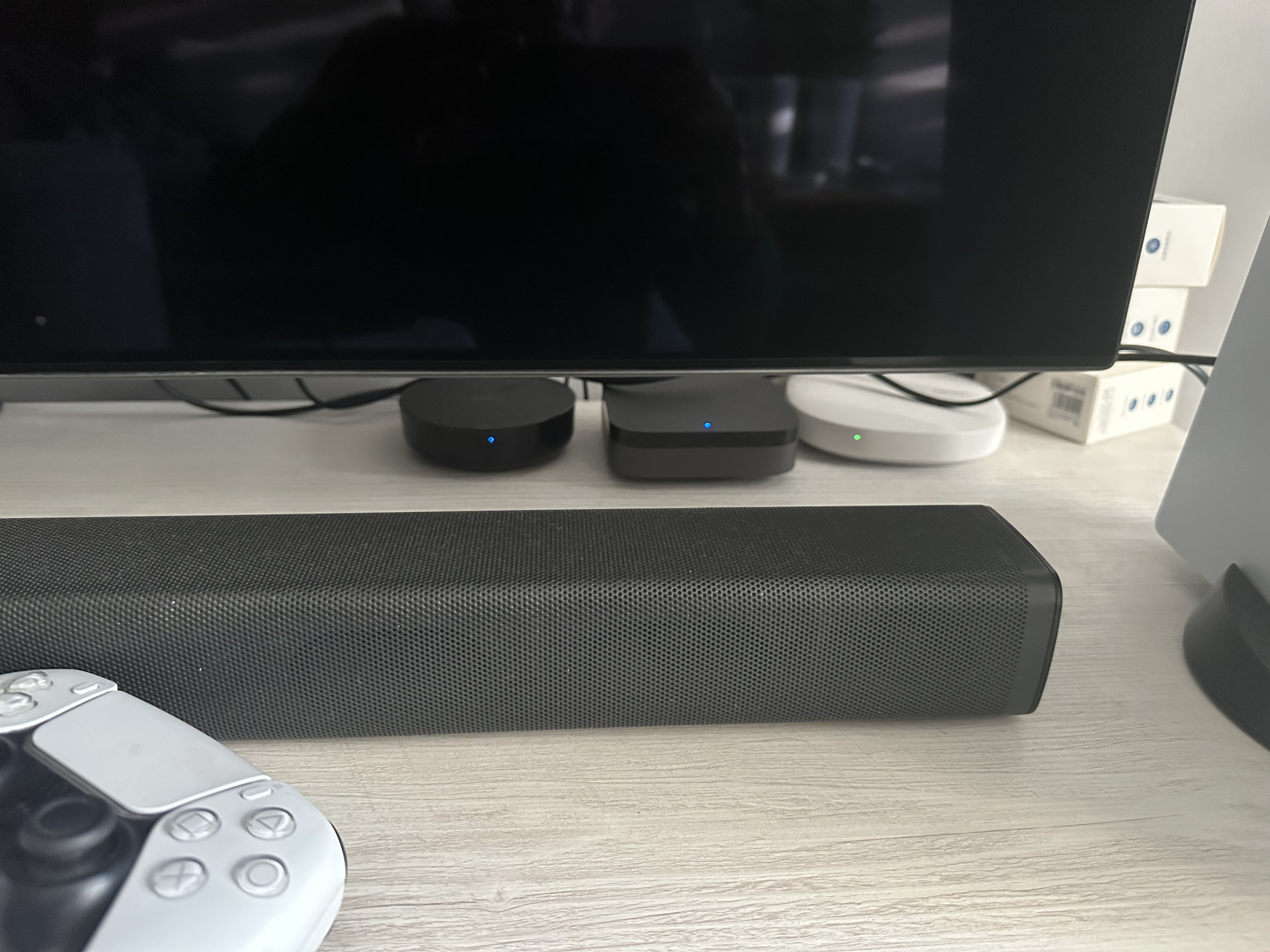
For my smart home, I deliberately chose my favorite brand, Aqara, because all* Aqara products can be integrated into HomeKit easily by scanning a HomeKit code, or for Zigbee devices, via an Aqara hub, which acts as a bridge to HomeKit. Any Aqara Zigbee hub supports this. Aqara has hubs for every taste and budget: USB sticks include the E1 and M100. Camera hubs include the G2h pro, G3, and G5 pro. The doorbell hub is the G410. Those with IR support include the G3, M2, and the current top-of-the-line hub, the M3. I use the M3 as the main hub for Zigbee and Matter devices.
Lighting in my home:
Aqara T1M lamp in the nursery + T3 spotlights. My child controls the S1 plus light. The panel is also added to Homekit.
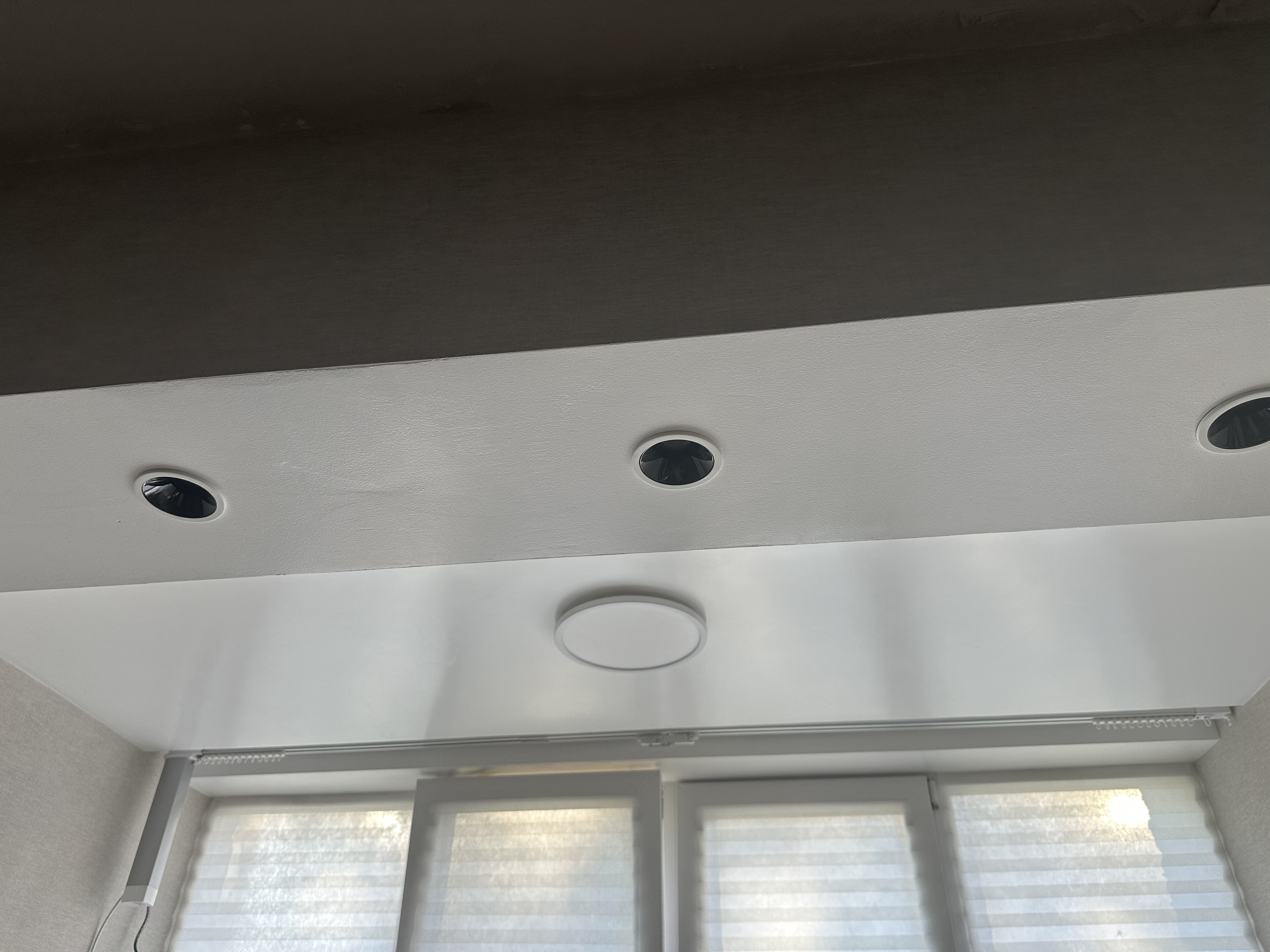
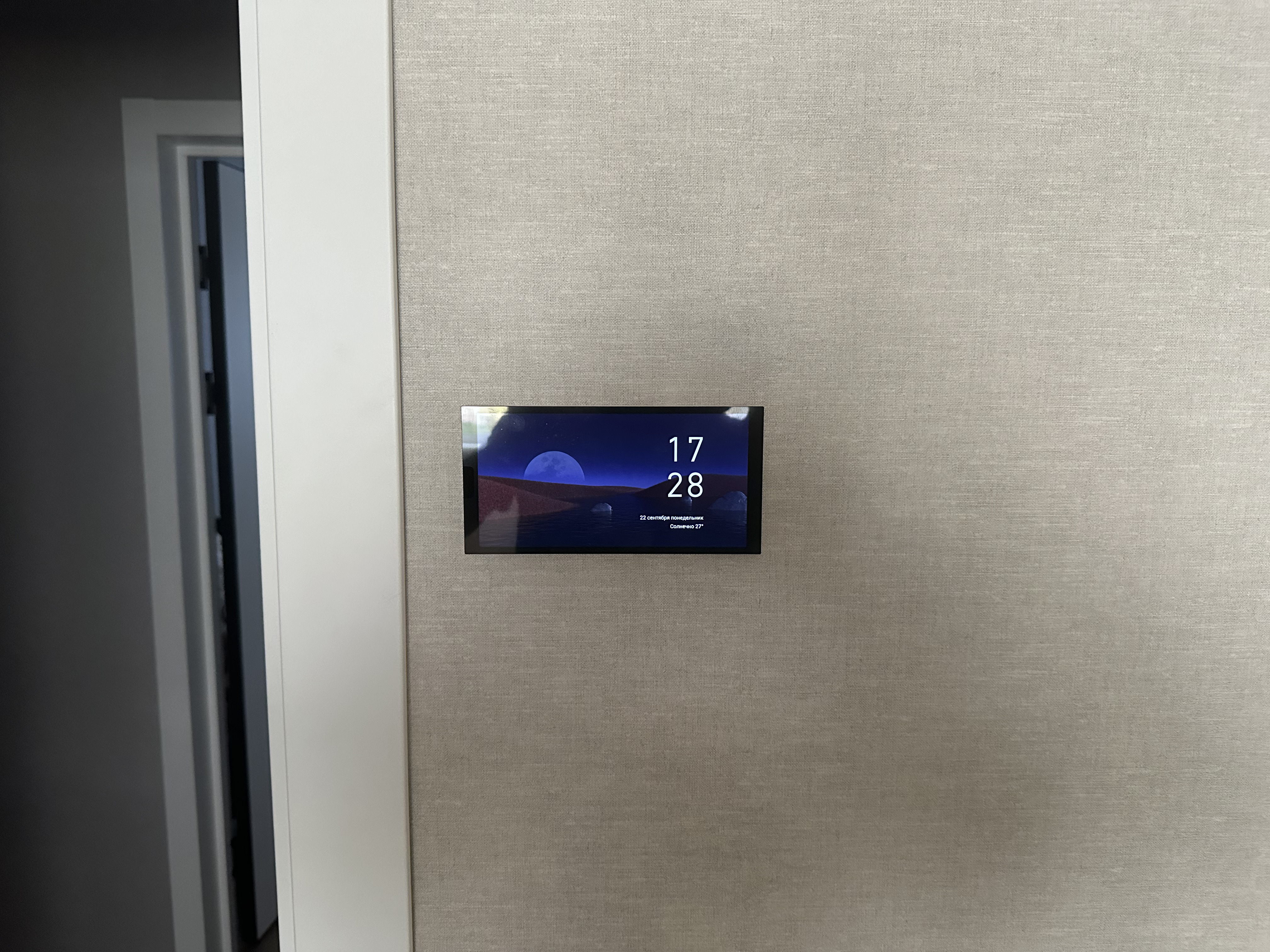
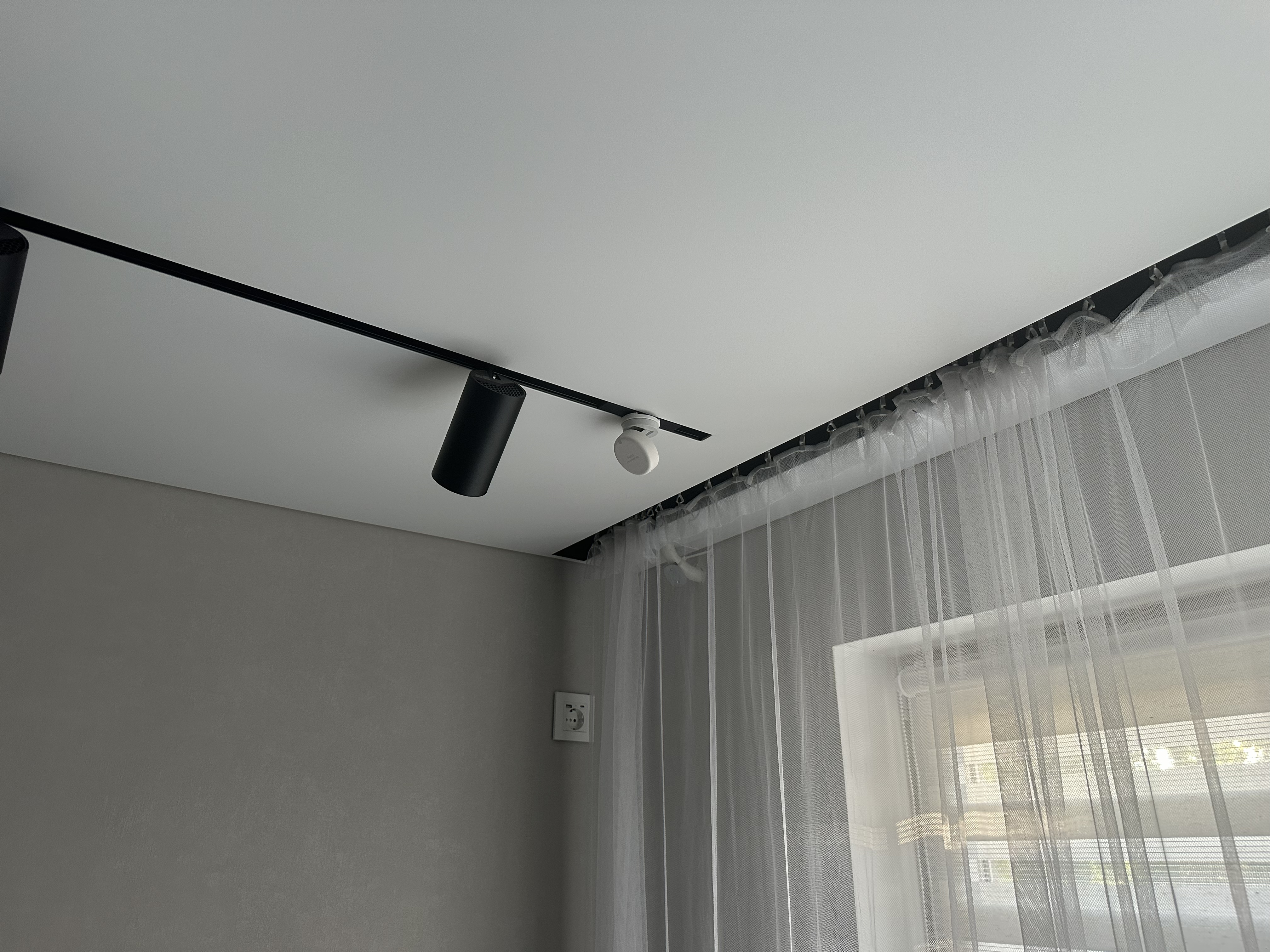
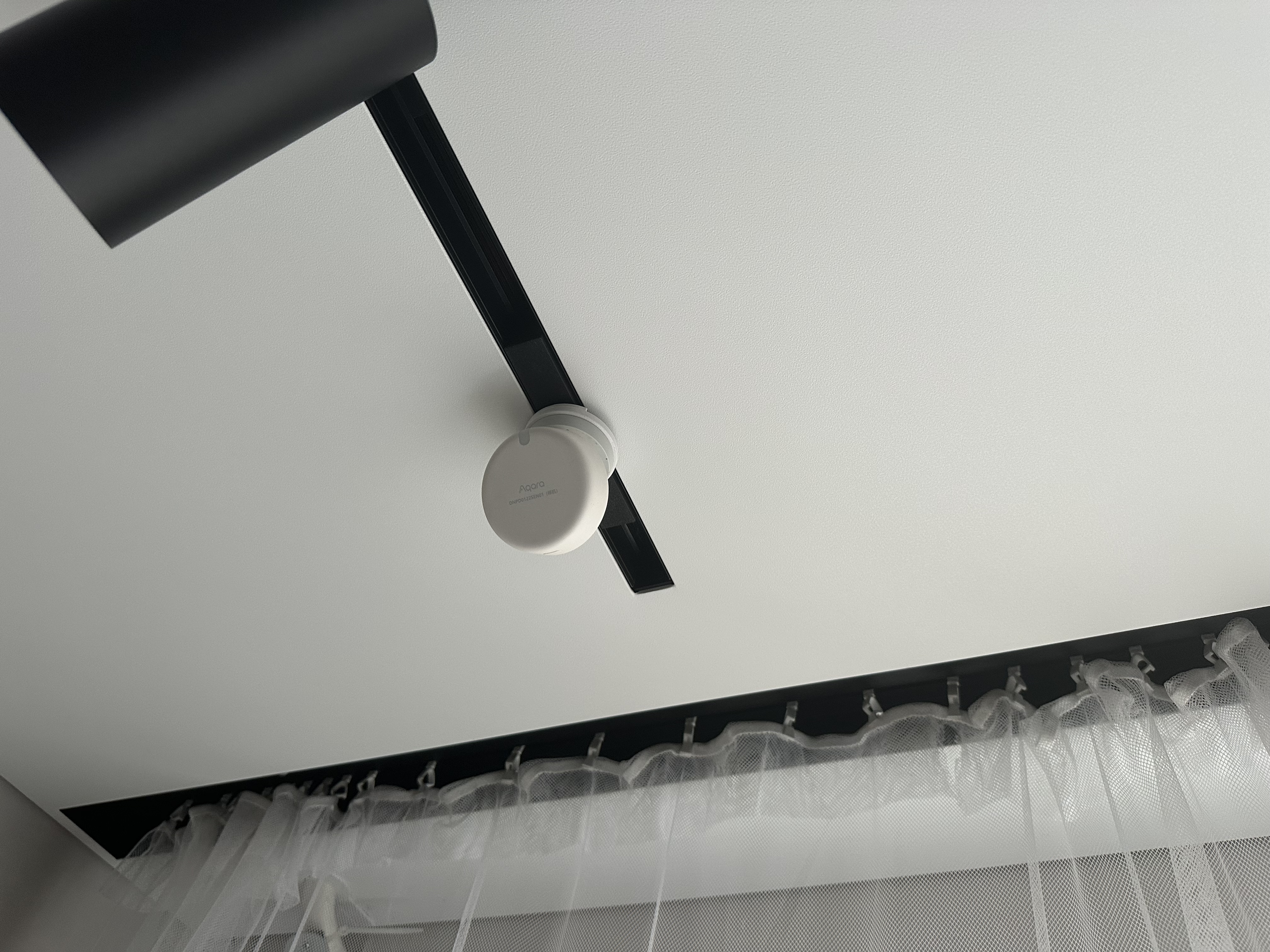
Aqara H1 pro track lights are located in the kitchen, activated by the FP2 presence sensor.
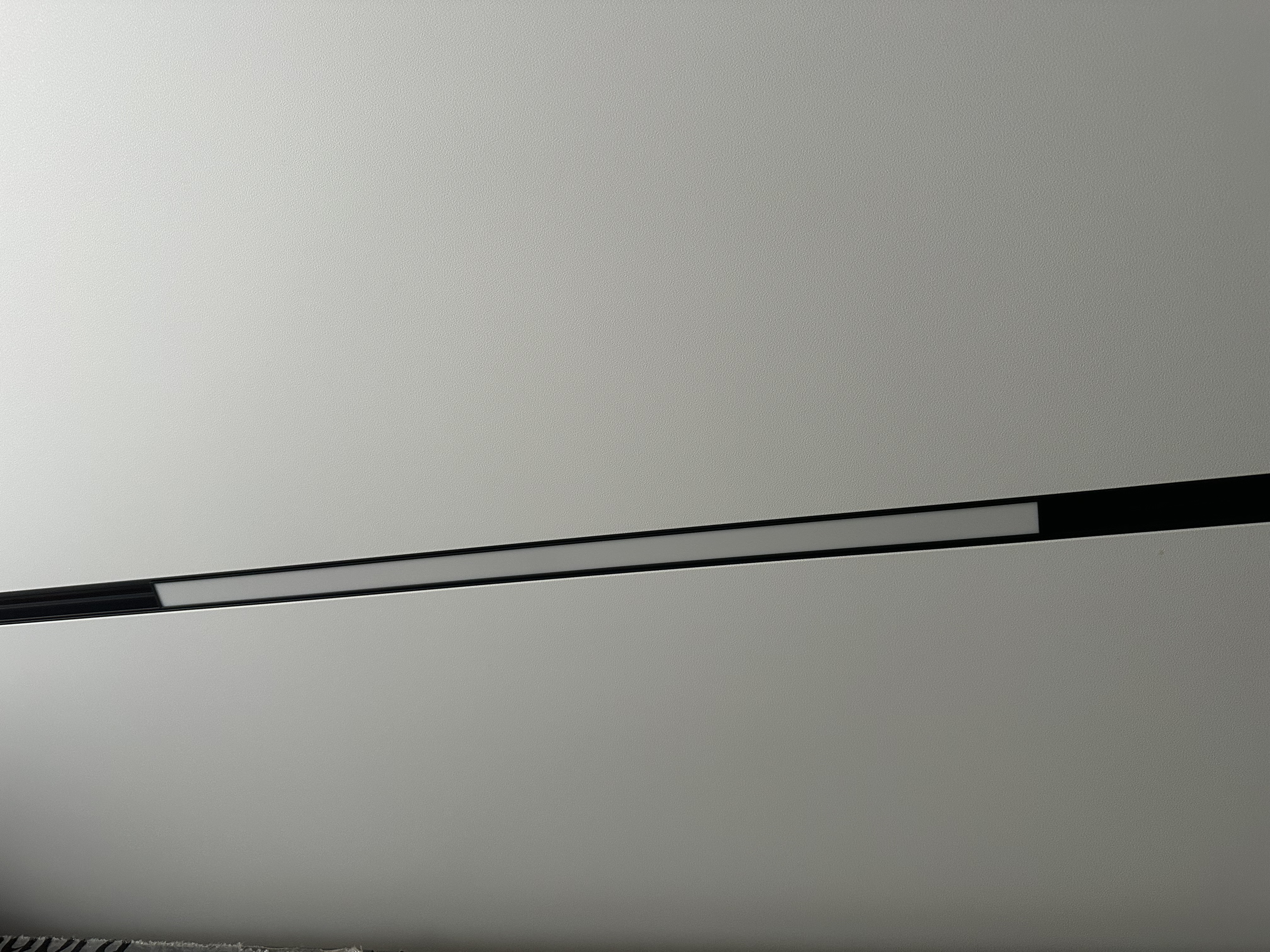
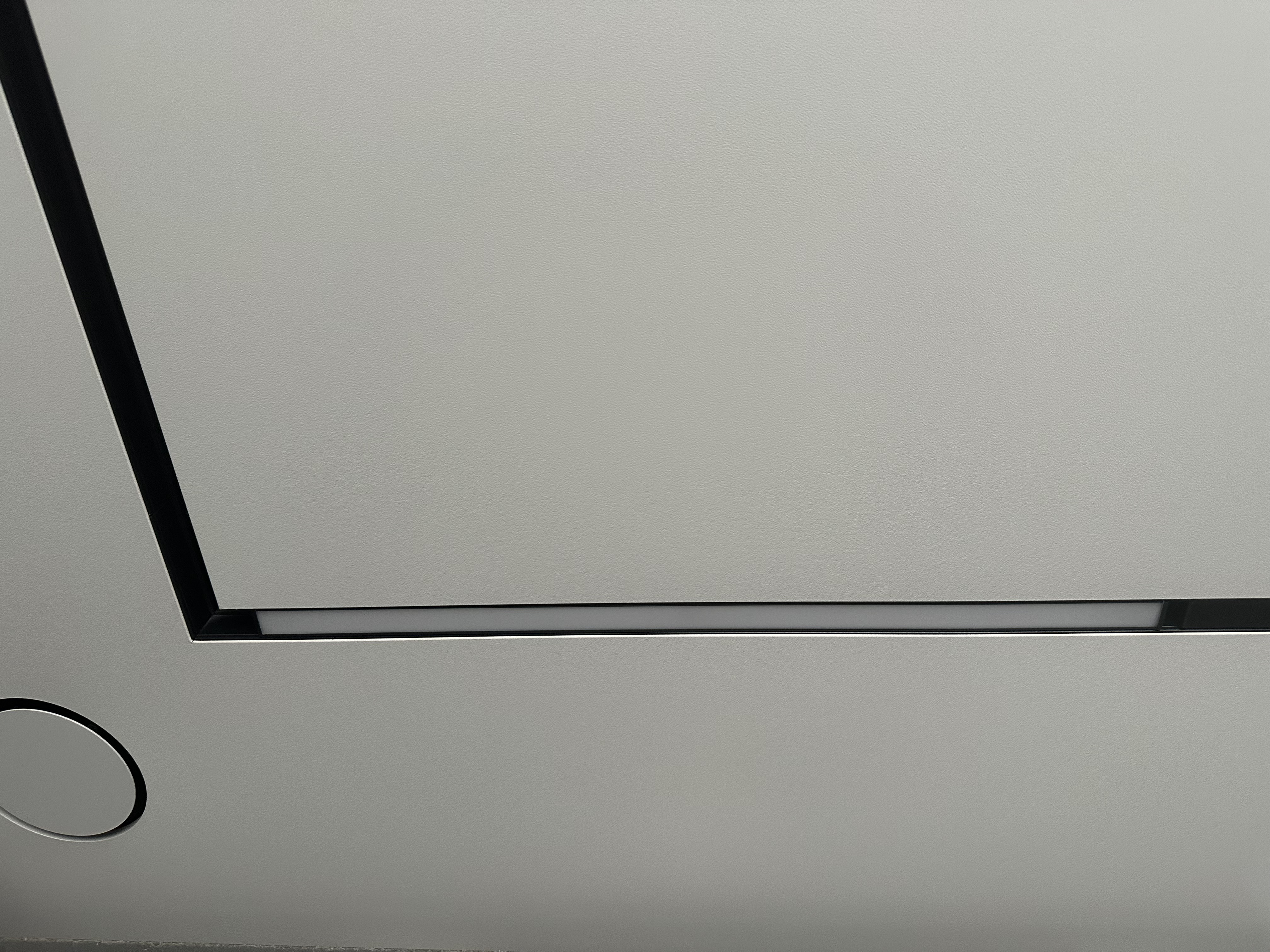
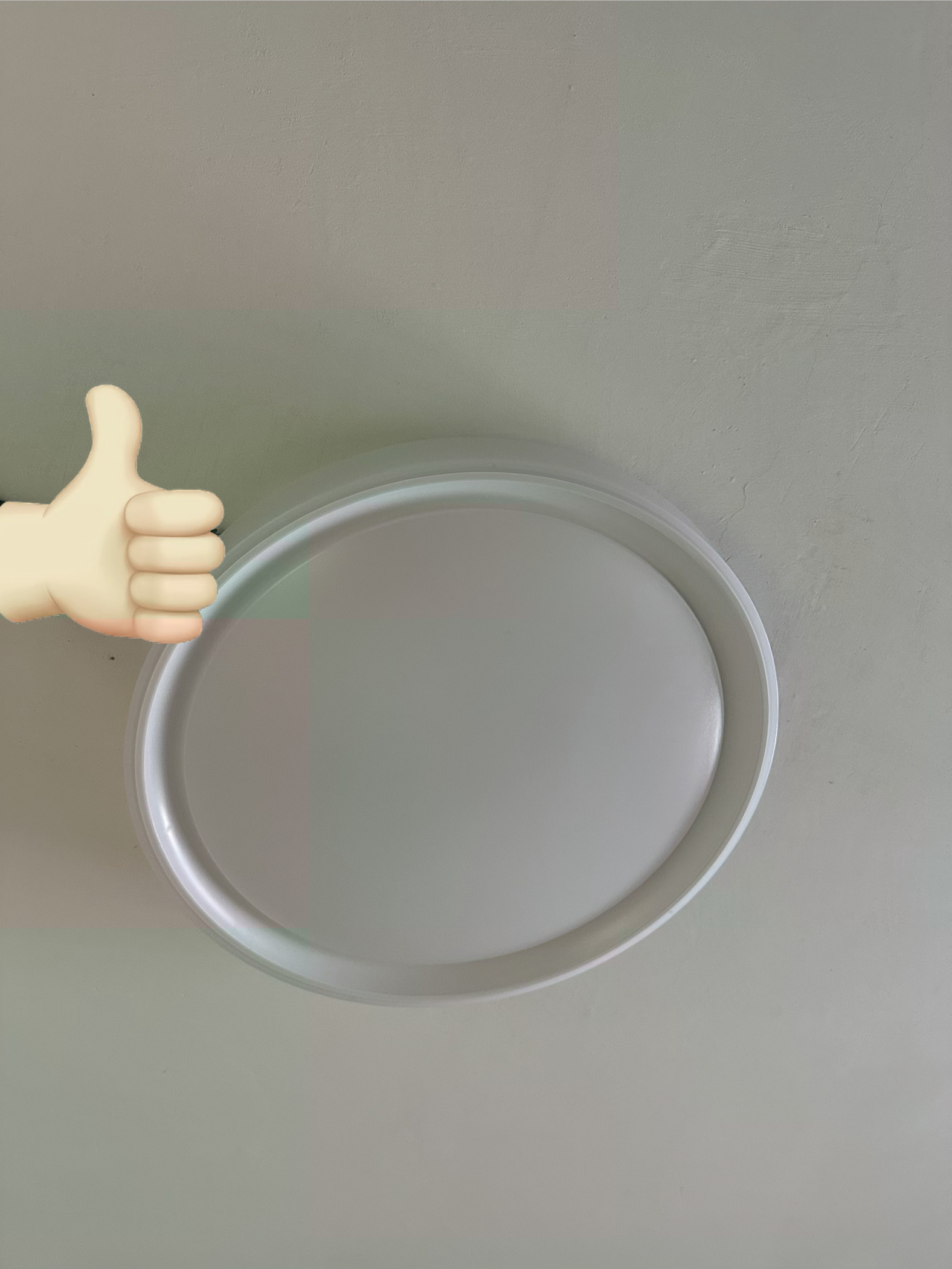
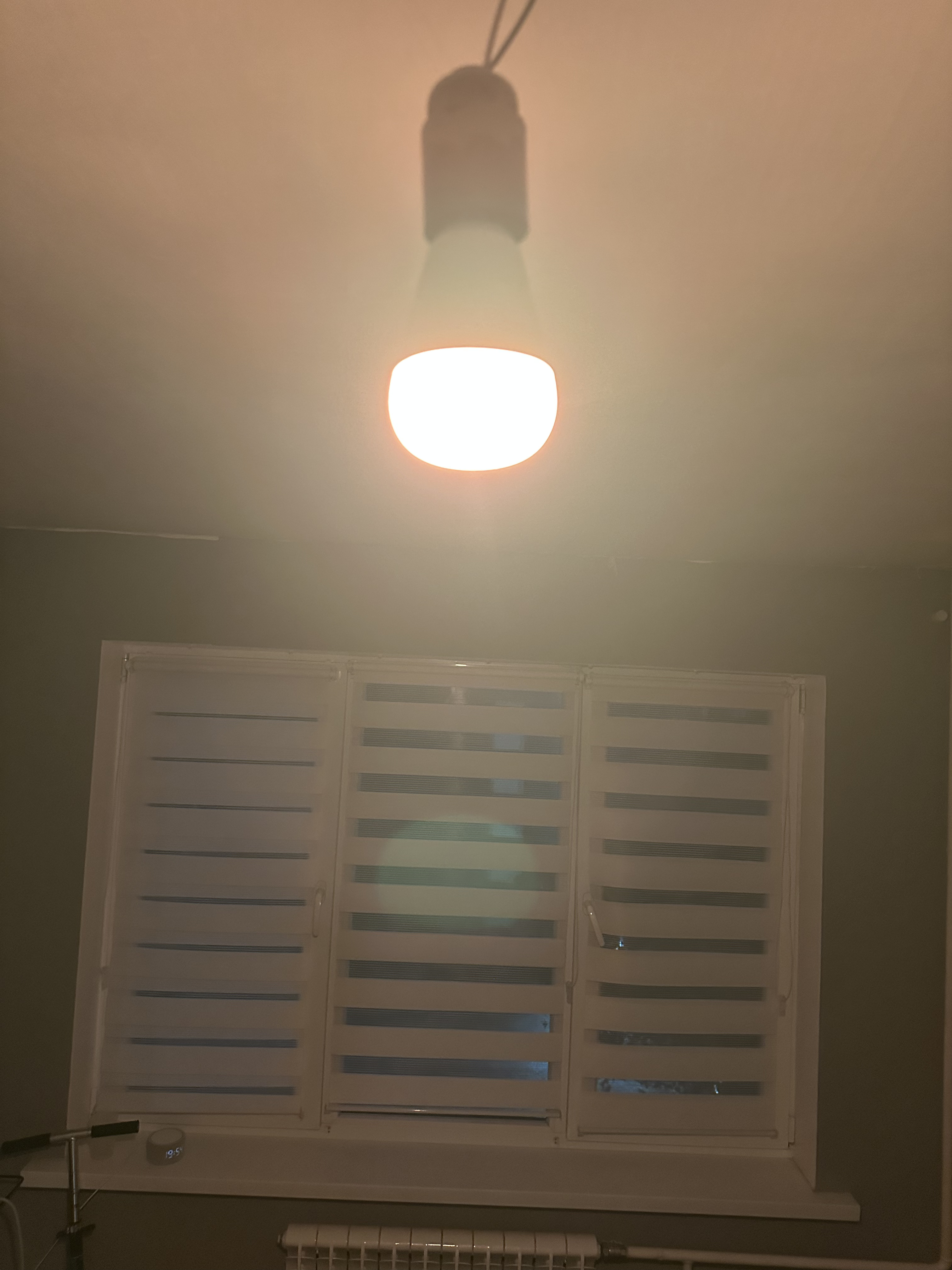
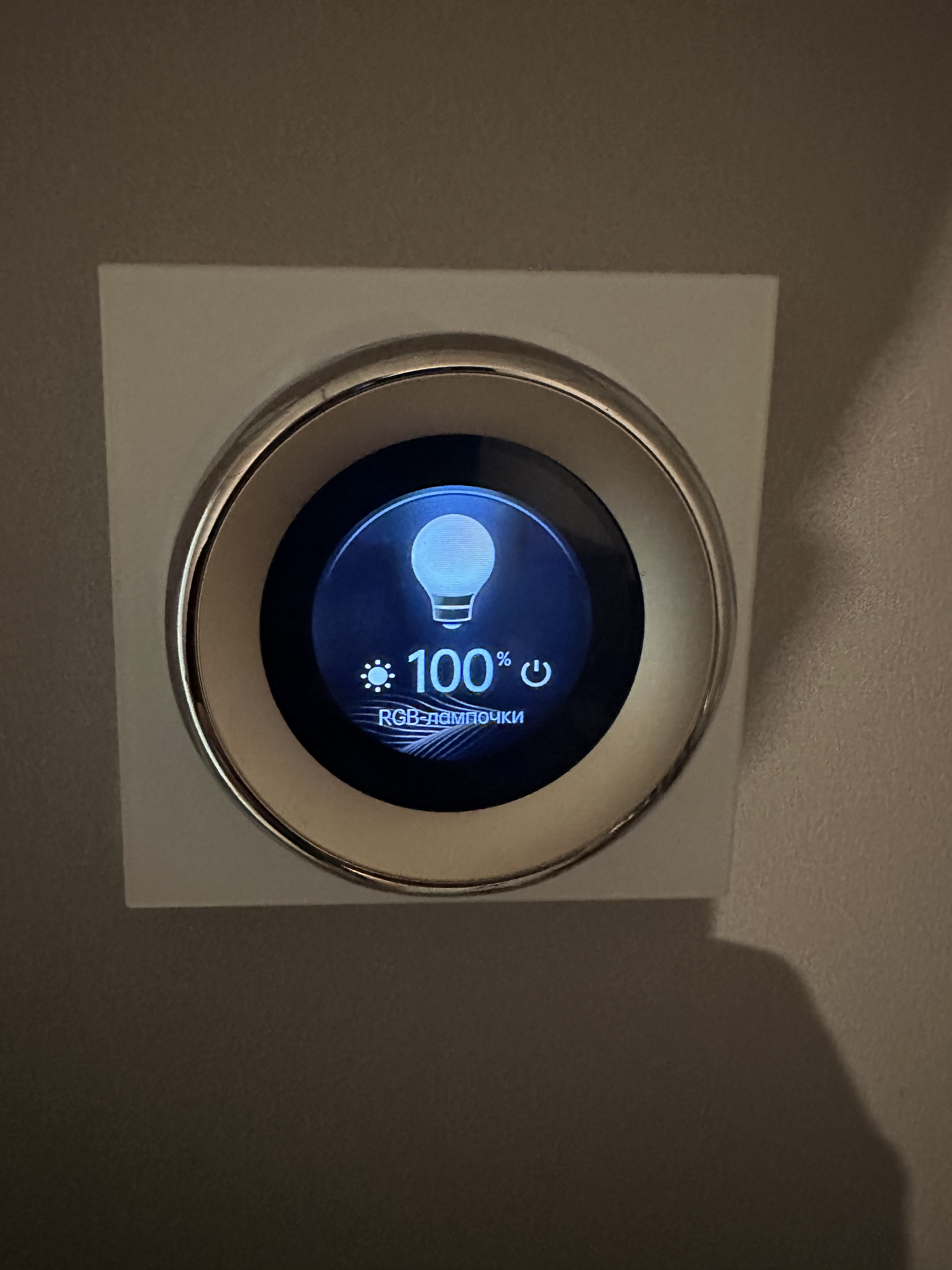
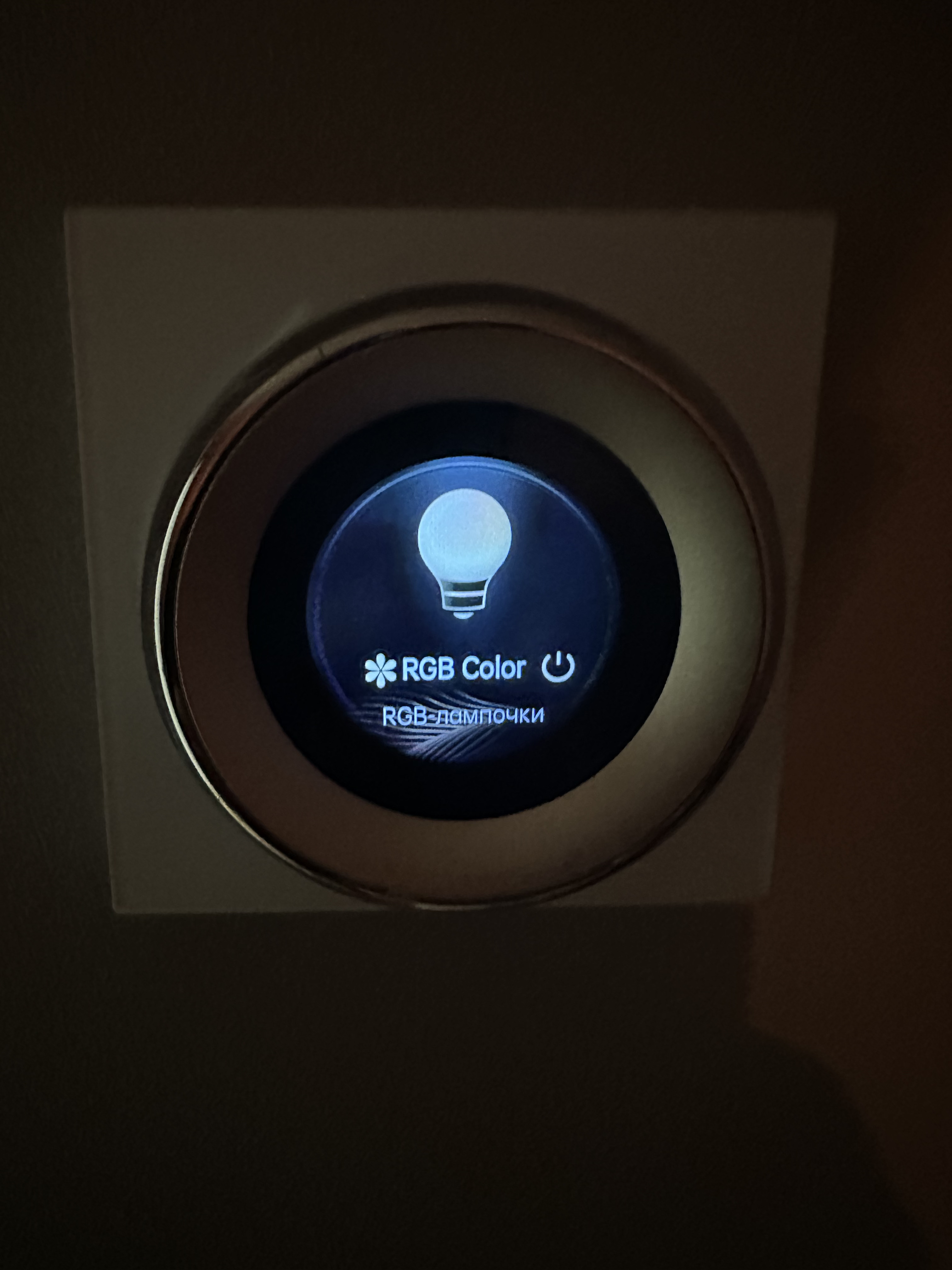
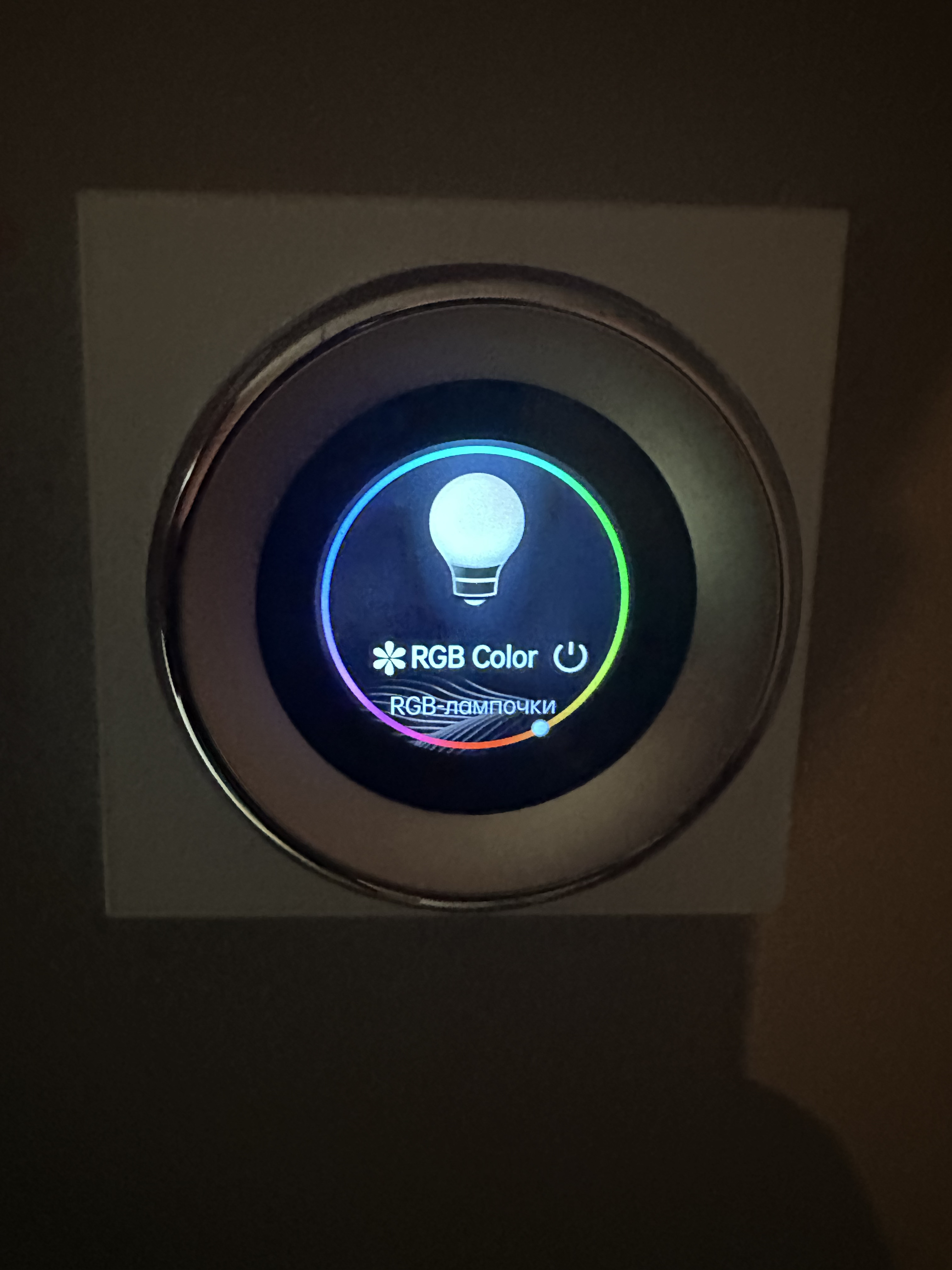
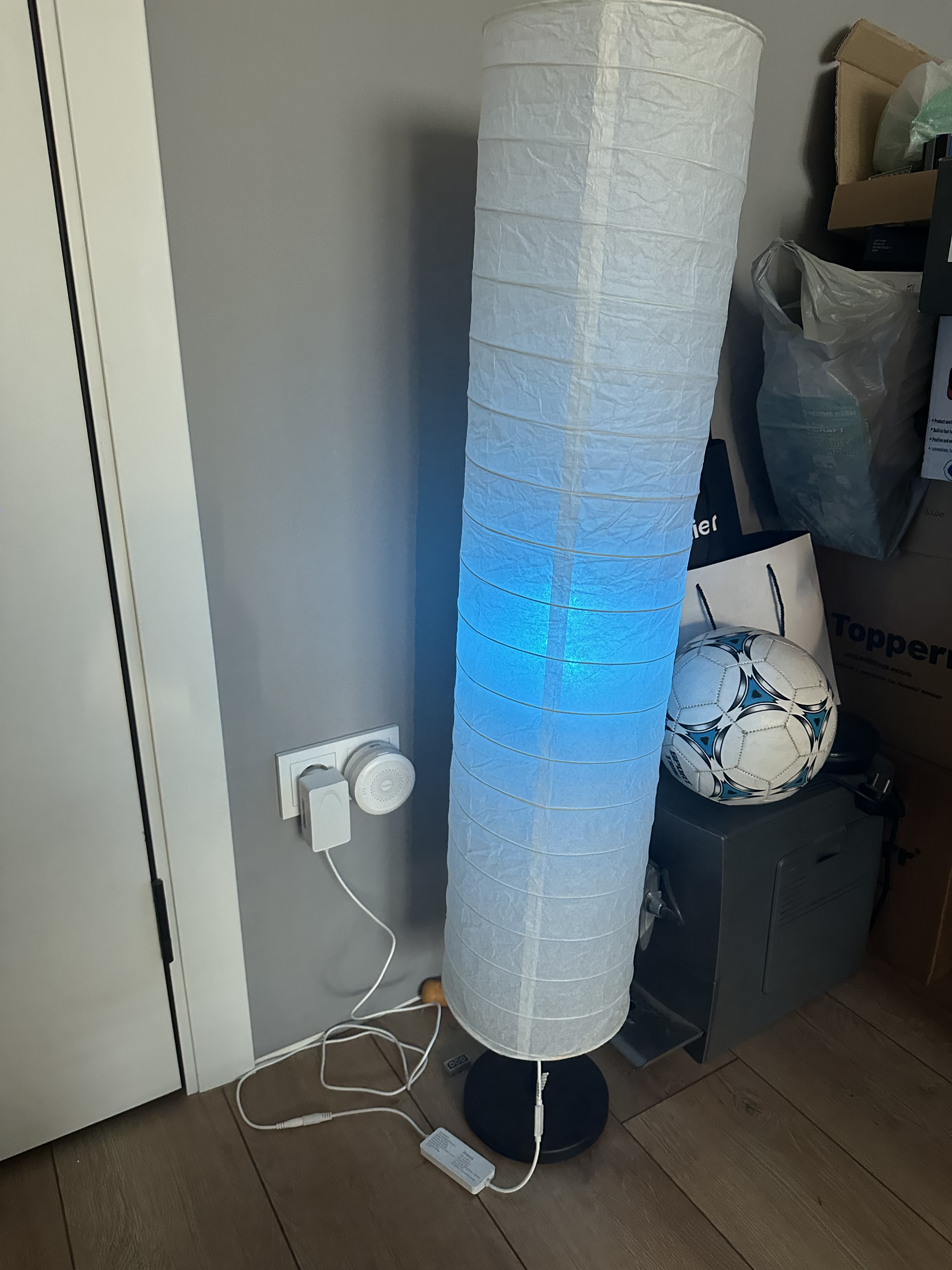
The living room is temporarily lit (the ceiling is being renovated) by an Aqara T2 E27 RGB+CCT bulb, controlled by one of my favorite devices, the Aqara Touchscreen Dial V1, which I also added to Homekit. To create ambiance, I also used an Ikea lamp and an Aqara LED strip T1 addressable light strip. I wrote about this renovation here —->IKEA+AQARA LED STRIP T1
Climate:
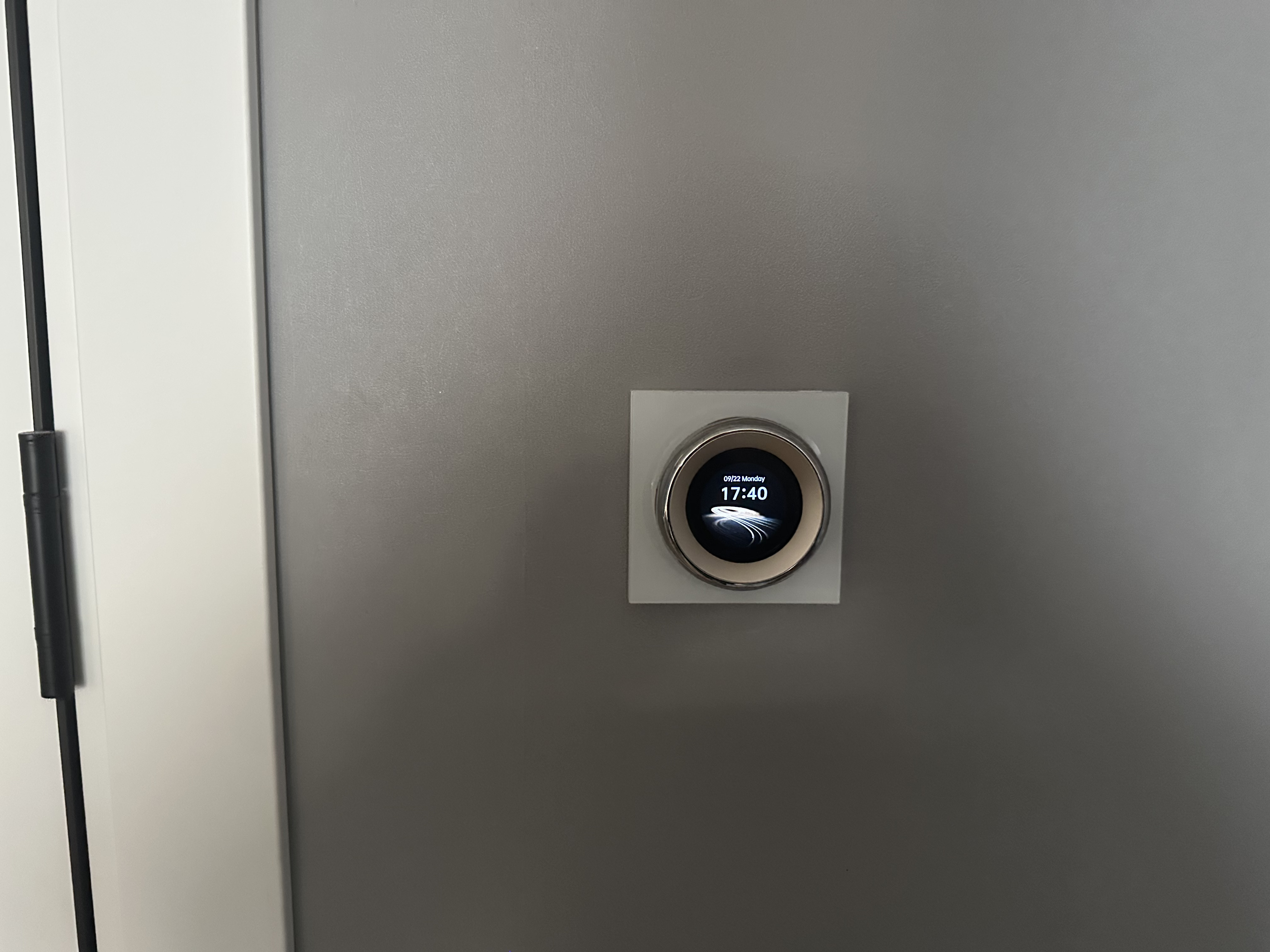
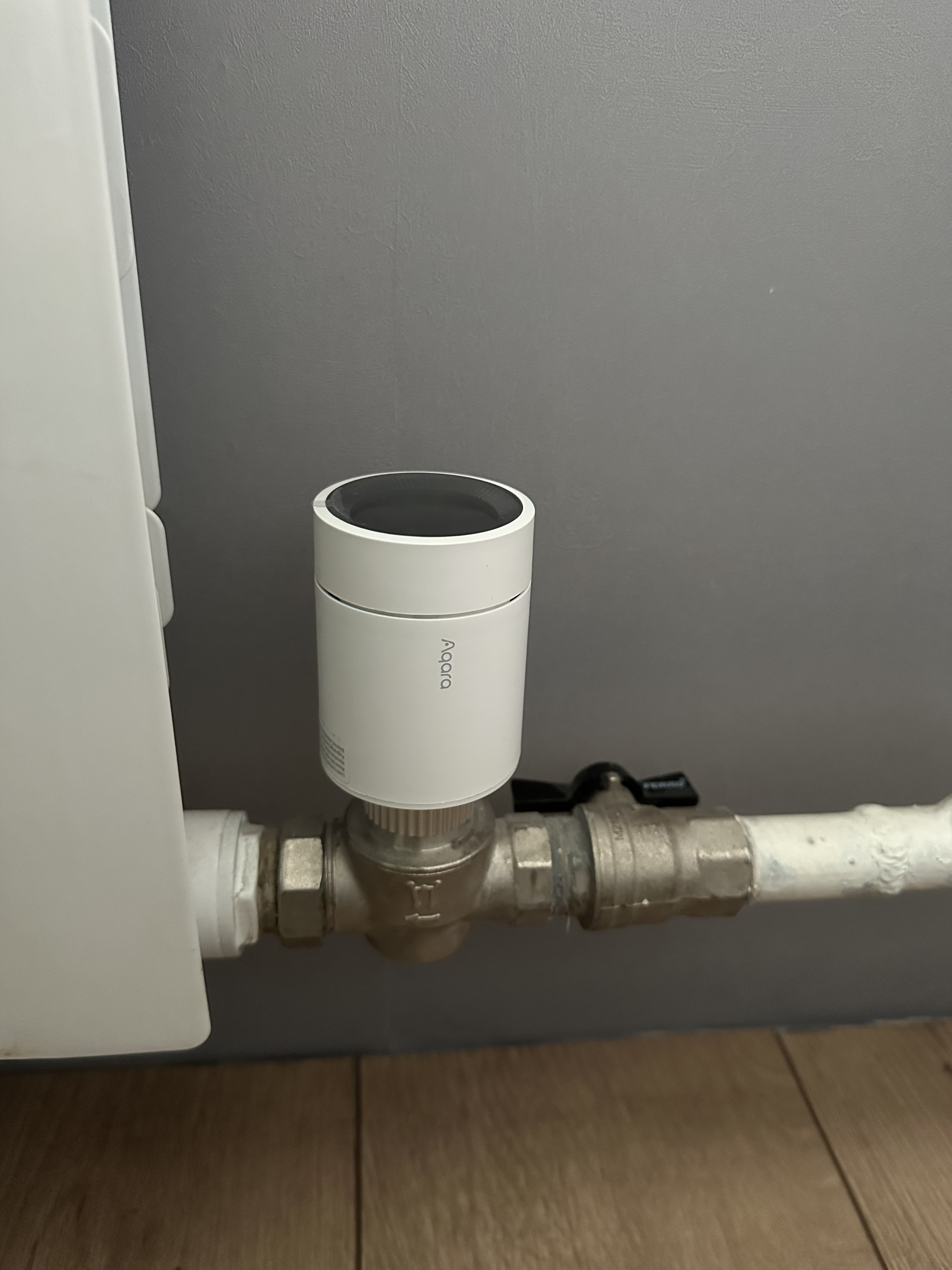
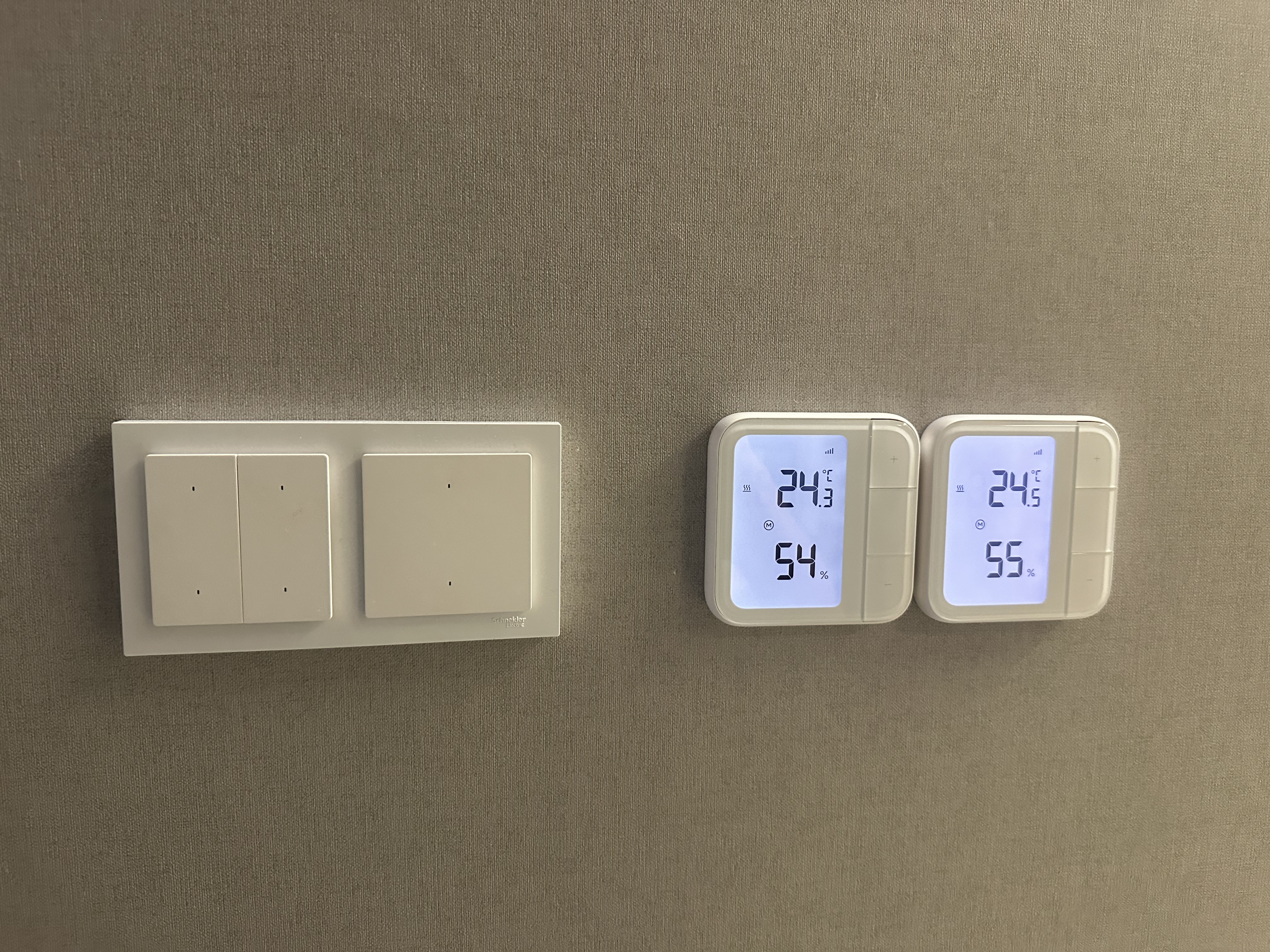
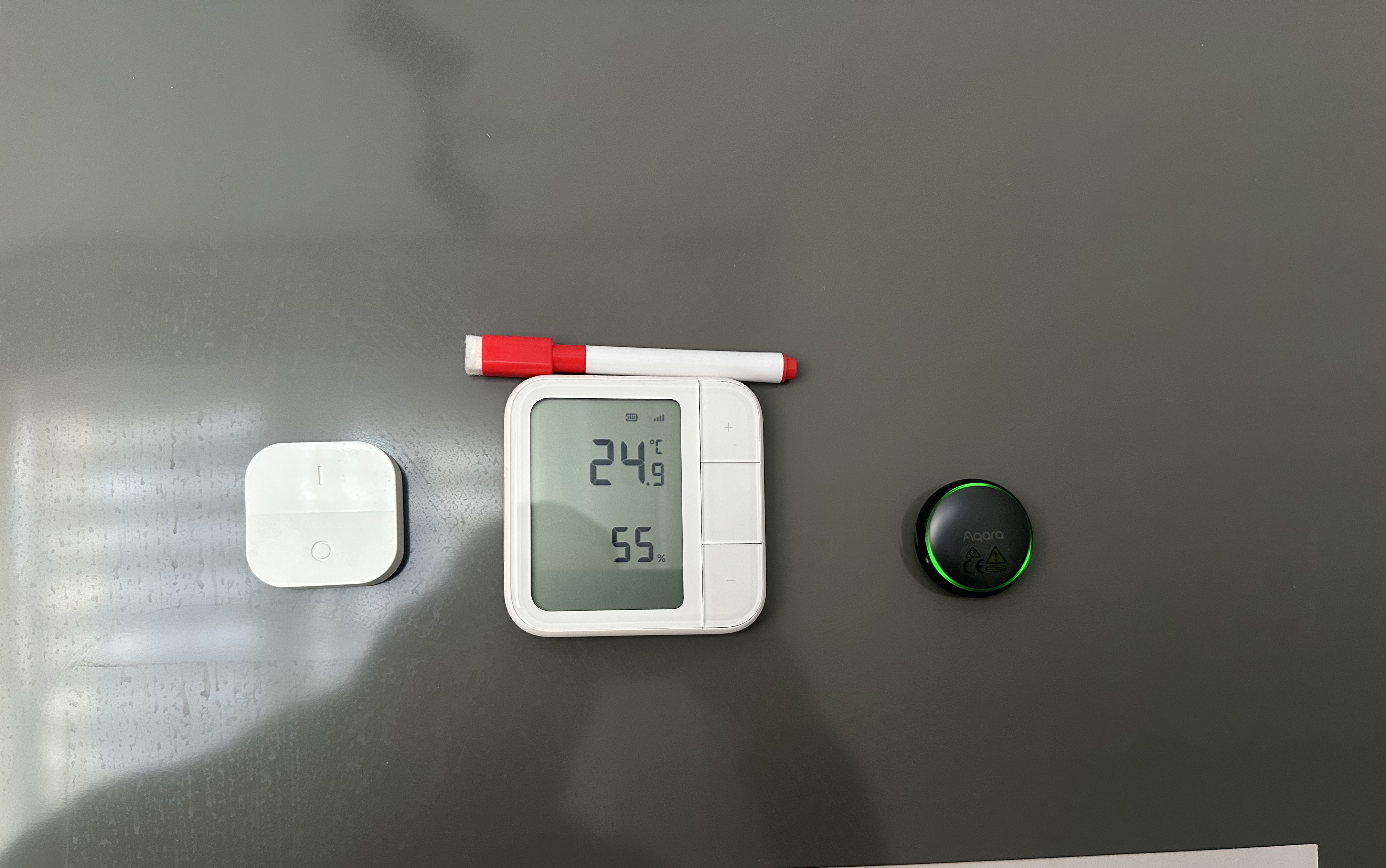
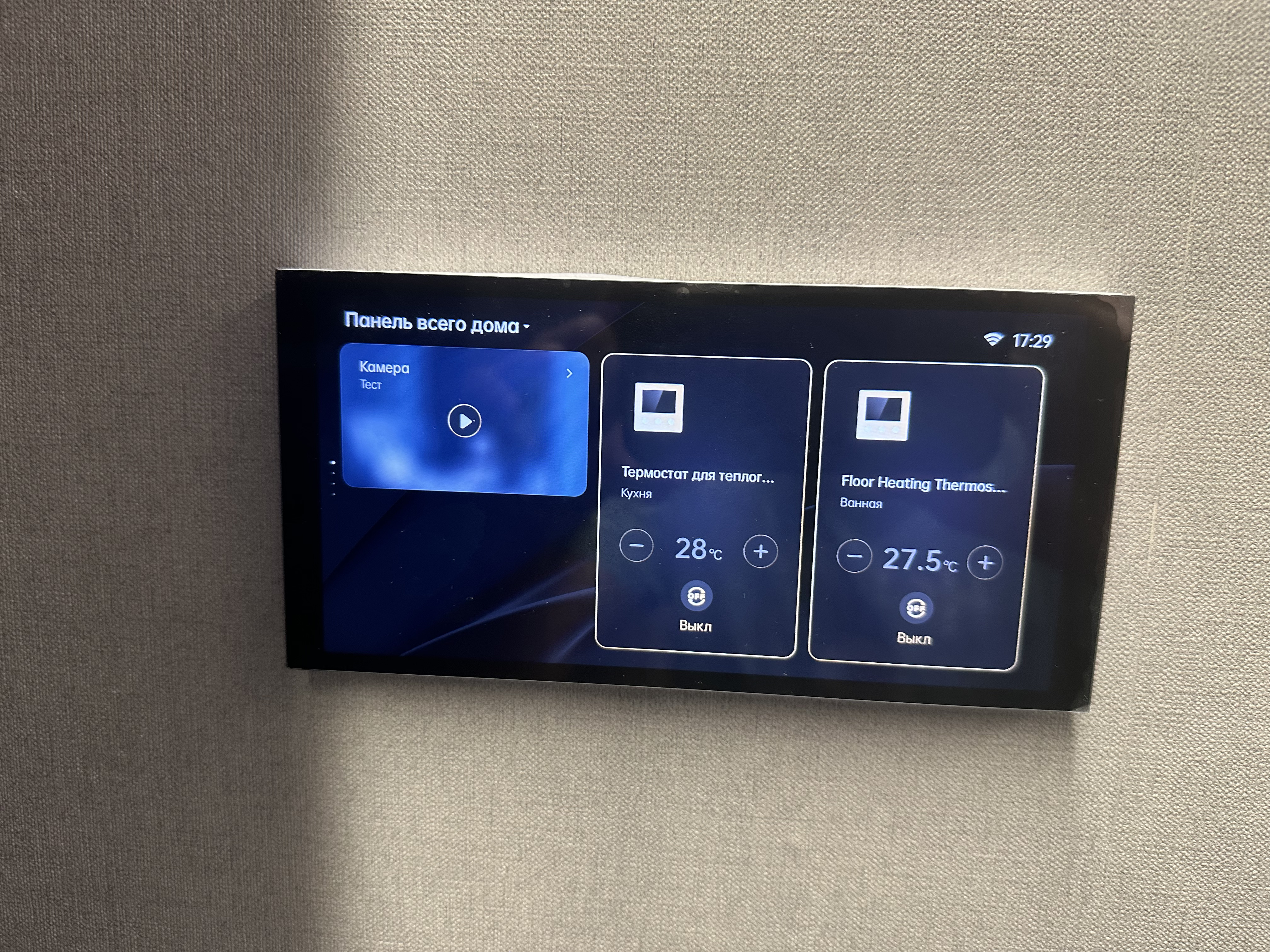
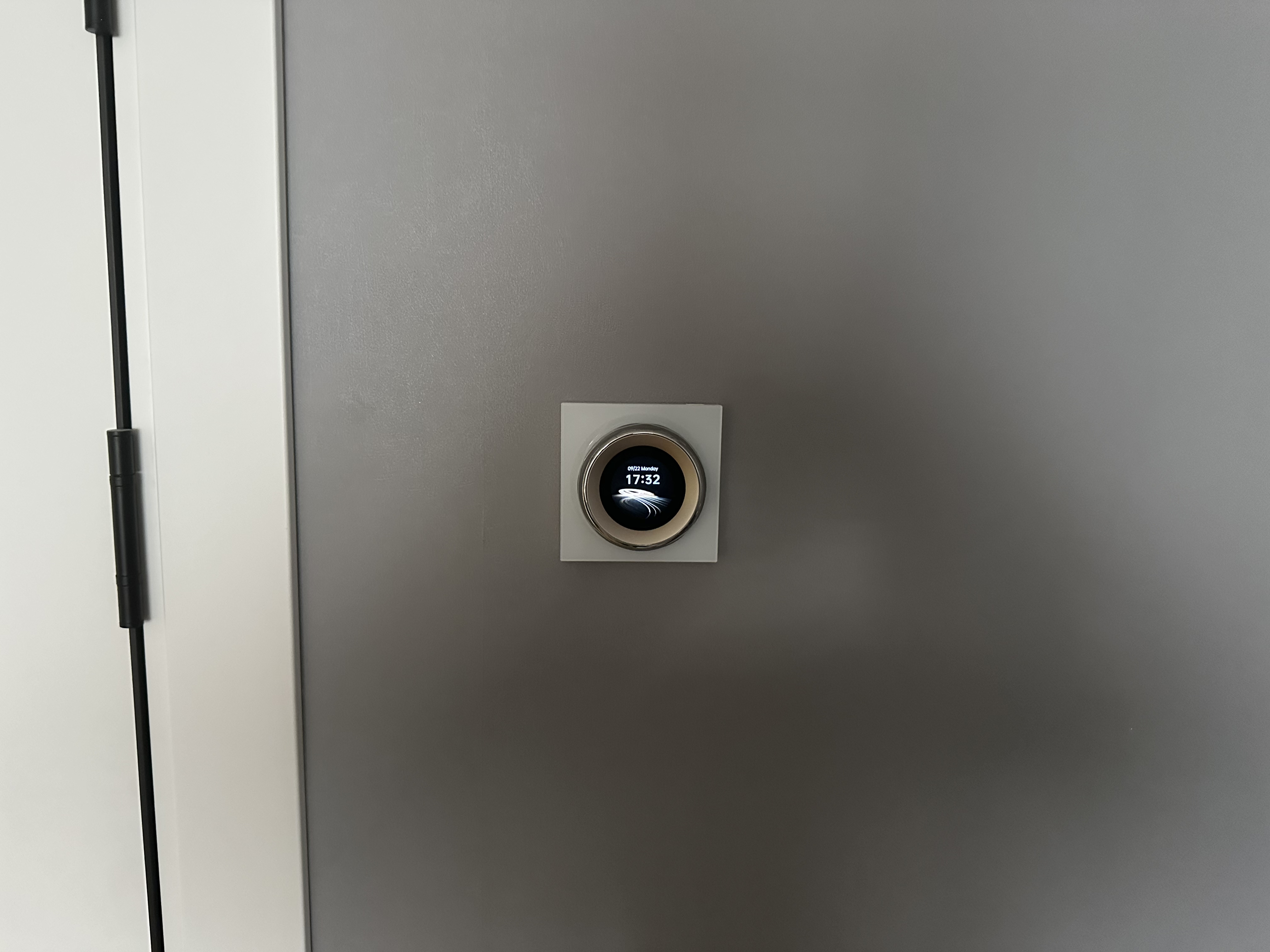
Aqara E1 thermostats are responsible for the climate in the house, and W500 thermostats control the electrically heated floors. The thermostat and thermostat are connected to the Climate Sensor W100.
Smart locks:
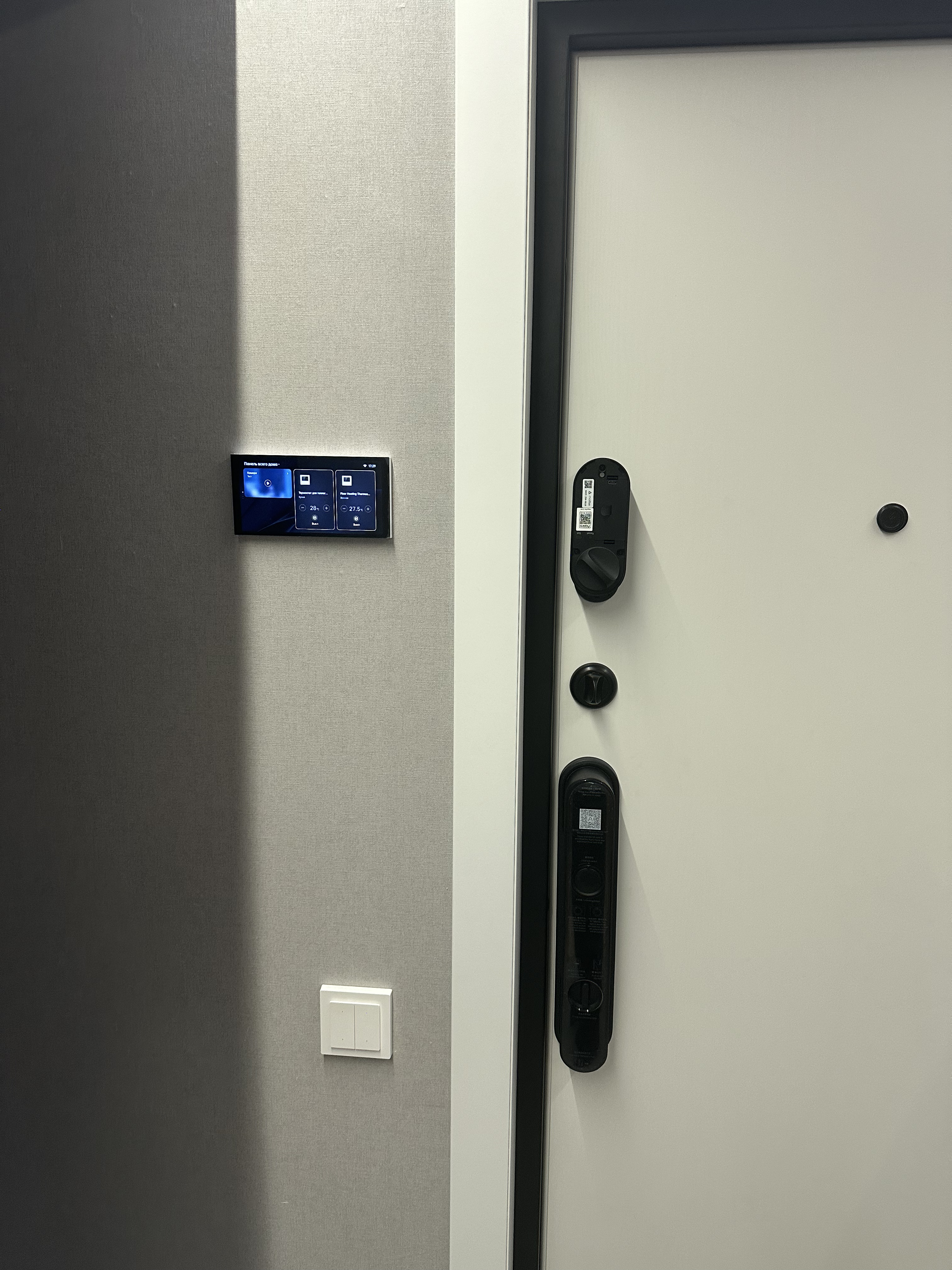
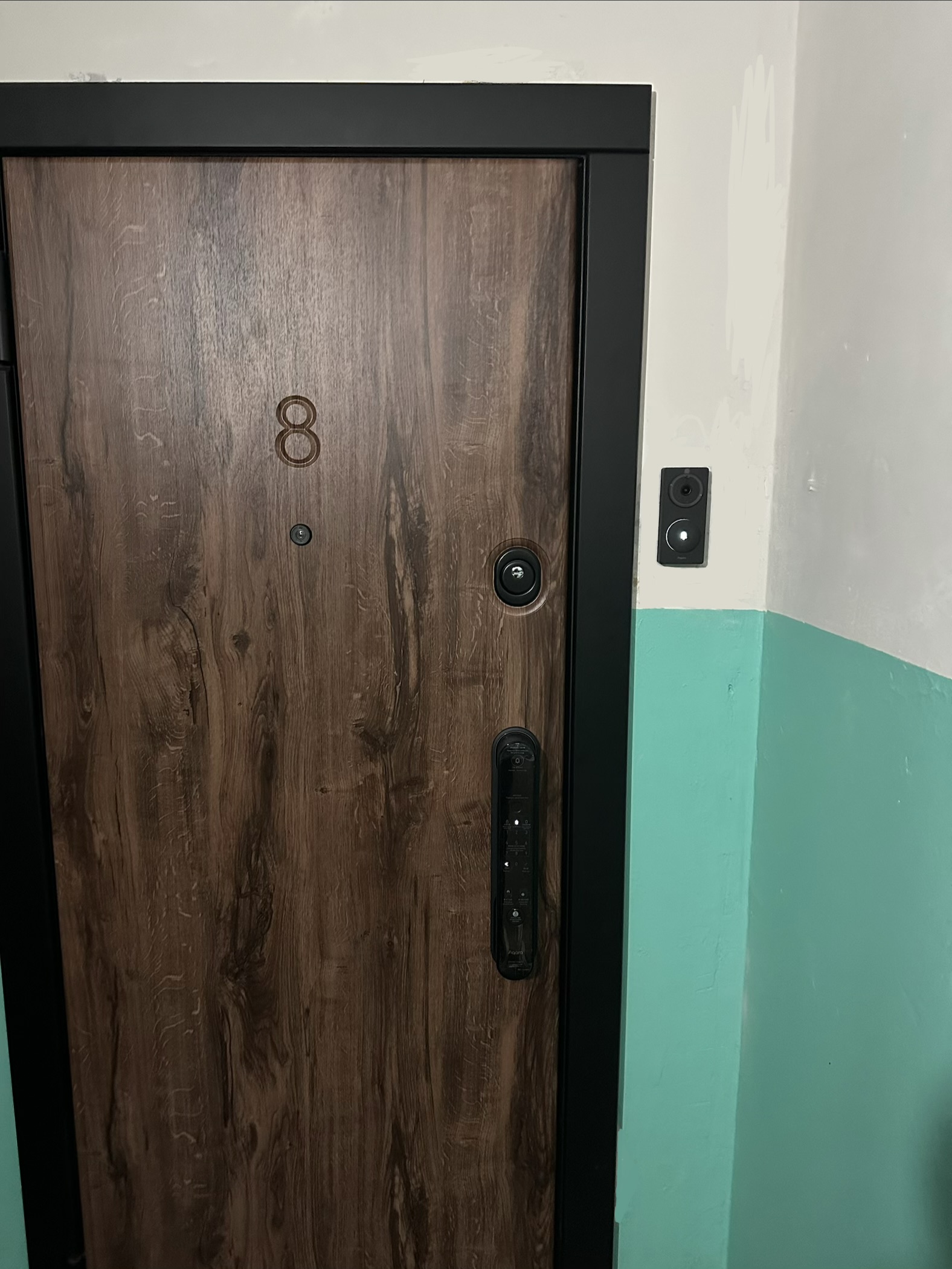
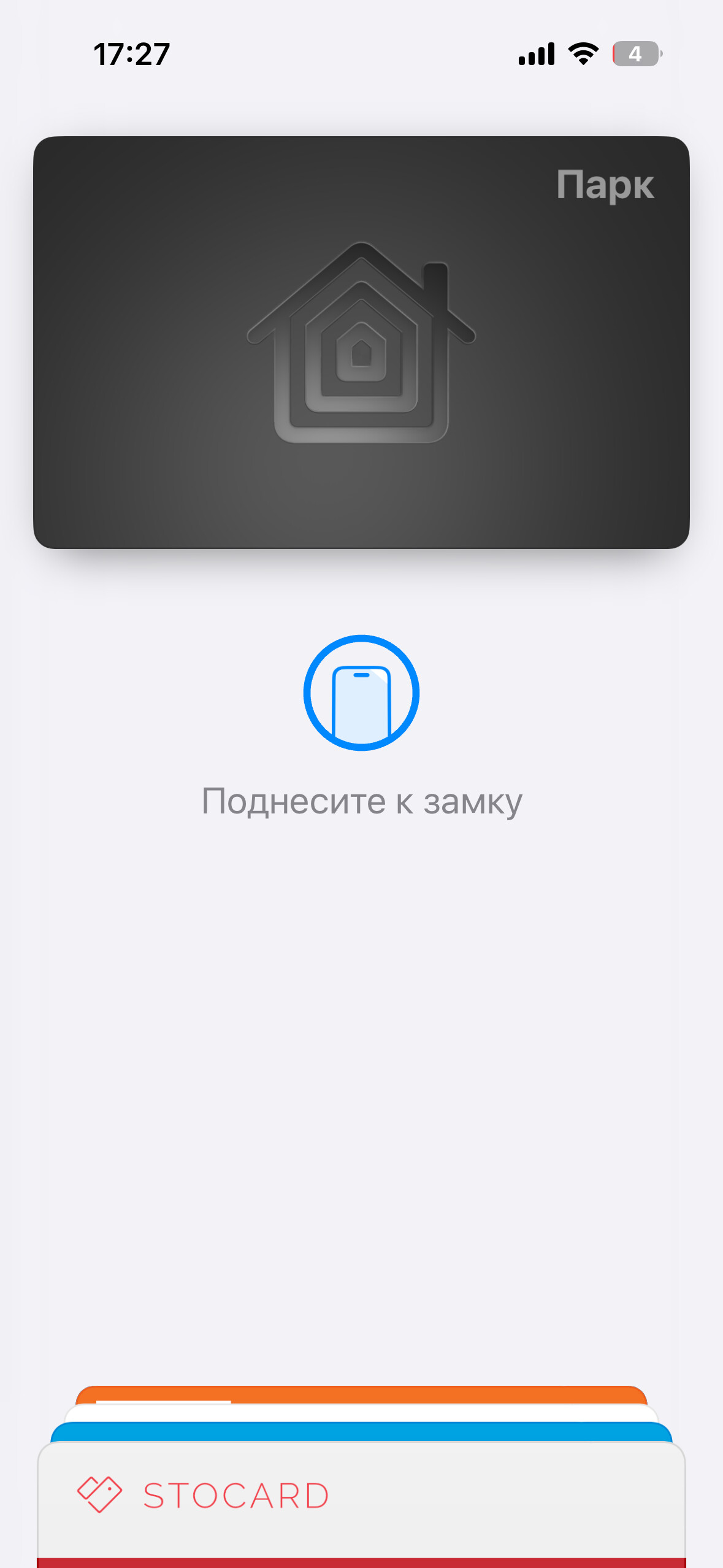
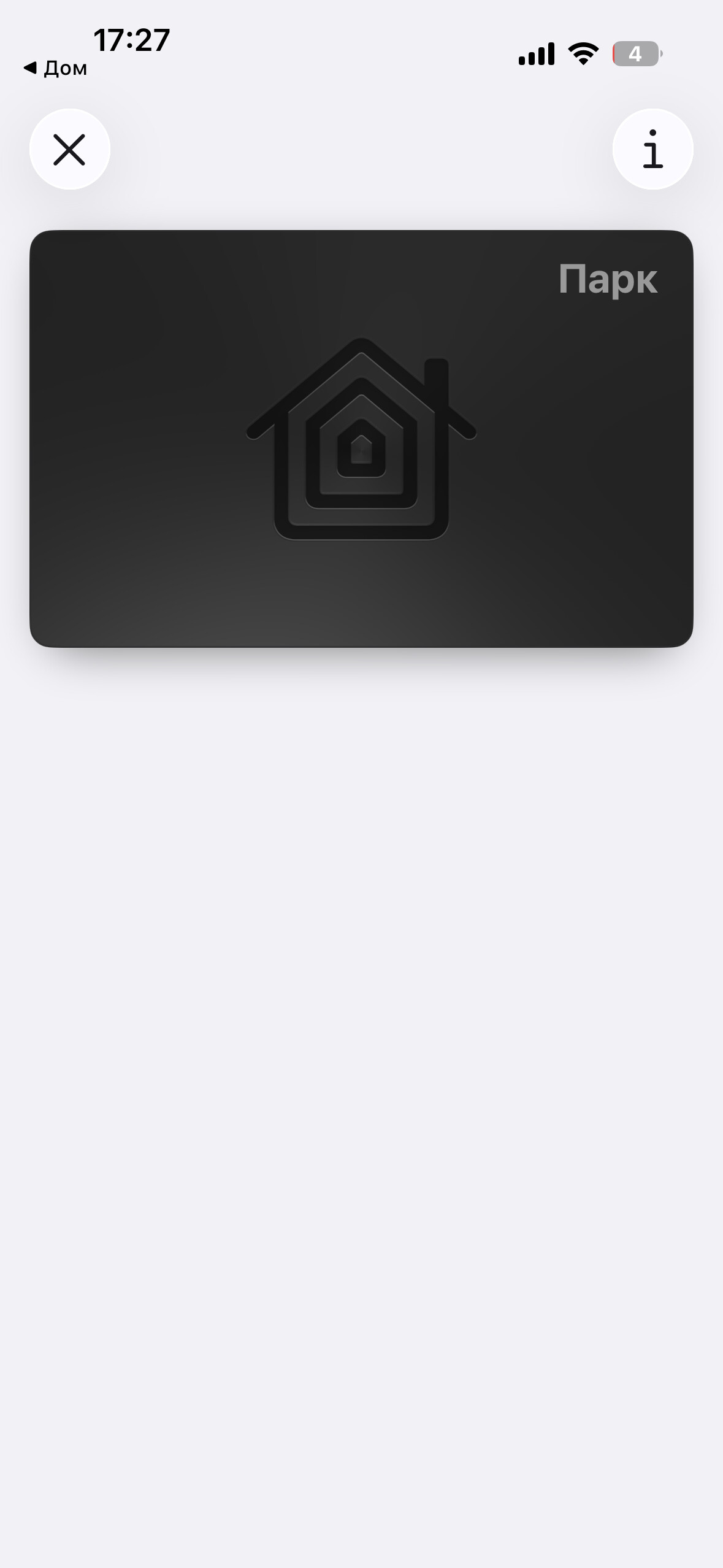
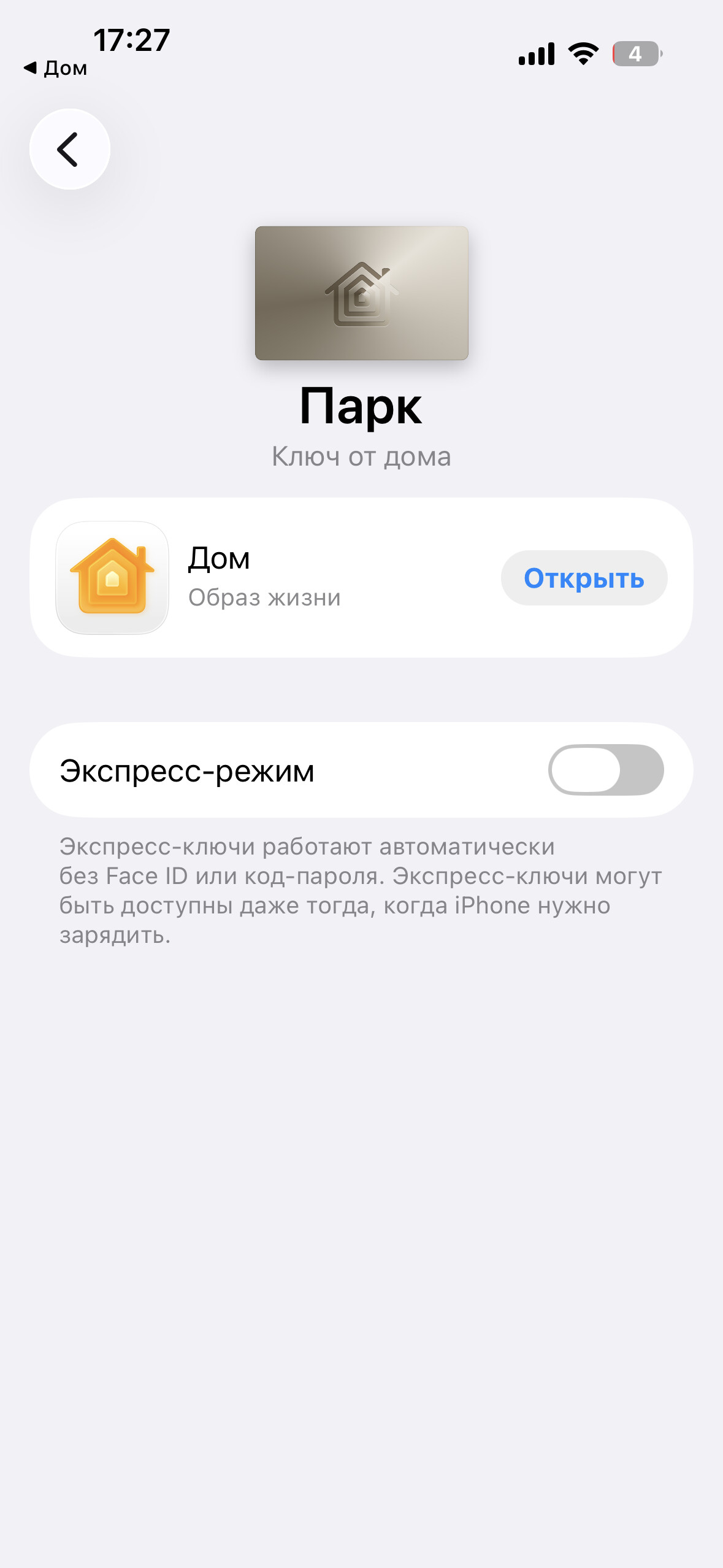
I use the Aqara D100 lock every day and the U200 lock when I’m away from home for a long time. I never carry keys and use the Apple Homekey to open the locks. Thanks to Apple for this method – it’s truly the best I’ve ever seen. Special thanks to Aqara for supporting this feature in their smart locks.
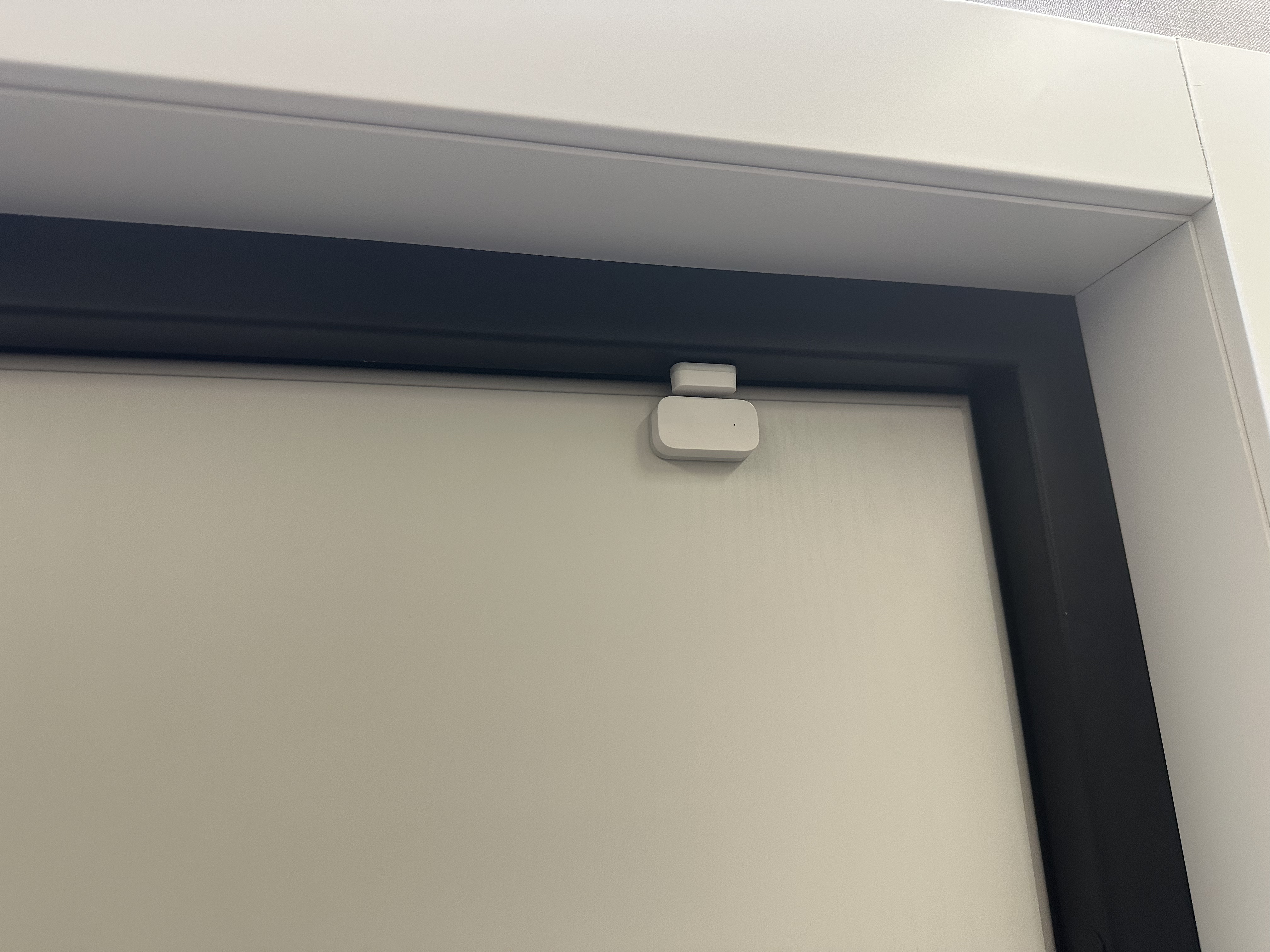
My wife uses Homekey on her Apple Watch. Our child uses a fingerprint. The door also has a door opening sensor, which allows us to check whether the door is currently locked in Homekit. Notifications are set up for the locks and sensor in HK.
Cameras:
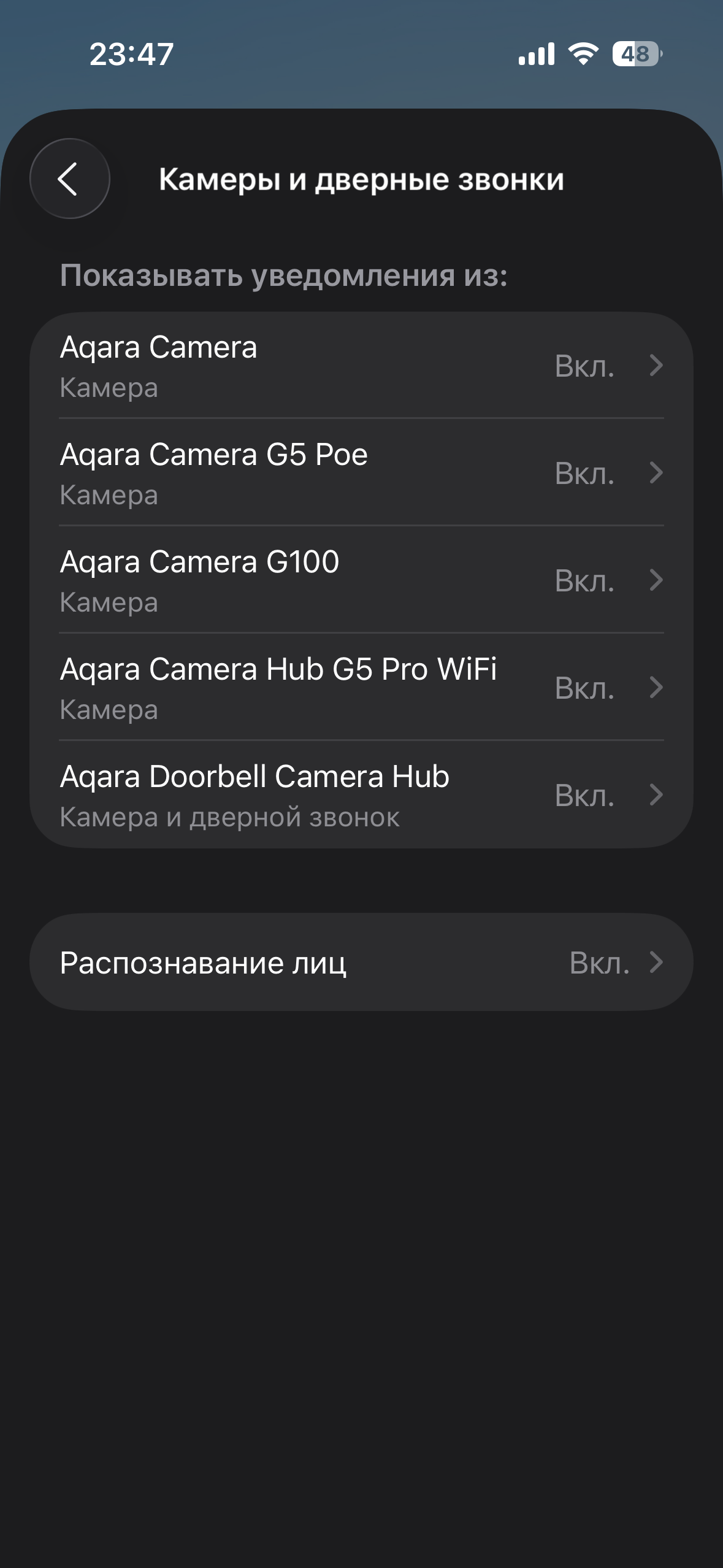
I can proudly say that I have all the Aqara cameras.
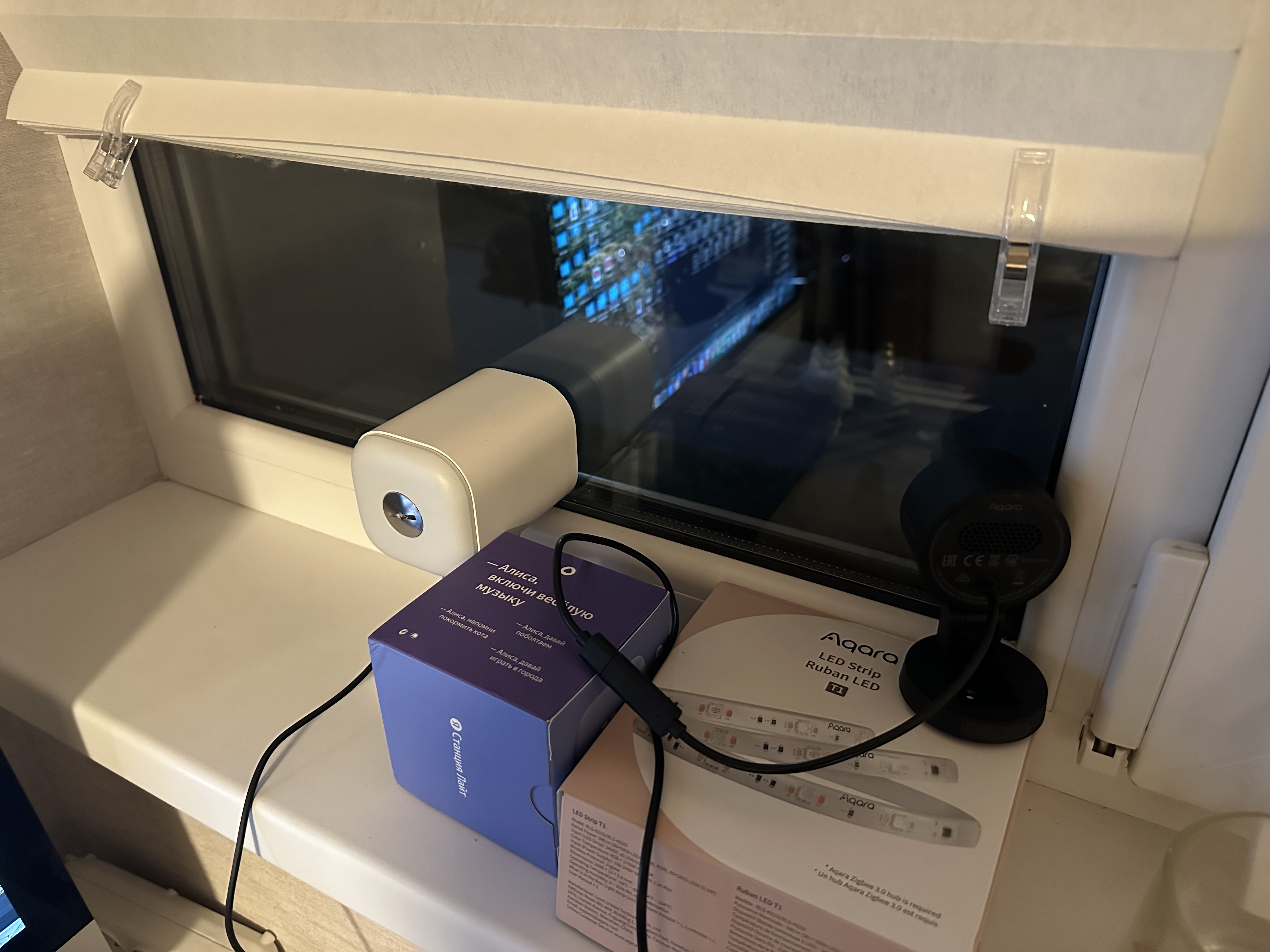
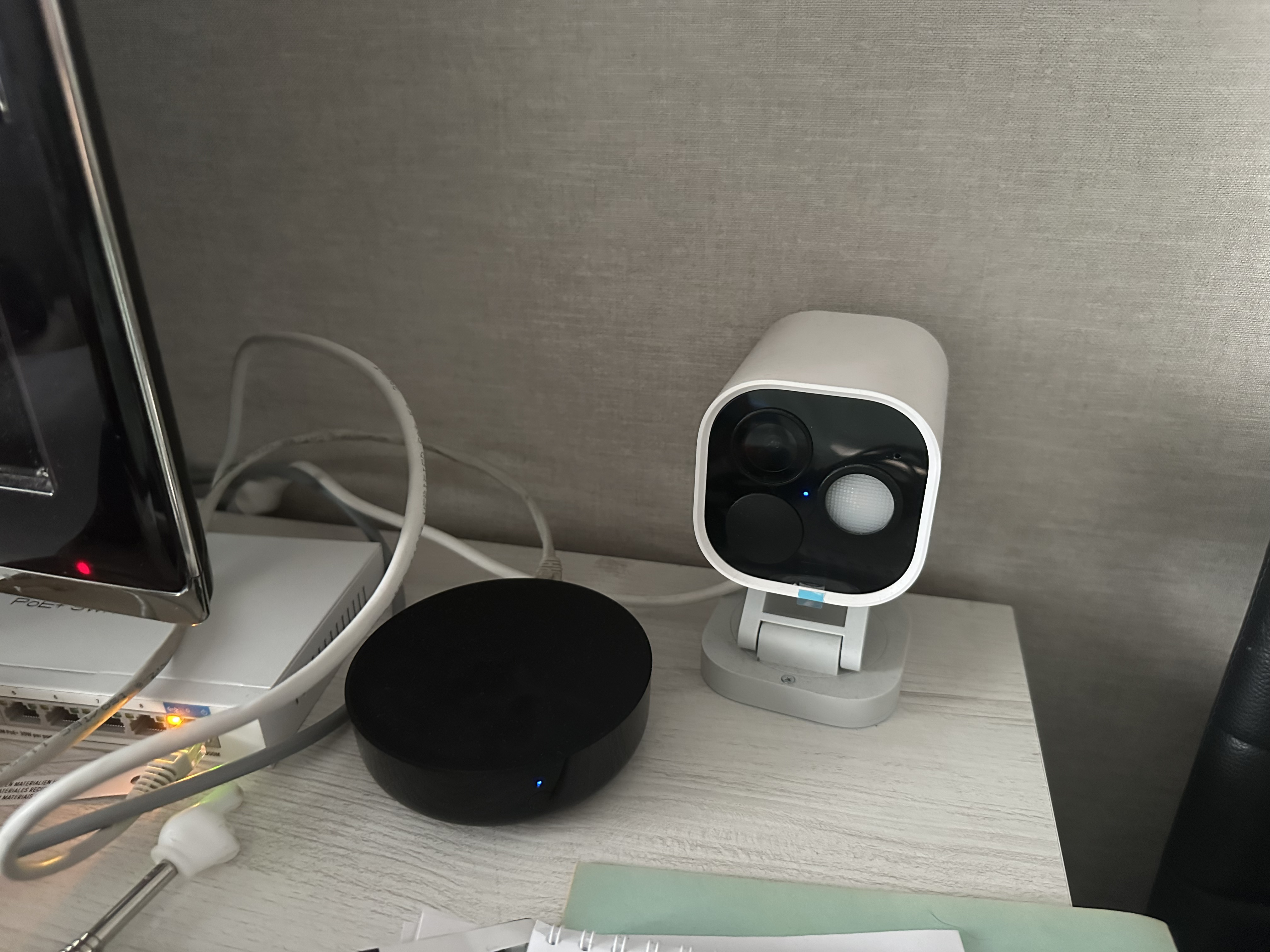
I use many of them in Homekit, including the Aqara G5 pro, both the PoE and Wi-Fi versions. Due to legal restrictions, I can’t install them on the facade of my apartment building, but my parents have a private house where they work perfectly outdoors, allowing me to monitor the perimeter of the property and keep an eye on the house. In my own house, I use the G5 pro to monitor the parking lot where our family photo is located.
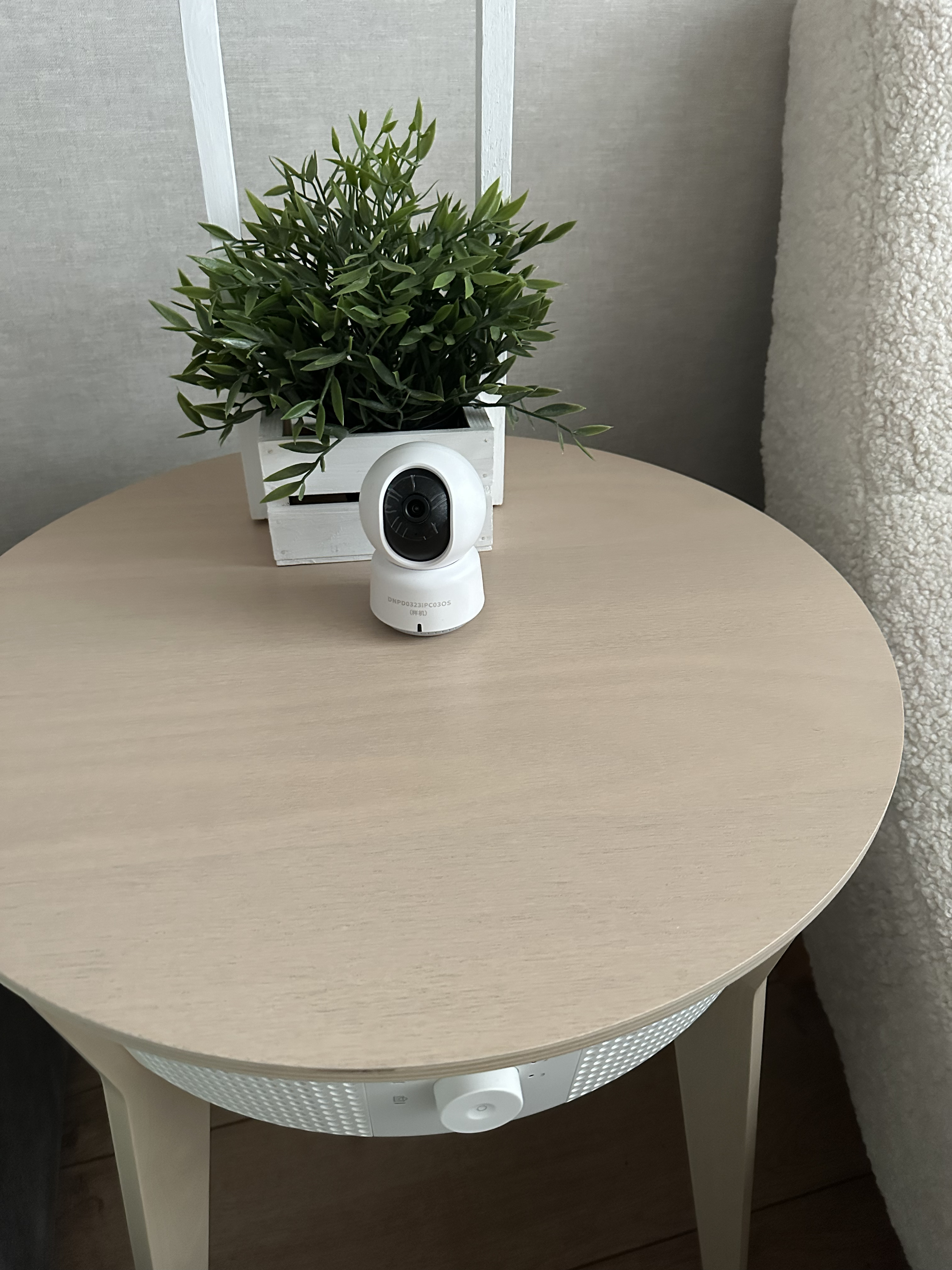
I also have an E1 camera in my bedroom, a G3 hub camera in the kitchen, and a G5 pro and G2h in the kids’ room. The G100 was located on the balcony, but it’s currently being renovated, so it’s temporarily installed next to the G5 and also monitors the parking lot.
My whole family also uses the Aqara G410 doorbell through the S1 plus hub panel. It’s easy to see when the doorbell rings or who’s standing behind the door.
Curtains:
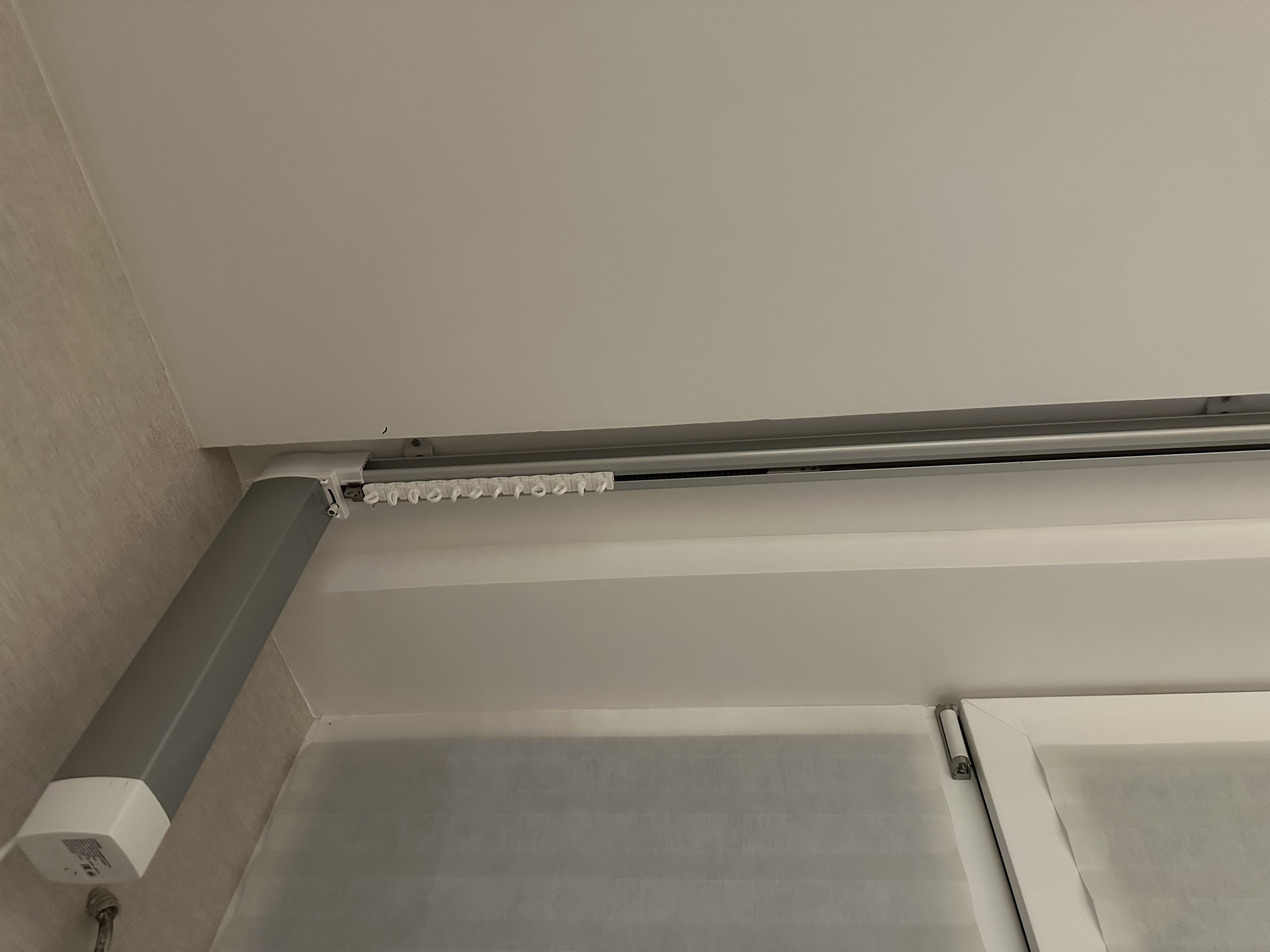
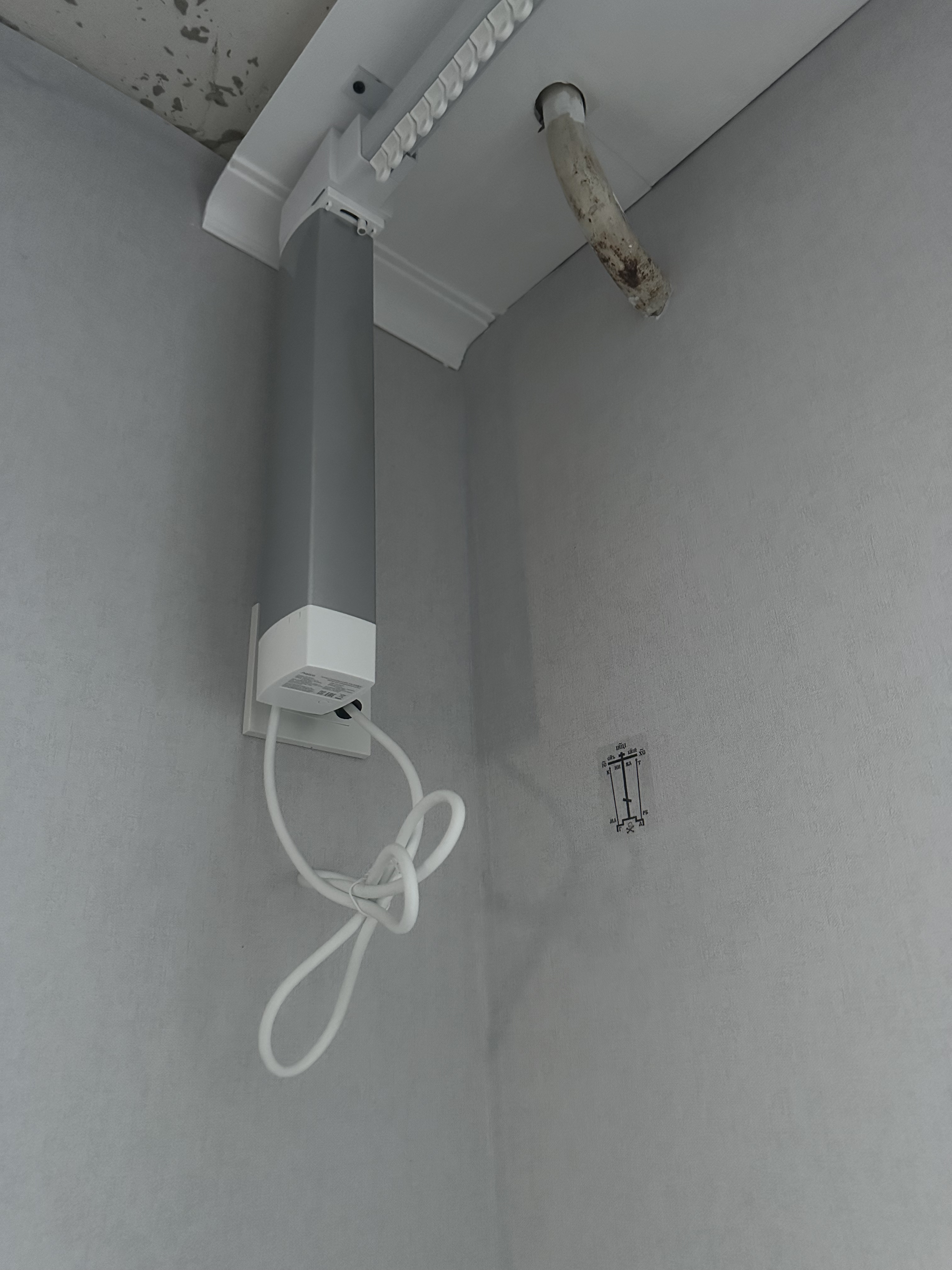
I use Aqara wired curtain motors; they work great in HK along with the new version of Aqara telescopic curtain rods, and I really like them – they’re virtually silent.
Switches and outlets:
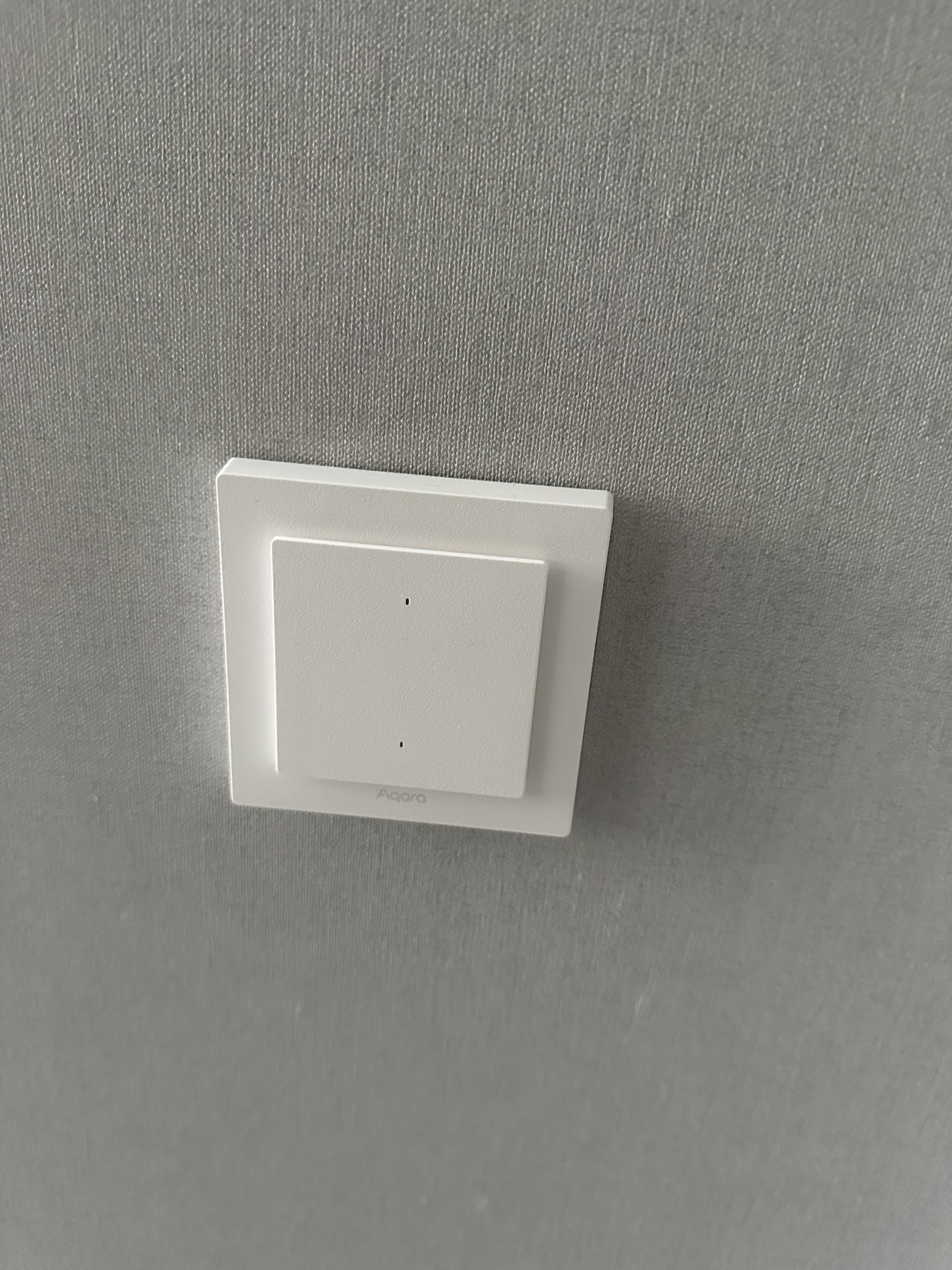
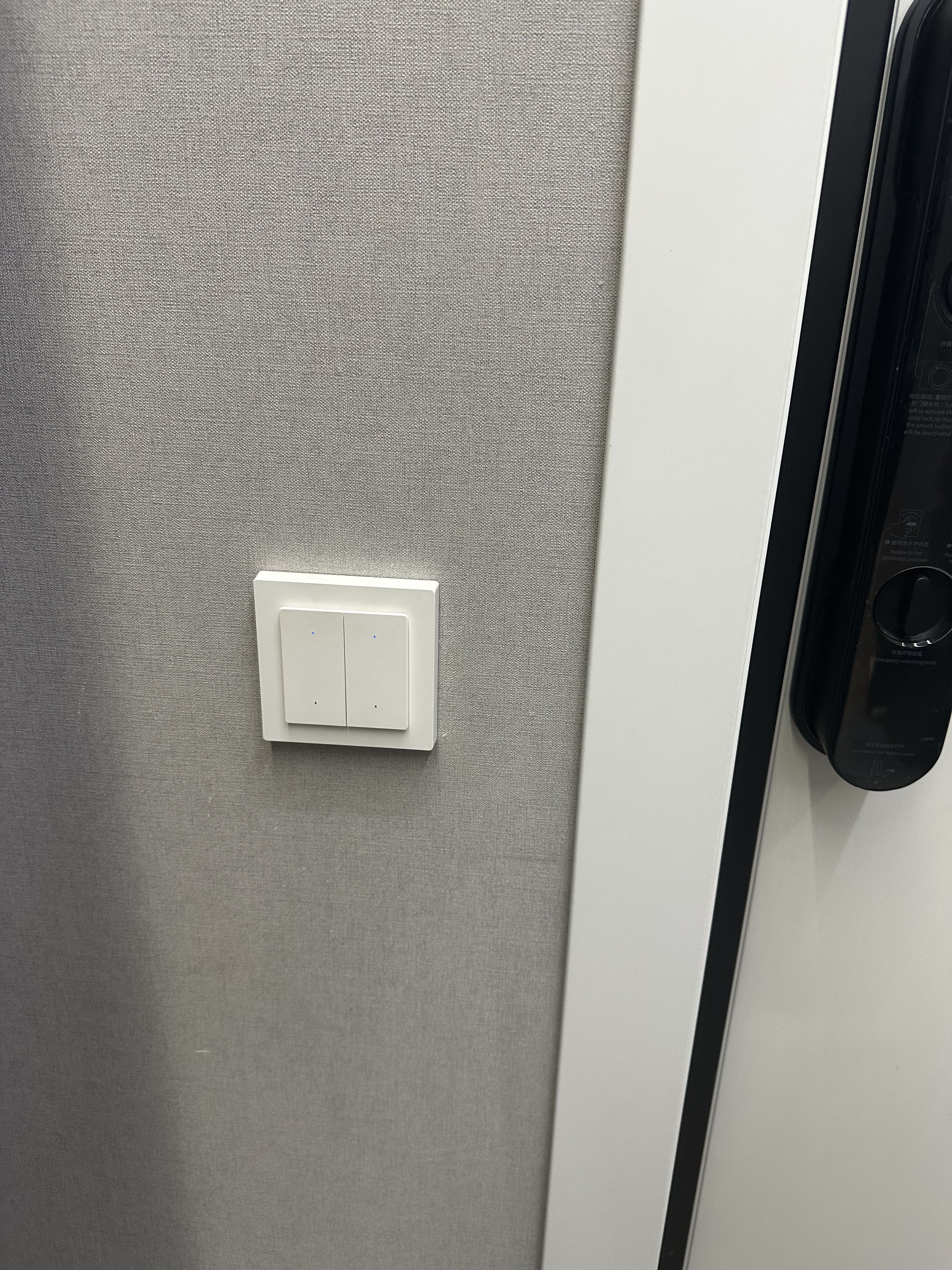
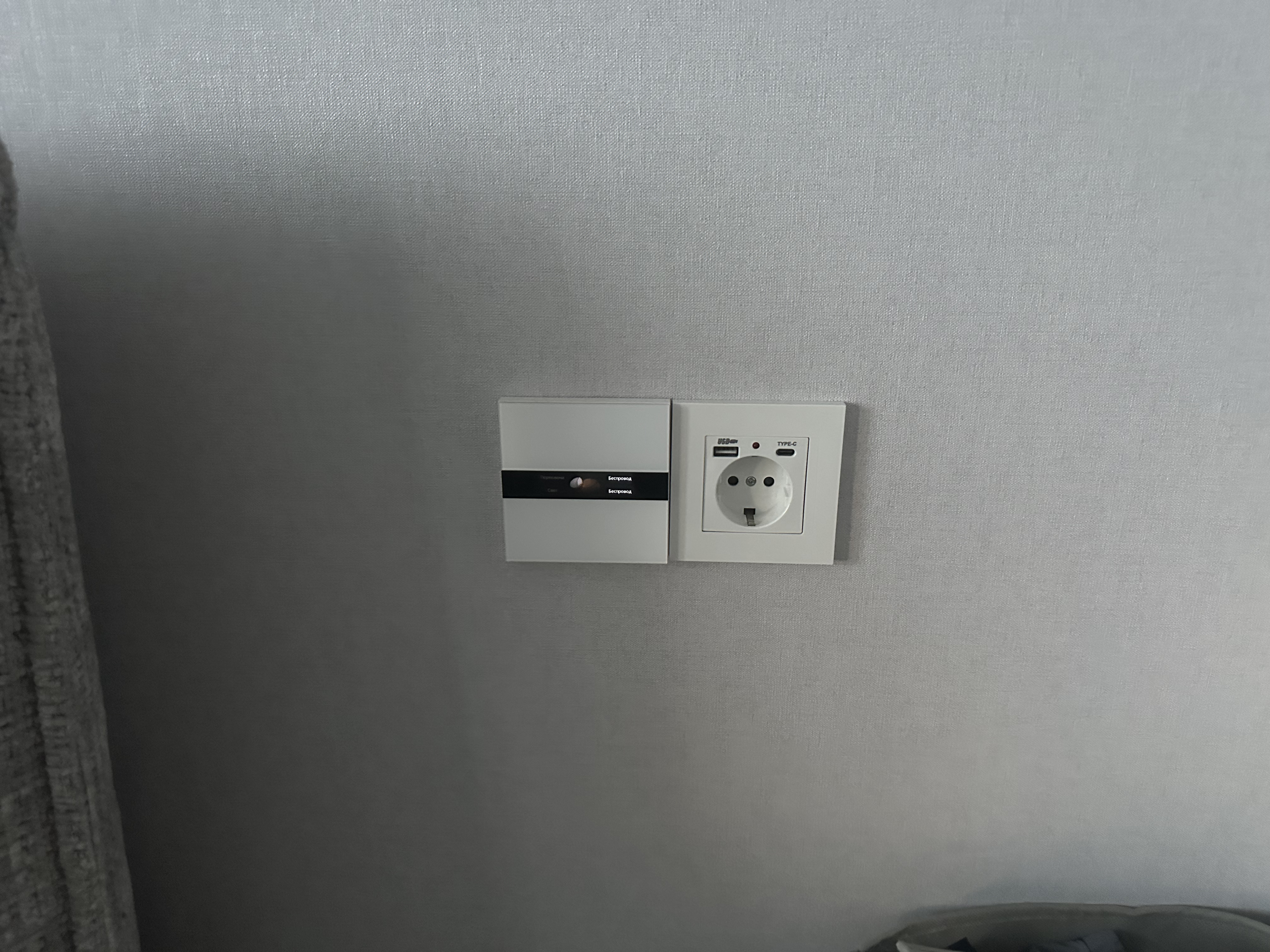
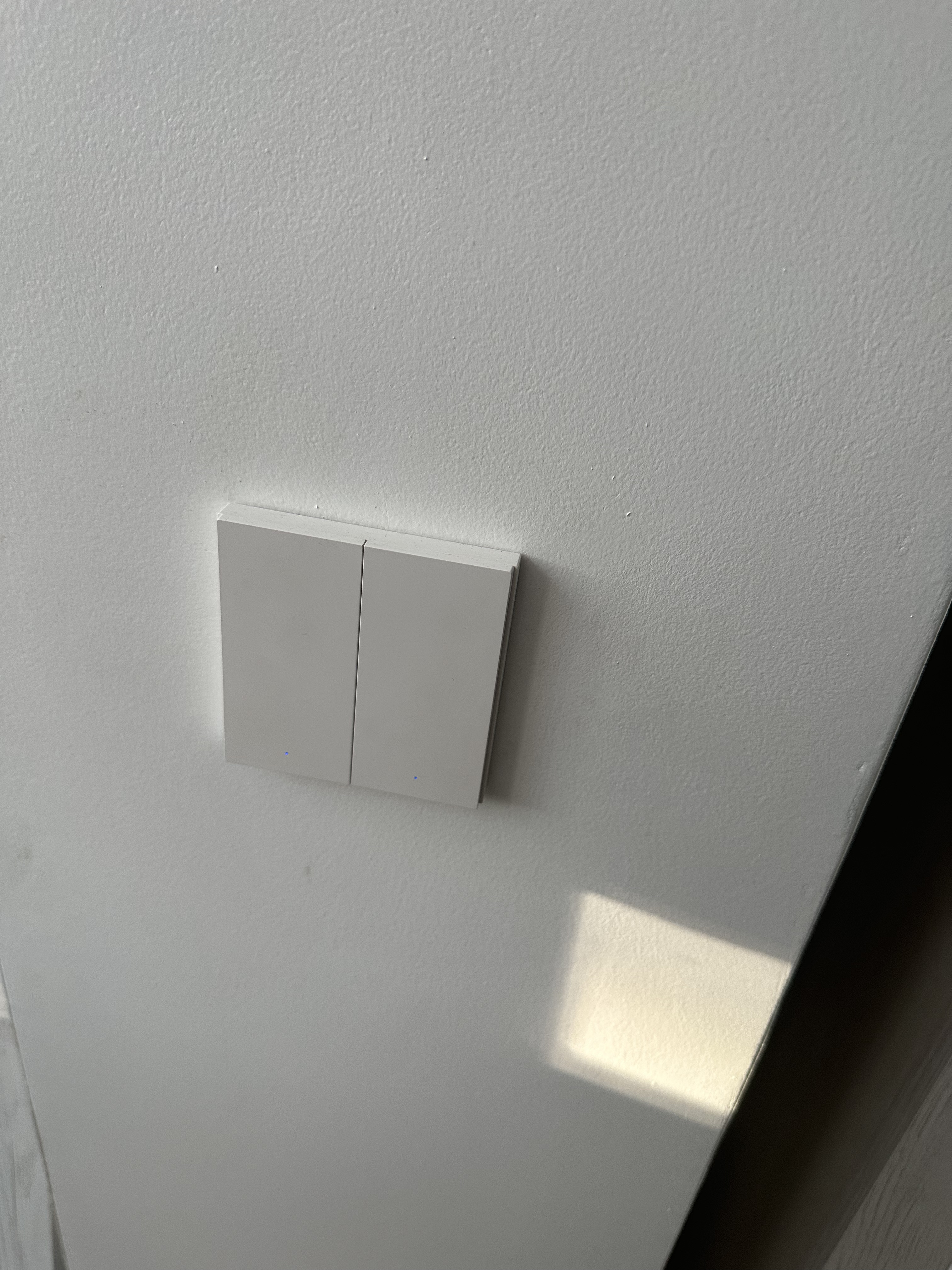
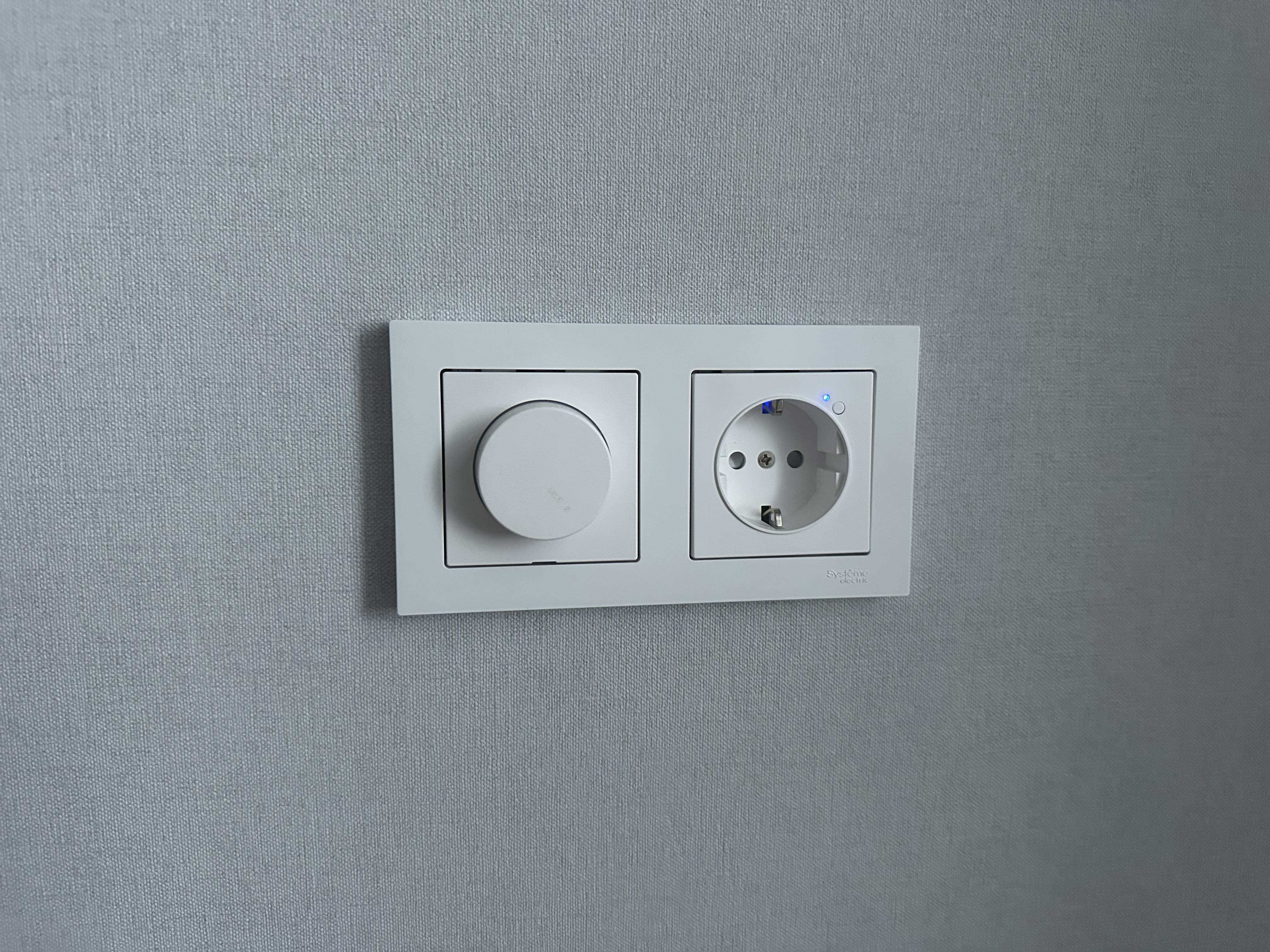
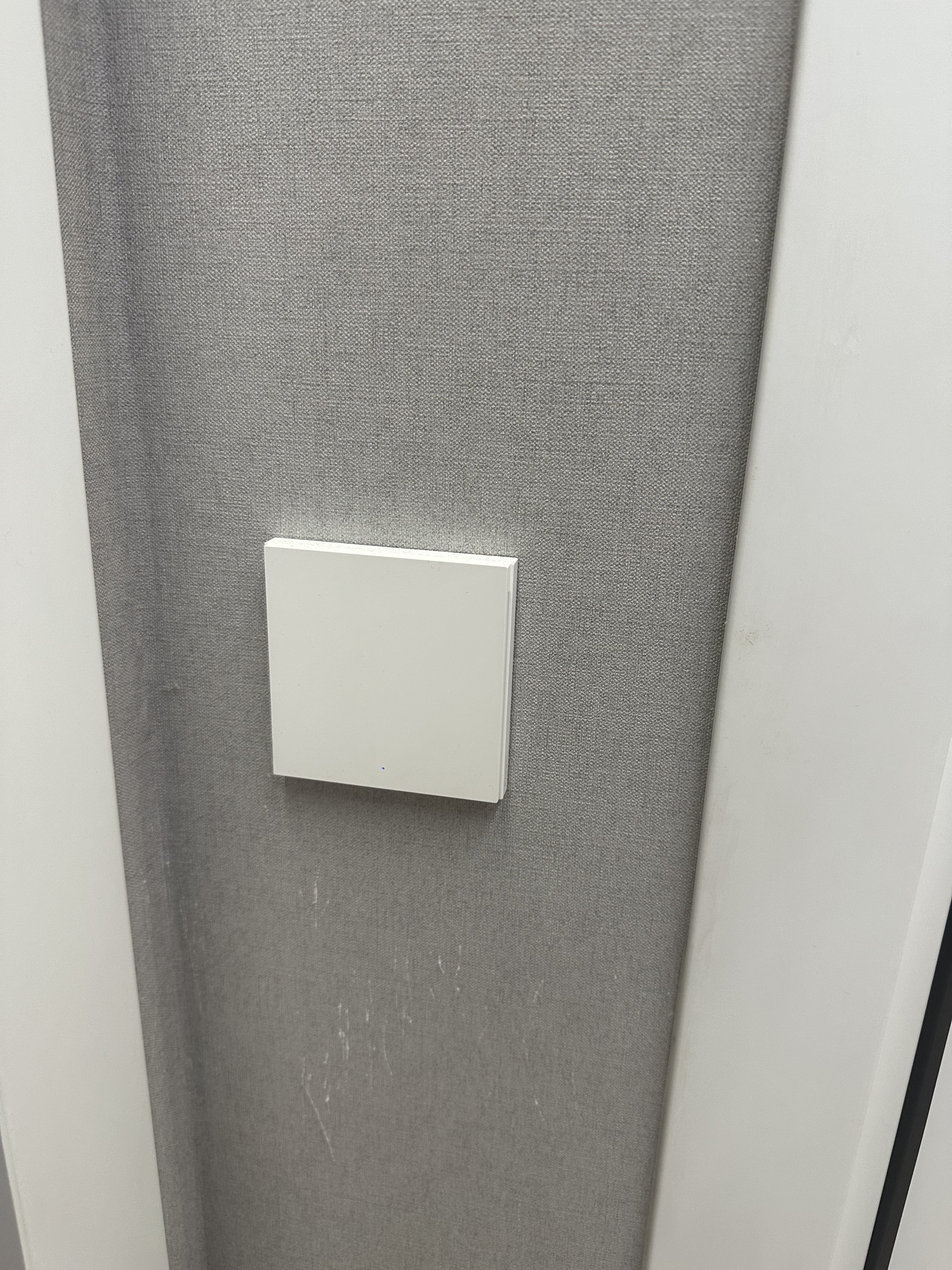
All the switches, dimmers, and several outlets in my house are from Aqara. I wish all the outlets were from Aqara, but I’m still waiting for EU outlets with USB and USB-C ports. As soon as they come out, I’ll install them throughout the house.
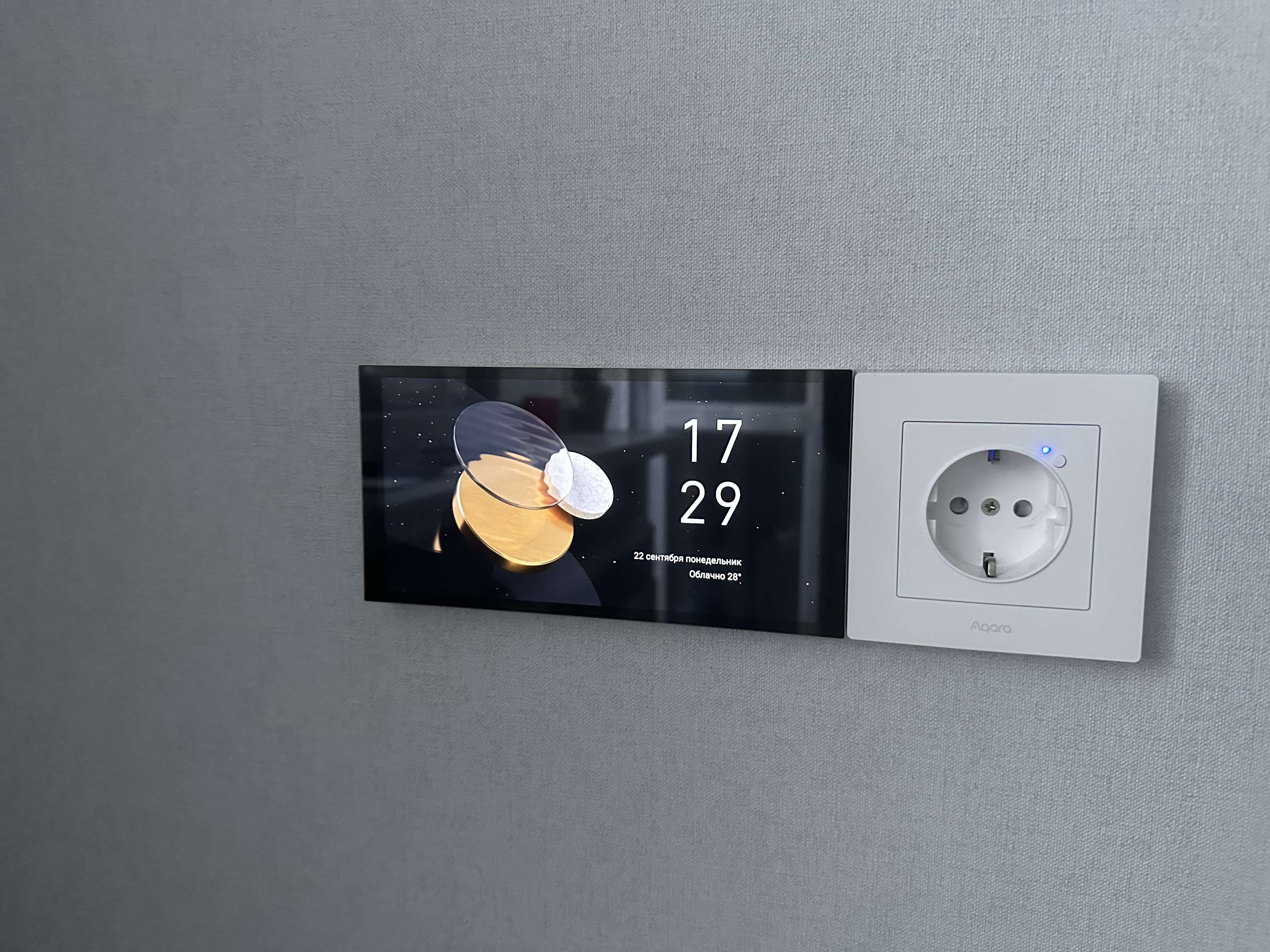
And finally, my favorite Aqara devices are the S1 Plus panels. I have three of them and plan to buy more because they’re a very versatile device, and my whole family uses them to control the entire house, including climate control, viewing cameras, opening locks when someone rings the doorbell, etc.
The panels are added to Homekit as two-gang switches and six wireless buttons that can be assigned any actions in the HK settings. They also work for third-party devices, not just Aqara, and you can control any HK device directly from the S1 Plus screen. This is really cool. I have three of these panels, meaning 18 wireless buttons in HK for different tasks and devices, six in each room and another six from the V1 dimmer.
These aren’t all my devices, of course. I have many more from other manufacturers, but that’s a whole other story, and I hope to tell you about them in the future.
Thank you for reading, and I hope you enjoyed my Homekit-based smart home with Aqara devices.
See you there.


