Yesterday I installed the P2 sensor in the Aqara app and in the last stage I got an error message (to short to read properly) but everything went fine.
The sensor worked in the Aqara app.
I installed it in Homekit and that went fine too.
So no problems.
Back to the Aqara app
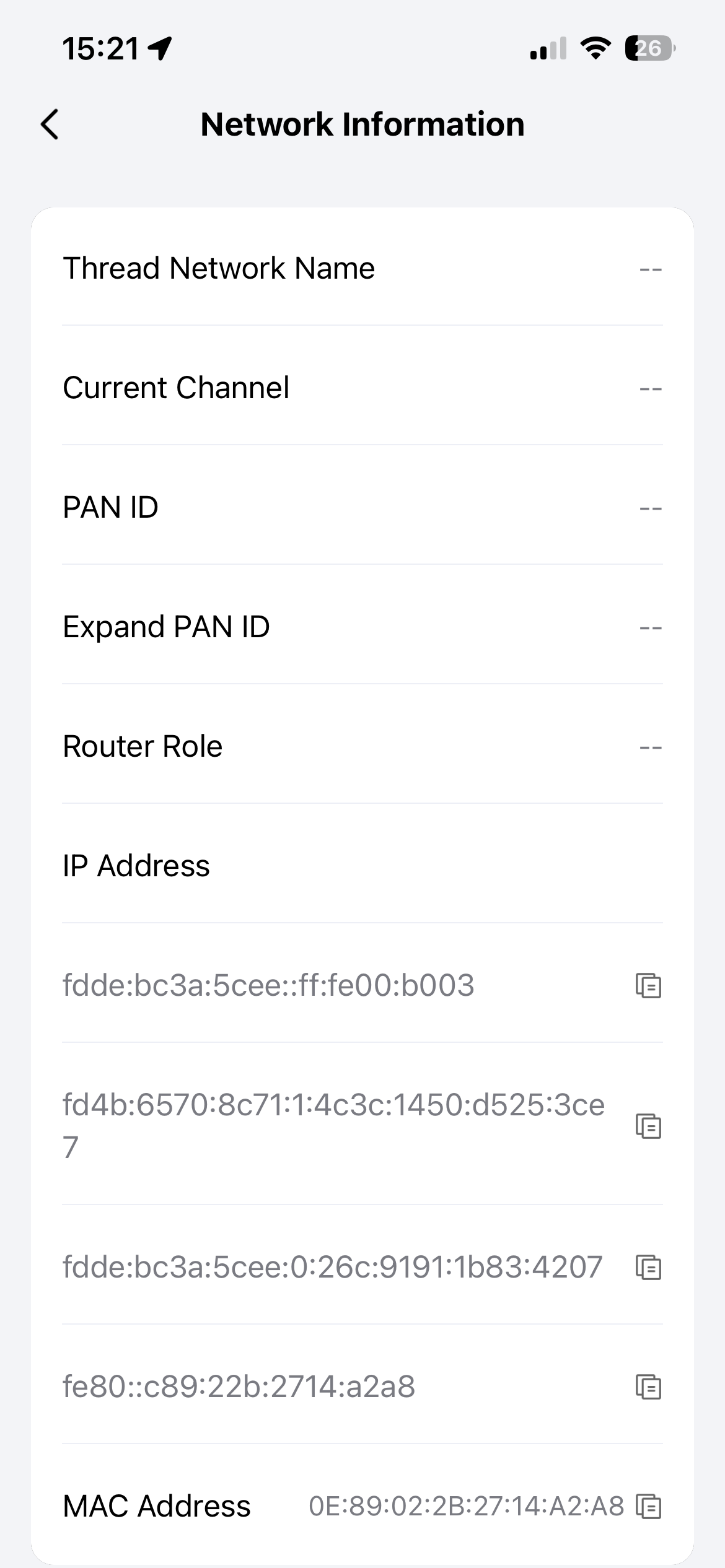
Checking the Network Information in the Aqara app I saw this:
The P2 didn’t join the Thread network before I added the P2 to homekit.
But to answer your question:
No I did not.
I used the following procedure:
Under Connected Ecosytems I checked if the P2 was added to Apple Keychain (it did).
Next I openend Apple Home, went to New accessory, openend More options and there the P2 was under Other Matter-accessories.
I cliked on it and the P2 was added.
I did the above with my other Aqara Thread devices.
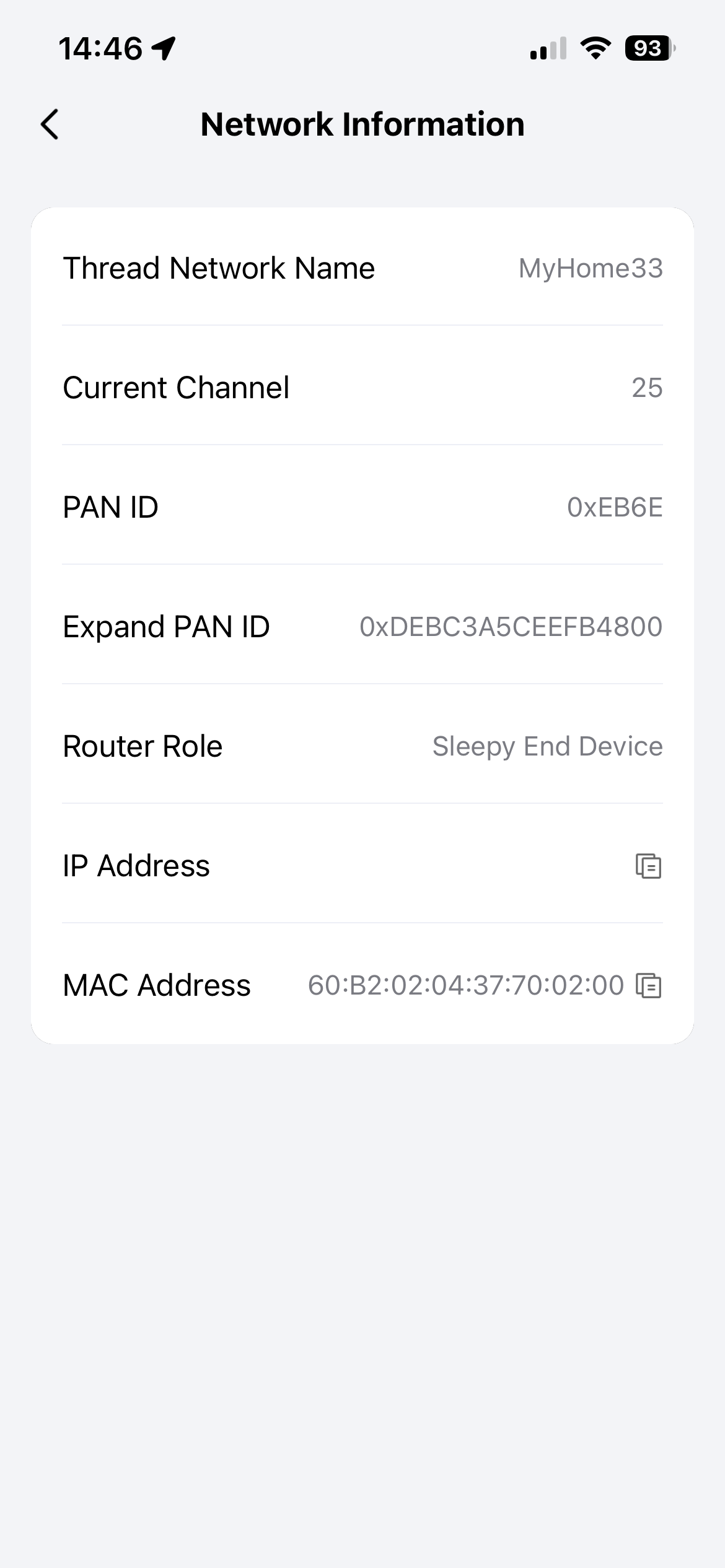
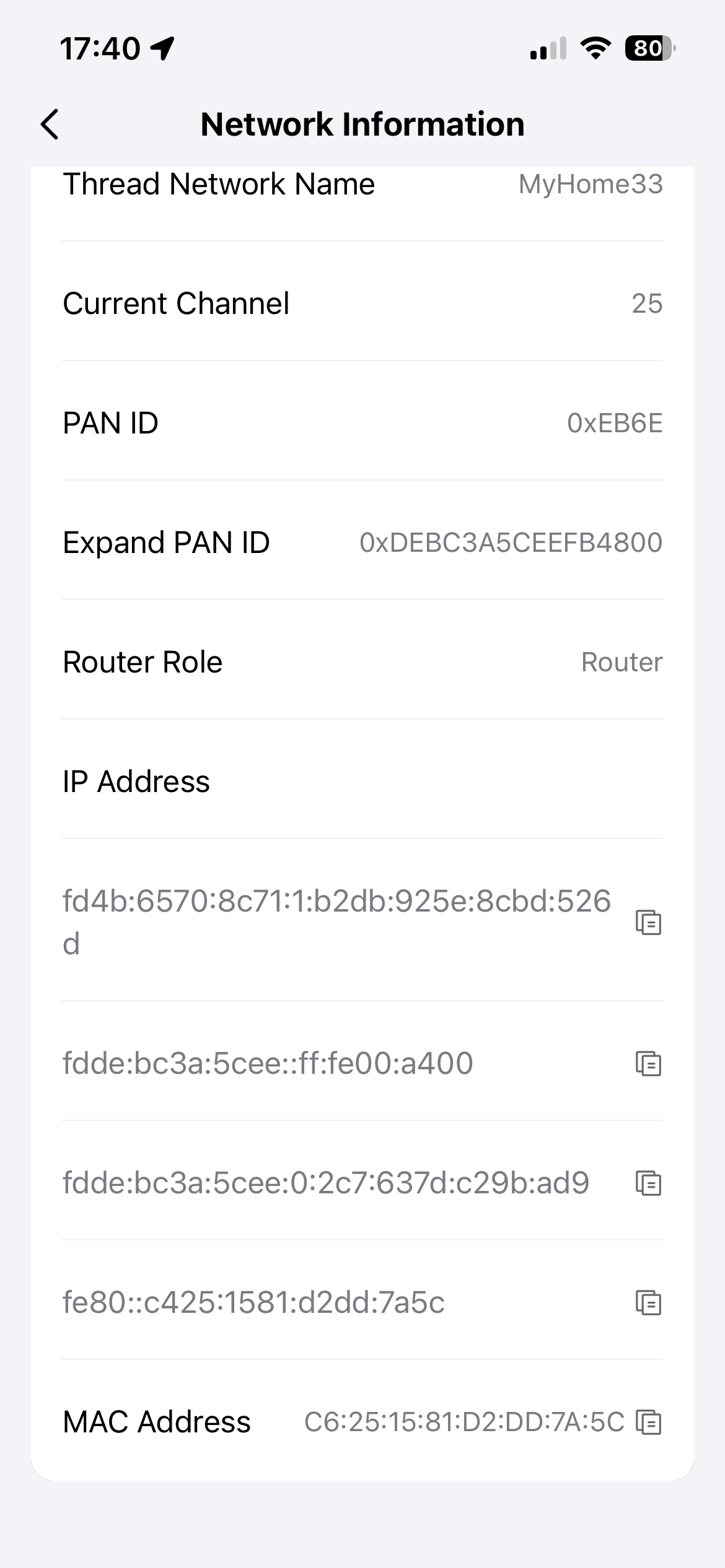
Like the motion and Light sensor P2 as shown below:
But as I said before, the Door and Window Sensor P2 did’t join the Thread network before I added the P2 to Homekit.
I discovered that the P2 did’t join the Thread network after I added the P2 to Homekit the first time.
What you’re describing sounds a bit contradictory. The P2 sensors are pure Matter-over-Thread devices.
Technically, if the device appears in “Connected Ecosystems” via Apple Keychain, it has already completed the pairing process, which includes joining the Thread network. Without a Thread connection, the device cannot communicate.
It is highly likely that the device was actually on the Thread network, but the UI simply failed to display the network information at that specific moment.
I am also surprised that the network information on your Light Sensor P2 is displayed, but not the IP addresses.
I now have in my Thread network:
Two Thread P2 motion sensors without ip-adresses displayed.
Three Thread lightbulbs with all the information displayed (1 leader, 2 routers)
One Thread door sensor with only ip-adresses displayed.
Not the situation I like to see.
Additional information:
I have the following Thread Borderrouters
Aqara Hub M3
Aqara Hub M100
Apple TV 4K (gen 2) main hub in Apple Home
2x HomePod mini
That should be 4 Thread Borderrouters
But in te Discovery app under _meshcop.upd. the Apple TV 4K (gen 2) is not listed as Thread Borderrouter.
What do you think, could the Apple TV 4K has something to do with all of this?
It’s strange that the Apple TV 4K isn’t part of your mesh network. My Apple TV 4K, two HomePods, two G5 Pros and one G410 are all listed under “_meshcop._udp” and form a common Thread network.
However, the Aqara app also only shows the IP addresses for my P2 motion sensor and not the network information.
When I look at the diagnostic data from the sensor in Home Assistant (paired via Multi-Admin), I can see the network information. So far, everything looks good.
As far as I can tell, the sensor works perfectly well in the Aqara app, Apple Home and Home Assistant.
I had already read and verified that the P2 sensors do not have a Thread Network Diagnostics Cluster.
That would explain why the P2 does not display network information. Unfortunately, I don’t know what was programmed there, but perhaps the app first searches for the cluster and then looks for the data in another way.
And in the case of “sleepy end devices,” I could also imagine that the sensors are asleep and no data can be queried until they are awakened. But I’m just speculating.
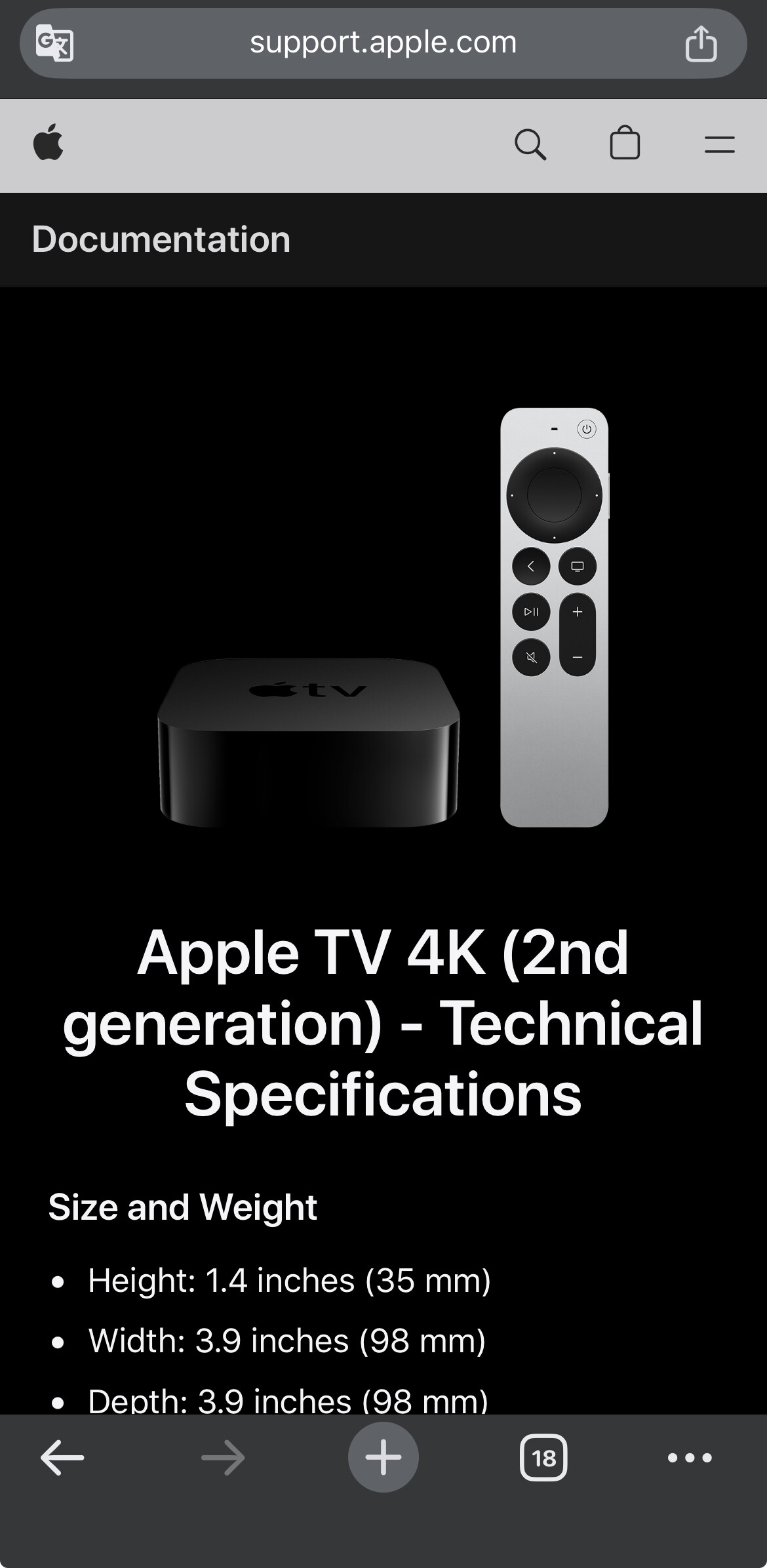
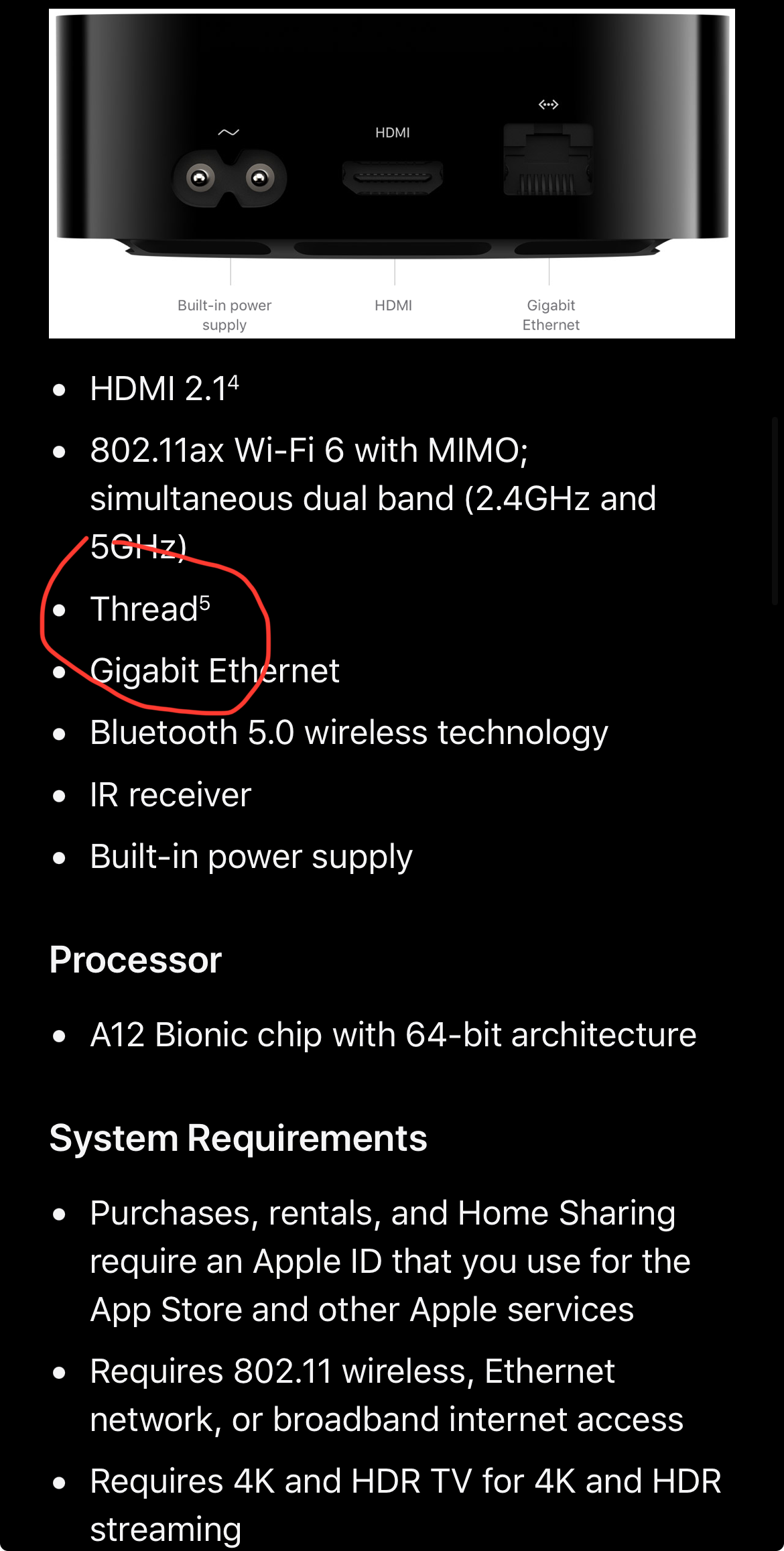
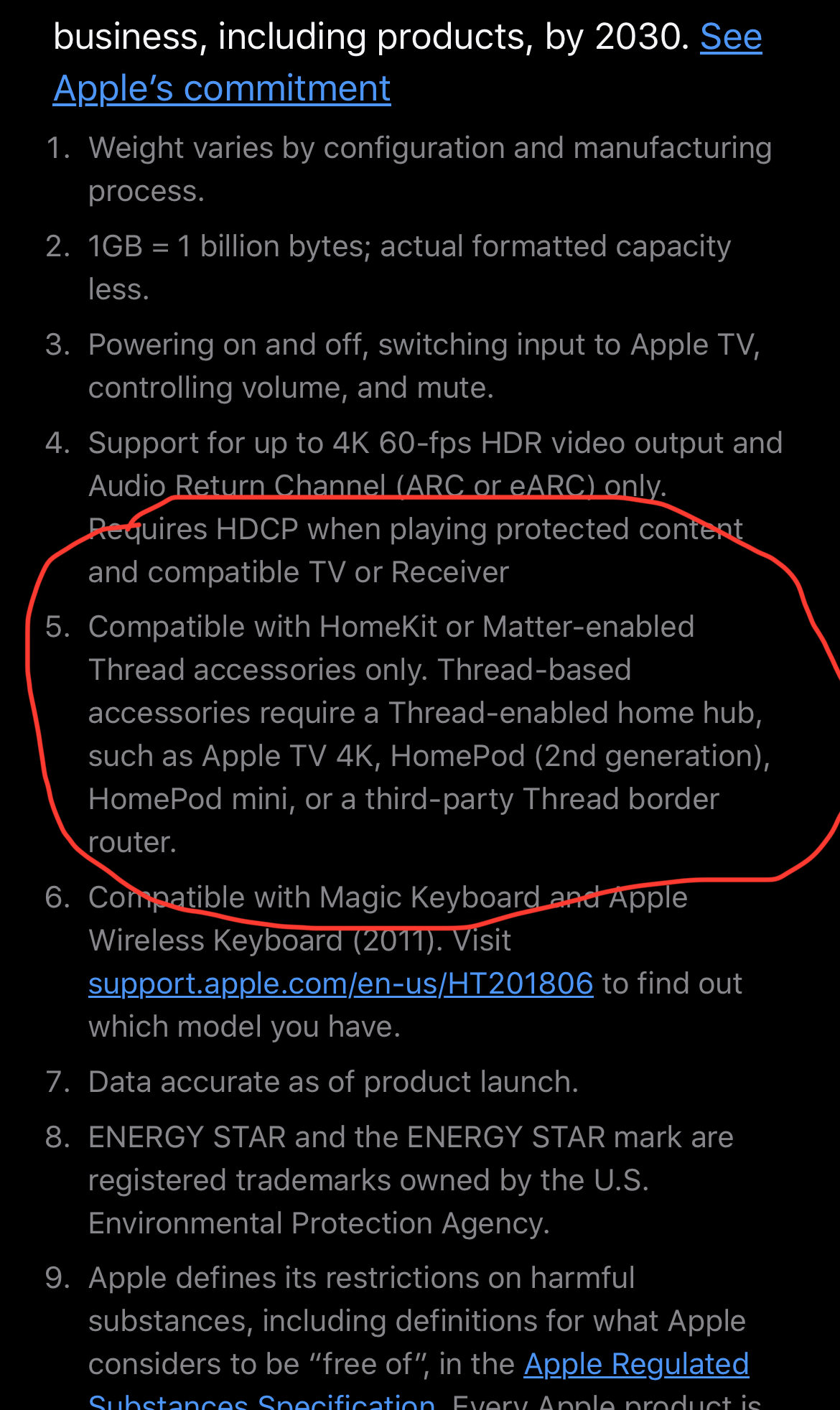
On internet I discovered the following information: Update: Apple now says that Apple TV 4K (2021) is “not compatible with non-HomeKit Thread devices” while Apple TV 4K (2022) has a dedicated Thread radio that should also work with non-HomeKit Thread devices.
The Apple TV 4K (2nd gen) is the 2021 version. It has no Thread Radio support.
That is probably the reason it is not listed in the Discovery app.
I have only six Thread devices so starting all over again with the thread network is not a problem.
I will disconnect the Apple TV 4K, remove all the Thread devices from Aqara, remove them from Apple Keychain, remove them from Apple Home and remove them from the Matter-accessories in the settings app on my iPhone and restart the iPhone.
That should clear everything.
I will start with a lightbulb (Router) and go from there.
Where did you find that? I don’t believe it. On its developer platform, Aqara itself states that both the Apple TV 4K 2nd gen (released 21 May 2021) and the Apple TV 4K 3rd gen, 128 GB (released 4 November 2022) are Thread-enabled Matter controllers.
The information you found is outdated and refers to the status before Matter was introduced in tvOS. With tvOS 18.x, the Apple TV 4K (2021) is a fully capable Matter Controller.