Received my 2 Aqara fp300 yesterday and i have the worst impressions after the first day. I am using both FP1E and FP2 sensors as well in my smart home and never had any issues since day one.
Installed the fp300 yesterday and added it in my M3 hub over zigbee. Wanted to use the extra features zigbee provides over Thread. Left the majority of the settings in default and only changed the distance where the sensor picks up presence and run AI learning after that with zero movements in the area while running it. The area is a very small 3x2 hall and i just wanted to add the automation to turn the lights on and off only when someone is in the area. The results after one day of use is the following:
Erratic detection of presence or absence. You could be in area for several minutes and the sensor shows absence and then IF it detects you and you leave, it stays stuck in presence. With this behavior there is no point to create any automation with a device that doesn’t work.
What i tried:
1)Reset the device and re adding it twice
2) Changed at least 3 different spots in case placement was an issue
3) Remove and re add in M3 hub
NOTHING HELPED and i am very frustrated with this device.
I read many bad reviews online about this device and to my understanding we are dealing with an unfinished product here. I wouldn’t think it is faulty but rather has a very immature software with many issues.
Packed one of them already to send it back and get a refund and just kept the other one just in case software improves in the future.
I am curious to hear other people’s impressions and also what Aqara has to say on this product.
We’re truly sorry that your Aqara FP300 sensors didn’t live up to your expectations. For a 3m×2m hallway, this sensor should be fully capable of delivering stable human presence detection, and we hope the following suggestions can help improve your experience:
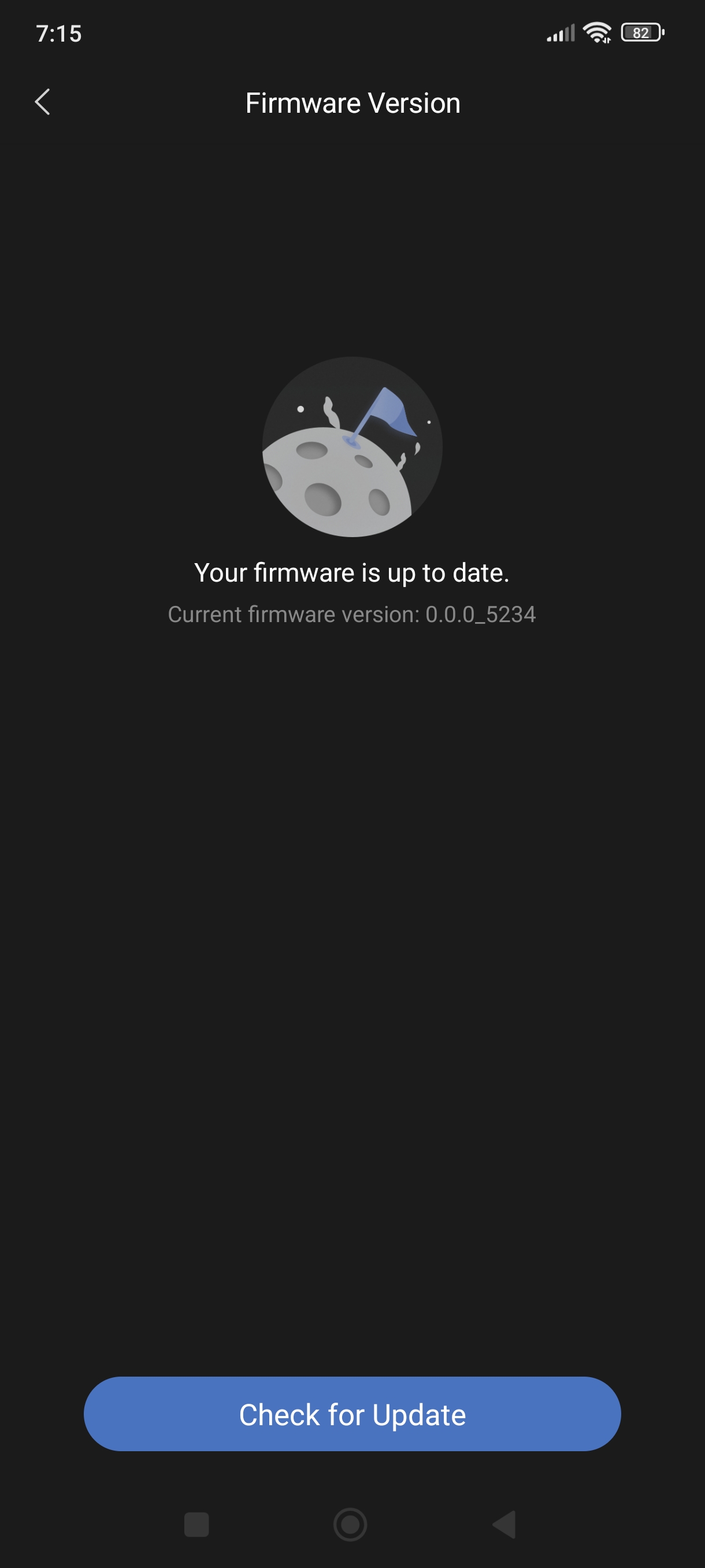
First, ensure the firmware is updated to the latest version — specifically the Zigbee version 5841. Firmware updates often fix known bugs and optimize detection algorithms.
Adjust the installation method: The FP300 uses mmWave radar to detect subtle chest movements caused by human breathing. If the hallway is mostly used for standing or short stays, avoid ceiling-mounted installation. Instead, mount the sensor at a height where it can capture more breathing-related motion for more reliable detection.
Re-run AI space learning properly: When you change the installation location, leave the area completely unoccupied for about 10 minutes to let the sensor complete environmental learning automatically. To speed this up, you can manually trigger “AI Space Background Learning” in the “Real-Time Debugging” section under Zigbee mode settings.
Tweak the absence judgment delay: Try increasing the “Unoccupied Extended Judgment Time” (e.g., set it to 30 seconds). This adjustment can effectively reduce false absence/presence triggers and improve overall detection accuracy.
Optimize sensitivity settings: If the above steps still don’t yield satisfactory results, raise the sensor’s sensitivity level to High to enhance its ability to pick up weak motion signals.
We understand your frustration, especially since you’ve had great experiences with the FP1E and FP2. If these tips still don’t resolve the issues, feel free to reach out again — we’re here to help further.
My firmware version on Zigbee is indeed 5841.
2)Never have mounted any of my aqara sensors on my ceiling. Generally i dont even mount them in corners either. What is usually do is mounting them at about 1.50 to 1.80 meters from the ground (Shoulder to Eye Level).
I have done that about 7 times now. Usually after reset and re adding the device and after adjusting detection range
Tried that after you told me with no actual difference
Played with that too and made no difference when the device was on that erratic state where basically it doesnt really work.
Update 3rd day.
After leaving it in the box yesterday the whole day i thought after reading your answer to have another go at it. Had the same issue for another 2-3 more attempts and then after a hard reset on the device (10 quick presses of the main button) left it to fully turn itself on and appeared on its own in my aqara app while searching for devices. After adding it this time, it now seems to work ok. Detections of both presence & absence are correct. There is a slight delay in detecting presence (like 1-2 seconds after entering the area) but compared with the previous days, it seems nothing. FP1E and FP2 are a lot more responsive but i can leave with it now until the software matures and improves. It is at least very usable the way it is now.
Can you give me some advice, how can I update to version 5841? I’ve been trying for a while and the update doesn’t appear. I deleted the sensor from the app, removed the batteries, reset it.
Gerät aus dem Zubehör entfernen, dann auf Thread Flashen, anschließend wieder entfernen und auf Zigbee flashen. Anschließend hatte ich die neue Firmware drauf!
Hi Avram. Yes you need to add it through its ZigBee protocol and not Thread where it comes by default. Remove it, Reset it and re add it. You should be presented with a choice to add it via one of the 2 protocols and then you choose ZigBee. It will download the latest software 5841!!
The phased rollout of the cloud-based system upgrade is currently in progress, and relevant notifications are expected to be sent to your account in the coming days.
So I just received 12 brand new FP300, for direct HomeAssistant integration i.e. no hub. and I am hitting this issue with all the ones I have paired so far (3). I need some estimate on if an when to expect a firmware upgrade here, since I can still return the sensors.