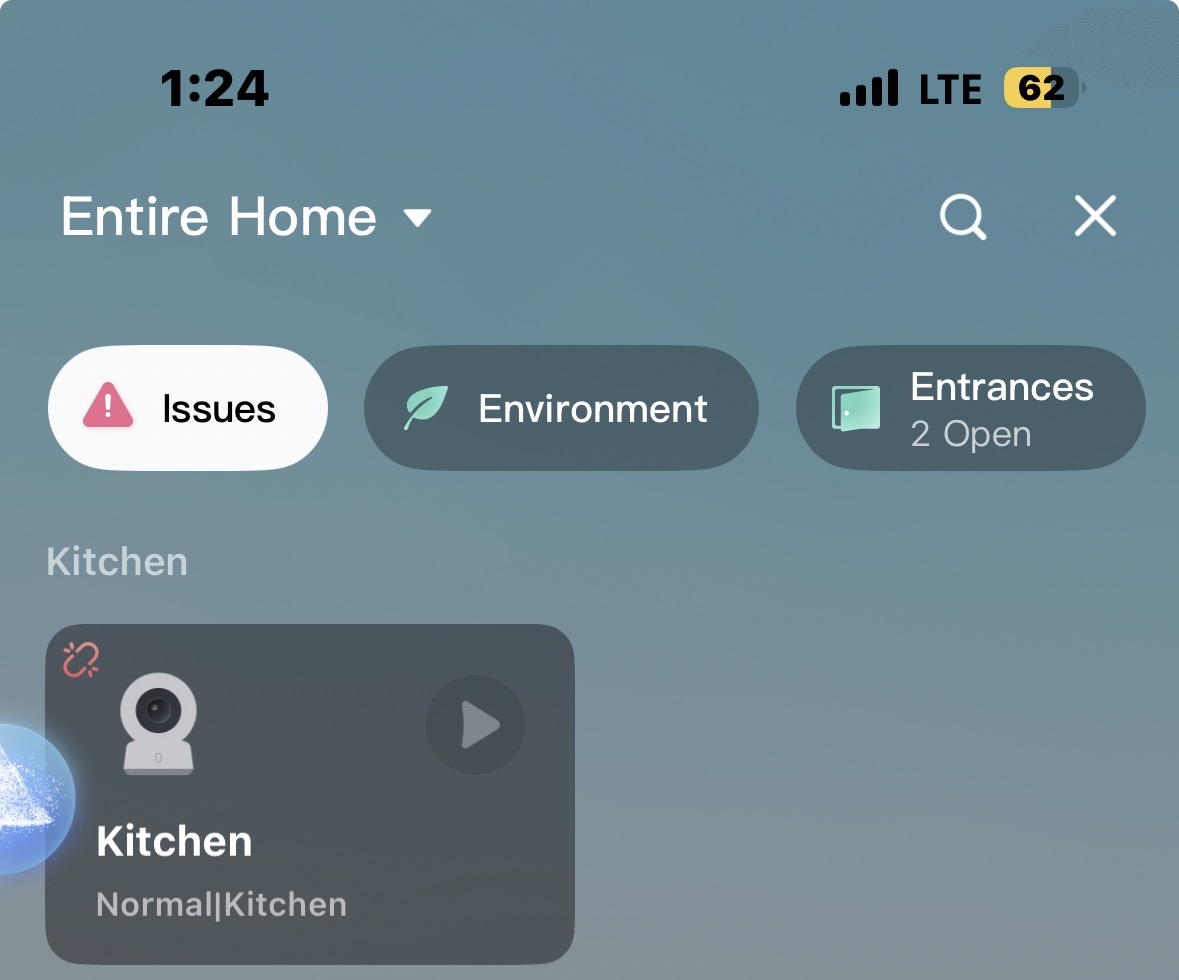
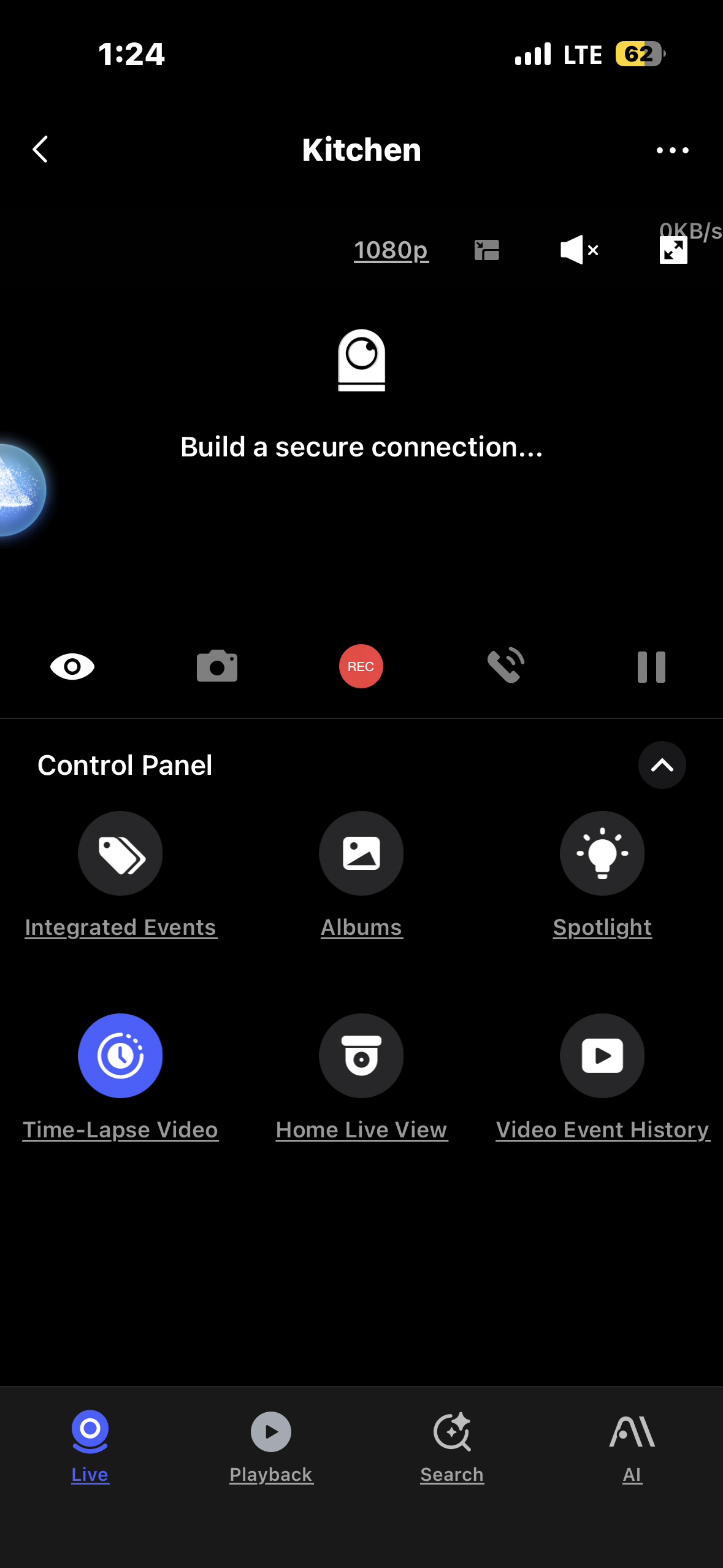
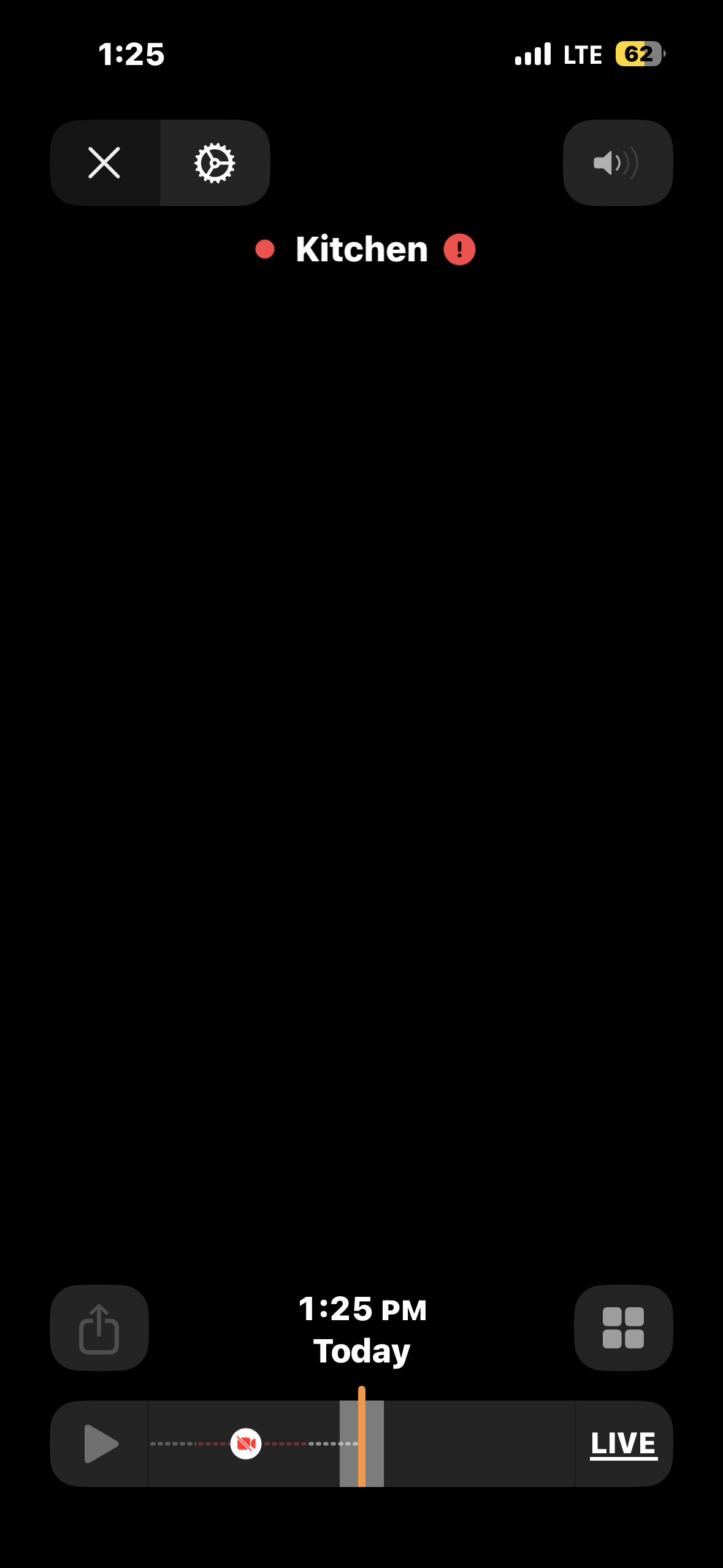
Hi there, it looks like you’re experiencing a support-related issue. We’ve automatically created a support ticket for you and will reach out via the forum email within the next two business days.
If other members have any suggestions or insights on this topic, feel free to share!
Hi there.how do you have it connected to power?as this cameras needs a good power supply that give continuous power like an iPhone charger 5V 1/2A
Hey, first thing I’d check is your power supply. The G100 needs a solid 5V/1A—a lot of cheap USB adapters out there won’t cut it. Use a phone charger if you’ve got one handy (like what @coccolino_26 suggested).
Second, make sure your phone is on the same WiFi network when you’re setting it up. That’s easy to miss.
If the camera’s been trying to connect for more than 10 minutes, it’ll give up and show a steady white light. Just unplug it, wait a few seconds, and plug it back in. Or hold the reset button on the back for 10 seconds to clear the network.
What does the indicator light look like right now? Blue steady means it’s happy. If it’s anything else, that’ll tell us what’s going on.
Yeah I have a 5V 2A block connected to the G100, I saw a post earlier of someone with a similar problem; they had WiFi connectivity issues. Maybe connectivity issues, maybe something else.
It could be an WiFi issue you need to check everything starting with your router for ex I am still not sure what happen a few days ago when all my smart home devices added to HomeKit all showed updating or no connection and I was like crazy even Apple home send me notification that my main hub Apple TV 4K was offline even if on the app wasn’t for a few and I end up resetting my router and so far everything runs great.you need to start with your router as this is the main device that connects all your smart devices.also in the mean time you could contact aqara support and see what they say about your issue as perfectly could be also an update that could makes this G100 cameras going offline without any reason.
Yeah I think it was a WiFi issue, previously I turned off client steering in my eero mesh network because my outdoor matter dimmer would connect to the slowest AP severely delaying commands or just dropping them. While it worked, it caused issues with the G100 leading to it disconnecting, so I turned client steering back on and so far it’s doing good.
Also if you are using smart WiFi will be wise to adjust the band for each device because many smart devices works on 2.4Ghz band so they do not need to have automatic band switch this way you tells you router to keep those devices on that band.also if you are using an mesh system algo make the devices stay connected to the near router as sometimes happens that they change or searching for connection and end up connecting to the wrong router witch will provide them an lower signal.i leaner this things with my deco router I do not use mesh but I did set the mesh technology off for each of my devices even I set the band for each.i do not know at all how eero app is designed and if you can do all this on it but worth to try to keep your connection stable.


