Aqara G4 + U200 + Apple Home: Can I automate two entrance doors and hallway security?


Hi everyone,

I’m looking for advice on expanding my Aqara and Apple Home smart home setup in a duplex apartment building.

My current setup:

  • Aqara Smart Lock U200 on my private apartment entrance door
  • Aqara G4 video doorbell
  • Apple Home with a HomePod mini as my home hub
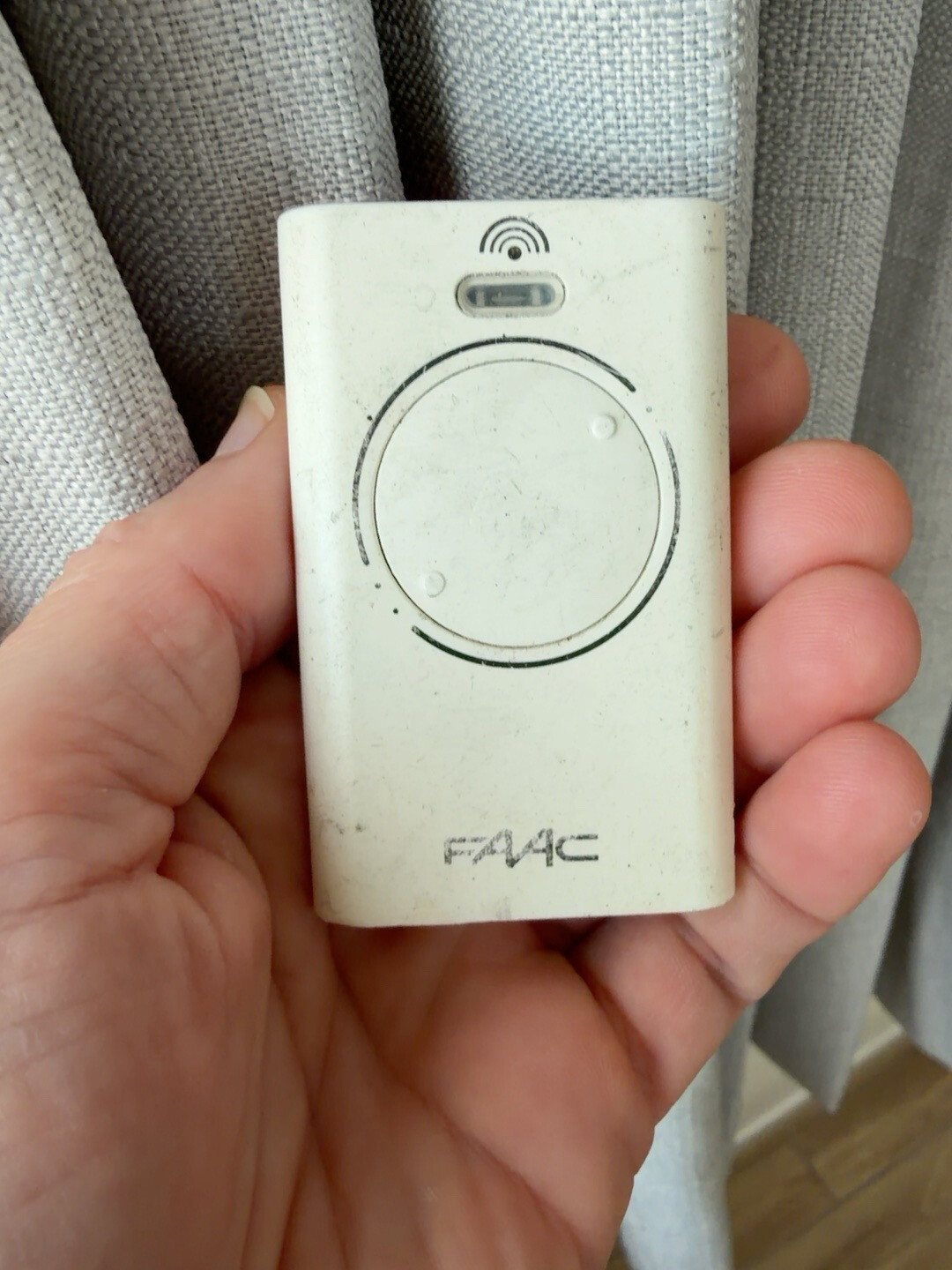
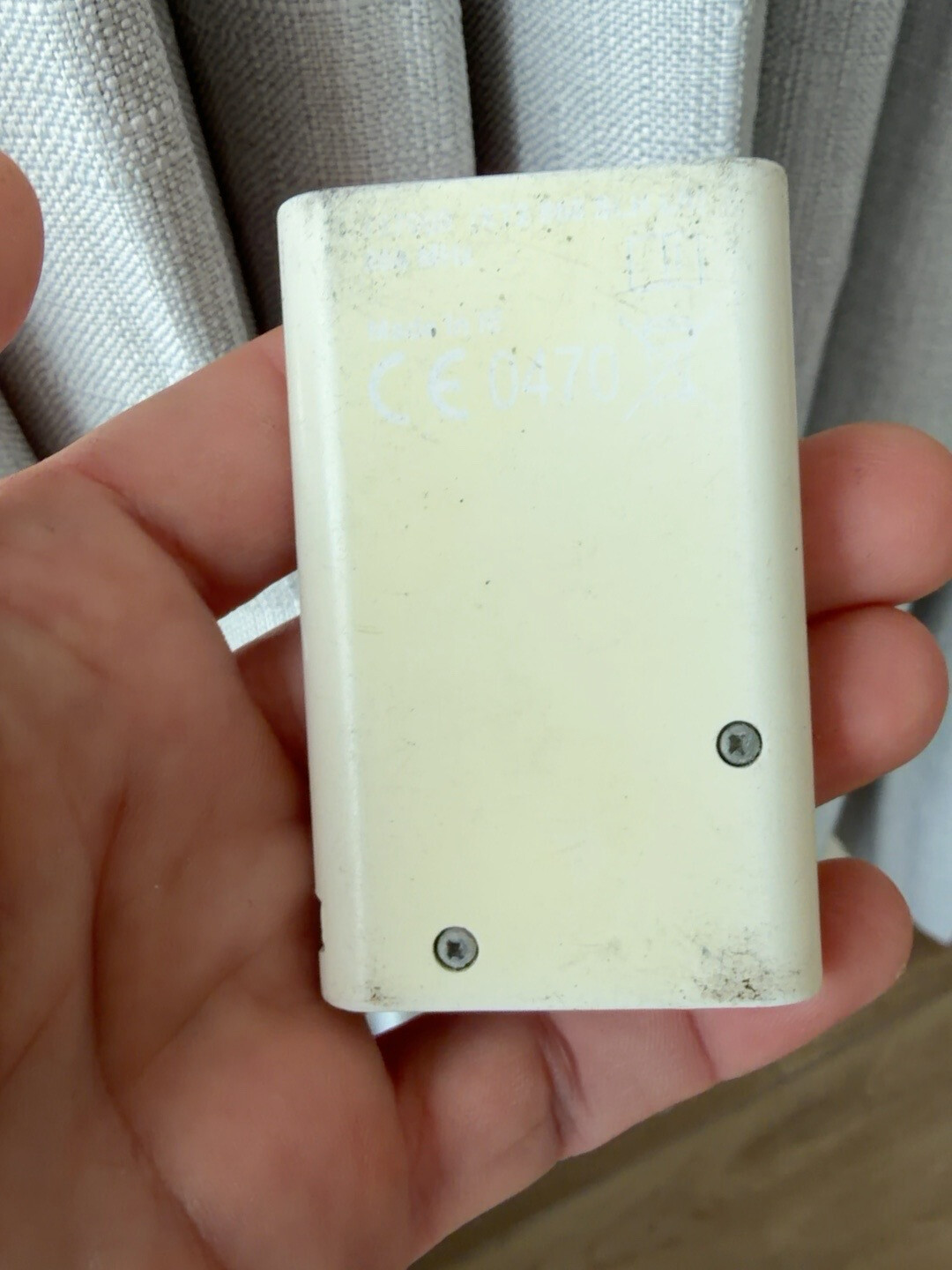
  • A shared building entrance door that I can currently unlock using a FAAC wireless remote control (photos attached)

I’d love to integrate everything into one smart home system.

Here are my questions:

  1. Shared building entrance door

Is there a safe and reliable way to integrate my existing FAAC remote-controlled entrance system with Aqara or Apple Home?

Ideally, when someone rings my Aqara G4 doorbell, I’d like to see who is there and remotely unlock the shared building entrance from my iPhone, without needing the separate FAAC remote.

Would this require an Aqara relay, a compatible RF bridge, or another solution?

  1. Private apartment door

I already have an Aqara U200 connected to Apple Home. Would adding an Aqara hub give me more functionality or automation options?

  1. Wireless hallway camera

I’d like to install a battery-powered camera in my hallway because there is no electrical outlet available.

Would the new Aqara Camera G510 and Security Station M410 be suitable for this setup? Would they integrate with Apple Home?

  1. Door sensor and HomePod announcement

I’d also like to add a contact sensor to my apartment door.

For example, if the door remains open for more than 30 seconds, I’d love my HomePod mini to announce:

“Please close the front door.”

Is this possible using Aqara automations, Apple Home or Siri Shortcuts?

  1. Choosing the right Aqara hub

I’m considering adding more Aqara devices, including smoke detectors, curtain controllers and other sensors.

Would you recommend an Aqara Hub M3, or could the new Security Station M410 also serve as a central hub for these devices?

I’d really appreciate any advice on how to build this system without buying unnecessary hubs or devices.

Thanks in advance for your help.

1 Like

@m8xchyh9ks Hi there! Thanks for sharing such a detailed and well-thought-out plan for your duplex smart home setup. It’s always exciting to see users integrating Aqara devices with Apple Home to create a seamless experience. Let’s dive into your questions based on the available information.

1. Shared building entrance door (FAAC integration)
Unfortunately, the reference information does not contain specific knowledge about integrating third-party RF remote systems like FAAC with Aqara devices or Apple Home. This would likely require a specialized RF bridge or a professional electrician to modify the access control system, which is outside the scope of standard Aqara automation. Since this involves specific hardware integration that isn’t covered in our current FAQs, you might want to consult with a smart home installer who specializes in access control.

2. Private apartment door (Aqara U200 & Hub)
You asked if adding a hub would give the U200 more functionality. While basic locking and unlocking work with third-party ecosystems like Apple Home, we recommend using the Aqara Home app to access exclusive features and detailed settings such as Manual Calibration, Auto Lock, and more . Additionally, binding the U200 to an Aqara M3 Hub allows for automations, remote lock/unlock, and temporary passwords . So, yes, an M3 Hub would unlock advanced automation capabilities for your U200.

3. Wireless hallway camera (G510 & M410)
The reference information does not explicitly detail the integration of the Aqara Camera G510 with Apple Home or confirm if the Security Station M410 serves as a central hub for other devices like smoke detectors. For the most accurate compatibility details regarding the G510 and M410, I recommend checking the latest product specifications or contacting support.

4. Door sensor and HomePod announcement
The reference information lists many “IF” triggers for automations (like door open, door locked, etc.) for locks like the A100 and D100, but it does not specify the “THEN” actions supported for these locks, stating “Not support” for actions in the provided tables . It also doesn’t provide specific instructions for creating a “Door Open > 30s > HomePod Announcement” automation using Apple Home or Siri Shortcuts in this context. However, Apple Home generally supports such automations using its native logic. For specific Aqara device limitations, please verify with the app.

5. Choosing the right Aqara hub
The Aqara M3 Hub is highlighted as a key device for enabling automations and remote control for Matter-enabled locks like the U200 and U300 . The reference does not confirm if the Security Station M410 acts as a central hub for other sensors and controllers. Therefore, for a robust automation setup involving multiple devices and locks, the M3 Hub seems to be the recommended choice based on the provided text.

Summary & Next Steps
For the FAAC integration and specific details on the G510/M410 hub capabilities, since the reference information is insufficient, I suggest reaching out to our support team for more tailored advice.

You can reach them efficiently through the Aqara Home App under Profile > Help & Feedback > Customer Service.

Contact the Aqara Home App Customer Service Team (Profile> Help & Feedback > Customer Service) or scan the QR code:


This will be more efficient. If you do not have an Aqara Home account, “Please click here” to create a ticket.

Thanks again for your interest in building a smarter home! Feel free to share more updates or ask further questions as you expand your setup.

2 Likes