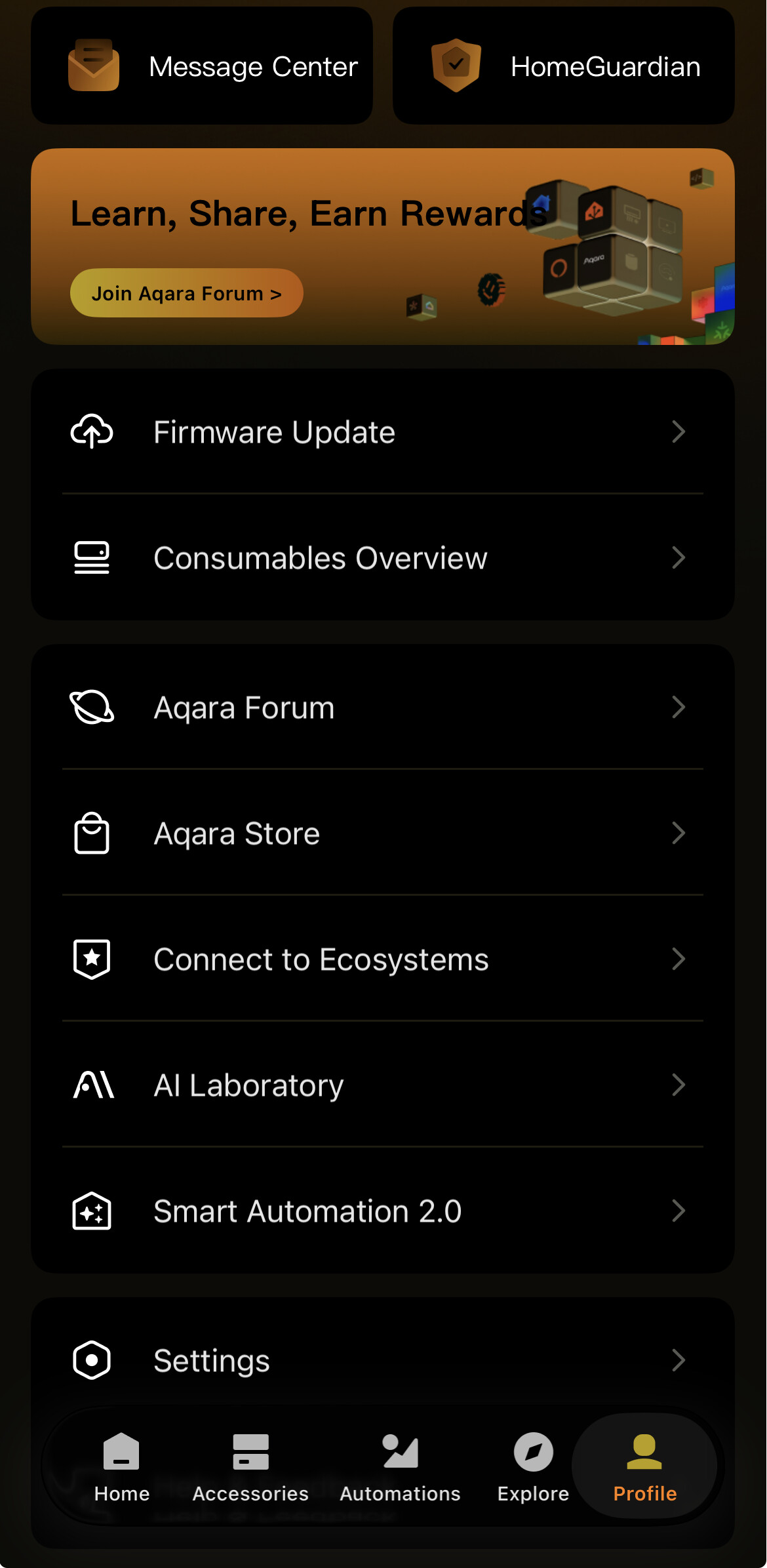
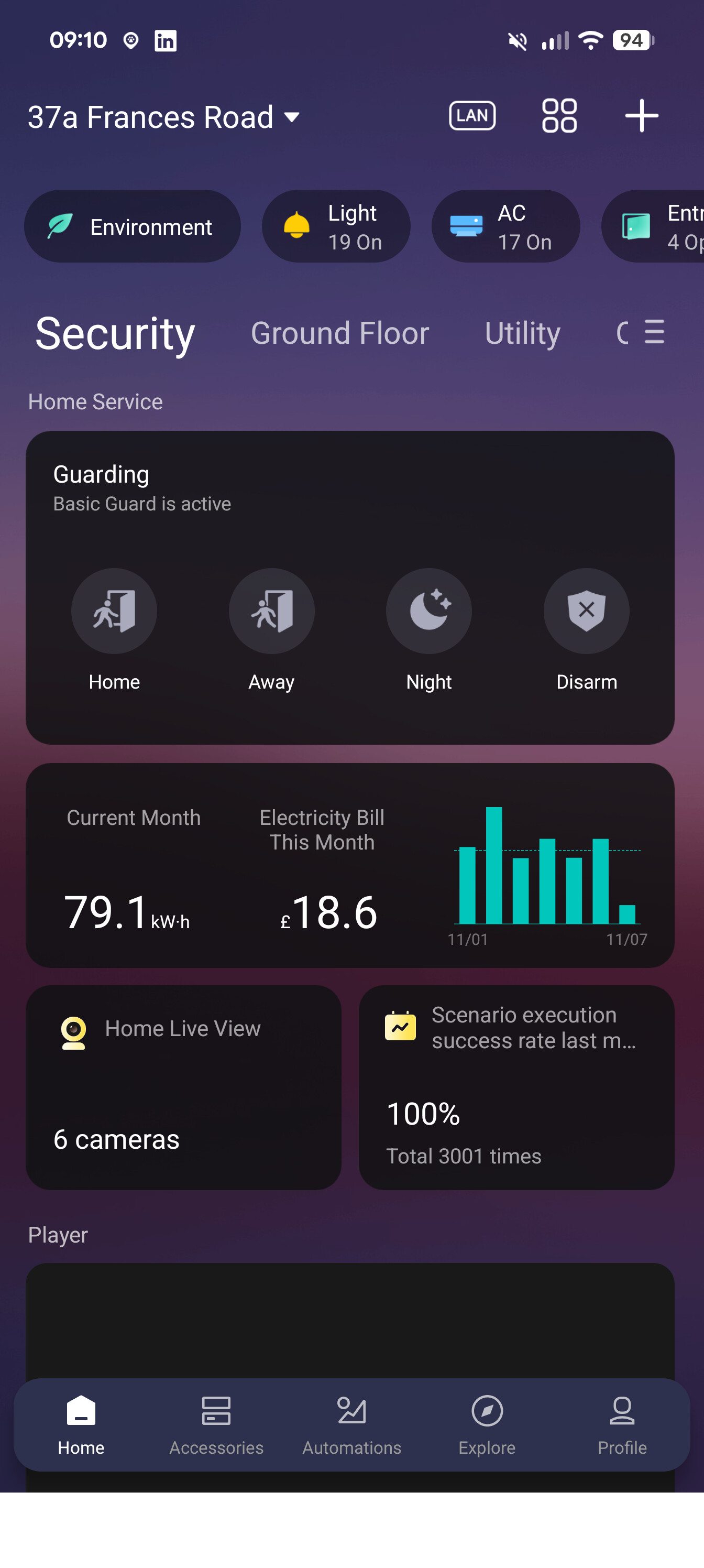
I’m using Aqara home app for a while and every evening(night) time when I dimm all smart lights and want to open the Aqara home app I get disappointed by bright (white) background.
My phone is set to dark mode and I like all the apps that adopts it.
Is there a way to change app theme to dark mode on all pages?
If not, then Is that a hard thing to do for developers or am I the only one getting disappointed of it while using the app?
Hi, welcome to the forum. @AqaraOfficial please accept this offer.
I am also annoyed by the white light of the application in the middle of the darkness.
It may be possible to control the option using shortcuts so that it is only activated at night. But I’m not sure about that. If you’re interested, let me know and I’ll take a closer look.
I absolutely support this, as it is also recommended in Apple’s human interface guidelines for developers.
Ensure that your app looks good in both appearance modes.
In addition to using one mode or the other, people can choose the Auto appearance setting, which switches between the light and dark appearances as conditions change throughout the day, potentially while your app is running.
Avoid offering an app-specific appearance setting.
An app-specific appearance mode option creates more work for people because they have to adjust more than one setting to get the appearance hey want. Worse, they may think your app is broken because it doesn’t respond to their systemwide appearance choice.
That is how I use it too but that only work for the main page if you go to other parts of aqara app if goes white and for iOS users makes no sense to have liquid glass but not dark mode for the hole app as let’s face it liquid glass looks great on dark mode then white mode