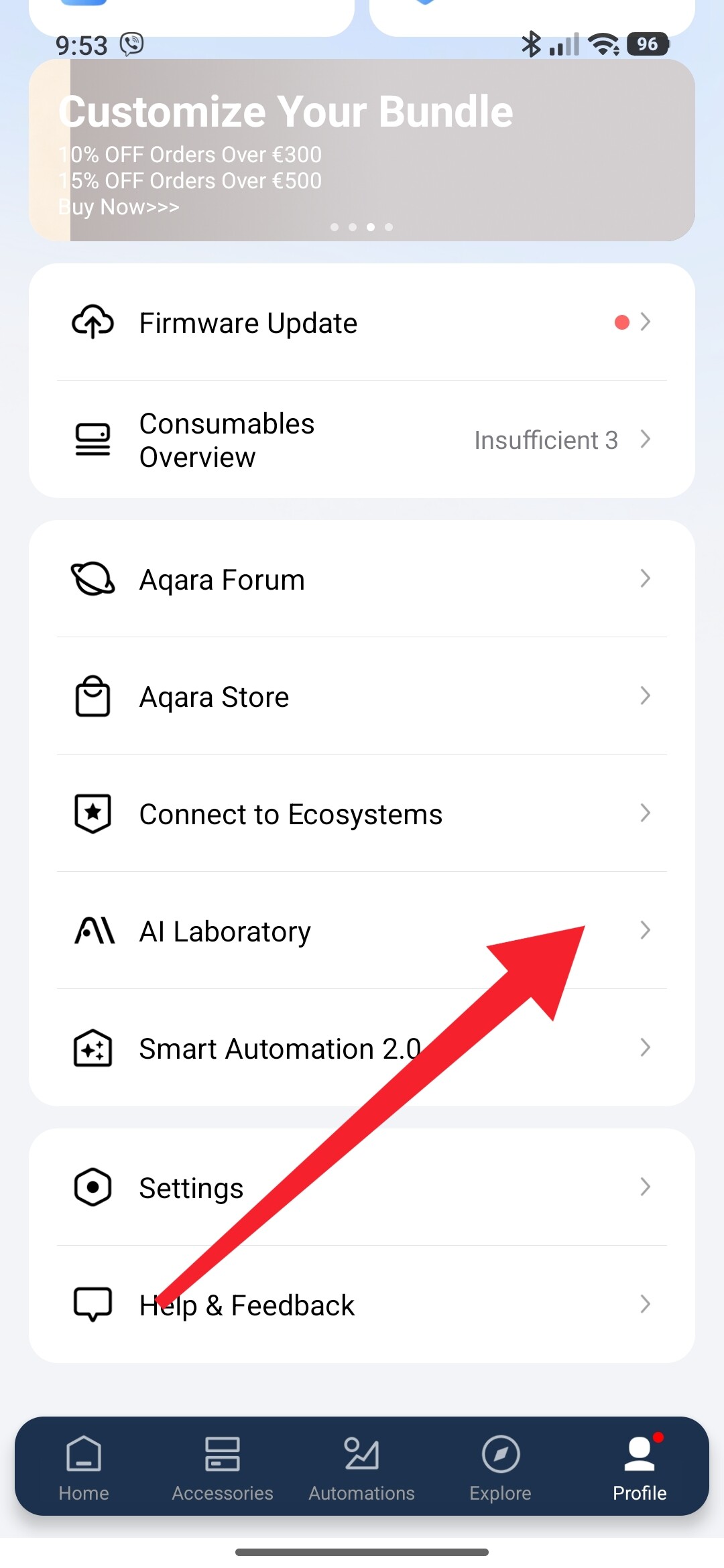
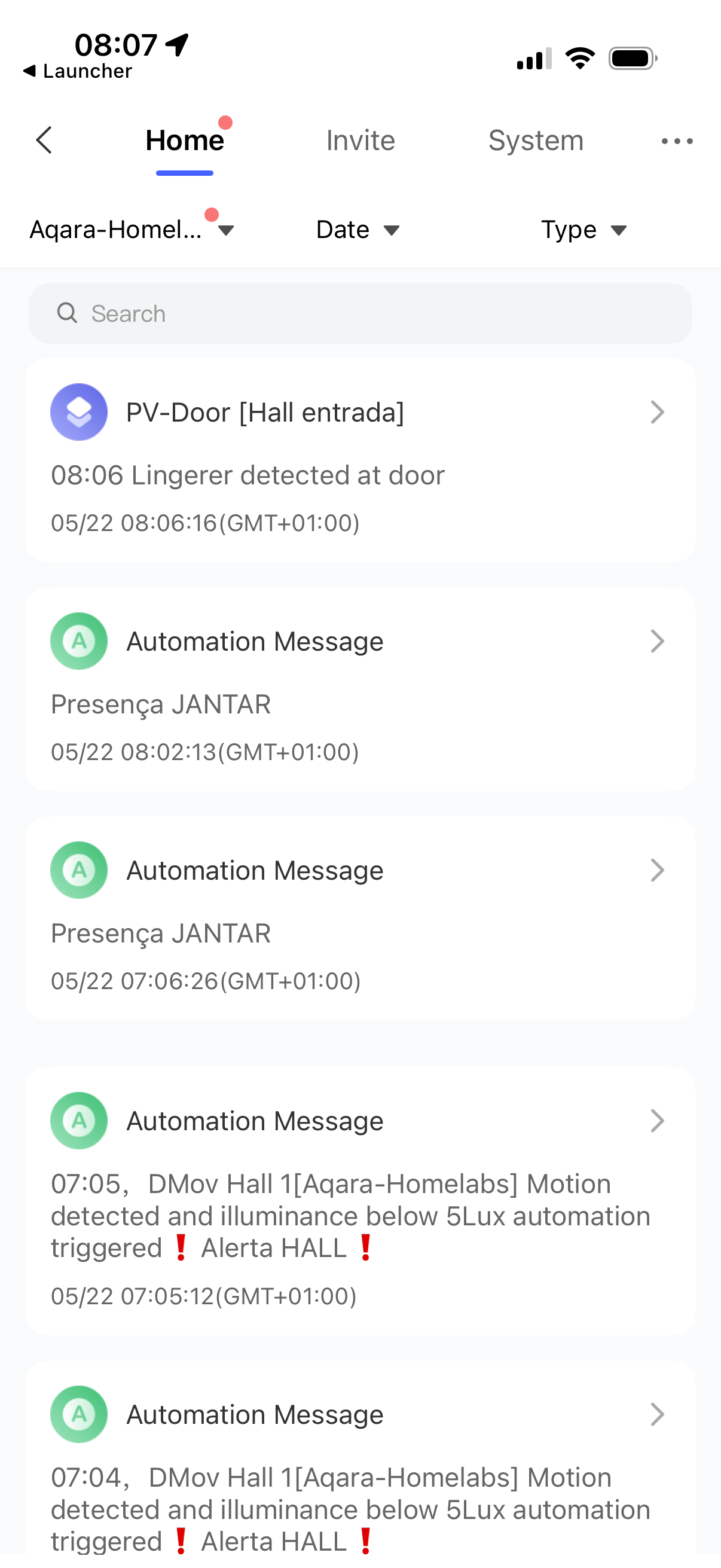
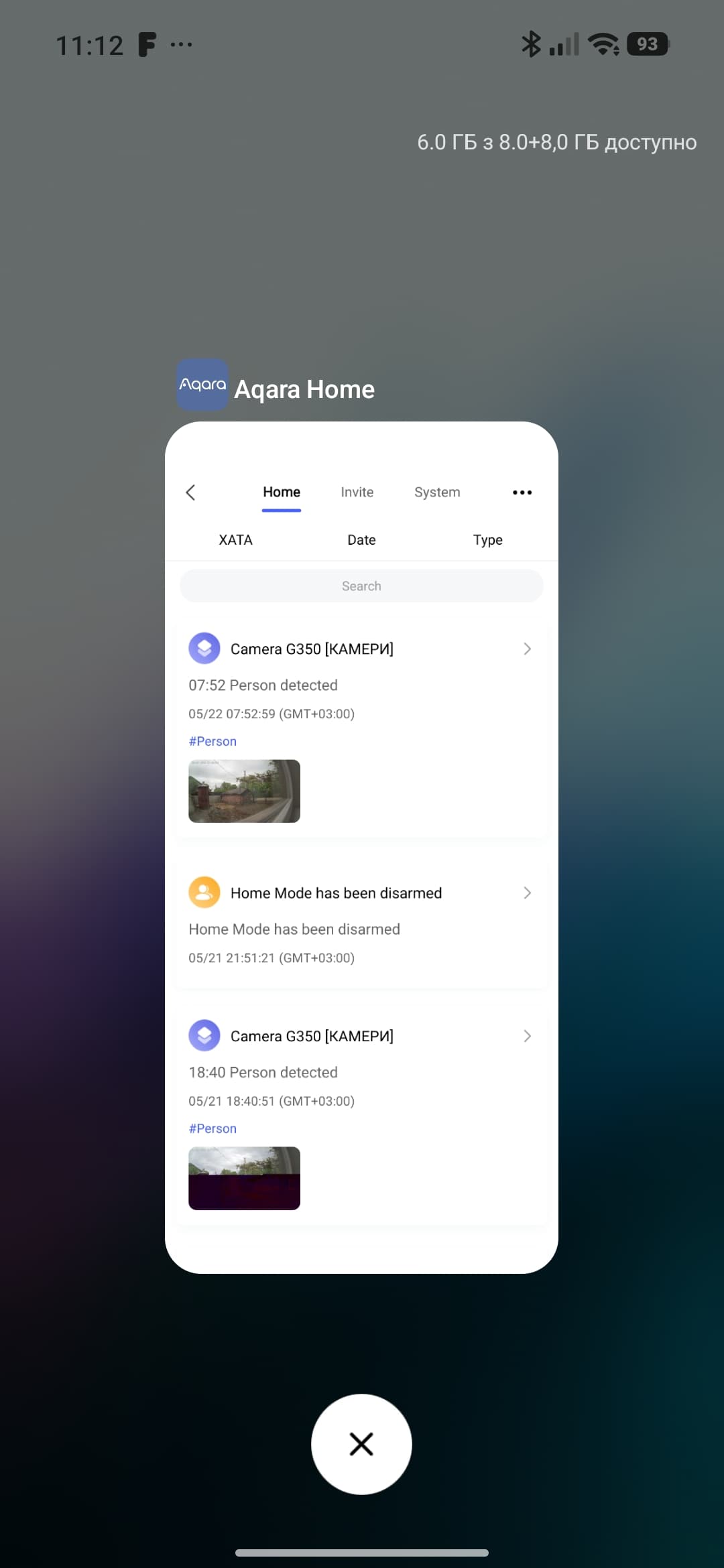
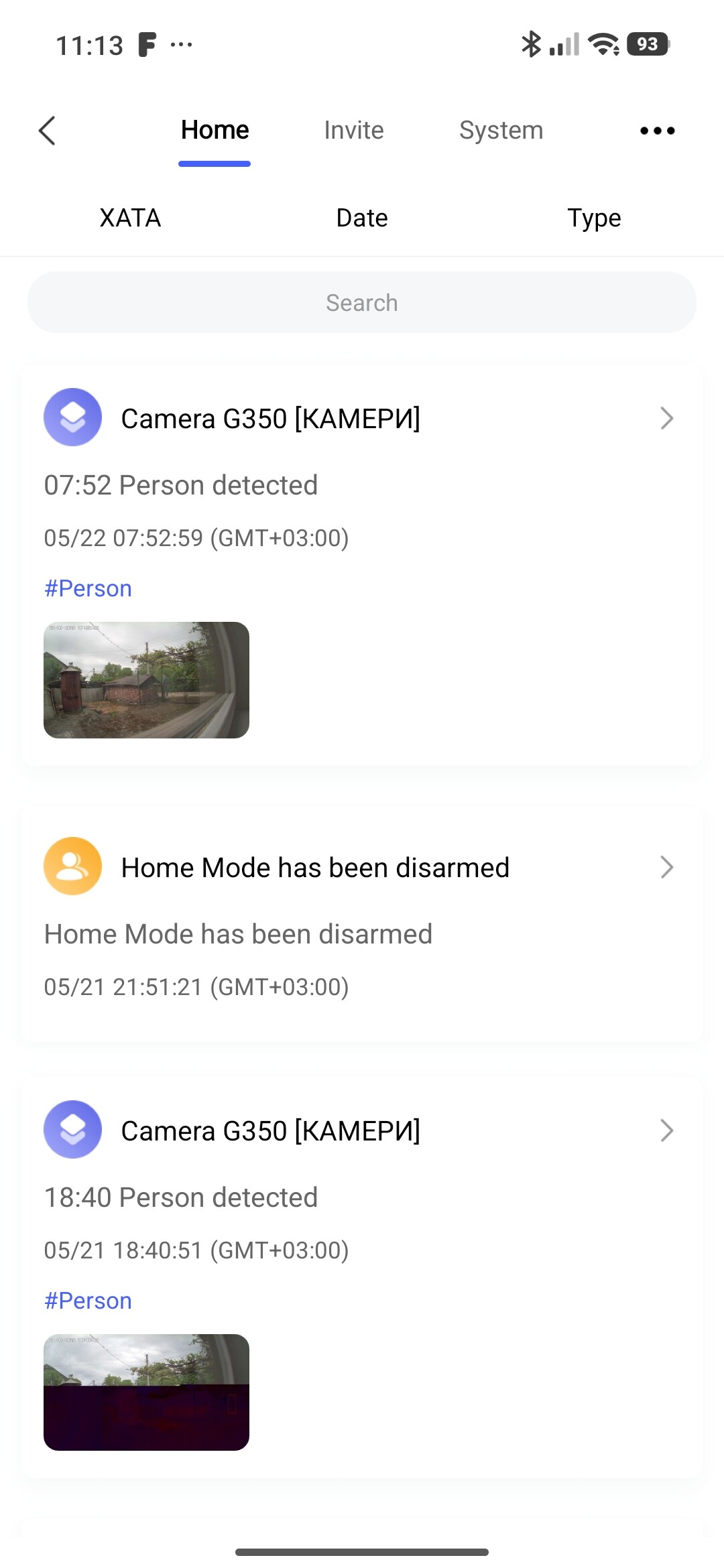
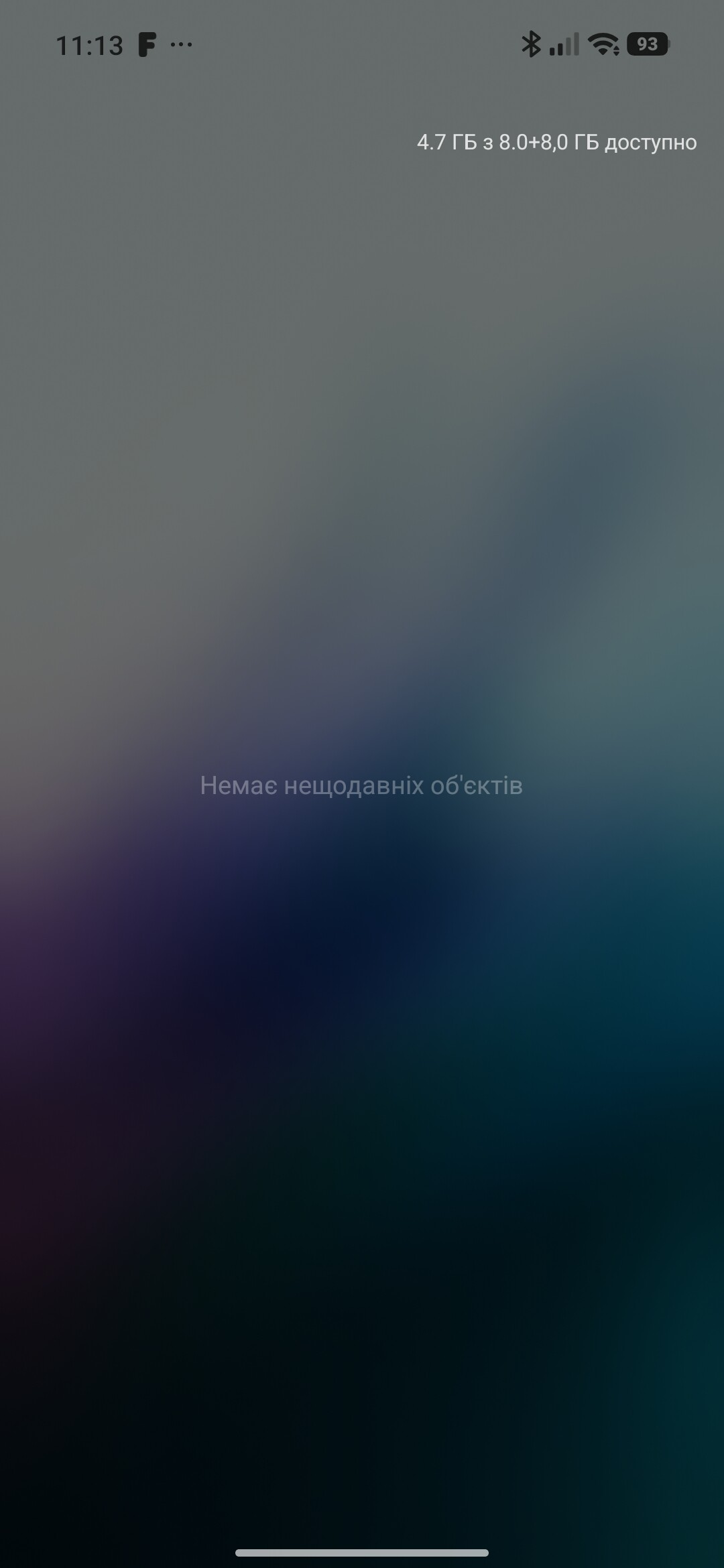
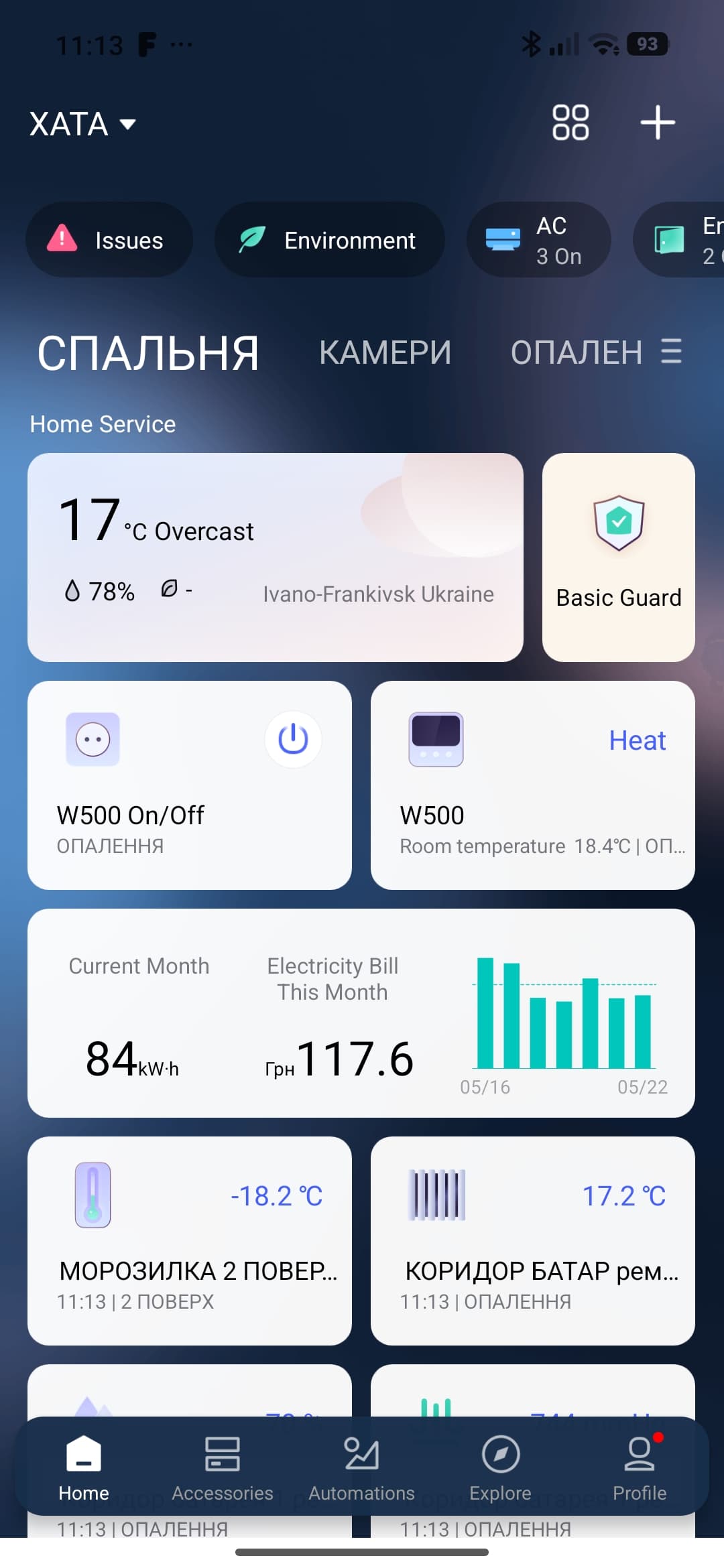
When you open the Aqara Home App in the phone (iPhone in this case) the first screen that you get is the Message center and you have to ‘close’ it to get to the Dashboard view.
I’ve seach and didn’t find a way/configuration to get strait to the Dashboard view.
Is there any way to when open the Aqara Home App in iPhone and get the Dashboard view insted of the message center?
Thkx for your help
Strange, my Aqara Home always opens the dashboard OR the last screen I left it on.
Do you leave your app on message center? Alternatively you can try reinstalling the app, you won’t lose anything because it should be saved on your account.
Hello I’m back… and did reinstalled the Aqara Home App - the mistery is solved, but is more sketchy that it looks!
I did reinstalled the App and the problem still the same, so, compiling all your help, I concluded that the problem was on my side… and discovered (by chance) that if I open the App directly from tha App icon, my problem disappear.
CONCLUSION:
The behavior that my App has is because I launch the App from a Launcher in my iPhone main screen widget !!
If I open the App on its own icon the App behave as all of you said.
Thkx very much for your help in solving this Mistery
Quick adicional Tip
If you use a launcher (like me), launch a Shortcut that open tha Aqara Home App instead of launch the Aqara Home App, and the ‘problem’ that I was experiencing don’t happen.