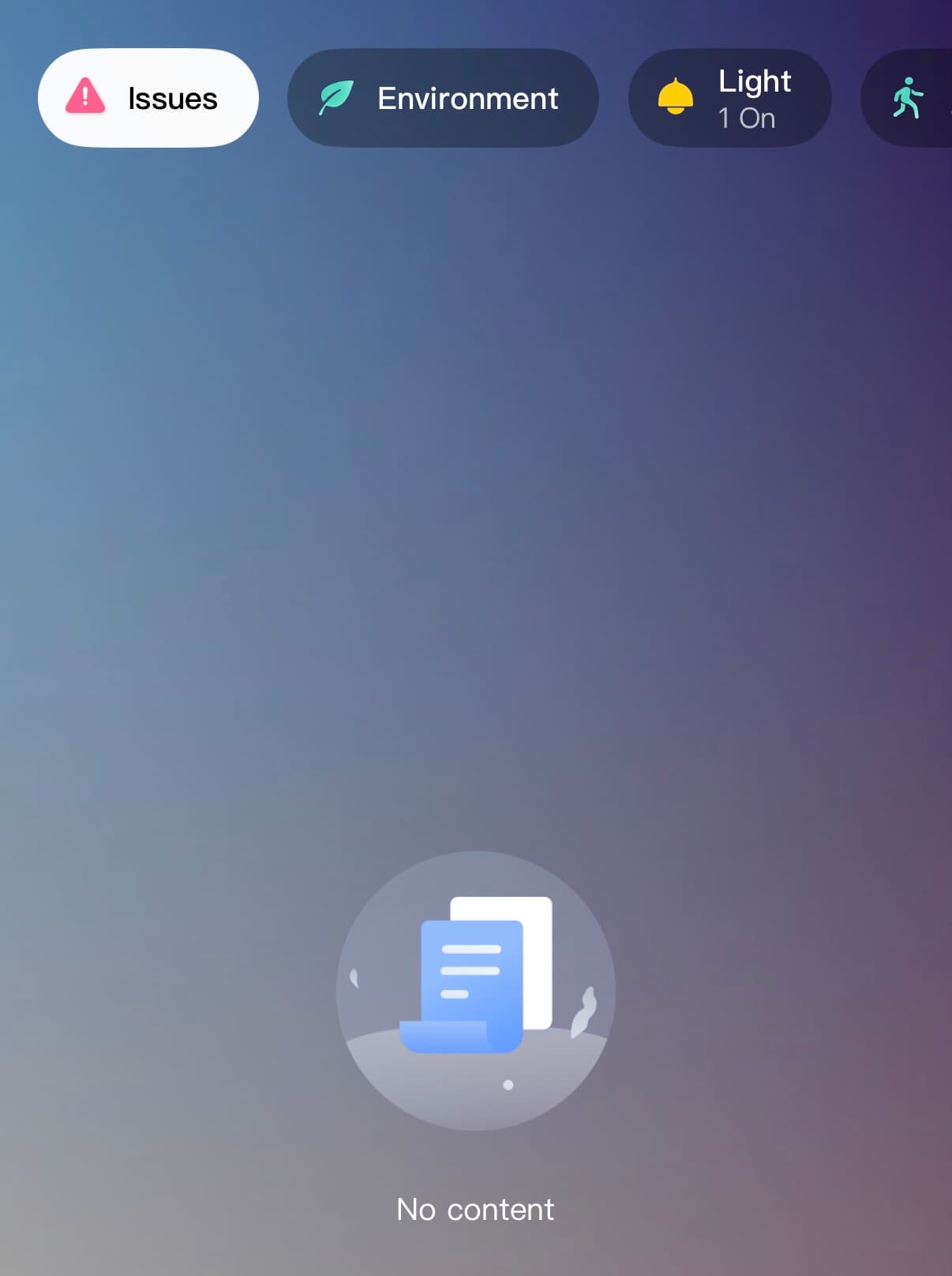
Does anyone know if there is a Log that is associated with this error message in the Aqara app?
How can you figure out what is causing this error tab to appear at the top of Aqara App?
I have looked over the Accessories Tab and not one device is having any issues. I even went through each device and tested it or used it and everything is working fine.
In the past this message would appear when a device was off-line or having issues but that’s not the case now.
You can’t I got that issue a few months ago and in my case was an smoke alarm witch was disconnected but it didn’t appeared like so.but if you can’t guess it then to make that disappeared ether wait a day or start pressing each zigbee device to wake each up