Thanks
6 Likes
Thanks, I just updated updated the iOS app to 1.0.0 (22), now I have 59 devices instead of 66, so I see that filtering was updated.
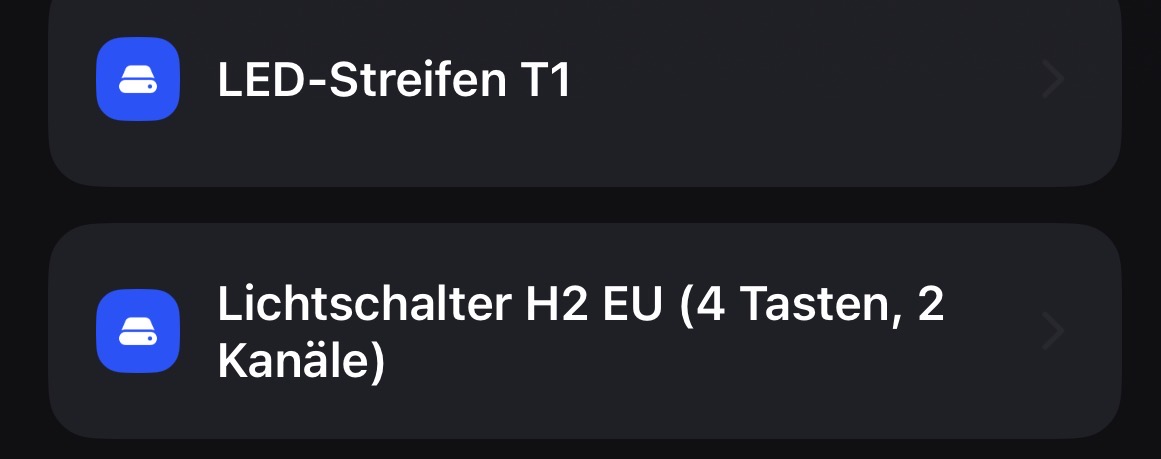
But my devices still show “Device cannot be connected”. In the video I open a H1 switch (no neutral), Aqara T2 GU10 lightbulb and a T1 LED Strip, but all my devices show the same message.
Mind you, all of them are connected to my Hub M3 and are ZigBee. Hub cluster is enabled. Maybe I misunderstood this sentence:
Currently, only some supported Aqara-developed devices and Matter devices are shown.
“Aqara-developed” devices have to be in Thread mode or is Zigbee mode supported? Or maybe my setup is not supported in general?
If you need to check my account then send a message to me, I’ll give you the email of my Aqara Hom/Life account (but it’s the same as the forum one).
Btw my region is set to Poland.
8 Likes
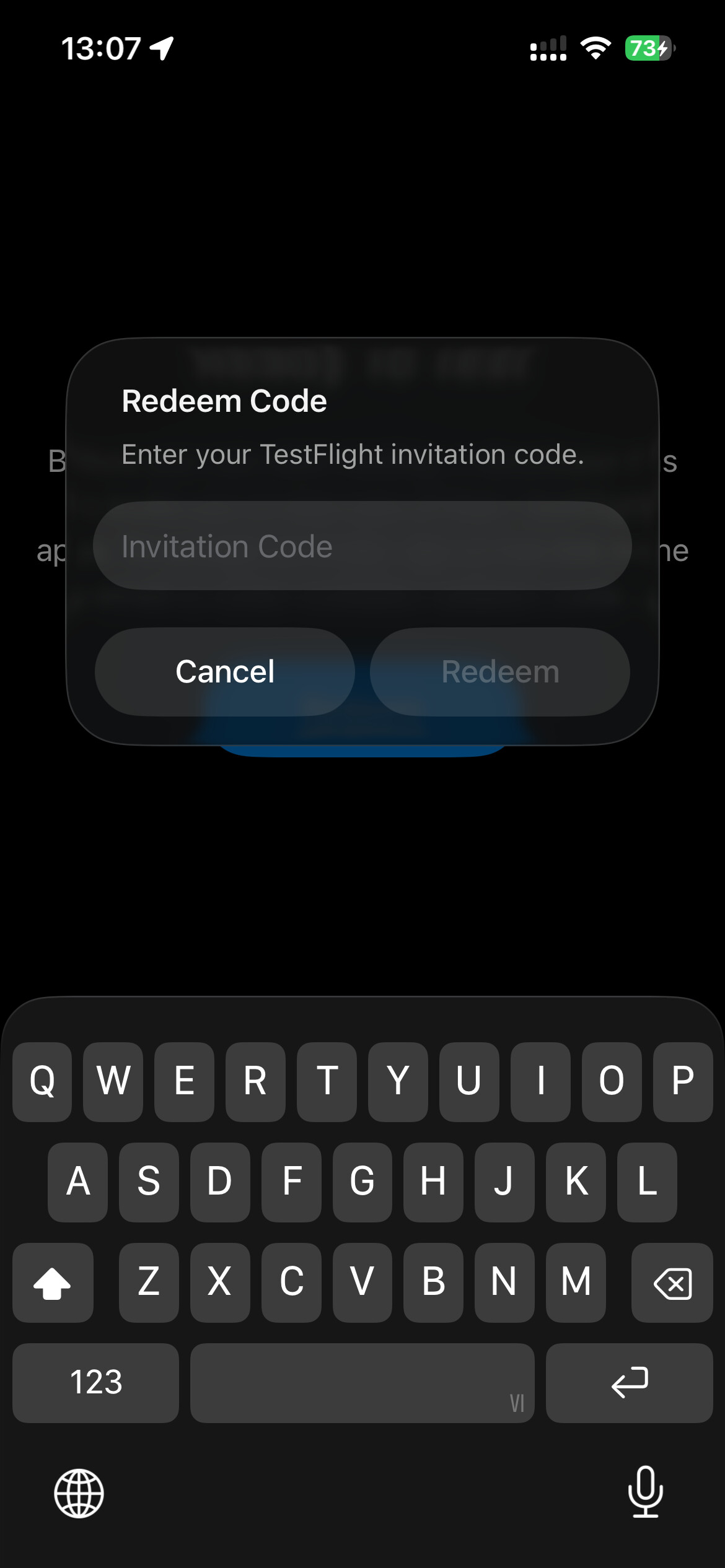
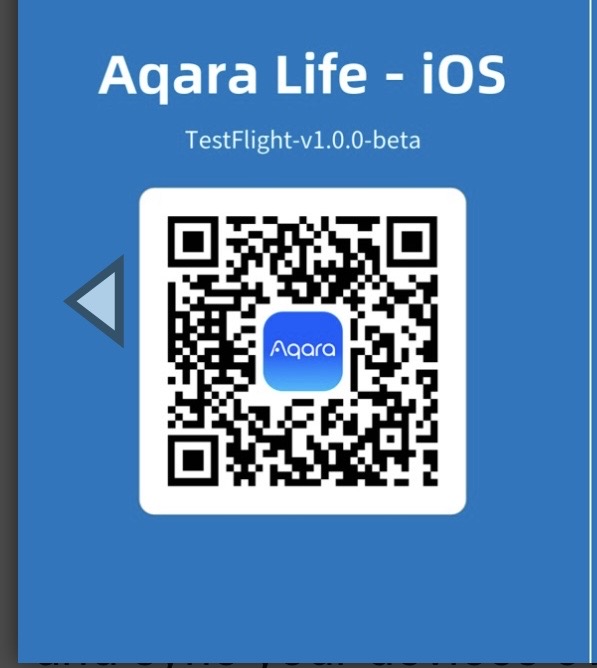
Scan the QR code from the first post. If you have an iPhone, you have to install TestFlight from AppStore and the QR code will start working (you can just screenshot the QR code and you will have an option to scan the QR code from the screenshot).
In case of Android, you just scan the QR code and it will take you to Google Play Store and you will see a beta app (normally hidden from the store)
11 Likes
Yes it is, it even shows third party Matter devices connected to an Aqara hub like my Eberle floor thermostat!
8 Likes
Yeah I realised that too with the buttons, apparently every switch/device shows all possible buttons, even though that particular switch doesn’t have those buttons or functionality for additional buttons…
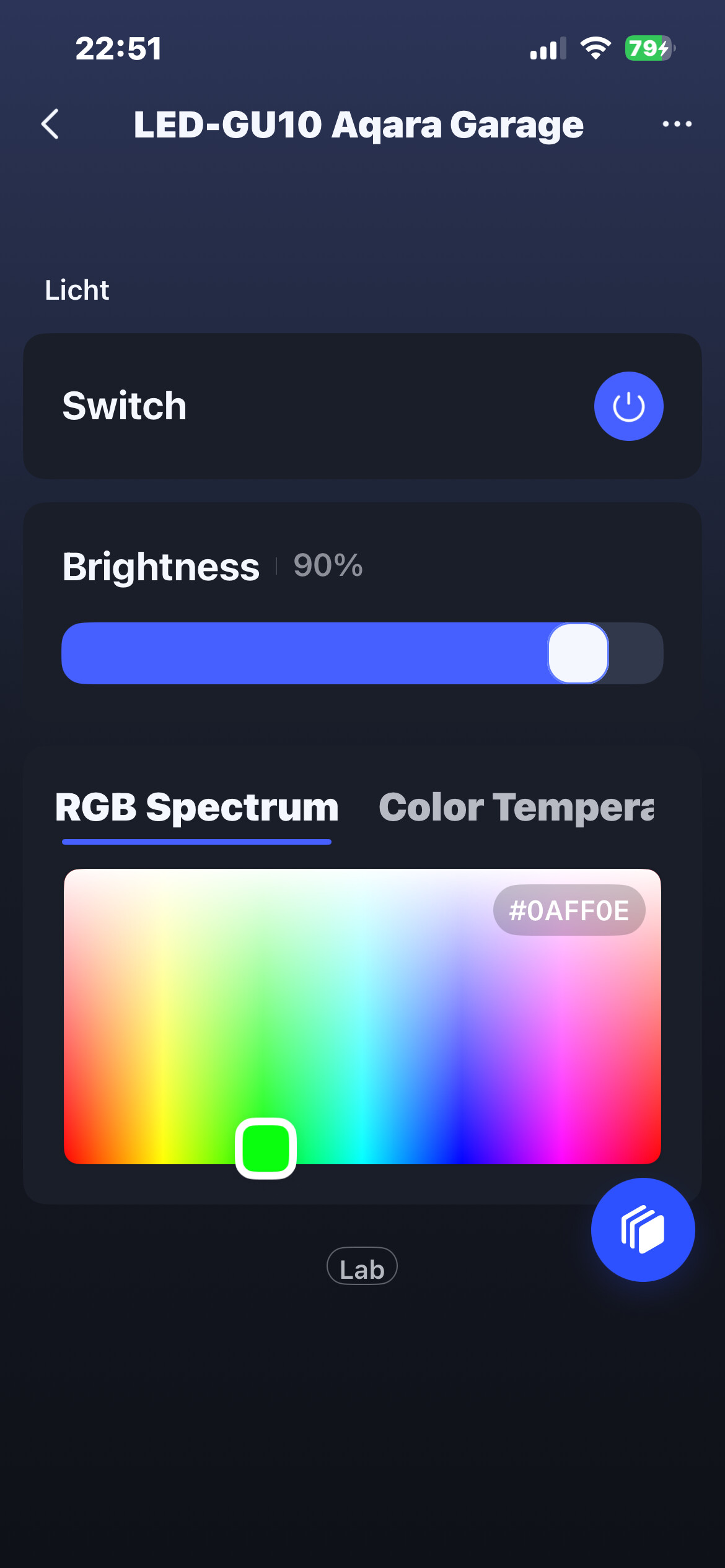
For example for my dimmer switches, it even shows colour temperature even though I obviously only can set brightness. For my T2 smart bulb that only can change colour temperature but not colour itself it even shows a slider for colour even though my particular version is not the colour changeable version.
9 Likes
The Android download is an apk file from the Aqara CDN server, not the Play Store.
8 Likes
Oh, my bad, I have an iPhone so I assumed it’s the same as the Play Store beta apps (because I used them before)
7 Likes
What operation system are you using on phone ? iOS or android?
5 Likes
Crashes instantly on my android aswell 
5 Likes
 It @AqaraOfficial ! This will be great to see in the Aqara App and to personalise the screen devices!
14 Likes
Sorry can’t help with android 
5 Likes
I am still waiting 

3 Likes
me too
3 Likes
Hi, I can also confirm. Android crashes the program instantly.
5 Likes
Android, I installed the app but it won’t open.
4 Likes
This looks great I can’t wait to dive in!
2 Likes
@AqaraOfficial The app crashes when opening on Android 16 on a Pixel 9
4 Likes