Hi, it looks like the Android app has been updated to v1.0.1 and this crash issue should be fixed now. Please completely uninstall the app first, then use the original QR code to download and install it again.
2 Likes
Hi, it seems the Android app has been updated to v1.0.1, so this crash should be fixed now. Please fully uninstall the app first, then reinstall it using the original QR code and give it another try.
1 Like
Hello, the Aqara engineering team has updated the Android app to v1.0.1, which resolves this crash issue. Please fully uninstall the app first, then reinstall it using the original QR code and try again.
1 Like
Already downloaded. Don’t call it Aquarium Water Level Guard, just call it water level. e.g. I want to use it to tell me when I’m running out of water in the reservoir for my coffee machine… a fish in there would make it taste bad!
3 Likes
It installs now, thanks.
3 Likes
Hi, @FrankH @mausje68 @avram_bv @DEChrisE @gafich10 @absent @ddnr35 @Marc3k ,We have received feedback from everyone regarding the issue of the Android package not opening or crashing immediately after opening. Our team quickly located and investigated the problem, and has released version v1.0.1 to fix it.
The Android app has been updated to v1.0.1 3 hours ago, so this crash should be fixed now. Please fully uninstall the app first, then reinstall it using the original QR code and give it another try. 
5 Likes
Haha, for users who don’t keep goldfish, we should create another plugin for similar needs — for example, call it ‘Water Level Guardian’ — and rename the fish tank water level plugin to something like 'Goldfish Tank Water Level Officer.
4 Likes
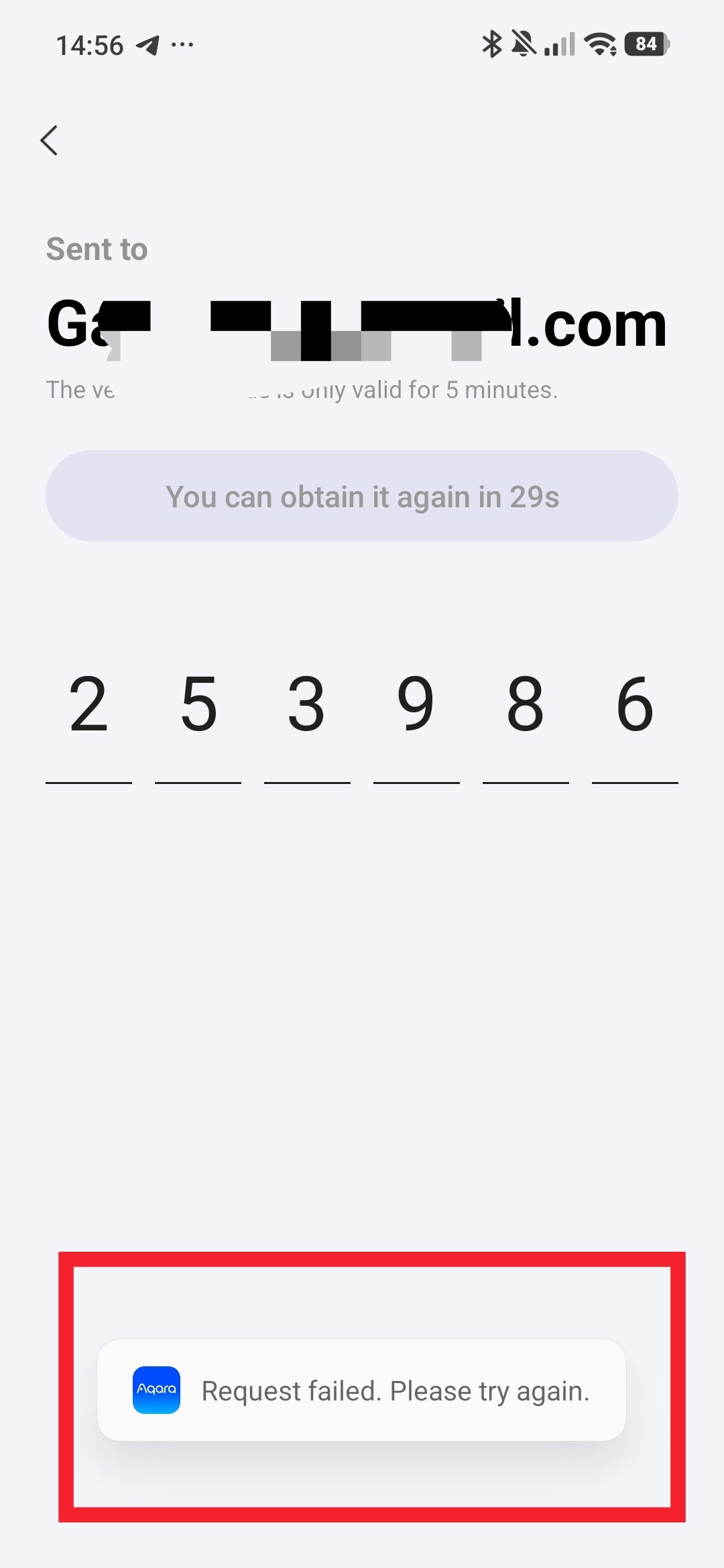
Oh,sorry to hear that.This is a new discovery. Are you sure you can’t log in normally using the verification code? The account system here is the same as the one used in Aqara Home. In theory, you should be able to log in with your Aqara account here.
1 Like
I’ve tried more than five times. I’ll uninstall and reinstall now.
1 Like
Thank you very much for your thorough and detailed feedback. Most of the issues you reported have been reproduced by our development team and are currently under investigation. I will let you know once they are fixed. However, regarding the issue you mentioned about ‘four buttons showing six’ — we need your device ID. Could you please check it and send it to me? This will help us identify the root cause of the problem.
3 Likes
Thank you very much for quick response. I’m happy to help.
The Universal Remote is no longer visible with the filter update (22). It’s a third party Matter device - a SwitchBot Universal Remote connected via SwitchBot Hub 2.
The ID is matt.895dd7f14b2d6b1c61cd000.
1 Like
I uninstalled and reinstalled it. Nothing helped.
Android, Redmi 15
1 Like
Never mind. We‘ll deal it,thx.Wait us. 
2 Likes
Now it works for me like a charm. Thank you for fixing so fast!
4 Likes
Love this !!
2 Likes
For me none of the plugin are working … Cat Dimmer, Brick Breaker or Sunrise Sunset. I try with some aqara bulb and other matter lamp.
2 Likes
May I ask which specific step it failed to work and got stuck on? We would like to help you fix this issue.
1 Like
Hello Mandy. I’m able to play with the game or move the control of the sunrise/Sunset. But the light wont do nothing.
1 Like
Hi, we haven’t been able to reproduce your issue, so the development team suggests that you update these plugins to the latest versions and try again. It’s possible that some known connection issues have already been fixed. Please try again and let me know the result. If the problem still persists, we’ll take a closer look at which specific device currently has the bug.
1 Like