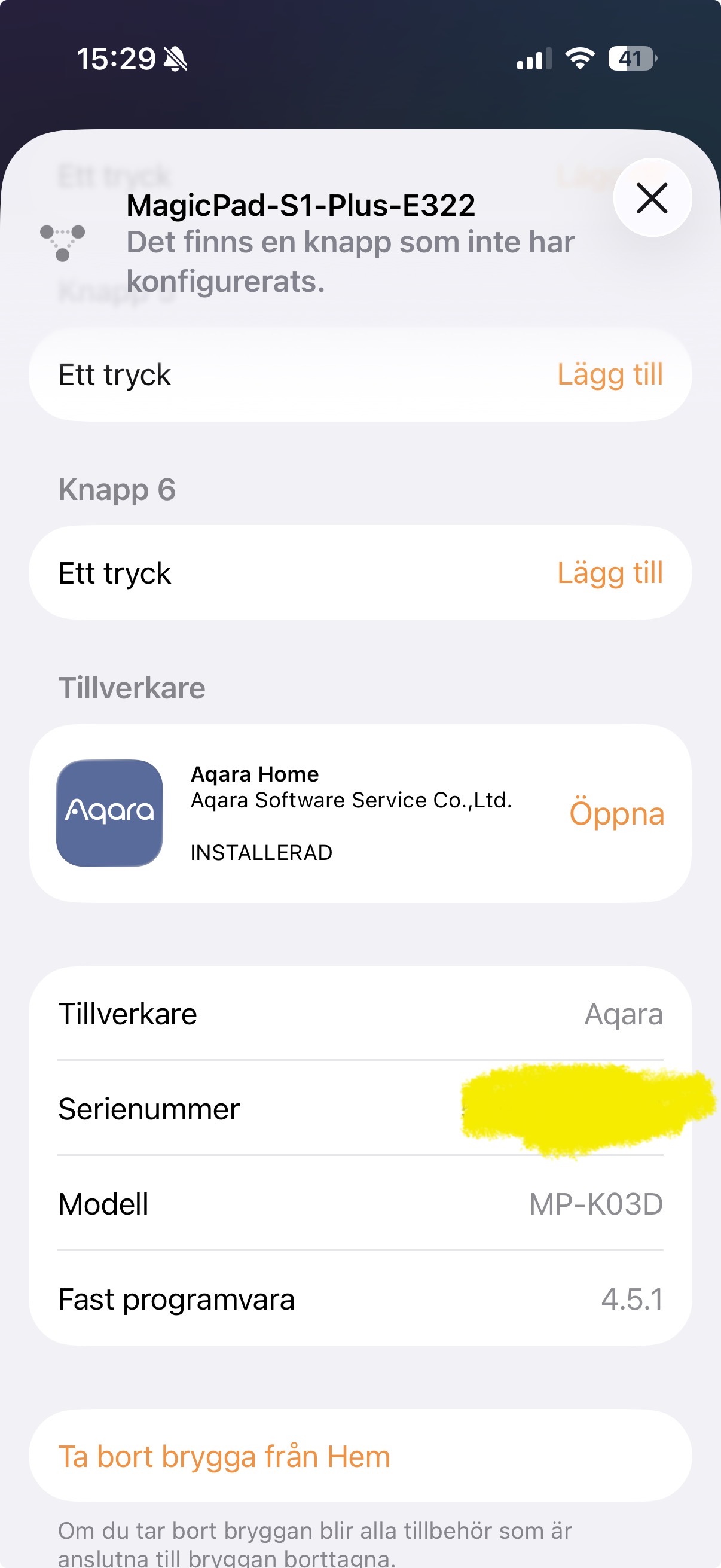
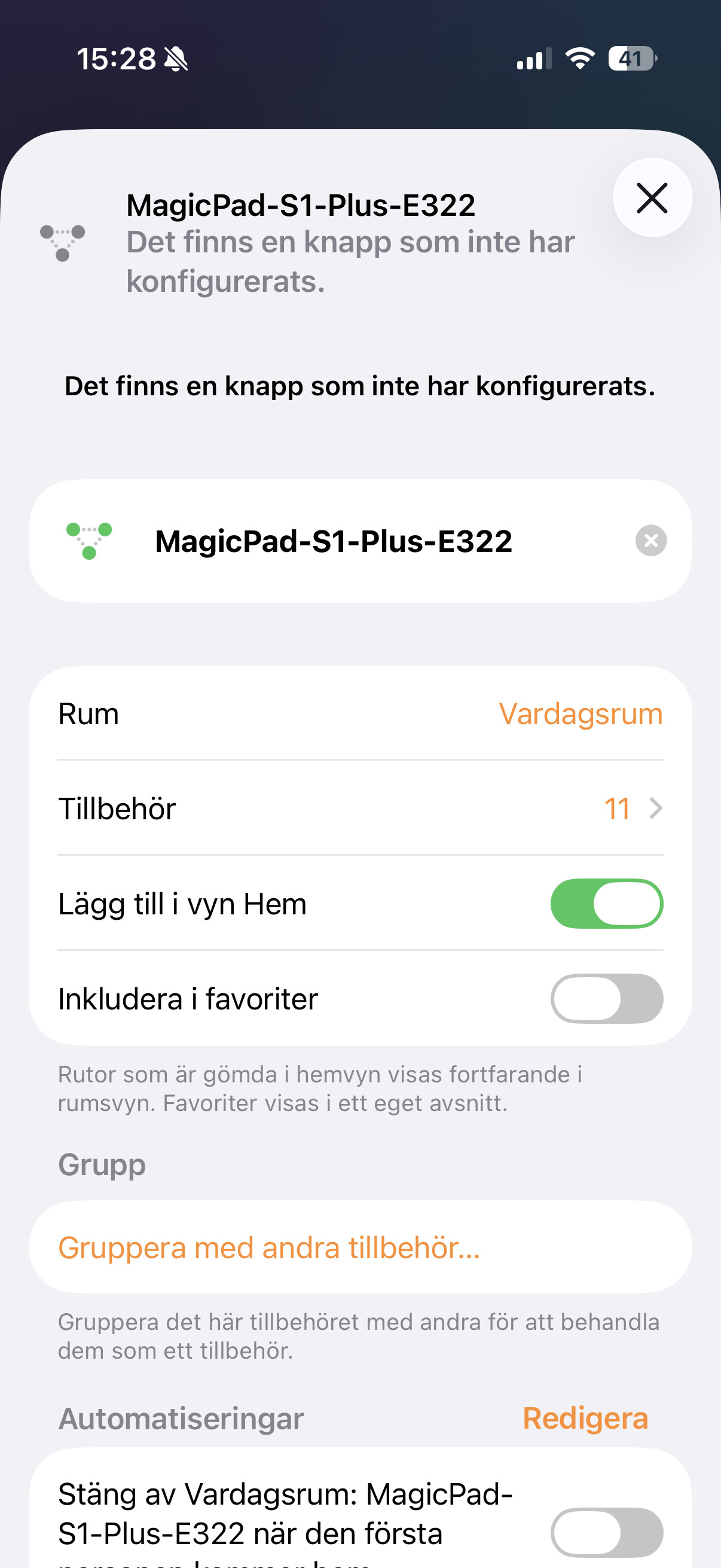
Hi, I live in Sweden and in the latest firmware version of the s1 hub you added Siri to integration with apple home, but I cannot find the Siri activation button in the home app for the MagicPad-S1-Plus-E322 accessory.
What can I dot to get this working ?
1 Like
Devices You’ll Need:
- MagicPad/Panel Hub S1 Plus
- HomePod (any verison)
Step 1: Get Everything Up-to-Date
First things first: Please make sure both devices are running the latest software to avoid any glitches:
- Upgrade your MagicPad/Panel Hub S1 Plus to version number 4.5.1_0051.0017.
- Upgrade your HomePod to the newest version available online.
Step 2: Add your S1 Plus to Apple Home
Next, you need to get the S1 Plus added to your Apple Home.
- Please add the [S1 Plus] to your Apple [Home App].
- Crucial Note: Your HomePod and the S1 Plus must be connected to the exact same Wi-Fi network (the same local network) for this to work.
Step 3: Enable Siri Settings
Finally, jump into your Home App to configure the voice control.
- Open the Apple [Home App] (“Home” icon).
- Find your [S1 Plus].
- Go into the device’s settings and turn on the relevant [Siri] on settings.

6 Likes
So the S1 doesn’t have a microphone? I have an Apple TV.
1 Like
The S1 plus has a microphone- you can use it similar like a HomePod
3 Likes
Yes thats what I have and I have the latest version of everything, but it’s not working I have the s1 plus.
My version number is 4.5.1_0058.0017 that’s the latest I can get.
Everything is connected to the same WiFi.
1 Like
Can you help me solve this?
1 Like
Hello, I updated the firmware and enabled Siri, but when I say “Hey Siri,” absolutely nothing happens. What should I Do?
1 Like
Maybe restart the devices? for me it worked right away, i said hey siri and homepod was not responding but then i saw because i was closer to the S1 it woke up to the dashboard and siri sign on the bottom was working. did not do anything but update to the 4.5.1 firmware
1 Like
Did you allowed the access in Apple home?
1 Like
Now it recognizes it as a HomePod but it still doesn’t work.
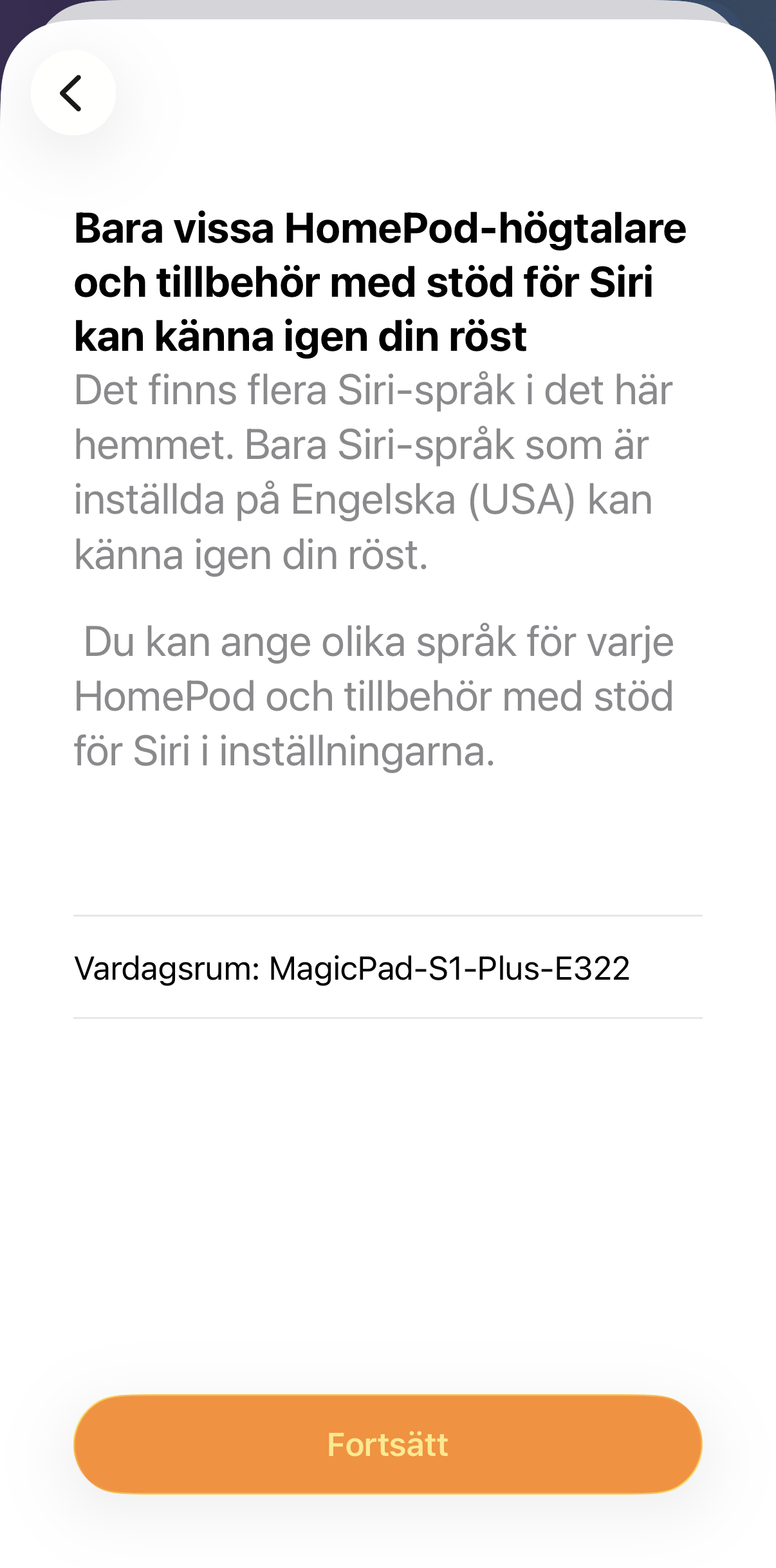
The image is from when I activate/deactivate the Siri voice recognition in my profile.
I still cannot see an activation switch/button on the s1 settings in home.
Siri language is set to English everywhere.
Are you sure I don’t need a HomePod to get this working?
1 Like
Am looking at the same screens right now. Did you ever get it sorted?
1 Like