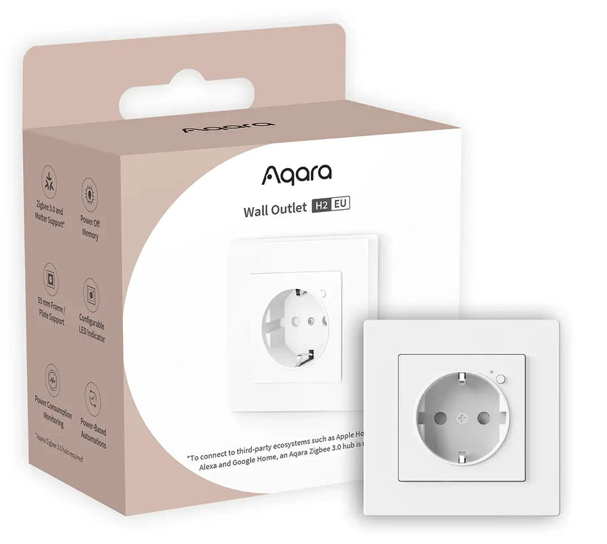
The **Aqara Smart Plug H2 EU ** is a smart power plug based on the Zigbee 3.0 protocol. It allows you to control the power supply of an electrical device and to measure key data such as power (W), current (A) and energy consumption (kWh). These measurements make it an excellent entry point for energy-based automations.
To be frank, this one of my best Aqara accessories 
In my setup, the plug is not added directly to Homey Pro using Zigbee. It is first paired with an Aqara Hub M3. This hub acts as a Matter bridge, exposing Aqara Zigbee devices as standard Matter accessories. Thanks to this, the plug can be used simultaneously in Apple Home (HomeKit), Home Assistant, and Homey Pro.
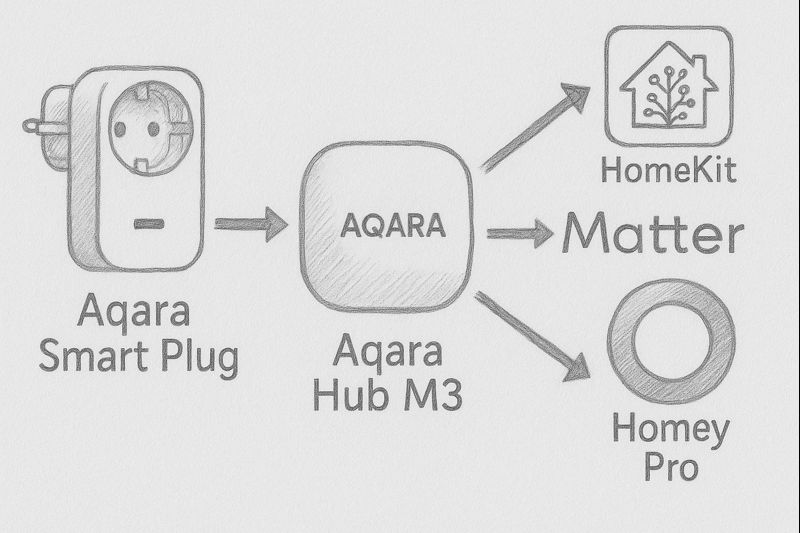
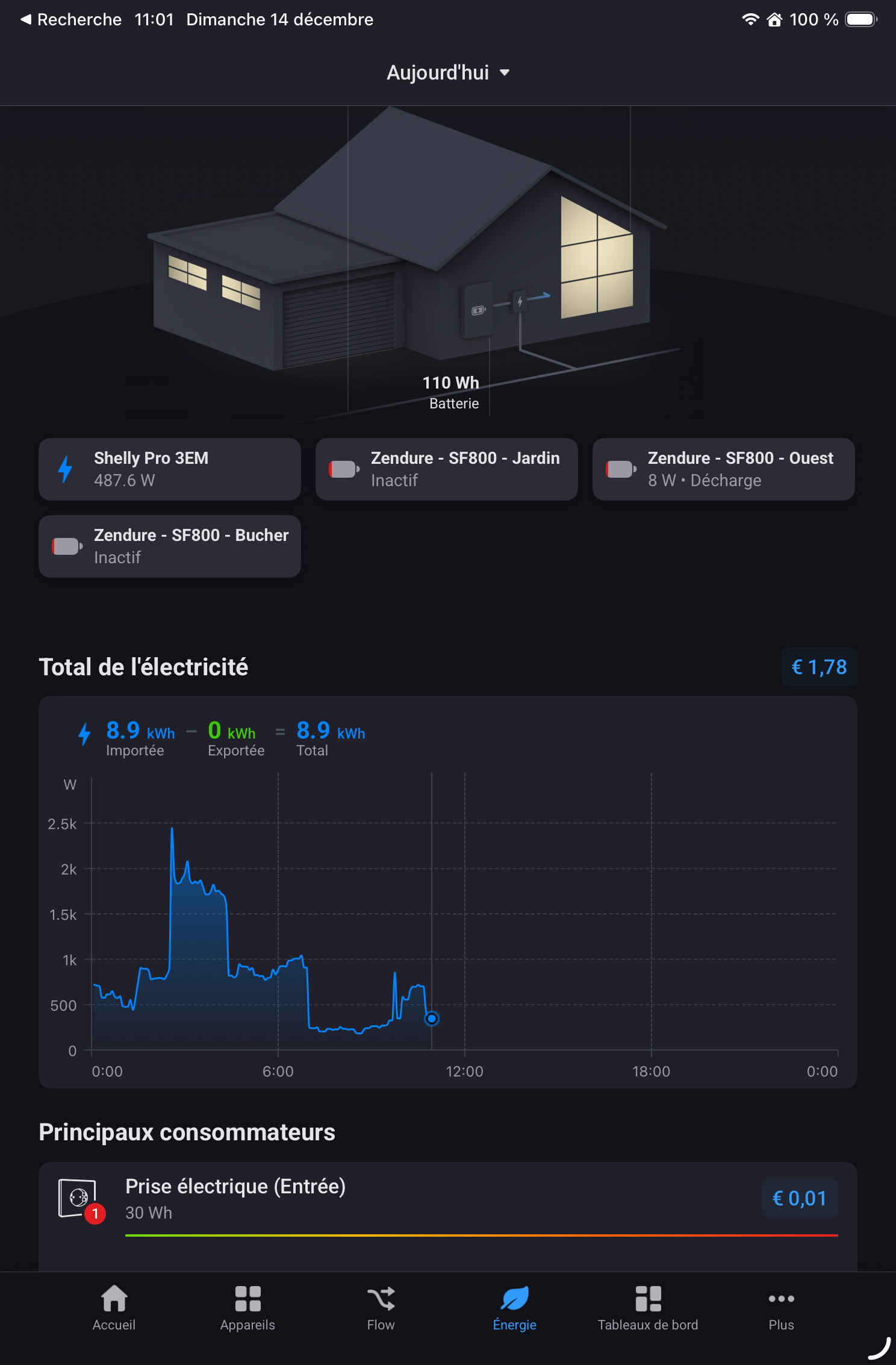
Due to the one of the latest version of Matter, the different measurements are now displayed in both Homey Pro and Home Assistant. I believe the next version of HomeKit will also incorporate this feature.
It is through this Matter exposure from the Aqara Hub M3 that the plug is added to Homey Pro. But I could do it directly in to Homey Pro, but having an AQARA Hub let you update the device easier.
By the way, the power of the plug is utilized in the « Energy dashboard. »
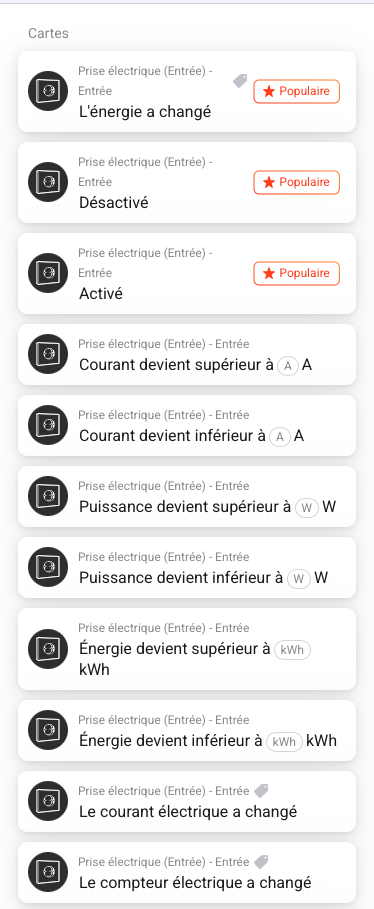
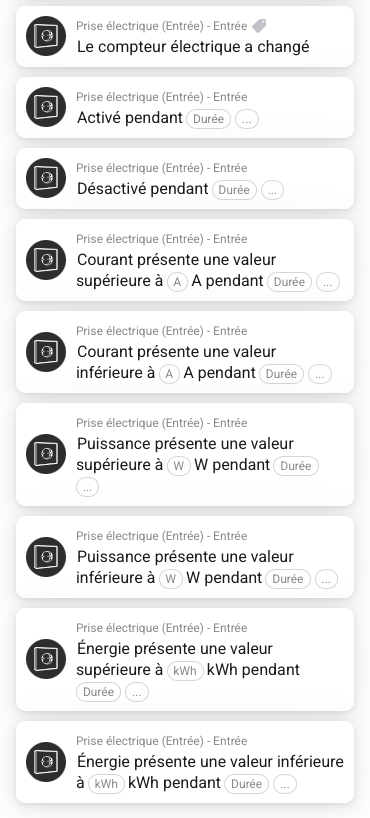
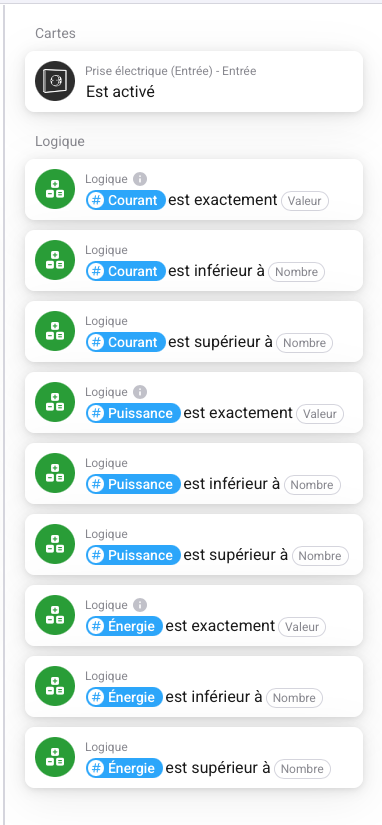
Once added, Homey Pro provides a set of Flow cards organized into three categories: WHEN, AND, and THEN.
WHEN cards :
| Order | WHEN card | Simple explanation |
|---|---|---|
| 1 | Energy has changed | Triggers as soon as energy consumption changes. |
| 2 | Turned off | The plug has just been switched off. |
| 3 | Turned on | The plug has just been switched on. |
| 4 | Current becomes greater than X A | Current exceeds a defined threshold. |
| 5 | Current becomes lower than X A | Current drops below a defined threshold. |
| 6 | Power becomes greater than X W | The device starts consuming significant power. |
| 7 | Power becomes lower than X W | The device consumes very little or stops. |
| 8 | Energy becomes greater than X kWh | A defined amount of energy is reached. |
| 9 | Energy becomes lower than X kWh | Energy drops below a defined threshold. |
| 10 | Electric current has changed | A variation in current is detected. |
| 11 | Energy meter has changed | A variation in cumulative energy is detected. |
| 12 | Turned on for a duration | The plug remains on for a defined period. |
| 13 | Turned off for a duration | The plug remains off for a defined period. |
| 14 | Current above X A for a duration | High current maintained over time. |
| 15 | Current below X A for a duration | Low current maintained over time. |
| 16 | Power above X W for a duration | High power consumption maintained. |
| 17 | Power below X W for a duration | Low power consumption maintained. |
| 18 | Energy above X kWh for a duration | High energy level maintained. |
| 19 | Energy below X kWh for a duration | Low energy level maintained. |
AND cards
THEN Cards:
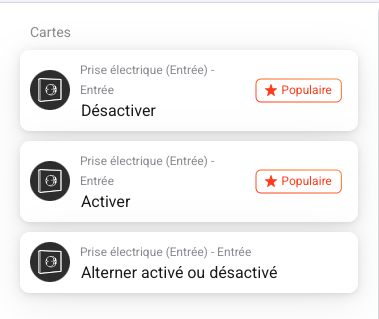
Last the THEN Cards :
| Order | THEN card | Action |
|---|---|---|
| 1 | Turn off | Immediately switches the plug off. |
| 2 | Turn on | Immediately switches the plug on. |
| 3 | Toggle on or off | Reverses the current state of the plug. |
Exemples of flows:
Example 1 — Cut power to a power-hungry device
- WHEN: Power becomes greater than 1500 W
- AND: It’s the night
- THEN: Turn off
Example 2 — Detect when a machine starts
- WHEN: Power becomes greater than 20 W
- THEN: Send a notification (via Homey)
Use case: knowing when a washing machine or dishwasher starts.
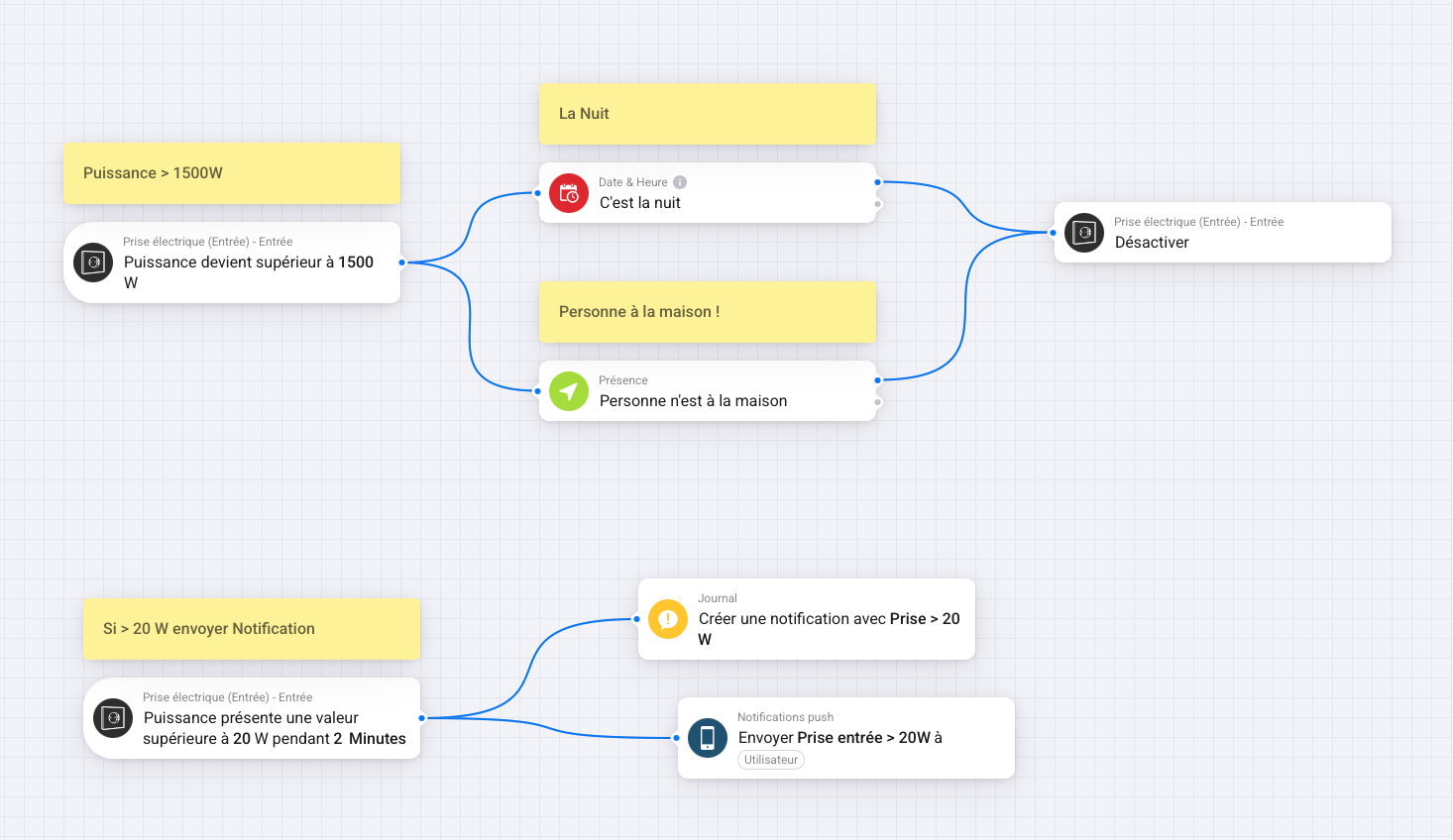
Yes, I could certainly automate much of this using the Aqara App. However, I’m more comfortable with the Homey Pro UI, which offers a graphical interface for creating my automations.
You can do it in Home Assistant to, but not yet in HomeKit.
I hope this helps.