Hello Community,
Do you remember when we launched a Hub M300 beta test this July?
We have more news about this brand new device!
New Platforms, More Capabilities
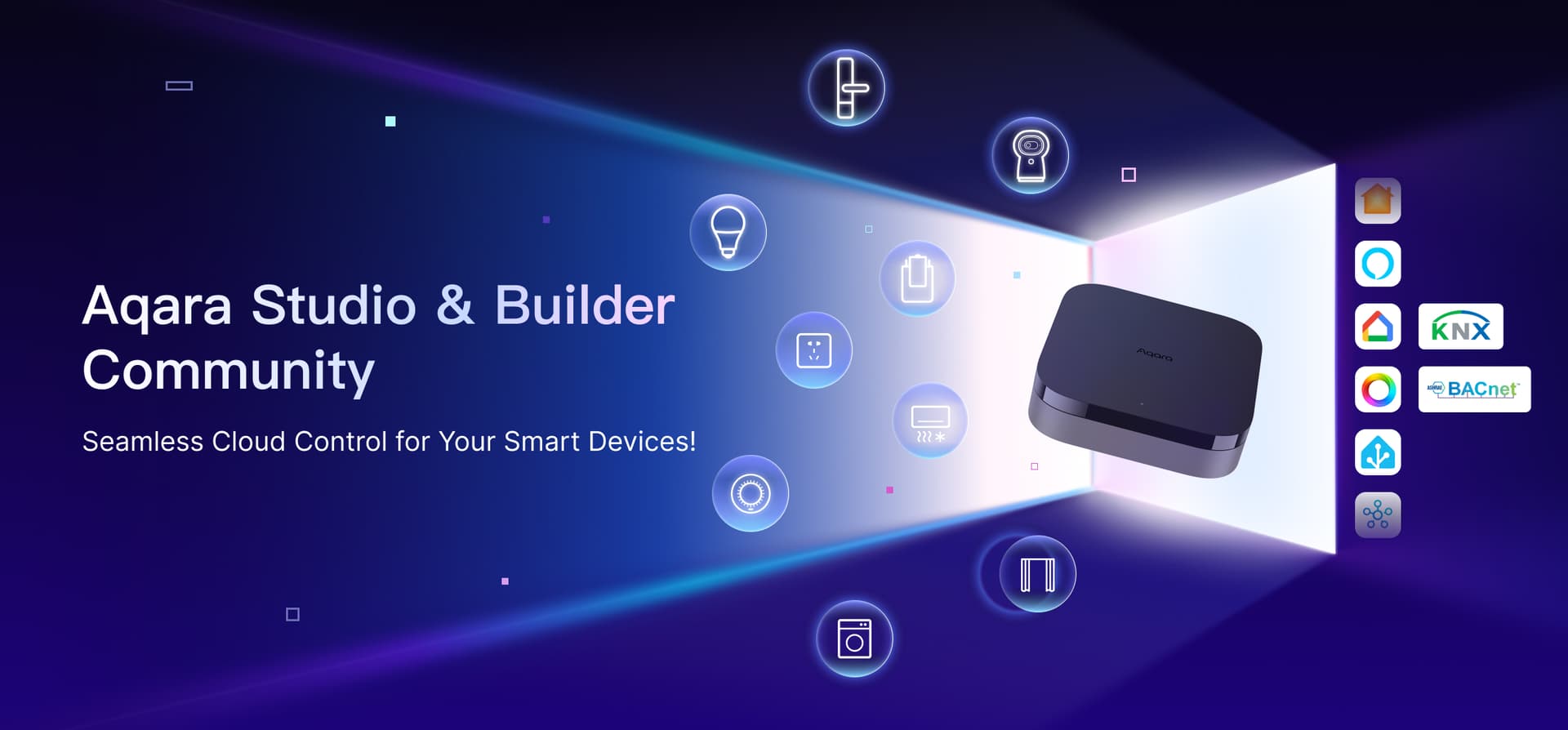
Built on the Hub M300, Aqara will combine local stability with cloud-based creation capabilities, offering a new full-stack smart scene creation experience. The following two platforms enable next generation control.
Aqara Studio: Professional Smart Creation Workbench
It introduces complex logic orchestration (Logic Flow), graphical editing, and visualization (Graph) capabilities, supporting a wider range of protocol plugin extensions. This allows for the design of more complex automation scenarios, meeting the high-end smart needs of commercial spaces, large residential areas, and more.
Aqara Builder: One-Stop Creator Hub & Project Management Console
Serving as the definitive cloud hub, it bridges local Aqara Studio and cloud-based creative workflows. Aqara Builder enables centralized management of Aqara Studio devices across multiple on-site locations and one-click remote connection to unlock seamless cloud-based operations. The full Aqara Studio experience, including remote control and advanced creative features, requires a Hub M300. When accessing Aqara Studio remotely via Aqara Builder, you will unlock expanded operational modes through the cloud, while all back-end processing and data management remains local to the M300.
Even without a Hub M300, users can experience the complete Aqara Studio creative process through the ‘Try Online Demo’ feature.
What Can You Expect At CES?
At the coming CES (Jan 6th, 2026), Aqara will officially unveil Aqara Studio and Aqara Builder to the public. Let’s take a sneak peek at what’s coming soon!
Aqara Studio
1. Core Capabilities: Complex logic design (Logic Flow), graphical editing and visualization (Graph), multi-protocol device integration, basic automation configuration, log query, and configuration backup, etc.
2. Cloud Control: With Aqara Builder, users can remotely control Aqara Studio via the cloud, while all creative data is locally stored on the M300, ensuring both ease of operation and data security.
Aqara Builder (Beta)
1. Personal/Team Collaboration: Users can choose to create either a Personal Workspace or a Project Workspace. Manage solo or invite team members to collaborate and manage together.
2. Full Lifecycle Management of Aqara Studio Sub-Devices: Includes device management, status monitoring, and remote connection. Access your local Aqara Studio remotely.
3. ‘Try Online Demo’ Feature: With this demo, users can experience the full Aqara Studio creative process without a Hub M300.
4. Knowledge Base Documentation: We will provide comprehensive operation tutorials, creative guides, and troubleshooting resources to help users get the most out of Aqara Studio.
Our Roadmap
Aqara will continue to maintain and enhance the capabilities of these platforms. Here are some of the current plans:
Aqara Studio
Through Aqara Builder, Aqara Studio will continue to release more advanced creative capabilities, constantly pushing the boundaries of smart scene design and offering comprehensive tool support for professional creators.
Aqara Builder (Beta)
1. Cloud-Based System Management: Smart scenes made in Aqara Studio can be stored in the cloud, with one-click deployment to multiple local Aqara Studio devices.
2. Creator Interaction Space: A platform for creators to connect, share creative ideas, project experiences, and inspiration.
3. Plugin Marketplace: Access to download and manage protocol plugins, allowing users to expand Aqara Studio’s capabilities independently.
4. Aqara Credits System: A dedicated points system providing creators with access to idea exchanges, unlocking premium services, and other benefits.
How Should I Start?
No matter whether you own a Hub M300 or not, you can still experience the magic of Aqara Studio:
If you’re a Hub M300 beta tester (already using Aqara Studio Connect)
1. Upgrade: Upgrade the M300 firmware, then you will be able to access Aqara Studio.
2. Advanced Creation: In the Aqara Studio, now you can unleash your ideas! Feel free to create complex logic and visual interfaces, all data will be stored locally on the M300.
If you don’t have a Hub M300 yet
1. Online Experience: Go to Aqara Builder and click “Try Online Demo.” You will enter the Aqara Studio page with a variety of virtual devices, allowing you to freely explore the features of Aqara Studio.
2. Deployment: When you’re ready to implement your creative solution in the real world, simply get a Hub M300 and connect it to Aqara Builder. This will allow you to switch to the “Local + Cloud Interaction” creation mode, enabling remote access and online design - while all data remains securely on your local Studio device.
That’s All
Thank you for reading this far! This is all the information we can share about the Aqara Studio and Aqara Builder project for now. We hope this plan has sparked some excitement! As CES approaches, we will gradually release more details. Be sure to stay tuned to the forum, as it will be the first place where we share updates!
Just to clarify, these two platforms aren’t available yet and will officially launch at CES.
 Interested in what’s coming next? Leave your email in our short survey and we’ll keep you in the loop!
Finally, we welcome your feedback in the comments. You can talk about:
- What are you most excited about?
- Are there any features you’d like to see that we haven’t mentioned?
- Or anything else.
Feel free to share your thoughts here. Your input does shape our decisions!