Dear W500 Users,
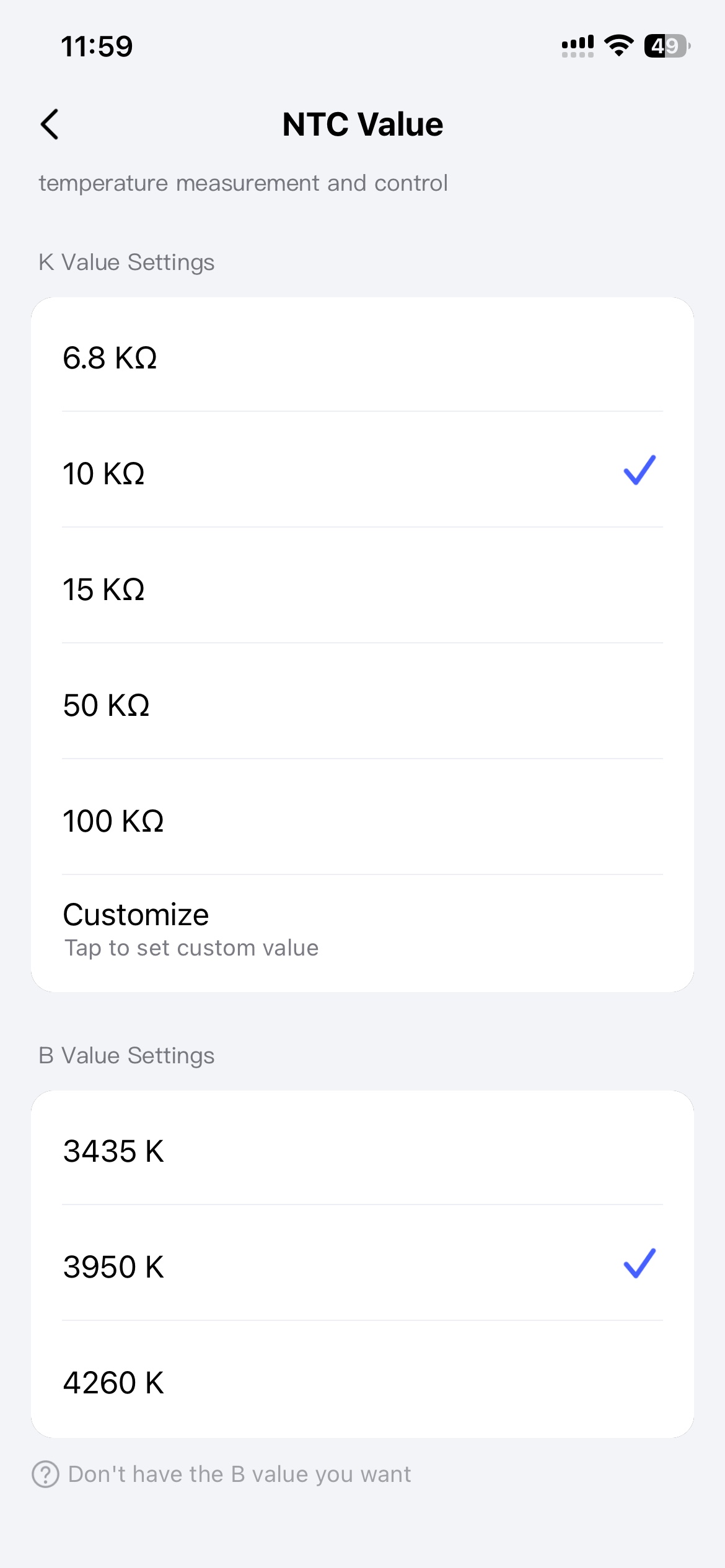
To further enhance the product experience and meet the personalized needs of different users, the W500 now officially supports the custom NTC value function! Starting today, you can independently configure the NTC value through the W500 Aqara APP, flexibly adapting to various usage scenarios and making the device more suitable for your personal needs.
The custom configuration of NTC values can help the device more accurately adapt to temperature detection needs in different environments, especially for scenarios that require specific temperature sensitivity, further optimizing the practicality and adaptability of the device.
The specific configuration process is as follows, which is simple and easy to operate without complex steps:
-
Open the W500 Aqara APP on your mobile phone and ensure that it is successfully connected to the W500 device;
-
Find the 【Settings】 option in the APP interface and click to enter the settings page;
-
On the settings page, find the 【NTC Value】 option and click to enter;
-
Select the appropriate NTC value from the pop-up options according to your own usage needs, and save it to take effect after completing the configuration.