Hello there,
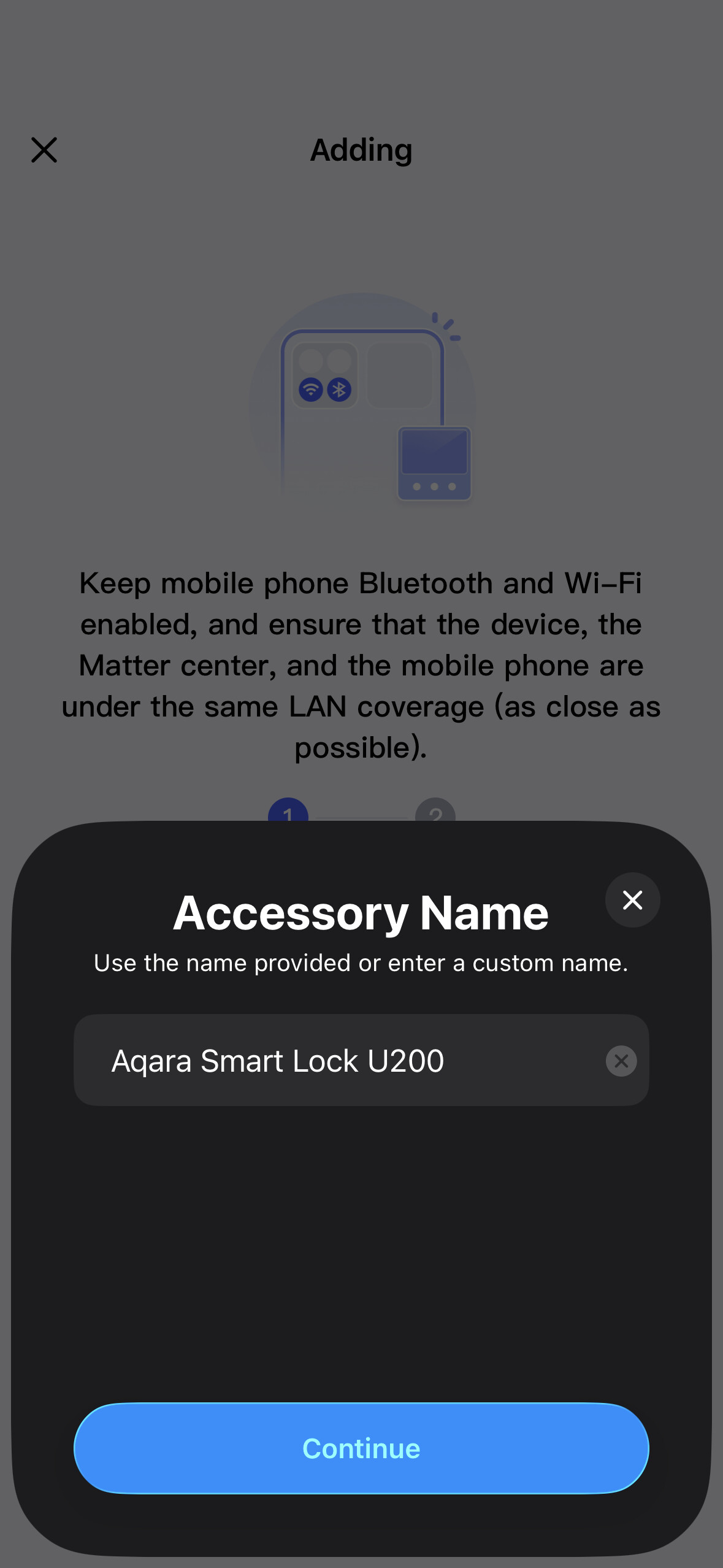
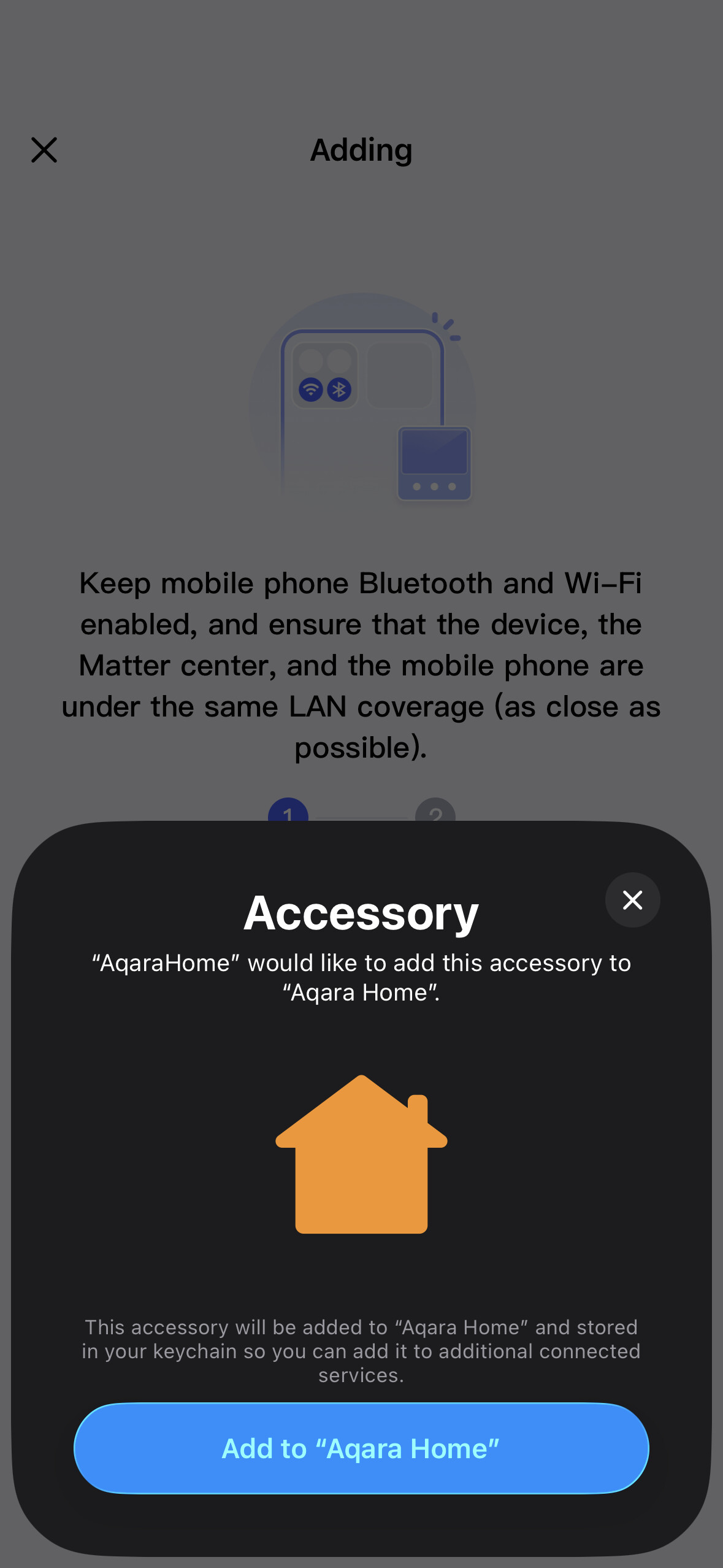
I cannot whatever I do bind the U200 to the Aqara eco-system, neither through the M3 hub, nor a G5 Pro (on the same Thread group/network).
This is driving me absolutely crazy.
I have tried resetting completely the device completely and starting whole over again, using an iPad, an iPhone.
All fail systematically, just sometimes in different ways…
- All devices are on the latest firmware as of today
- WiFI 5Ghz is at full power on every devices location
- M3 Hub has been restarted
- IPv6 is enabled, I have many devices having IPs on it
- U200 has been reset fully twice
- iPhone is on the latest iOS 26.4.2
- M3 Hub Firmware version:4.5.45_0017
- Aqara app 6.1.6
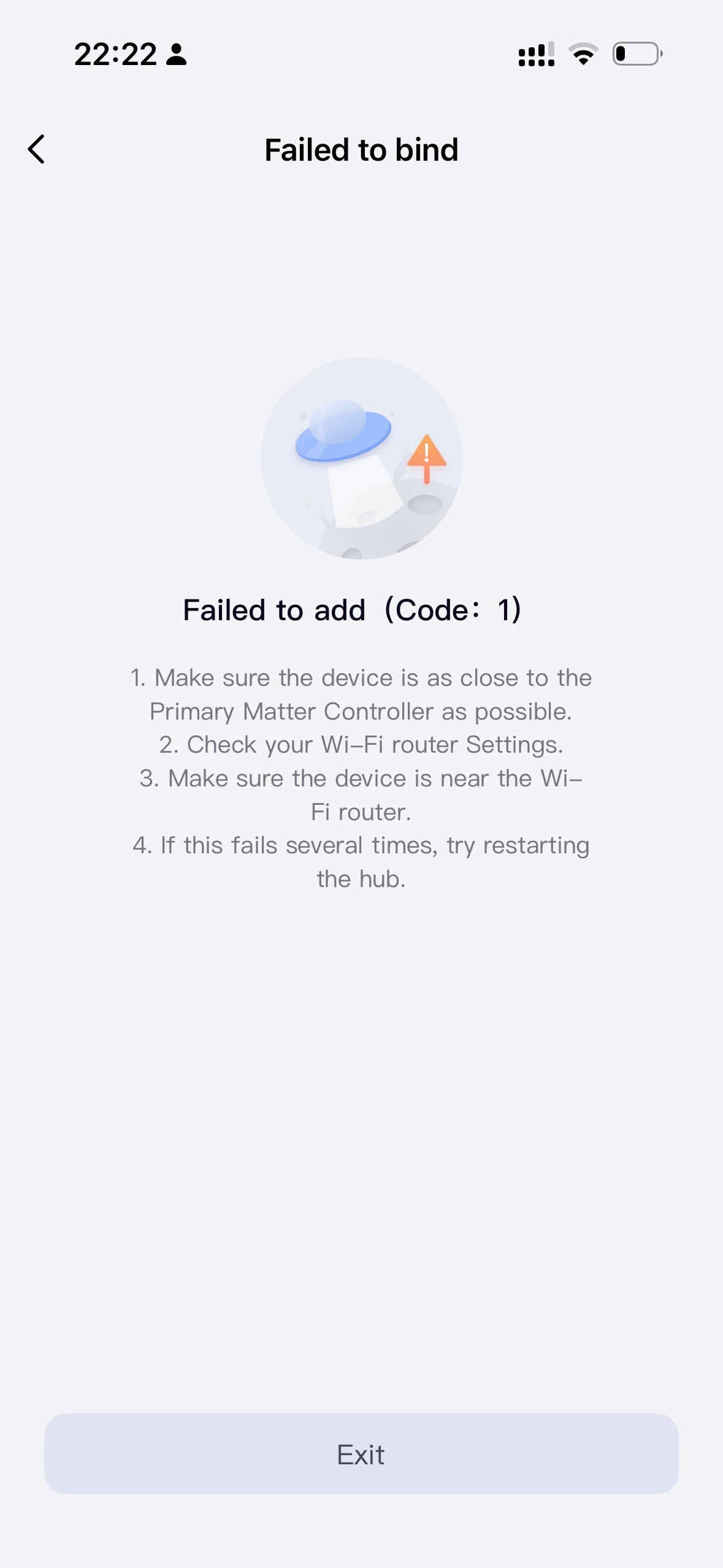
The most usual way of failing is now a “Failed add code 1” message:
I did have a very long JSON error message once though…
Error Domain=RCTErrorDomain Code=0
"Unhandled JS Exception: SyntaxError:
JSON Parse error: Unexpected identitier
“object’”)
I believe you need a 2.4GHz WiFi network to pair Thread devices (including U200). The device joins the network temporarily to exchange keys with the router, and then after key exchange it can join the Thread network.
Sometimes it just helps to press the set button on the lock during the binding process- just give it a try
1 Like
Hello, I had this problem during testing, no one could help. I was in despair. It helped me when I changed the Thread channel in the M3 gateway during my research. Everything worked right away.
Try it, maybe it will help you.
1 Like
Alright, I’ve done both things directly: switched phone to the 2.4GHz network, and clicked on “Set” during the pairing.
I’m not sure which one did the trick, but the U200 is now bound on Aqara hub, and directly on Apple Home afterwards.
Apologies, I did not have the time to test separately.
Thank you both @gafich10 @cezary806
2 Likes
Glad that it’s working now!
1 Like
At least it works 

But would be great to know , what’s the reason
1 Like
Hi there, as this issue has already been resolved with our support team via email, we’ll be closing this topic on the forum as well. If you have any further questions or run into any other issues, please feel free to reply directly to our support email. Thanks for your support and understanding!