I have two H2 wall outlets installed in two separate rooms. From time to time, both turn off in completely unpredictable moments (separately, not synced). It is not very often, happened maybe 4-5 times in two months period. However it happens for both units, so I doubt it is connected with failure of device.
All times when it happens it was during low (20-30W) or no-load on the outlet. Never happened while using like 60+ W.
Chat GPT says it might be connected with zigbee network interference, but for example it never happened for my Aqara Smart Plug, which I am using much longer than those outlets. Any ideas?
Hello, I had this problem with switches, Aqara specialists searched for a long time. The reason was in the monitoring settings that the app has. The function “turn off the light when it’s daytime” was turned on. Check this function yourself, maybe your sockets are there.
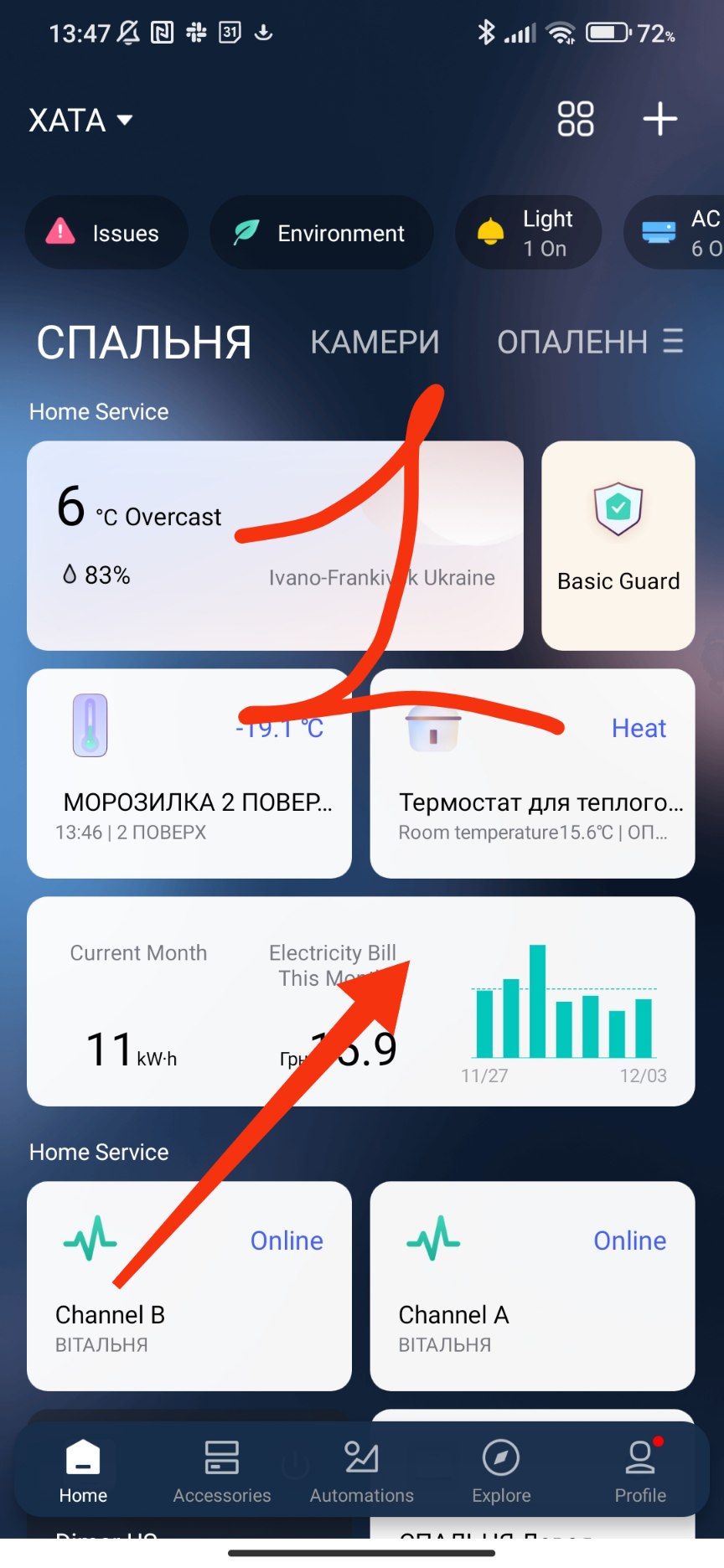
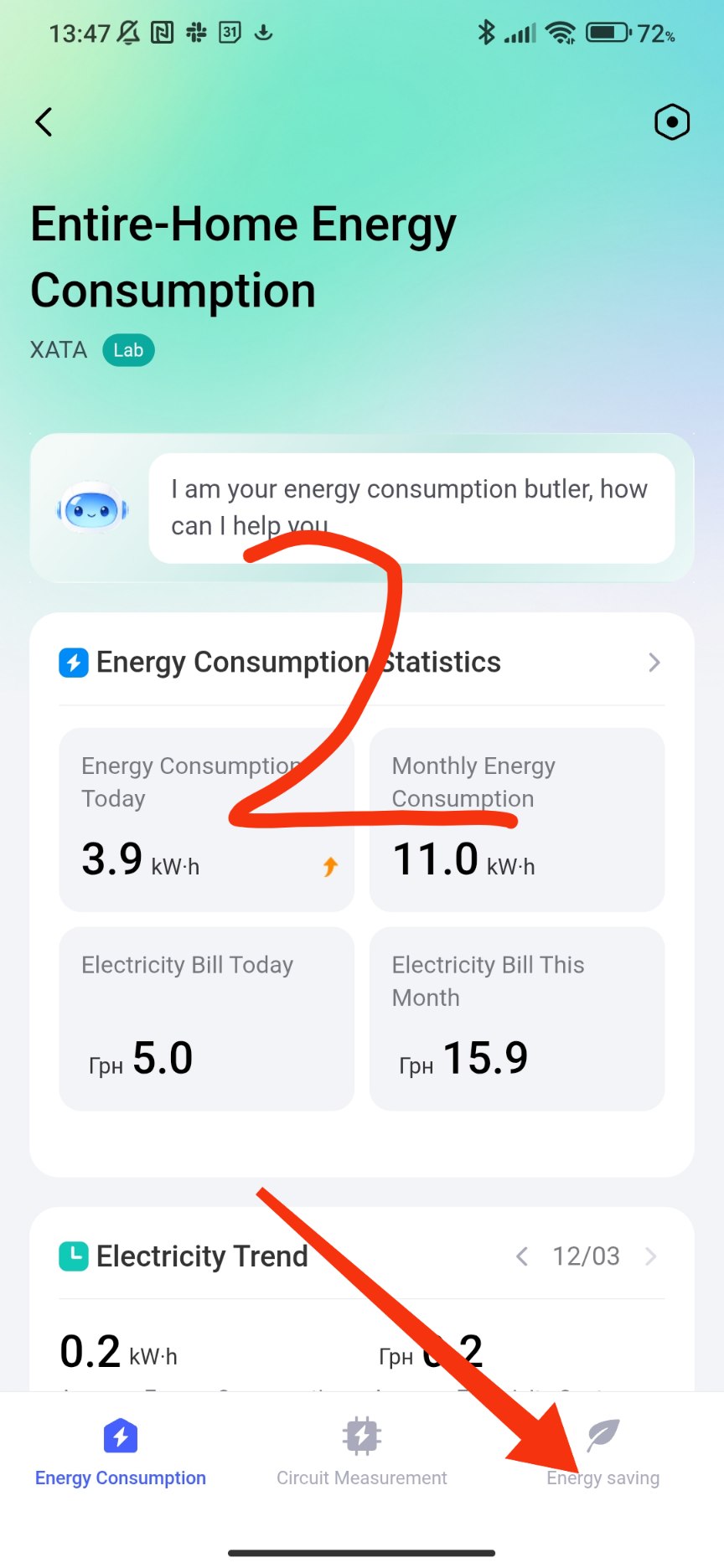
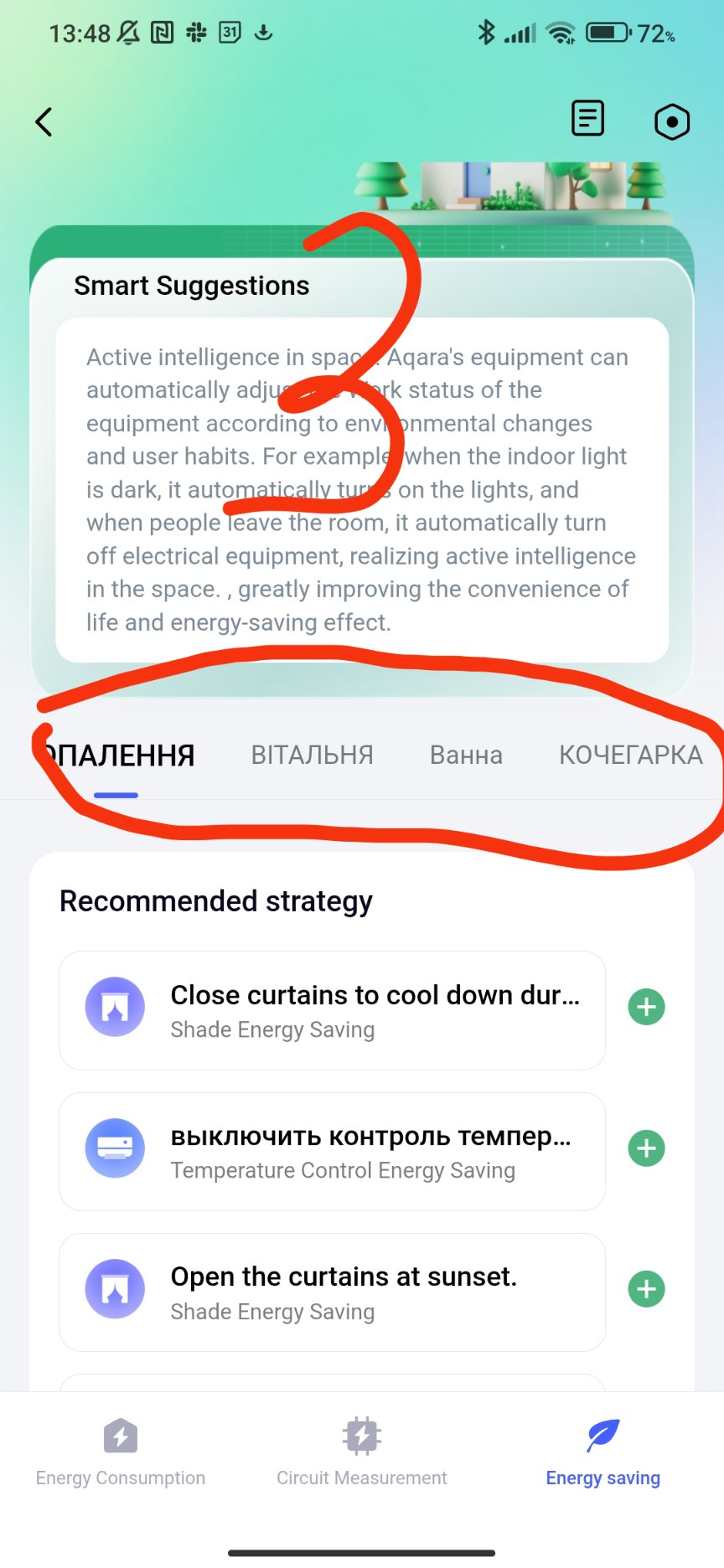
This app started spontaneously, this action is not displayed in the automation event log.
1 Like
Thanks, but I don’t have this Energy saving even enabled, so I guess it is not that direction.
Those turns off were completely random, it happened during the day, during the evening and during night. Those sockets don’t have any automation assigned, charging protection is not enabled and there is no way that my devices exceeded maximum power. It is like 100 W maximum for one and maybe 250 W for the second.
Now I recall that one time my T1M lamp turned on without any reason. But it was only once in like 4 months, and I have 4 of those lamps. Is it really possible that it is some zigbee interference?
1 Like
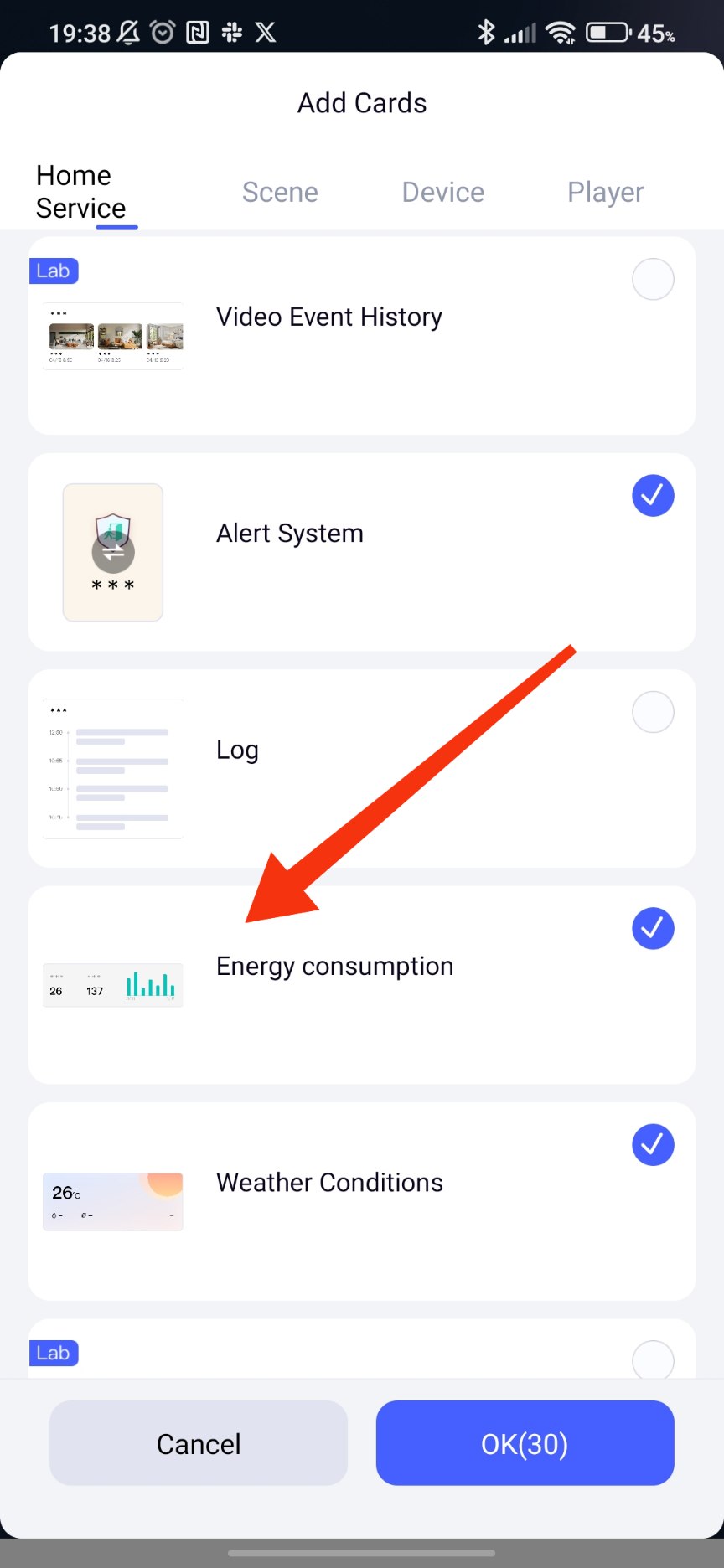
Unfortunately, this is not that, I haven’t found those sockets mentioned anywhere in energy saving area.
One additional comment: few weeks ago there was a firmware update for those sockets, but it did not change a thing for that particular issue: turning off happened both prior and after last firmware update.
I am getting a similar issue as well, the socket randomly turns off then back on again after about a second. Did you resolve the issue?
Unfortunately, no.
I was in contract with Aqara support, but it didn’t help. Or I simply gave up, since the only advice I got was to turn on option of going to on state after restored power (I guess the behavior you are describing is caused by this option on).
It happens for both outlets if have, but recently more often for one than the other. Since it is completly random, I still belive it might be connected with some zigbee / wifi interferance.
Hi, try in another place. Maybe you have voltage dips (or surges) that are very short-lived, so the device perceives them as voltage drops. Zigbee and WiFi have nothing to do with this.
1 Like
Another question, did you by any chance adjust the maximum current for the outlet in the APP?
I had a situation where the previous restrictions turned off the outlet, even though I changed it to a new value.
1 Like
Are they really fit for purpose if a voltage drop/surge is causing the sockets to power off?
The voltage surge is a problem with the industrial network. The socket constantly monitors the network status, in the event of a momentary loss (for example, 60 volts) the socket “thinks” that industrial power has disappeared and has appeared. According to the power memory settings, after the loss, the socket selects the state specified by the settings.
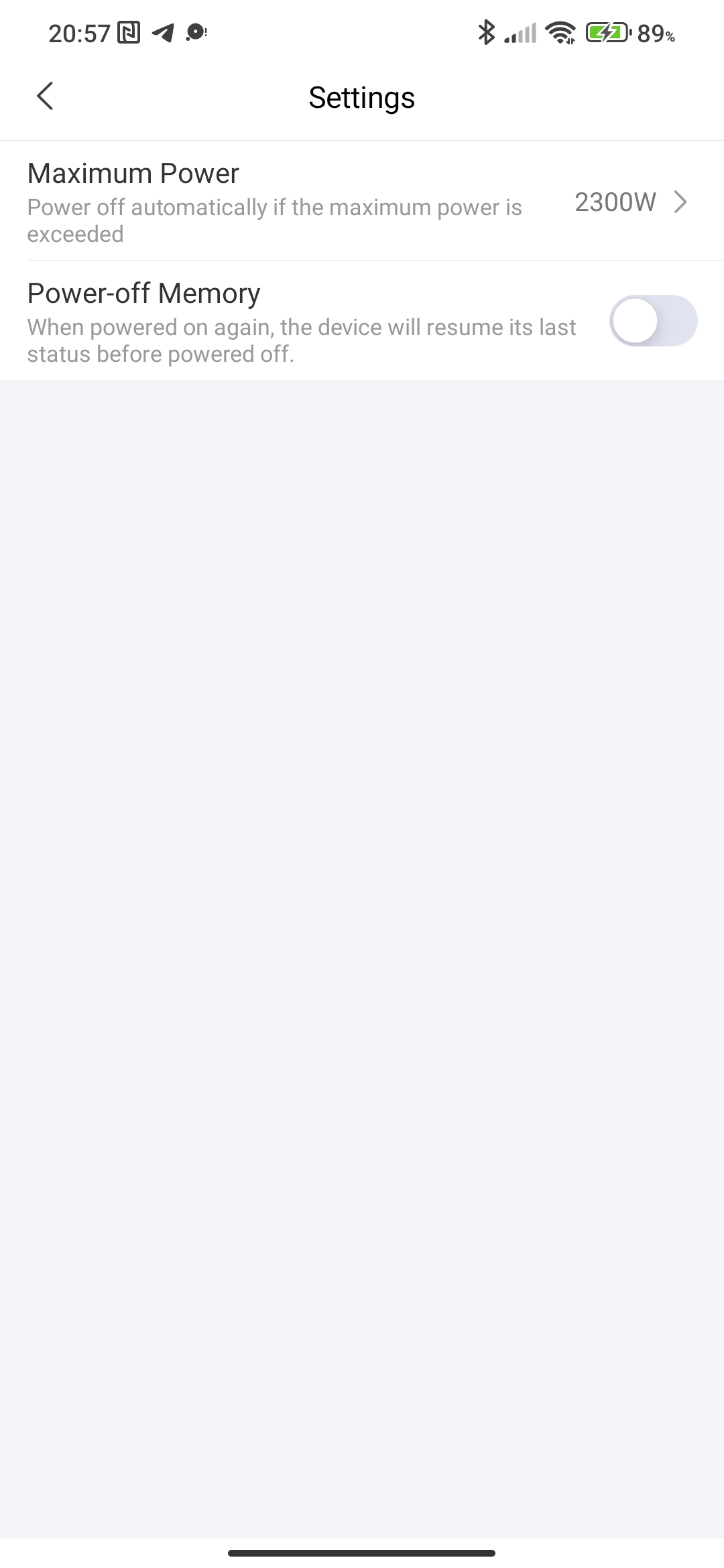
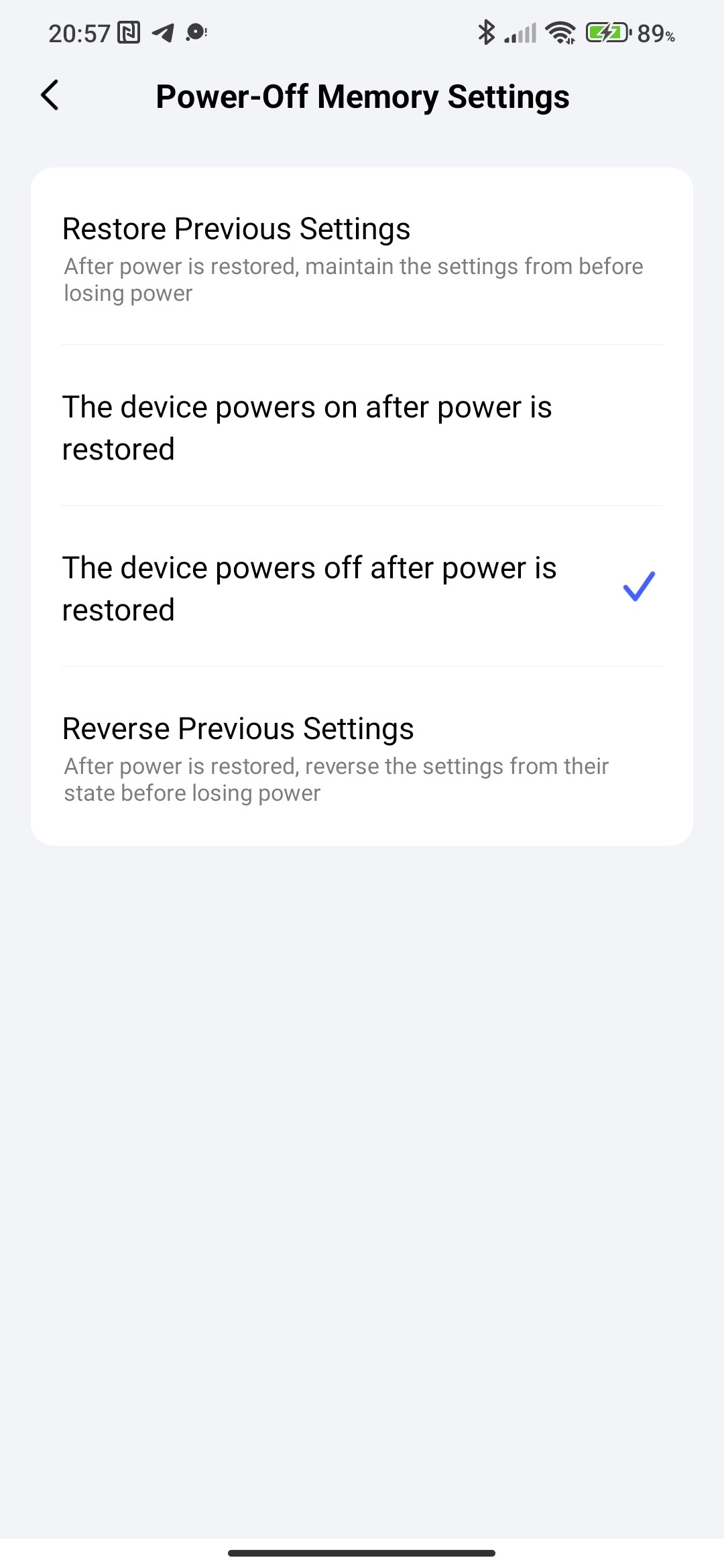
These are different types of sockets.
Yeah, also checked that. It is set to maximum, as default, and I use maybe 250 Watts in peaks from this particular outlet. It occurs while on “heavy” load like 200 W, but also on minimal - like 10 W.
I thought that it might be connected with some possible very short power drops, but on the other hand, I have never noticed that on ANY of my electric devices in home. I consider TV set to be especially prone to such events, and it never happened that it restarted by itself or something like this.
So is it possible, that this outlet is more sensitive for such power grid “imperfections” than normal home electronic devices? If so, maybe it is worth looking into?
1 Like
Yes, the sensitivity can be high, you can set it to “On” after the loss and then look at the event log. By the way, what does the event log show when the outlet is “Off”?
I tried to avoid setting this to ON, since I don’t want my devices connected to outlet, to be powered on and off multiple times (happens from time to time after power loss). But OK, will try to do it now.
The funny part is: the log says simply “OFF”, exactly the same as it was turned off from app.
My question was, are these devices fit for purpose? I’d suggest “No”. I have had standard sockets for the last 20 years in the same place, they too would have been subject to voltage fluctuations, but the connected device stays on. Suggesting the connected device can sustain the fluctuation. What appears to be happening is that the Aqara socket is too sensitive and automatically turns itself off then on, meaning the device is switched off then on. What needs to happen is that the Aqara socket only interacts after the power has been off/less/more for a longer period (I think we are talking milliseconds here), and in the interim keeps the (I suspect) relays open. Is there any evidence that Aqara is looking into this problem?
The conclusion is one, a mini power outage causes the outlet to turn off. This is even reflected in the log, you can see for yourself.
Give the exact model of the socket, maybe this is a system problem and it can be fixed. Please give the model of the socket, I will pass this information on to the developers.
My model is Wall Outlet H2-UK Dual USB - WP-P09D.
Thanks, these are nice devices and I hope to get a lot more, but I am pausing until this is resolved.
1 Like
Hi there, please reach out to our support team at support@aqara.com
, and they’ll help diagnose the issue for you.
1 Like
In the first instance, please read the OP comments, Aqara support has been involved but has not helped. For my query, the supplier has brought in Aqara support, but it is typical first line support response; have I upgraded the firmware and can I send a video? If i am being asked to upgrade the firmware, it would help if Aqara was able to state the problem has been resolved in firmware “xxx”, please ensure you have updated to this. Further, without setting up a camera 24/7 how on earth am I supposed to video the fault, it is random and lasts around a second? This device is not fit for purpose and connecting items up, for example like PCs, hubs, etc will lead to problems (e.g. updating firmware to a PC while connected to the socket). I am stopping short of saying it is dangerous, but I have removed anything from my sockets that I would not want switching on and off without my control.
1 Like