Hello, look here.
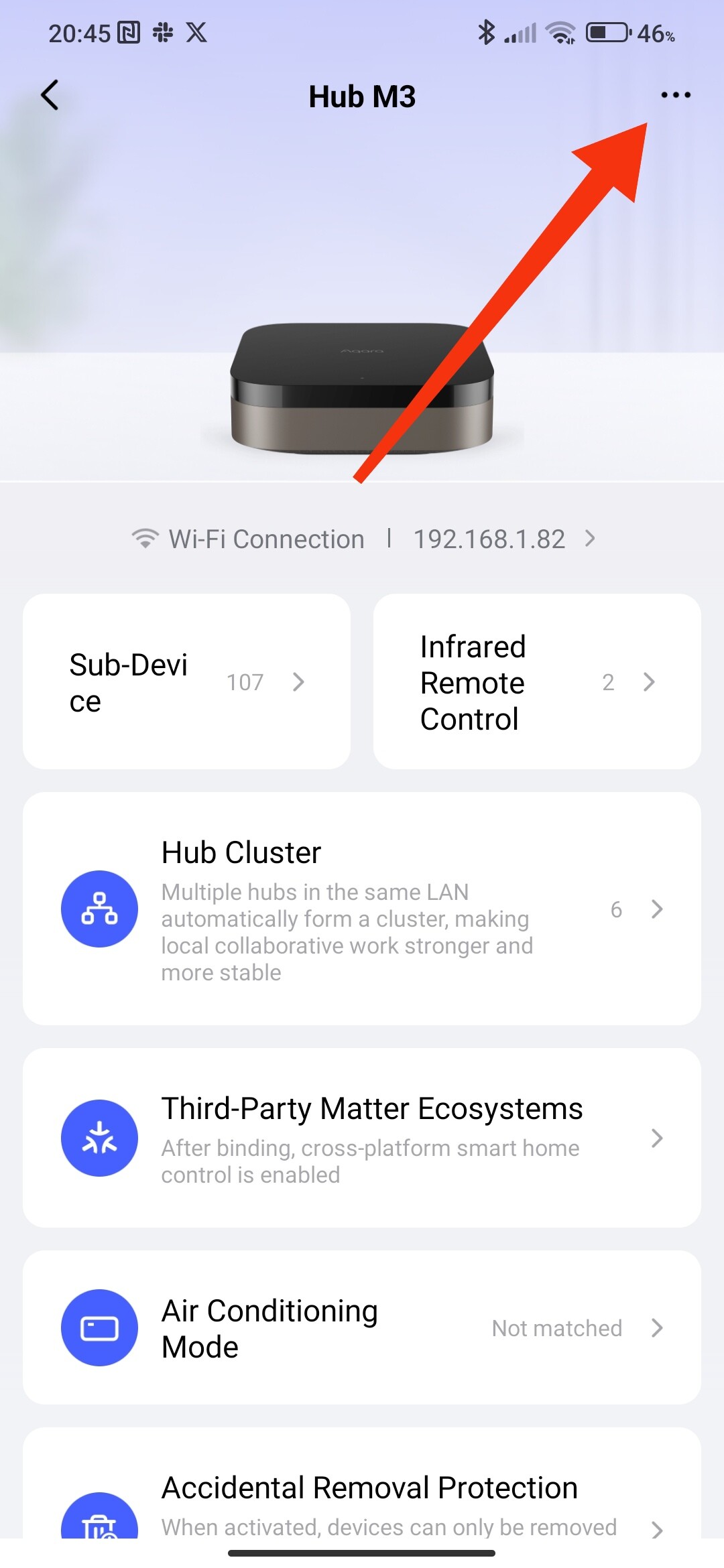
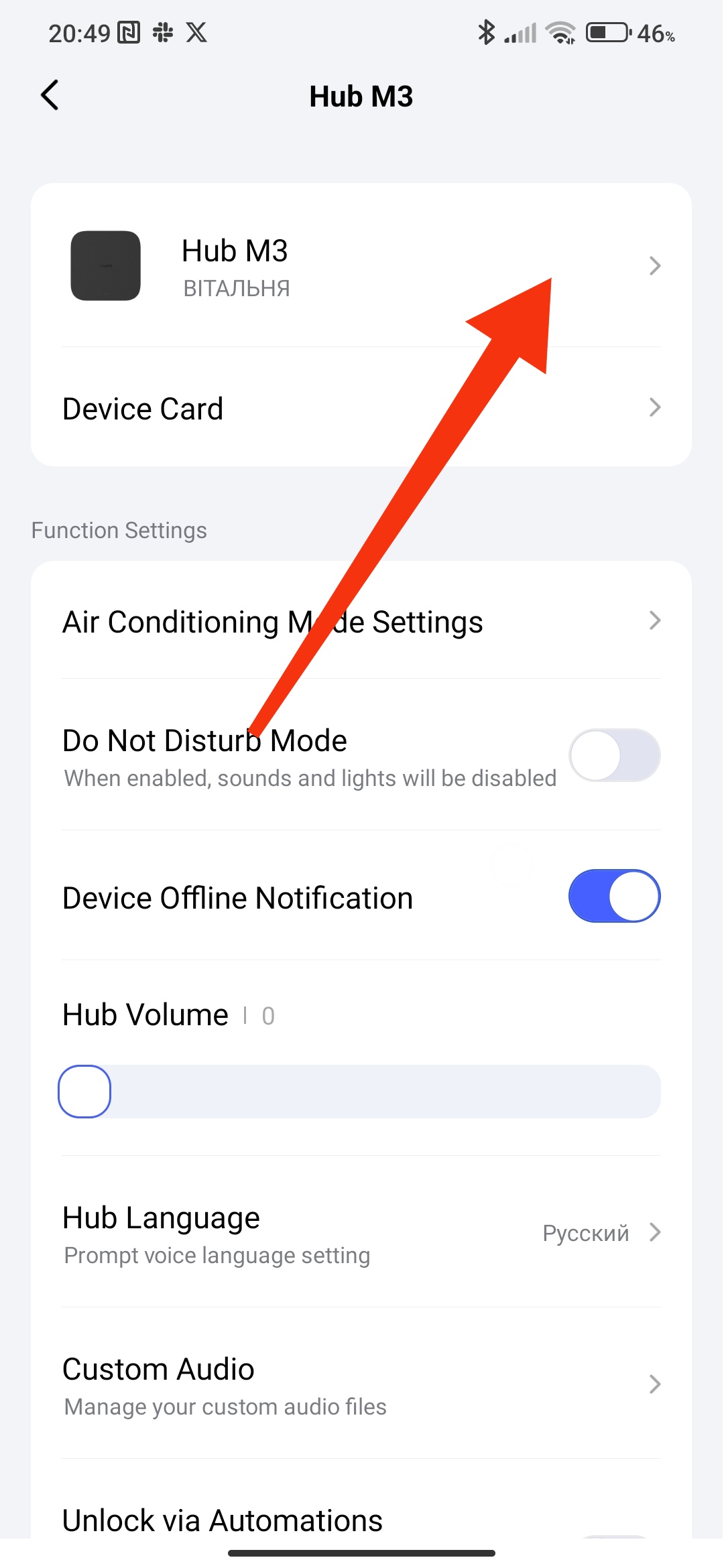
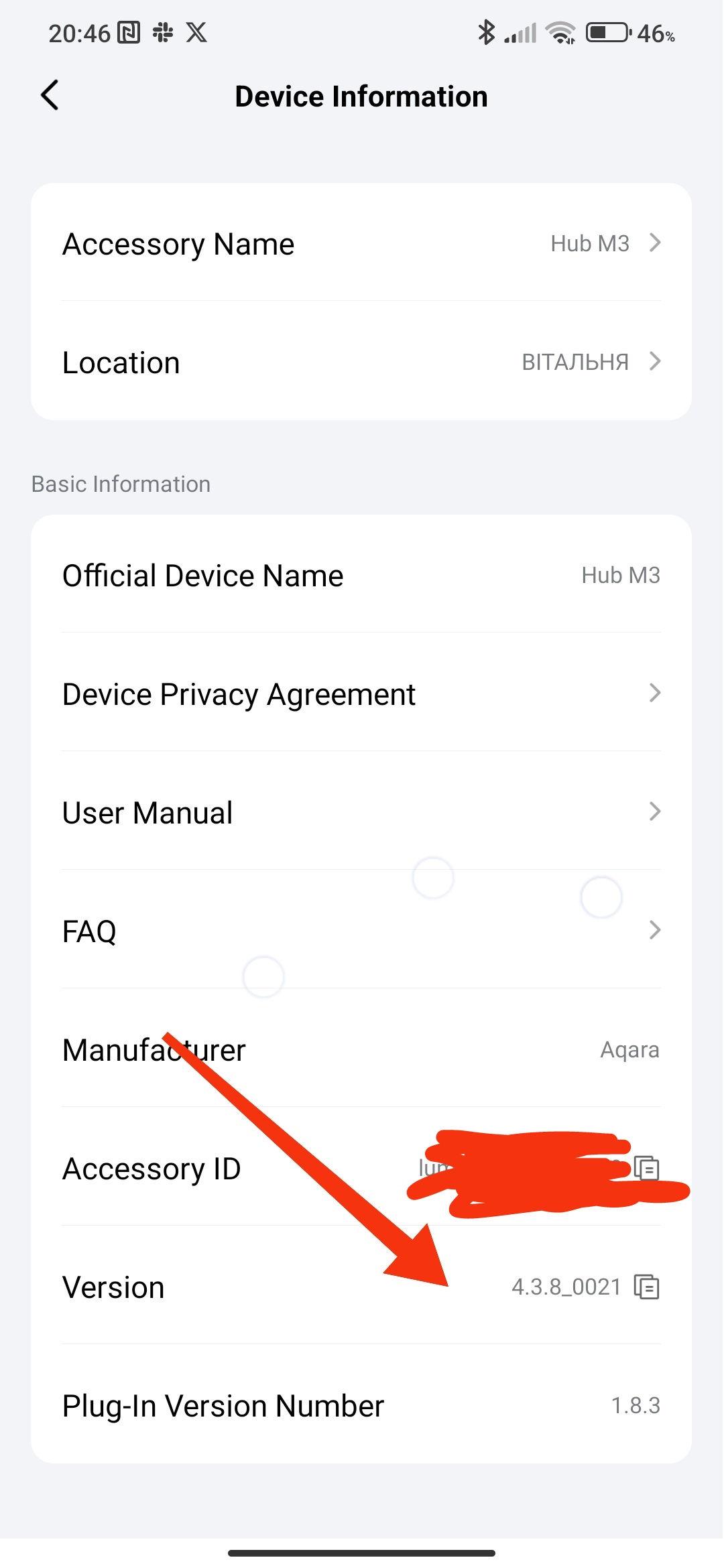
I did not get any notice for updating
Hi all. Will we have Automations 2.0 locally on Camera Hub g3?
Good afternoon, please update your application to version 6.0 and automation 2.0 will be available.
3 Likes
Hi @romakopitin11
You need to wait for the release of firmware update 4.3.8 for the G3
1 Like
Does aqara have a plan to update Camera G3 hub?
I didn’t find this information.
And do we have ability to use IR port for feedback using as on M3 hub?
And as i understood i can use or/and conditional in automatization 2.0.
But in menu i see and only. But i use it on another language(not English).
I mean:
When (first condition like a trigger) if (and/or second condition) than (action)
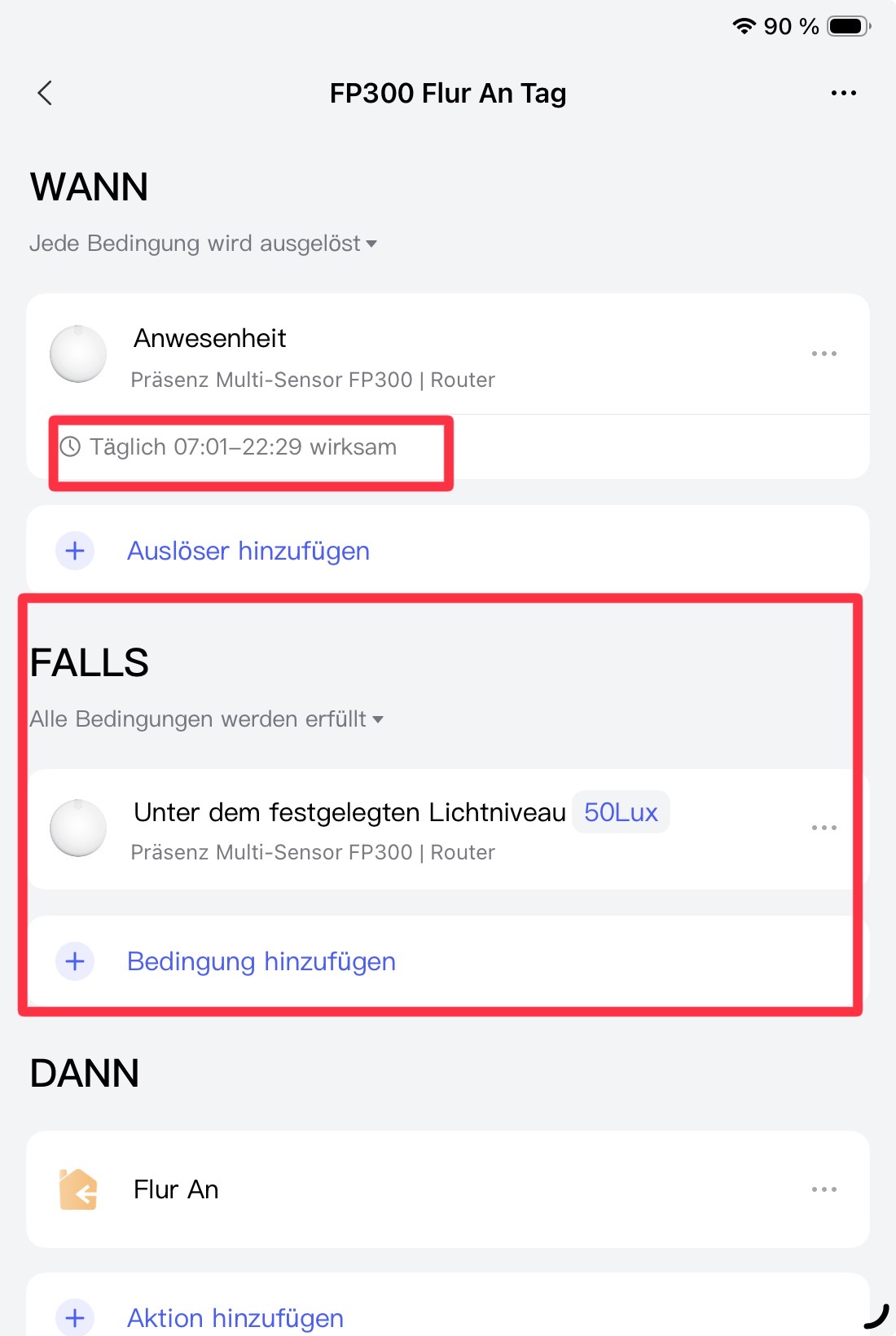
Oh i got it just after your comment  thank somuch, need more time to learning and upgrate all my automation to 2.0.
However, as i just have anh loôk, it mayne does not loook like (if-> then-> else)
1 Like
Infact, it can do in previous version,
All the action and conditon, time based can be done at “if” then version 2.0 just saparate it to “when” and “If”
I have expected that Automation 2.0 can do more 
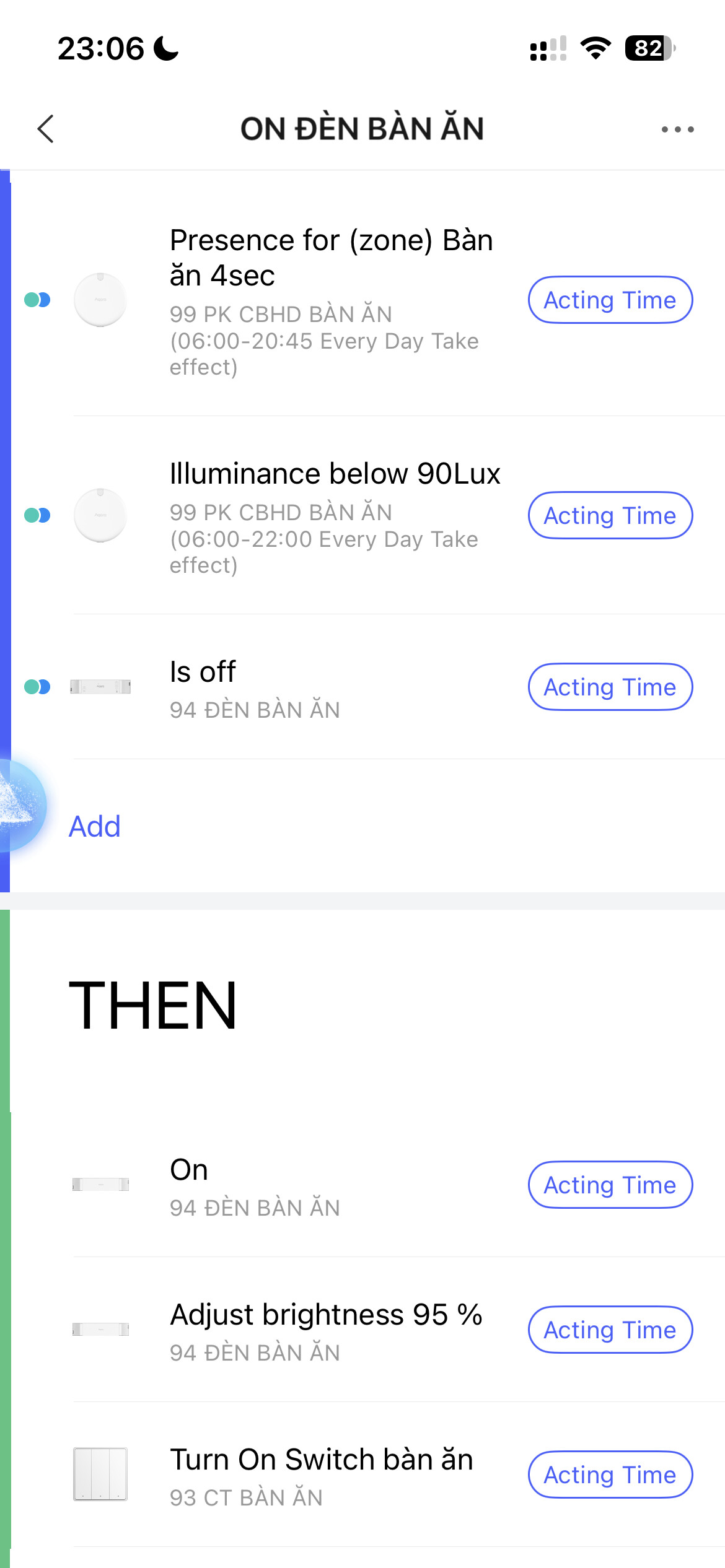
Maybe i missunderstood you but with the middle field sector you can set conditions and that is very very powerful i think.
Aqara is one of the few manufacturers that now offers it out of the box, and I personally find that very impressive. Especially considering ecosystems like Google Alexa or HomeKit, which don’t support it natively or require an additional app. What else would you like to see? Perhaps Aqara will join in and take a shine to your idea.
1 Like
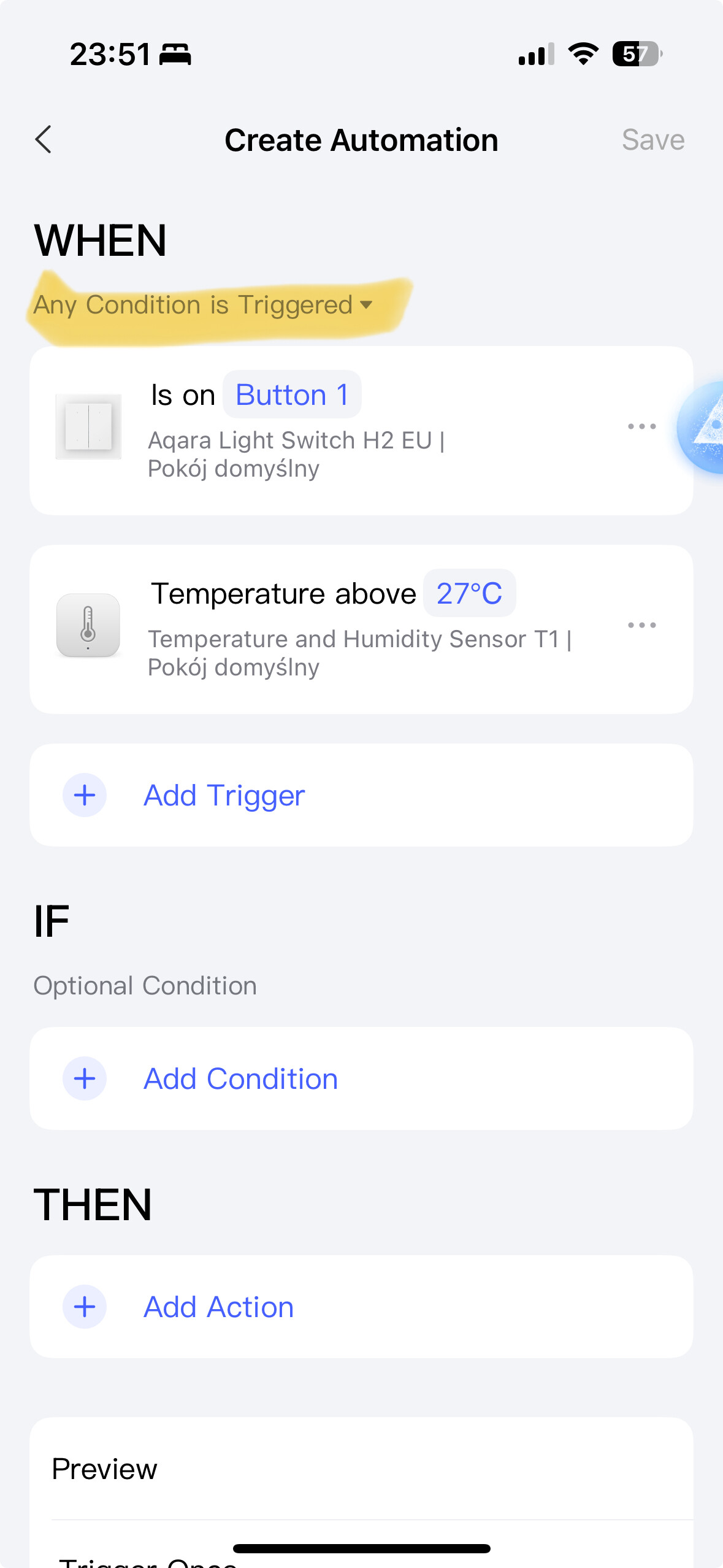
It’s such a shame that in brand new automations 2.0 we can’t use „and” logic meaning two or more conditions must be met to trigger an automation.
Please @AqaraOfficial consider adding that functionality as that should make new automations another step closer to perfection.
2 Likes
Hello, I started a new topic. I will develop it as I go. Automation 2.0. Lesson 1. Introduction
1 Like
Can u implement the link to your new topic as a gütlich ? Thaaaaaaank uuuuuu 
1 Like
Hello, there is a new lesson 2. Automation 2.0. Lesson2. Advanced settings "..." (Execution time, delay of conditions, reversal of conditions)
1 Like
Hi, you can give more conditions, just put them in the “IF” section. Read my automation 2.0 lessons. Automation 2.0. Lesson 1. Introduction
Yes, I know that but there are not the same conditions in the IF section as in the WHEN section.
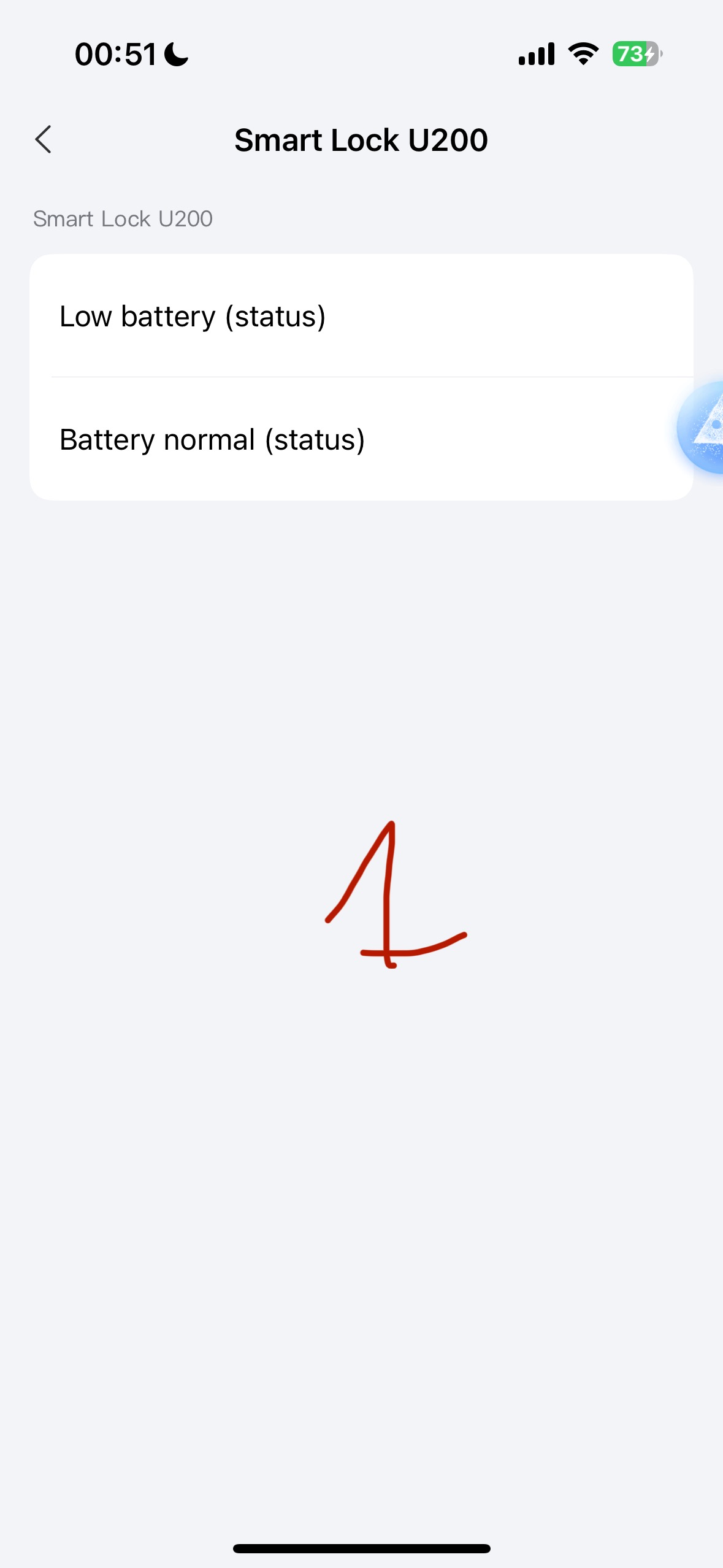
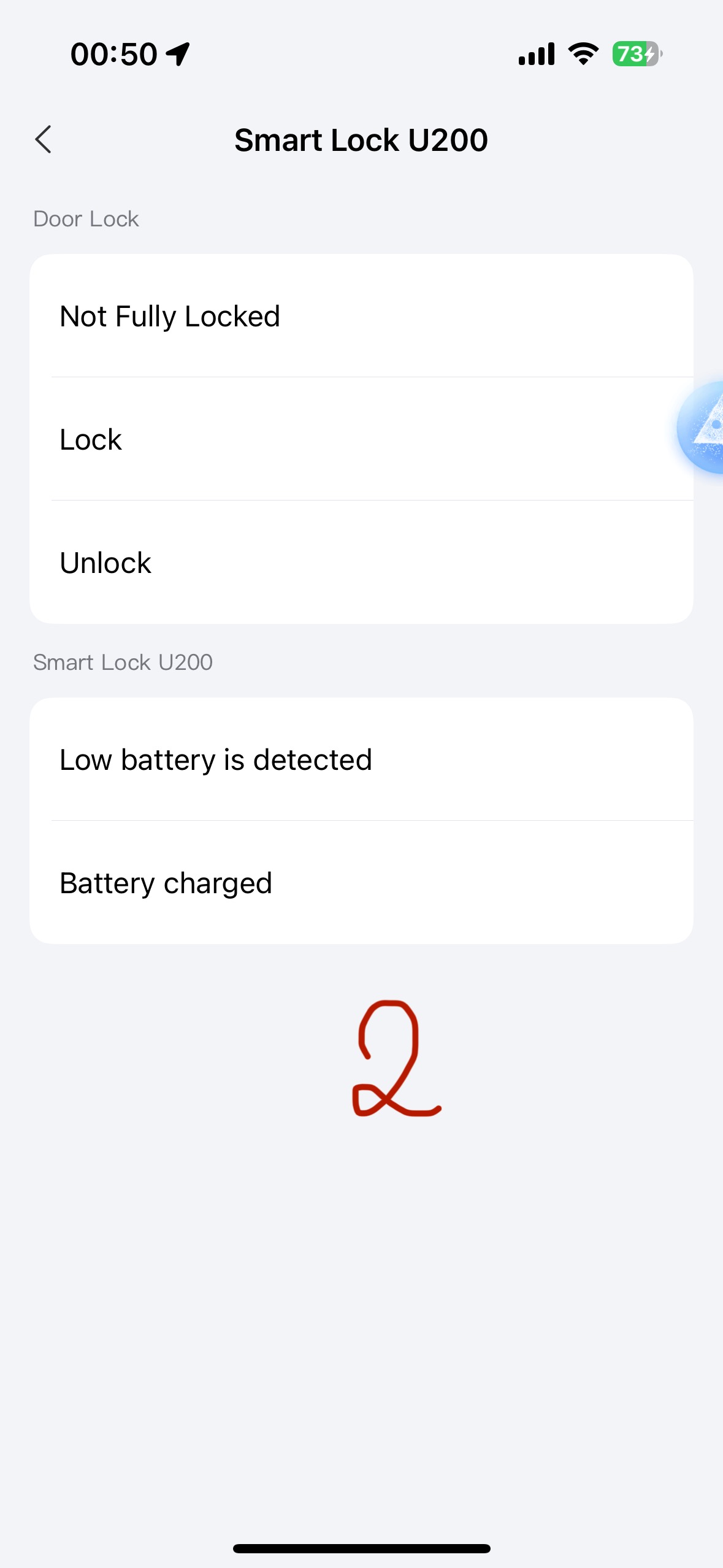
For example check out the conditions that may be set for smart lock U200 in the IF section(picture 1) and the ones for WHEN section (picture 2).
As you can see they are unfortunately very limited in the IF section.
1 Like
Hi, yes, I know. I raised this question when testing 2.0. The answer was "over time, the conditions will be increased, for the u200 lock*
I’m very interested in participating in all product testing opportunities you may have. I have many of your products integrated with my Home Assistant setup and am actively involved in the smart home automation community. If you have any new products available for testing or review, I’d be glad to collaborate and provide detailed feedback