Is that really about Zigbee, Thread, Alexa and Matter? The Bulbs T2 can only be connected to the Aqara app via Ziggbee. Alexa does not work then. You then have many additional functions. With Thread, Matter also works and with that you can feed the bulbs into Alexa. But you have a lot less functions. The bulbs are taken off the power with me. With Thread it takes up to 3 minutes before they have connected. Zigbee just a few seconds. I would like to have my Bulbs, via Zigbee, in the Alexa app but that doesn’t work, does it?
1 Like
Hello @david3
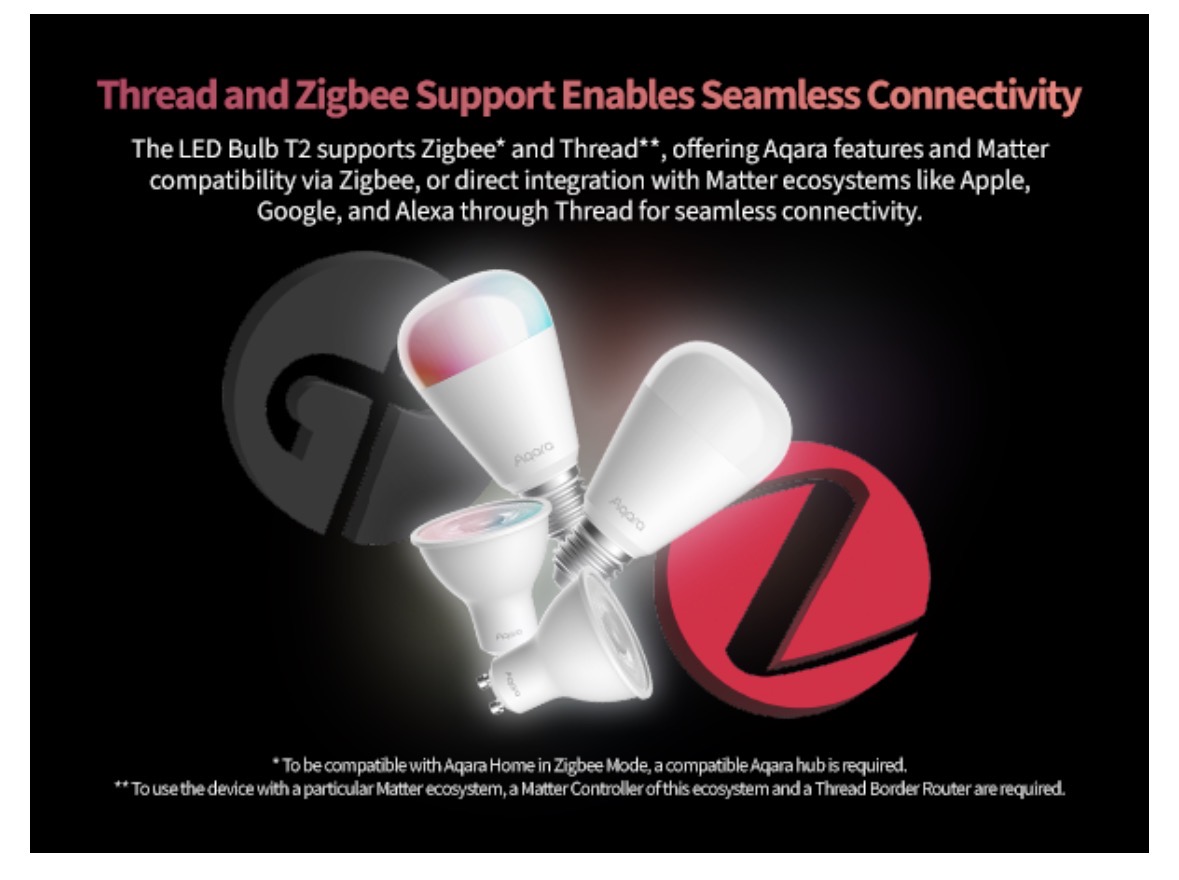
If you are not using an Aqara system, then it is recommended to use the Thread mode, and if you are using an Aqara home, then it is better to use Zigbee, since full functionality will only be available in an Aqara home.
3 Likes
Use zigbee with the Aqara Hub M3. But then I can’t control the bulbs via Alexa. Because they don’t show me in the Alexa app. That’s not good.
I created a scene and addit it to alexa with aqara bulbs
1 Like
You can connect the bulbs to the aqara ecosystem through zigbee to get full functionality, and then to share the ecosystem with another ecosystem via matter, or by connecting the aqara account to the other ecosystem.
This way you can create scenes in the aqara ecosystem and the share the scenes with the other ecosystem
OK, so what Aqara hub do you have?
Follow these steps to get it setup correctly. The T2 Bulb and Alexa do play really nicely together when setup correctly using Zigbee.
-
Setup your Aqara Hub (I’ve got a M3, but something as cheap as a M100 will do the job.
-
Enable the Alexa Skill
-
In the Aqara App, go to Accessories then cluck on your Hub. Select ‘Third-Party Matter Ecosystems’ and then ‘Matter Pairing Code’. Click on ‘Copy pairing code’.
-
Sign into Alexa, then click Devices. Select ‘Add Device’. Scroll down and select Other, then clock on Matter. Select your device does have a Matter logo and then click on ‘Try Numeric Code Instead?’ and then ‘Enter Code’. Paste your Aqara Hub’s Matter Code into the relevant box.
-
Then start adding your Aqara devices in the Aqara App.
So add your T2 Bulb in Zigbee mode using the Aqara App to the Aqara Hub.
Your T2 should then show up in Alexa and you might need to change the name to say Bedroom Light. This then allows you to ask ‘Alexa turn on bedroom light’ ‘Alexa turn off bedroom light’ ‘Alexa set bedroom light to green’ ‘Alexa set bedroom light to soft white’ ‘Alexa set bedroom light to 25%’ and so on.
3 Likes
Thank you very much. It works. I also have the M3
1 Like