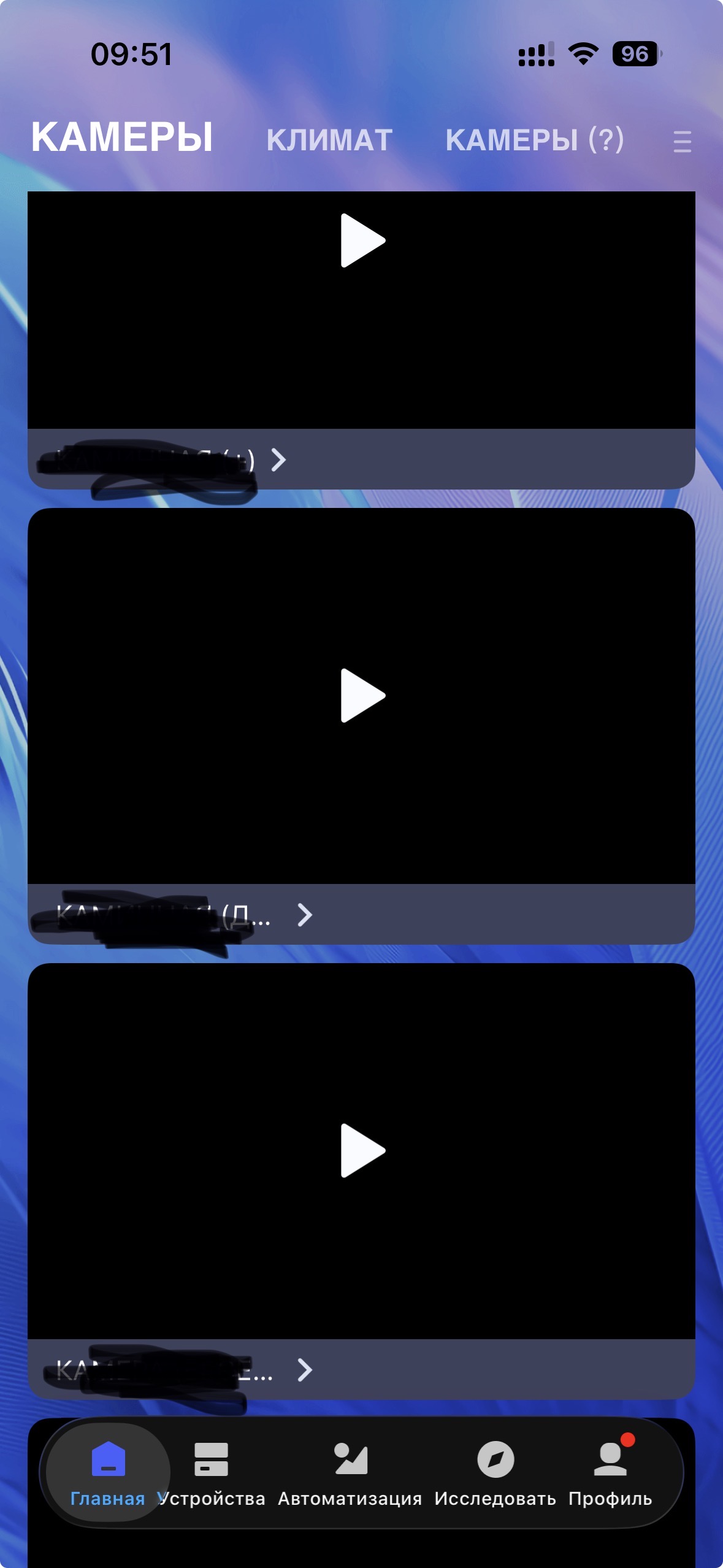
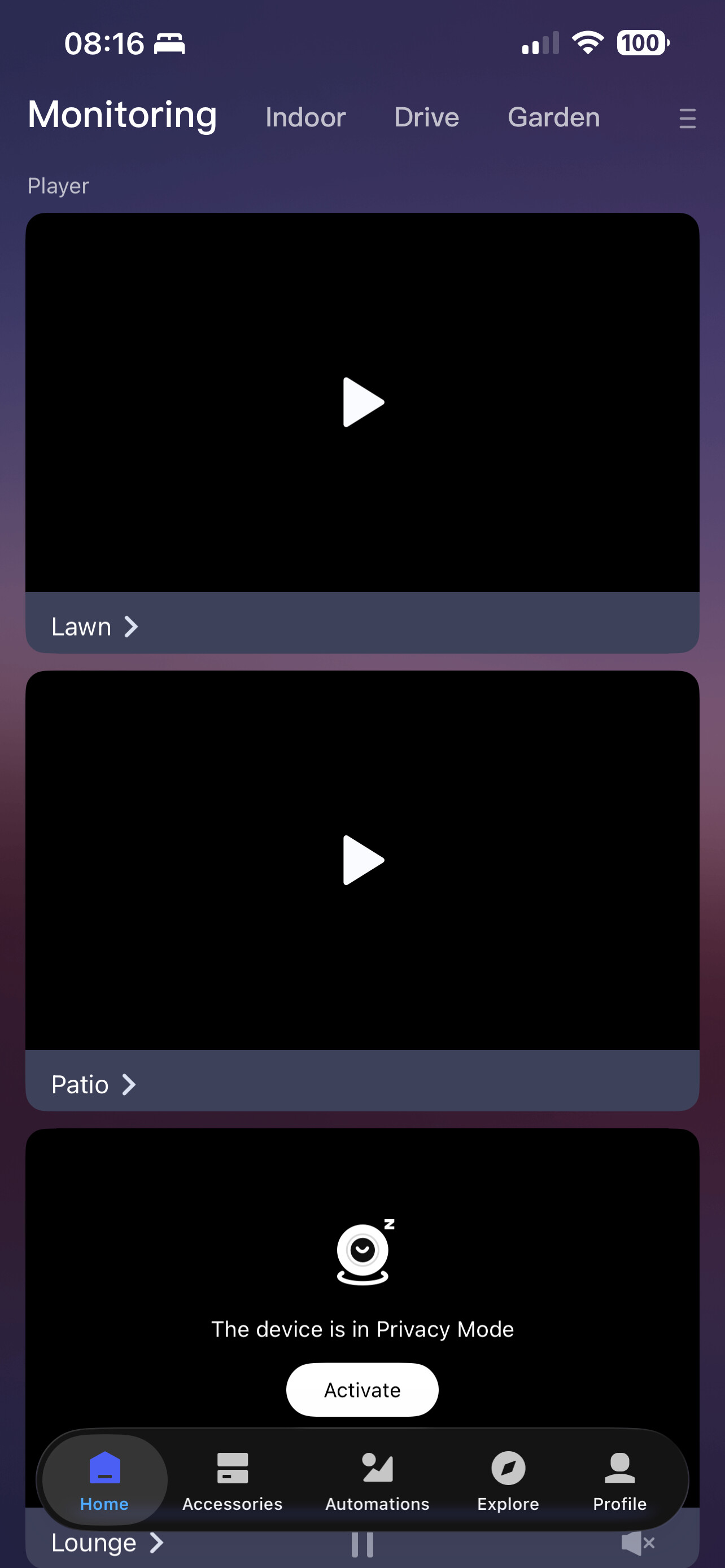
Shalom Dear Aqara Team!
@Aqarabot
What have you done with cameras preview window on home page?
Auto refresh disappeared on all my cameras and even setting to turn in on / off disappeared too.
Why have you done this?
I have more than 10+ cameras.
And it’s very annoying.
Please ASAP return it where it belongs to be.
My region is RUSSIA.
And my all cameras bought in official store in Russia.
Please pay attention to this matter.
It’s very important.
Toda Raba.
6 Likes
Same here thought it was me doing something wrong. Also in UK
5 Likes
Same behavior for me. It is annoying…
4 Likes
Same for me.
I don’t know what I’ve done…!
But it’s very annoying.
4 Likes
@Aqara-Team, @AqaraBot
Guys from AQARA!
Please, reply. What’s happened?
If you will ignore us and ignore this problem and if you will not reply and tell us, why have you done this …
For me it’s very simple.
I’ll sell all my Aqara Cameras and won’t buy any more and will thing before buying another Aqara product.
Best regards!
3 Likes
@OCHERETIN You seem to be experiencing an issue with the camera preview window’s auto-refresh feature disappearing, along with the setting to toggle it on/off. You can contact customer support for assistance. Contact the Aqara Home App Customer Service Team (Profile> Help & Feedback > Customer Service) or scan the QR code:
This will be more efficient. If you do not have an Aqara Home account, “Please
click here” to create a ticket. We apologize for any inconvenience caused.
2 Likes
@AqaraOfficial
Please reply and give us official explanation why have you done this and will you say sorry and will you return everything as it happened to be before have you done this.
4 Likes
@OCHERETIN You seem to be experiencing an issue with the camera preview auto-refresh feature and its setting disappearing, and seeking an explanation and restoration. You can contact customer support for assistance. Contact the Aqara Home App Customer Service Team (Profile> Help & Feedback > Customer Service) or scan the QR code:
This will be more efficient. If you do not have an Aqara Home account, “Please
click here” to create a ticket. We apologize for any inconvenience caused.
1 Like
Now the image is back. All ok.
3 Likes
We’ve fixed the issue. Give it another try, and let us know if anything still isn’t working.
1 Like
Hi there,
We had an upgrade on our device backend system last week, which caused this feature to glitch.
The issue has now been fixed, and everything is back to normal. We’re really sorry for the inconvenience and will work on improving our processes to make sure this doesn’t happen again.
Thanks so much for your understanding and support!
4 Likes
Is this thing related to the fact that viewing of E1 cameras in Google Home app has just disappeared? (Good news: E1 camera and GH - #4 by AqaraBot)
It’s still working for me!
1 Like
Yes, is working in Aqara Home. But, if you read with attention, I was speaking about Google Home app.