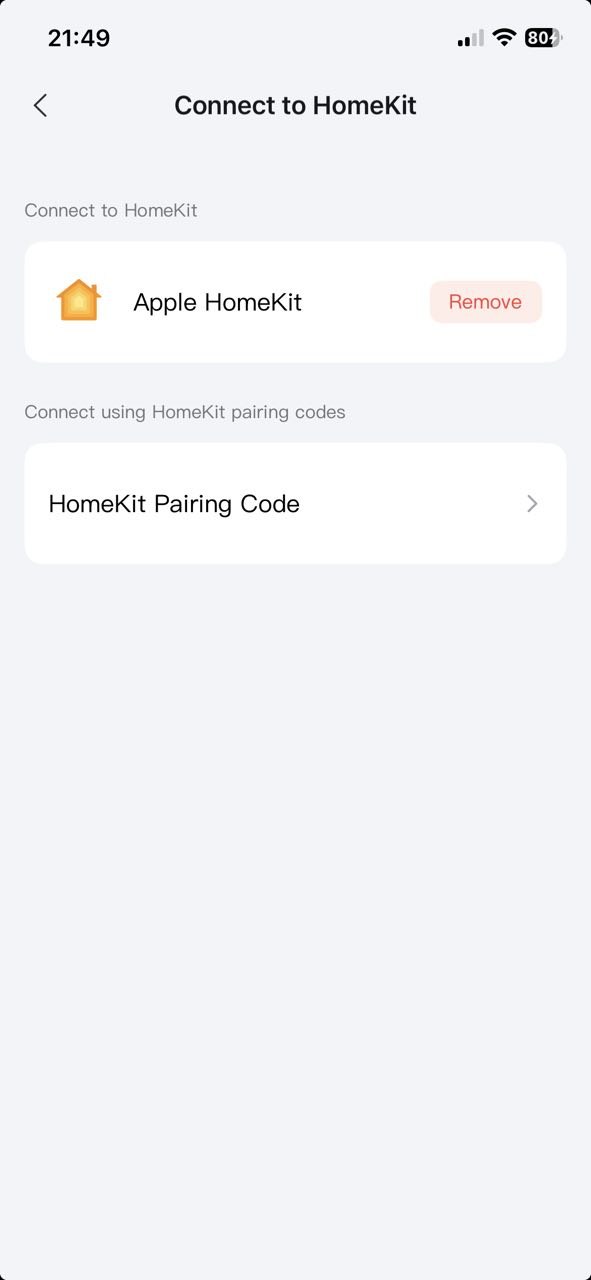
I recently moved into a new house and installed six G5 Pro PoE cameras. All six connect to a Netgear 16-port 1Gb PoE switch. The switch connects to my main TP-Link Deco router, which is connected to the fiber modem. I am also using an Apple TV 4K for my Home Hub (currently over WiFi)
Connecting all six cameras using the Aqara app was a breeze. They were detected and added without any issues.
However, my goal has always been to connect them to HomeKit. Unfortunately, every time I go to any of the camera settings to add them to HomeKit, I get the error in the screenshot: “Connect your phone and device to the same LAN and try again.”
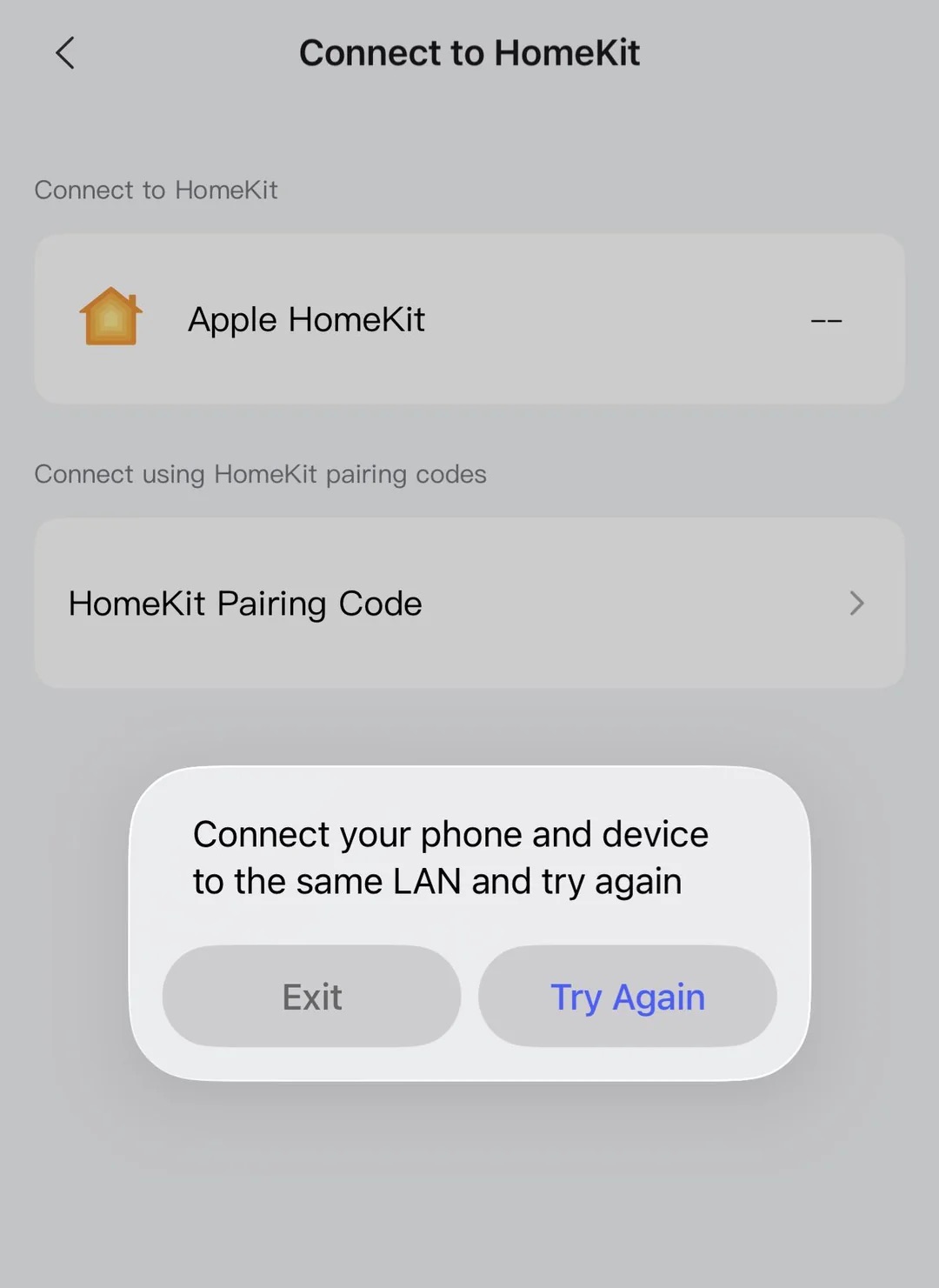
I’ve tried everything I can think of. I verified that all the devices are on the same subnet. I’ve forced the WiFi network to 2.4 GHz. I turned off iCloud Private Relay. Nothing helps. I also tried adding the cameras directly via the Apple Home app, but it always times out.
What’s strange is that I was able to add my two W200 thermostats, the U400 lock, and the G400 doorbell camera to HomeKit without any issues. The problem is only with the G5 Pro PoE cameras.
If anyone has any ideas, I’m all ears. While I can just use the Aqara app, I’d really like to keep everything in Apple Home. Thanks so much!