I’ve got new rgb light bulbs Nous P4 and had them working for couple of months with my system with M200 hub, then suddenly they became unresponsive in Aqara app, but continued working in Apple home app.
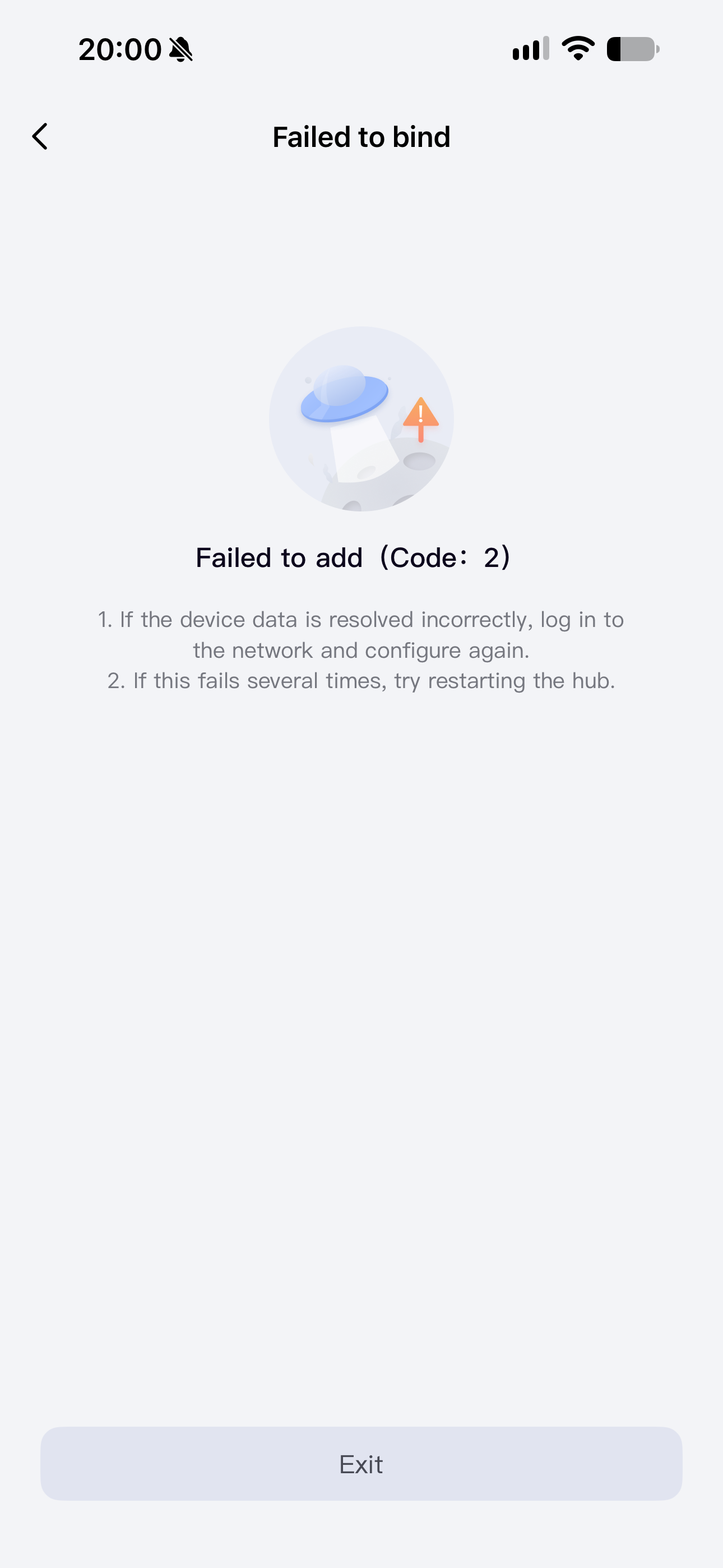
I’ve tried to reset bulbs and re-pair, but each time during the pairing in aqara app, apple home pairing gets initiated automatically, they get added to apple home successfully, and then at the last moment i get “failed: code 2” error.
Bulbs work well in apple home, but don’t appear in Aqara.
Whats interesting that Aqara service gets registered in the bulb.
I’ve contacted Aqara support but after 1 months+ of exchanging emails no solution yet.
Please advise if anyone knows how to fix it, thank you!
3 Likes
Hi there, it looks like you’re experiencing a support-related issue. We’ve automatically created a support ticket for you and will reach out via the forum email within the next two business days.
If other members have any suggestions or insights on this topic, feel free to share!
4 Likes
Hey there and welcome to the forum.did you check on the M200 to not have the accidental removal ON?are the bulbs near to the M200 or at least on 5m?because if they are to far that could explain your issue since the apple control or is near on apple home app they connect but they won’t on Aqara if the M200 is not in range.more check the power source too.
2 Likes
Thanks, bulbs and m200 are all in a same room with wi-fi router, signal is strong. And they worked for few months before then aqara stopped working.
2 Likes
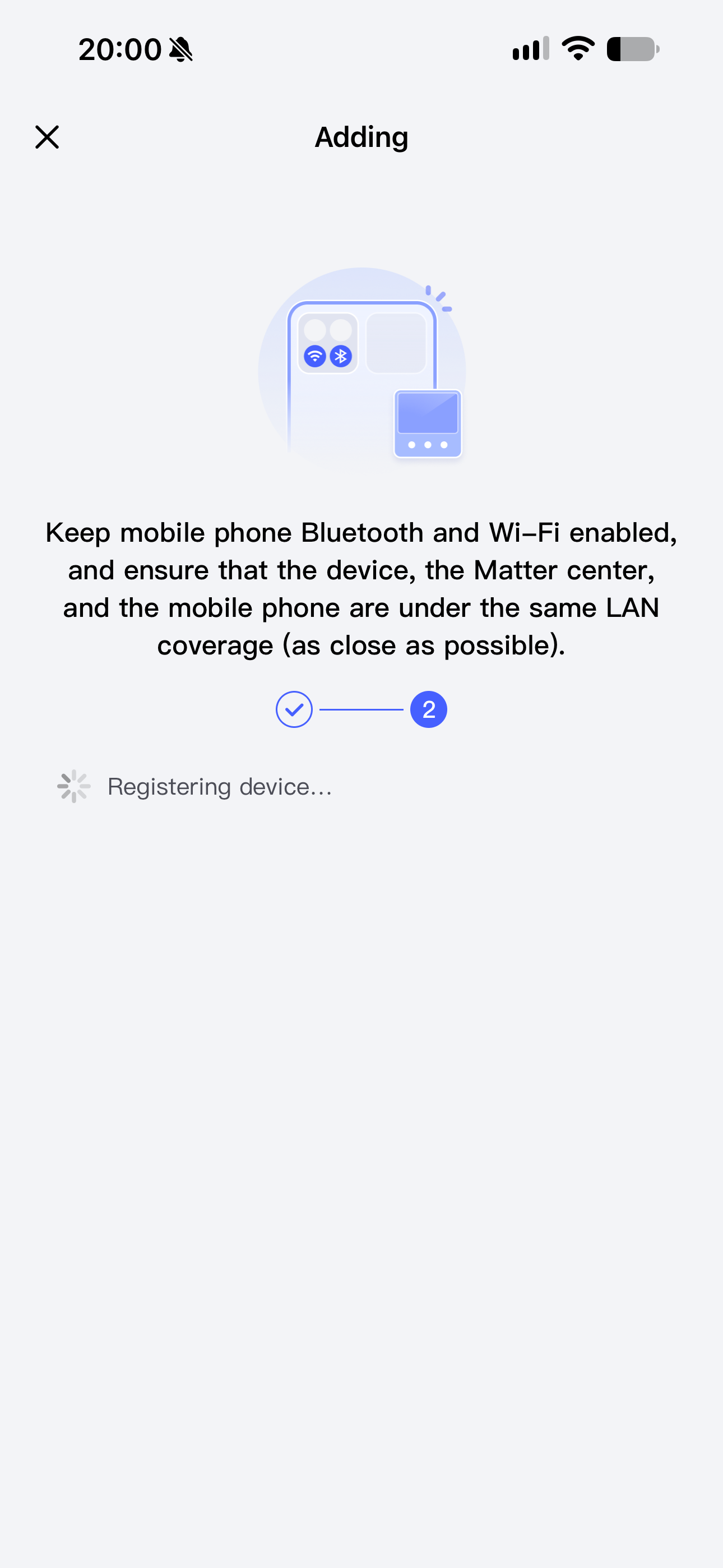
Seeing Apple’s pairing screen during the Aqara flow does not necessarily mean the wrong app has taken over. Apple’s Matter framework provides a system pairing step for third-party apps, after which the app can set up its own Matter fabric. Your second screenshot is already back at Aqara’s ‘Registering device’ stage, so that is the useful failure point to describe to support.
Could you add the M200 firmware version, Aqara Home version and iOS version, and clarify whether you are selecting an already-paired Matter accessory or starting with its printed setup code? Please do not post the code itself. I would keep the working Apple Home pairing while checking the Aqara side. The Aqara service appearing in the accessory list is a useful clue, but I would not treat it as proof that setup finished or reset every bulb again on that basis.
2 Likes
Hmm , did you already try to restart your whole smarthome? Unplug router, Apple TV / HomePod and also the M200. And even try a factory reset of the bulbs