Celebrate Apple’s “Awe Dropping” Launch!

Winners Announcement

It’s time! Thank you all for your participation. We’re delighted to see how Aqara and Apple have brought so much convenience to your lives. Now, let’s take a look at who the winners are!

:1st_place_medal: 1st Prize: AirPods Pro 3 (1 winner)
@KolloApple

:2nd_place_medal: 2nd Prize: Aqara FP300 (2 winners)
@Rocky @Raman.V

:four_leaf_clover: Lucky Prize: 50 Aqara forum points (multiple winners)
@markus @beckettclarke @celsosifre @crazyracer @benkjamin @vegard_aamold @Jankins

Congrats to all the winners! :star_struck:

To claim your prize, the 1st and 2nd place winners, please send a private message (PM) to @AqaraOfficial within 7 days with the following details:

  • Recipient’s Name
  • Recipient’s Contact Number
  • Complete Shipping Address (including postal code)

Since the next 7 days will be our holiday, we will start sending out the prizes once we resume work. Thank you for your patience!

The points reward for the 3rd place winner will be distributed later.

Thank you all for participating, and please stay tuned for more exciting activities in our community! See you soon! :wave:


Tech lovers, what a season it has been! Hot on the heels of IFA, Apple rolls out its big fall launch event. We know many of you in the Aqara Forum also follow Apple closely, so let’s celebrate and discuss together!

How to Join

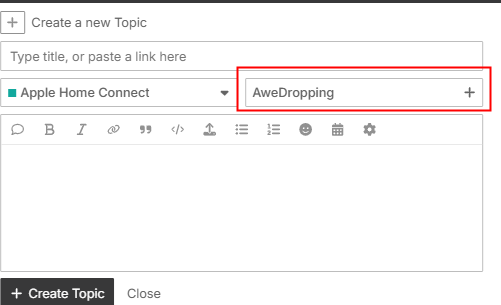
Create a new Topic in the forum with the tag AweDropping and share either:

  1. Your most anticipated Apple product or feature from this year’s event, and how you imagine it could connect with Aqara devices in the future.

OR

  1. Your current Apple × Aqara setup, and how these devices already work together in your smart home.

Tip: Posts with both text and images have a higher chance of winning!

Prizes

:1st_place_medal: 1st Prize: AirPods Pro 3 (1 winner)

:2nd_place_medal: 2nd Prize: Aqara FP300 (2 winners)

:four_leaf_clover: Lucky Prize: 50 Aqara forum points (multiple winners)

Timeline (EST)

Event ends: Sep 24th, 2025 Sep 29th, 2025
Winners announced: Sep 26th, 2025 Sep 30th, 2025

Update: Hi all, the event has been extended until September 29 (EST). Winners will be announced on September 30. Join before time runs out!

We can’t wait to see your creative setups and ideas! Share your own Topic, tag it with AweDropping, and join us in celebrating Apple’s latest innovations together, while imagining an even smarter future with Aqara.

Note: If the prize is unavailable in your region, an alternative prize of equal value will be provided.
58 Likes

I’d love to win the AirPods Pro 3 :heart_eyes: :heart_eyes: :heart_eyes:

14 Likes

I’m upgrading from the iPhone 14 Pro and while I’m going to lose the third camera, the regular 17 is my choice. I’m interested in the thread radio and how that could eventually get used somewhere in the Aqara ecosystem. Maybe as a more accurate way to identify people in the cameras instead of facial recognition. Have the outdoor Aqara app and it’s hit and miss with that.

11 Likes

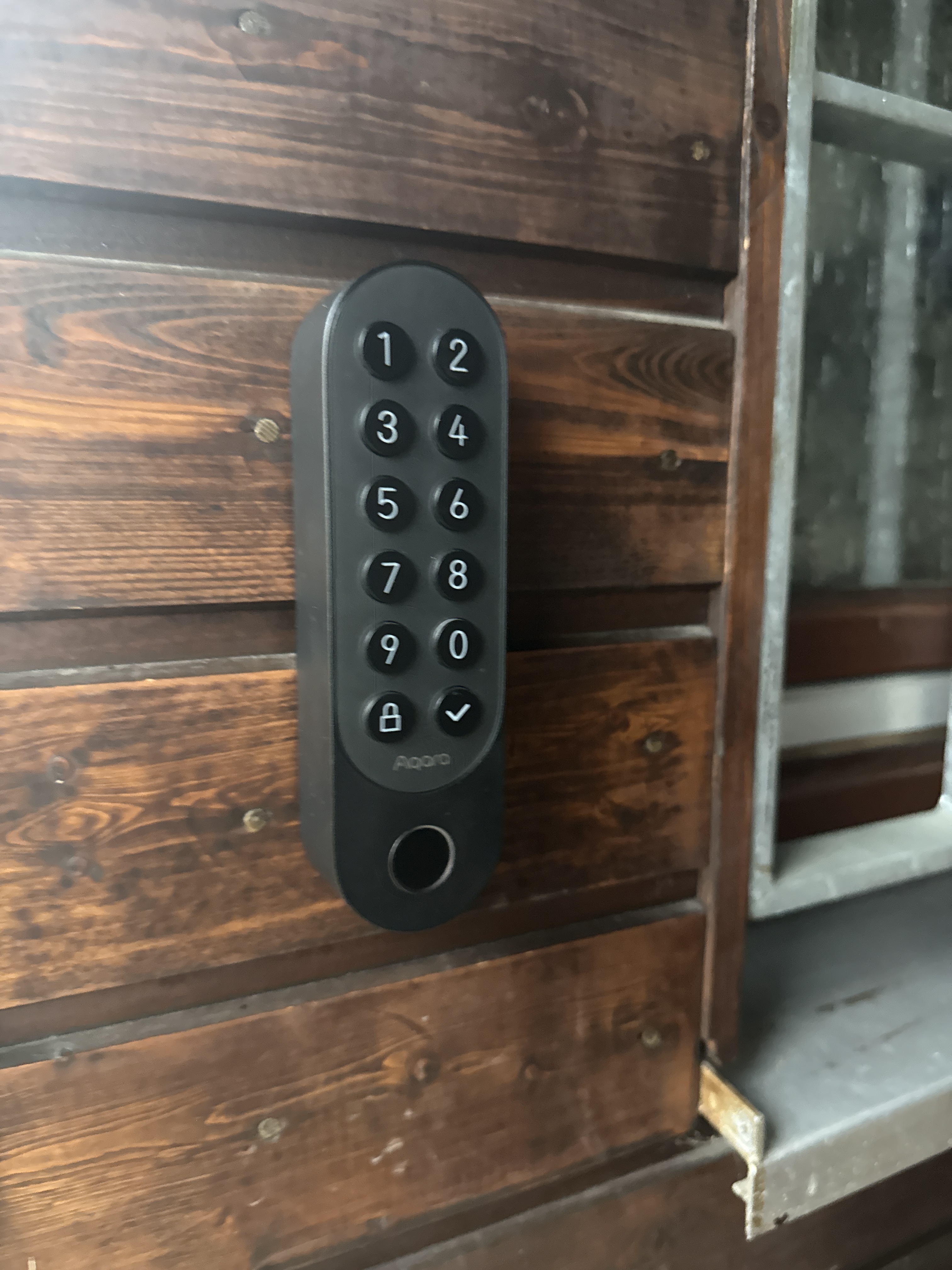
I’ve been using the lock U200 for a while now. I love the function of opening my door with Homekey on the Apple Watch.

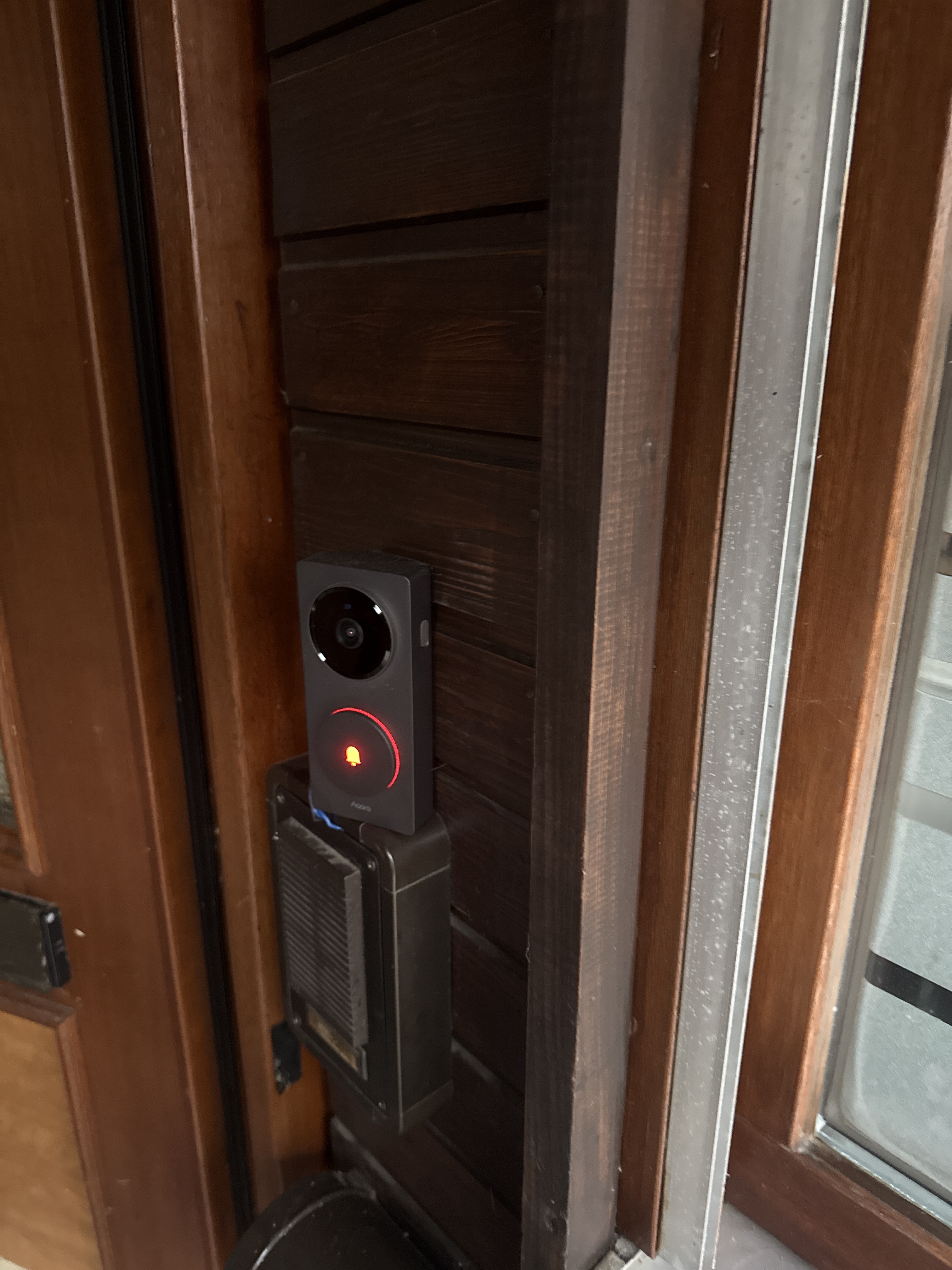
Recently, the G410 doorbell was added. Which monitors my Door via HomeKit.

I’m curious what will happen in the future


AweDropping

13 Likes

Me too :wink:

7 Likes

I have been slowly migrating my whole setup to Aqara as I find it to be the best quality / price ratio.

I have about 40 lightbulbs piloted by FP1E sensors, H2 and V1 switches.

It all works well on its own but I added it all to Homekit as I often get guests and it helps me easily share the home with them.

I’m very excited about the homepod with s screen as all I need now is a central device per floor to pilot it all! Hopefully, Siri will get a smartness boost by then.

10 Likes

it’s worth keeping an eye on your new topics as part of this promotion. The Aqarabot is moving post off the AweDropping tag to other tags. You may need to edit it to add the tag back. Keep an eye out if you make a post. :eyes:

7 Likes

Hello everyone

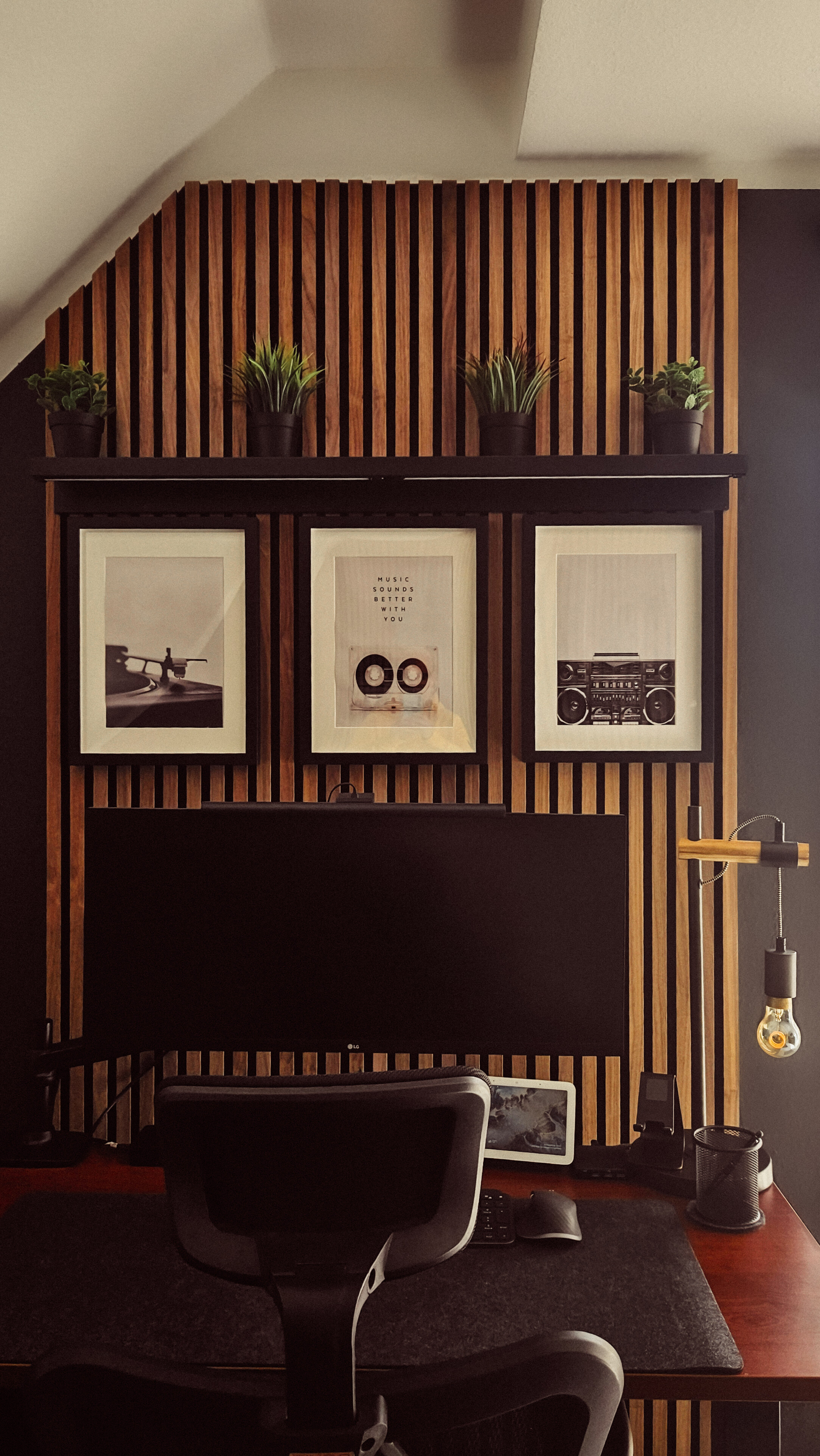
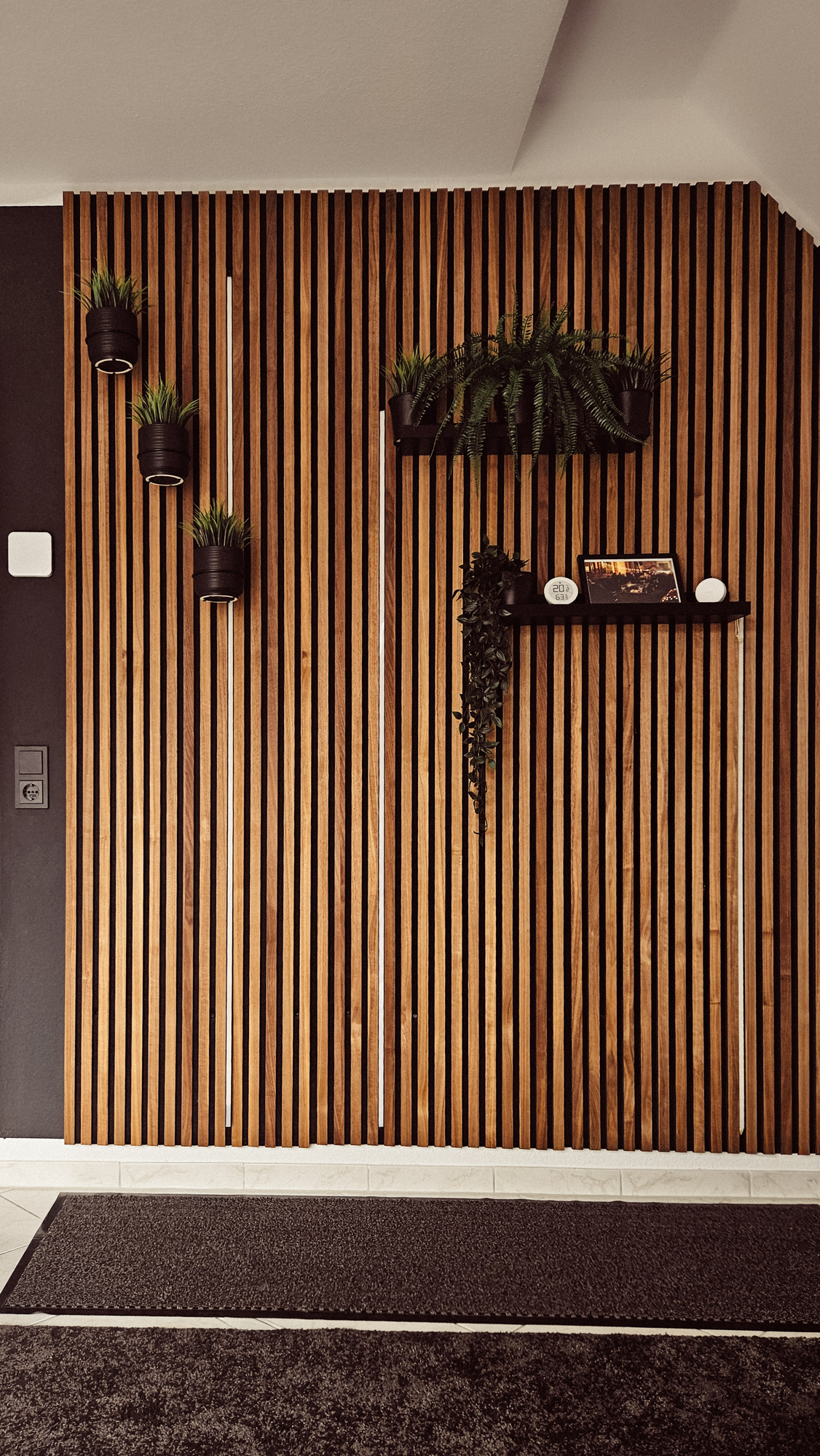
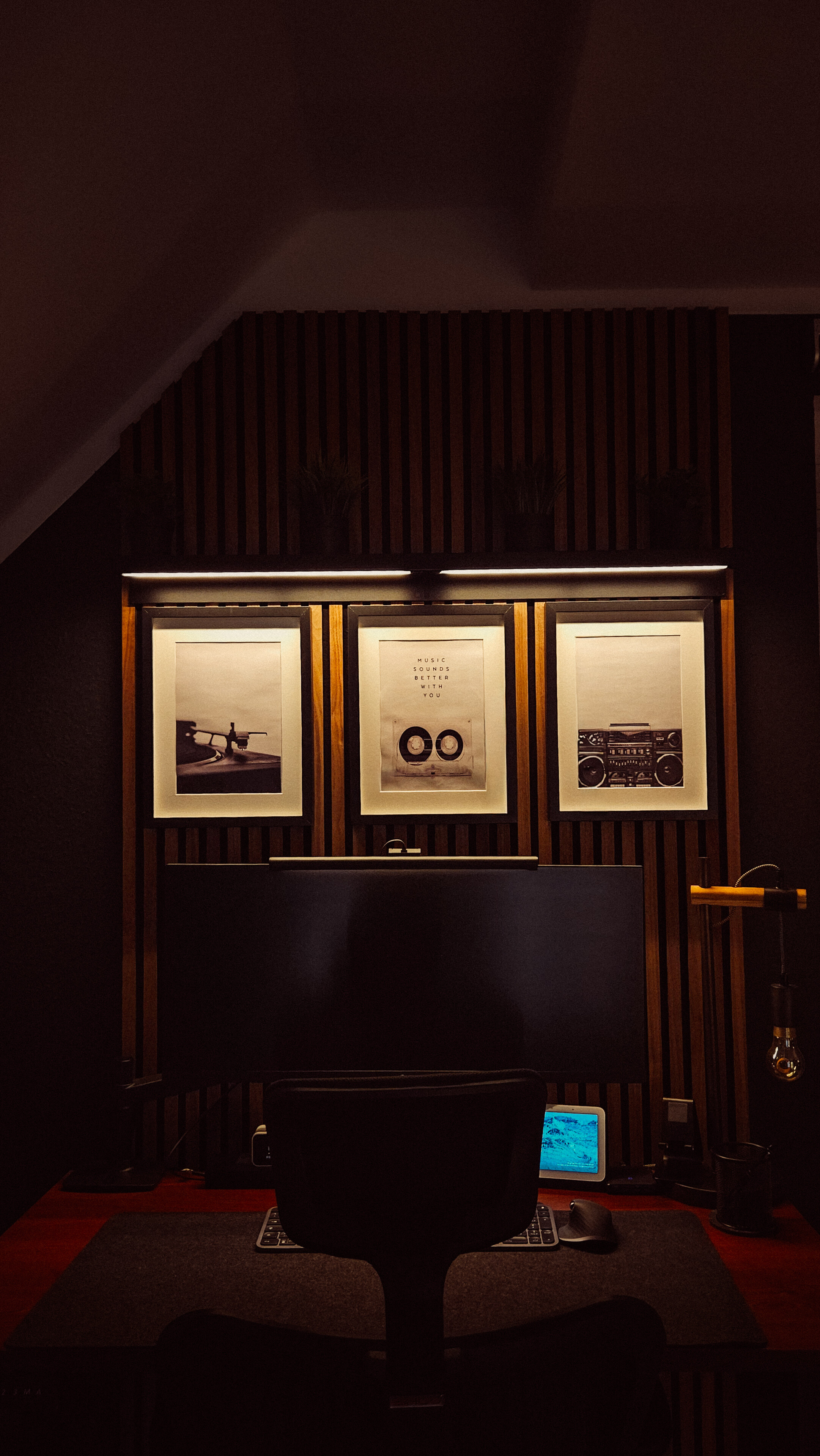
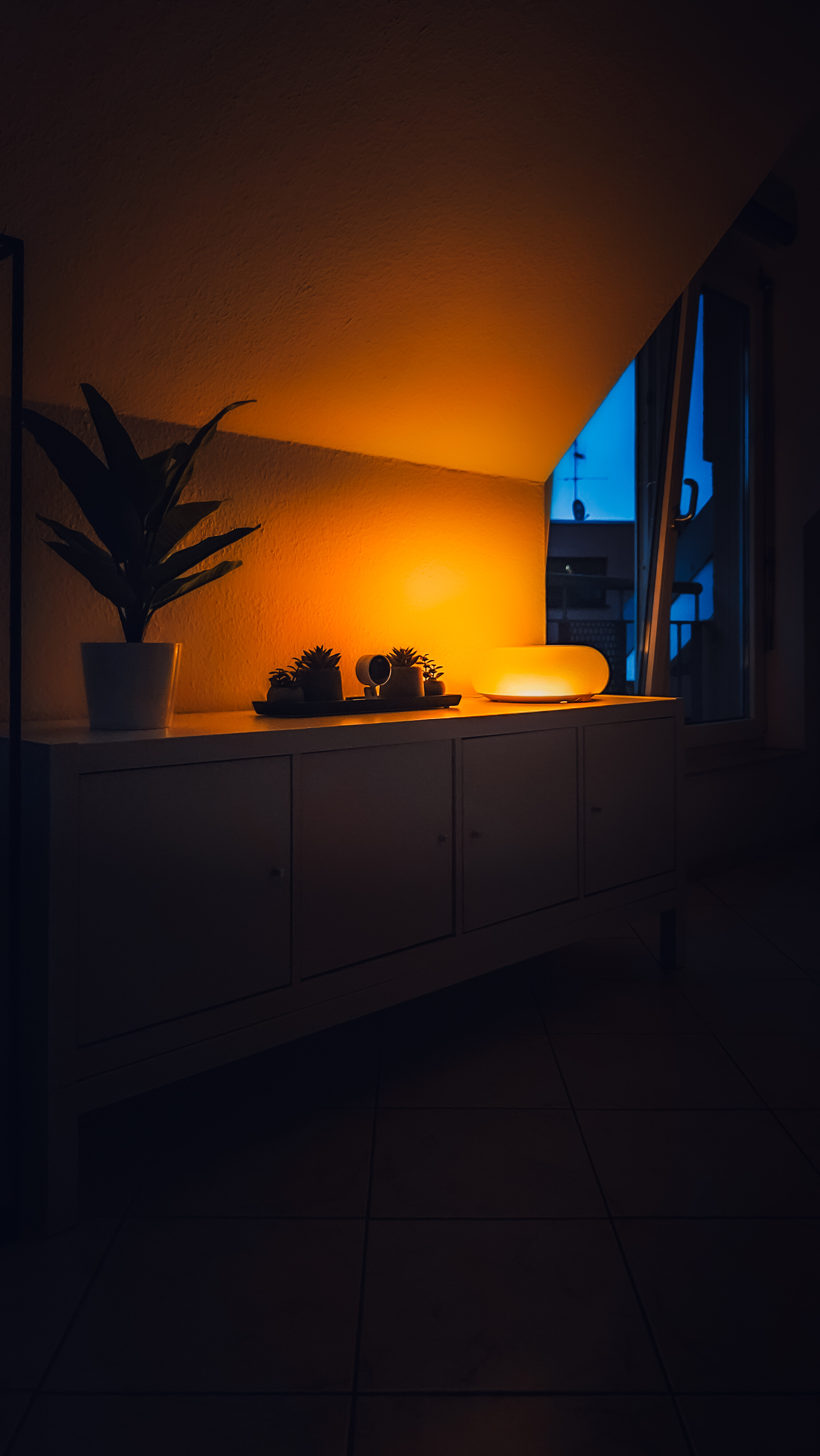
Here are a few impressions of my setup, in which Aqara and its devices play a major role.

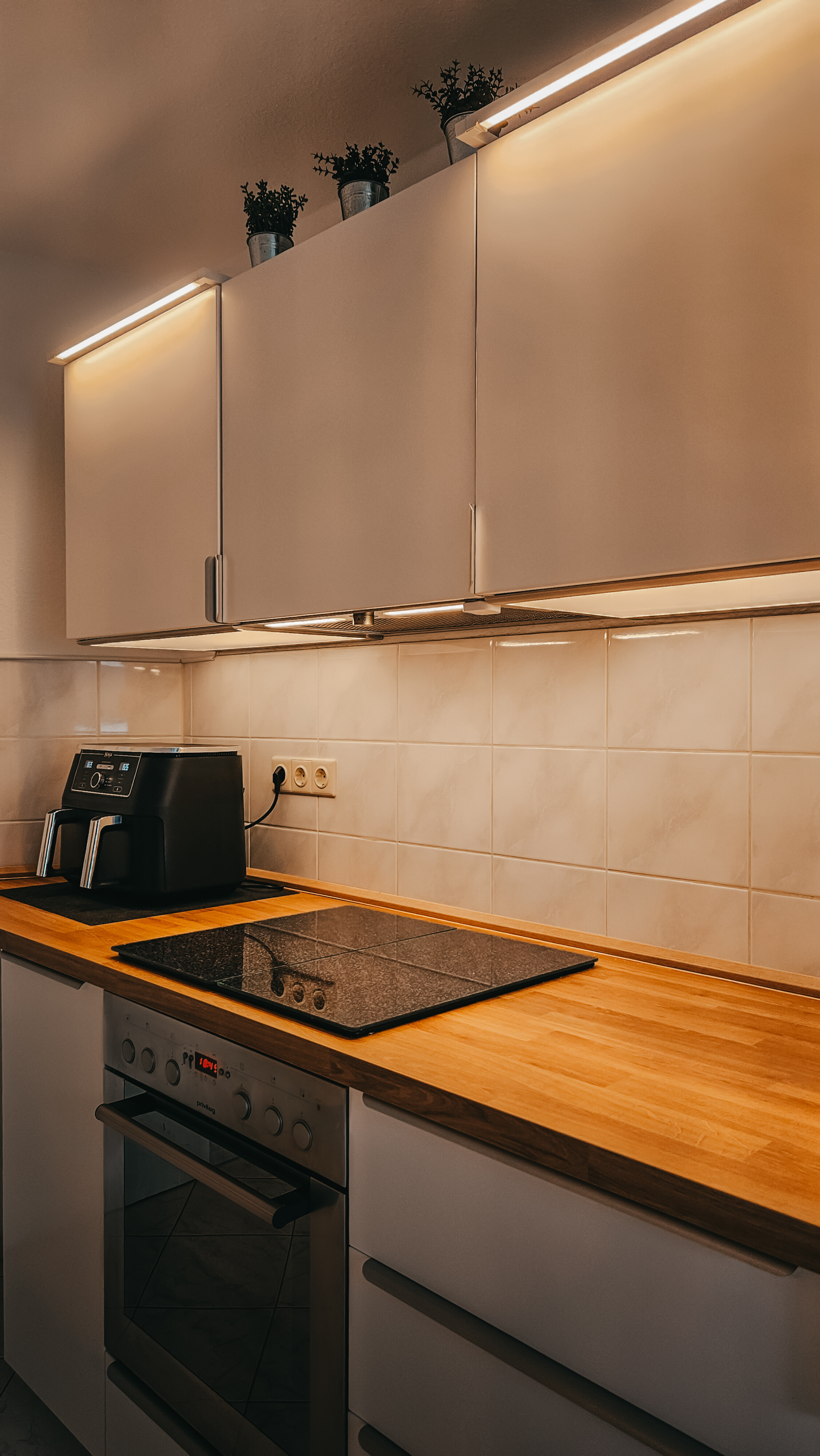
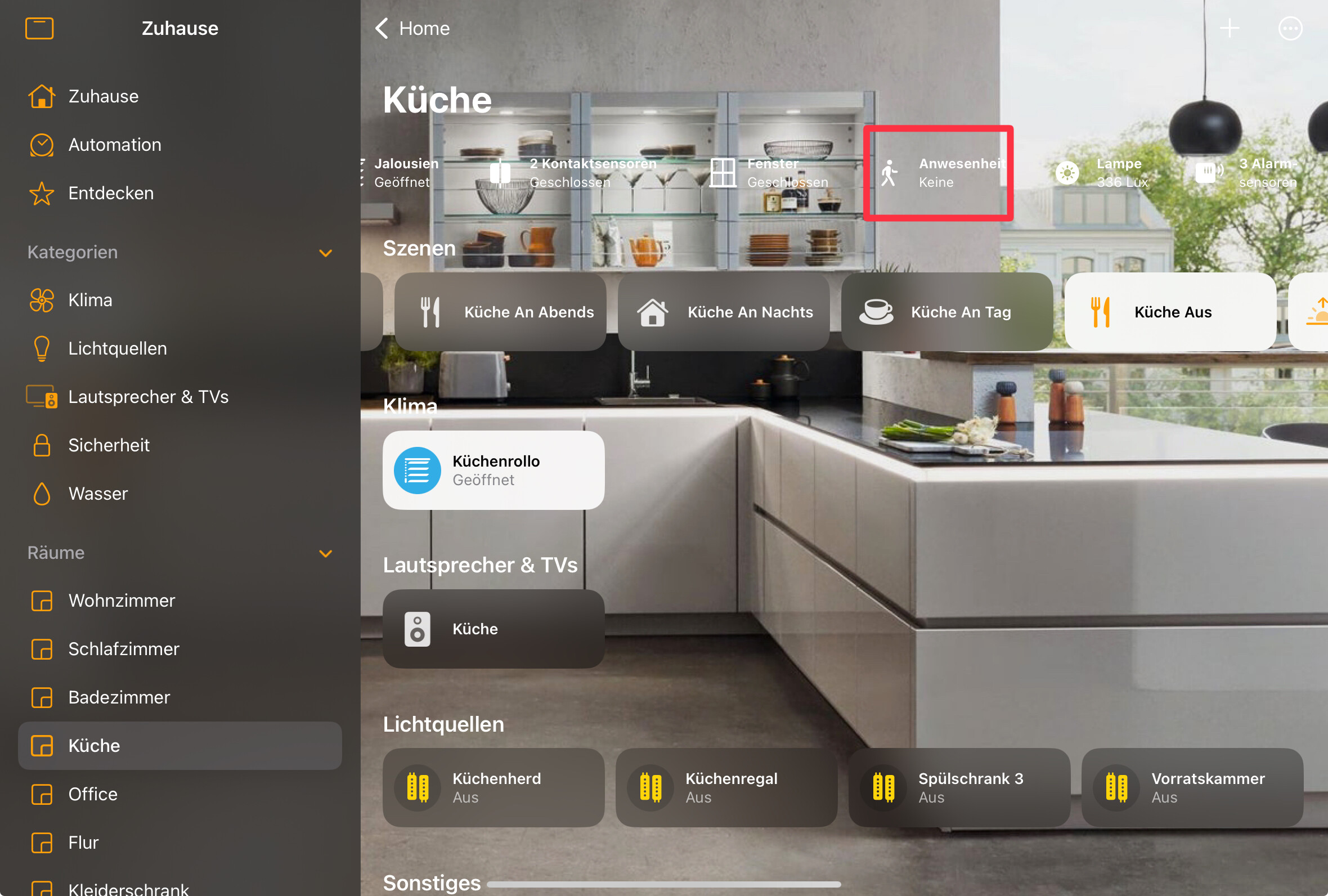
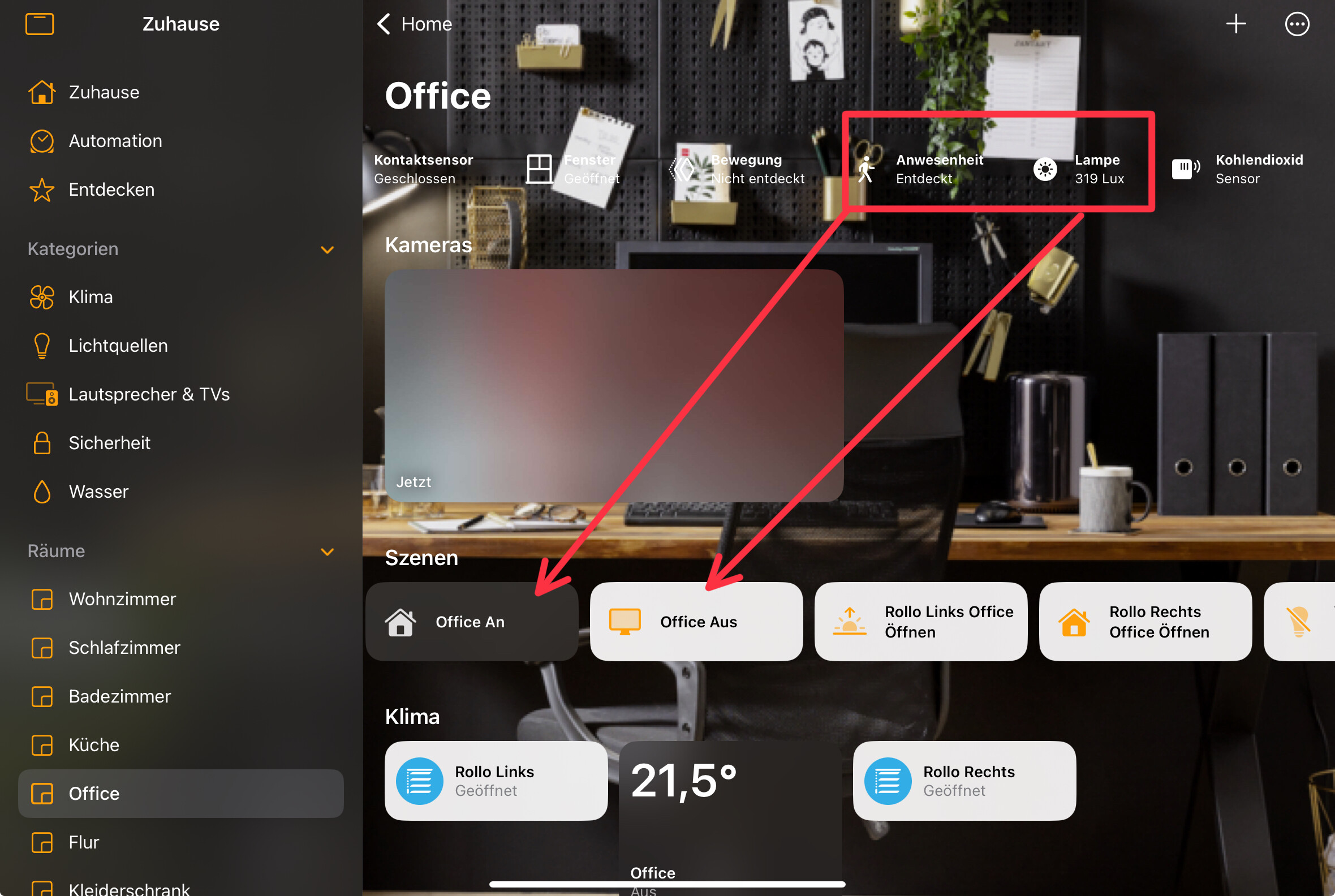
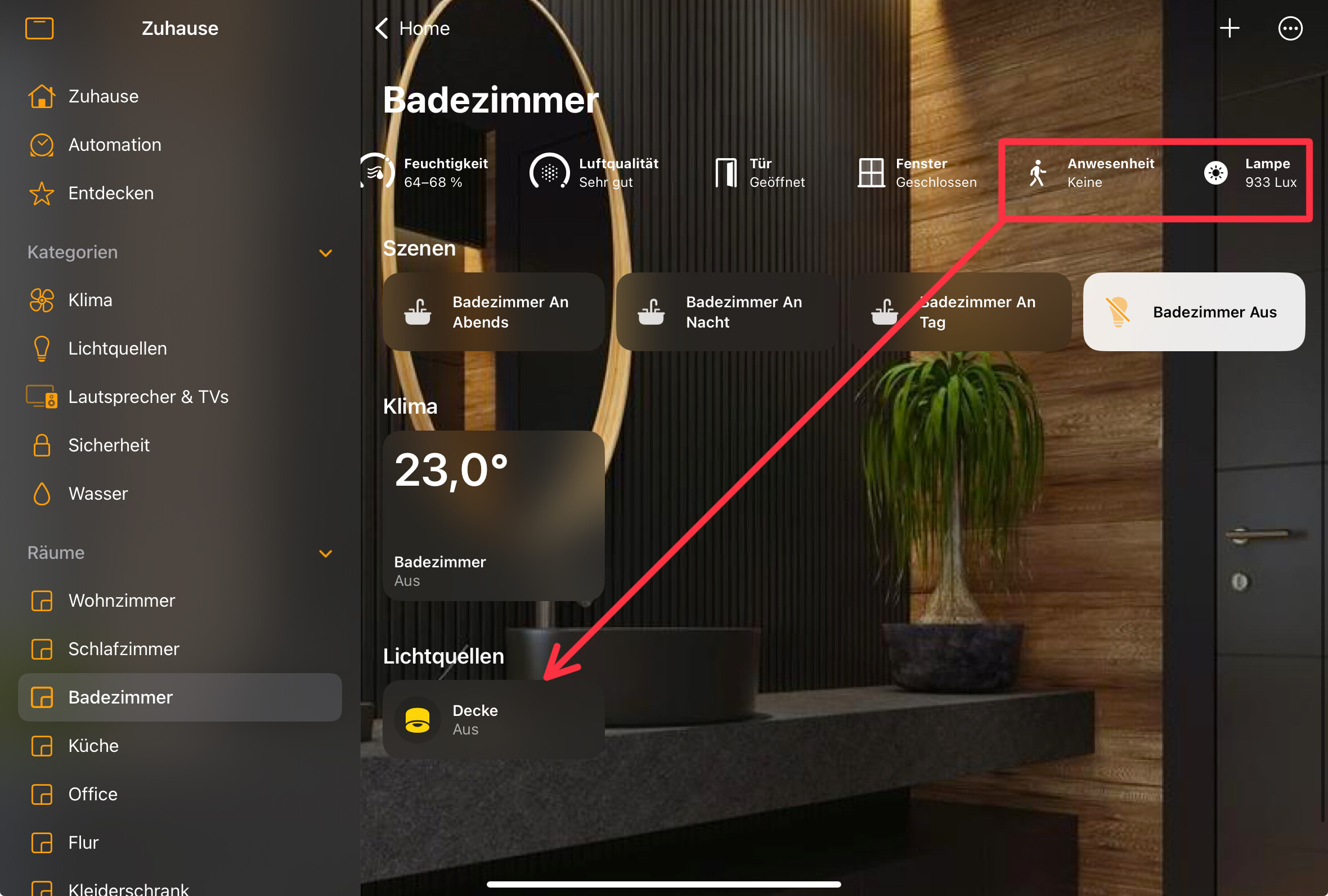
Let’s start with the kitchen. An FP2 sensor provides the appropriate lighting. I work with different scenes here that depend on brightness and time. So, there’s a scene for daytime, evening, and night. The conditions are always time and brightness.


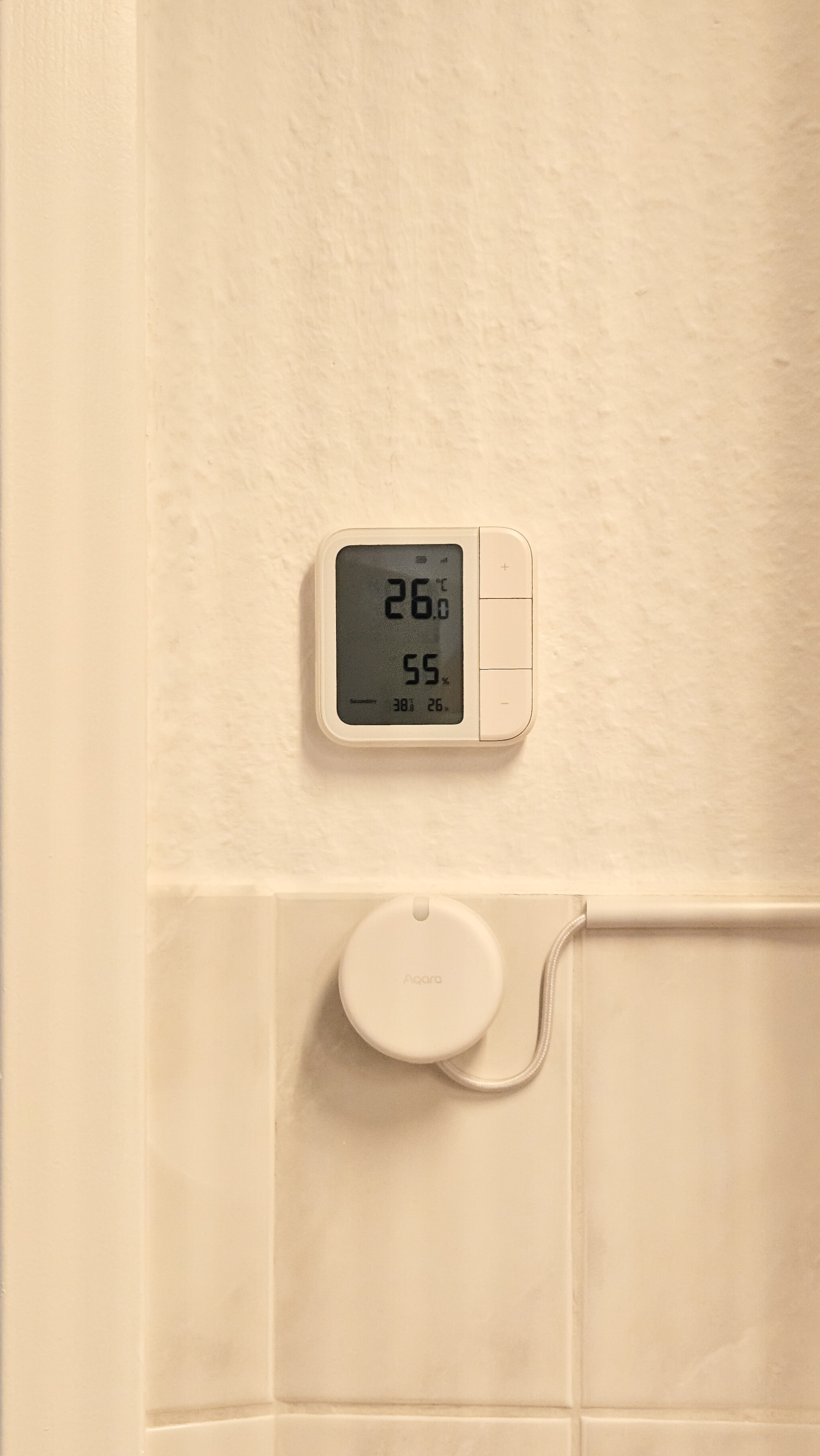
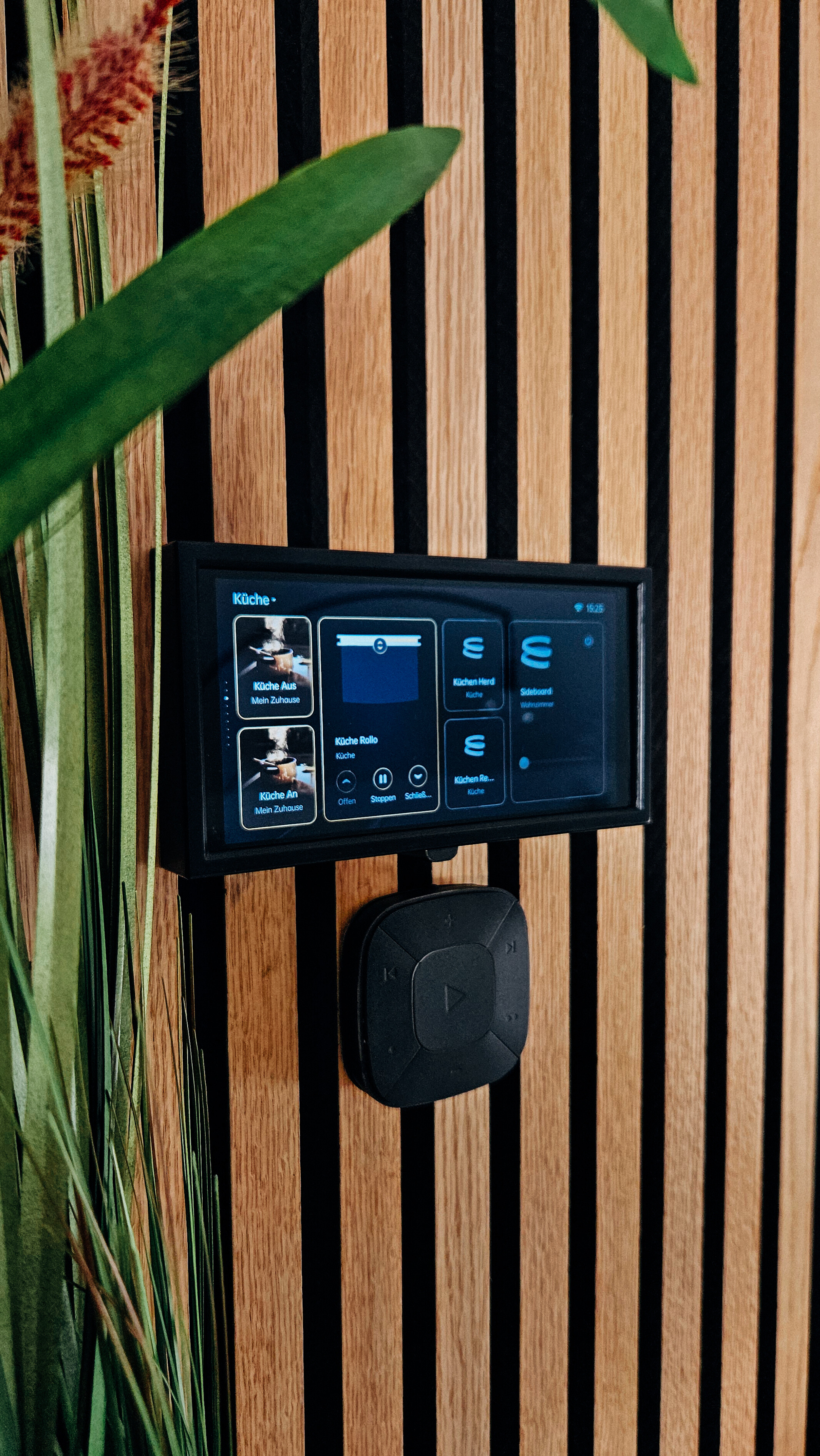
On the Climate sensor i have some scenes to turn lights manuell on/off or to controll the blinds.

In the office, there’s also an FP2 that controls the lighting on the PC. Here, too, the conditions of brightness and presence are set.


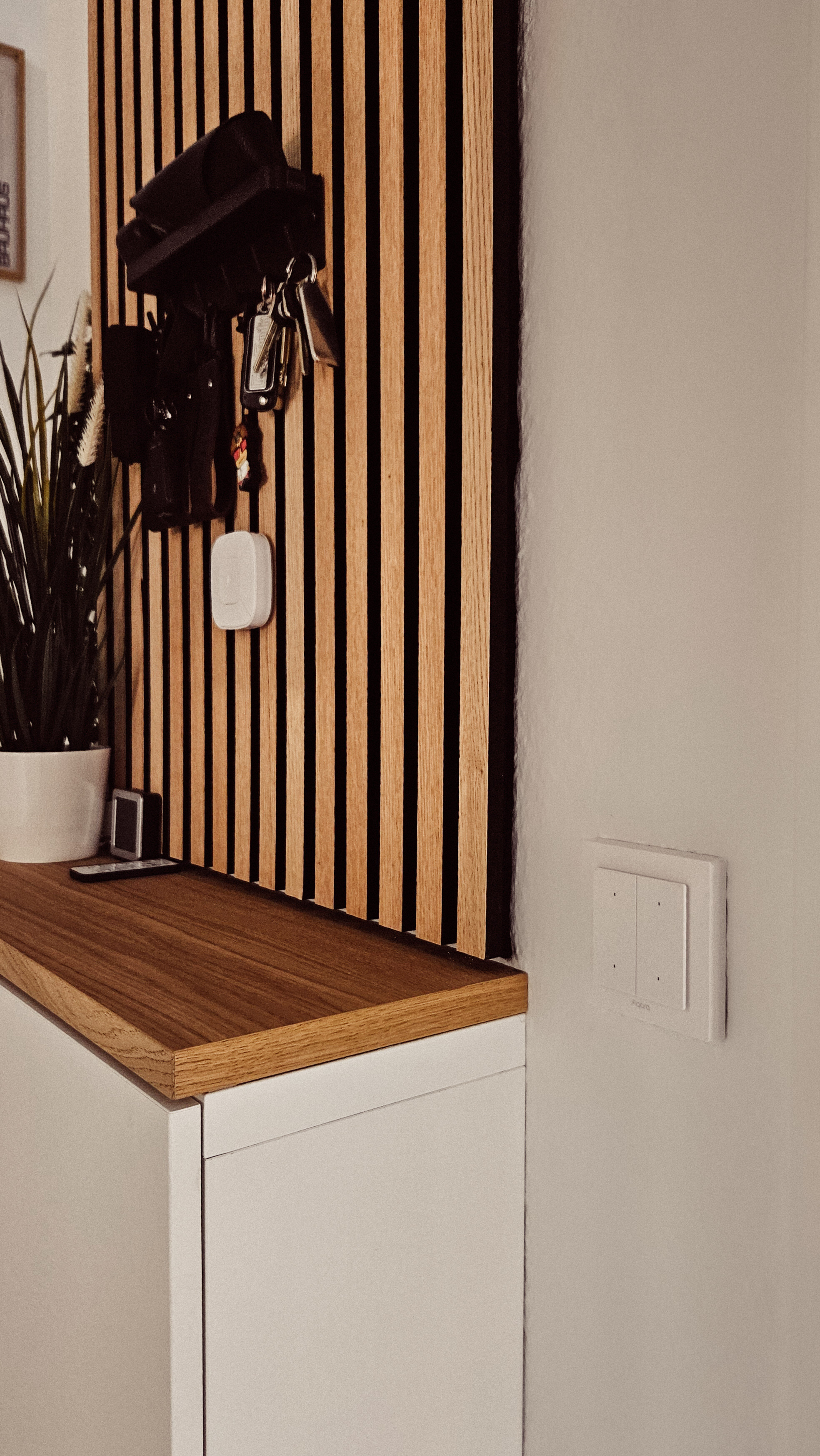
In the bathroom, there’s also an FP2 sensor that controls the ceiling lighting with different scenes. The bathroom ceiling lighting can also be switched on and off using an Aqara H2 EU light switch. This works as a wireless switch because the hallway lighting is controlled by the other two buttons. I’ll add pictures from the evening soon.


In the living room, an Aqara panel acts as a central unit that can control almost all devices in the apartment. Thanks to IKEA’s Matt integration, I can assign scenes and automations to almost anything.

The IKEA Donut also has an Aqara light strip running because the original color was too bright for me. I also use the Donut to display notifications (flashing colors), for example. Every window and the front door have an Aqara door sensor, which I can use to control the heating in winter.


Camera in the Office and the living room are also there.

In addition, each window has a sensor to better control the heating in winter. I implement this with appropriate rules in HomeKit and the HomeKit app controller.

So thats my small setup. Nothing special but i love it very much

AweDropping

@AqaraOfficial

22 Likes

I use the Aqara U200 together with my Apple devices, and it has completely changed how I access my home. With Apple Home and my Apple Watch, I can unlock the door with just a tap on my wrist – no more carrying keys, no more worries about being locked out. :key::watch:

What I love most is how seamless it feels: Aqara integrates smoothly with Apple’s ecosystem, so the U200 becomes part of a bigger smart home experience. I imagine that with Apple’s new updates this year, especially the improvements in automation and Apple Intelligence, the possibilities will grow even further. For example, having Siri suggest unlocking the door when I arrive home, or even smarter automations between Aqara sensors and Apple devices.

Aqara + Apple is already saving me time every day, and I’m excited about how the two will work together in the future! :door::sparkles:

AweDropping

8 Likes

FP300 is next on my hitlist. Gotta turn off that bathroom light when the grandkid leaves the light on.
I’m most excited about trying live translation. Epic possibility.

7 Likes

Here are my entries to try and win:

7 Likes

I can’t even add the tag to my post for some reason ?

4 Likes


Try again.

5 Likes

Sry to bother you I’m still having a hard time I believe I did everything right it took me a minute to find the page with the create a topic section but I did. I followed your picture instructions (ty vm) and put in the awe dropping in the second box but it’s not blue and there’s no tag it’s just like all the other letters.
I typed it in the correct box and chose the awe dropping 8x8 from the drop-down section but still no tag am I doing something wrong I even tried to copy and pasting the tag but no luck ? :man_shrugging:t3:

3 Likes

Hello, I want to tell my story.
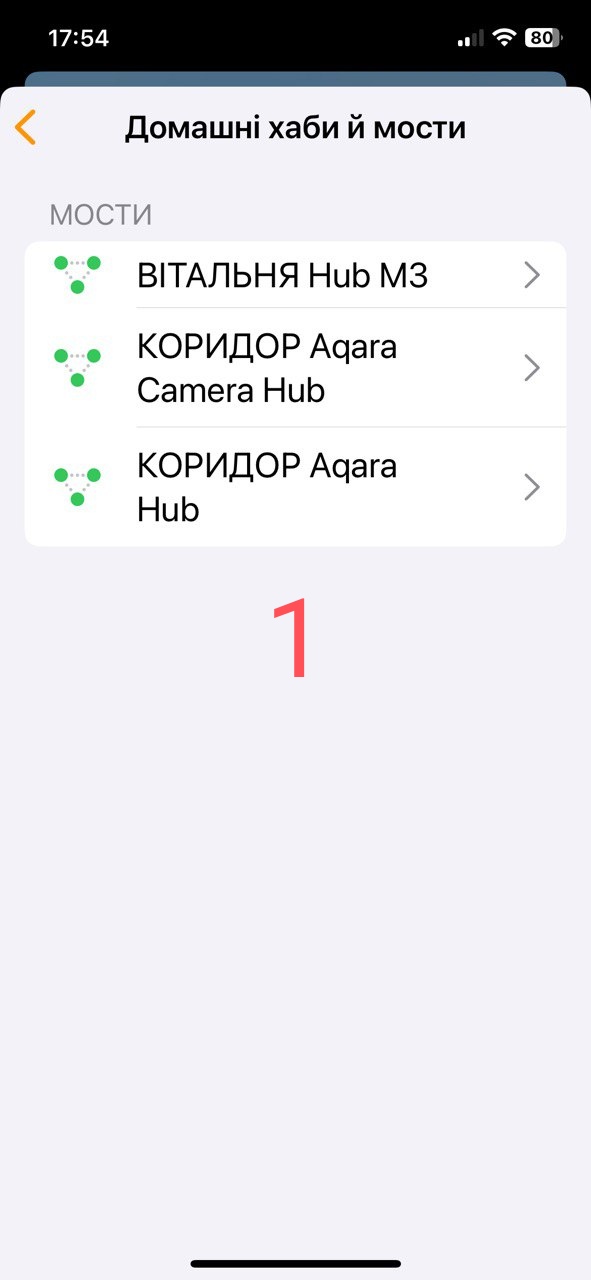
I use pure Aqara without other integrations. My wife has an iPhone 12 to which I connected Apple Home and added the M3 gateway.
How happy she is that from the start window she can start the security alarm, turn on the light when coming from work to a dark yard (a private house with a large territory). And what a pleasure it brings her to use the Apple key to the U200 lock, she simply does not believe that this is possible, she put the phone down and went into the house.
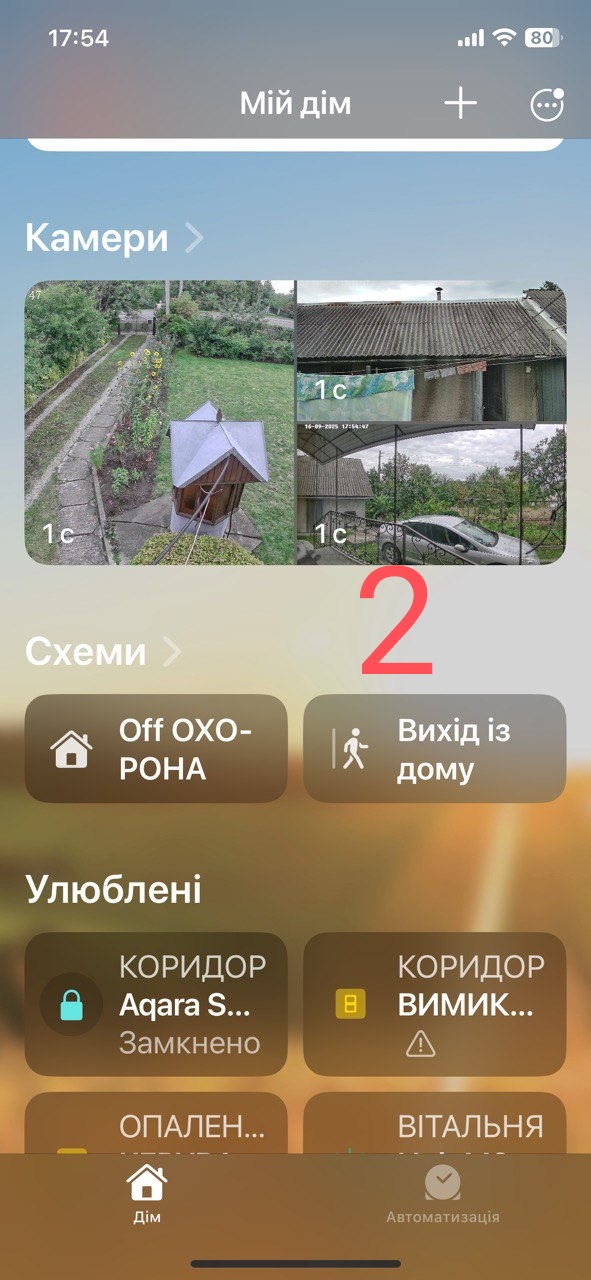
I organized all these commands from the iPhone (Fig. 2),

added the bridge from the M3 gateway (Fig. 1),

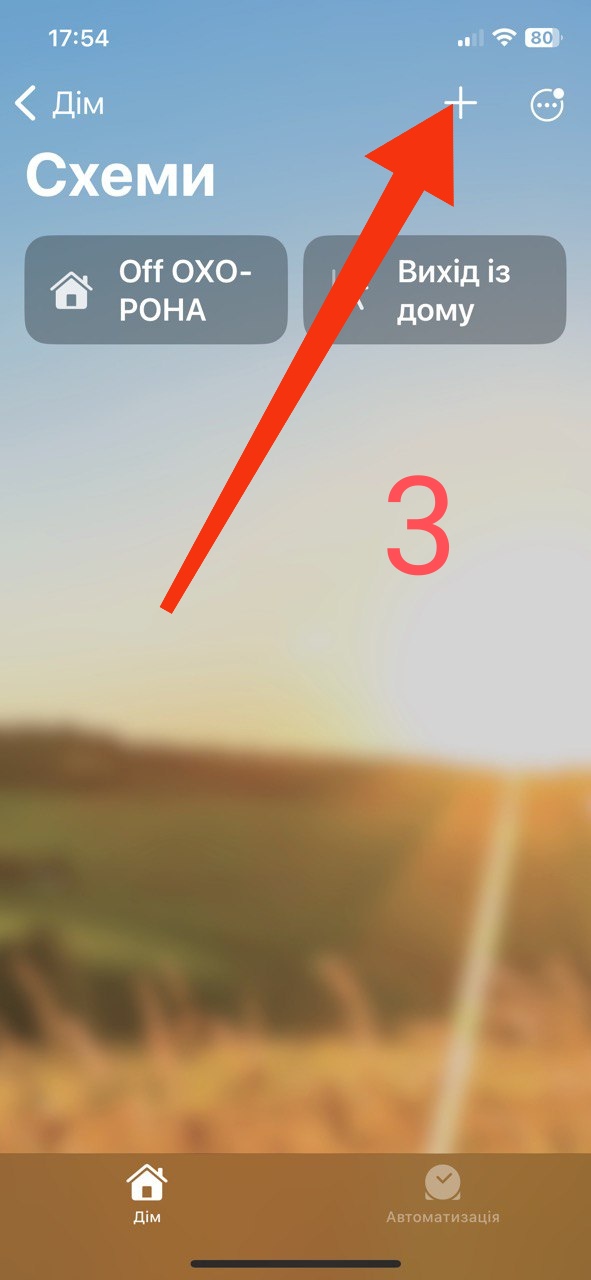
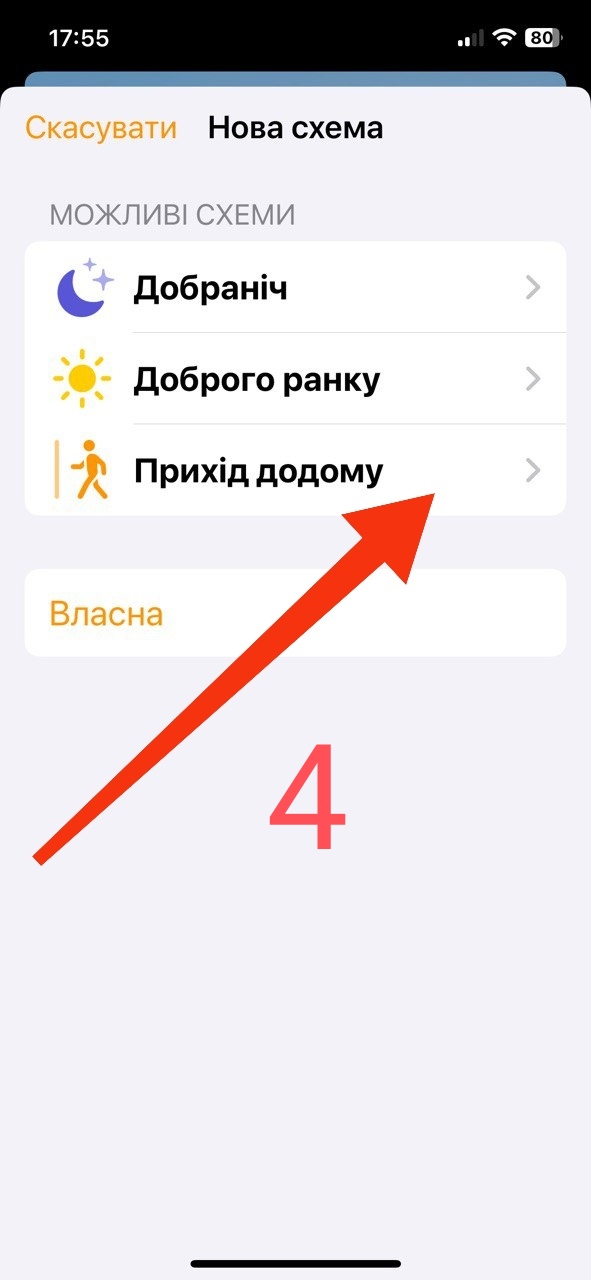
Apple Home->±>schemes (Fig. 3,4).


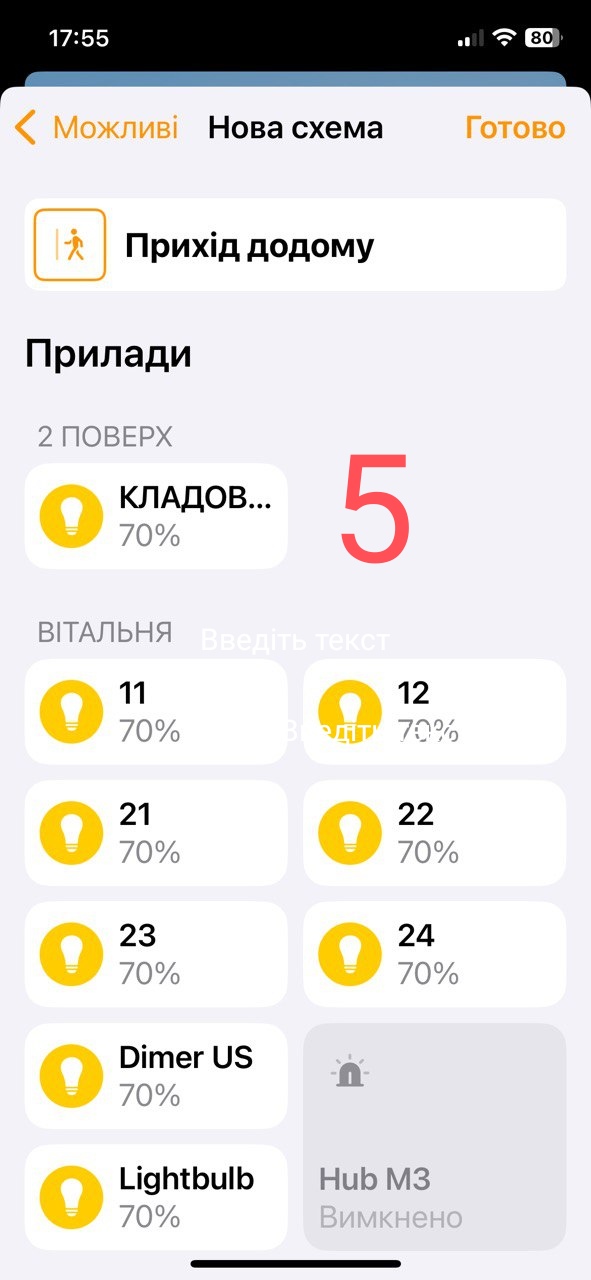
There I set the necessary conditions (Fig. 5).

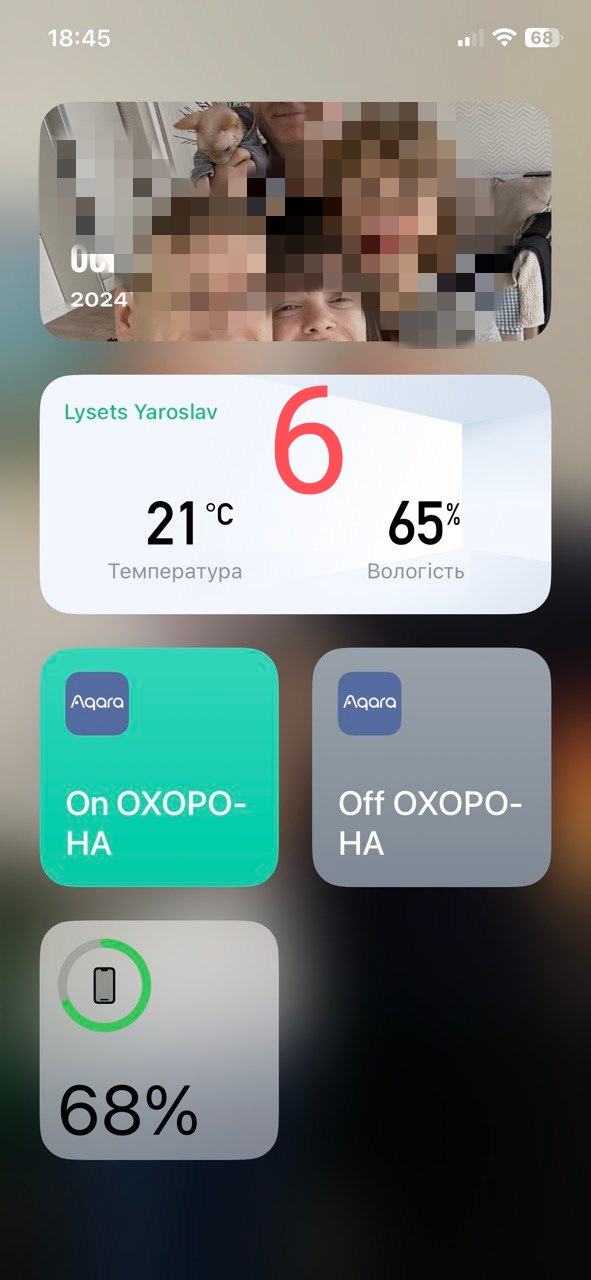
After that, I attach widgets to the iPhone from where my wife controls the house (Fig. 6).

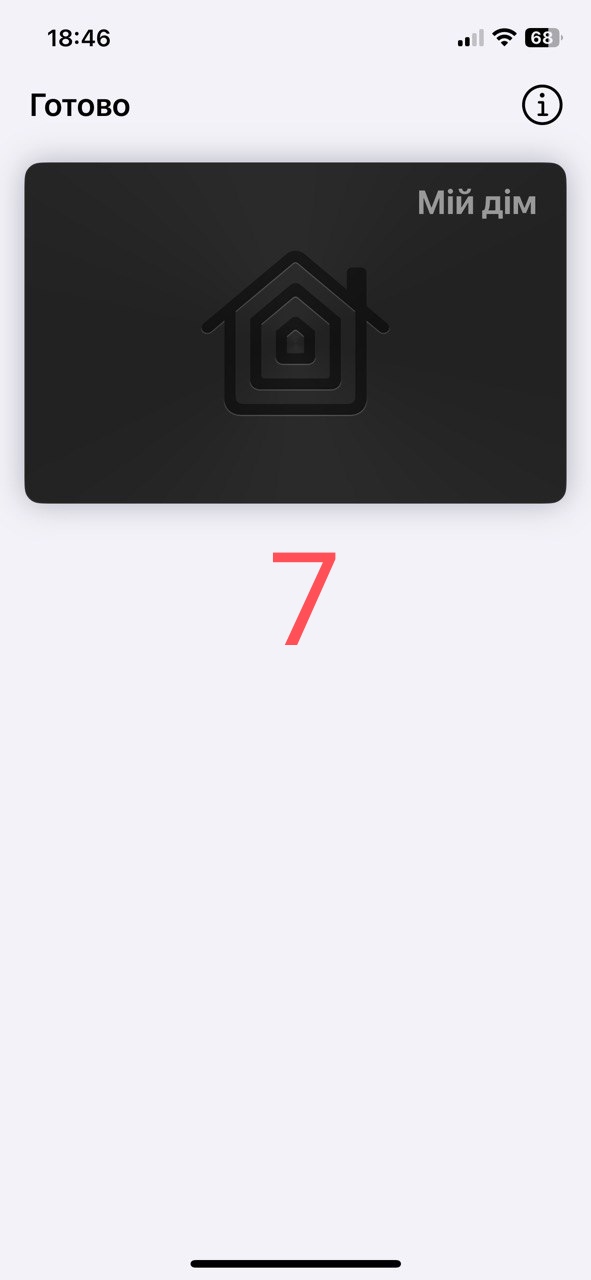
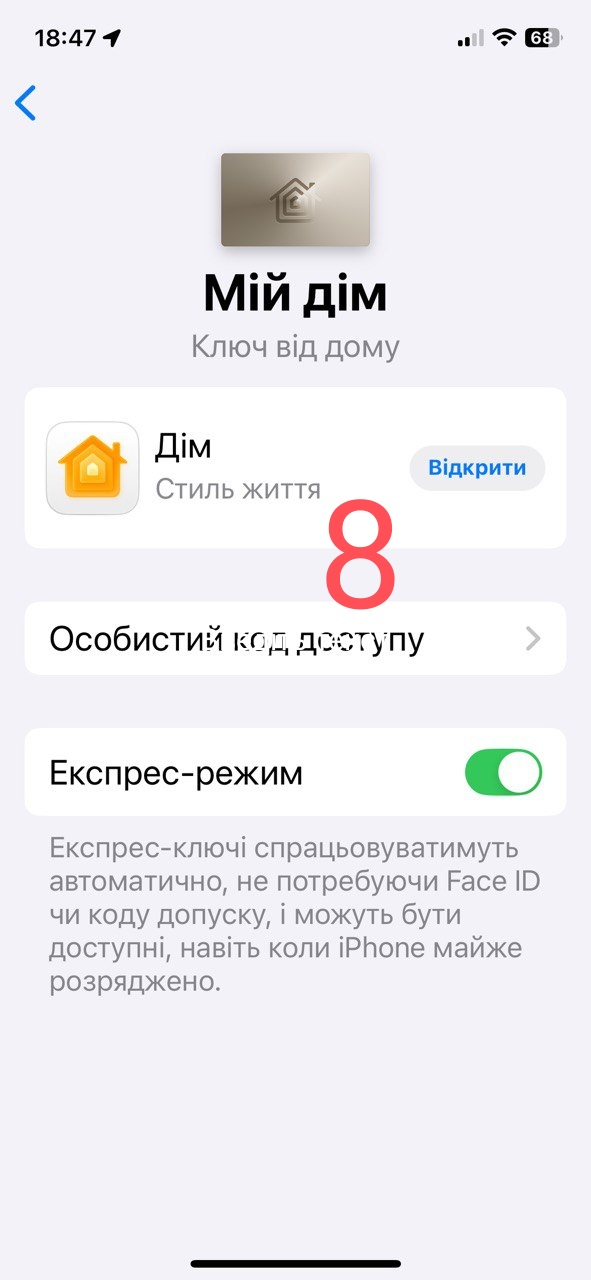
The key for the U200 lock is added from the Aqara home application to the phone’s wallet (Fig. 7,8).


Conclusion, it is not necessary to have Apple gateways, it is enough to have only one iPhone and controlling the smart home using direct commands will always be available to your family.

7 Likes
5 Likes