So I have a few G100’s a camera E1 and a G410 doorbell and like a good IT Professional I have decided to get off my rear end and put the camera in a separate IoT VLAN.
However what is the process for doing this, I feel like it should be something that can be done in the app but I can’t find it anywhere
And I don’t want to completely remove the devices as I have automations setup to run and don’t want to reset up everything for each device?
If you’re talking about VLANs (virtual LAN), then it’s not a matter of the camera.
You assign connected devices to VLANs in your router settings (you assign MAC addresses to VLANs) and the end device doesn’t know there’s any VLAN.
So you need to look into your router settings. VLANs are not a „feature” of end devices, it’s a feature of your network devices.
But if you’re talking about WLAN (wireless LAN), then you just need to initiate a pairing process (reset the camera) to change the WiFi network. Just hold the camera button until the light flashes and add the camera again in the app. You won’t lose any settings.
Ok yes poorly explained on my part  . I happen to be creating a new WiFi network for my IoT device that also happens to be a separate VLAN.
I have managed on my G100’s and my E1 but the chime on the G410 when I hold the button says “Please delete the accessory in the app” rather than doing a WiFi reset like the others
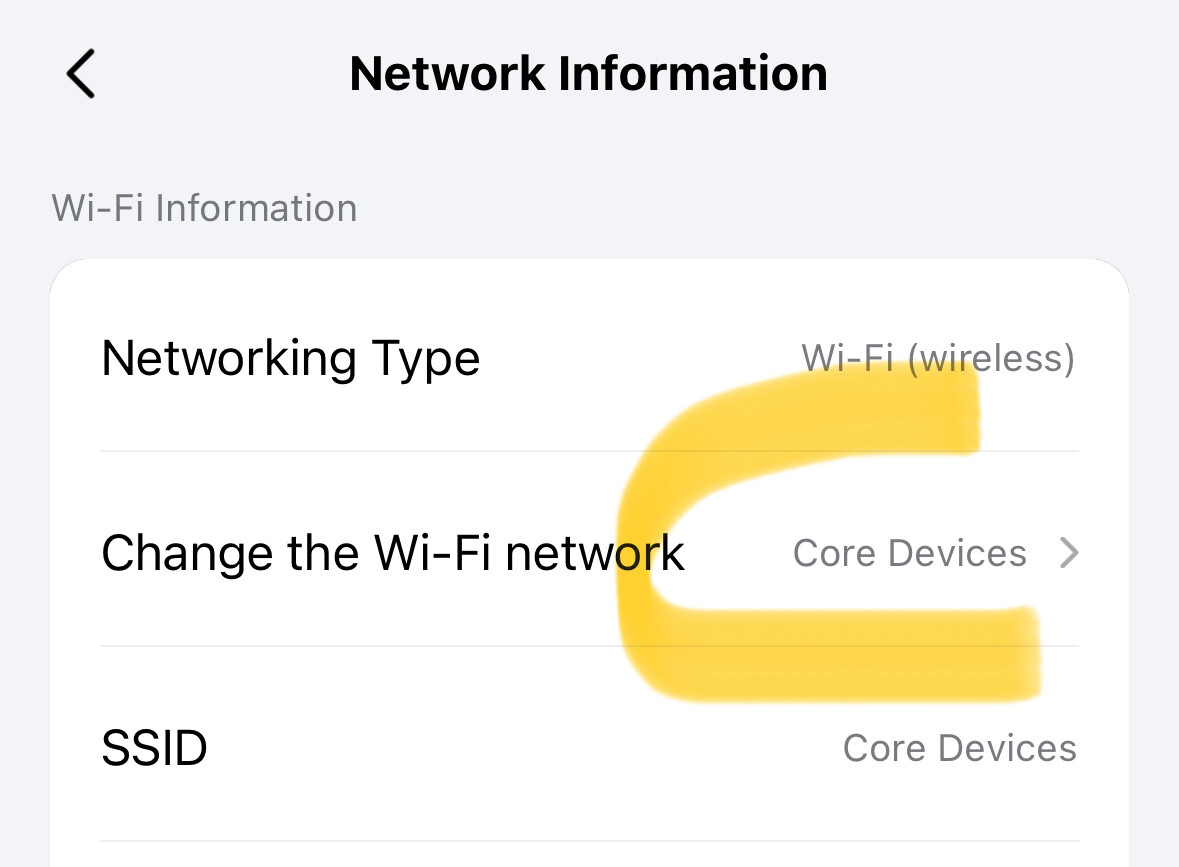
@carlgregory_taylor I also have a G100, but I don’t think you can adjust to what Wi-Fi an individual camera connects to. In your case, I’d adjust the Wi-Fi your hub connects to, which you can do under the hub’s settings:
I also have an IoT network for my smart devices under a different SSID.
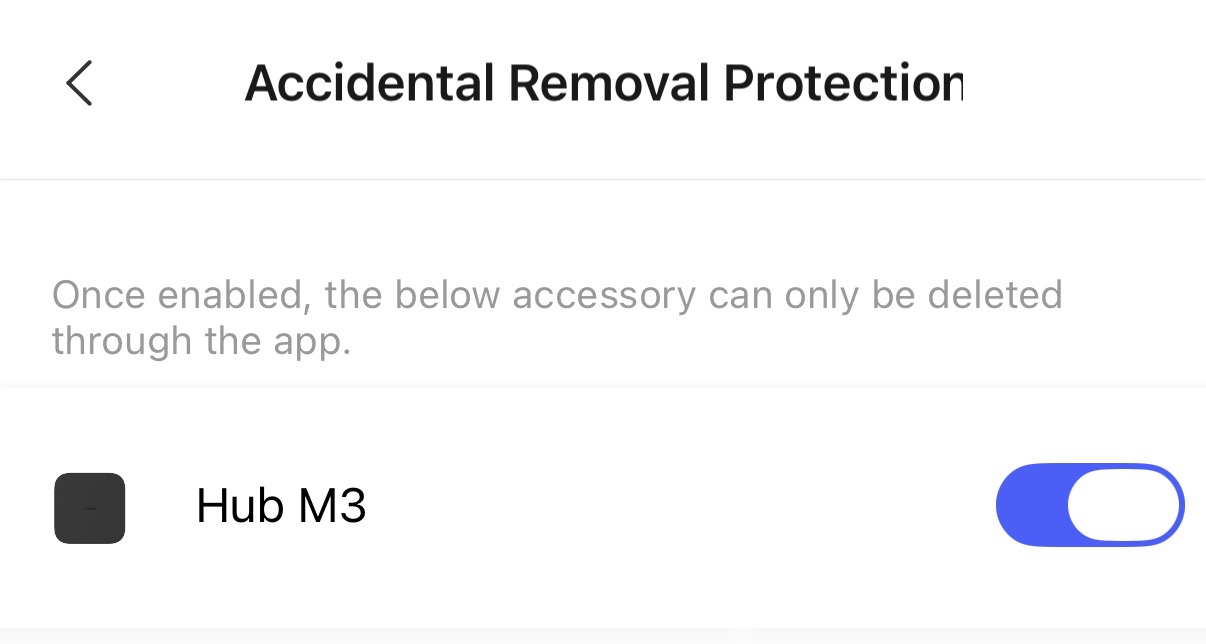
You have delete protection enabled in the app/hub settings. This protects the device from malicious people that would just reset your camera.
Temporarily disable this setting in the app. Then you can reconnect the camera using the reset trick
Forgot I enabled that , worked lime a charm. Thanks very much!
1 Like