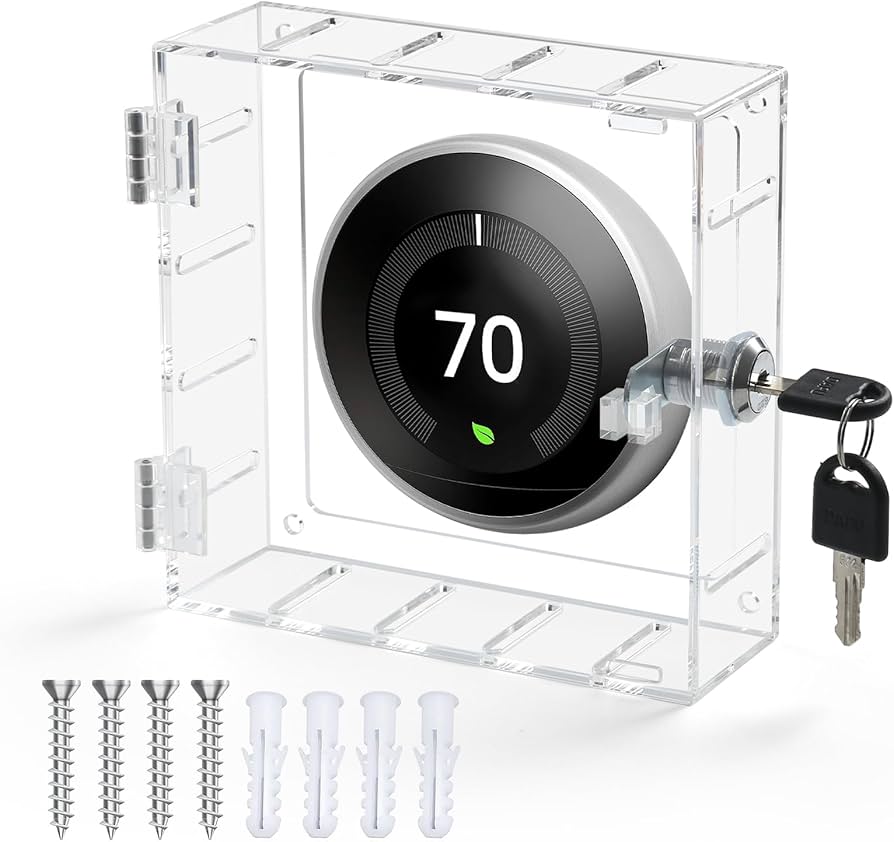
I would like to know if there is a Child lock on the Aqara w200 thermostat
And I would like to know how to activate it
The Aqara Thermostat Hub W200 does include a screen lock function that serves as both a child and guest lock by preventing unauthorized physical adjustments to the unit.
You can manage this security feature directly on the device’s touchscreen or through the Aqara app:
How to Enable the Lock
- On the Thermostat: Swipe down from the home screen to access Settings > Advanced Settings > Security Settings . From here, you can turn on the password or change your current pin.
Key Locking Features
- Password Protection: Once enabled, the screen requires a password to unlock, preventing kids or guests from changing temperature setpoints or HVAC modes.
- Remote Override: Even if the physical screen is locked, you can still control all thermostat functions and change the password via the Aqara Home app.
- Adaptive Temperature: For guest management, the W200 works with Apple Home’s Adaptive Temperature (iOS 26+). This allows the system to recognize “Guest” occupancy states and adjust the climate automatically without needing the guest to touch the thermostat
Note: If you happen to forget the password and find yourself locked out of the physical interface, you can reset or disable it through the Security Settings menu in the Aqara app.
Hope that helps?
1 Like
This is a Settings lockout. You can still change the temperature up and down without going into the settings .
that is not locked out.