I have 2 issues, hopefully someone can help.
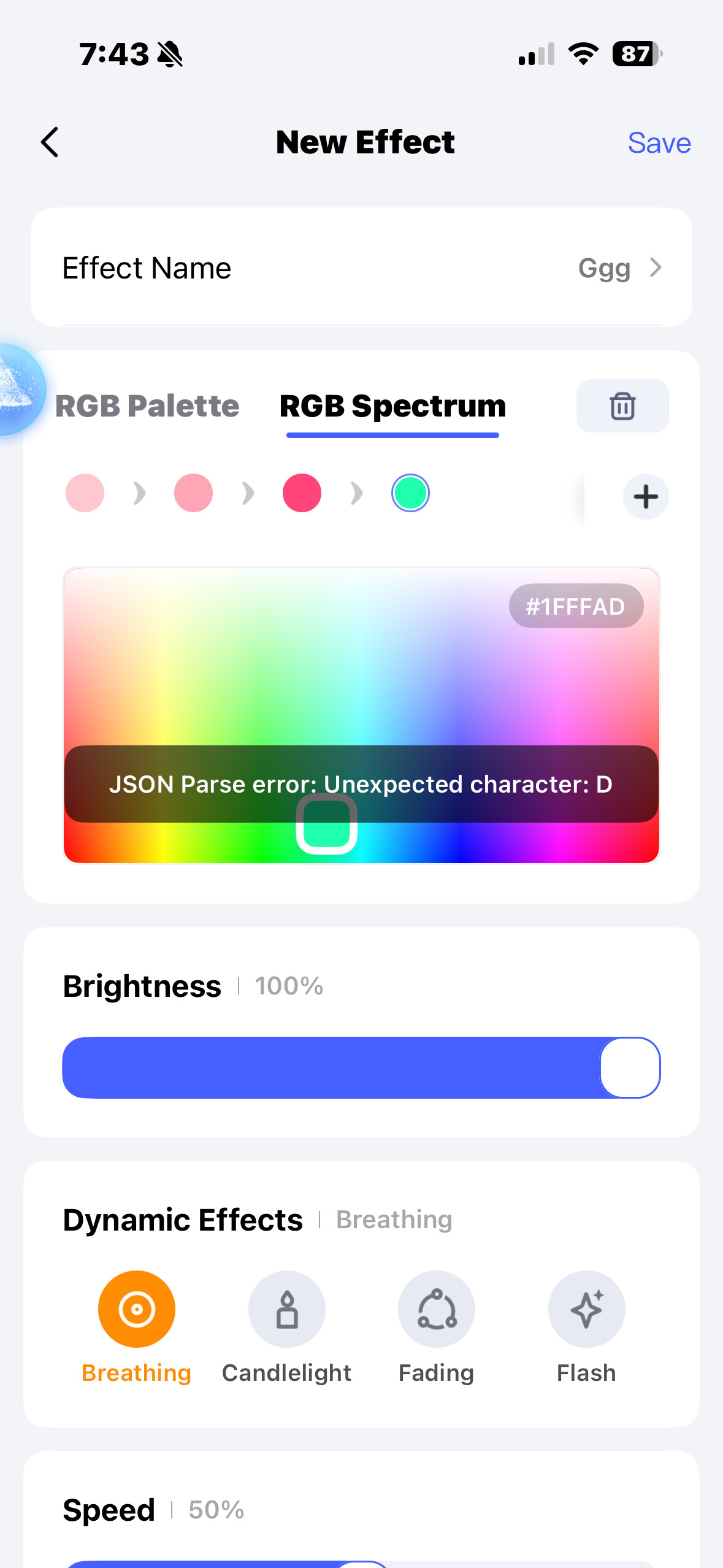
First when I try to add a custom dynamic RGB effect to an aqara T1 spotlight I get an error “JSON Parse Error : Unexpected Character D”
I’ve read this is down to the code for the colour I’ve selected starting with a character rather than a number, but even when I avoid that I still get the error.
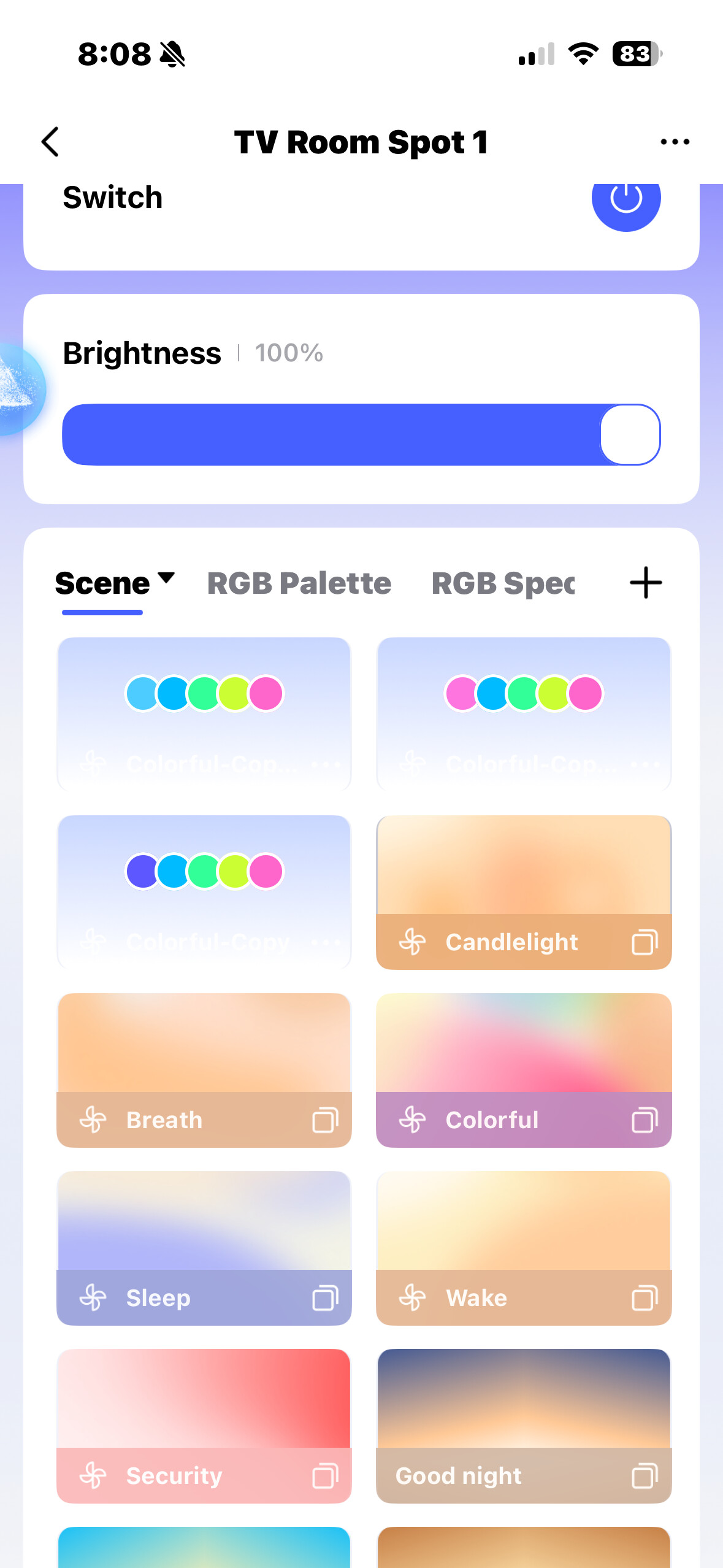
Second is I’ve now added several practice dynamic RGB effects which I’d like to edit or delete. But I can’t seem to do anything with them now, they seem fixed.
Hi there, it looks like you’re experiencing a support-related issue. We’ve automatically created a support ticket for you and will reach out via the forum email within the next two business days.
If other members have any suggestions or insights on this topic, feel free to share!
I have the exact same problem. The parse error when saving a custom light effect setting. If you then try to save it again, it says the name already exists. When you try toove away from the page, it says you haven’t saved your changes. If you continue to exit the page without saving, the effect is there but without a name. I have four of them now. If you select the custom effect it does work, but they don’t have names and you can’t delete them.
This problem still exists after the recent update to the 4.5.80_0077.
This is on the Hub M3 and the lights are LED bulb T2.