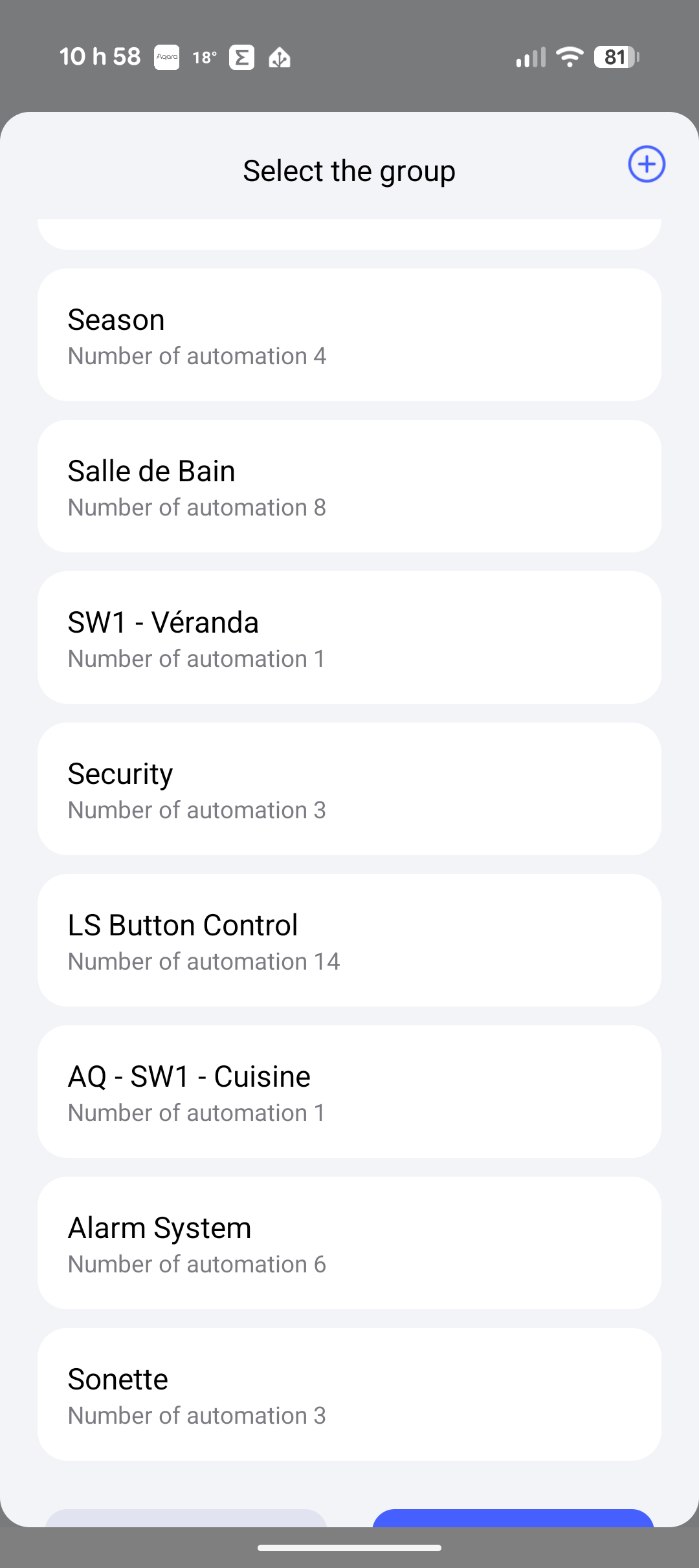
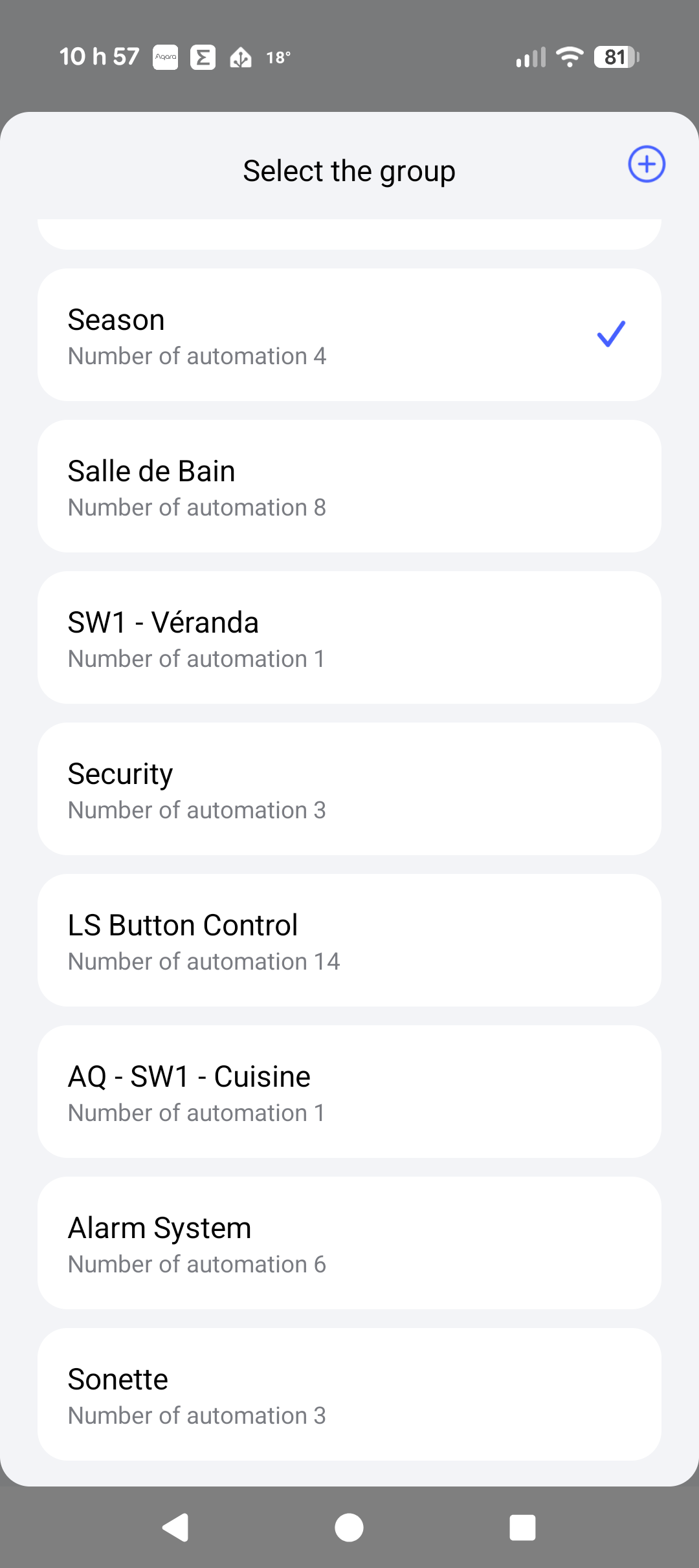
I noticed a bug in the automation group section of the Aqara app. When selecting a group to edit, the buttons to save the changes either do not appear at all or are only partially visible at the bottom of the screen.
This makes it very difficult (sometimes impossible) to save modifications to the automations inside a group.
Screenshots attached show how the buttons are cut off or missing completely.
Hello, I have reported this issue to the app team for testing, but it hasn’t been reproduced on multiple test devices. Could you leave a message telling me the model of your phone? Alternatively, you can go to the “Help & Feedback” page in the app and contact the online customer service at the bottom. Reporting the issue there can help us locate the problem more effectively.
@Marc3k Thanks for sharing this detailed bug report and the screenshots—they really help illustrate the issue with the save buttons in the automation group section. We’re sorry to hear this is causing difficulty saving modifications.
To help resolve this, please contact the Customer Service Team by Aqara Home App (Profile>Help&Feedback>Customer Service) or scanning the QR code: