Hi everyone,
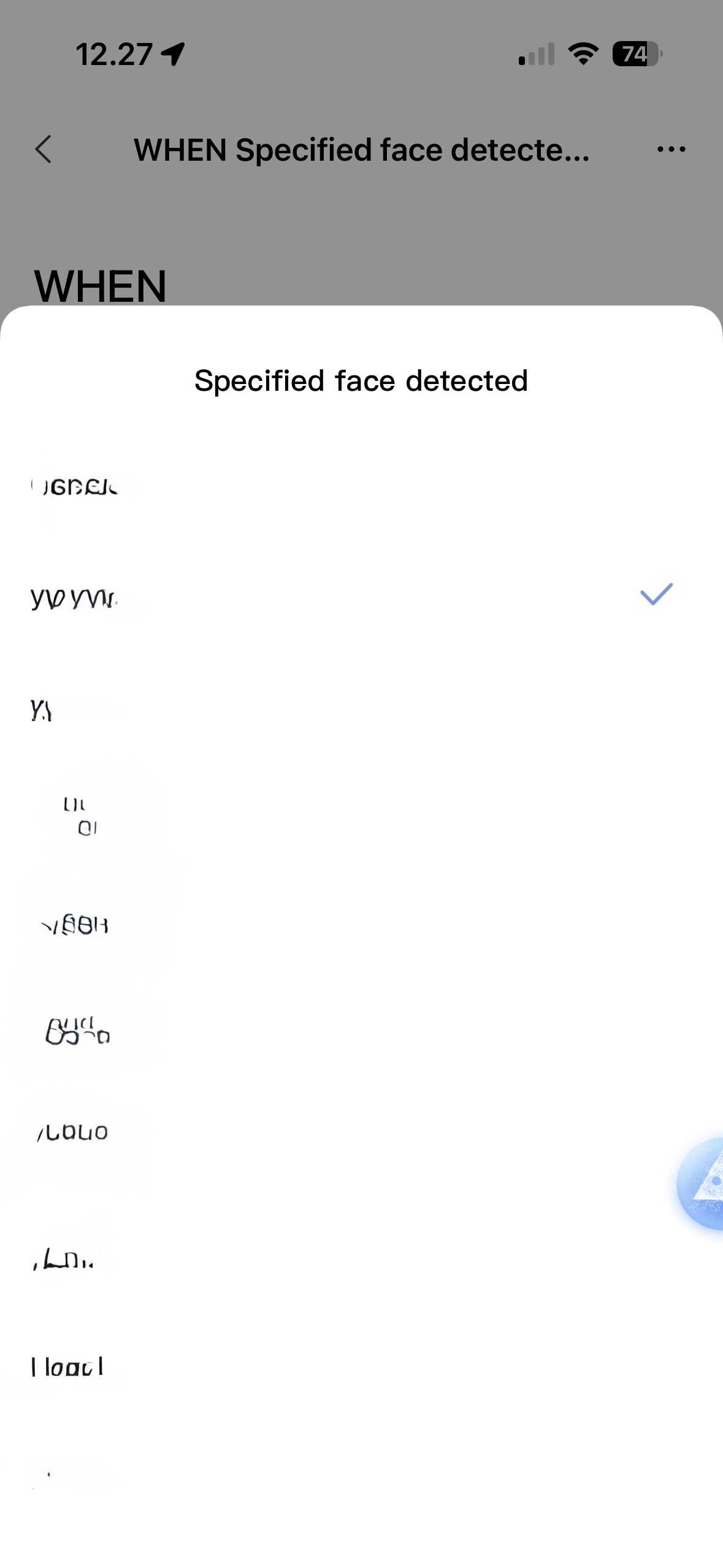
Has anyone found a way to group/merge people in the Aqara Home app under “Specified face detected”?
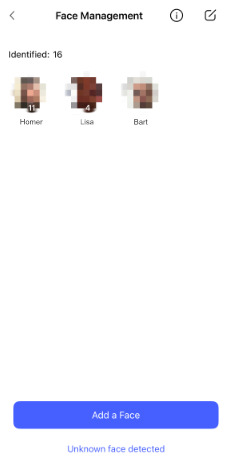
I’m having an issue where the same person gets indexed multiple times, even though they are actually the same person.
I blurred the names in the screenshots for privacy, but the app keeps creating duplicate face profiles for one person instead of recognizing them as a single identity.
This becomes messy in automations because I have to choose between several duplicate entries instead of one combined profile.
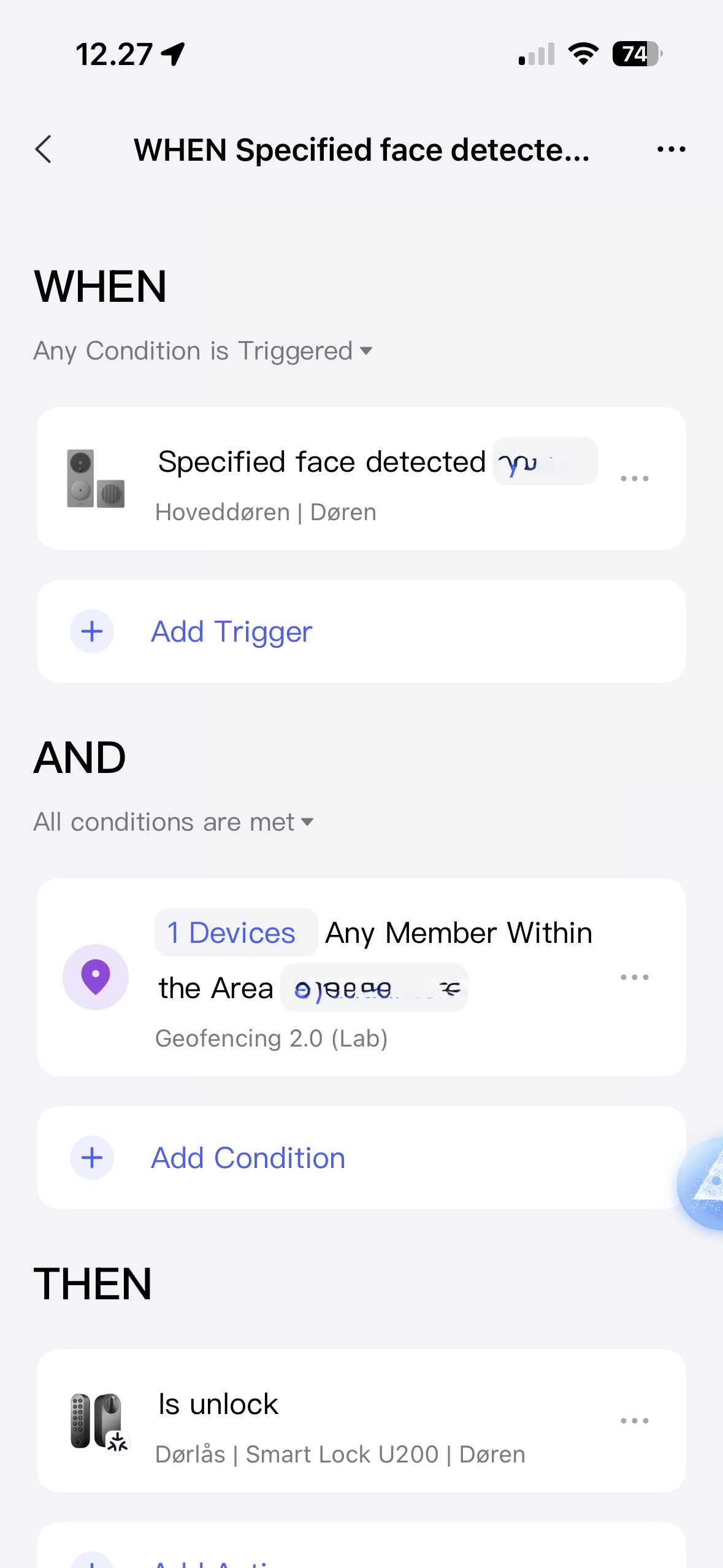
My setup is for example:
- Face detection on an Aqara doorbell/camera
- Geofencing condition
- Then unlock the U200
But Aqara seems to continuously create new face profiles instead of grouping them together.
Has anyone:
- found a way to merge/group them?
- confirmed whether this is a bug or limitation?
- or found a workaround to stop the app from creating duplicates?
I’m running the latest version of the Aqara Home app.