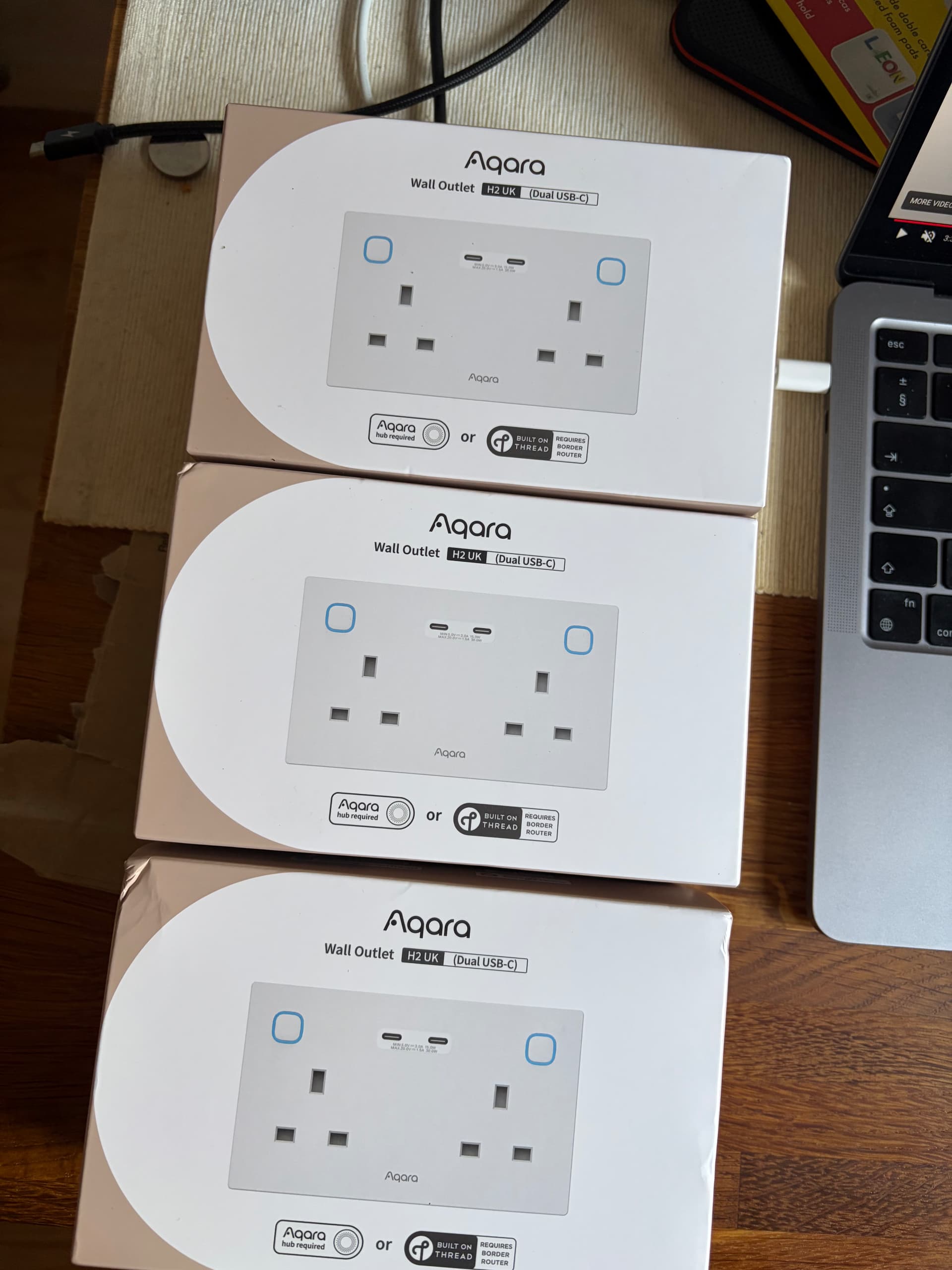
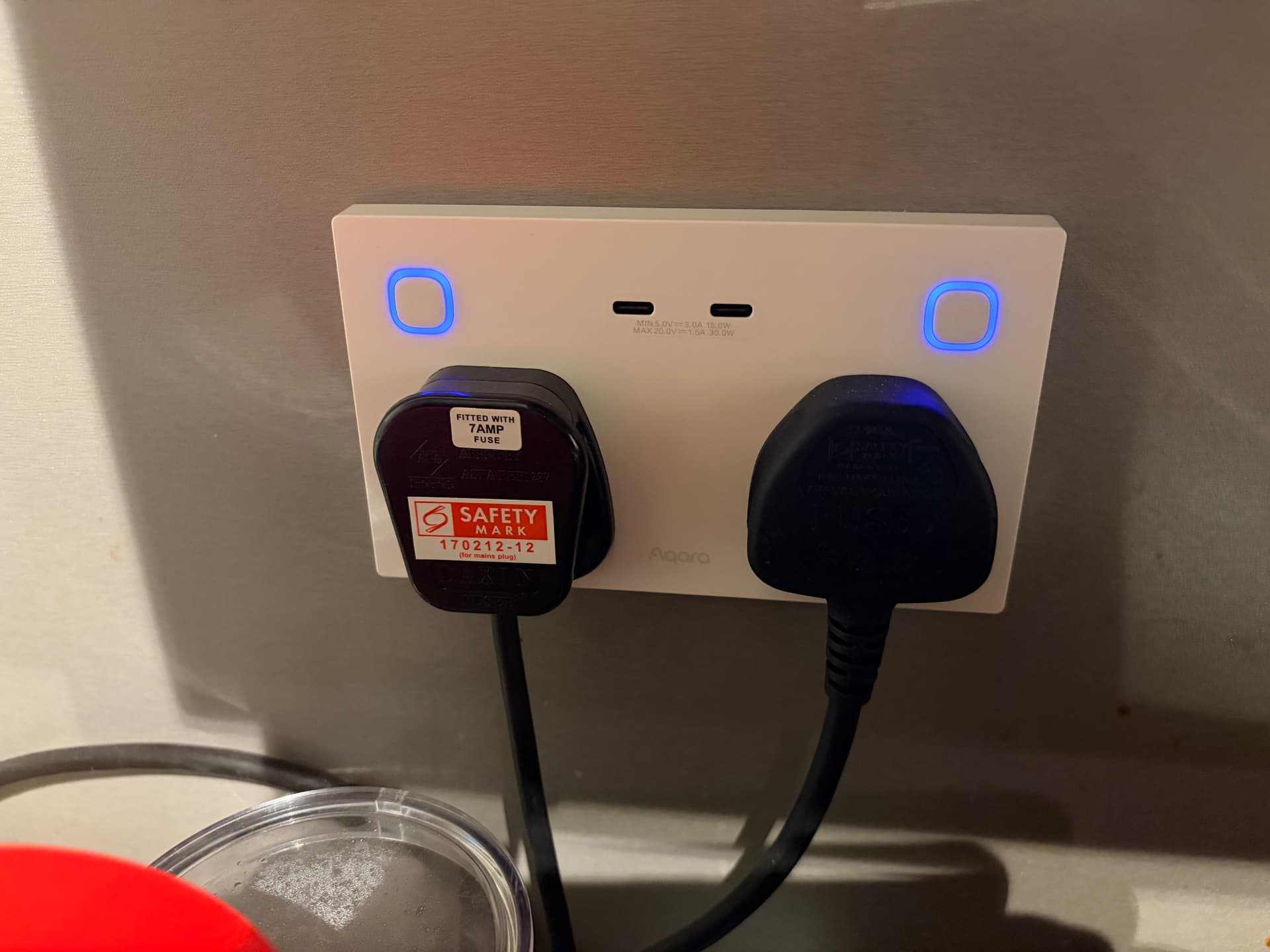
Got the Wall Outlet H2 UK bundle. The install was pretty straight forward but it brought it all back to me, the reason why I only do a room at a time. I hate the metal back boxes as finding the screw holes is a total nightmare, the plastic ones are easier. I don’t know how electricians mange this as the day job!! But with that nightmare behind me I now have the 3 of them installed.
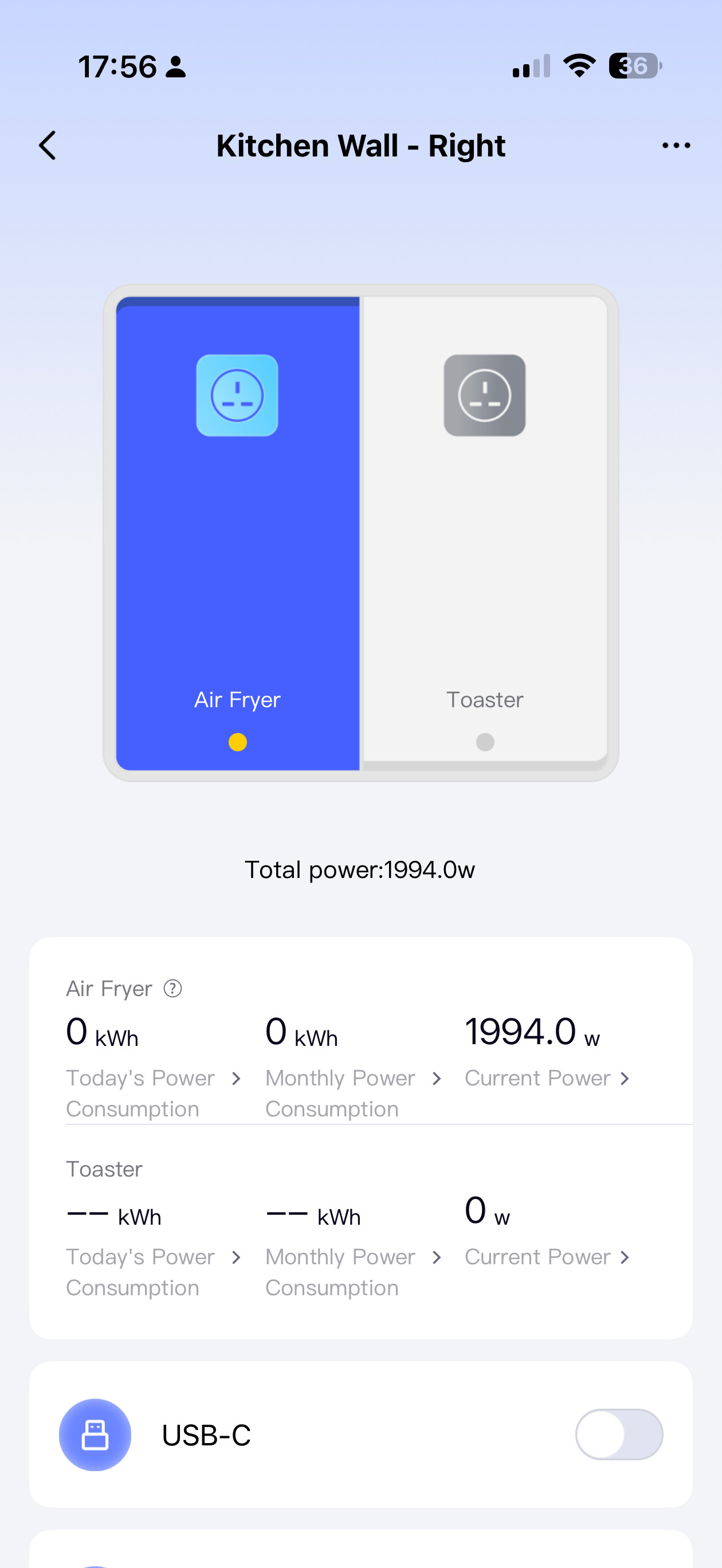
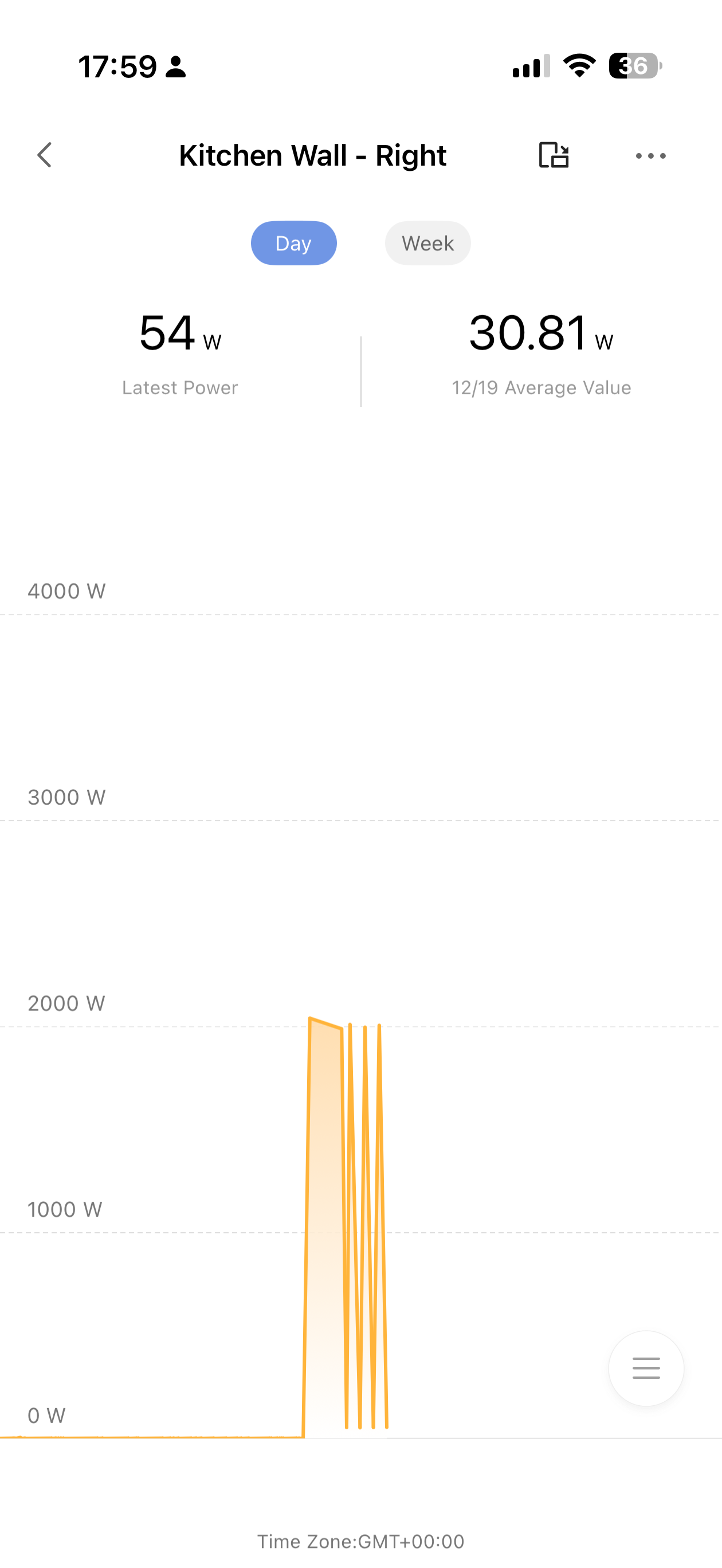
Testing the sockets while making my dinner in the Air Fryer and the energy monitoring works well (I have mine set up in Zigbee mode) and it can be viewed in the card for the outlets.
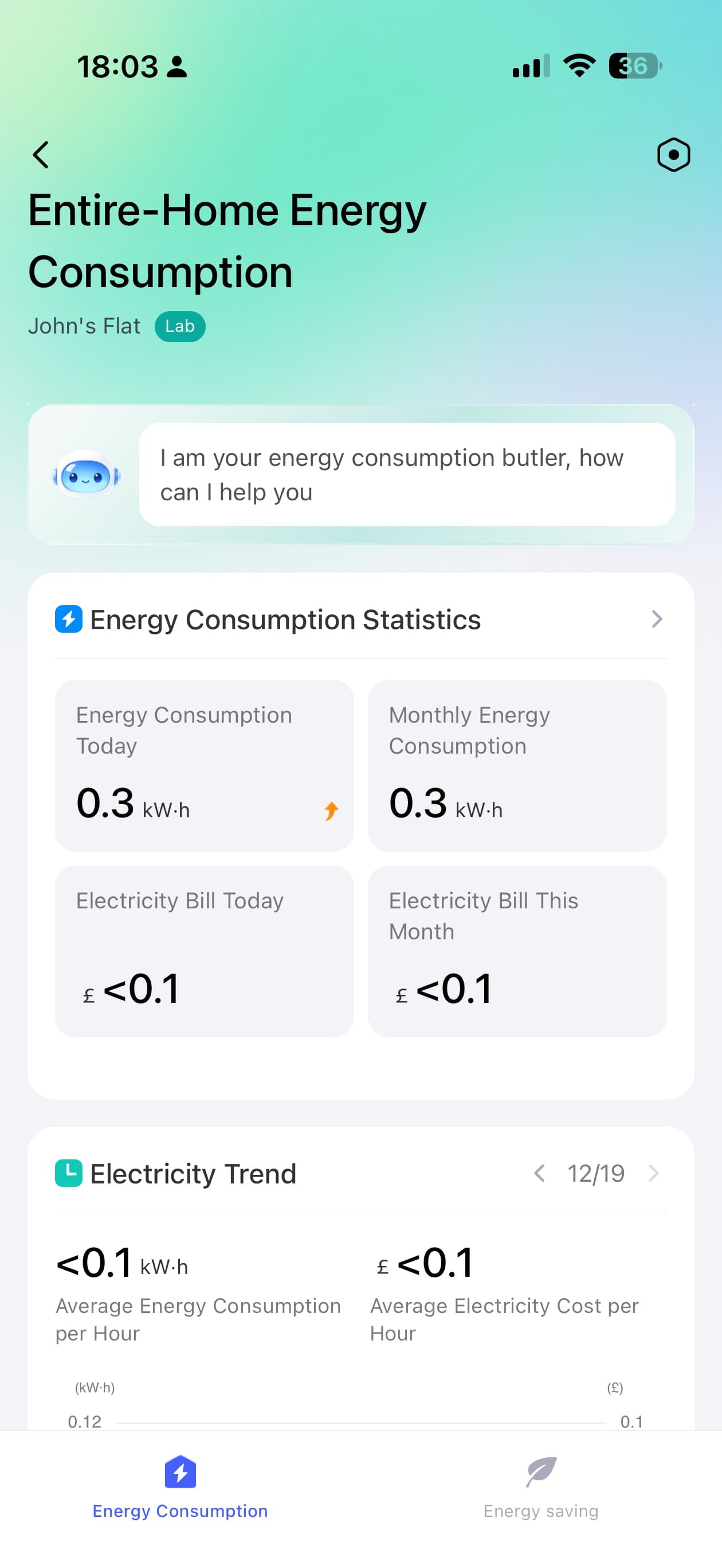
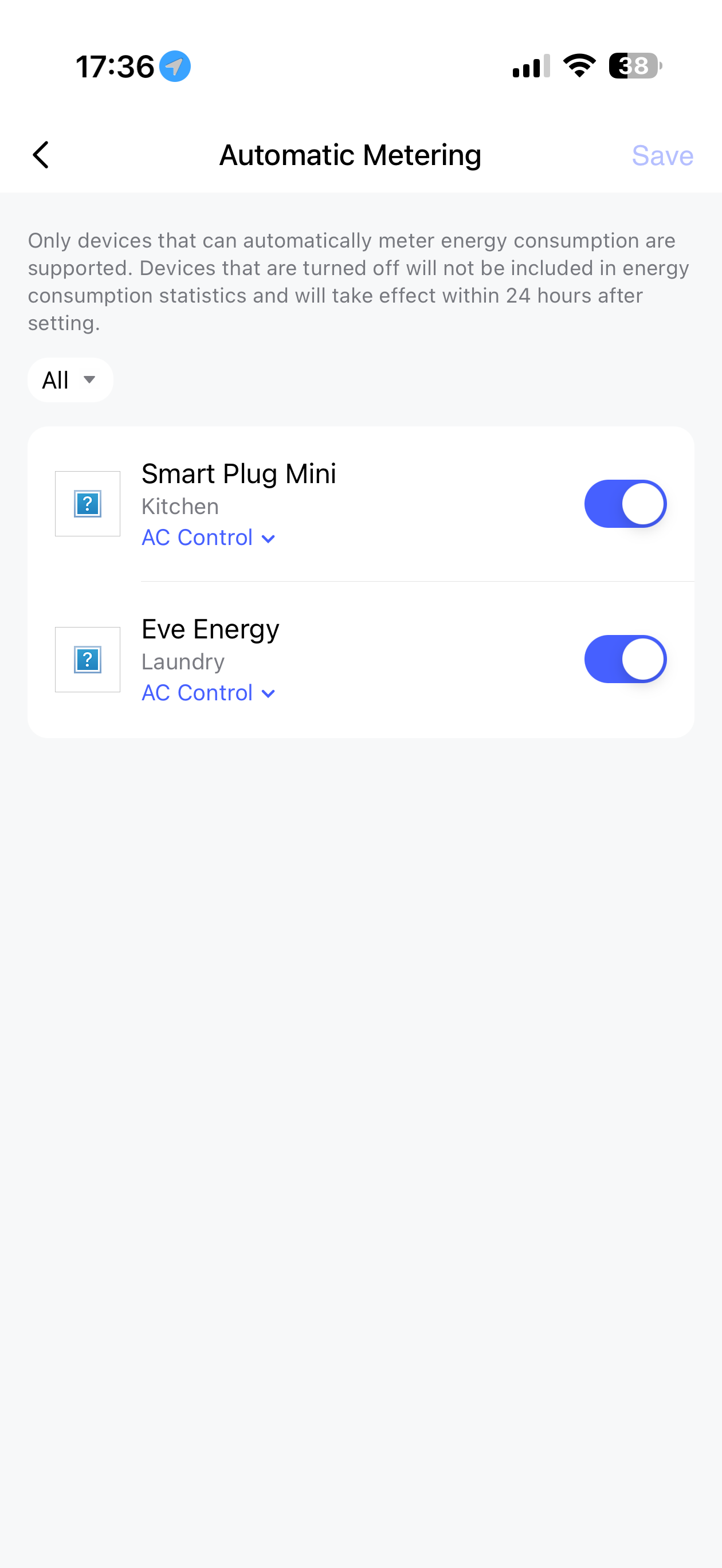
Now I also have some 3rd party plugs, one from Meross and one is an Eve Energy. They both monitor energy in their respective apps. I have then added to Aqara Home and both are added to the Entire-Home Energy Consumption service and that allows them to both report energy consumption in a single app. Fantastic!
Now my question is how do I add the Wall Outlet H2 UK (Dual USB-C) into this service so I can see a total across all devices/outlets? I have looked in the Automatic Metering in the settings but the new Aqara Wall Outlets H2 UK do not appear as metering devices, just the two matter plugs. Any ideas what I need to do to get them included in this service?
@jbuk72 Thanks for sharing your detailed experience with the Aqara Wall Outlet H2 UK installation and energy monitoring setup! It’s great to hear that the energy monitoring works well in Zigbee mode and that you’ve successfully integrated third-party plugs into the Aqara Home app for centralized tracking—your setup sounds really practical and insightful for other users.
Regarding your question about adding the Wall Outlet H2 UK (Dual USB-C) to the Entire-Home Energy Consumption service, I checked the available information but couldn’t find specific steps for this integration. You seem to be experiencing an issue with the Wall Outlet H2 UK not appearing as a metering device in the Automatic Metering settings for the Entire-Home Energy Consumption service. You can contact customer support for assistance.
Contact the Aqara Home App Customer Service Team (Home > Help & Feedback > Customer Service) or scan the QR code:
@jbuk72 You’re welcome! Thanks for taking the time to raise the ticket—your feedback is really valuable for improving the product experience. Fingers crossed for a smooth resolution, and feel free to share any updates with us later
Hi Aqara, before I purchase these wall outlets, I would like to ask if the energy (kwH) sensors can be exposed to home assistant. This is the real reason for purchasing these so I will hold off until there is some concrete advice. Thank you for taking the time to look at this.
@qinghong.xu-a2183 Thanks for the heads up. The outlets are now listed in the settings and I can now see some stats coming through. This is brilliant! Thank you so much.
Hi Aqara, do you have any update on energy sensor exposure in home assistant? I have recently purchased Tapo socket strips and plugs and these are all integrated into HA (and expose energy data) via matter, so it is possible.