Mine arrived today too.
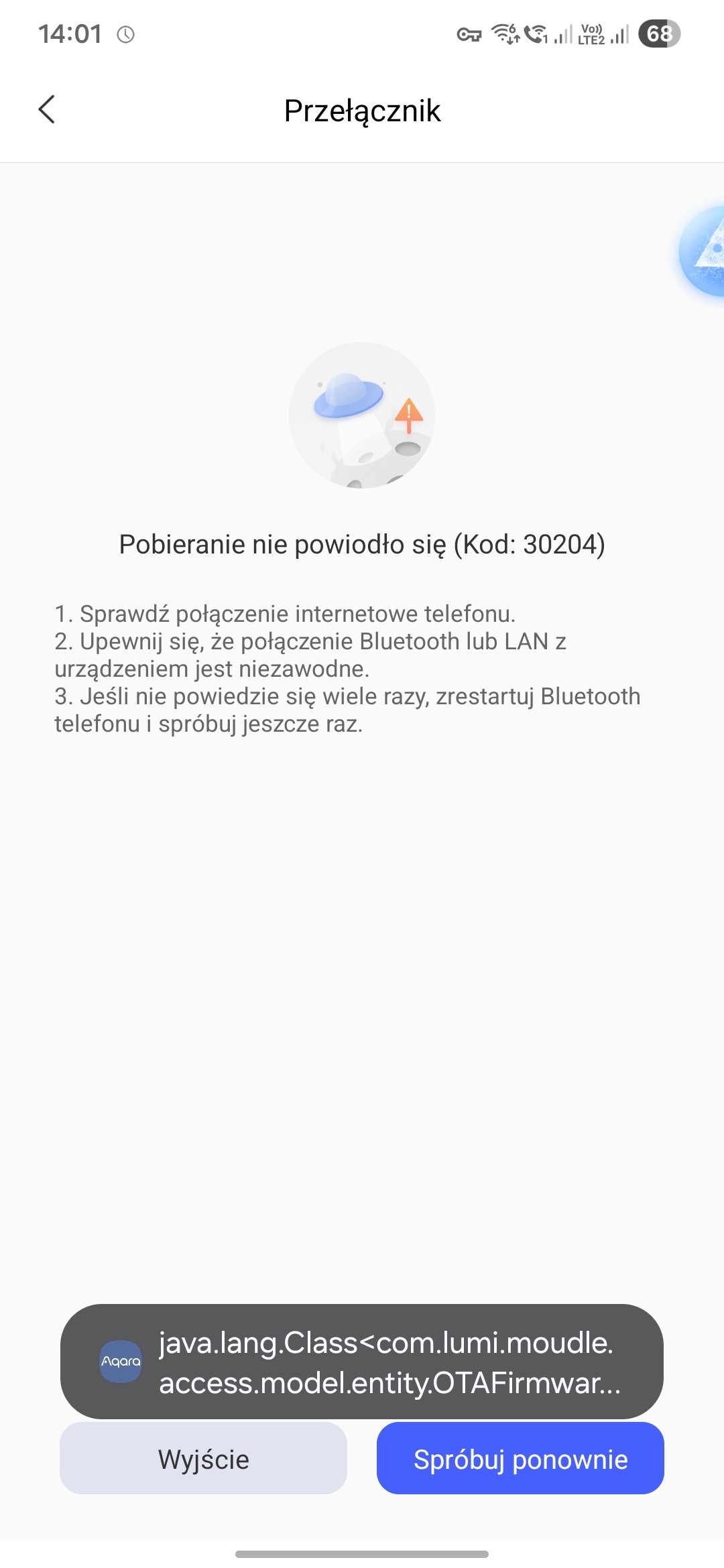
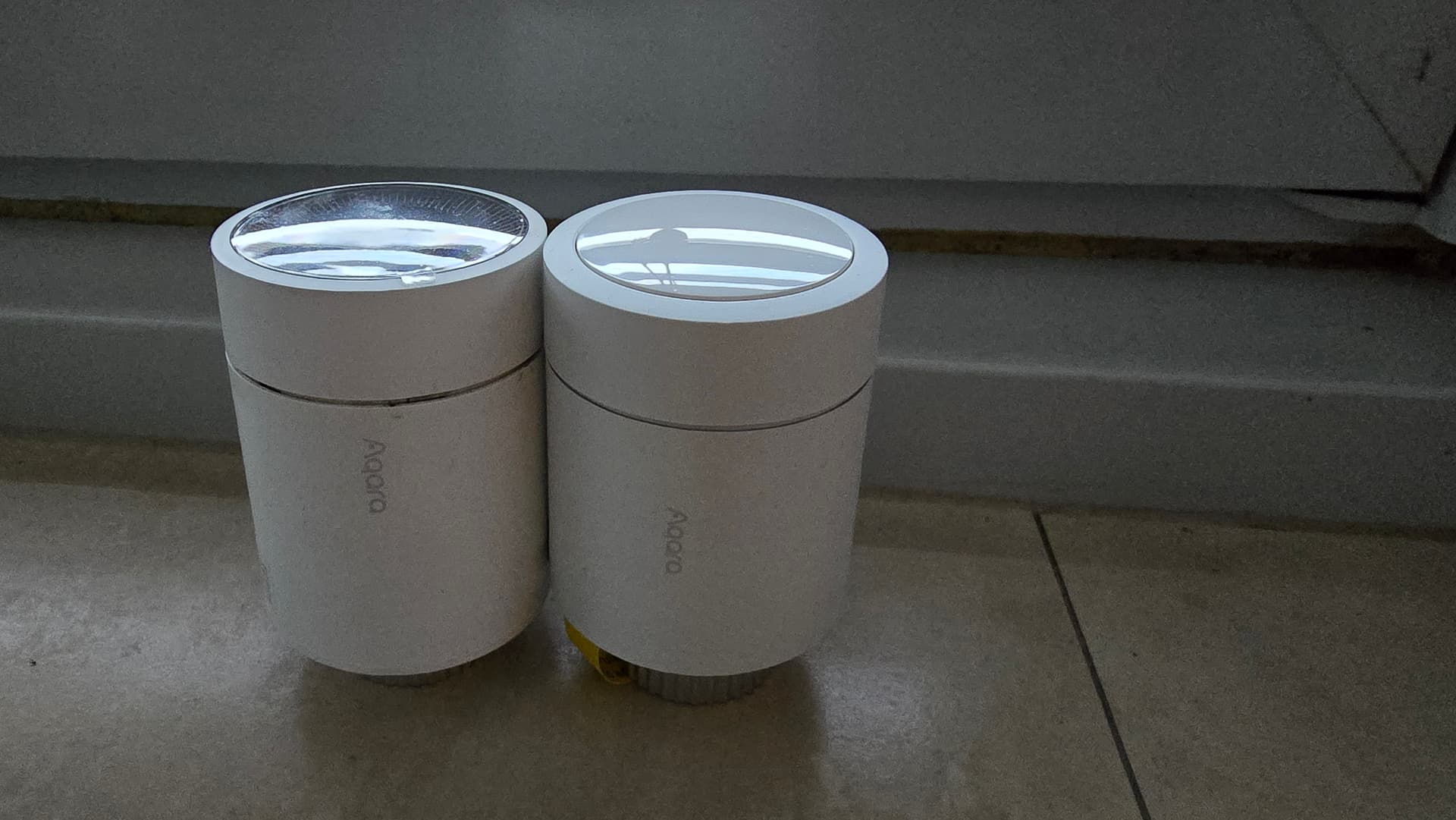
I’ve already installed it on the radiator, but I can see that there’s a fault and it can’t be switched to Zigbee.
3 Likes
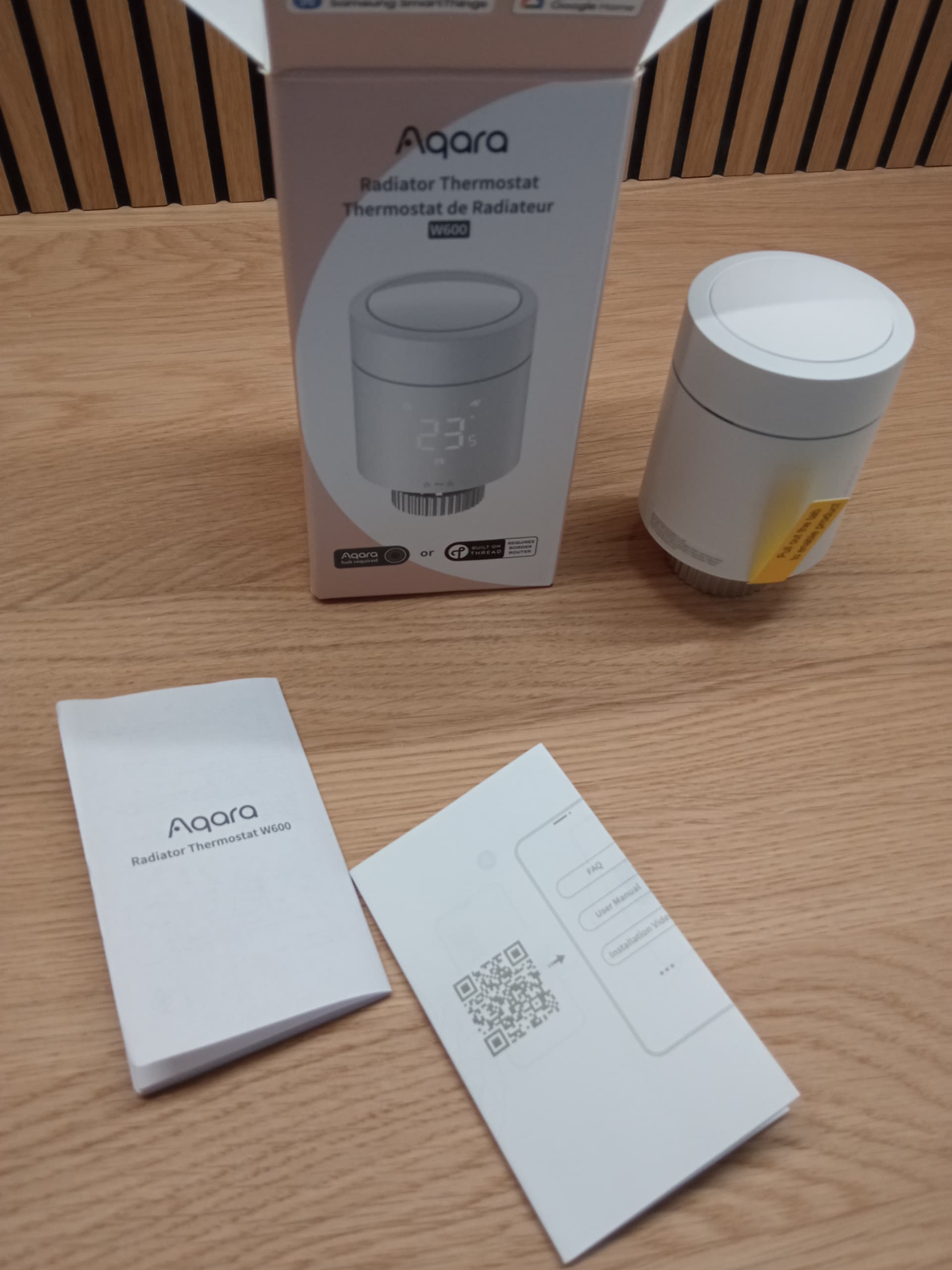
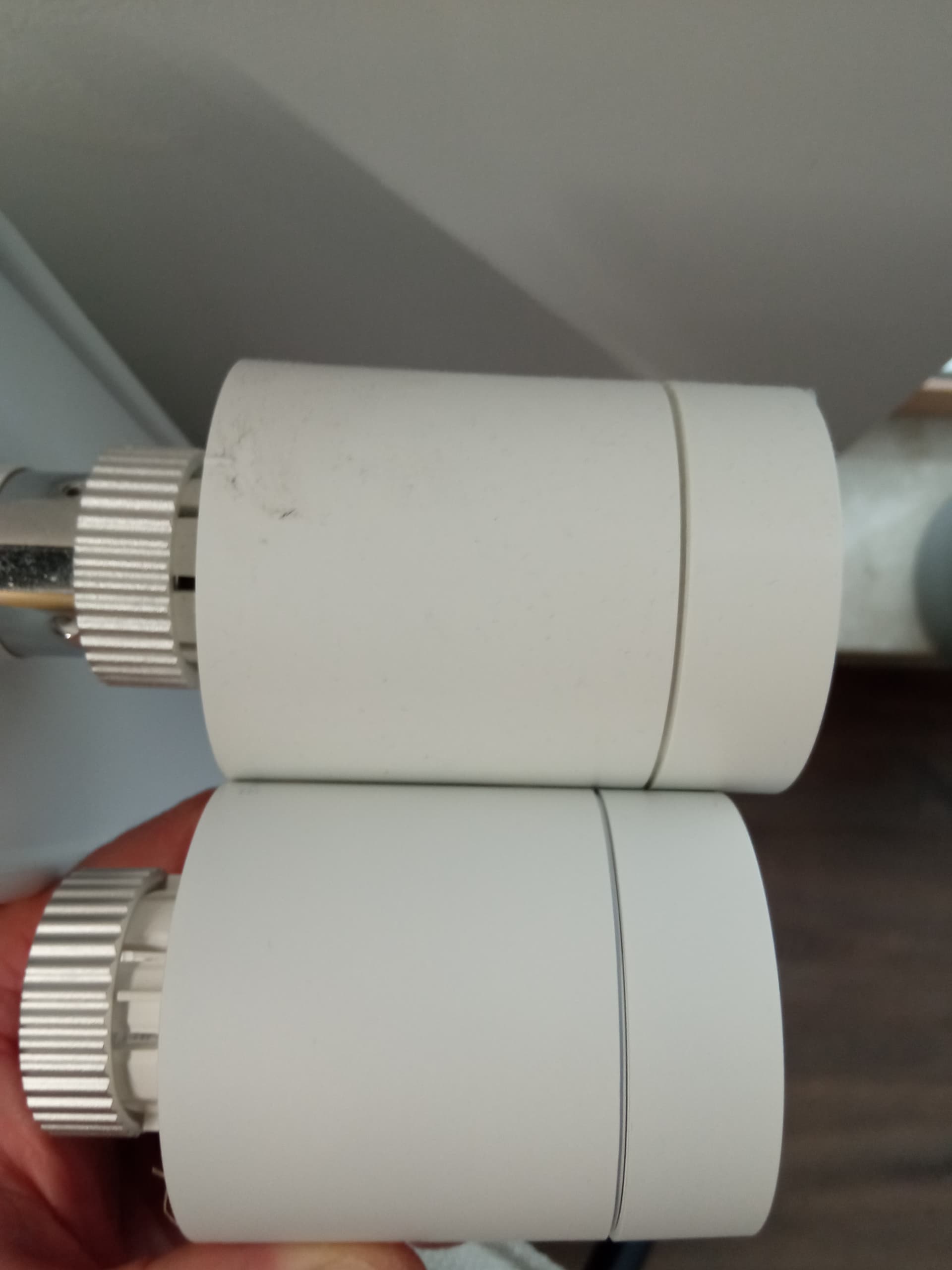
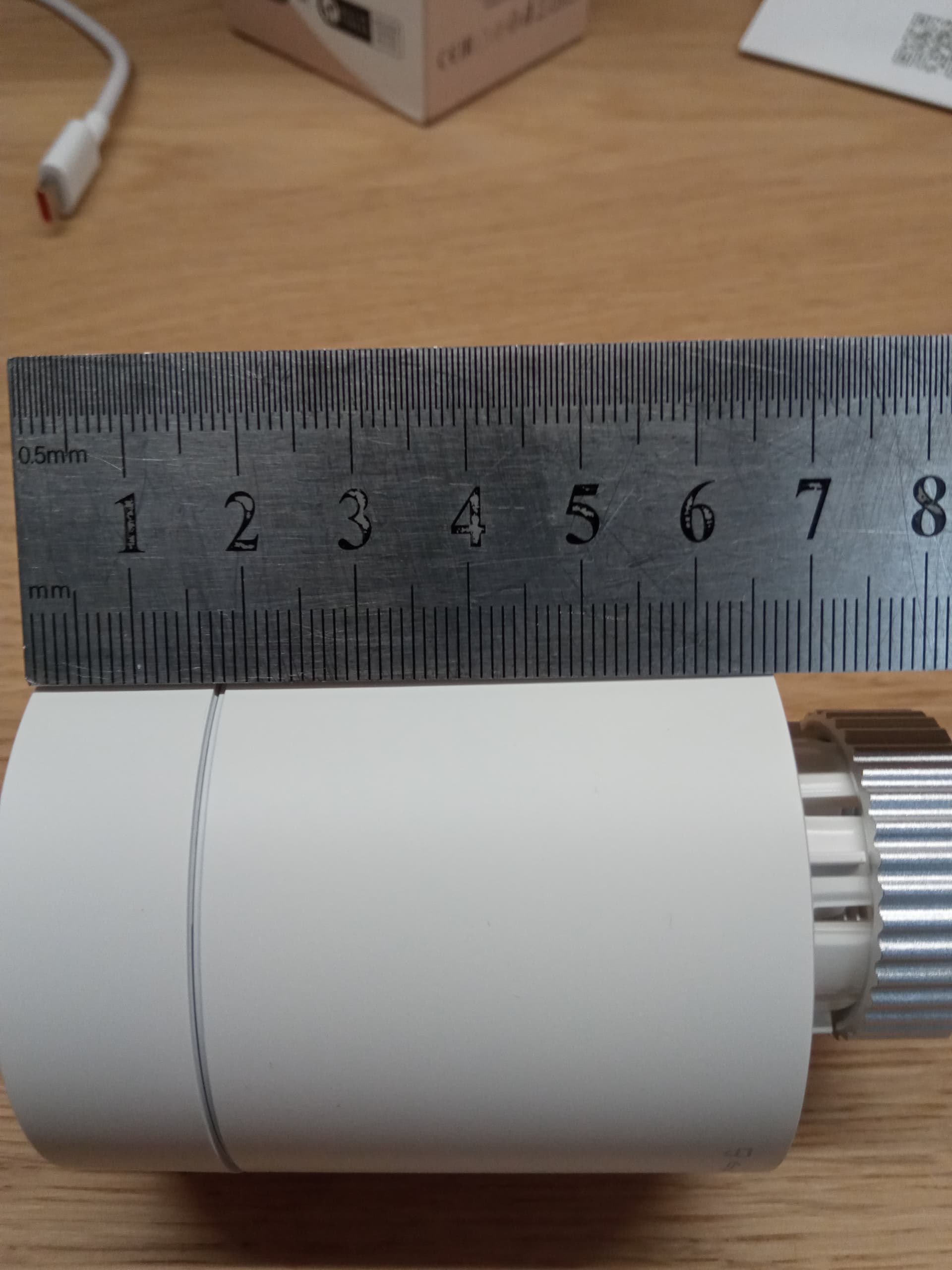
I have a similar problem. The thermostat worked out of the box over Thread (it requires a 2.4 GHz Wi‑Fi connection to provision), but that protocol offers few customization options. When I try to switch it to Zigbee, an error occurs and setup cannot be completed. Error message: “java.lang.Class<com.lumi.moudle.access.model.entity.OTAFirmwareEntity> has no ze…”
3 Likes
Update the firmware in Thread mode.
What hub are you using?
@pach14
2 Likes
M3 hub, no new update in thread mode, firmware wersion 0.1.1.0
3 Likes
My unit just arrived as well. I also want to use Zigbee with Home Assistant, but I can’t configure the Zigbee protocol — it shows error code -1002.
2 Likes
I assume the firmware is not officially released yet (similar like with the FP300s) and that’s why the switch is failing. Let’s wait and try again in a bit 
3 Likes
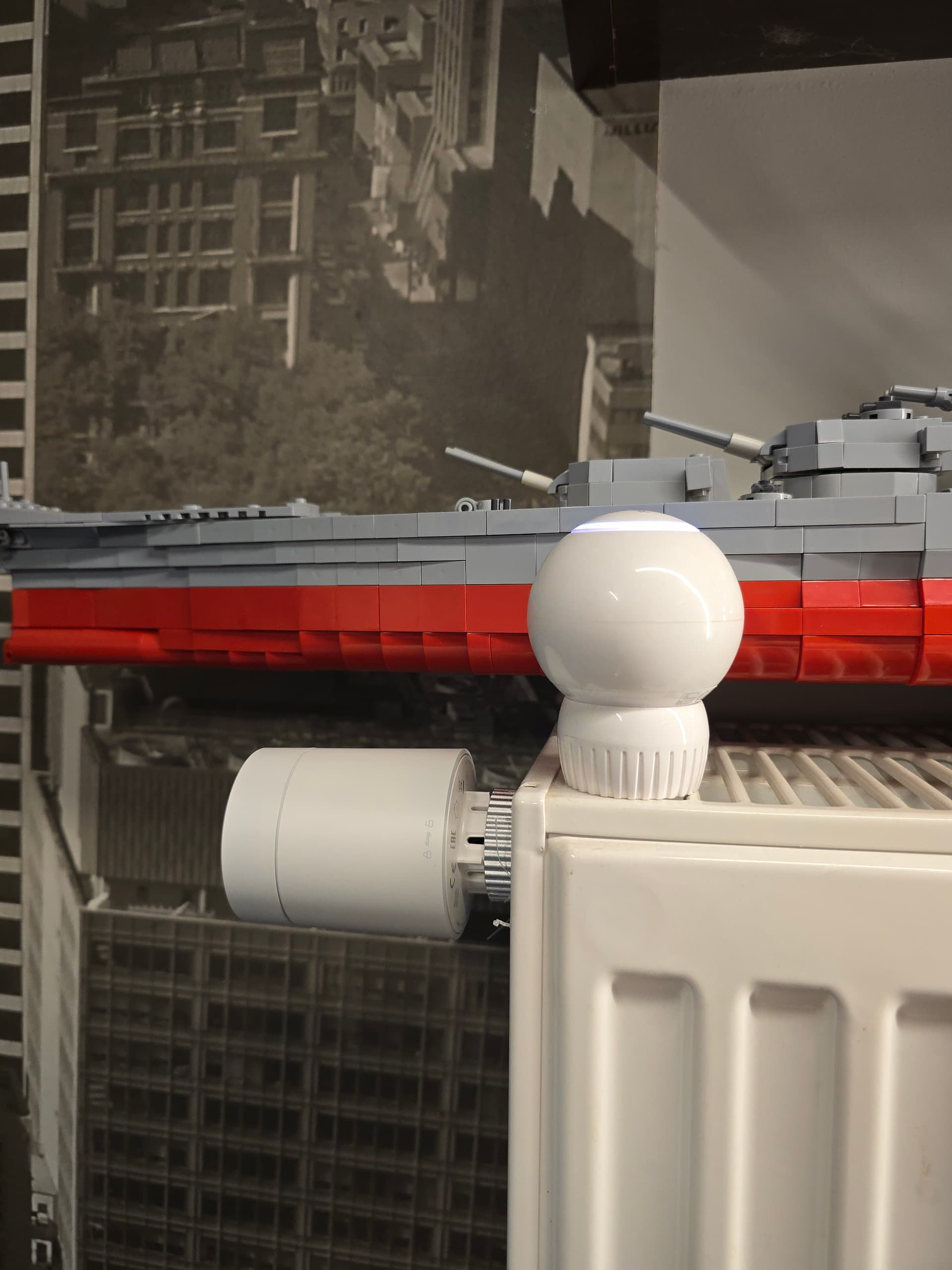
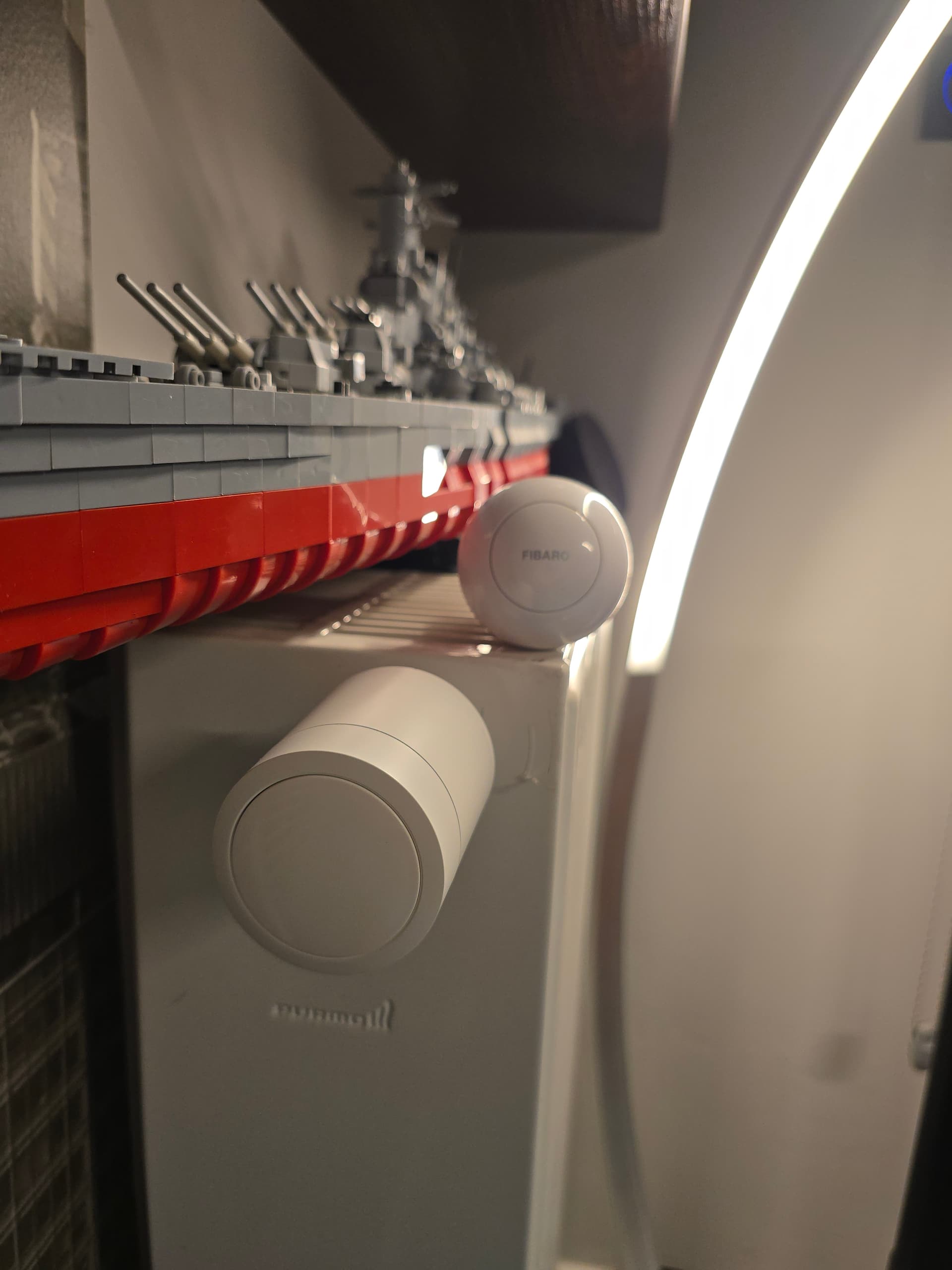
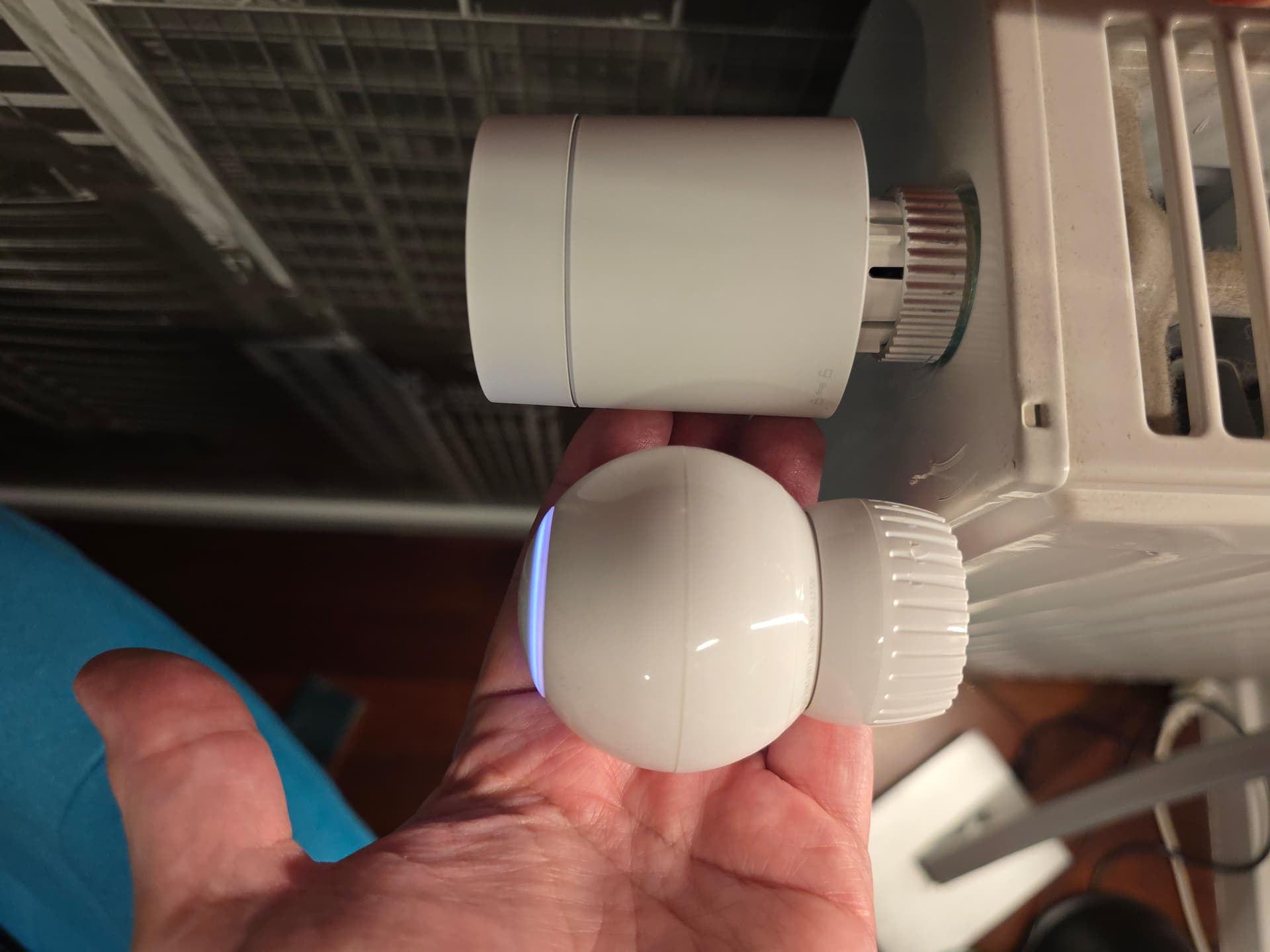
My device arrived today. I also noted that zigbee protocol is impossible to change using M3 hub. I connected at first using matter to M3 without special issues. Then I made reset and tried via Home Assistant, also without issues. When I successfuly connected to HA using sharing code once again connected to M3 and now both ecosystems see W600 , device is responsive and I must admit, comparing to my Fibaro heating valves is absolutely silent.
I’m curious how long batteries will last. Fibaro advantage is built in rechargeable batteries which lasts 3-4 months. I made also some tests with Voice control over HA and it works without issues. It reads ambient temperature, it sets valve temperature, turns on and off. Device itself is bigger than Fibaro valve but in my opinion looks much more stylish.
EDIT 29.10.2025: After Valve firmware update I managed to switch to Zigbee (I noted that few post below but I also want to maintain order of my small “first impression post”. Now I have in Aqara app much more options including schedules, manual set of freeze protection, preset options like “home”, Away"," Sleep" and more… but here there is difference comparing to manual info. I didn’t find option to change/fine tune this preset options. Maybe I didn’t find this in app but I sought carefully For me Home preset option is to high in temperature.
One other thing. In app there is information that we can choose between internal and external temperature and humidity sensor. External could be with humidity what seems to be obvious but internally there is only temperature option.
One additional remark. After switching to zigbee and recalibration I noted temperature error on valve display even though temperature seemed to be ok. After another recalibration icon stopped to flash.
Valve in zigbee option works also without problem in HA , moreover it accepts without problems scheduler from HA previously set by me for Fibaro valves for my testing room.
7 Likes
Have you updated the hub’s version?
4 Likes
Have you updated the Aqara hub’s version?
2 Likes
We have re-released the version. You can try switching again when you have time. Precondition: Update the Hub to the latest version.
5 Likes
Hub is in latest version but right now it installs valve update. Will see
2 Likes
OK, after update to 1.0.0.0 it works. Update lasts very long and was 2 times stopped but it works and I’m in shock how much more options do we get comparing to matter/thread option. Why? Besides of that, maybe it is only personal impression , device is slightly more responsive. It wasn’t problem in matter but i noticed that
1 Like
Yep, I am on the latest wersion o hub firmware. Today I received notification about new firmware for valve (version 1.0.0).
3 Likes
After the update I switched to Zigbee and the difference is like night and day: schedule, external sensor, open-door detection (but only one sensor), recalibration — none of these options are available in Thread mode.
3 Likes
Can I add it to Apple Home?
1 Like
thanks. Yes, I could switch to zigbee and add it to Home Assistant via ZHA without any further issues. But now I can’t control it, it keeps on idle (heat/cooling) as I can’t change the mode. I guess the ZHA quirk is not available yet. So for now it’s only showing me the current temperature. Let’s see and wait
3 Likes
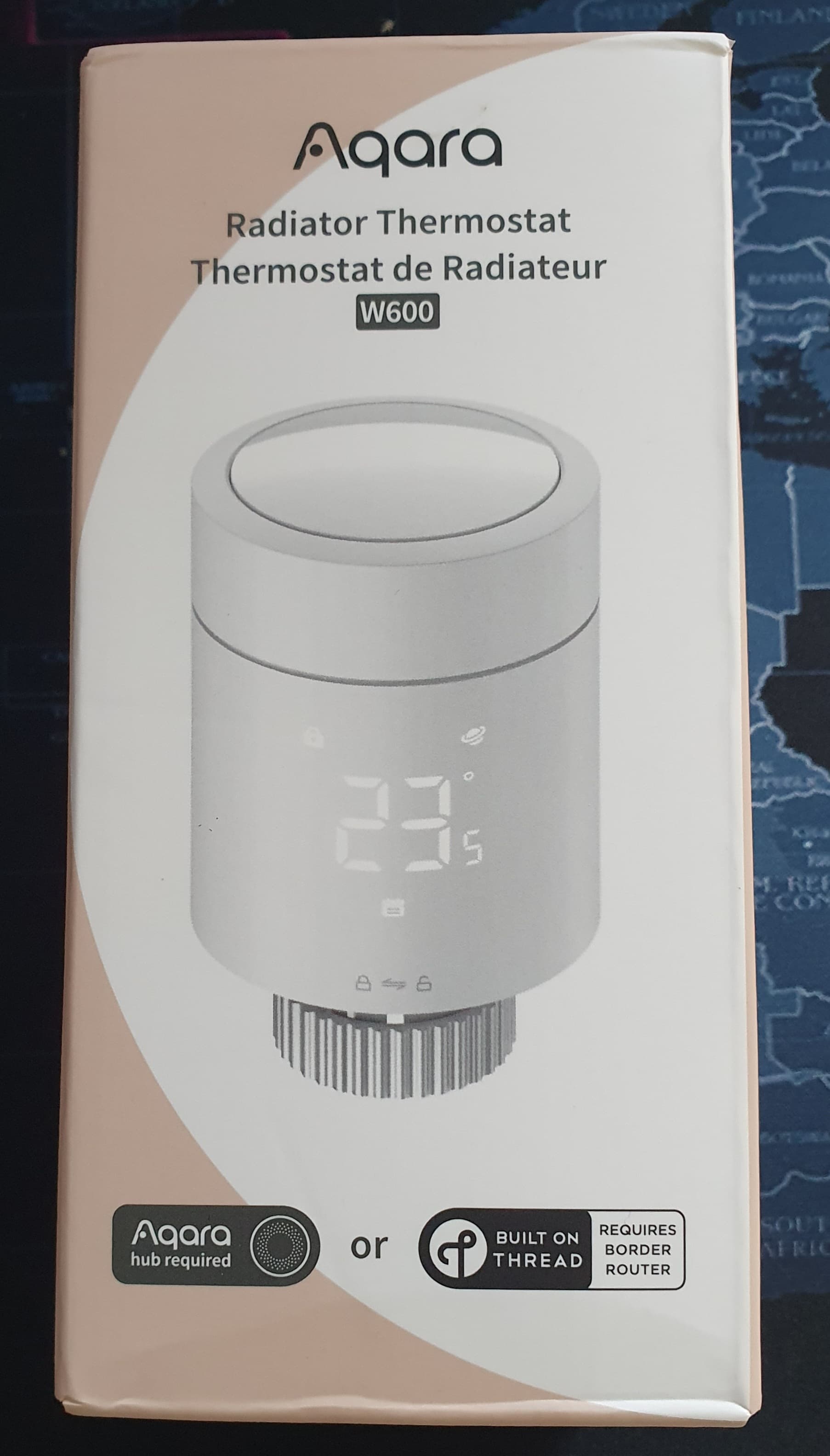
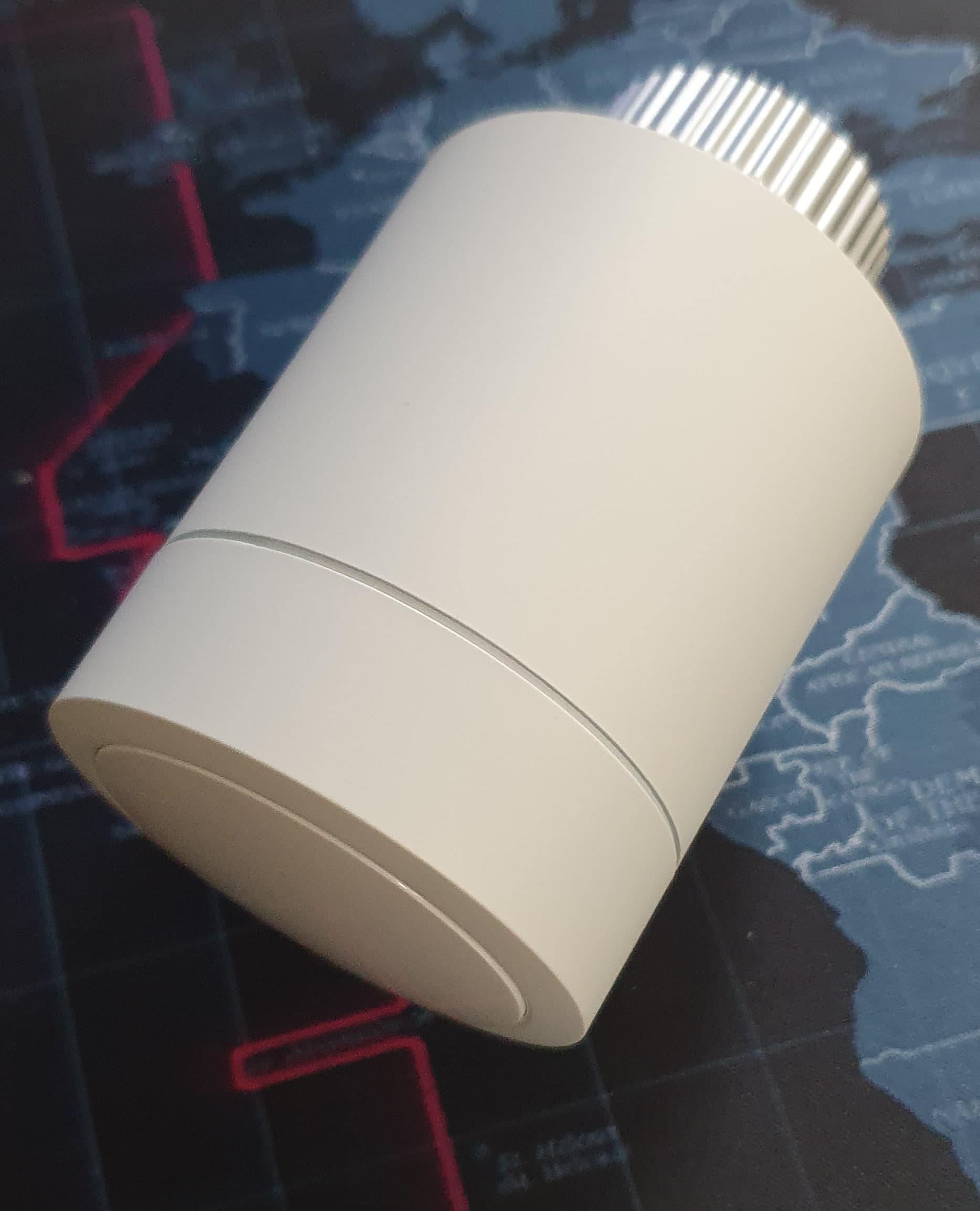
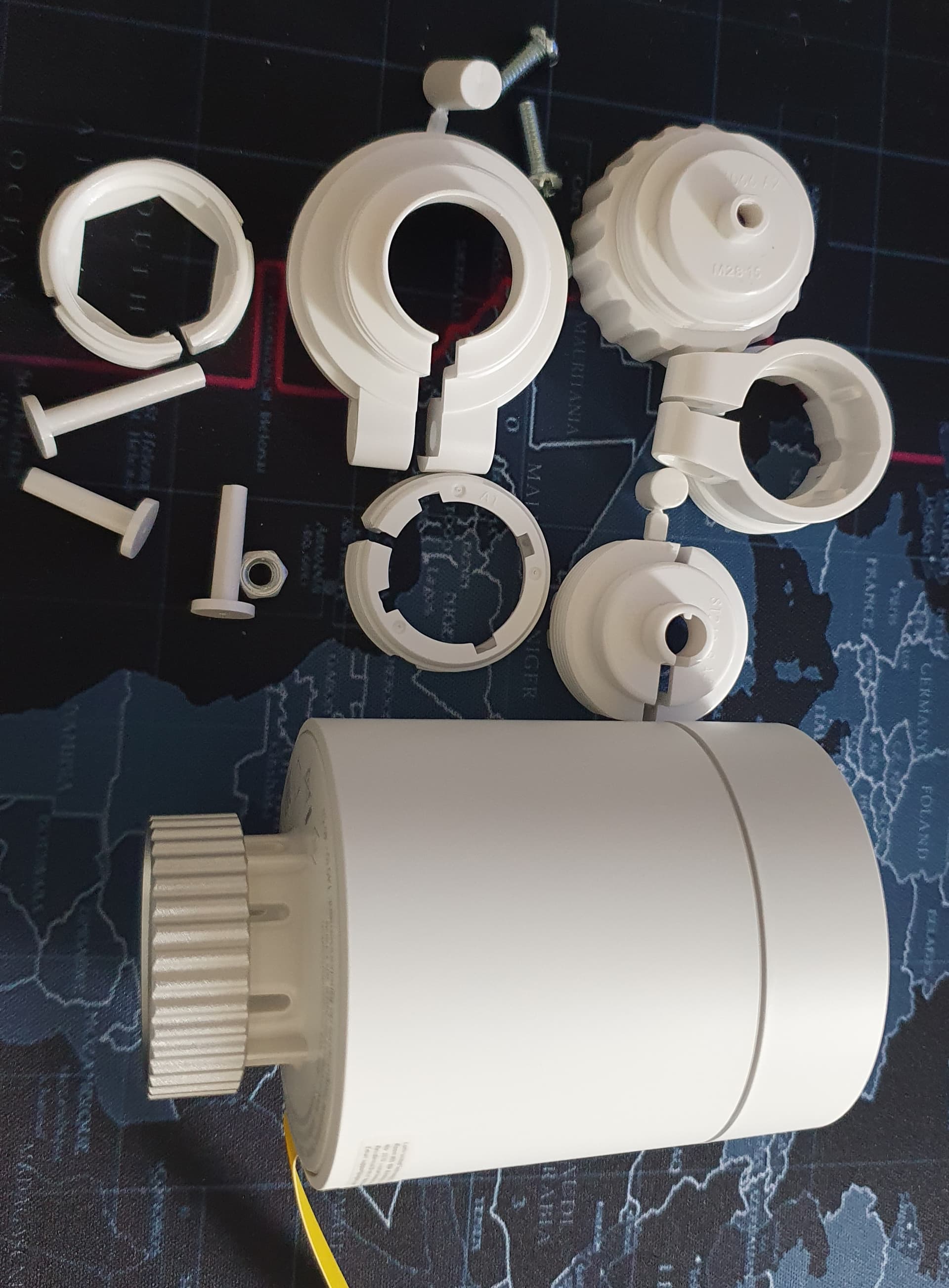
received it just now. Smaller that the ones from Tuya I already have and seems of much better quality. I will test it later.
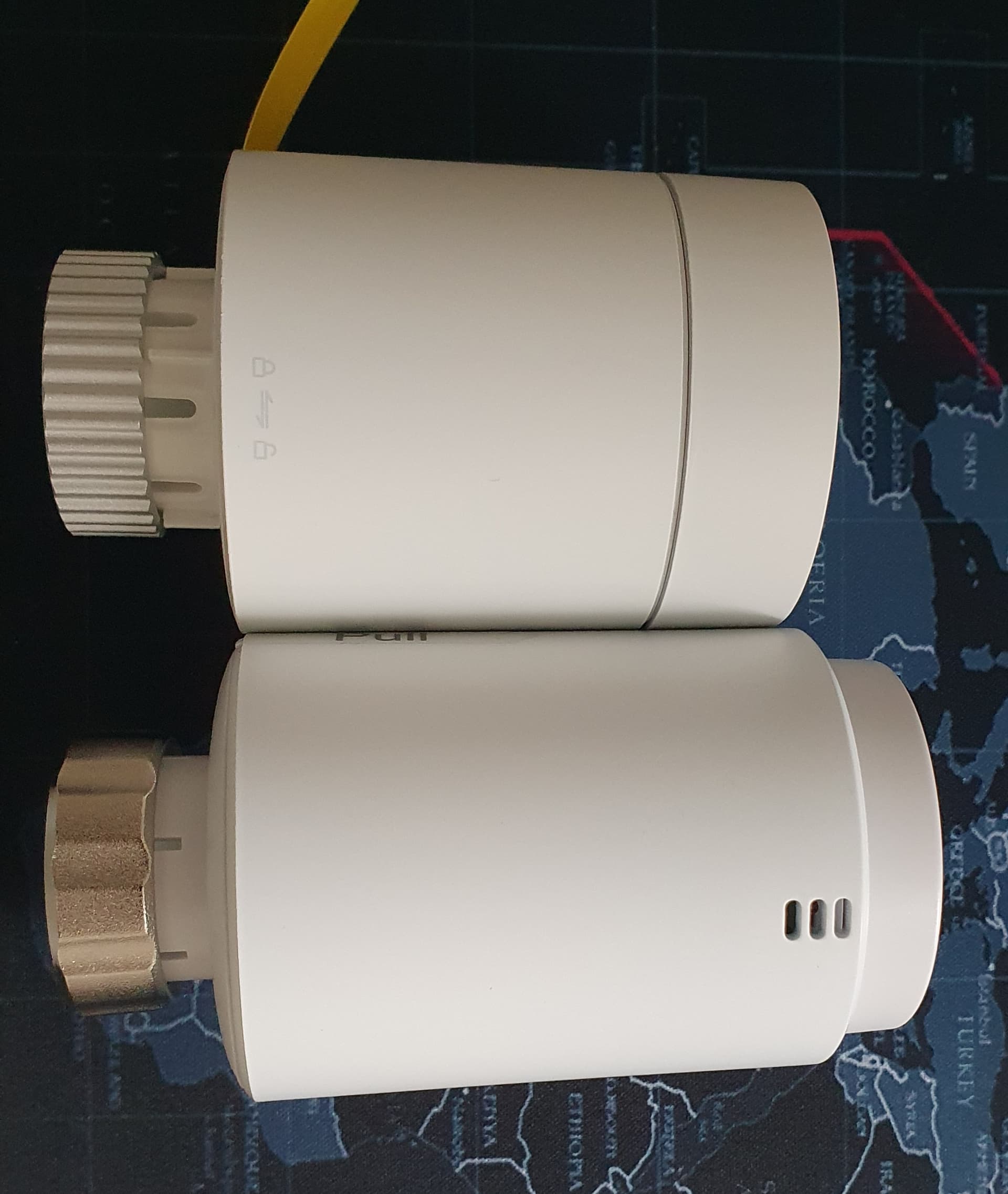
4 Likes
I removed the battery protection then the device is immediately detected by the Aqara Home app. I choose to leave it in Thread mode then I scan the Aqara QR code and I have this error:
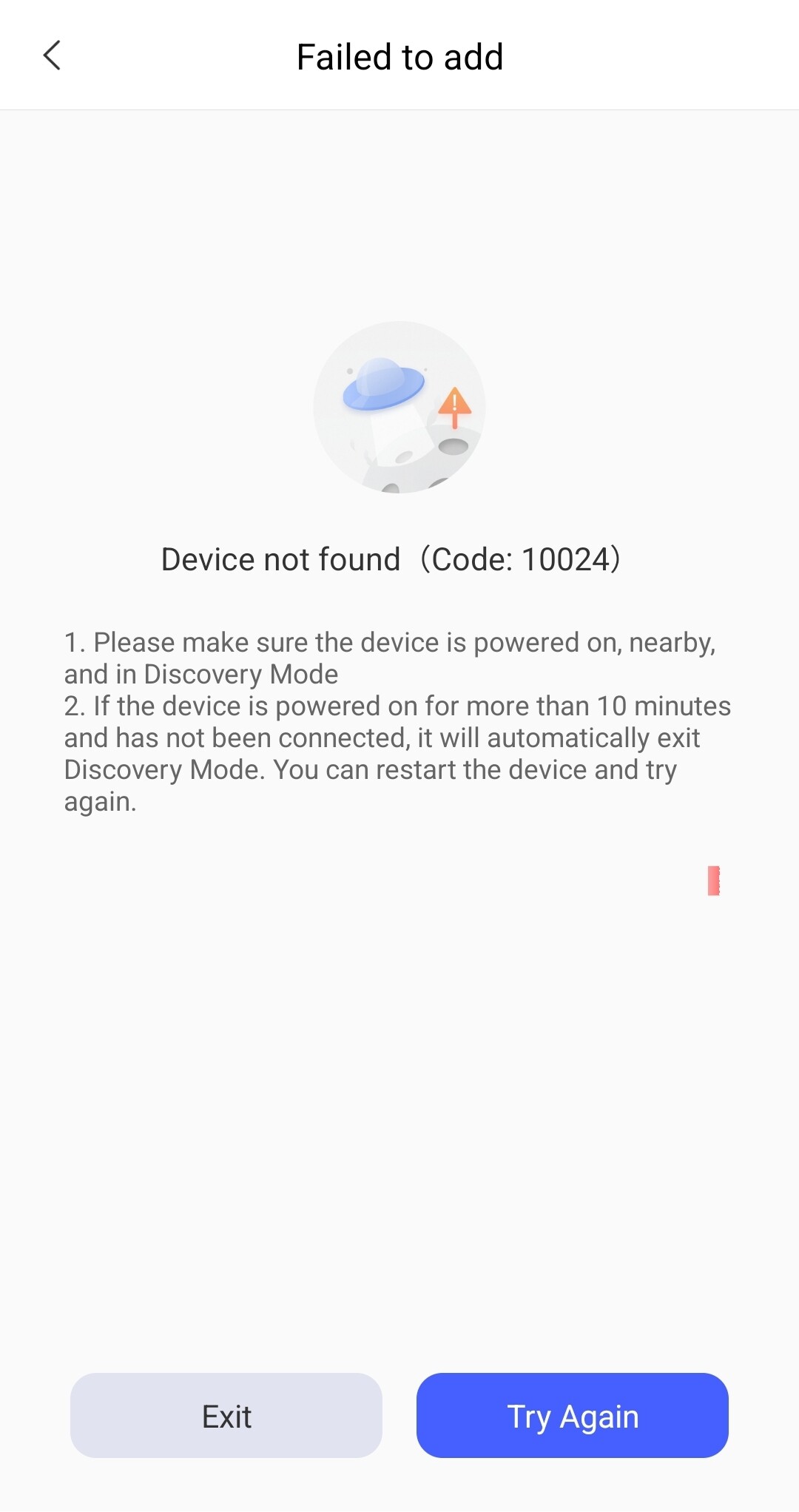
3 Likes
@AqaraOfficial can we count on one pinned thread for reporting issues? There are like 5 separate ones on the forum.
I would like to report first issue (after upgrading firmware and connecting thru Zigbee):
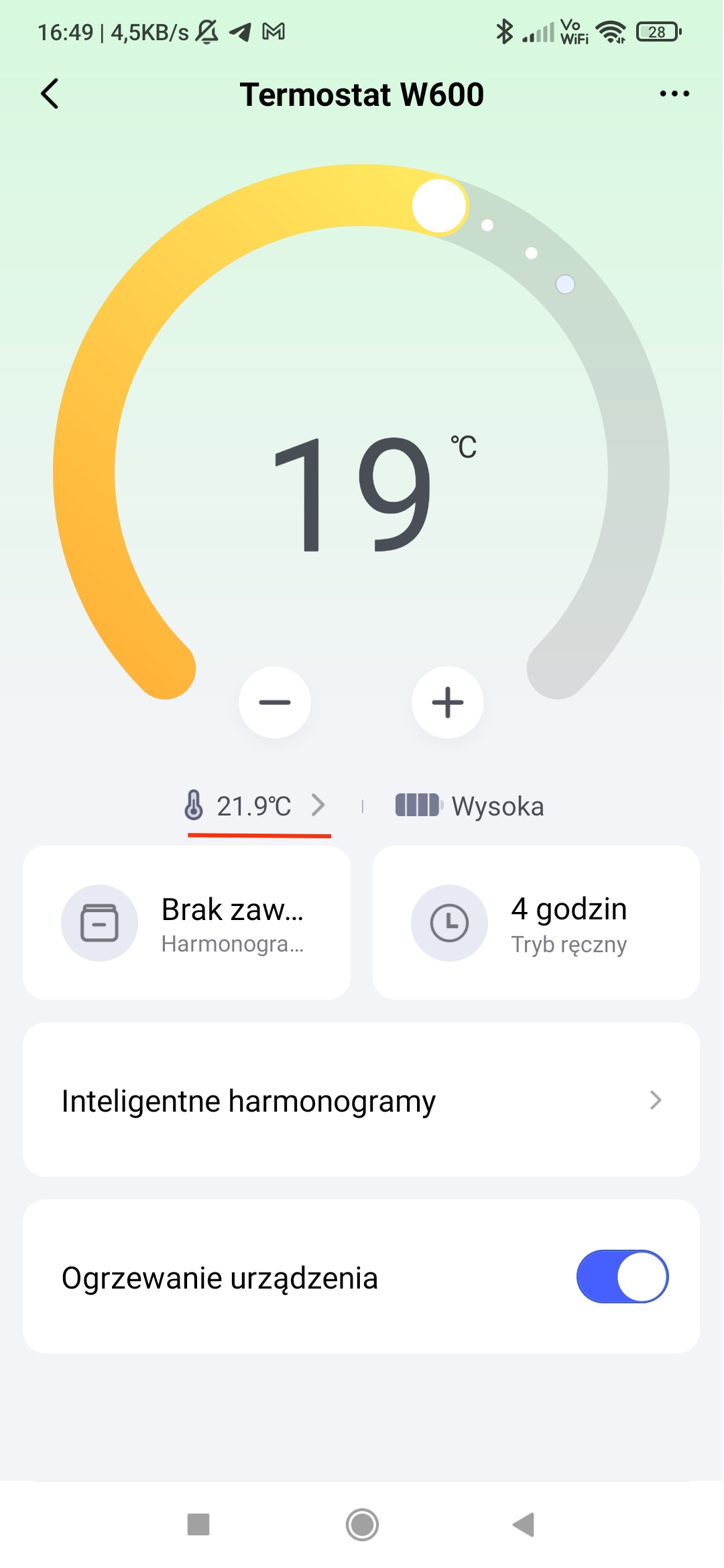
Device seems to run fine, but the value marked on the screenshot doesn’t change. I guess this is current temperature reported either from thermostat or external sensor. I am using sensor, but the value stays flat for few hours. (despite obvious temperature changes, also reflected on sensor graph).
UPDATE:
Sechdule doesn’t seem to worki at all. You can set this up, and I do like the interface and ease of doing it, but its simply dosen’t change the temperature according to set times.
3 Likes