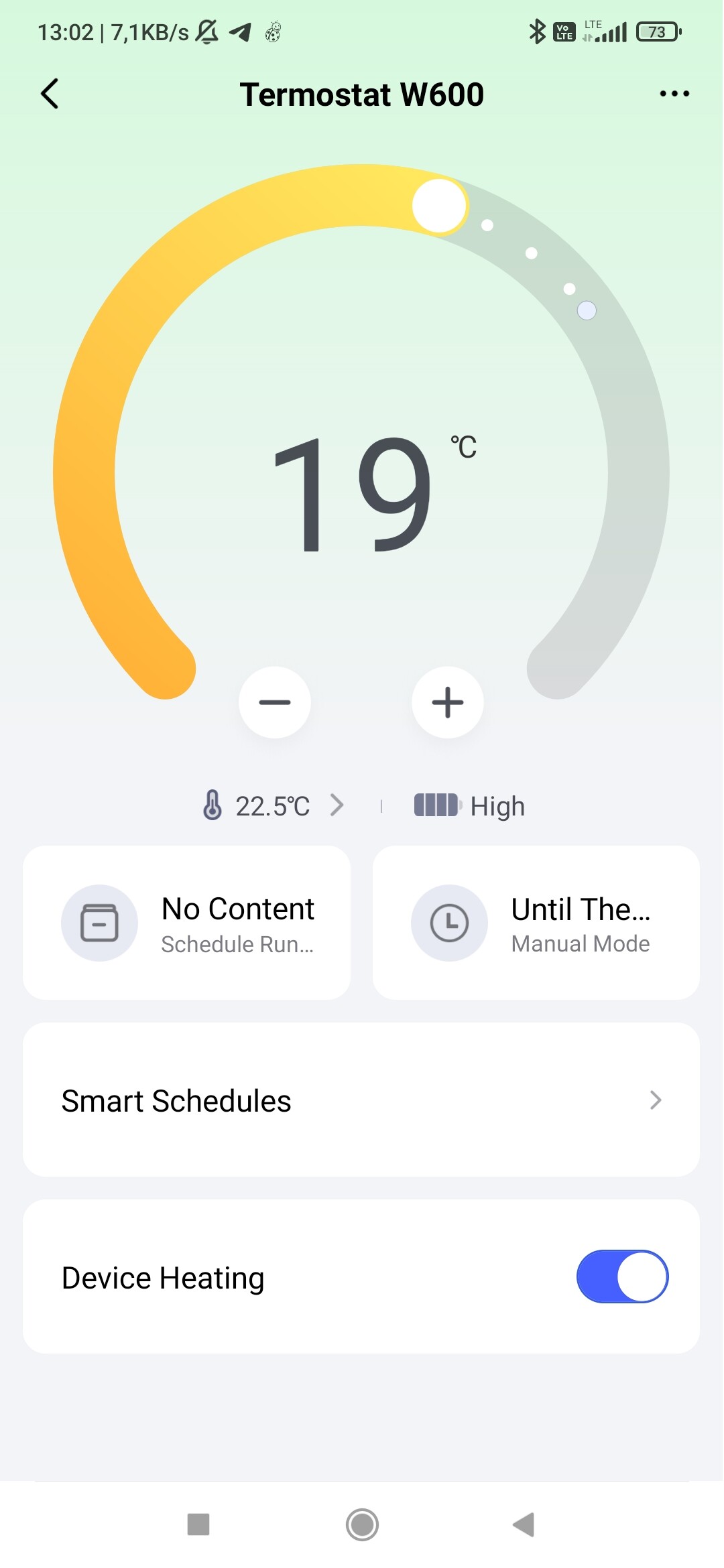
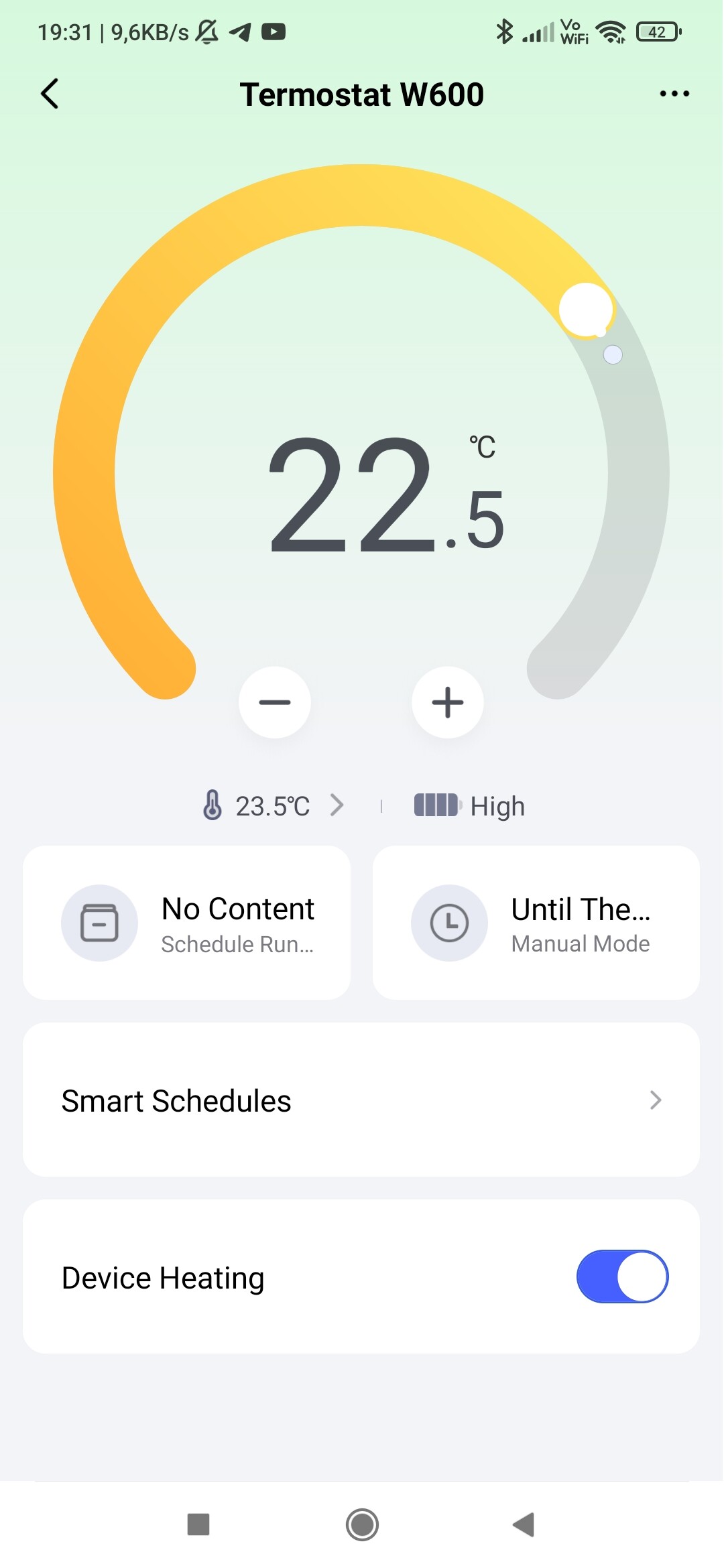
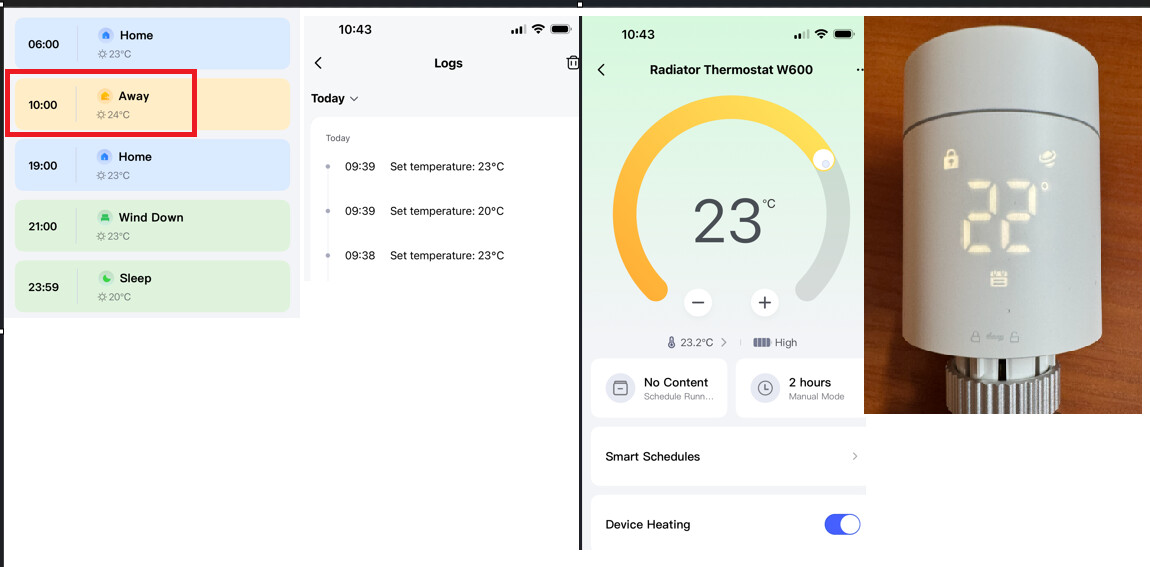
OK, that actually helped. But to be honest, it is not very intuitive way to set this up. This means, that to make smart schedule actually work, you need to set: No Content on the left side AND Until the Next on right side.
My understanding of right side button was that for example “8 hrs” means that after 8 hrs, device will return to the smart schedule time slots. But it doesn’t seem to work this way. Actually to return to it, you need to set “Until the next”. Is this intended behavior?
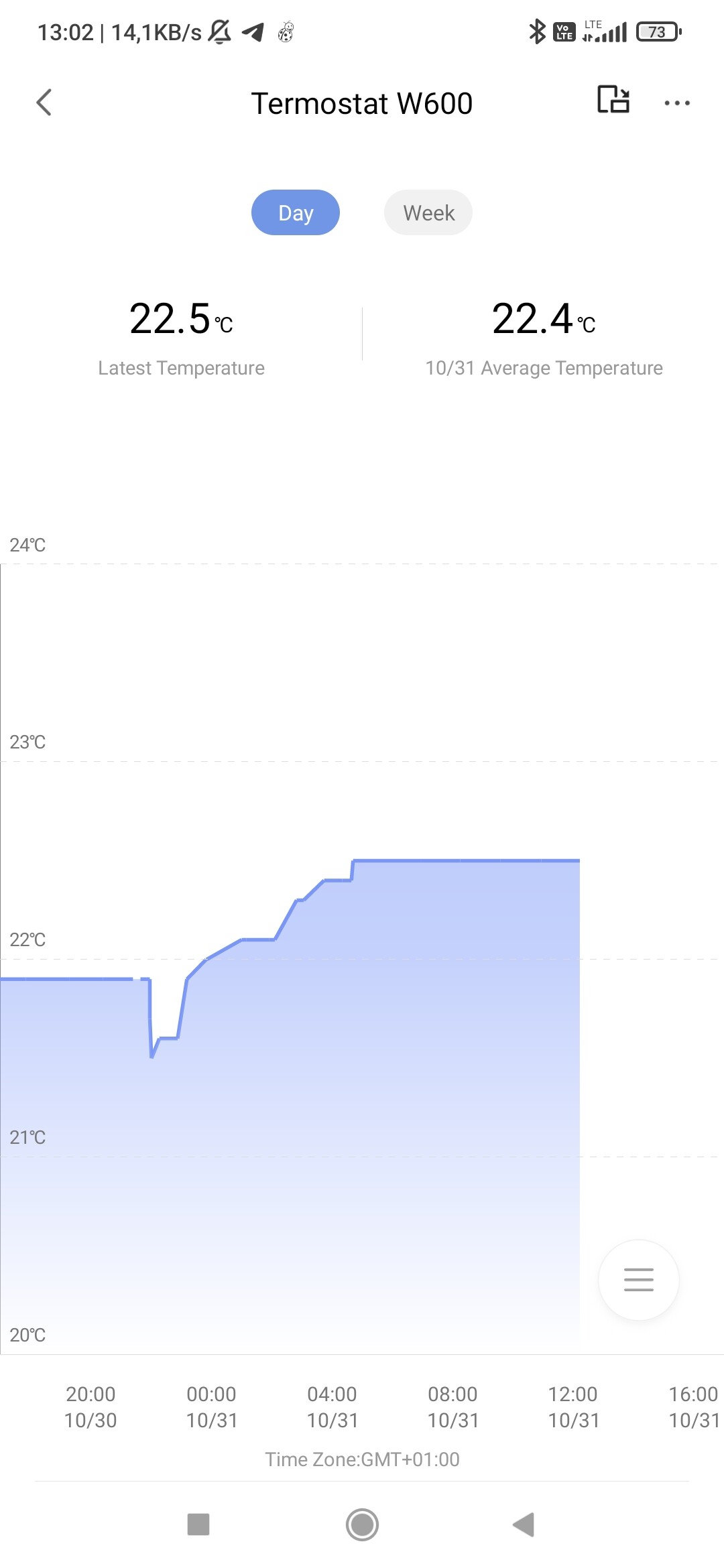
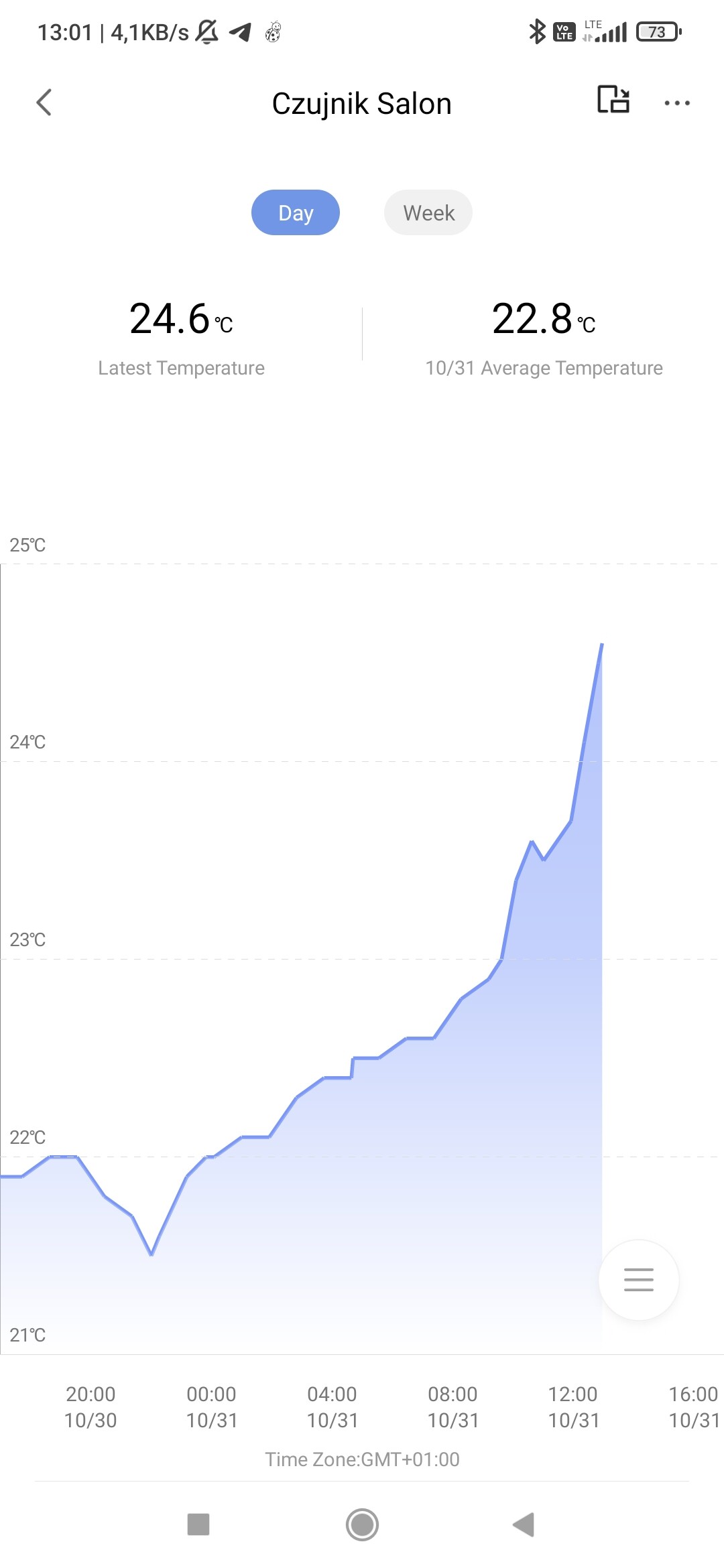
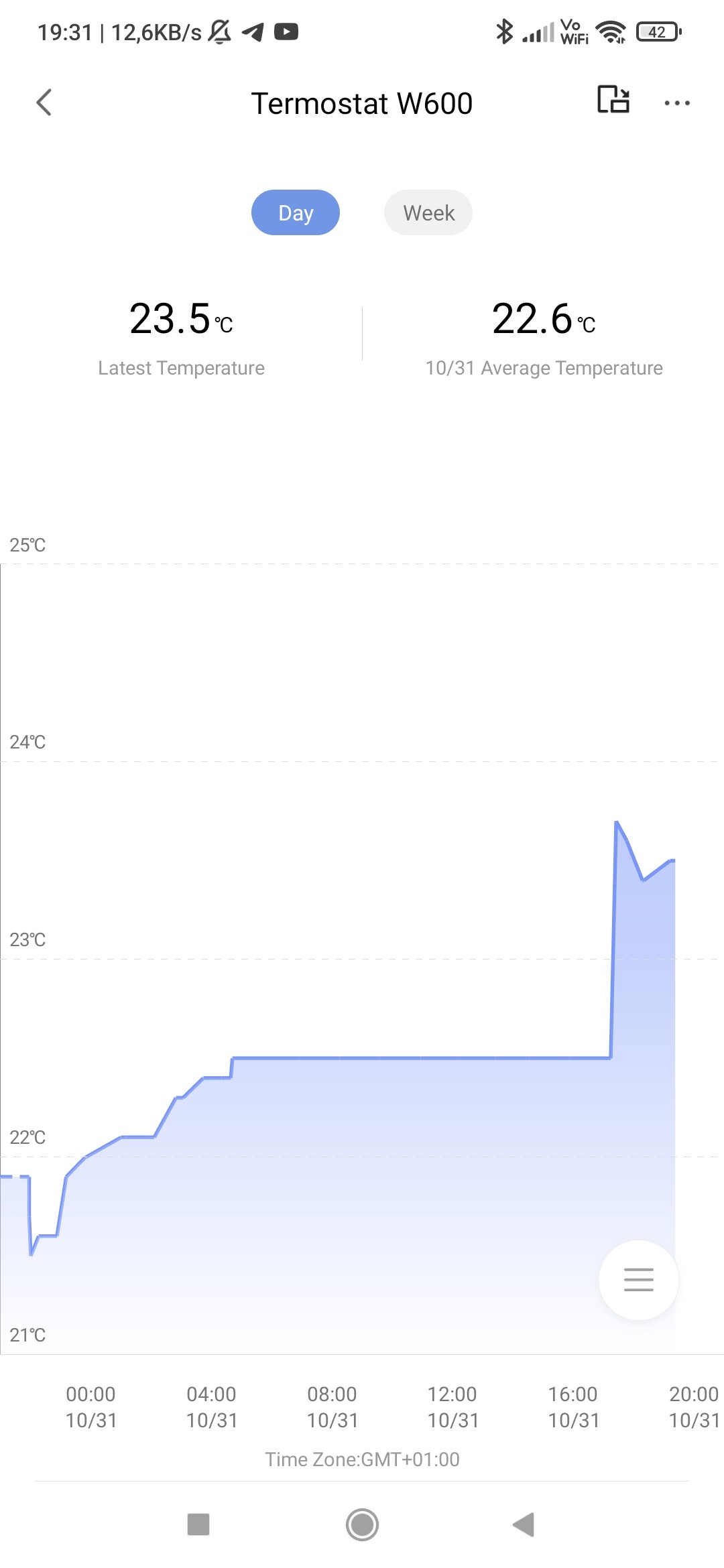
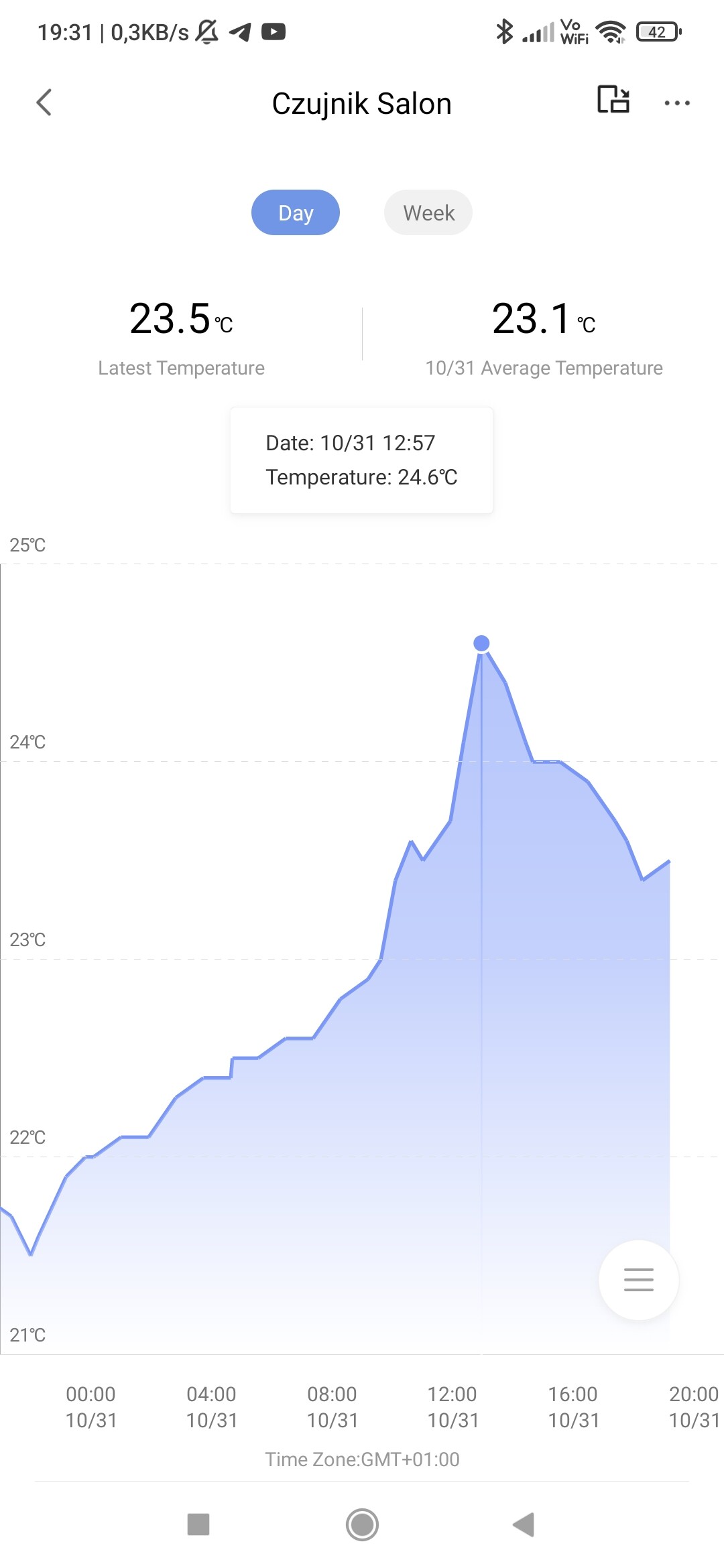
I still see discrepancy between temperature graph from thermostat interface and graph from external sensor itself. At least it is changing at all now, but changes seem to be much less frequent than on the sensor. I will share screenshots later.
You’ve understood it correctly. The logic we are currently implementing is indeed the first scenario you described, not the second one. However, the schedule time you previously set happened to fall within this cooling-off period, which resulted in the non-execution you mentioned earlier.
Right now, it is running according to smart schedule (in the app), but judging from constant rise of temperature in my living room, it seems that the valve is open all the time. it is set to 19 degrees in the app (according to schedule), and right now my sensor shows 24.5 degrees and keeps rising. I tried to manually decrease the temperature, or even stop the thermostat, but it seems that it doesn’t matter, temperature is rising.
I hope it will be less than 30 degrees when I reach home. Guys, seriously, it is not funny at all. Anyone can confirm similar issues?
Here comes update:
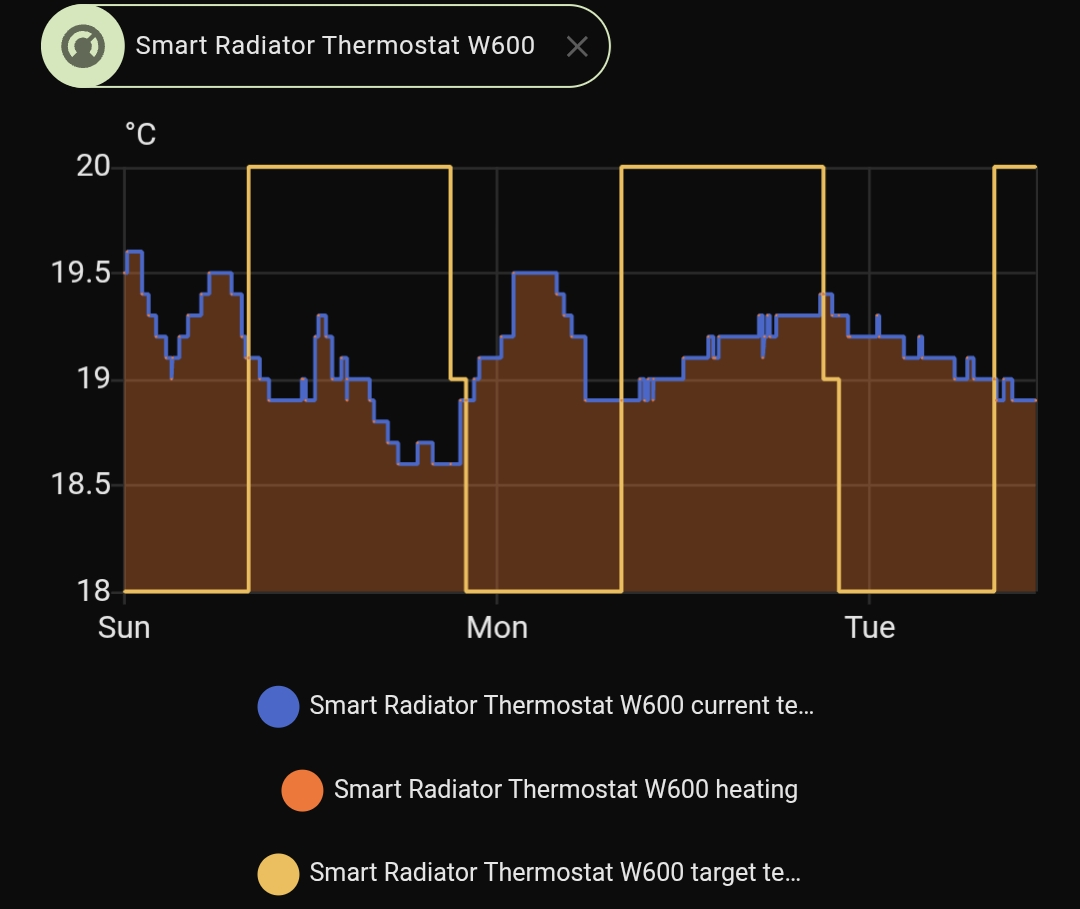
When I reached home around 17:00, the radiator was still warm, not hot, but I guess the valve was open a little bit. As you can see on the graph, temperature started to drop around 13:00 (there is no such event in schedule, I tried to stop heating by manual lowering the setting, but it was going back to schedule anyway; and by the way the scheduled temp was 19 degrees, so it should not heat anyway).
Around 17:00 i pulled out batteries, and after re-calibration it finally closed valve. You can see that it started to report right temp from external sensor. Observation continues.
Some features weren’t working for me, but after a hard reset, they’re working now. Double-click and hold for 10+ seconds on the third click. Then reconfigure it.
Remove the battery for a few seconds — this seems to have resolved most of my problems (the temperature graph is working now and the flip-screen setting works), but on the other hand the widget only shows “—”.
We’ll see if the smart schedule starts working; after that I try to set the non‑intuitive options correctly. I also still don’t see an option to add more than one open-window sensor.
IMHO, smart devices should be smart and time‑saving, not expensive and requiring lots of workarounds. Configure once and forget.
Hello and thank you Aqara team for the opportunity to test the new product W600
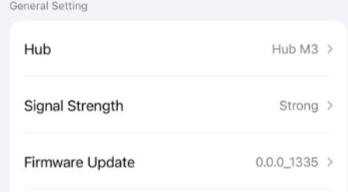
Let me share my first impressions too. My setup – Aqara App, Zigbee, M3, Signal strength - Strong
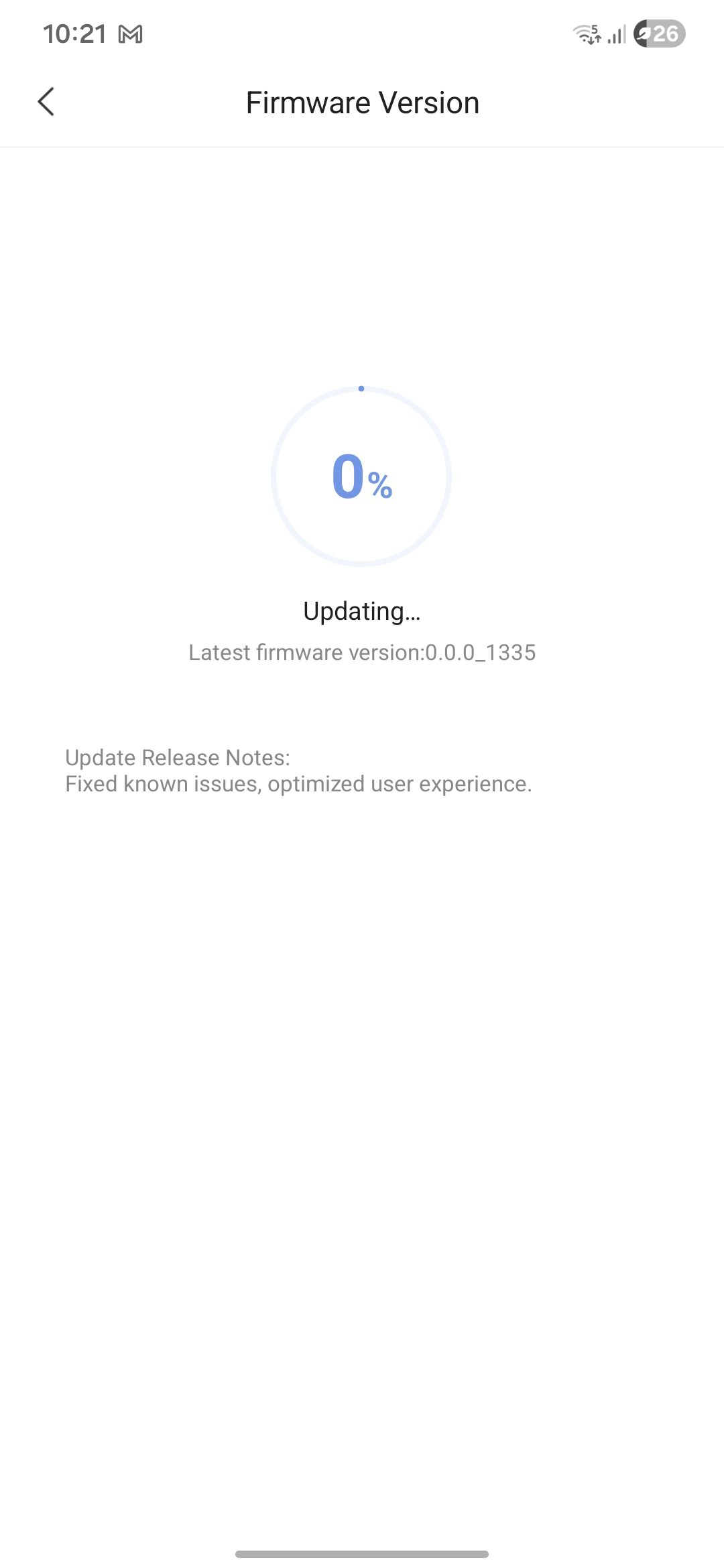
The installation, configuration, calibration went smoothly as expected (I had the latest version of the M3 firmware).
The W600 is much quieter than the E1.
Тhe interface is nicer (at least in my opinion)
More options for setting up the schedule have been added, but that’s where the positives end.
Issues:
Like most of my colleagues, my schedule doesn’t work, or at least not as expected.
If you change the temperature through the aqara app, it does not affect the valve. It usually always shows the same one and you have to click the button to change it.
The Child Lock doesn’t work - I enable it from the Aqara app, but it doesn’t affect the valve and the temperature can be changed from it (workaround - I remove the battery for a few seconds and then it works, but only until the next time the function is turned on/off).
It’s like there is some problem with the communication from the Aqara app to the valve. If you make any changes, they are not reflected in it. (After restarting it works for a while). Conversely, if you change the temperature from the valve, it is immediately reflected in the app.
These are my first observations. I will write again when I gather more details.
Hi, child.lock wasn’t tested by me from app. When I read your comment I checked my device and it seems that works well (zigbee) I turned CL and valve was blocked. On still turned on display I clikwd CL on off in the app and child lock icon almost at the same moment was turning on and off.
Yes, after restarting the valve it works and then stops until I restart it again. I guess this is related to the communication with the valve, which I also wrote about.
Hi, did anyone manage to get the smart schedule working on the W600? After a restart I set three scenes (Day 20°C, Quiet 19°C, Sleep 18°C). The setpoint appears to change according to the schedule, but the temperature hardly follows — after two days the room temperature stays between 18.6–19.5°C, and nights are consistently warmer than daytime. Logs show the setpoint is being sent on schedule, so it looks like the W600 is ignoring the settings. Any ideas or experiences getting the schedule to actually control room temperature?
Due to the fact that I have in the same room two temperature sensors , first one from my Fibaro valve (Fibaro delivers valve with additional external sensor) and second one built in AQARA device. Both sensor show similar numbers (of course fibaro is more adequate becuase is located in more suitable place) .It seems that wit Aqara scheudle and with my HA schedule it works OK
I already wrote that the smart schedules are not working as expected and I confirm it again. (At least for me). I decided to restart the valve once again and test it, but unfortunately the same result. I set the test away mode from 10:00 for 24 degrees and… nothing. There is no entry in the logs and the temperature of the valve is different, and so is that of the app. I guess we should wait for a new version of the firmware, because it is hardly up to settings. It should be user-friendly, not rocket science. If I find something I will write…
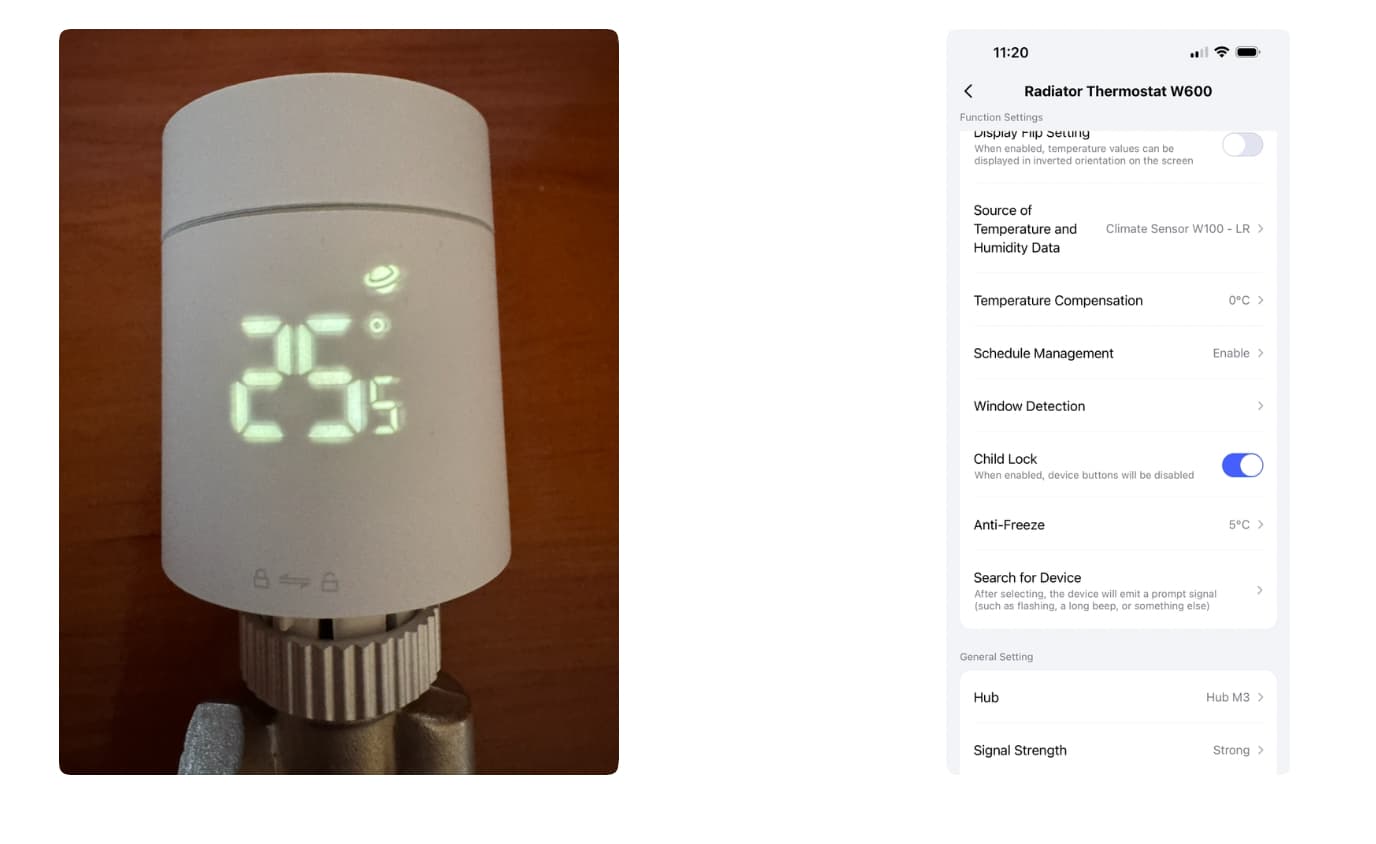
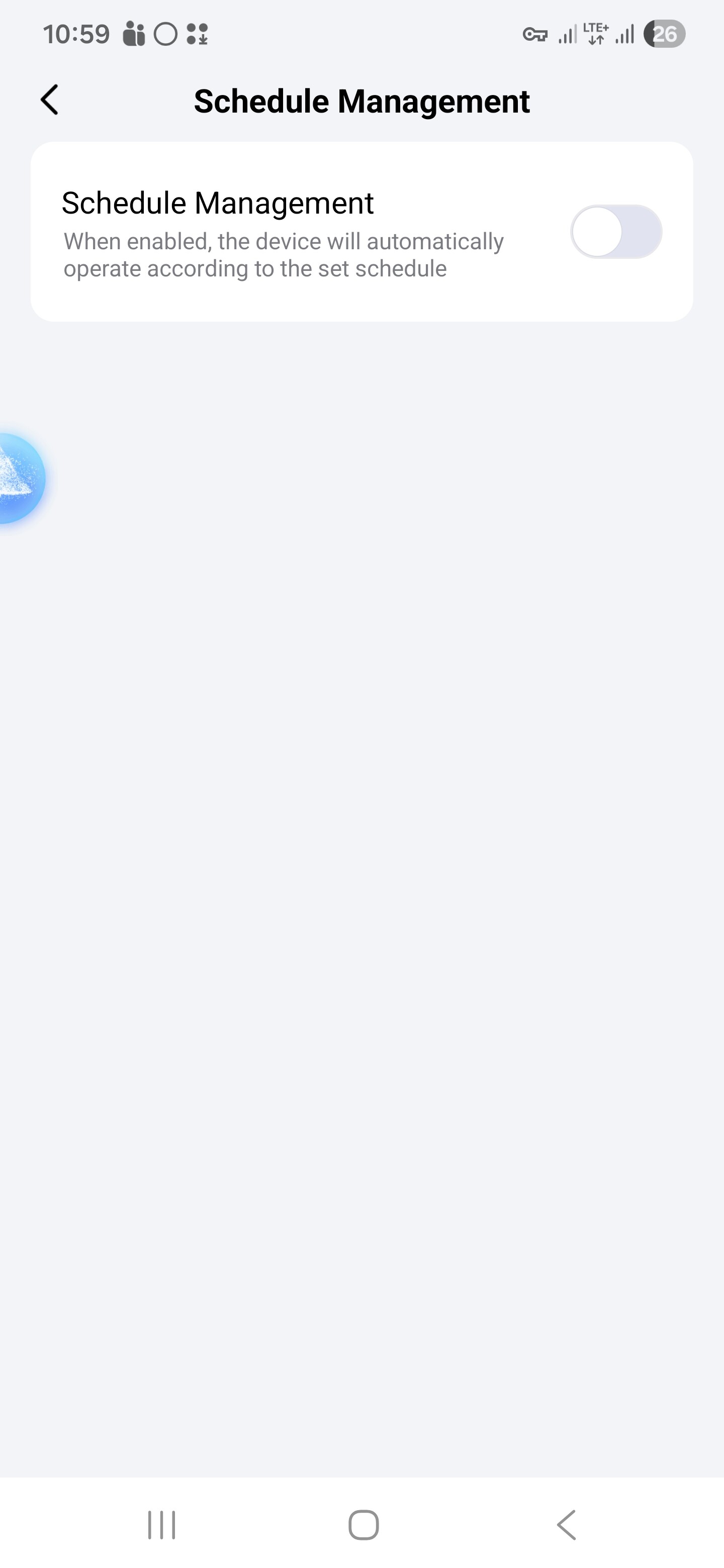
And you are sure that together with scheduler you have this setting turned on? On the screen is turned off because I use HA scheduler right now but Aqara app scheduler works fir me if this is turned on
After few more days, I confirm two biggest problems:
after a while it looses the information about real temperature, and gets stuck on certain value. I am using external sensor, but as far as I remember it is the same case with build in one. Only reset helps
even bigger issue is the fact once vale is opened, I don’t think it closes it again. Even despite temperature raising above scheduled, it continues to heat.
Waiting for firmware update, need to go back to E1 for now, since W600 now is missing its basic functionality.
And about smart schedule: it seems to work in terms of changing temperature value at scheduled times, however it is not necessary reflected in heating (or rather stopping heating).