Hello,
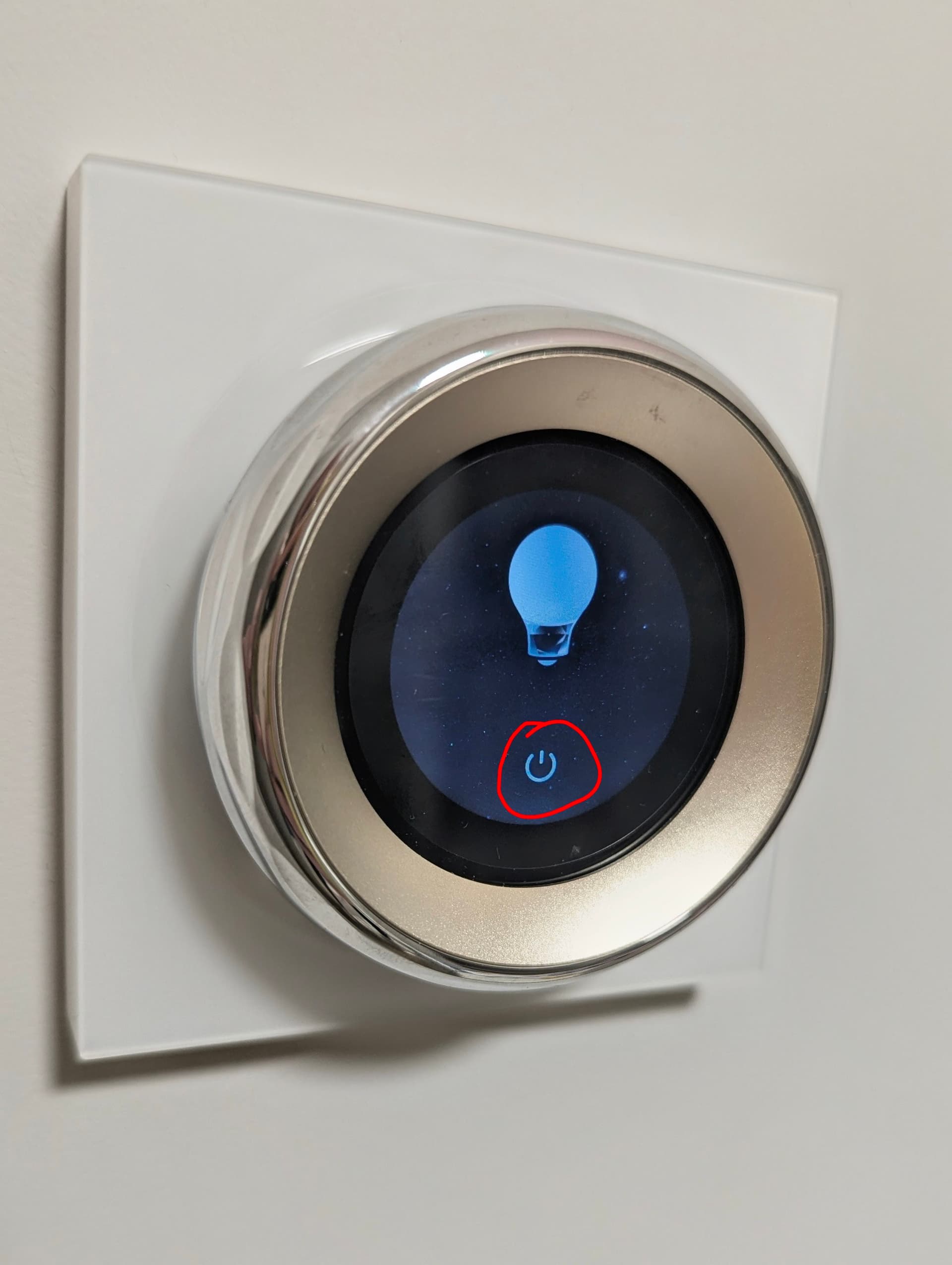
I am using the Touchscreen Dial V1 and have encountered small but annoying issue: the ‘turn on/off’ button’s active area is too small.
As shown in the attached picture, the relay only activates/deactivates when the screen is touched exactly where the power icon is drawn. The rest of the screen area surrounding the icon (where the button graphic is) does not respond to touch.
Request to Developers:
Could you please make the entire designated area of this screen element react to touch inputs, allowing users to turn the relay on or off with a less precise tap?
Thank you for considering this quality-of-life improvement!
2 Likes
@vizhy You seem to be experiencing an issue with the ‘turn on/off’ button’s active area being too small, requiring precise tapping to operate. You can contact customer support for assistance. Contact the Aqara Home App Customer Service Team (Home > Help & Feedback > Customer Service) or scan the QR code:

This will be more efficient. If you do not have an Aqara Home account, Please click here to create a ticket.
1 Like