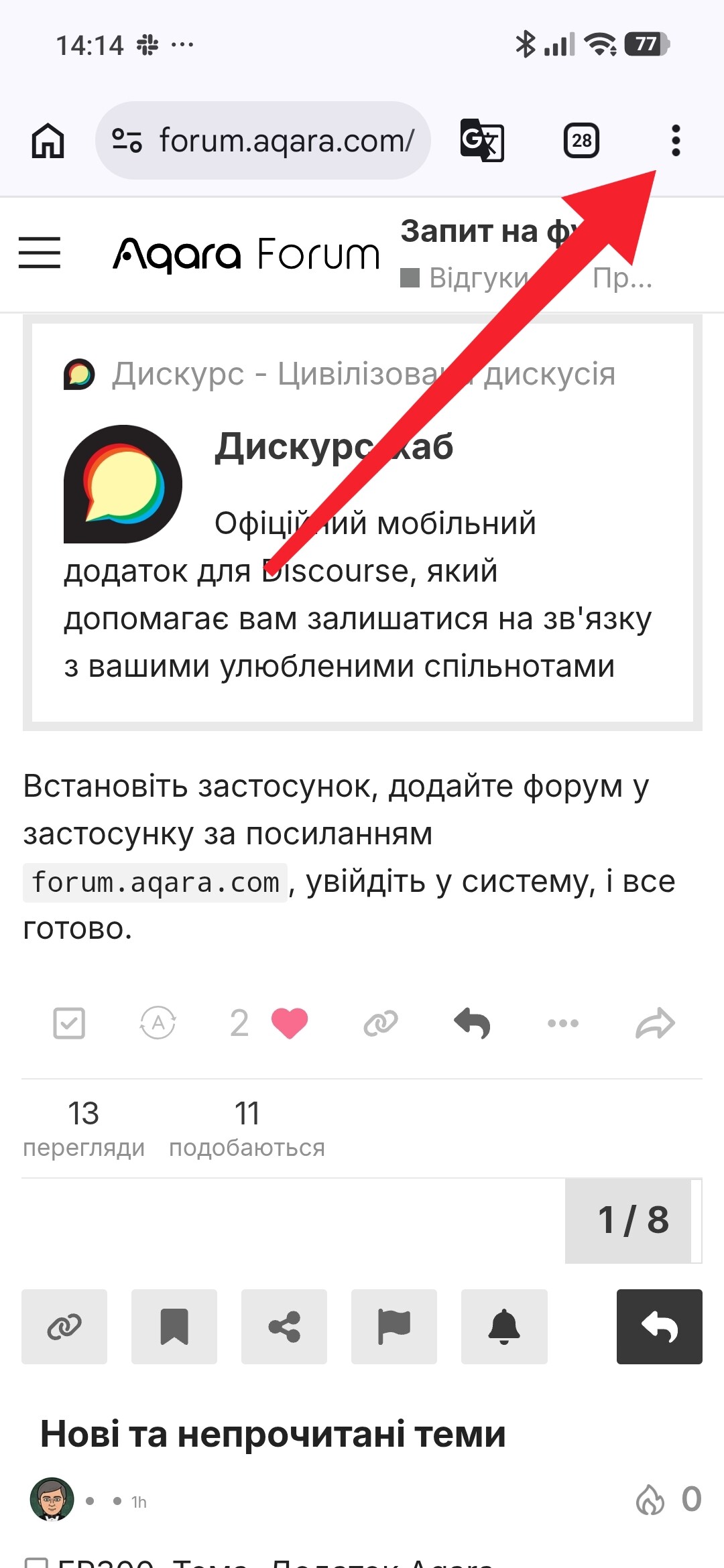
I like the idea of Aqara Forum being in the Aqara Home app, because I can quickly open the forum and I don’t have to log in (because it automatically uses the same account as in the Aqara Home).
But very often I leave the forum open and I want to quickly open camera preview or check the humidity.
Or I’m writing a post and I want to check how some automation looks in my app.
I use iOS - to go back I have to basically mash the back button in the top left until I am back in the dashboard. Or just force quit the app. And then, when I want to go back to the post, I need to search for it, which is kind of irritating.
I think it would be much better if the Aqara Forum was a separate app. It would keep me logged in and I would be able to quickly switch between Aqara Home and Aqara Forum while writing a post. Or I could leave the Aqara Forum open while I quickly check the home cameras.
What do you think? Would anybody else use the separate app (apart from me)?
Does it keep you logged in or do you need to periodically log in again? Because when I use it in browser, then I’m periodically logged out
I was thinking of an app that would automatically log you onto your Aqara Home account, similar to how Facebook and Messenger logs you onto the same account
Thanks for sharing this idea—it’s a great suggestion. I think the team will probably look at adding some features in Aqara Home first, so forum users can more easily use other features as well.
Thank you very much, that’s practically what I was looking for. The only missing feature is lack of autologin (as I mentioned before), but I can live with it as long as the app will keep me logged in.
I think the Aqara session cookie lasts quite a long time.
Otherwise, I’d recommend using a password manager such as Passbolt.
When you log in, click the “Log in with password” link at the bottom and use the password manager — it’ll take no time at all.
I logged with Apple ID and hidden email in the app, then used Aqara Forum link in the app to open the forum. My account has the same private email, but no password.
So I use the one time codes sent to my private email, because Aqara Forum doesn’t have login with Apple ID (you can only use the Google account). I don’t want to set a password, because it would mean someone could steal it, generally an account without a password (that uses an Identity Provider like Apple ID) is safer.
But I could set some strong autogenerated password and keep it in the passwords app.
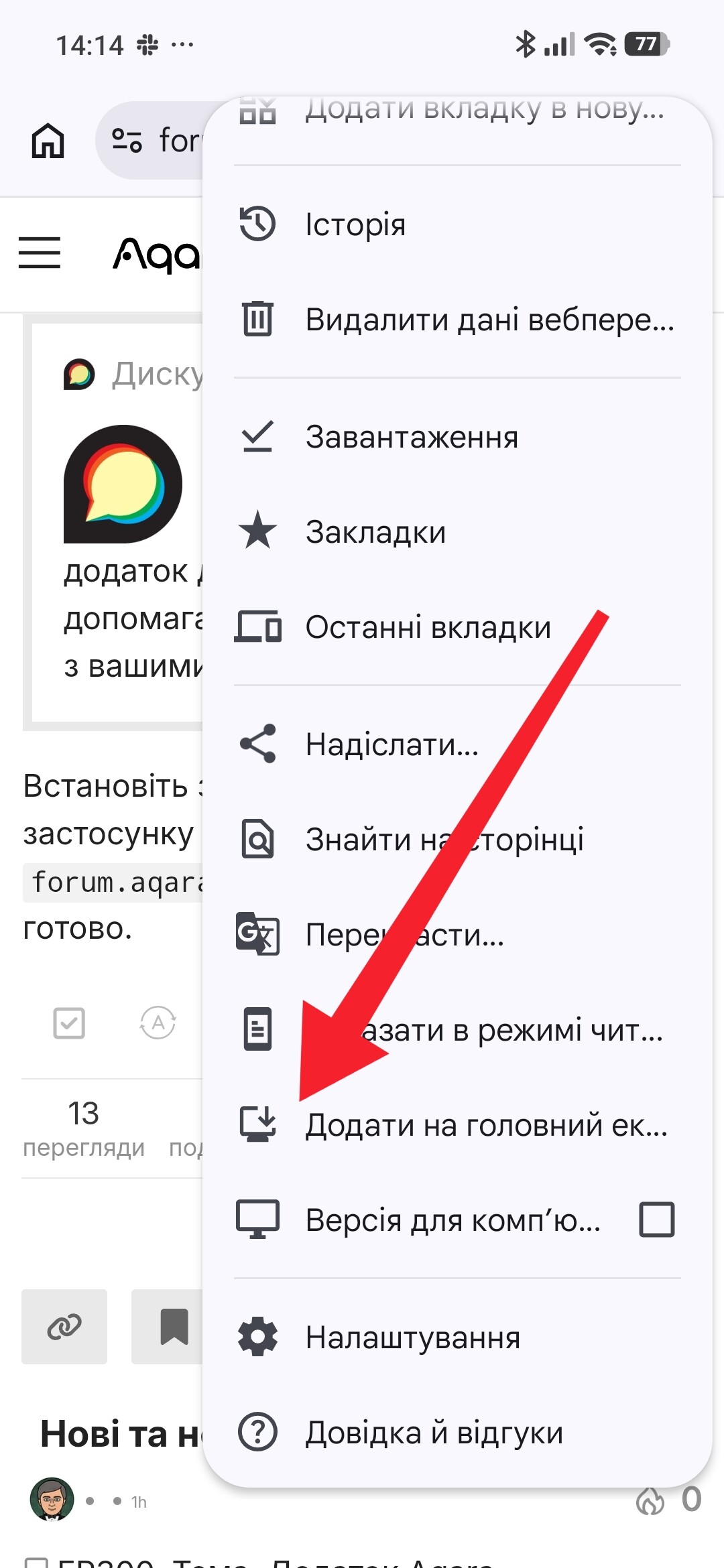
But anyways I’m using the Discourse Hub now, thanks for all the suggestions.
That’s right, the button is missing. I only vaguely remember it, but I think that, back then, there wasn’t an option to log in using a code sent by email. This meant that I had to find the hidden email address and set a password.
In any case, it would be a good idea to add a “Sign in with Apple” button below the “Sign in with Google” button.
I remember seeing this button on desktop about 3 months ago? Before the spam incident on the forum. Maybe the spam incident is related to how this private email feature was abused
I don’t understand something, to enter the forum you need to use (Aqara home user name) email, I entered the forum this way from the first time in Chrome.
“Sign in with Apple” and “Sign in with Google” both use the same underlying standards (OAuth 2.0 / OpenID Connect). However, Apple actually includes a “Real User Indicator” in its token to help developers distinguish between real people and automated bots. Since creating a verified Apple ID with 2FA is much harder than a burner email, it’s actually a quite poor tool for large-scale spam.
I used “Sign with Apple ID” to login to Aqara app. I used “hide my real email” to use an anonymized email ending in privaterelay.appleid.com instead of icloud.com.
Now when I clicked Profile > Aqara Forum the app automatically logged me in. It’s pretty convenient, I didn’t need to enter my email etc. My account doesn’t have an Aqara password, because Apple ID confirms my identity.
Now I use one time codes (those are sent to your email when you enter your email address) to log in.
Exactly — it’s also worth noting that the part before @privaterelay.appleid.com is generated randomly. This means that users who have signed up to Aqara using their Apple ID won’t know their email address straight away, which can cause problems when registering on the forum.